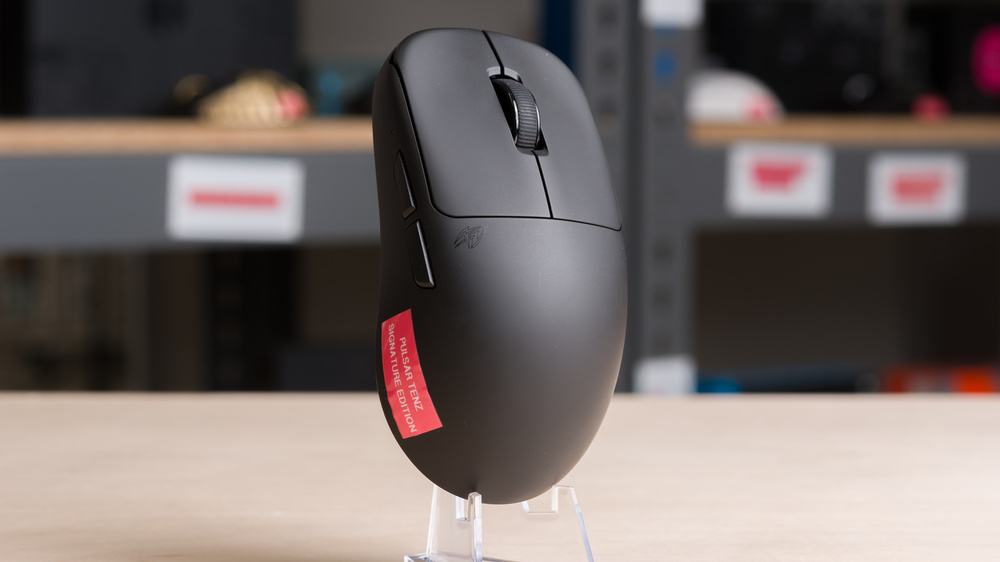
The Pulsar TenZ Signature Edition is a lightweight wireless gaming mouse with a symmetrical shape, designed in collaboration with professional FPS player TenZ. It's a medium-sized mouse with a rearward hump that fills out the palm, making it best suited for a relaxed claw grip in medium or larger hands. It uses Pulsar's branded XS-1 sensor (based on the PixArt PAW 3950) and optical switches. It also supports a maximum polling rate of 8000Hz out of the box with its included dongle.
Our Verdict
The Pulsar TenZ is decent for work, although it isn't specifically designed with this use in mind. That said, it has excellent build quality, and its shape is best suited for medium- and larger-sized hands using a relaxed claw grip. It connects wirelessly over a 2.4GHz receiver, and the configuration software lets you adjust button assignments and battery settings. However, it lacks Bluetooth support and productivity features such as free scrolling or horizontal scroll inputs.
Excellent build quality.
Community reports adequate battery life but underwhelming compared to pricier flagships.
The Pulsar TenZ is outstanding for FPS gaming. Its medium-sized symmetrical shape is best suited for a relaxed claw grip, and its weight makes it easy to move quickly and accurately. Performance-wise, it has a maximum wireless polling rate of 8000Hz and offers exceptionally low click and sensor latency, ideal for competitive play. Unlike several other recent Pulsar releases, this mouse also has a solid baseplate design, which means it isn't prone to collecting dust or debris in the interior. Its only standout weakness is in terms of battery life, which is adequate according to community reports but falls short of more expensive flagship options from Razer or Logitech.
Excellent build quality.
Very lightweight.
Outstanding raw performance.
Maximum polling rate of 8000Hz with the included dongle.
Community reports adequate battery life but underwhelming compared to pricier flagships.
The Pulsar TenZ is great for MMO and MOBA gaming, but it doesn't have as many side buttons as a typical MMO mouse. That said, you can program buttons and create macros using the configuration software. It also has excellent build quality and exceptionally good overall performance.
Excellent build quality.
Outstanding raw performance.
Community reports adequate battery life but underwhelming compared to pricier flagships.
Doesn't have as many side buttons as a typical MMO mouse.
The Pulsar TenZ has exceptionally good raw performance. It has extremely low click latency, outstanding sensor performance, and a maximum wireless polling rate of 8000Hz out of the box. It's more than suitable for high-level competitive play in any genre. Pulsar doesn't list official battery life estimates on the product page, but figures provided to other reviewers and community reports suggest battery life is adequate, though somewhat less impressive compared to premium flagships from Razer or Logitech.
Extremely low click latency.
Outstanding sensor performance.
Maximum polling rate of 8000Hz with the included dongle.
Community reports adequate battery life but underwhelming compared to pricier flagships.
Changelog
- Updated Mar 10, 2026: We've converted this review to Test Bench 1.5.2. This update removes the Delay To Start Of Movement and Delay To End Of Movement measurements from the Sensor Latency test. See our full 1.5.2 changelog for details.
-
Updated Jan 09, 2026:
We've added a link to the Sony INZONE Mouse-A to the Hand Size Recommendation section.
- Updated Sep 18, 2025: Review published.
- Updated Aug 22, 2025: Early access published.
Check Price
Differences Between Sizes And Variants
The Pulsar TenZ Signature Edition is available in a Black colorway. Pulsar also released a limited-run TenZ Signature RED Edition of 5,000 units, which has since sold out. We purchased the Black version for testing. See our unit's label for reference.
Popular Mouse Comparisons
The Pulsar TenZ is a lightweight wireless gaming mouse with a symmetrical shape, designed in collaboration with pro FPS player TenZ. It shares the same XS-1 sensor package and optical switches as the Pulsar X2H v3 and has a very similar profile, with both featuring wide rearward humps. The TenZ's hump is more gradual, giving relaxed claw grip users with medium- or large-sized hands greater flexibility, while the X2H v3's steeper slope provides a more locked-in feel for medium hands. On paper, the TenZ is only a little taller and slightly narrower, but its proportions make it feel bulkier in-hand despite being slightly lighter.
The Pulsar TenZ has a solid baseplate design, unlike the X2H v3 and some other recent Pulsar releases, making it less exposed to dust and debris. It's a bit more expensive, though it includes an 8k polling dongle in the box, while the X2H v3 requires a separate dongle purchase. Overall, the TenZ fills a niche with its larger claw-focused shape not found among lower-priced options like the Scyrox V8 or the MCHOSE L7 Ultra, both of which are noticeably smaller. Performance-wise, it essentially matches flagships like the Logitech G PRO X SUPERLIGHT 2 and the Razer Viper V3 Pro, though those models still hold an edge in battery life.
For more recommendations, see our picks for the best lightweight mouse, the best gaming mouse, and the best wireless gaming mouse.
The Logitech G PRO X SUPERLIGHT 2 and the Pulsar TenZ Signature Edition are lightweight wireless gaming mice designed for competitive play. Both have symmetrical shapes, but the Logitech has a more centered hump and is much more versatile in accommodating different hand sizes and grip types. In contrast, the Pulsar's rearward hump is designed specifically for a relaxed claw grip and best suited for medium- or large-sized hands.
The Razer Viper V3 Pro and the Pulsar TenZ Signature Edition are lightweight wireless gaming mice with comparable performance, aimed at competitive gaming. The main difference is in their shape: the Razer has a centered hump and is more accommodating to a wider range of hand sizes and grip types, while the Pulsar has a more substantial rearward hump, making it best suited for a relaxed claw grip for medium- or large-sized hands. The Pulsar is also slightly lighter, and while both mice have similar advertised battery life, community feedback suggests the Razer delivers better battery life in practice, especially at higher polling rates.
The Pulsar X2H v3 and the Pulsar TenZ Signature Edition are lightweight wireless gaming mice with symmetrical shapes and rearward humps, making them best suited for claw grip. The X2H v3 has a steeper hump that drops off more sharply, giving medium-sized hands a more locked-in feel. The TenZ is slightly taller but marginally narrower, with a more gradual slope that feels more substantial in-hand and works better for a relaxed claw grip with medium- or large-sized hands. Both support wireless polling rates up to 8000Hz, but only the TenZ includes an 8k-capable dongle, while the X2H v3 requires a separate purchase. The TenZ also has a solid baseplate, whereas the X2H v3 uses an open design that leaves the internals more exposed to dust and debris.
The Hitscan Hyperlight and the Pulsar TenZ Signature Edition are wireless gaming mice with symmetrical shapes. The Hitscan is smaller with a more centered hump, making it a versatile option best suited for claw or fingertip grip. It's also noticeably lighter, but its open baseplate design leaves the internals more exposed to dust and debris. The Pulsar, by contrast, is larger with a rearward hump better suited for a relaxed claw grip in medium- or large-sized hands. Both mice support a maximum wireless polling rate of 8k, though only the Pulsar includes an 8k-capable dongle in the box.
Test Results
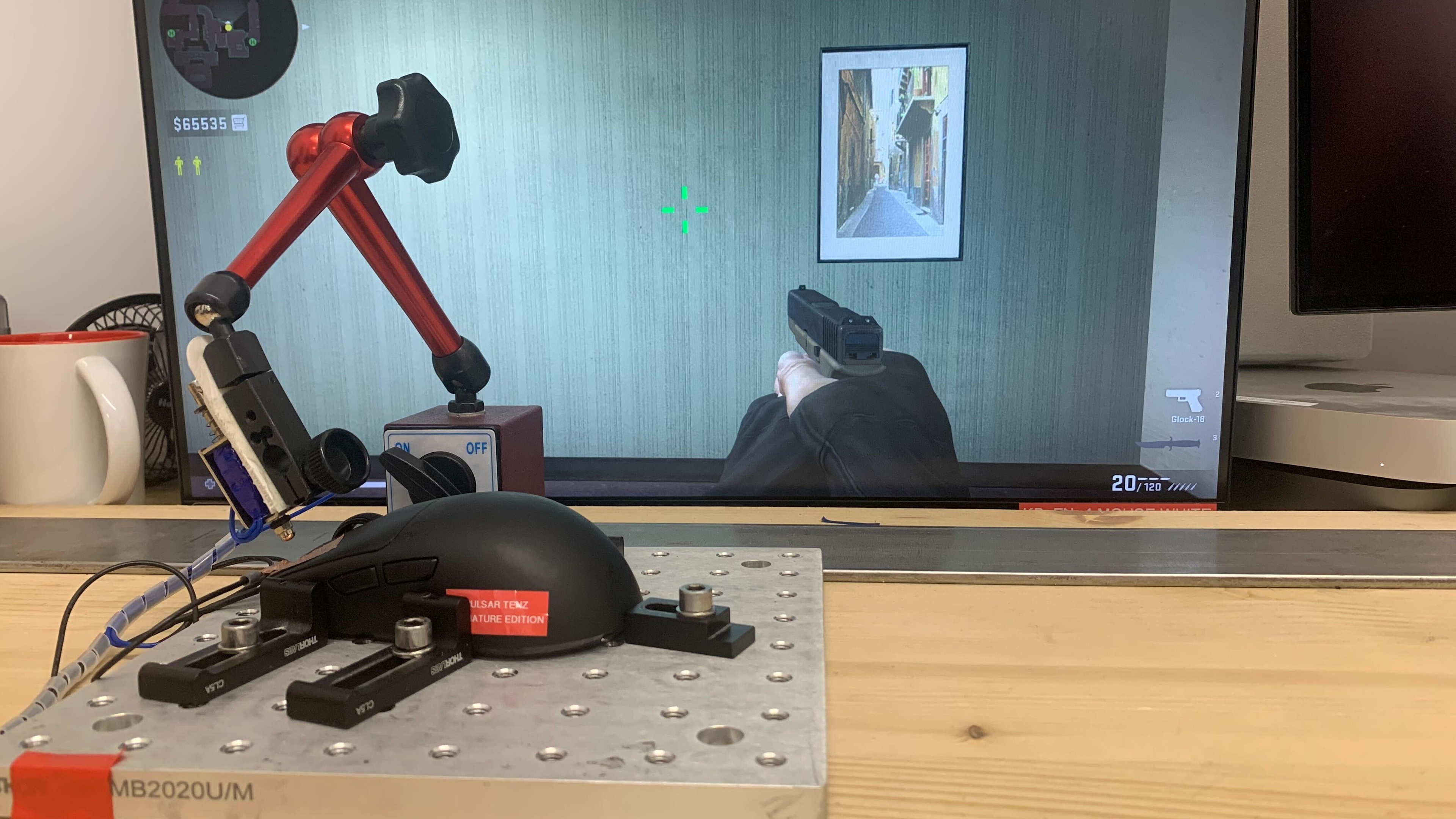

for pictures & test results


for pictures & test results








for pictures & test results







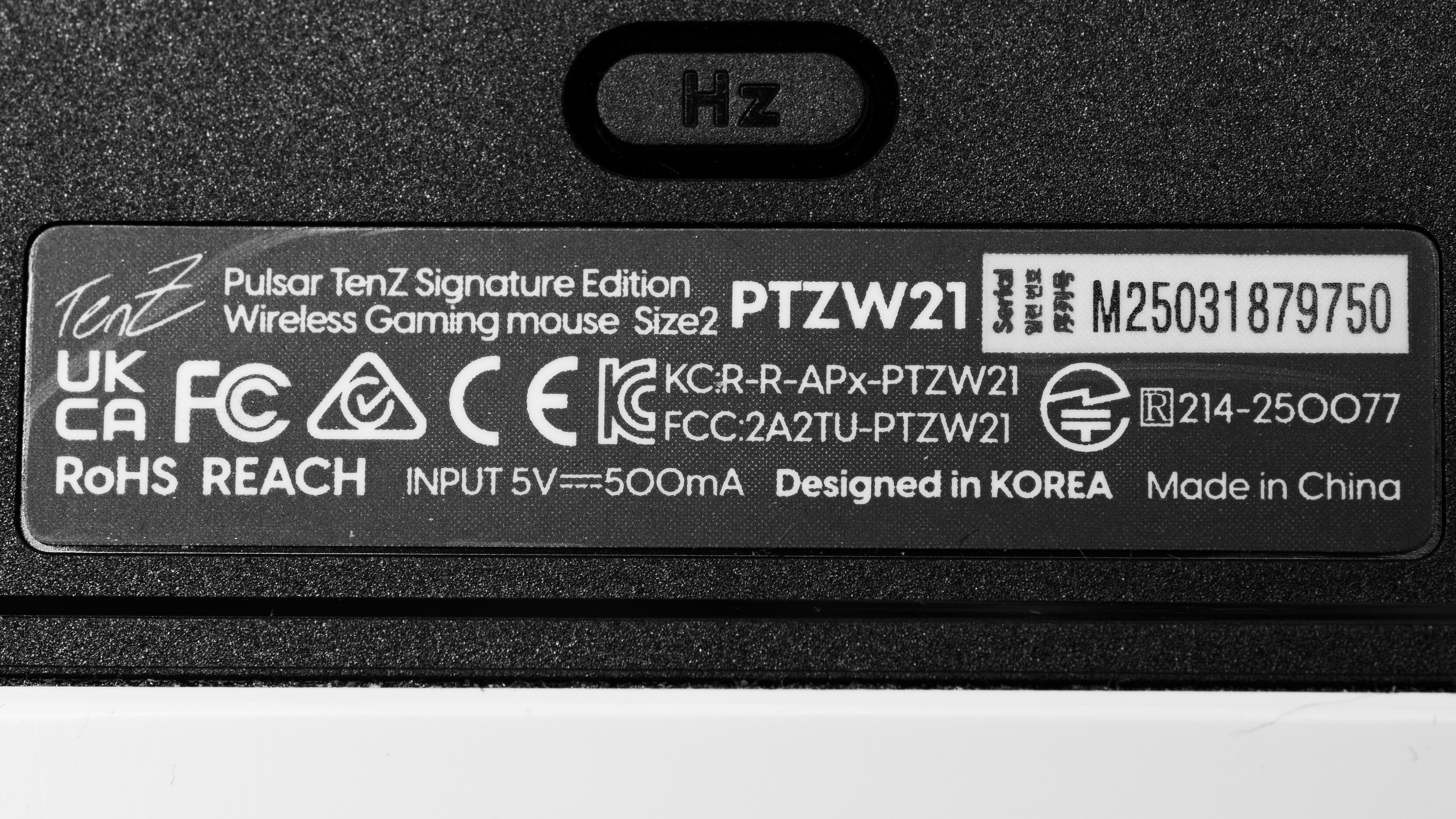
for videos & test results
