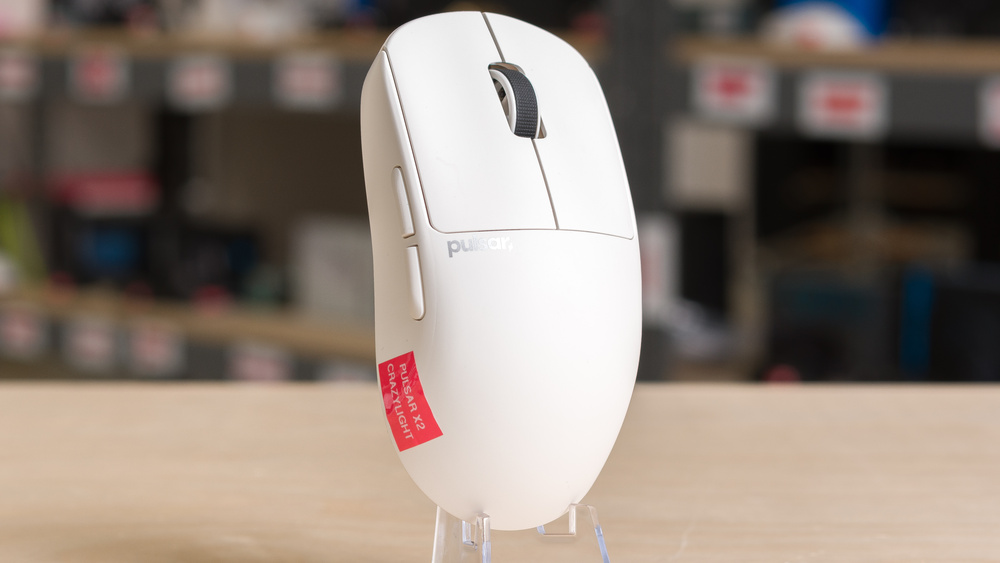
The Pulsar X2 CrazyLight is a wireless gaming mouse that continues Pulsar's X2 series. It shares the same shape as the Pulsar X2V2, but it's smaller in size and, true to its name, more lightweight. It uses the same optical left-and right-click switches, a Pulsar-branded blue scroll wheel encoder, and an XS-1 sensor (a Pulsar-exclusive sensor based on PixArt's PAW 3950). It has a maximum polling rate of 8000Hz out of the box and comes with large-sized PTFE feet installed on the mouse as well as a sheet of alternate dot skates, which are generally preferred for harder mouse pads.
Our Verdict
Despite being primarily designed for gaming, the Pulsar X2 CrazyLight is decent for work use. It has excellent build quality and connects wirelessly with its 2.4GHz receiver. You can program all its buttons using the downloadable configuration software. Unfortunately, it lacks Bluetooth connectivity and useful productivity features like a free scrolling mode or L/R scroll wheel inputs.
Excellent build quality.
Lightweight bottom plate design means the inside is open to dust and debris.
Small battery size helps reduce weight but means more frequent recharging.
The Pulsar X2 CrazyLight is outstanding for FPS gaming. It's extremely lightweight, making it easy to move around quickly and accurately. Its small symmetrical shape is well-suited for claw and fingertip grips if you have small or medium-sized hands. Performance-wise, it supports a wireless polling rate of 8000Hz and offers exceptionally low click and sensor latency, ideal for competitive play. In order to save weight, it has a fairly small battery, so you'll need to recharge it fairly often, especially when using higher polling rates. Additionally, its open baseplate design also helps save weight, but it leaves the interior of the mouse open to collecting dust and debris.
Excellent build quality.
Extremely low click latency.
Outstanding sensor performance.
Extremely lightweight.
Lightweight bottom plate design means the inside is open to dust and debris.
Small battery size helps reduce weight but means more frequent recharging.
The Pulsar X2 CrazyLight is great for MMO and MOBA gaming, but it doesn't have as many side buttons as a typical MMO mouse. That said, you can program buttons and create macros using the downloadable software. It also has excellent build quality and exceptionally good overall performance. One minor downside is that its open baseplate design, while helping to make it lightweight, also leaves the interior exposed to dust and debris.
Excellent build quality.
Extremely low click latency.
Outstanding sensor performance.
Lightweight bottom plate design means the inside is open to dust and debris.
Small battery size helps reduce weight but means more frequent recharging.
The Pulsar X2 CrazyLight provides exceptionally good raw performance, extremely low click latency, and outstanding overall sensor performance. It's more than suitable for competitive gaming at any level. In wireless mode, it also supports a maximum polling rate of 8000Hz.
Extremely low click latency.
Outstanding sensor performance.
Changelog
-
Updated May 22, 2026:
We've added a link to the ATK Blazing Sky F1 Extreme in the Build Quality section of this review.
-
Updated May 15, 2026:
We've adjusted the text in the Click Latency section after retesting the mouse at different polling rate settings.
-
Updated May 11, 2026:
We've added a link to the newly reviewed Pulsar X2N CrazyLight in the Hand Size Recommendation section of the review.
- Updated Mar 10, 2026: We've converted this review to Test Bench 1.5.2. This update removes the Delay To Start Of Movement and Delay To End Of Movement measurements from the Sensor Latency test. See our full 1.5.2 changelog for details.
Check Price
Differences Between Sizes And Variants
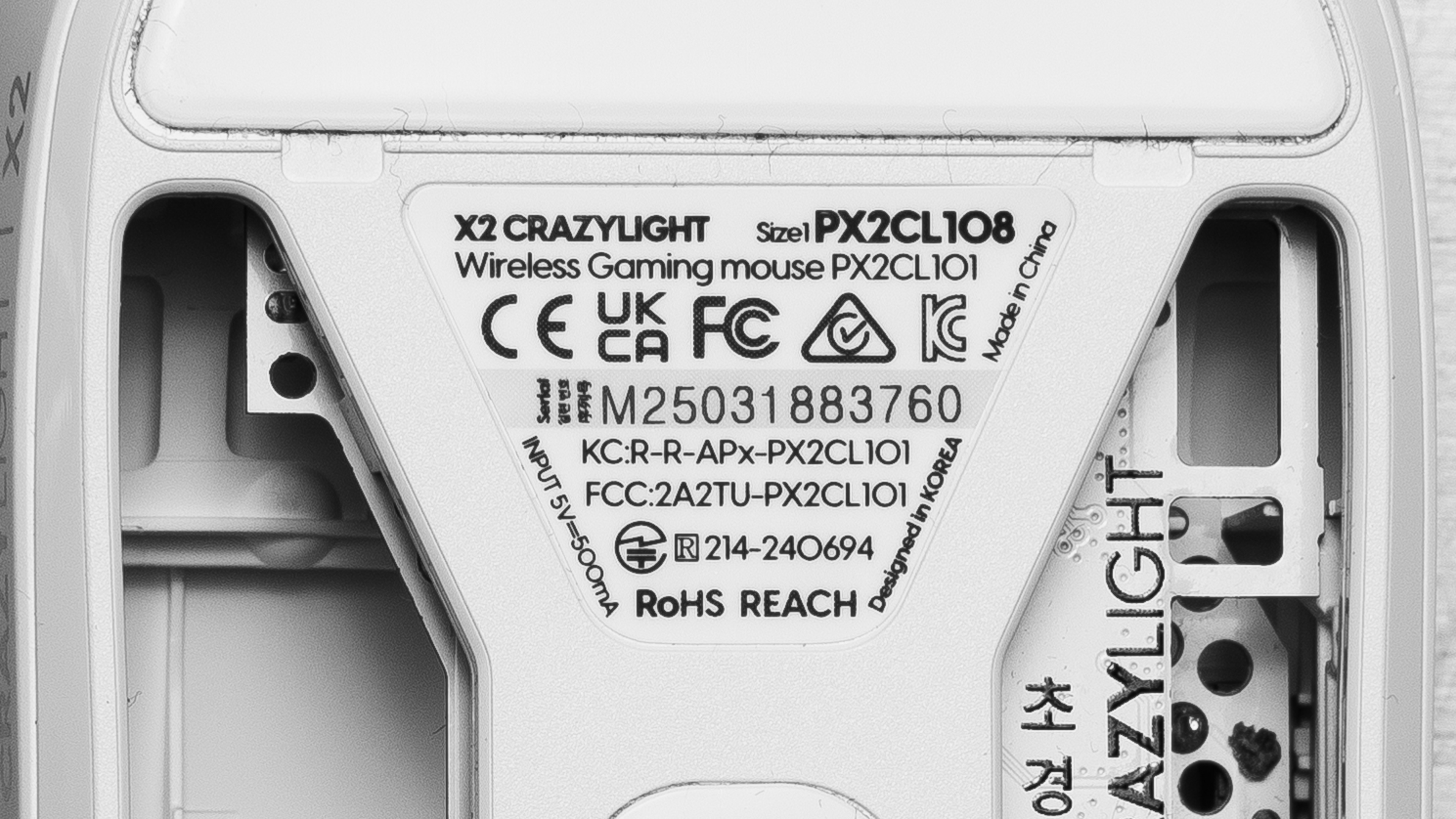
The Pulsar X2 CrazyLight is available in several colorways. We bought and tested a Uyuni White unit. Pulsar also releases many limited edition or regional colorways, but we've chosen to avoid including mention of them because, apart from the visual design of the shell, these "edition" models are identical to their base model counterparts. You can see a photo of our unit's label for reference.
This mouse is part of Pulsar's wider X2 series of lightweight wireless mice. However, the lineup includes some major differences between variants, making it extremely confusing to consider them as a single family.
In the table below, we've identified major differences between current X2 lineup models. We expect many of our test results to broadly apply to other models in the series, though we expect differences between models with different sensors, sizes, shapes, or due to features like additional buttons. For the sake of clarity, we've intentionally excluded models in Pulsar's "eS" series, a subcategory of variants with other differences, such as aluminum scroll wheels and OLED screens.
| Name | Size | Colorways | Sensor Model | Notes |
|---|---|---|---|---|
| X2V2 | Medium | Black, White | PixArt PAW 3395 | Standard shape |
| X2V3 | Medium | Black, White | Pulsar XS-1 | Standard shape |
| X2V2 Mini | Small | Black, White | PixArt PAW 3395 | Standard shape, smaller size |
| X2V3 Mini | Small | Black, White | Pulsar XS-1 | Standard shape, smaller size, 8k receiver compatible |
| X2 CrazyLight | Small | Jet Black, Uyuni White, Sunset Haze, Aqua Zest, Volt Shadow | Pulsar XS-1 | Standard shape, smaller size, significantly lighter, 8k receiver included |
| X2H | Medium | Black, White | PixArt PAW 3395 | Higher hump that's positioned towards the back |
| X2H V3 | Medium | Black, White | Pulsar XS-1 | Higher hump that's positioned towards the back, 8k receiver compatible* |
| X2H Mini | Small | Black, White | PixArt PAW 3395 | Higher hump that's positioned towards the back, smaller size |
| X2H Mini V3 | Small | Black, White | Pulsar XS-1 | Higher hump that's positioned towards the back, smaller size, 8k receiver compatible* |
| X2A | Medium | Black, White | PixArt PAW 3395 | Fully ambidextrous with two additional buttons on the right side |
| X2AV3 | Medium | Black, White | Pulsar XS-1 | Fully ambidextrous with two additional buttons on the right side, 8k receiver compatible* |
| X2A Mini | Small | Black, White | PixArt PAW 3395 | Fully ambidextrous with two additional buttons on the right side, smaller size |
| X2F | Extra Small | Black | Pulsar XS-1 | Fingertip-only shape, "missing" the rear half of the mouse, 8k receiver included |
*Models marked 8k compatible require separate purchase for 8000Hz polling.
Popular Mouse Comparisons
The Pulsar X2 CrazyLight is a lightweight gaming mouse in Pulsar's broader X2 lineup. It has the same size and shape as the Pulsar X2V2 Mini and X2V3 Mini but is significantly lighter and includes an 8K-capable receiver.
This mouse is aimed at competitive FPS players with small to medium hands who want the lightest possible option for fast, consistent movements. It's positioned at an upper mid-range price and compares most directly with the MCHOSE L7 Ultra, which has virtually the same shape and is only slightly heavier but much cheaper. Another close competitor is the Ninjutso Sora V2, which offers a similar shape and weight at a comparable cost if you purchase Ninjutso's 8K receiver separately. It's worth noting that one element that also makes the Pulsar stand out in this comparison is that it has an open baseplate design that helps further reduce its weight but leaves the interior more exposed to dust and debris.
Between these three mice, there are no meaningful performance differences using optimal settings, and although the MCHOSE may be the most compelling option due to its price, the CrazyLight has noticeably better build quality. The MCHOSE we tested suffered from some minor flaws, including slightly mushy post-travel on its switches and some flexing under moderate pressure on the top panel. Finally, the Pulsar may also appeal if you prefer its more distinctive colorway options, which stand out in a market where most mice are still limited to black or white.
For more recommendations, see our picks for the best lightweight mice, the best wireless gaming mice, and the best gaming mice.
The Pulsar X2 CrazyLight and the Razer Viper V3 Pro are both lightweight wireless gaming mice aimed at competitive FPS players. Both deliver outstanding raw performance, and their symmetrical shapes make them well-suited for a claw or fingertip grip for small or medium-sized hands. The Pulsar is smaller and noticeably lighter. It also has a wider range of colorways available. The Razer, on the other hand, is slightly larger, especially in length. It has a solid baseplate design that protects the internals from dust and debris
The Pulsar X2 CrazyLight and MCHOSE L7 Ultra are lightweight wireless mice with virtually the same shape. Both perform exceptionally well, but the Pulsar is slightly smaller, with sturdier build quality and higher-grade pure PTFE feet that glide more smoothly on pads and desks. Its main drawback is the open baseplate, which helps reduce weight but leaves the interior exposed to dust and debris. By comparison, the MCHOSE is larger and slightly heavier. Unfortunately, it has lower-quality dyed PTFE feet that glide less smoothly and minor build issues, including slightly mushy primary clicks and some shell flex.
The Pulsar X2 CrazyLight and the Logitech G PRO X SUPERLIGHT 2 are lightweight wireless mice designed for competitive FPS play. Both mice have outstanding performance. The Pulsar is smaller and noticeably lighter. It's also available in a wider range of color options. However, its open baseplate design leaves the internals more exposed to dust and debris. The Logitech, by comparison, is larger with a safer, more accommodating shape that suits a wider range of hand sizes and grips. It has a more conventional closed bottom for protection.
The Pulsar X2N CrazyLight and the Pulsar X2 CrazyLight are wireless gaming mice from the same lineup. The biggest difference between the two mice is their shape. The medium-sized variant of the X2N is significantly larger than the X2 and has a much more rounded center hump and a wider rear end. As a result, the X2N is slightly heavier than the X2.
Test Results
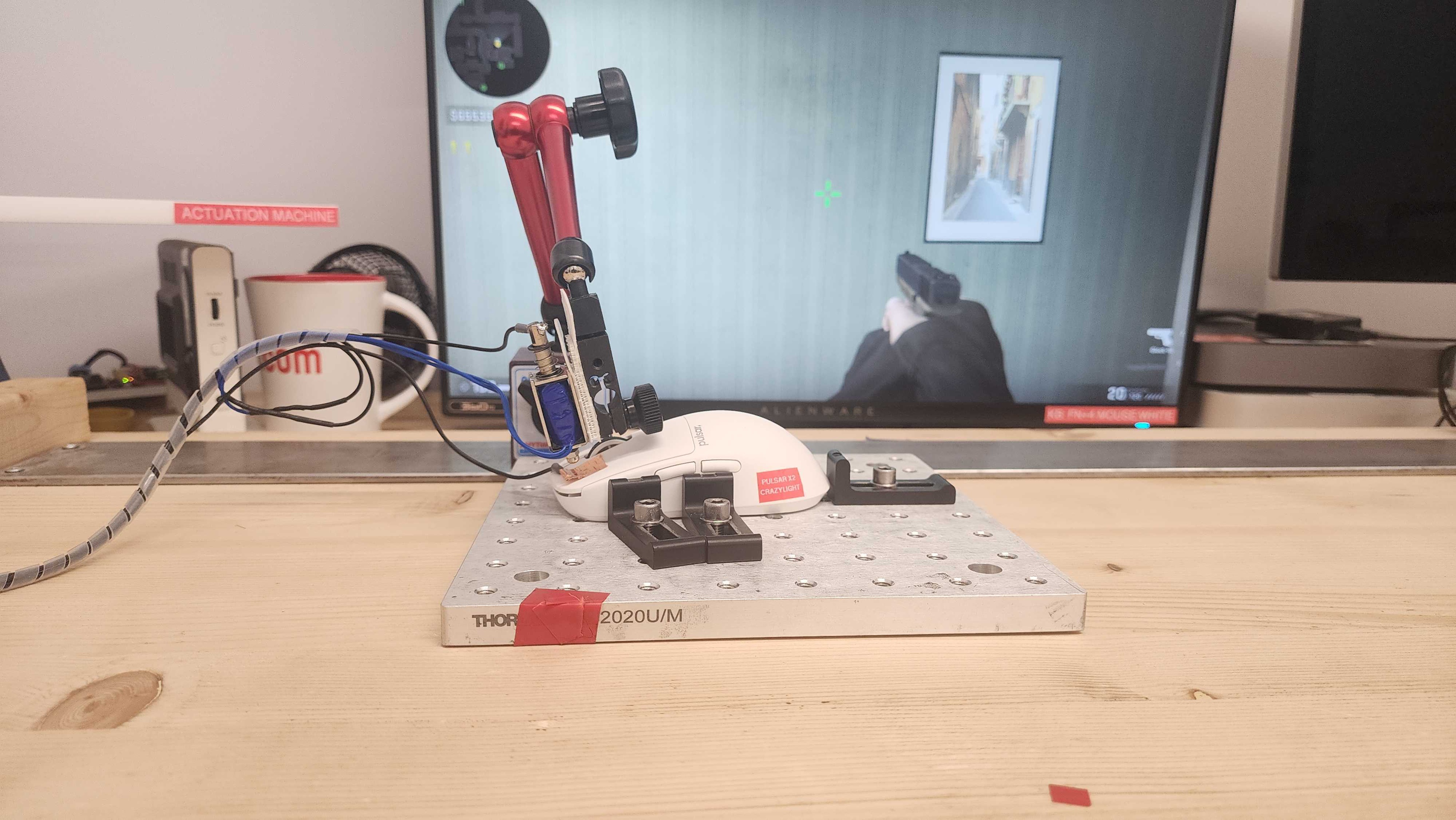

for pictures & test results


for pictures & test results








for pictures & test results







for videos & test results
