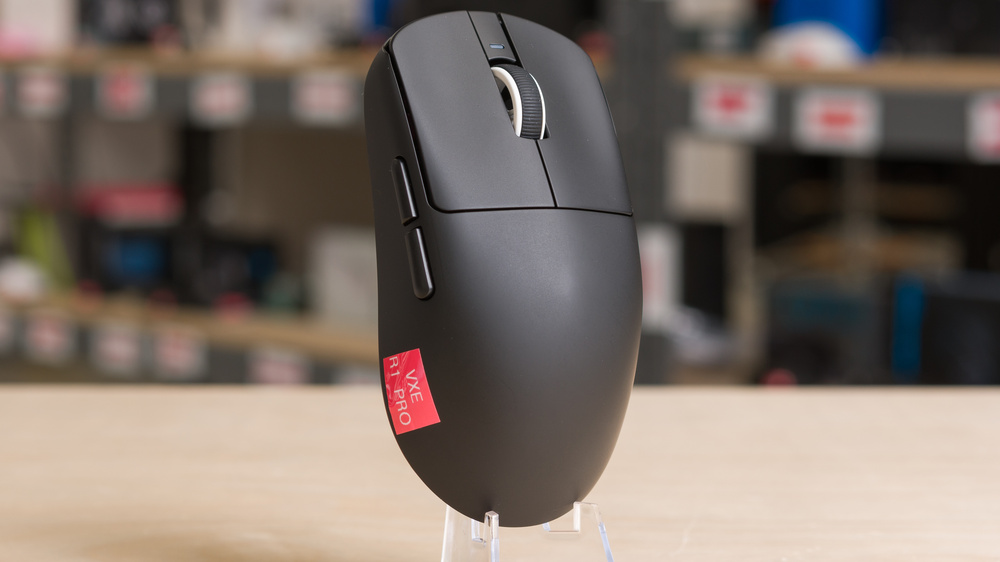
The VXE R1 Pro is a lightweight wireless gaming mouse, part of VXE's wider R1 Dragonfly lineup of mice that share the same shape but have some hardware differences. The shape is symmetrical with a fairly low profile, a modest hump slightly to the rear, and relatively flat sides. Altogether, it's a versatile shape that's suitable for a variety of hand sizes and grip types. The version we bought uses a PixArt 3395 sensor and has an 'ice-feel' coating. This mouse also supports up to a 4000Hz polling rate with the additional purchase of VXE's 4k dongle, but it has a maximum polling rate of 1000Hz out of the box.
For comparisons between other models in the series, see the Differences Between Variants section.
Our Verdict
The VXE Dragonfly R1 Pro is decent for work, though it isn't designed specifically with this use in mind. That said, it has excellent build quality and a comfortable symmetrical shape, and you can easily reprogram its buttons using the companion software. Unfortunately, its scroll wheel lacks useful productivity features like a free scrolling mode and L/R tilt inputs, and it doesn't support Bluetooth, so you can only connect to one device at a time.
Excellent build quality.
Comfortable symmetrical shape.
The VXE Dragonfly R1 Pro is a remarkable FPS gaming mouse. It's extremely lightweight, so it's easy to move quickly and accurately. Performance-wise, it has superb click and sensor latency and is more than suitable for playing at a competitive level. It also supports a maximum polling rate of 4000Hz (with the purchase of a separate dongle), which slightly improves latency and consistency. Build quality is excellent, and the coating feels smooth to the touch while becoming slightly grippier with sweat. Its symmetrical shape is also accommodating, making it a good fit for a wide range of hand sizes and grip styles.
Excellent build quality.
Comfortable symmetrical shape.
Outstanding raw performance.
The VXE Dragonfly R1 Pro is a good mouse for MMO or MOBA gaming, though it's not specifically designed for that use, as it doesn't have as many side buttons as a dedicated MMO mouse. That said, you can reprogram its buttons using the companion software. It also has excellent build quality, remarkable raw performance, and an accommodating symmetrical shape.
Excellent build quality.
Comfortable symmetrical shape.
Outstanding raw performance.
Has fewer side buttons than dedicated MMO mice.
The VXE Dragonfly R1 Pro has remarkably good raw performance that makes it well-suited for playing games in any genre, and at any competitive level. It has both very low and consistent sensor and click latency, and while it only supports a maximum wireless polling rate of 1000Hz out of the box, it supports a maximum polling rate of 4000Hz with an additional purchase of a 4k dongle. The small difference between polling rates isn't noticeable, but it does improve consistency and marginally improve latency performance, which can still play a minor role in your experience if you play at an extremely high competitive level.
Remarkably low click latency.
Superb sensor latency.
Maximum wireless polling rate of 4000Hz (with the additional purchase of a 4k dongle).
Changelog
- Updated Mar 10, 2026: We've converted this review to Test Bench 1.5.2. This update removes the Delay To Start Of Movement and Delay To End Of Movement measurements from the Sensor Latency test. See our full 1.5.2 changelog for details.
-
Updated Oct 24, 2025:
We've added a link to the Endgame Gear OP1 8k v2 to the Main Buttons section.
-
Updated Sep 26, 2025:
We've added a link to the newly reviewed Vaxee XE v2 Wireless (4K) in the Wireless Versatility section of the review.
- Updated Aug 19, 2025: We've converted this review to Test Bench 1.5.1. This update removes less relevant or redundant elements, including several videos. We've also adjusted our Sensor Latency testing, resulting in minor score changes. See our full 1.5.1 changelog for details.
Check Price
Differences Between Sizes And Variants
The VXE R1 Pro or VXE Dragonfly R1 Pro is one model in the wider VXE Dragonfly R1 Series of wireless gaming mice, which share the same shape but have hardware differences. While we expect elements such as build quality to apply to all variants in the series, we expect lower-priced models, including the VXE Dragonfly R1 NearLink, R1 SE+, and R1 not to perform quite as well as the R1 Pro we tested due to a less performant sensor, different MCU packages, and a lack of support for higher polling rates.
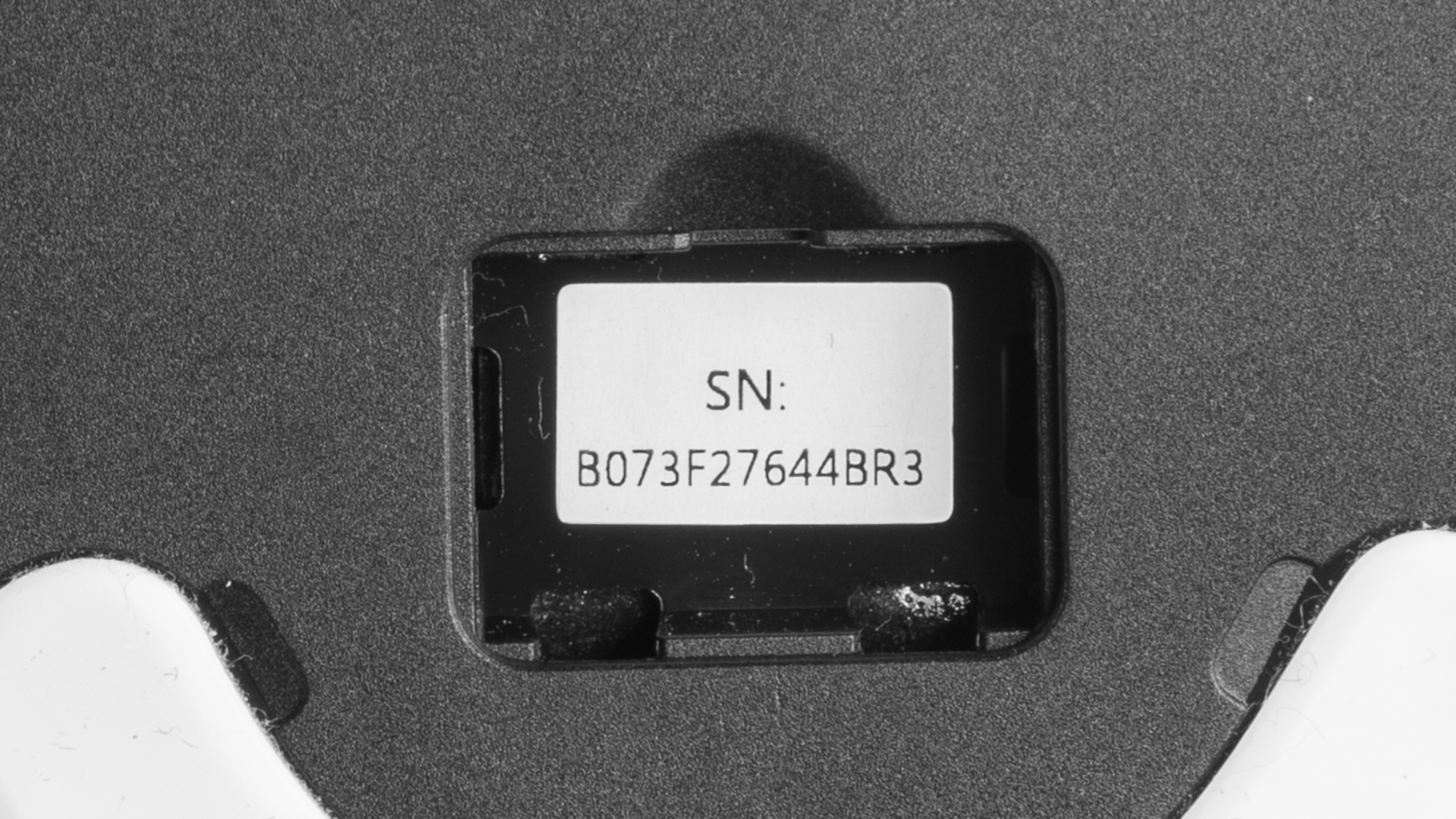
We tested the VXE R1 Pro Black. See a photo of our unit's label.
| Name | Color Options | Sensor Model | Maximum Advertised Polling Rate | Connectivity | Advertised Weight | Switches | Coating | Battery Capacity | Advertised Battery Life (1000Hz) |
|---|---|---|---|---|---|---|---|---|---|
| VXE Dragonfly R1 NearLink | Black, White | PixArt PAW3395 SE | 1000Hz | Wired, 2.4Ghz, Bluetooth | 53 g ± 3 g | Huano Blue Glow V2 | - | 520 mAh | 150 hours |
| VXE Dragonfly R1 SE+ | Black, White | PixArt PAW3395 SE | 2000Hz * | Wired, 2.4Ghz, Bluetooth | 55 g | Huano Blue Glow V2 | - | 500 mAh | 70 hours |
| VXE Dragonfly R1 | Black, White | PixArt PAW3395 SE | 2000Hz * | Wired, 2.4Ghz, Bluetooth | 51 g | Huano Ice Berry Pink Dot | - | 250 mAh | 40 hours |
| VXE Dragonfly R1 Pro | Black, White | PixArt PAW3395 | 4000Hz | Wired, 2.4Ghz | 48 g | Huano Ice Berry Pink Dot | Smooth Ice | 250 mAh | 75 hours |
| VXE Dragonfly R1 Pro Max | Black, White, Lemon Yellow, Blush Pink, Lilac Purple, Sunset Orange, Sakura Pink | PixArt PAW3395 | 4000Hz | Wired, 2.4Ghz | 54 g | Kailh White Blade | Smooth Ice | 500 mAh | 150 hours |
* We've seen reports online that the standard VXE Dragonfly R1 and VXE Dragonfly R1 SE+ variants are unable to achieve 2000Hz polling rates, despite VXE's advertised claims. See the Sensor Specifications section for details.
Popular Mouse Comparisons
The VXE R1 Pro is a lightweight wireless gaming mouse and part of VXE's broader R1 Dragonfly series. All mice in this lineup share the same shape but differ in hardware, as detailed in the section above. Notably, this mouse also shares very close shape and hardware similarities to the VGN Dragonfly F1 series mice, which we've reviewed separately. VGN and VXE are sister brands, and the VXE models are newer, incorporating minor hardware tweaks, such as different switches, MCUs, and a new coating for higher-priced models, based on community feedback to the original F1 series produced by VGN. The R1 Dragonfly series reflects a growing trend of OEM mice sold under multiple brand names with varying specs, often at different price points. These differences can be confusing. For example, some budget variants use a PixArt 3395 SE sensor, which is hard to find definitive information on. Based on community reports, it's likely a rebranded PixArt 3335, a flagship-class sensor from two generations ago. This kind of naming adds to the confusion and is arguably deceptive for consumers.
Higher-end models in this series, like the VXE R1 Pro we tested, use a true PixArt 3395 sensor and deliver outstanding raw performance. It rivals more expensive options like the Pulsar X2V2 or Ninjutso Sora V2, and even compares favorably to top-tier flagships like the Razer Viper V3 Pro and Logitech G PRO X SUPERLIGHT 2, though it doesn't quite match them. Ultimately, the R1 Pro is a far more affordable choice for competitive gaming. Build quality is also solid with no major flaws, but the tradeoff is a shorter 1-year warranty, compared to the 2-year coverage offered by Pulsar, Razer, and Logitech.
For more recommendations, see our picks for the best lightweight mouse, the best FPS mouse, and the best wireless gaming mouse.
Both the Logitech G PRO X SUPERLIGHT 2 and the VXE R1 Pro are lightweight gaming mice with wireless connectivity designed for competitive play. The Logitech performs slightly better overall and supports a maximum polling rate of 8000Hz out of the box, and it uses more durable (but louder) optical switches. The VXE is slightly lighter and supports only a 1000Hz polling rate by default, though you can upgrade to 4000Hz with an optional dongle. It also has marginally better mouse feet that glide more smoothly. While both mice have versatile shapes that work well with palm, claw, or fingertip grips, the VXE has a more rearward hump that offers more support for claw grip in particular.
The MCHOSE L7 Ultra and the VXE R1 Pro are lightweight wireless gaming mice with symmetrical shapes. The MCHOSE is slightly smaller and better suited for claw or fingertip grips. It performs slightly better overall and supports a maximum polling rate of 8000Hz out of the box, and it uses optical switches, which are more durable than the mechanical switches in the VXE. However, it has some minor build quality issues, including mushy post-travel in both main clicks and noticeable shell flex when pressing on the top, which are issues not present on the VXE. The VXE is slightly larger and has a more versatile shape that works well with palm, claw, or fingertip grips. It supports a 1000Hz polling rate out of the box, with support for up to 4000Hz wirelessly using an optional 4K dongle.
The Pulsar X2V2 and VXE R1 Pro are lightweight, wireless gaming mice with nearly identical shapes and roughly equivalent raw performance. Both support a 1000Hz polling rate out of the box, with optional upgrades to 4000Hz via a separate dongle. The remaining differences are minor: the Pulsar has an open baseplate design that leaves more of its internals exposed to dust and debris and is slightly heavier than the VXE. In contrast, the VXE is marginally lighter but exhibits a bit of flex around the sensor ring on the underside, though this isn't noticeable during regular use. The Pulsar also uses optical switches, which are more durable than the mechanical switches used by the VXE. One final consideration is that the VXE has a shorter one-year warranty compared to the Pulsar's two-year coverage.
The VXE R1 Pro and VGN Dragonfly F1 Pro Max are lightweight wireless gaming mice from sister brands under the ATK/VGN/VXE umbrella. Both offer a similar shape and size that accommodates most hand sizes and grip styles. However, the VXE R1 Pro has slightly flatter sides and a more rear-positioned hump, offering better palm support for claw grippers. Performance is virtually identical, making either mouse a solid choice for casual or competitive play. The main differences come down to finish and feel: the VXE R1 Pro features a more premium "ice-feel" coating and a smoother, more responsive scroll wheel. While the VGN Dragonfly F1 Pro Max has a larger battery, the VXE R1 Pro also offers a "Max" variant that matches its capacity.
Test Results
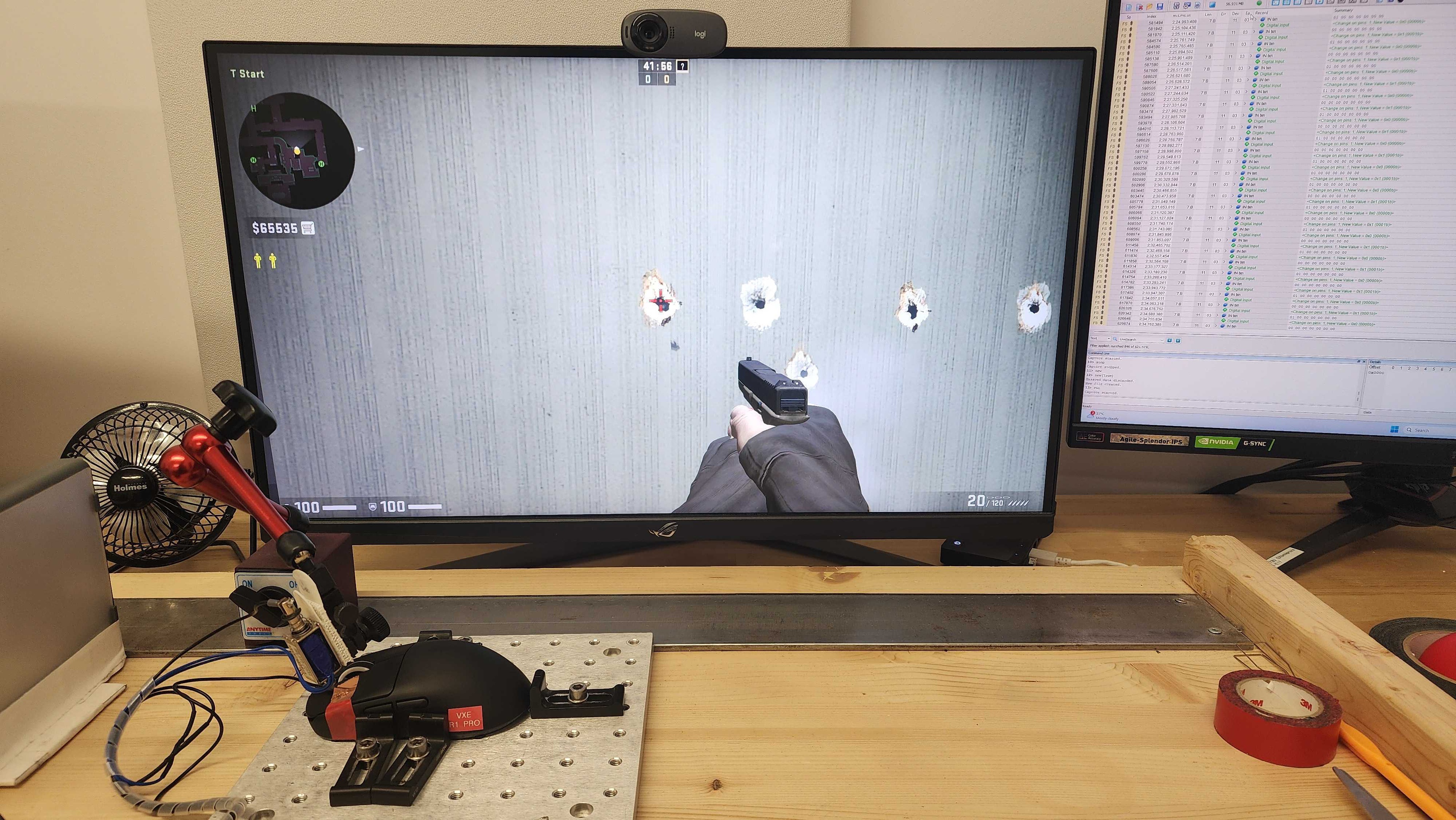

for pictures & test results


for pictures & test results








for pictures & test results







for videos & test results
