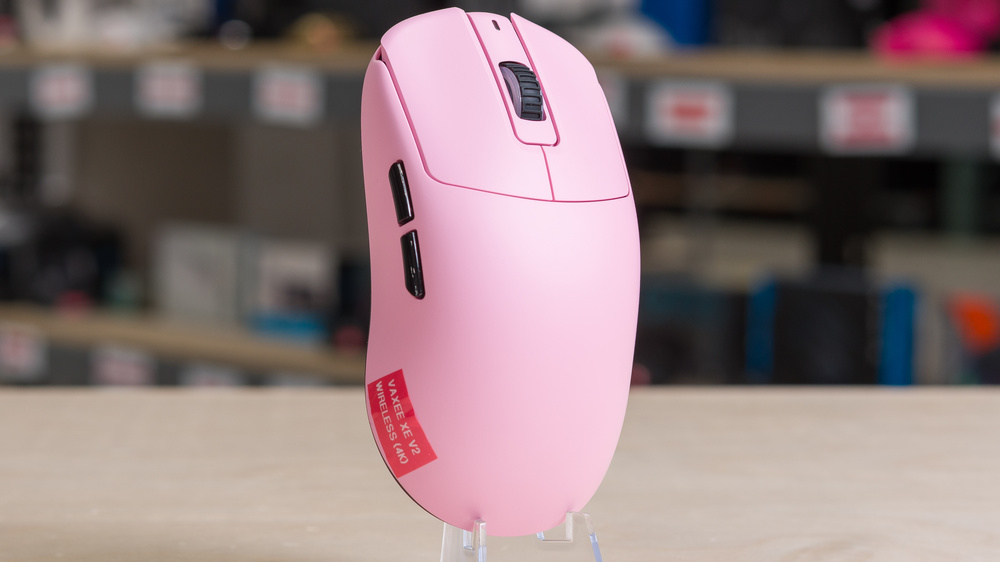
The Vaxee XE v2 Wireless (4K) is a lightweight wireless gaming mouse that succeeds the Vaxee XE Wireless. While it has the same shape as its older sibling, it brings several key improvements to the table. It now features the updated PixArt PAW3950 sensor and weighs significantly less. It also uses new switches for the main clicks and has revised side buttons with a wider gap in between them. It notably lacks the function button that is present on the top of the previous version. Like other Vaxee mice, you can configure its sensor settings using buttons on the mouse instead of having to install companion software. There's also web-based companion software you can use to adjust settings.
Our Verdict
The Vaxee XE v2 is satisfactory for work use. It feels rock-solid with outstanding build quality and has a comfortable symmetrical shape. That said, instead of using a compact USB receiver, its wireless receiver has an attached extender cable, which makes it awkward to bring on the go, especially since it doesn't support Bluetooth. It's also missing convenient features like free-scrolling and left/right tilt inputs for the scroll wheel.
Superb build quality.
Comfortable symmetrical shape.
No Bluetooth connectivity or multi-device pairing.
Scroll wheel lacks free-scrolling and left/right tilt inputs.
The Vaxee XE v2 Wireless (4K) is a superb FPS gaming mouse suitable for competitive play. It has remarkable raw performance with extremely low click and sensor latency, and an accurate and precise sensor. It also has an accommodating symmetrical shape suitable for palm and relaxed claw grip for most hand sizes, or fingertip grip with medium-large hands. On top of that, it has fantastic build quality with a smooth matte finish.
Superb build quality.
Fantastic raw performance.
Comfortable symmetrical shape.
The Vaxee XE v2 is good for MMO and MOBA gaming, despite not being explicitly designed for it. It has outstanding build quality, exceptional raw performance, and a comfortable symmetrical shape. However, it doesn't have nearly as many side buttons as dedicated MMO mice.
Superb build quality.
Fantastic raw performance.
Comfortable symmetrical shape.
Fewer side buttons than dedicated MMO mice.
The Vaxee XE v2 has remarkable raw performance. It has extremely low click latency, superb sensor performance, and a maximum wireless polling rate of 4000Hz out of the box.
Remarkable sensor performance.
Extremely low click latency.
4000Hz maximum polling rate.
Changelog
-
Updated Jun 02, 2026:
We've added a link to the newly reviewed SteelSeries Aerox 3 Wireless Gen 2 in the Style section of the review.
- Updated Mar 10, 2026: We've converted this review to Test Bench 1.5.2. This update removes the Delay To Start Of Movement and Delay To End Of Movement measurements from the Sensor Latency test. See our full 1.5.2 changelog for details.
- Updated Sep 26, 2025: Review published.
- Updated Aug 21, 2025: Early access published.
Check Price
Differences Between Sizes And Variants
The Vaxee XE v2 Wireless (4K) is available in Obsidian Black, Pink, White, Lake Green, Red, and Fluorescent Green. We bought and tested the Pink colorway. See our unit's label here.
There's also a smaller version of this mouse, the Vaxee XE-S Wireless (4K), which we've also tested.
Popular Mouse Comparisons
The Vaxee XE v2 Wireless (4K) is a lightweight wireless gaming mouse and the successor to the original Vaxee XE Wireless. While it has an identical symmetrical shape, it features the updated PixArt PAW3950 sensor, a lighter body with an updated internal structure, new switches for the main clicks, revised side buttons, and new mouse feet. It notably lacks the function button on the top of the mouse that is present on the previous model. These changes add up to make this a notable improvement over the previous model, with better build quality and slightly better click latency in a package that's easier to move more quickly and accurately, thanks to its lower weight.
The improvements over its predecessor make this mouse a worthy competitor that performs similarly to flagships from bigger brands like the Razer Viper V3 Pro and the Logitech G PRO X SUPERLIGHT 2. Thanks to its driverless design, it's an attractive alternative if you're not keen on installing the often buggy and resource-intensive companion software those mice require to adjust their settings. That said, budget options like the VXE R1 Pro and the MCHOSE L7 Ultra are considerably cheaper and deliver similarly excellent performance with only minor compromises on build quality.
For more recommendations, see our picks for the best FPS mouse, the best wireless gaming mouse, and the best lightweight mouse.
The Vaxee XE v2 Wireless (4K) is the successor to the Vaxee XE Wireless. The two mice have identical symmetrical shapes, but the v2 has an updated sensor, weighs less, has better build quality, better mouse feet, and uses new switches for the main click buttons. While both mice have fantastic raw performance, the v2 has marginally better click latency. In aggregate, these changes make the v2 a notable improvement over the original XE Wireless.
The Logitech G PRO X SUPERLIGHT 2 and the Vaxee XE v2 Wireless (4K) are lightweight wireless gaming mice with symmetrical shapes. While their shapes appear similar, the Vaxee has a slightly lower profile with a plateau atop the centered hump and a slight flare at the back of the mouse. The Vaxee also has slightly better build quality and better mouse feet than the Logitech. Both mice deliver similarly superb performance, but the Logitech supports a higher maximum polling rate of 8000Hz, while the Vaxee only supports a 4000Hz polling rate.
The Razer Viper V3 Pro and the Vaxee XE v2 Wireless (4K) are lightweight wireless gaming mice with symmetrical shapes. The Razer has slightly higher buttons than the Vaxee, making it feel slightly larger in the hand. Both mice deliver superb performance, but the Razer is lighter, has marginally better click latency, and a higher polling rate of 8000Hz, compared to the Vaxee's 4000Hz. Unlike the Razer mouse, which requires you to download companion software to change settings, the Vaxee is driverless, meaning you can adjust settings using controls on the mouse or using a web-based interface.
The Scyrox V6 and the Vaxee XE v2 Wireless (4K) are wireless gaming mice with symmetrical shapes. The Scyrox is smaller overall with a high-profile central hump compared to the Vaxee's lower, flatter, and longer silhouette. The former is well-suited for small-to-medium-sized hands for palm and claw grips, while the latter has a more versatile shape. While both mice are very light, the Scyrox is considerably lighter than the Vaxee. The two deliver similar performance, but the Scyrox has a higher maximum polling rate of 8000Hz and slightly lower click latency.
Test Results
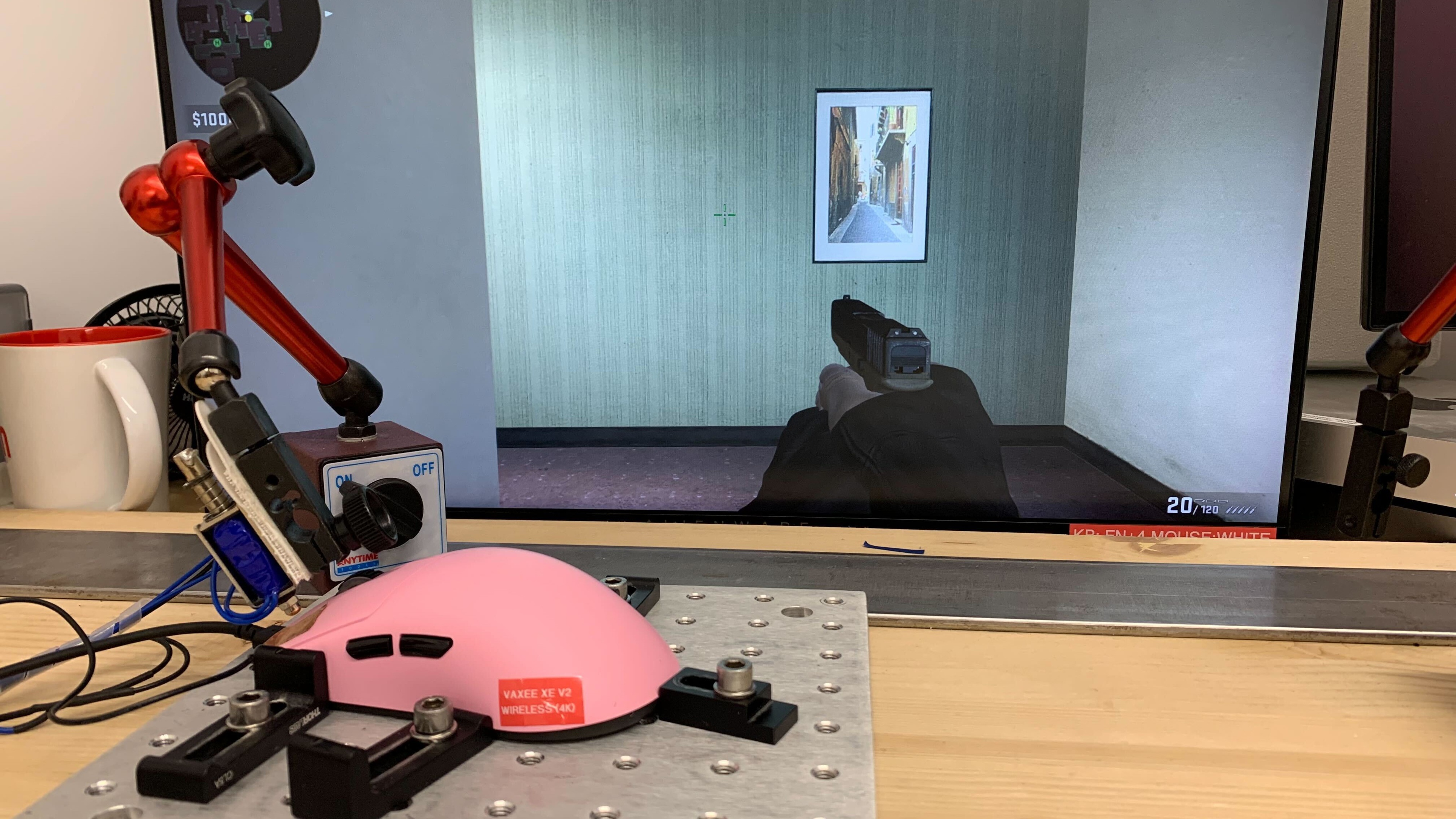

for pictures & test results


for pictures & test results








for pictures & test results







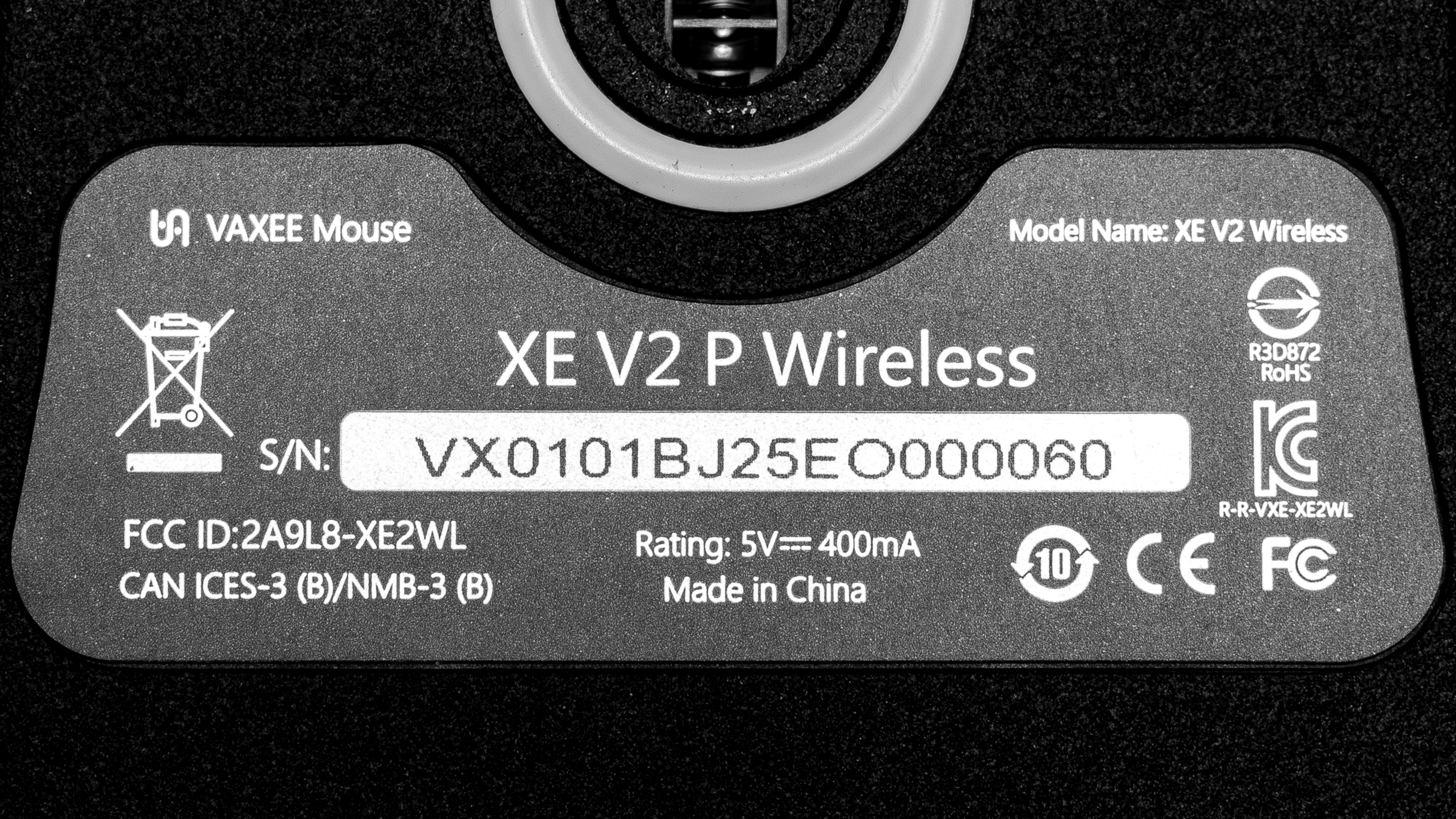
for videos & test results
