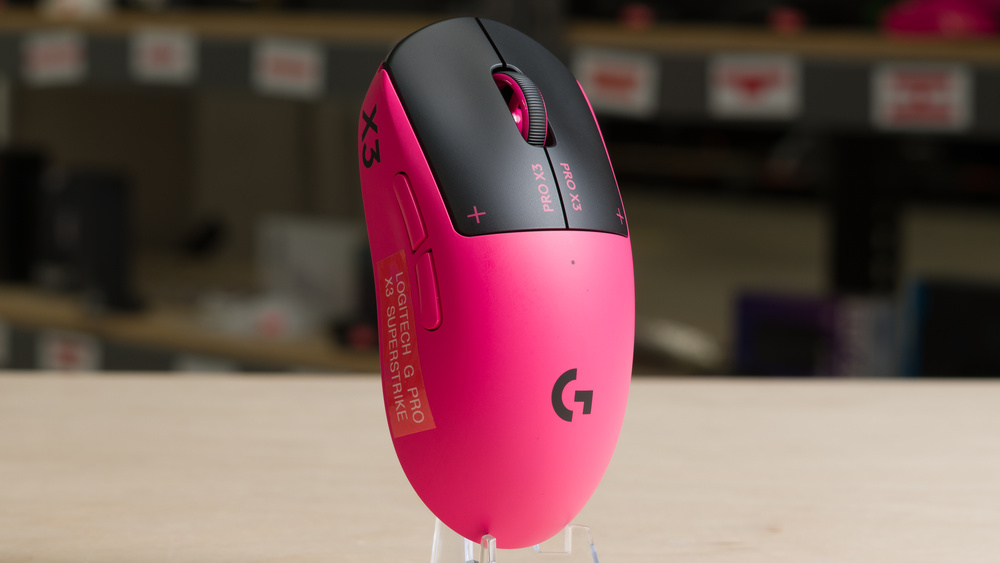
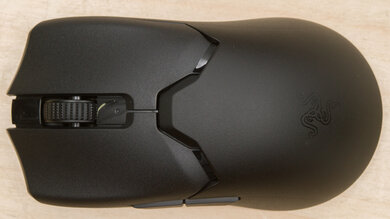
The Logitech G PRO X3 SUPERSTRIKE is a lightweight wireless gaming mouse with a symmetrical shape. Its main buttons use adjustable inductive switches that let you customize how far you need to press before a click registers, and it has haptic motors that provide tactile feedback instead of a conventional mechanical click. This is an updated version of the Logitech G PRO X2 SUPERSTRIKE, but the changes are iterative, with slightly reduced weight, adjusted weight distribution, longer advertised battery life, and a new chipset that supports 8000Hz polling over a wired connection.
Our Verdict
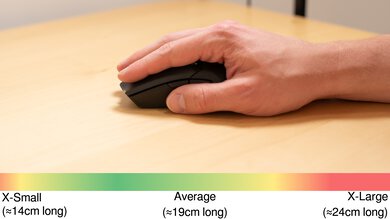
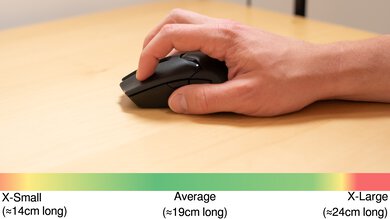
The Logitech G PRO X3 SUPERSTRIKE isn't designed specifically for work, but it has a comfortable symmetrical shape suitable for most hand sizes and grip types, and its main buttons are virtually silent, even with the strongest haptic settings enabled. You can customize settings and rebind controls in the software. Its main limitations for work are the lack of Bluetooth connectivity and multi-device pairing, along with other productivity-focused features like free-scrolling and gesture controls.
Left and right click buttons are nearly silent, even with strong haptic settings.
Outstanding build quality.
No Bluetooth connectivity or productivity features like free-scrolling.
The Logitech G PRO X3 SUPERSTRIKE is remarkably good for FPS gaming. Its lightweight design makes it easy to move quickly and accurately, though its slightly front-heavy balance may be noticeable, especially if you play on lower sensitivity settings and make broad sweeps or frequently lift and reposition your mouse. That said, it delivers exceptionally low and consistent sensor and click latency. Adjustable actuation lets you choose how far you need to press the main buttons to register an input, while Rapid Trigger lets you set how far you need to release them before they reset for another click. Together, these features can help you register inputs sooner and make follow-up clicks more quickly. However, highly sensitive settings can take some getting used to and may lead to more accidental inputs.
Exceptionally low and consistent click latency.
Outstanding sensor performance.
Outstanding build quality.
Adjustable actuation, Rapid Trigger, and haptic click settings.
Lightweight.
Weight balance is slightly front heavy.
UHMWPE feet don’t glide as smoothly as higher-end PTFE feet used on many competing FPS mice.
The Logitech G PRO X3 SUPERSTRIKE has fewer side buttons than typical dedicated MMO gaming mice. However, it offers outstanding build quality, a comfortable symmetrical shape suitable for most hand sizes and grip types, and exceptional raw performance. That said, its weight distribution is slightly front-heavy, which may be irritating if you frequently lift and reposition your mouse while gaming.
Exceptionally low and consistent click latency.
Outstanding build quality.
Adjustable actuation, Rapid Trigger, and haptic click settings.
Weight balance is slightly front heavy.
Fewer programmable side buttons than dedicated MMO models.
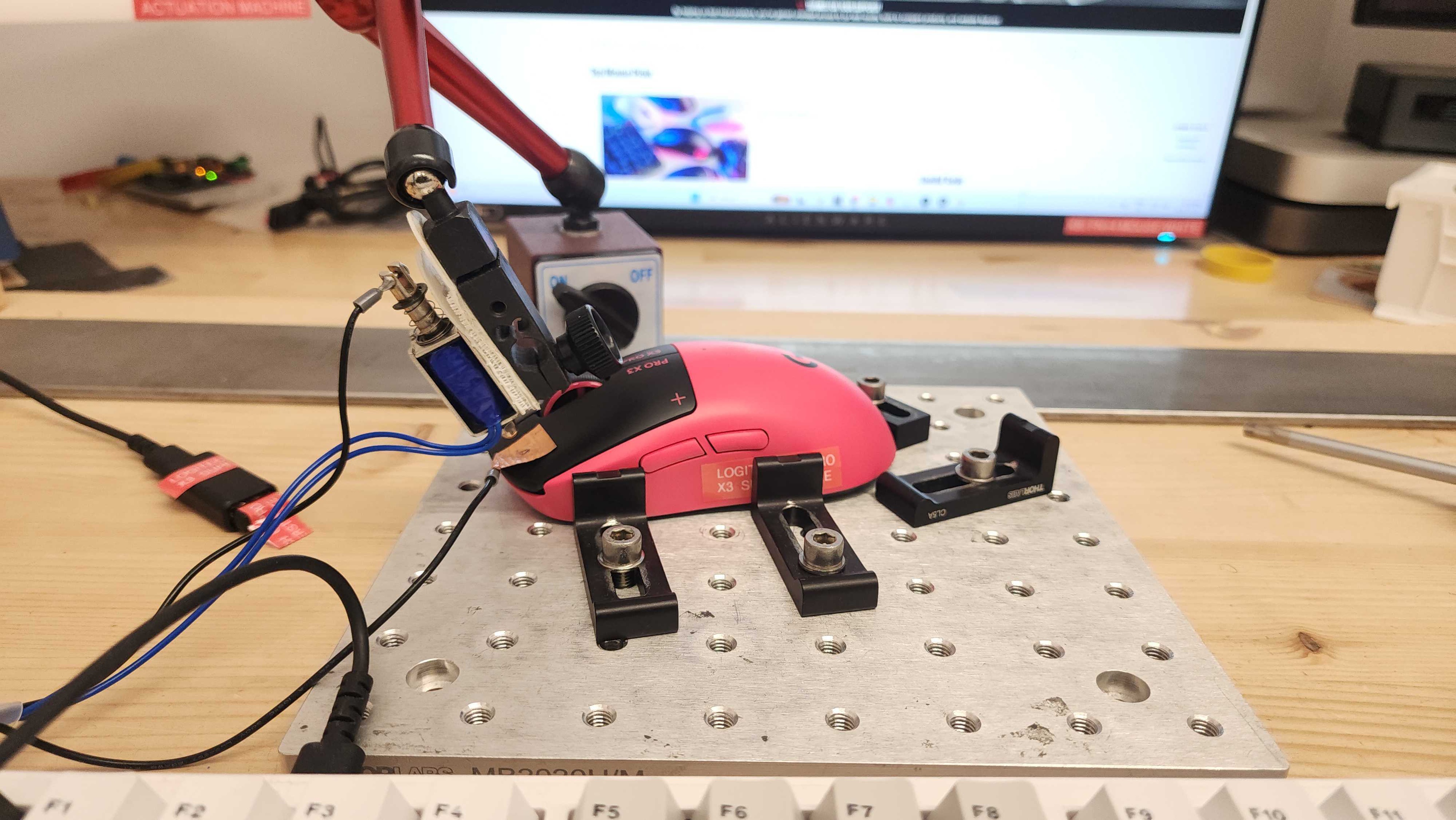
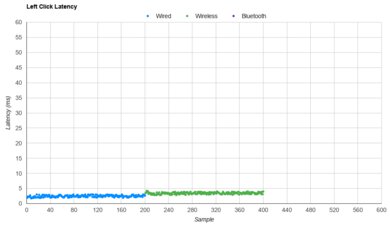
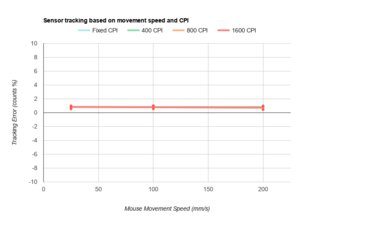
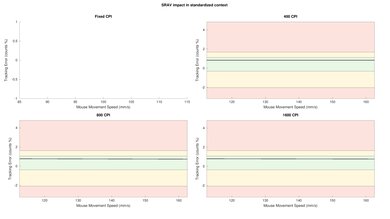
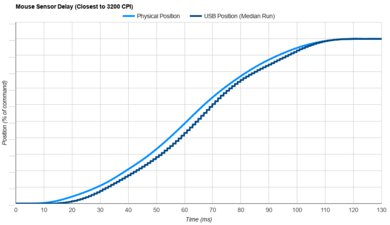
The Logitech G PRO X3 SUPERSTRIKE delivers exceptional raw performance well-suited for competitive-level play. Click latency is remarkably low and consistent, especially at the most sensitive actuation settings, while outstanding sensor latency makes cursor movements feel highly responsive in games. However, we encountered slight tracking irregularities at 4000Hz and 8000Hz in certain settings. See the Sensor Latency section for more details. This mouse also supports a true 8000Hz polling rate over both wired and wireless connections, which provides more frequent and consistent input reports to your computer. Its adjustable actuation and Rapid Trigger settings can also help you register clicks slightly sooner and repeat them more quickly than with conventional mechanical or optical switches.
Exceptionally low and consistent click latency.
Outstanding sensor performance.
Supports a maximum wired and wireless polling rate of 8000Hz.
Check Price
Differences Between Sizes And Variants
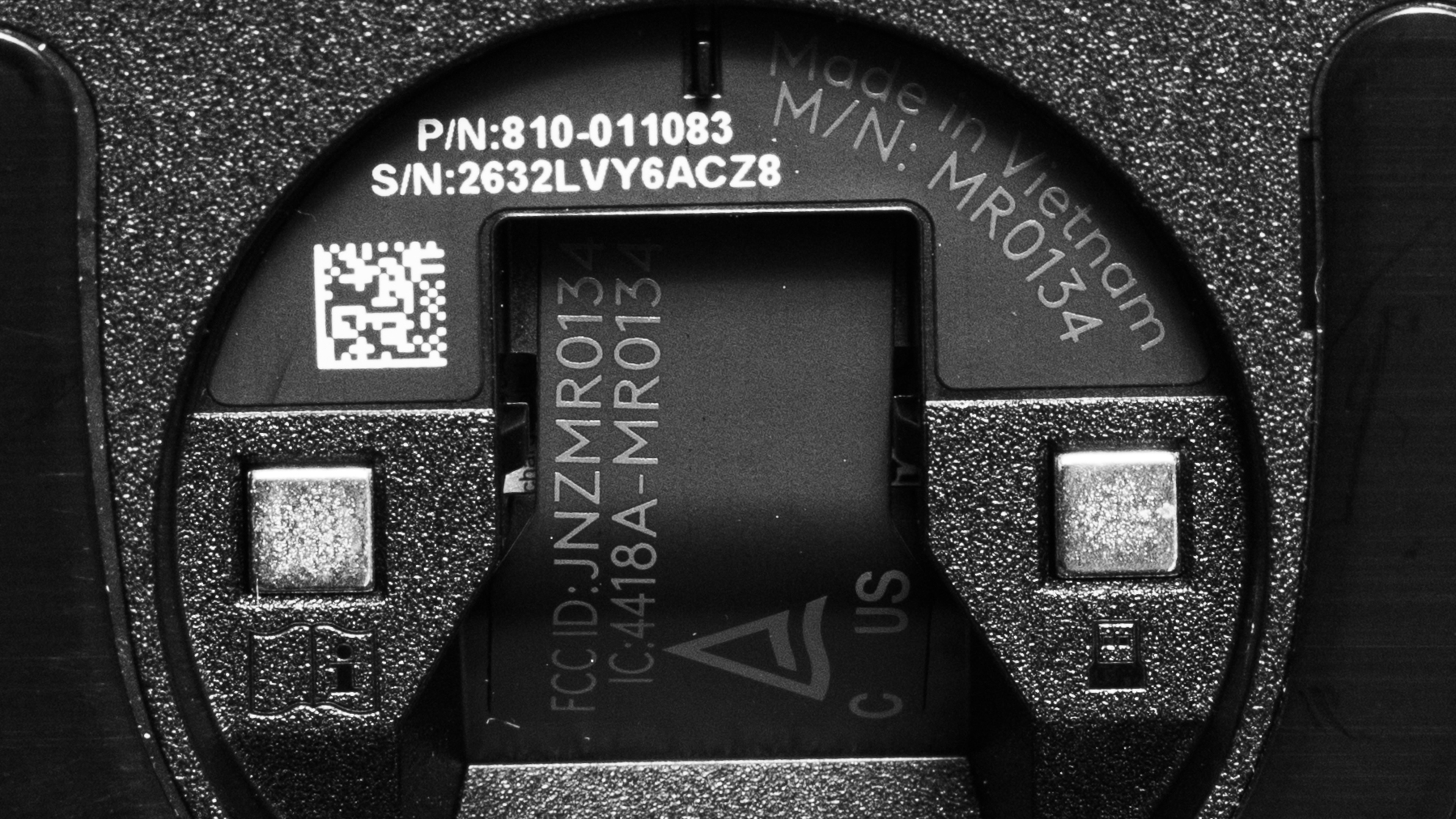
The Logitech G PRO X3 SUPERSTRIKE is available in Midnight Black and Magenta Eclipse color options. We tested the Magenta Eclipse version. See a photo of our unit's label here.
Popular Mouse Comparisons
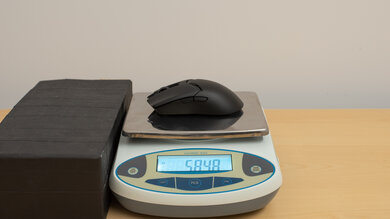
The Logitech G PRO X3 SUPERSTRIKE succeeds the Logitech G PRO X2 SUPERSTRIKE, which launched in February 2026. The changes introduced with this model aren't major: it's marginally lighter and has improved weight distribution, though it remains slightly front-heavy. Its updated chipset also provides a small performance improvement, adds support for 8000Hz polling over a wired connection, and increases advertised battery life from 90 to 135 hours. However, the measured gains in click latency aren't large enough to be noticeable during gameplay.
The major drawback is its pricing, which places it at the top end of the flagship FPS segment. The less expensive Razer Viper V4 Pro offers similarly outstanding raw performance but lacks adjustable actuation and Rapid Trigger. The Finalmouse Starlight X also costs less than the Logitech and offers both features, with very similar click and sensor latency. However, its mechanical tactile click remains at a fixed point in the button travel regardless of the actuation setting, while the Logitech's adjustable haptic feedback provides a click sensation at your chosen actuation point, which can feel more natural.
Like its predecessor, this mouse is a premium option best suited to competitive gamers who value click customization. The adjustable actuation and haptic feedback are compelling features, but they shouldn't be confused with a dramatic performance advantage over other top-tier competitors.
For more recommendations, see our picks for the best gaming mouse, the best wireless gaming mouse, and the best lightweight mouse.
The Logitech G PRO X3 SUPERSTRIKE is an iterative update to the Logitech G PRO X2 SUPERSTRIKE. The X3 is marginally lighter and has a revised weight balance that makes it slightly less front-heavy. Its new chipset enables wired polling at 8000Hz, which the X2 doesn't support, and delivers marginally lower sensor and click latency. It also has longer advertised battery life.
The Razer Viper V4 Pro and Logitech G PRO X3 SUPERSTRIKE are lightweight wireless gaming mice. Both have exceptionally low click and sensor latency, making them outstanding options for competitive play. The Razer is noticeably lighter, with a slightly lower-profile shape. It also uses comparatively conventional optical switches and has smoother-gliding feet. On the other hand, the Logitech uses inductive switches that let you customize how far you press the main buttons before they register, with adjustable haptic feedback that simulates a tactile click to match your actuation setting.
Both the Finalmouse Starlight X and the Logitech G PRO X3 SUPERSTRIKE are lightweight wireless gaming mice that let you adjust the actuation distance of the main buttons. Both perform exceptionally well and are well-suited for competitive play. The biggest difference is how they provide click feedback: the Finalmouse's mechanical tactile click occurs at a fixed point in the button travel regardless of your actuation setting, while the Logitech's adjustable haptic feedback simulates a click to match that setting, which can feel more natural. The Logitech also has better build quality with a fully enclosed plastic body. On the other hand, the Finalmouse is noticeably lighter, with a carbon fiber composite body, small cutouts on top, and honeycomb cutouts underneath. It also has smoother-gliding feet.
The Endgame Gear OP1 8k v2 and the Logitech G PRO X3 SUPERSTRIKE are lightweight gaming mice with exceptionally low click and sensor latency. The Endgame Gear is wired-only, with a narrow shape and a pronounced rear hump that's particularly well-suited for claw grip. It's also lighter and has smoother-gliding feet. It uses SPDT (single-pole, double-throw) mechanical switches, which are largely responsible for its exceptionally low click latency. On the other hand, the Logitech is a wireless model with a shape that's more broadly accommodating to all grip types. It uses inductive switches that let you customize how far the main buttons travel before a click registers, while adjustable haptic feedback simulates a tactile click to match your actuation setting.
Test Results
for pictures & test results
for pictures & test results
for pictures & test results

for videos & test results
