ATTACK SHARK X3  Mouse Review

Reviewed May 26, 2025 at 09:52am
Tested using Methodology v1.5.1 
ATTACK SHARK X3
7.0
Work 
8.2
Video Games (FPS) 
6.9
Video Games (MMO) 
8.4
Raw Performance 
 8

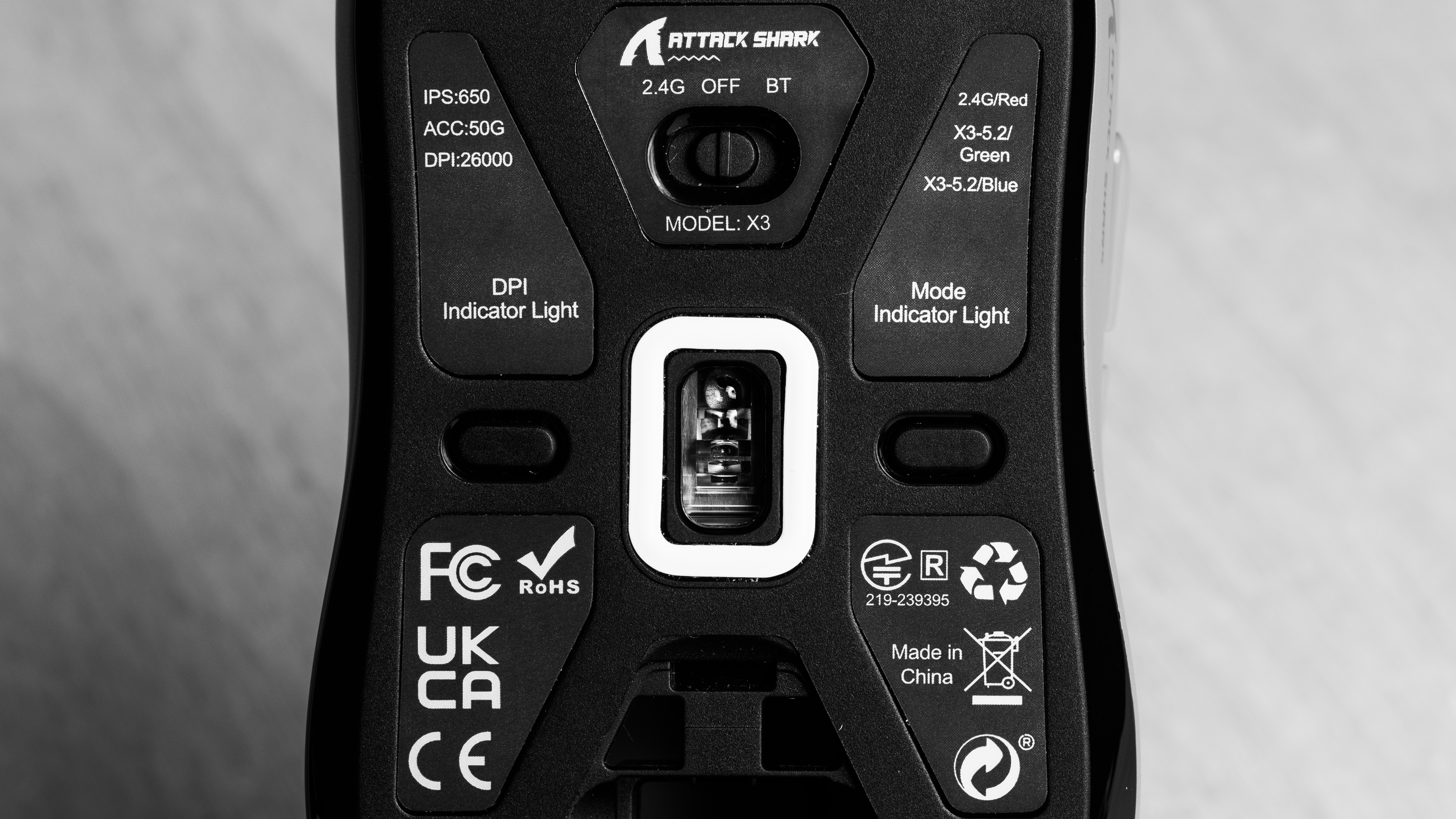
The ATTACK SHARK X3 is a budget wireless gaming mouse with a small, symmetrical shape and a centered hump in the middle of its solid plastic body. It uses a PixArt PAW3395 sensor and a Beken BK3633 MCU. It has a maximum polling rate of 1000Hz, and you can connect it using the included 2.4GHz wireless USB receiver or with Bluetooth.

Our Verdict

7.0
Work 

The ATTACK SHARK X3 is a decent work mouse, although it's mainly designed for gaming. It has good overall build quality and an accommodating, if somewhat small, symmetrical shape. You can remap its buttons using the companion software and connect to up to three devices simultaneously using Bluetooth and its included wireless USB receiver. That said, it lacks some useful productivity features like L/R scroll wheel inputs and a free-scrolling mode.

Pros
  • Good build quality.

  • Fantastic wireless versatility with both Bluetooth and 2.4GHz USB connectivity.

Cons
  • Scroll wheel lacks free scrolling and L/R tilt inputs.

8.2
Video Games (FPS) 

The ATTACK SHARK X3 is a very good FPS gaming mouse for casual play. It's lightweight and has an accommodating symmetrical shape, excellent mouse feet, and good build quality that help it feel great in your hand. That said, while its sensor performance is great, its click latency is only decent and isn't suitable for competitive gaming at the highest caliber without any disadvantage.

Pros
  • Good build quality.

  • Lightweight.

  • Great overall sensor performance.

Cons
  • Slightly high and inconsistent click latency is suitable for casual gaming but too high for competitive gaming.

6.9
Video Games (MMO) 

The ATTACK SHARK X3 is okay for MMO or MOBA gaming. While it doesn't have nearly as many side buttons as dedicated MMO mice, you can remap the buttons it does have with the companion software quite easily. It has good build quality and an accommodating, if a little small, symmetrical shape. While its sensor performs well, its click latency is only decent and could be too high depending on your competitive level.

Pros
  • Good build quality.

  • Great overall sensor performance.

Cons
  • Fewer additional buttons than dedicated MMO mice.

  • Slightly high and inconsistent click latency is suitable for casual gaming but too high for competitive gaming.

8.4
Raw Performance 

The ATTACK SHARK X3 has great raw performance overall. It has excellent sensor latency and tracks your movements accurately for the most part. Still, its sensor performance isn't quite as good as other mice with the same sensor, as it exhibits a slightly higher degree of speed-related accuracy variation (SRAV) than expected. Also, while decent, its click latency is fairly high and somewhat inconsistent, making it best suited for casual titles.

Pros
  • Excellent sensor latency.

Cons
  • Slightly high and inconsistent click latency is suitable for casual gaming but too high for competitive gaming.

  • Slightly higher than expected SRAV.

  • 7.0
    Work
  • 8.2
    Video Games (FPS)
  • 6.9
    Video Games (MMO)
  • 8.4
    Raw Performance
  • Changelog

    1.  Updated Aug 19, 2025: We've converted this review to Test Bench 1.5.1. This update removes less relevant or redundant elements, including several videos. We've also adjusted our Sensor Latency testing, resulting in minor score changes. See our full 1.5.1 changelog for details.
    2.  Updated May 26, 2025: Review published.
    3.  Updated May 21, 2025: Early access published.
    4.  Updated Apr 29, 2025: Our testers have started testing this product.

    Differences Between Sizes And Variants

    The ATTACK SHARK X3 is available in White, Black, Red, Purple, Orange, and Berry Red color variants. You can also purchase it with adhesive grip tape at an additional cost. We bought and tested the Red colorway. See our unit's label.

    Popular Mouse Comparisons

    The ATTACK SHARK X3 is a budget wireless gaming mouse with a symmetrical shape and a solid plastic body. It's a smaller mouse whose shape is closely reminiscent of the Razer Viper Mini, so it's best suited for claw or palm grip for smaller hands, or fingertip grip for medium to large hands.

    Unfortunately, it's a decidedly worse performer than other budget mice with the same or similar specifications, like the MCHOSE L7 Pro and the VGN Dragonfly F1 Pro Max. Its biggest shortcoming is its click latency, which is significantly worse than those options. Still, it's absolutely suitable for casual titles and non-competitive gaming, and it's usually more readily available from major retailers and goes on sale more frequently than those mice.

    For more recommendations, see our picks for the best FPS mouse, the best claw grip mouse, and the best cheap and budget gaming mouse.

    Logitech G305 LIGHTSPEED

    The Logitech G305 LIGHTSPEED and the ATTACK SHARK X3 are symmetrical wireless gaming mice. The Logitech has an egg-like shape with sides that taper in and a rounder rear end, whereas the the ATTACK SHARK has flatter sides and a hump with a more gradual slope. The Logitech has better raw performance, with better click latency and a more accurate sensor, while the ATTACK SHARK is significantly lighter and has better mouse feet. It also uses an internal rechargeable battery and supports Bluetooth, while the Logitech only connects to one device at a time with a USB wireless receiver and is powered by a disposable AA battery.

    MCHOSE L7 Pro

    The MCHOSE L7 Pro is a better gaming mouse overall than the ATTACK SHARK X3. It's lighter, has better build quality, and has better overall performance than the ATTACK SHARK. That said, the ATTACK SHARK has better mouse feet than the MCHOSE.

    VGN Dragonfly F1 Pro Max

    The VGN Dragonfly F1 Pro Max and the ATTACK SHARK X3 are budget gaming mice. They have similar, small symmetrical shapes, but the VGN is slightly lower and flatter, while the ATTACK SHARK is slightly taller and rounder. The VGN is a better all-around performer than the ATTACK SHARK, with better click latency and sensor performance. It also has better build quality with a more solid assembly.

    Keychron M3 Mini

    The Keychron M3 Mini and the ATTACK SHARK X3 are lightweight budget gaming mice. They have very similar symmetrical shapes, but the ATTACK SHARK is marginally lighter, albeit with slightly worse build quality. The Keychron, however, delivers better performance, with much lower click latency and a more accurate sensor implementation.

    Test Results

    perceptual testing image
    Sort:
    RATINGS
    Category:
    All
    Design
    Style
    Type
    Standard
    Coating
    Matte
    Lighting ColorNo Lighting

    The ATTACK SHARK X3 has generic styling that resembles many other modern gaming mice on the market. It has a rounded shape with a matte plastic finish and glossy accents on the side buttons and below the scroll wheel. It doesn't have any RGB lighting, but there's a status light on top that displays battery life and your CPI setting.

    We bought and tested the Red colorway, but it's available in several different color options. For more info, see the Differences Between Variants section.

    Shape
    Length4.7" (118 mm)
    Width2.4" (61 mm)
    Height1.6" (40 mm)
    Grip Width
    60 mm
    Ambidextrous
    Shape Only
    Left-Handed Friendly
    Yes
    Finger Rest
    No

    Note that the color in the 3D model is quite desaturated compared to how the mouse looks in reality. The photos of the mouse throughout the review are more representative of its actual color.

    7.5
    Build Quality

    The ATTACK SHARK X3 has good build quality on the whole. It's made of solid plastic with a matte finish that feels nice in the hand. While it feels generally well put-together, there are some details where it falls short. Namely, there are panel gaps between the main click buttons and the body that likely contribute to noticeable side-to-side wobble. There's also some rattling if you shake the mouse or use it aggressively, and you can hear some creaking if you squeeze the mouse. These issues are noticeable during normal use if you grip the mouse quite tightly or use it aggressively.

    9.3
    Weight
    Lowest Weight
    54.3 g
    Default Weight
    54.3 g
    Weight Distribution
    Centered
    Extra Weights
    No

    Note that ATTACK SHARK advertises that this mouse weighs 49g ±3g, notably lighter than our unit's weight.

    Hand Size Recommendation
    Palm Grip Hand Recommendation
    Claw Grip Hand Recommendation
    Fingertip Grip Hand Recommendation

    This mouse has a fairly small symmetrical shape, similar to the popular Razer Viper Mini. Its centered hump and flat sides accommodate most hand sizes and grip types, but it's best suited for palm and claw grips if you have medium or smaller hands, or a fingertip grip if you have larger hands.

    9.7
    Wireless Versatility
    Maximum Of Paired Devices
    3
    Bluetooth
    Yes
    Receiver
    Yes
    Battery Type
    Rechargeable
    Use When Charging
    Yes
    On/Off Activation
    Auto Off And On/Off Switch
    Receiver Extender
    No
    Receiver Storing
    Yes
    Battery IndicatorYes

    ATTACK SHARK advertises this mouse has a battery life of up to 200 hours, with a charging time of 2-3 hours. While not specified, this estimate is likely using Bluetooth.

    If you have this mouse and want to share your experience with the battery life, leave a comment below.

    Cable
    ConnectivityWireless
    Cable Length
    5.4 ft (1.7 m)
    Cable Type
    Paracord-like
    Permanent Kink
    Yes
    Port Type: Mouse End
    USB-C
    Port Type: PC End
    USB-A

    This mouse comes with a lightweight paracord-like cable. It glides smoothly across desks without excessive drag. That said, it retains some minor kinks from its packaging.

    9.0
    Mouse Feet
    Gliding Experience
    Good
    Material
    Virgin Grade PTFE
    Extra Included
    No

    This mouse's feet are remarkable. They glide smoothly across most surfaces with little resistance. Third-party replacement feet are available.

    In The Box

    • USB-A to USB-C cable
    • USB-A Wireless receiver
    • User documentation
    Control
    Main Button
    See details on graph tool
    See details on graph tool
    Switch Type
    Optical
    Switch Model
    Kailh GM8.0 Black Gold Mamba
    6.3
    Additional Buttons
    Total Number Of Buttons
    7
    Number Of Side Buttons
    2
    Number Of Programmable Inputs
    4
    Profile Switching Button
    No
    Gesture Support
    No

    You can reprogram the main clicks, scroll click, and side buttons using the companion software. Left click must always be bound to a button.

    7.3
    Click Latency
    See details on graph tool
    Expected Connection
    11.2 ms
    Wired
    11.0 ms
    Receiver
    11.2 ms
    Bluetooth
    36.3 ms

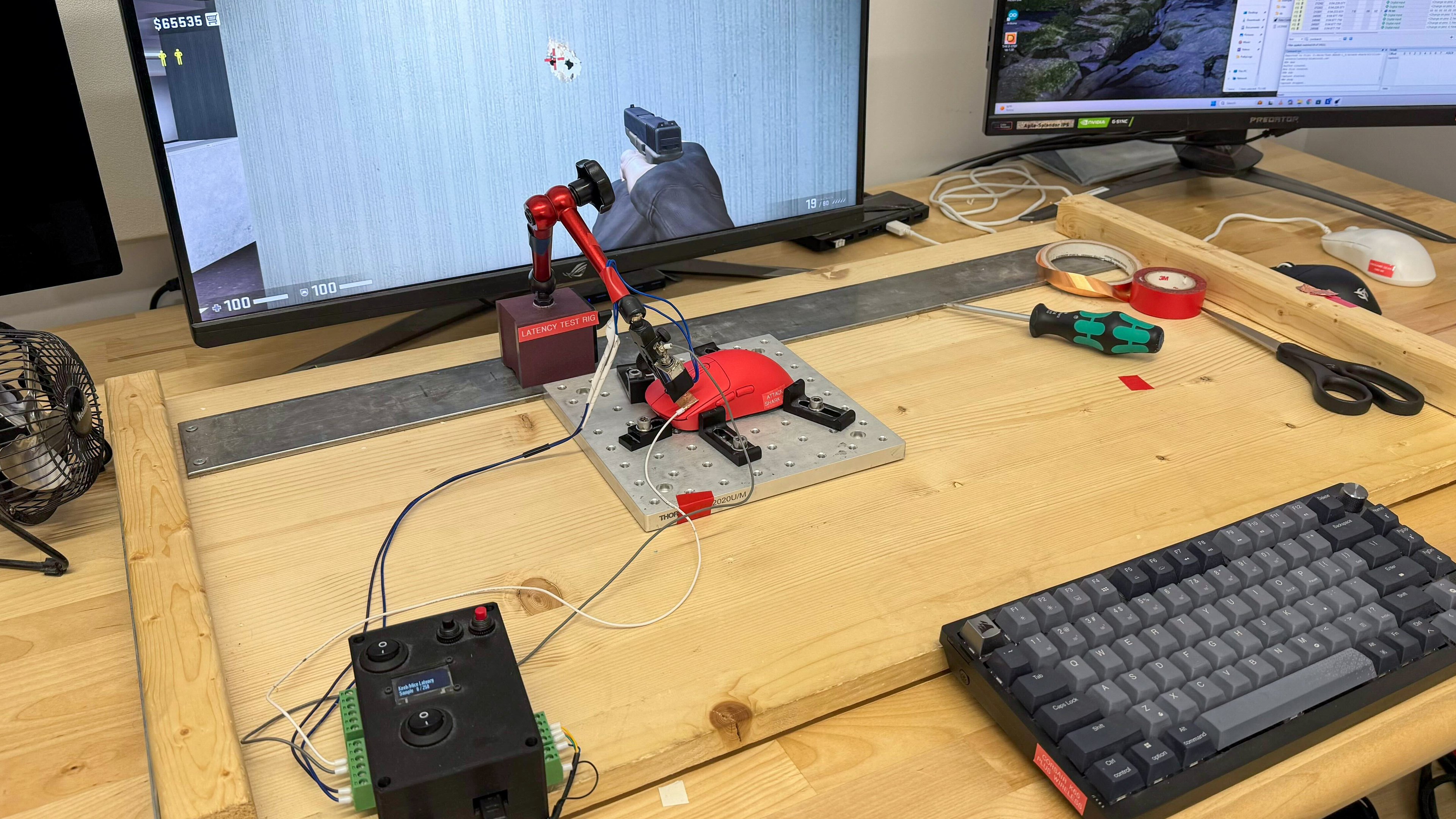
    This mouse's click latency performance is satisfactory for playing casual titles or non-competitive games. It's a bit too high and inconsistent for playing fast-paced shooters at a competitive level. Its minimum debounce setting of 4 ms likely contributes to its higher click latency. We tested it at its maximum polling rate of 1000Hz wired and wirelessly, and 125Hz over Bluetooth.

    If you're looking for a mouse with better click latency, check out the MCHOSE L7 Pro.

    8.0
    CPI
    See details on graph tool
    SRAV @ 1600 CPI
    -2.86%
    SRAV @ 800 CPI
    -3.25%
    SRAV @ 400 CPI
    -4.00%
    SRAV @ Fixed CPI
    N/A
    Precision Error Between Speeds
    1.73%
    Precision Error Between CPI
    0.84%
    Worst Tracking Error
    -8.50%
    Minimum CPI
    50 CPI
    Maximum CPI
    26,000 CPI
    CPI Adjustment Steps
    50 CPI

    This mouse's sensor tracks your movements well overall, but it exhibits slightly higher speed-related accuracy variation than other mice with the same sensor. It's only likely an issue if you play demanding, fast-paced FPS titles at a competitive level.

    8.9
    Sensor Latency
    See details on graph tool
    Delay To Start Of Movement
    14.9 ms
    Delay At Half Movement
    4.2 ms
    Delay To End Of Movement
    3.4 ms

    The ATTACK SHARK X3 mouse has excellent sensor latency performance that's suitable for gaming in any genre.

    The above results are using a wireless polling rate of 1000Hz with motion sync turned off.

    Sensor Specifications
    Sensor Technology
    Optical (LED)
    Sensor Model
    PixArt PAW3395
    Works On Glass
    No
    Minimum Lift Off Distance
    1.2 mm
    Maximum Polling Rate
    1000 Hz

    This mouse's polling rate options are 125Hz, 250Hz, 500Hz, and 1000Hz with the 2.4GHz receiver, and while plugged in. It's limited to a 125Hz polling rate over Bluetooth.

    The companion software lets you adjust additional sensor settings, including Motion Sync. For more details, see the Configuration Software section.

    Mouse Wheel
    Scroll Wheel Type
    Notched Wheel
    Scroll Wheel Tilt
    No
    Thumb Wheel Type
    No

    This mouse has a white plastic scroll wheel with a grippy rubberized coating. It operates quietly and precisely with tactile step definition.

    Noise
    Click Noise
    Loud

    While the scroll wheel is quiet, the main clicks and side buttons are on the louder side.

    Operating System And Software
    Configuration Software
    Software NameAttack SharkX3Mouse
    Software Windows Compatibility
    Yes
    Software macOS Compatibility
    No
    On-Board Memory
    Yes
    CPI (DPI) Adjustment
    Yes
    Polling Rate Adjustment
    Yes
    Profile Configuration
    Yes
    Profile Auto-Switching
    No
    RGB On/Off
    No RGB

    The ATTACK SHARK X3's companion software is basic and easy to use. With it, you can adjust essential parameters like CPI, polling rate, lift-off distance, power management, and macro creation. You can create profiles in the application, but you can't assign a profile switching button on the mouse and can only switch profiles by going into the software.

    10
    Mouse Compatibility
    Windows CompatibilityFully
    macOS CompatibilityFully

    The companion software is only available on Windows, but all default buttons work on macOS.