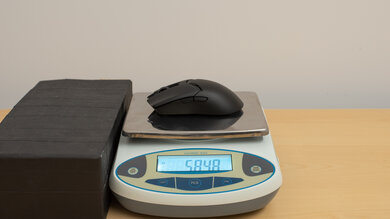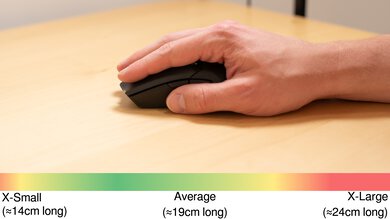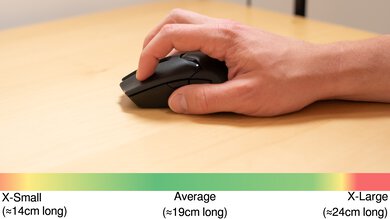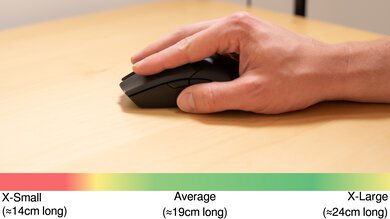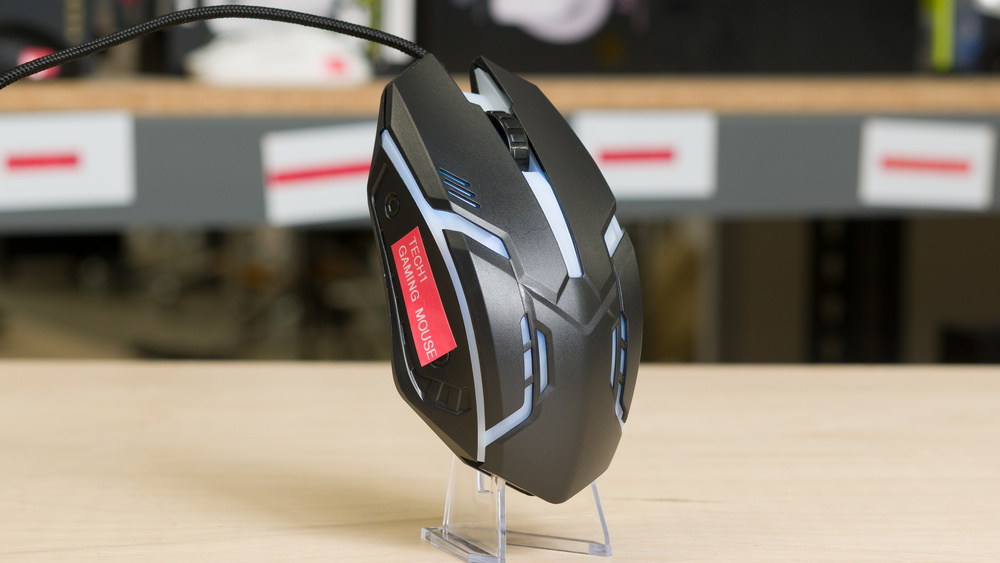
The Tech1 Gaming Mouse is a cheap, wired gaming mouse with an ambidextrous shape and multicolor LED lighting. It uses a single fixed CPI setting and doesn't have any software for adjusting settings.
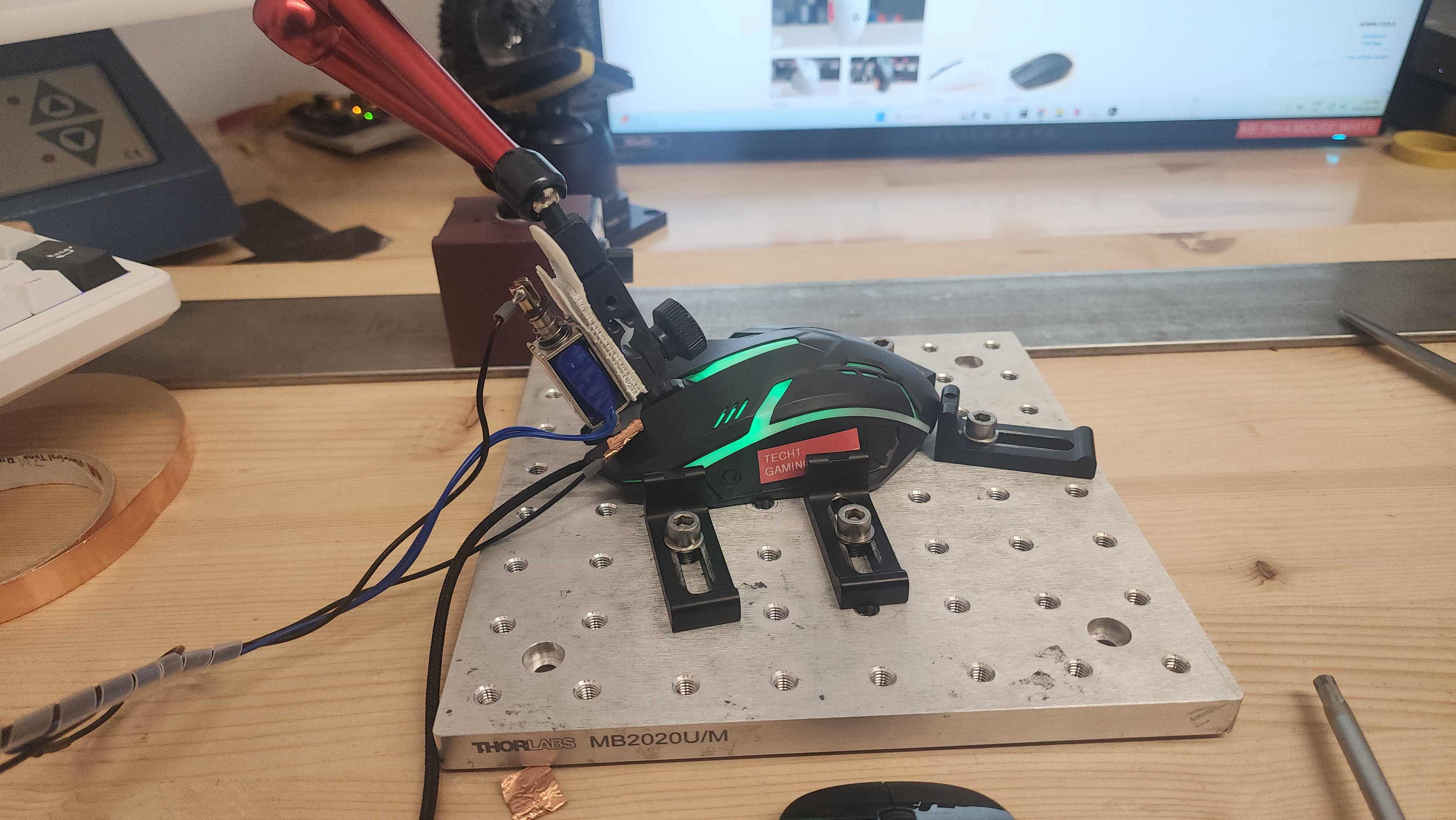
We bought this product for a project we've been working on that explores more of the lower end of the market. We purchased this mouse from Dollarama.
Our Verdict
The Tech1 Gaming Mouse isn't designed for work. Its build quality is adequate, and it has a fairly accommodating ambidextrous shape, but it doesn't support wireless connectivity or have any additional buttons or software for adjusting its settings. It also lacks features commonly found on work mice, such as a free-scrolling mode or gesture controls.
True ambidextrous shape.
Excellent braided cable that doesn't easily tangle.
No side buttons.
No software for adjusting settings.
No Bluetooth connectivity.
No extra productivity features, such as free-scrolling or gesture controls.
Mouse feet don’t glide smoothly
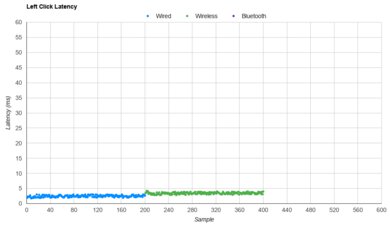
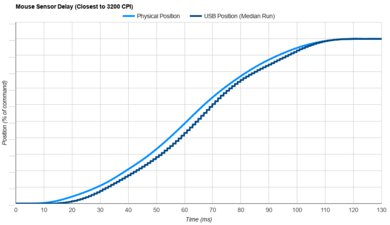
The Tech1 Gaming Mouse is passable for casual FPS gaming. It has decent sensor latency performance and is very lightweight, making it easy to move quickly and accurately. It also has a fairly accommodating ambidextrous shape. However, it has disappointing click latency, which can cause slight delays when registering your inputs and affect your competitive performance. It also suffers from noticeable sensor-tracking accuracy issues and has an extremely low polling rate, which can make cursor movements appear somewhat choppy, particularly on a high-refresh-rate display. Furthermore, its feet don't glide nearly as smoothly as those of most dedicated FPS gaming mice, and it uses a fixed CPI with no option to adjust it, which can be frustrating if you're used to a specific CPI.
Lightweight
True ambidextrous shape.
Excellent braided cable that doesn't easily tangle.
Satisfactory sensor latency.
Disappointing click latency.
Poor sensor tracking accuracy and no way to adjust CPI settings.
No side buttons.
No software for adjusting settings.
Extremely low polling rate for a wired gaming mouse.
Mouse feet don’t glide smoothly
The Tech1 Gaming Mouse is bad for MMO gaming. It doesn't have any side buttons and has disappointing click latency performance. It also uses a fixed CPI setting and has no software to adjust it or other settings.
True ambidextrous shape.
Excellent braided cable that doesn't easily tangle.
Disappointing click latency.
Poor sensor tracking accuracy and no way to adjust CPI settings.
No side buttons.
No software for adjusting settings.
Extremely low polling rate for a wired gaming mouse.
Mouse feet don’t glide smoothly
The Tech1 Gaming Mouse has poor raw performance. It has disappointing click latency, and its sensor suffers from tracking accuracy issues that can make mouse movements at different speeds hard to predict. Additionally, it has a very low 125Hz polling rate, which is unusual for a wired mouse and particularly low for a gaming mouse. This limits the rate at which sensor and click latency reports can be sent to your computer, which can result in somewhat choppy-looking cursor movements, particularly if you use a high-refresh-rate monitor.
Satisfactory sensor latency.
Disappointing click latency.
Poor sensor tracking accuracy and no way to adjust CPI settings.
Extremely low polling rate for a wired gaming mouse.
Check Price
Differences Between Sizes And Variants
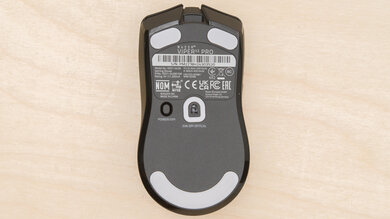
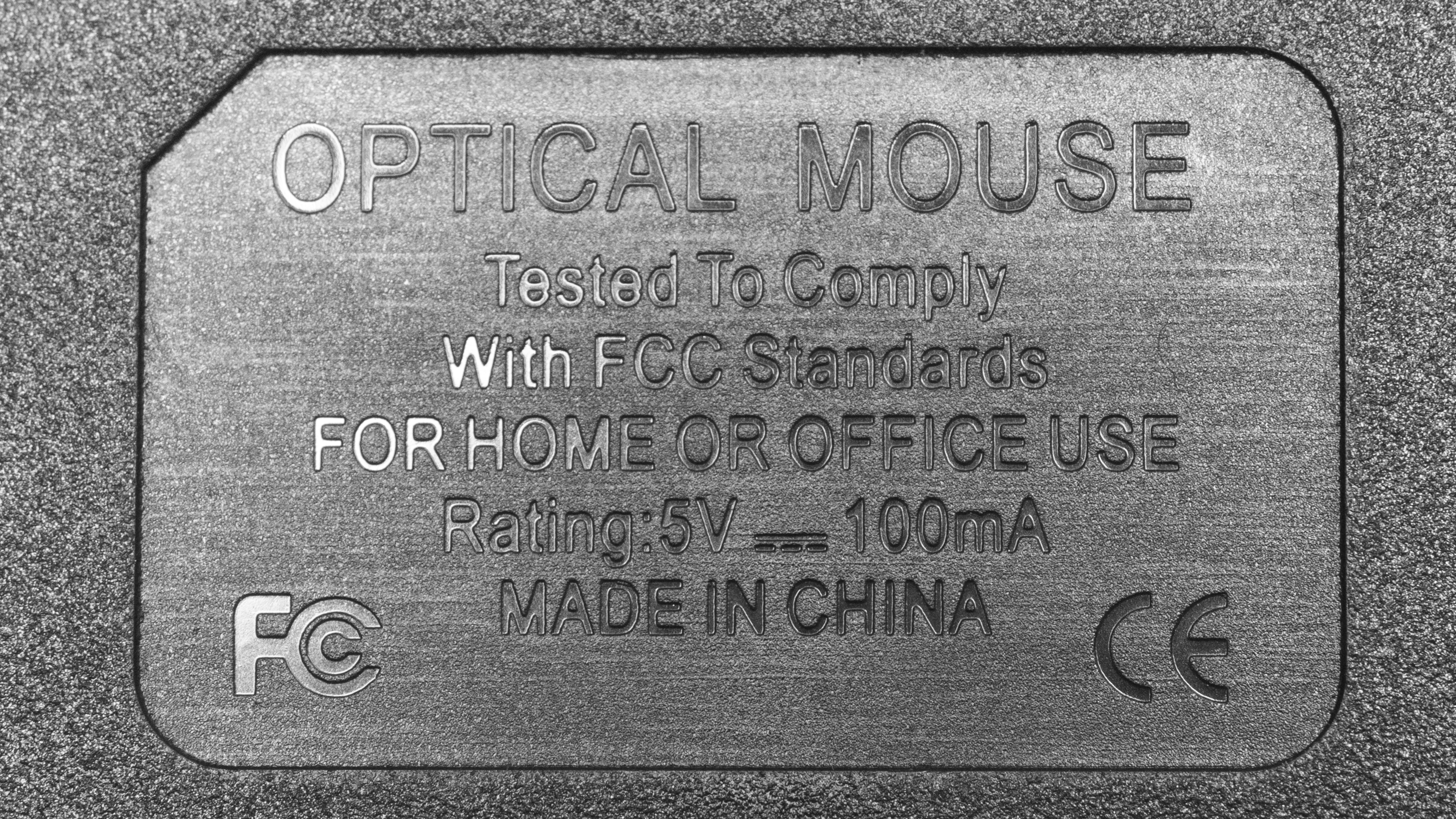
We aren’t aware of any variants of the Tech1 Gaming Mouse. You can see a photo of our unit's label here.
Popular Mouse Comparisons
The Tech1 Gaming Mouse is a cheap wired gaming mouse. While it has decent build quality and provides passable performance overall, it suffers from some significant performance issues, including sensor tracking accuracy problems, high click latency, and a very low polling rate. All of these can reasonably affect your performance and enjoyment in competitive games.
A mouse in this price range is best suited for more casual gaming. If you can stretch your budget slightly, you can find mice with much better performance that are fully suitable for competitive play, or even wireless options, in the $20-$40 USD range. These include mice from major manufacturers with established customer support and warranties, such as the Logitech G203 LIGHTSYNC (also called the Logitech G102 in some regions), the SteelSeries Rival 3 Gen 2, and the wireless Logitech G305 LIGHTSPEED.
For more recommendations, see our picks for the best gaming mouse, the best budget and cheap gaming mouse, and the best lightweight mouse.
Both the Logitech G305 LIGHTSPEED and the Tech1 Gaming Mouse are gaming mice, but the Logitech is a much better choice for competitive play. It has better build quality, much lower click latency, more consistent sensor tracking, and software that lets you adjust its CPI and program its buttons. It also connects wirelessly, while the Tech1 is wired-only. That said, the Tech1 is considerably lighter.
The Logitech G203 LIGHTSYNC and the Tech1 Gaming Mouse are both wired gaming mice. The Logitech has better build quality and significantly better performance, making it the better choice for competitive gaming. It also has two side buttons and software that lets you adjust its CPI and RGB lighting, while the Tech1 has no side buttons, no companion software, and only a single fixed CPI setting. That said, the Tech1 is significantly lighter, which can make it easier to move quickly.
The VGN Dragonfly F1 Pro Max and Tech1 Gaming Mouse are gaming mice that differ significantly in overall quality. The VGN has better build quality and much better, more consistent performance, making it clearly the better option for competitive gaming. It also connects wirelessly and has side buttons and software for adjusting its settings. By comparison, the Tech1 is wired-only and lacks side buttons and software. It has only a single fixed CPI setting, though it does have multicolor lighting, which the VGN lacks.
Both the SteelSeries Rival 3 Gen 2 and Tech1 Gaming Mouse are wired gaming mice. The SteelSeries has better build quality and significantly better performance, making it a much more viable option for playing competitive titles. Additionally, it has software that allows you to adjust settings like CPI and button assignments, as well as side buttons, all of which the Tech1 lacks. Comparatively, the Tech1 has only a single fixed CPI setting, though it’s noticeably lighter.
Test Results
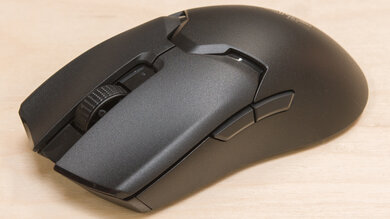
for pictures & test results
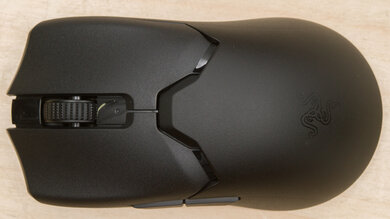
for pictures & test results