
The Canon PIXMA TR8620 is an all-in-one color printer with a flatbed scanner and an automatic document feeder. The color page yield is good, with a cost-per-print that's great for color documents and excellent for photos. Also, it prints excellent-looking photos that are vibrant and well-detailed. The connectivity options are exceptional, including Wi-Fi and Wi-Fi Direct, and it can print directly from SD cards. Unfortunately, it's very slow at printing documents, and it reproduces colors with mediocre accuracy. Also, the black page yield is poor, but since the cartridge is quite affordable, the black page cost-per-print is still very good. This printer was recently discontinued and replaced by the Canon PIXMA TR8620a.
Our Verdict
The Canon PIXMA TR8620 is a great printer for family use. It prints excellent-looking photos with good detail and has a flatbed scanner and automatic document feeder for digitizing your files. The overall cost-per-print is great, which should help keep you within your budget. Unfortunately, the accuracy of colors is mediocre, although it should still be fine for casual use.
- Great overall cost-per-print.
- Good color page yield.
- Excellent photo printing quality.
- Outstanding connectivity options.
- Only decent color accuracy.
The Canon PIXMA TR8620 is an okay printer for small or home office use. The black page yield is poor, it prints black and color documents very slowly, and it's a bit slow to print the first page. The output tray and scanner lid feel flimsy, and the automatic document feeder can't duplex scan. On the bright side, it yields a good number of color documents and has an exceptional array of connectivity options.
- Outstanding connectivity options.
- Has an automatic document feeder.
- Takes a bit long to print the first page.
- Prints slowly.
- Poor black page yield.
- No duplex scanning.
The Canon PIXMA TR8620 is a great printer for students. There's a flatbed scanner and automatic document feeder to help digitize your work. The cost-per-print is great overall, helping running costs stay low, and you can print via Wi-Fi and directly from SD cards. Unfortunately, it's a bit slow to warm up and print the first page.
- Great overall cost-per-print.
- Has a flatbed scanner and automatic document feeder.
- Outstanding connectivity options.
- Takes a bit long to print the first page.
The Canon PIXMA TR8620 is unremarkable for black and white printing. The printing speed is poor, with a bad page yield, and it's a bit slow to warm up and print the first page. Although it has an automatic document feeder, it can't duplex scan. On the bright side, the cost-per-print is very good, it's compatible with XL and XXL cartridges, and its connectivity options are exceptional.
- Great overall cost-per-print.
- Has an automatic document feeder.
- Compatible with XL and XXL cartridges.
- Prints slowly.
- Poor black page yield.
- No duplex scanning.
The Canon PIXMA TR8620 is a very good printer for casual photos. Printed pictures look amazing, with vibrant details and no banding present. Unfortunately, the color accuracy is mediocre, so although it should be fine for casual use, it isn't ideal for professions requiring exact color reproduction.
- Great overall cost-per-print.
- Good color page yield.
- Excellent photo printing quality.
- Supports 4" x 6" and 5" x 7" photo paper.
- Only decent color accuracy.
- Can't print on 2" x 3" photo paper.
Performance Usages
Changelog
- Updated Aug 29, 2022: Converted to Test Bench 1.2.
- Updated Jul 04, 2022: Converted to Test Bench 1.1.
- Updated Apr 06, 2022: Updated the Bluetooth printing result in the Connectivity box from Yes to No. While we initially thought that Bluetooth printing worked only when using the mobile app, we discovered that Bluetooth printing actually doesn't work at all.
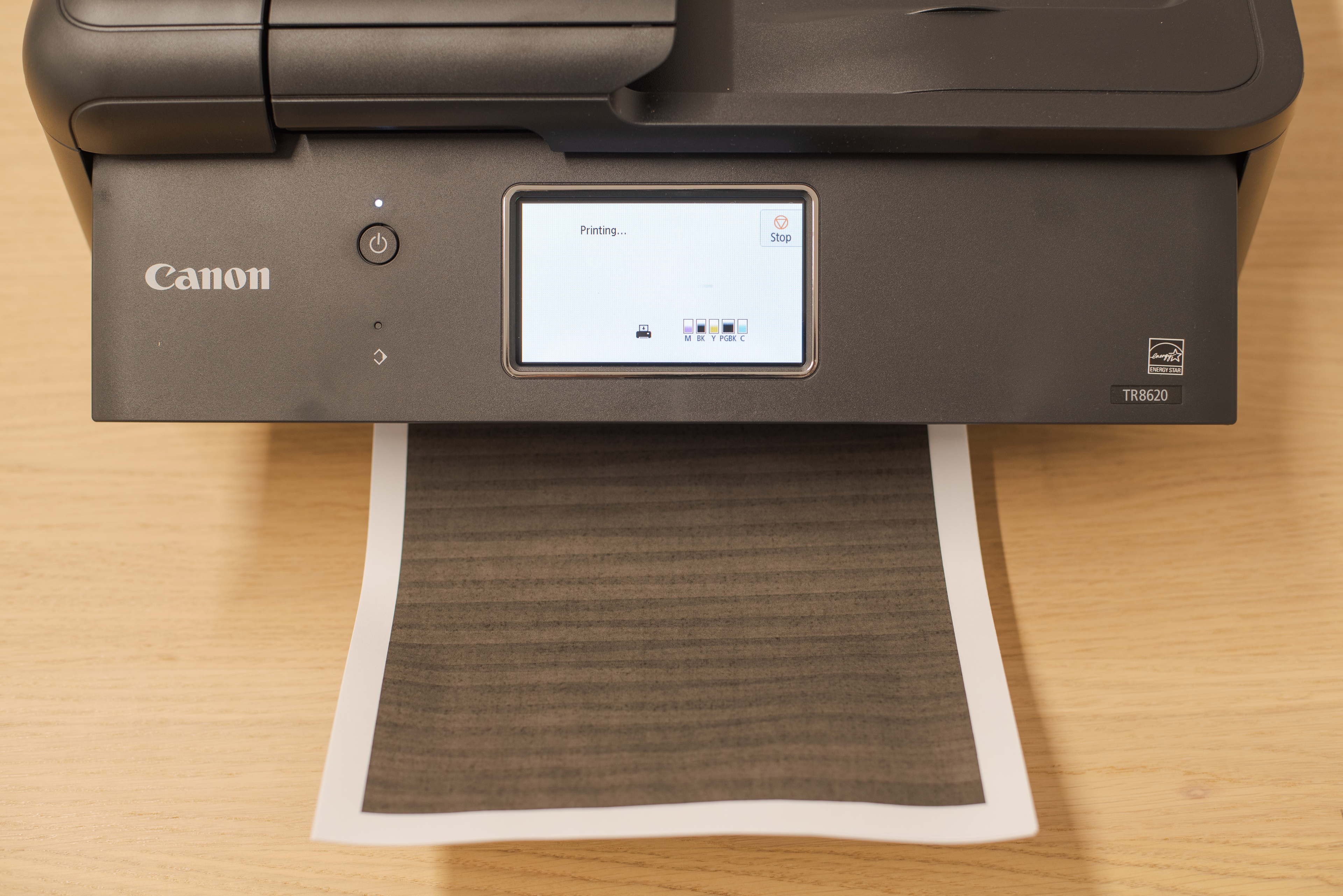
- Updated Jan 28, 2022: Reshot and updated the 'In Use Picture'.
Check Price
Differences Between Sizes And Variants
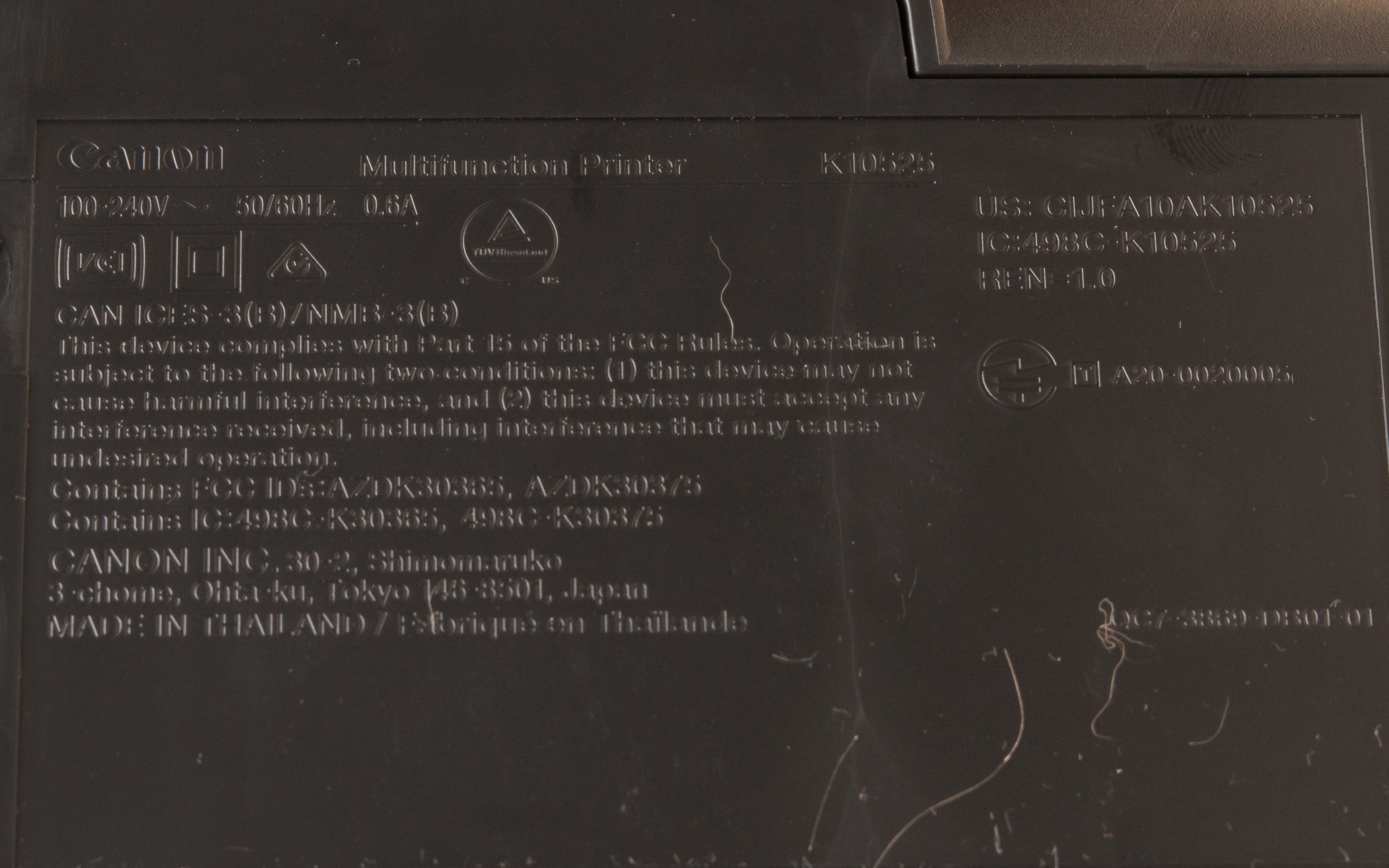
We tested the Canon PIXMA TR8620 in black, and there aren't any variants available. It's the replacement to the discontinued Canon PIXMA TR8520, which has somewhat better color page yields and prints faster. The TR8620 is also discontinued, and its successor, the Canon TR8620a, is nearly identical but the manufacturer doesn't advertise it to have Bluetooth printing. You can see our unit's label here.
Popular Printer Comparisons
The Canon PIXMA TR8620 is marketed as a home office printer, but it's better for students or families. It produces some of the best-looking photos of any printer we've tested, and it can print directly from SD cards. However, its black page yield is low, and the printing speeds are rather slow overall.
For more options, see our recommendations for the best photo printers, the best laser printers, and the best all-in-one printers.
The Canon PIXMA TR8620 is the successor to the discontinued Canon PIXMA TR8520. Both printers produce amazing-looking photos, but the TR8520 yields somewhat more color pages, has a much cheaper color document cost-per-print, prints black text documents somewhat faster, and produces slightly more accurate colors. On the other hand, the TR8620 prints single pages faster.
The Canon PIXMA iX6820 and the Canon PIXMA TR8620 are both color inkjet printers, but the TR8620 is a better printer for families or students. The TR8620 has a flatbed scanner, an automatic document feeder, and it can fax. You can print via more ways than on the iX6820, and it produces somewhat better-looking photos and automatically prints double sided. On the other hand, the iX6820 has much better page yields and a much lower cost-per-print, it prints color documents and photos faster, and it warms up much quicker to print the first page.
The Canon PIXMA TR8620a is the newer version of the Canon PIXMA TR8620, and they are nearly identical in performance and appearance; you'll be happy if you buy either one. The only differences are their cost-per-print and print speed. The TR8620a prints black-and-white documents faster, but its running cost is a little higher because the cartridges are more expensive.
The Canon PIXMA TS9520 and Canon PIXMA TR8620 are both great family printers with excellent photo quality. The TR8620 has a higher black page yield, a lower cost-per-print for photos, a fax feature, and it can print via Wi-Fi Direct. On the other hand, TS9520 has a higher color page yield and can print tabloid-size paper.
Test Results




for pictures & test results

for pictures & test results



for pictures & test results


for pictures & test results

for videos & test results







for pictures & test results

for pictures & test results
