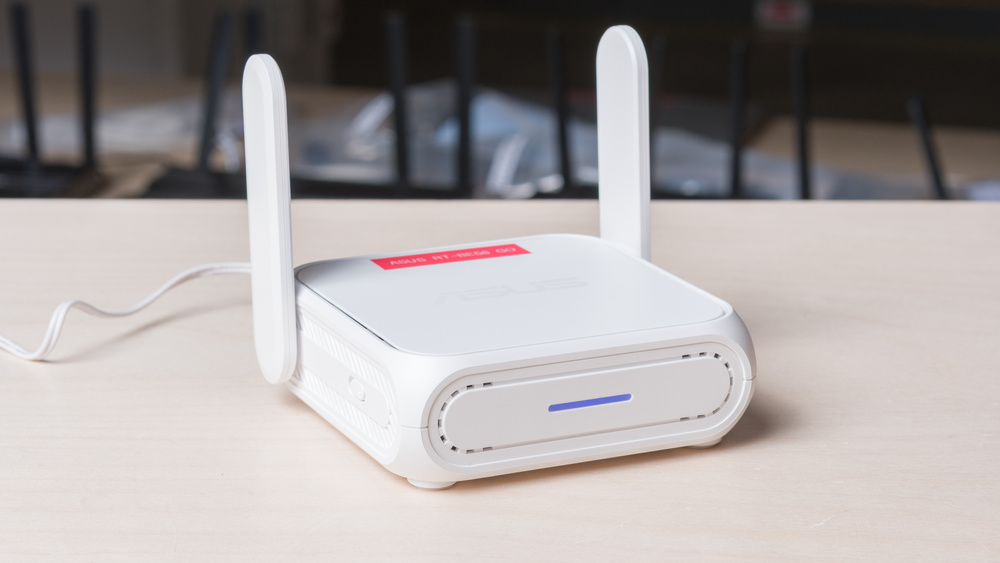
The ASUS RT-BE58 Go is a dual-band Wi-Fi 7 travel router designed for portability, with foldable antennas and support for power via a portable power bank. It includes two Ethernet ports and a USB port, and can also tether to a smartphone to function as a mobile hotspot. It supports features like network-wide VPN configuration, and a physical switch on the side can be customized to quickly change operating modes, such as toggling a VPN connection. Additionally, it's compatible with ASUS' AiMesh technology, allowing it to integrate with other supported routers in a mesh network. You can manage the router via the ASUS Router app or web interface.
Note: We've removed the Wi-Fi coverage tests, as we're exploring better ways to convey the results that'll be more helpful to users.
Our Verdict
The ASUS RT-BE58 Go is a good router for apartments and small homes. It's designed as a travel router, so it's extremely small and easy to tote or find a place for in your home. It delivers great close-range speeds that are suitable for multiple users downloading files and streaming video simultaneously. That said, its range is disappointing, so it's only suitable for use in small spaces. It supports Dynamic Frequency Selection (DFS), so it can access less congested channels to deliver better speeds in apartment buildings with noisy wireless conditions. Unfortunately, it lacks a 6GHz band despite being a Wi-Fi 7 router, limiting speeds on client devices that support it, and it only has two Ethernet ports.
Small and portable with folding antennas.
Can add additional AiMesh-compatible access points for better coverage.
Great speeds at close range.
Lacks a 6GHz band.
Disappointing range.
Only two Ethernet ports, one of which is limited to 1Gbps.
As a dedicated travel router, the ASUS RT-BE58 Go's performance is unremarkable in larger homes. While it delivers great short-range speeds suitable for streaming and downloading files quickly, it lacks the range to cover larger areas without leaving dead zones. Wired connectivity is also limited, having just two Ethernet ports on the rear.
Can add additional AiMesh-compatible access points for better coverage.
Great speeds at close range.
Lacks a 6GHz band.
Disappointing range.
Only two Ethernet ports, one of which is limited to 1Gbps.
Like most routers, the ASUS RT-BE58 Go is only okay for gaming over Wi-Fi. Its latency and jitter are reasonable for casual play, and its impressive speeds mean large downloads and updates finish fast when you're close to the router. However, occasional latency spikes make the connection less consistent for competitive play, so we recommend using Ethernet for the most reliable performance.
Great speeds at close range.
Fair wireless latency for general use and casual gaming.
Disappointing range.
Unsuitable latency for competitive gaming over Wi-Fi.
The ASUS RT-BE58 Go is outstanding for travel. It's exceptionally compact and light, with antennas that fold flat for easy stowing in a bag. You can power it with a compatible USB-C power bank, connect it to a hotel or café's public Wi-Fi in WISP mode, or tether it to a phone over USB for cellular internet. It also has network-wide VPN support, and its customizable toggle switch can be mapped to a preferred function or mode for easy access. Its single 1Gbps LAN port is limiting if you need to connect several wired devices, but it's sufficient for most travel setups.
Small and portable with folding antennas.
Supports WISP mode and USB cellular tethering.
VPN support.
Only two Ethernet ports, one of which is limited to 1Gbps.
The ASUS RT-BE58 Go router delivers impressive close-range speeds suitable for an internet connection up to ~1Gbps. It supports Dynamic Frequency Selection (DFS), which provides access to more channels for better speeds in congested wireless environments like apartment buildings or hotels.
Great speeds at close range.
Lacks a 6GHz band.
The ASUS RT-BE58 has poor range. It's primarily designed as a travel router, so it's somewhat expected. It supports ASUS' AiMesh technology, so you can connect it to other compatible routers to create a mesh network for better coverage.
Can add additional AiMesh-compatible access points for better coverage.
Disappointing range.
The ASUS RT-BE58 Go has adequate wireless latency and jitter levels, on par with most other Wi-Fi routers. It's more than sufficient for web browsing, streaming, and casual gaming, but competitive gamers should still plug their devices into its LAN port for the best experience.
Fair wireless latency for general use and casual gaming.
Unsuitable latency for competitive gaming over Wi-Fi.
The ASUS RT-BE58 Go has outstanding configurability. It provides virtually all the expected basic and advanced settings you'd need to optimize your network, including traffic and parental controls, VLANs, firewall rules, VPNs, dual-WAN, WISP mode, and mesh expandability.
Supports WISP mode and USB cellular tethering.
Performance Usages
Changelog
- Updated Sep 11, 2026: We've updated this review to Test Bench 0.10! This update adds Portability and Configurability testing to evaluate how suitable routers are for travel and to show how configurable their settings are. Read the changelog for more info.
- Updated Jun 22, 2026: We've updated this review to Test Bench 0.9.1! This is a minor change that makes the router type easier to see at the top of each review. Read the changelog for more info.
- Updated May 08, 2026: We've updated this review to Test Bench 0.9! This update adds wireless latency testing to evaluate router gaming performance. Read the changelog for more info.
- Updated Apr 22, 2026: Review published.
Check Price
Differences Between Sizes And Variants
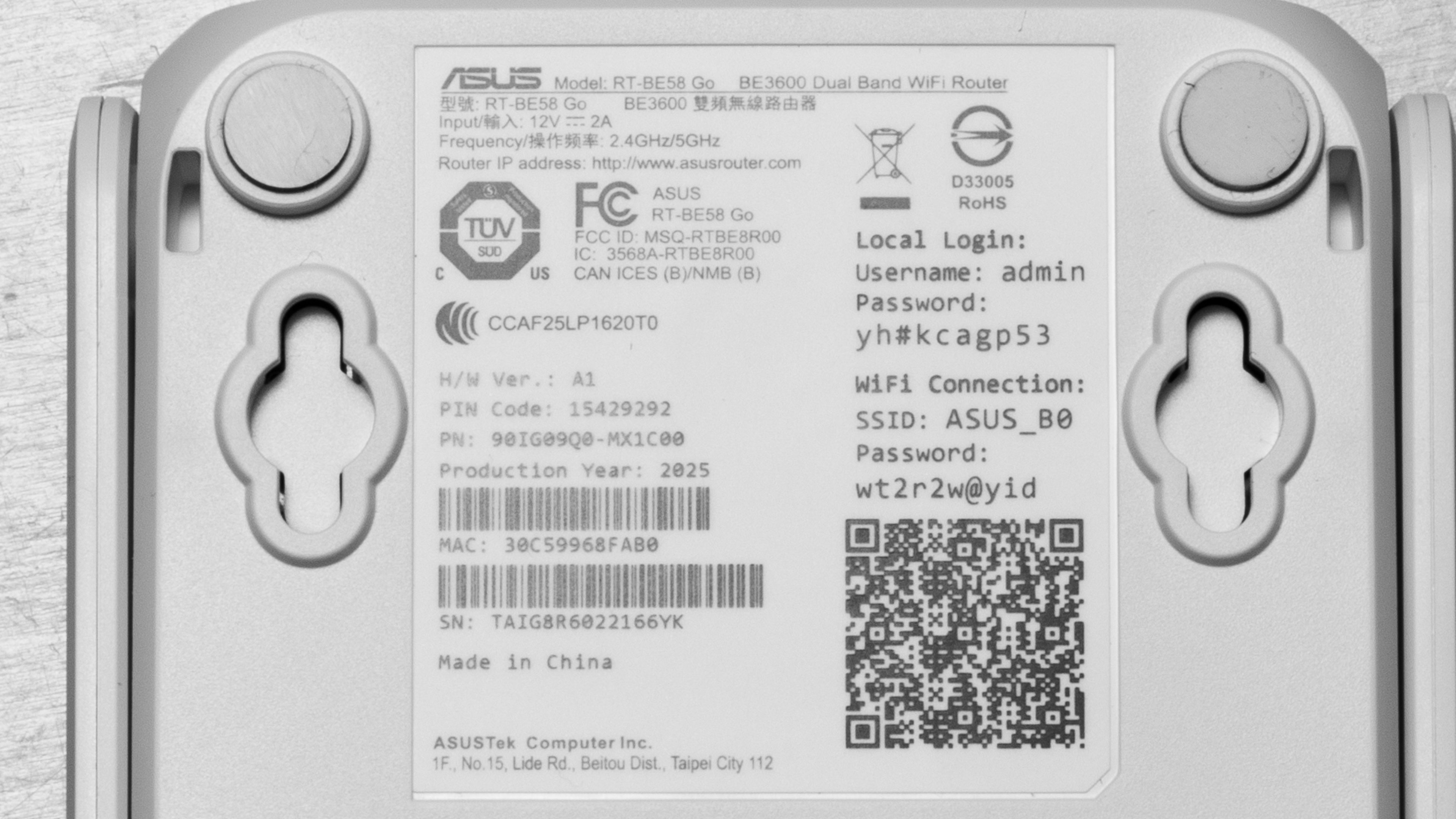
The ASUS RT-BE58 doesn't have any variants. Here's a photo of our unit's label.
Popular Router Comparisons
The ASUS RT-BE58 Go is a dual-band Wi-Fi 7 travel router. It features foldable antennas, mobile hotspot tethering via a USB 3.0 port, and VPN support, and it has a configurable toggle switch on the side. It has a similar form factor to the GL.iNet Slate 7 (GL-BE3600), the GL.iNet Slate AX (GL-AXT1800), and the GL.iNet Beryl AX (GL-MT3000). Performance-wise, it delivers great close-range speeds, but its range is disappointing. It's perfectly suitable for delivering internet to your devices in a hotel room or when you're right next to it in an airport or cafe, but all of the previously mentioned GL.iNet options have better range, making them more suitable for larger spaces.
For more recommendations, check out our picks for the best Wi-Fi 7 routers, the best routers for Xfinity, and the best routers for Spectrum.
The GL.iNet Slate AX (GL-AXT1800) and the ASUS RT-BE58 Go are dual-band travel routers with compact designs and foldable antennas. The ASUS is Wi-Fi 7 while the GL.iNet is Wi-Fi 6. Both are highly configurable, but the GL.iNet is slightly more customizable thanks to its open-source firmware. The ASUS has one 1Gbps and one 2.5Gbps Ethernet ports, while the GL.iNet has three 1Gbps ports. Performance-wise, the ASUS has slightly better close-range speeds, but the GL.iNet has significantly longer range.
The GL.iNet Beryl AX (GL-MT3000) and the ASUS RT-BE58 Go are dual-band travel routers with compact bodies and foldable antennas. The GL.iNet is Wi-Fi 6, while the ASUS is Wi-Fi 7. They both offer similar functionality in their firmware, but the GL.iNet's open-source firmware is more configurable. Performance-wise, the ASUS delivers faster top speeds up close, but the GL.iNet has significantly better range.
The TP-Link Archer BE230 and the ASUS RT-BE58 Go are dual-band Wi-Fi 7 routers designed for different purposes. The TP-Link is a standalone router designed for smaller homes and has five Ethernet ports, while the ASUS is a travel router with a compact body, folding antennas, and two Ethernet ports. Performance-wise, the two deliver similarly good close-range speeds, but the TP-Link has significantly better range, making it much better suited for larger areas.
The GL.iNet Slate 7 (GL-BE3600) and the ASUS RT-BE58 Go are dual-band Wi-Fi 7 travel routers. Both are designed to be easily toted thanks to their compact design and foldable antennas. While the two routers have similar functionality, the GL.iNet delivers better performance overall with faster top speeds, significantly better range, and two 2.5Gbps Ethernet ports compared to the ASUS' one 1Gbps and one 2.5Gbps ports.
Test Results
for pictures & test results

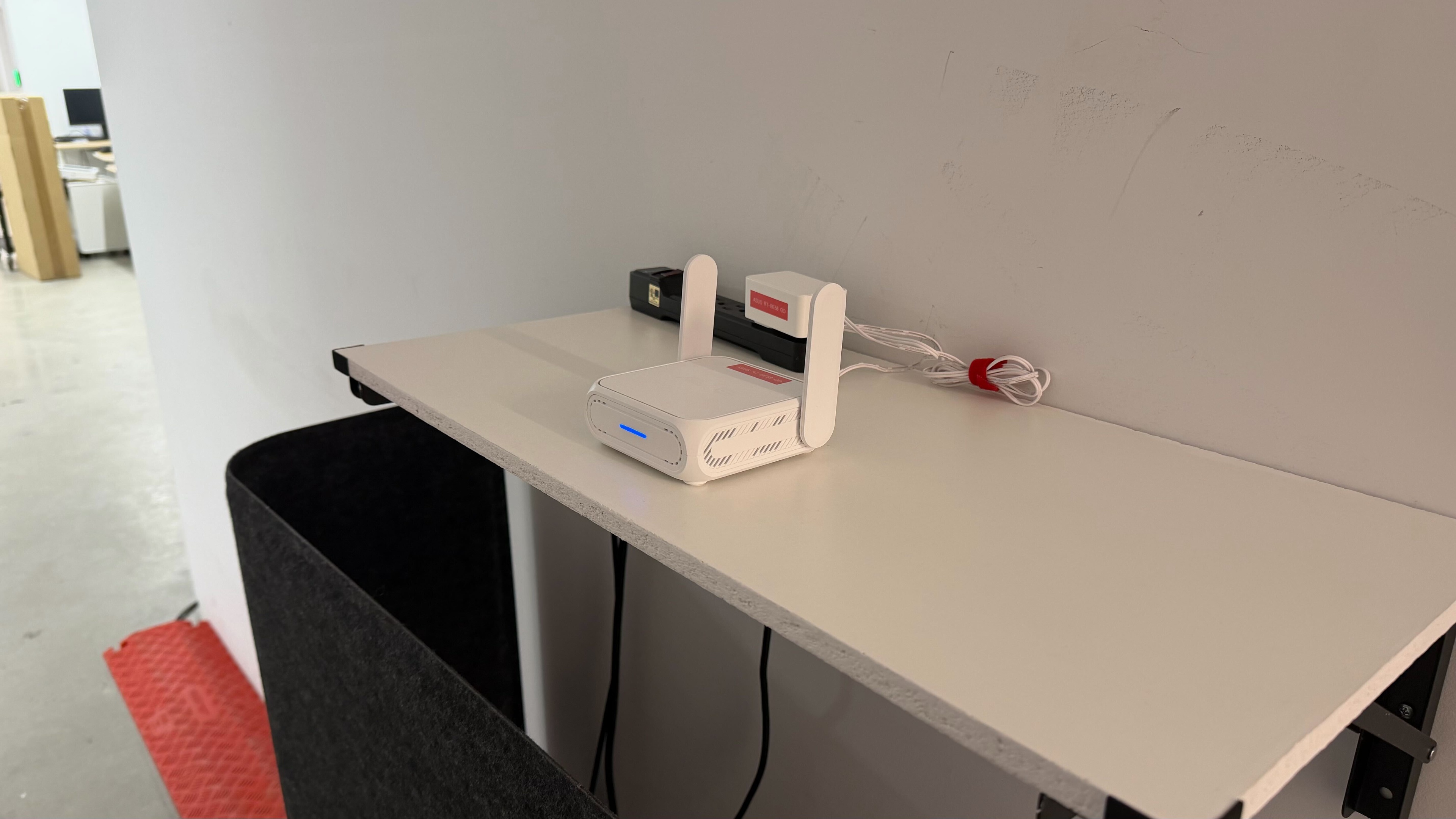
When this router's antennas are folded down, it's 3.5 cm tall.
for pictures & test results

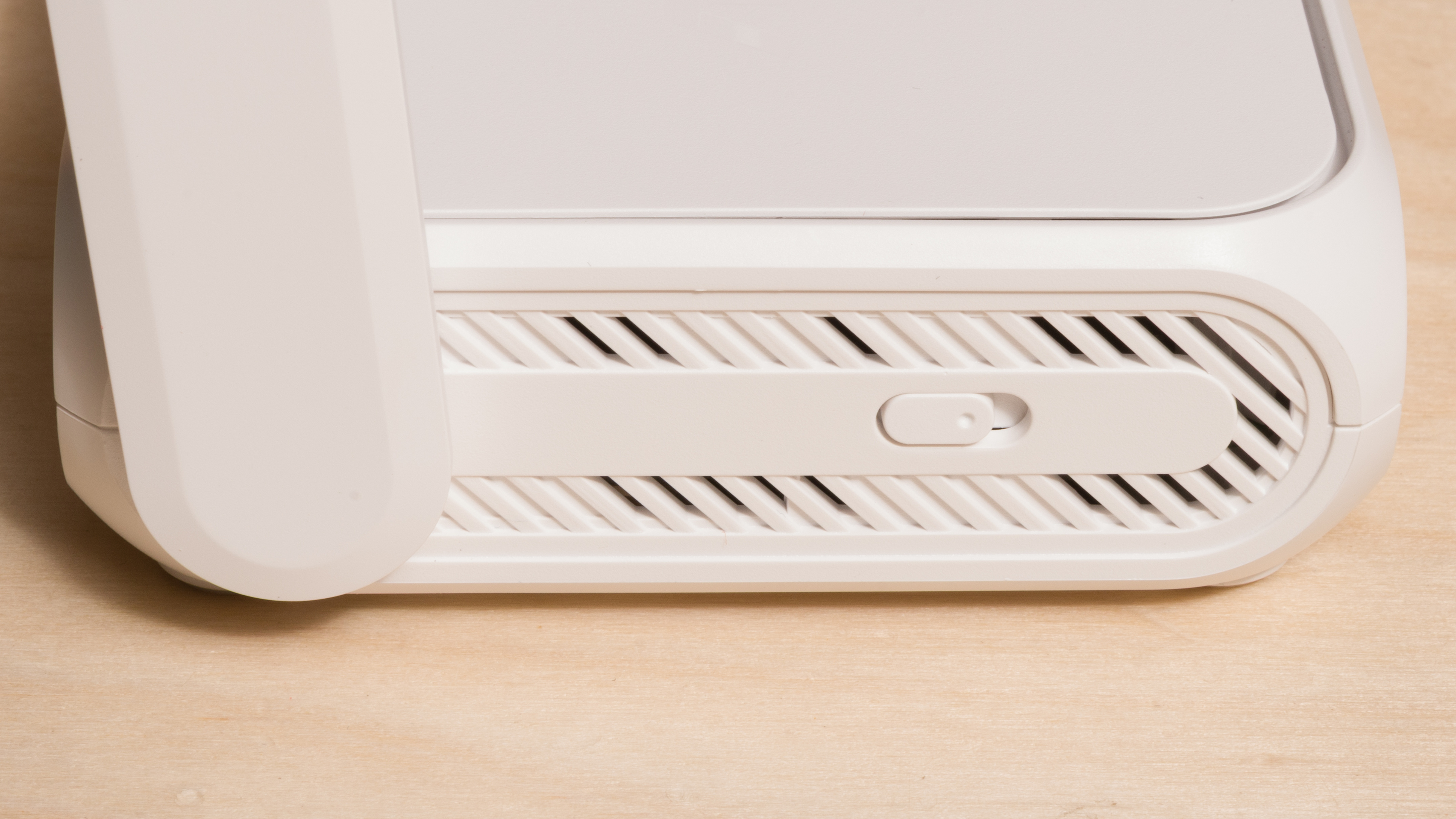
This router has a physical switch on its side that you can use to toggle between different network settings, configurable in the router's software.
Check out the ASUS RT-BE82U if you're looking for a router with more 2.5Gbps Ethernet ports.
The USB-A port supports tethering to a mobile device to connect it to a cellular network, as well as other functions like attaching external storage drives to your network, creating Time Machine backups, and hosting media servers.
The USB-C port is only for power and doesn't support data transfer. You can power the router with a 9-volt or 12-volt portable power bank using USB-C PD.
for pictures & test results

- Ethernet cable
- Power adapter
- User documentation

You can restrict internet access for certain websites, apps, and devices, but there's no way to enforce daily usage limits.
for pictures & test results

for pictures & test results

We achieved the above results with Multi-Link Operation (MLO) disabled. We conducted additional testing with MLO enabled, but we found the speeds to be slower and less consistent overall.
for pictures & test results

for pictures & test results
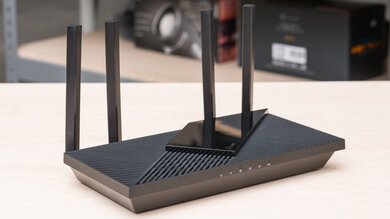
This router uses alternating Multi-Link Operation (MLO), which is a limited implementation of the technology that establishes a connection with clients on one band at a time.
In our testing, the ASUS RT-BE58 Go performed better with MLO disabled.
For more information, read our article on the topic.