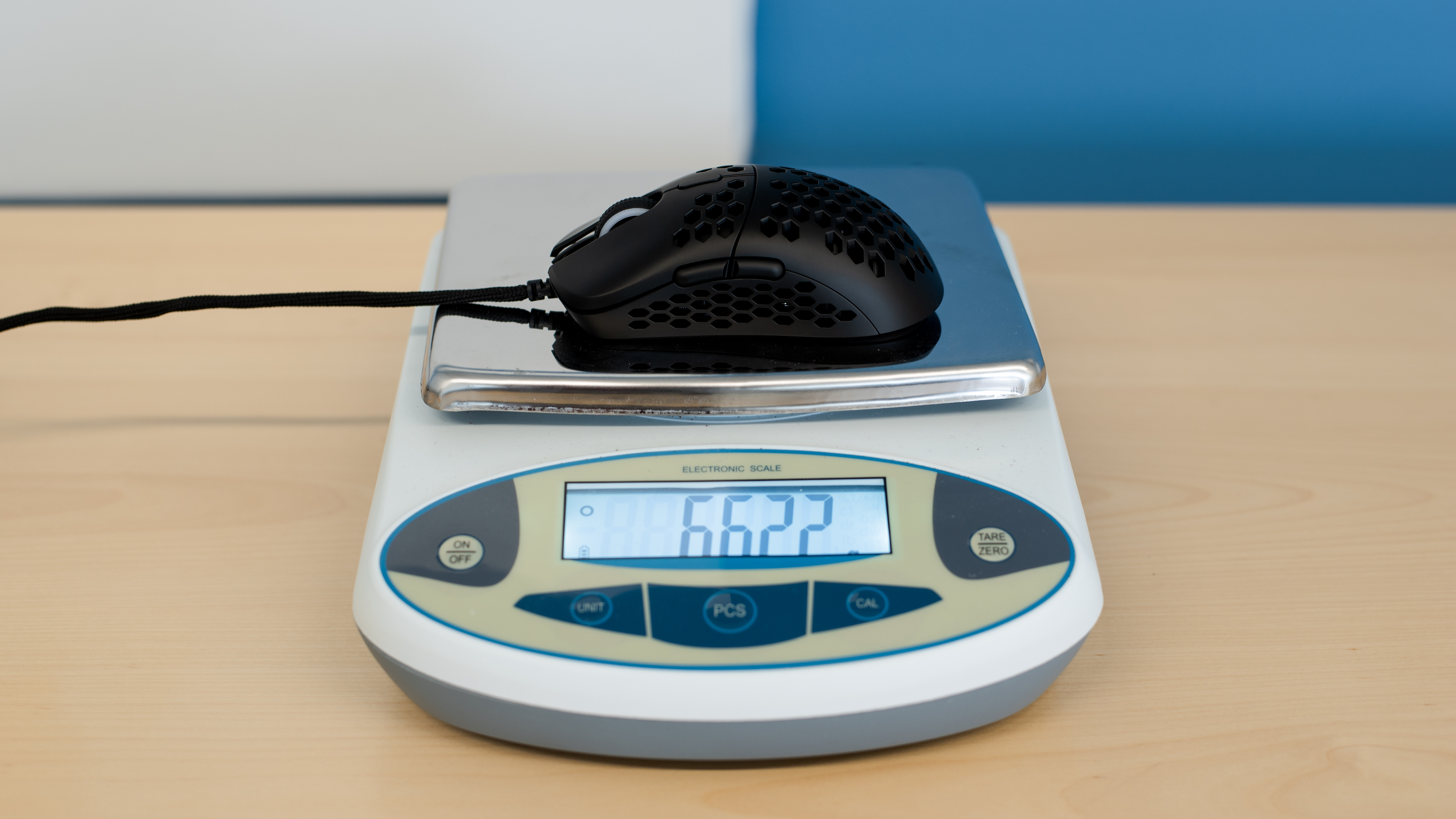
The HK Gaming Mira-S is an ultra-lightweight, wired gaming mouse with two side buttons on the left and honeycomb cutouts on the top, both sides, and the underside of its body. It's quite lightweight and feels well-built overall; however, the unit we tested had a slight wobble in the scroll wheel and side-to-side movement in the left- and right-click buttons. That said, it has an ambidextrous shape suitable for all grip types, though large and extra-large hands may find it uncomfortable to use with a palm or claw grip. Performance-wise, you can adjust the CPI by increments of 100 within a broad range. It also has a low lift-off distance and low click latency. However, they're not as low as on other mice.
Our Verdict
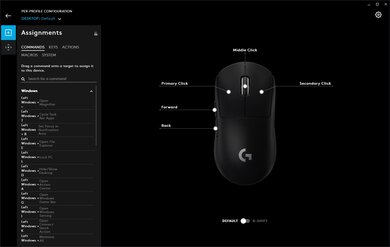
The HK Gaming Mira-S is decent for office and multimedia work. It feels well-built and has an ambidextrous shape well-suited for all grip types. However, if you have large or extra-large hands, you may find it's too small to use comfortably with a palm or claw grip. You can also reprogram all of its buttons using the customization software. Unfortunately, it's a wired-only mouse without any wireless connection options. Also, the scroll wheel lacks L/R tilt options and doesn't have a free-scrolling mode.
- Feels well-built overall.
- Comfortable, ambidextrous shape.
- Wired-only.
- The scroll wheel has no L/R tilt buttons and lacks a free-scrolling mode.
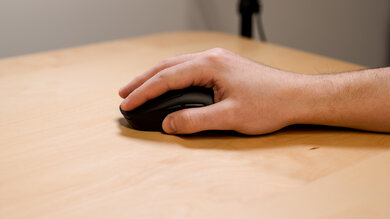
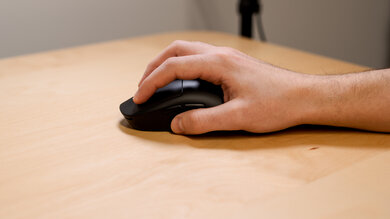
The HK Gaming Mira-S is an impressive mouse for FPS gaming. It feels well-built overall, and it's lightweight. It has a good quality paracord-like cable with minimal drag and mouse feet that glide very smoothly. Its ambidextrous shape is well-suited for all grip types and most hand sizes; however, the mouse is a bit too small for large and extra-large hands to use a palm or claw grip comfortably. Performance-wise, it has a wide CPI range, and you can adjust the CPI by increments of 100. Its lift-off distance and click latency are also low, but not as low as some mice.
- Feels well-built overall.
- Good click latency.
- Quite lightweight.
- Comfortable, ambidextrous shape.
- CPI is only adjustable by increments of 100.
The HK Gaming Mira-S is a satisfactory mouse for MMO gaming, but it doesn't have nearly as many side buttons as a dedicated MMO gaming mouse. Nevertheless, you can reprogram all buttons using the companion software. It also feels well-built overall and has a comfortable, ambidextrous shape well-suited for all grip types and most hand sizes. Performance-wise, it has good click latency and a wide CPI range. Unfortunately, you can only adjust the CPI by increments of 100, and although the lift-off distance is low, some may prefer it lower.
- Feels well-built overall.
- Good click latency.
- Comfortable, ambidextrous shape.
- Not nearly as many side buttons as a dedicated MMO gaming mouse.
- CPI is only adjustable by increments of 100.
- Scroll wheel lacks L/R tilt buttons.
The HK Gaming Mira-S is an excellent ultra-light gaming mouse. It's lightweight and feels well-built overall. It has a decently flexible paracord-like cable with minimal drag and mouse feet that glide very smoothly on mousepads or desks. Its ambidextrous shape is suitable for all grip types and most hand sizes. However, the mouse is too small for large and extra-large hands to use a palm or claw grip comfortably. Performance-wise, it has a wide CPI range, and you can adjust the CPI by steps of 100. It has a low lift-off distance and low click latency, but they're not as low as some ultra-light gaming mice.
- Feels well-built overall.
- Good click latency.
- Quite lightweight.
- Comfortable, ambidextrous shape.
- CPI is only adjustable by increments of 100.
The HK Gaming Mira-S is inadequate for travel as it's bulky and may not fit in most laptop cases. It's also a wired-only mouse that you can't connect wirelessly, making it cumbersome to use in tight spaces like buses, trains, or planes. That said, it feels well-built and has a comfortable ambidextrous shape suitable for all grip types and most hand sizes. It also has onboard memory for storing custom settings you can use on computers without installing the customization software.
- Feels well-built overall.
- Wired-only.
- Bulky; may not fit in most laptop cases.
Check Price
Differences Between Sizes And Variants
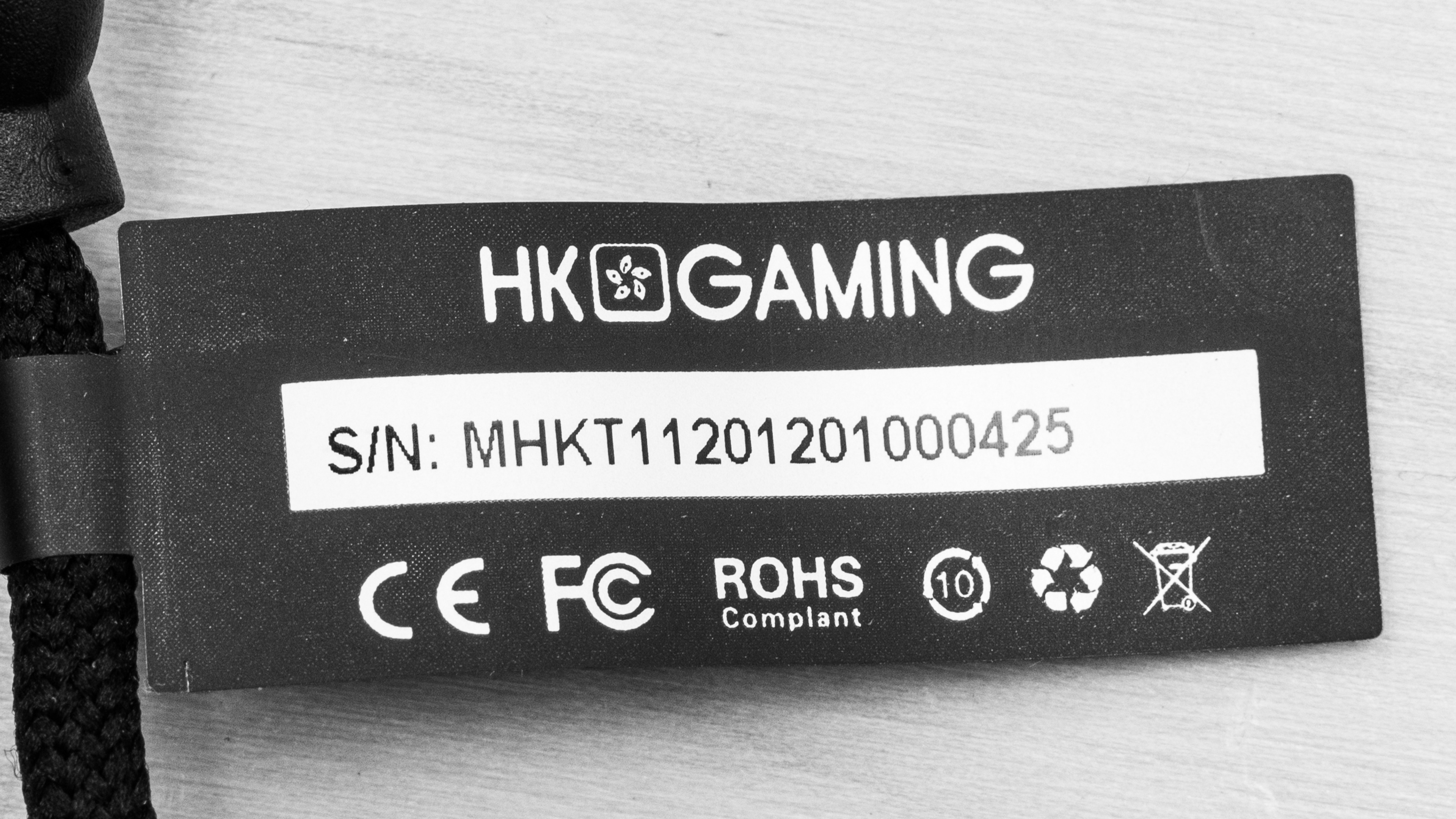
The HK Gaming Mira-S we tested is the black variant. There are nine other colors available, including White, Black/Orange, Blue Phantom, Serenity, Bumblebee, Lavender, Metallic Blue, Monza, and Rose Quartz color variants. You can see the label for our unit here.
Popular Mouse Comparisons
The HK Gaming Mira-S is an excellent ultra-lightweight gaming mouse and a smaller version of the HK Gaming Mira-M. The Mira-S and Mira-M share a similar shape with the Logitech G Pro Wireless, making them almost universally suitable for all grip types and hand sizes. Unlike some mice with honeycomb bodies, the Mira-S has cutouts not only on the mouse's top shell but also along both sides and the underside. Some users may find the cutouts on the sides uncomfortable, but the mouse includes side grip stickers to improve their feel. This mouse also suffers from minor, known quality control issues, including a wobble in the scroll wheel and side-to-side movement in the left- and right-click buttons. While we experienced these issues with our unit, they didn't affect our tests.
See our recommendations for the best wired mice, the best lightweight mice, and the best gaming mice.
The G-Wolves Hati HT-M Classic Edition and the HK Gaming Mira-S are both excellent ultra-lightweight gaming mice with honeycomb shells and nearly identical weights. The HK Gaming feels sturdier and has better quality mouse feet. It also has a higher CPI range and a more consistent sensor. On the other hand, the G-Wolves has a lower lift-off distance and lower click latency. Both mice are suitable for all grip types and most hand sizes, but the HK Gaming is more suitable for smaller hands, while the G-Wolves is more accommodating to larger hands.
The Finalmouse Ultralight 2 - Cape Town is a better ultra-light gaming mouse than the HK Gaming Mira-S. The Finalmouse is lighter and has a slightly more flexible cable. It also has mouse feet that glide a bit more smoothly and lower click latency. It doesn't have customization software and only has four CPI settings, but some users may appreciate this more straightforward approach. On the other hand, the HK Gaming has a wider CPI, a CPI you can adjust by increments of 100, and a higher maximum polling rate. It also has customization software compatible with Windows.
The Razer Viper Ultimate is a better, more versatile gaming mouse than the HK Gaming Mira-S. The Razer connects either wirelessly with its USB receiver or with its charging cable. It has two extra side buttons on the right side, making it a good choice for left-handed gamers. It also has a higher maximum CPI, a more precisely adjustable CPI, a lower lift-off distance, and significantly lower click latency. Comparatively, the HK Gaming is a wired-only mouse. It's somewhat lighter and has a slightly more consistent sensor. Both mice are suitable for all grip types and nearly all hand sizes. However, the HK Gaming is more accommodating for smaller hands using a fingertip grip.
The HK Gaming Mira-S is a better wired gaming mouse than the BenQ ZOWIE S2. The HK Gaming is lighter and has a more flexible cable. It has mouse feet that glide more smoothly, a wider CPI range, and a CPI you can adjust by increments of 100. It also has RGB lighting and customization software, both of which the BenQ Zowie lacks. On the other hand, the BenQ ZOWIE has lower click latency. However, it only has four CPI presets. Both mice are suitable for all grip types, but on the whole, the BenQ ZOWIE is better suited for larger hands, while the HK Gaming is better suited for smaller ones.
Test Results





for videos & test results



for pictures & test results

for pictures & test results


for pictures & test results