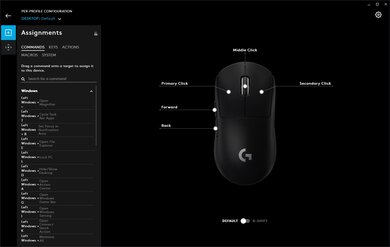
The Logitech M535 is a good budget travel mouse. It feels well-built and is powered by a pair of AA batteries, but it only connects via Bluetooth. Unfortunately, when it's more than 50cm from the computer it's connected to, or there are obstacles in the way, the latency increases significantly. It lacks side buttons, but the scroll wheel has L/R tilt buttons, and the button just behind the wheel enables gesture controls. It also has a fairly low lift-off distance, but it has sub-par click latency, a fixed CPI, and a very low polling rate, so it isn't ideal for gaming. This mouse is quite small, and only those with small or medium-sized hands will be able to use it comfortably with a fingertip grip, while only those with small hands will be able to use it comfortably with a claw grip.
Our Verdict
The Logitech M535 mouse is decent for office use. It feels well-built, but it's only suitable for small or medium-sized hands using a fingertip grip and only those with small hands using a claw grip. While it doesn't have side buttons, it does have a button to enable gesture commands, and the scroll wheel has L/R tilt buttons, though it doesn't unlock for free scrolling.
- Feels well-built.
- Bluetooth signal has very limited range and is easily obstructed.
The Logitech M535 is only passable for FPS gaming. It's fairly lightweight, it feels well-built, and it has a good lift-off distance. However, the click latency is sub-par, the polling rate is low, the CPI is fixed, and the mouse feet are only decent. Also, it only connects via Bluetooth.
- Feels well-built.
- Fairly lightweight.
- Sub par click latency.
- Bluetooth signal has very limited range and is easily obstructed.
The Logitech M535 mouse is a poor choice for MMO gaming. It only connects via Bluetooth, doesn't have side buttons, has sub-par click latency, and is only suitable for those with smaller hands using a fingertip or claw grip.
- Feels well-built.
- Sub par click latency.
- No side buttons.
- Bluetooth signal has very limited range and is easily obstructed.
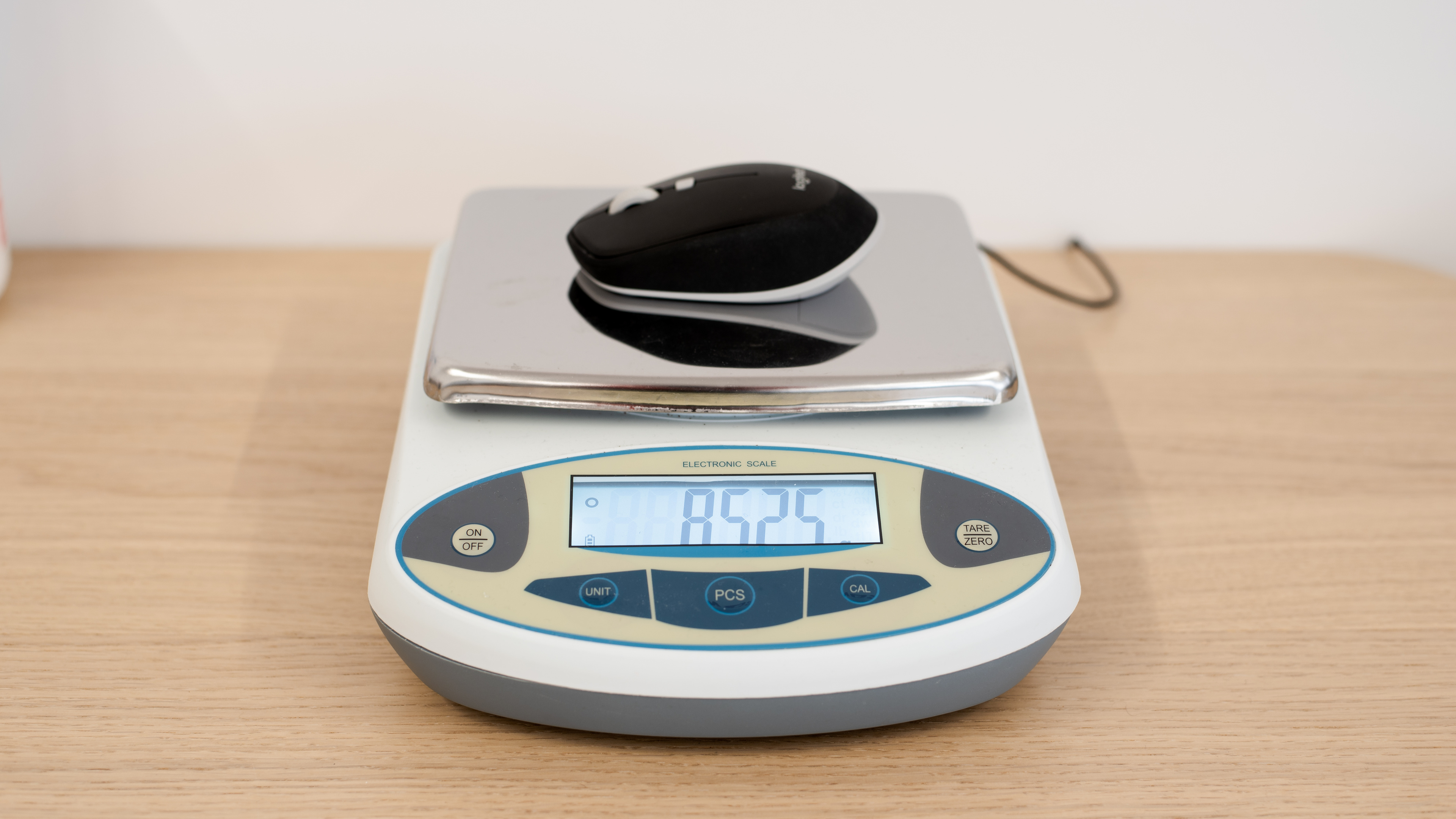
The Logitech M535 is only mediocre for fans of ultra-light gaming mice. Despite being fairly lightweight, the click latency is sub-par, and the mouse feet are only decent. Also, it only connects via Bluetooth.
- Feels well-built.
- Fairly lightweight.
- Sub par click latency.
- Bluetooth signal has very limited range and is easily obstructed.
The Logitech M535 is a good travel mouse. It connects via Bluetooth, it has great portability, and it should be easy to fit in most laptop bags. It feels well-built, and both the mouse and the software are compatible with macOS and Windows. Unfortunately, it's only suitable for small or medium-sized hands using a fingertip grip or those with small hands using a claw grip.
- Feels well-built.
- Compact design that should fit into most laptop bags.
- Mouse and software are compatible with Windows and macOS.
- Ambidextrous shape suitable for left or right-handed users.
- No onboard memory.
- Only suitable for those with smaller hands using a fingertip or claw grip.
Check Price
Differences Between Sizes And Variants
The Logitech M535 Bluetooth mouse we tested is the black variant, but it's also available in blue and gray/yellow color variants. You can see the label for our unit here.
Popular Mouse Comparisons
The Logitech M535 Bluetooth Mouse is a budget option designed for travel use. Unlike some travel mice, it has no USB receiver and only connects via Bluetooth. It may be a good choice if you have small hands and are looking for a simple mouse at a budget price point with straightforward features and Bluetooth connectivity to swap between tablets, notebooks, laptops, or other devices on the go.
For other options, see our recommendations for the best mice, the best wireless mice, and the best Logitech mice.
The Logitech M525 and the Logitech M535 are good budget travel mice. The M525 connects with a USB receiver, has a higher polling rate and a better click latency. It's suitable for almost all hand sizes using a fingertip grip. On the other hand, the M535 only connects via Bluetooth, is significantly lighter, has a button to enable gesture commands, and uses Logitech's newer Options software, compatible with Windows and macOS. It's suitable for small or medium-sized hands using a fingertip grip or small hands using a palm or claw grip.
The Razer Viper Mini is an excellent wired gaming mouse, while the Logitech M535 is a good budget travel mouse. The Razer is lighter, feels sturdier, and has a pair of side buttons. It also has an adjustable CPI, a much higher polling rate, and a much lower click latency. It's best suited for a fingertip grip for all hand sizes. Comparatively, the Logitech connects wirelessly via Bluetooth, and unlike the Razer, it has software compatible with Windows and macOS and a scroll wheel with L/R tilt buttons. It's only suitable for a fingertip or claw grip for smaller hands.
The Logitech Pebble M350 is a better travel mouse than the Logitech M535, though some may still prefer the M535. The Pebble is much flatter and connects with a USB receiver or via Bluetooth. It has a lower lift-off distance, a higher polling rate, and better click latency. It's suitable for all hand sizes using a fingertip grip. On the other hand, the M535 only connects via Bluetooth and is good for smaller hands using a fingertip or claw grip. Its software is compatible with Windows and macOS, it supports gesture commands, and its wheel has L/R tilt buttons.
The GLORIOUS Model D is an excellent ultra-light gaming mouse, and the Logitech M535 is a good travel mouse. The GLORIOUS is a right-handed mouse that's significantly lighter and has two side buttons. It also has an adjustable CPI, a much higher polling rate, onboard memory, and much lower click latency. The Logitech is an ambidextrous mouse that connects wirelessly via Bluetooth. Unlike the GLORIOUS, it has software compatible with Windows and macOS. The GLORIOUS is well-suited for all grip types and nearly all hand sizes, while the Logitech is only suitable for fingertip and claw grip for smaller hands.
Test Results









for pictures & test results

for pictures & test results



for pictures & test results