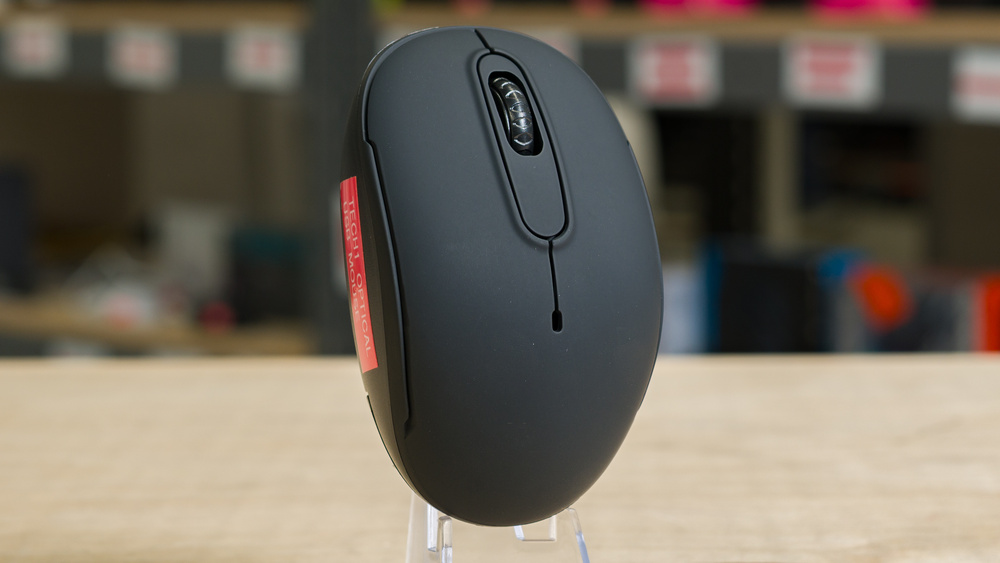
The Tech1 Optical USB Mouse is a cheap, wireless mouse with an ambidextrous shape. It's powered by a single AA battery and connects to your computer via a USB receiver or Bluetooth.
We bought this product for a project we've been working on that explores the lower end of the market. We purchased this mouse from Dollarama, a Canadian dollar store.
Our Verdict
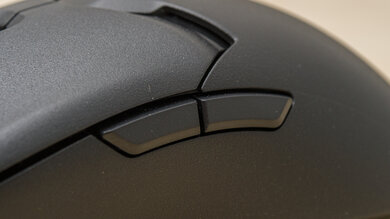
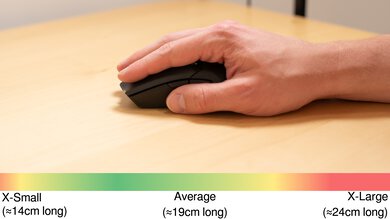
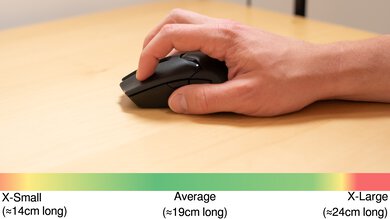
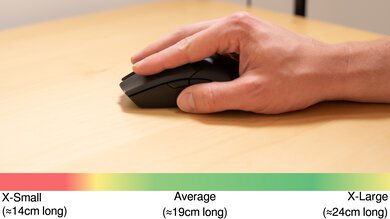
The Tech1 Optical USB Mouse is disappointing for work. While it works as a plug-and-play wireless mouse that also supports Bluetooth and has a fairly accommodating symmetrical shape, it has poor build quality, lacks side buttons, and has no software to adjust its settings. It also lacks features commonly found on work mice, like a free-scrolling mode.
Wireless connectivity with USB receiver or Bluetooth.
Poor build quality.
No side buttons.
No multi-device pairing.
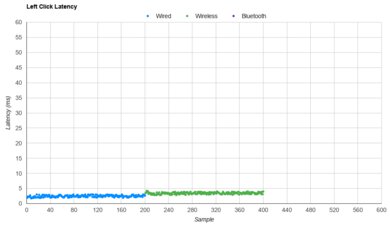
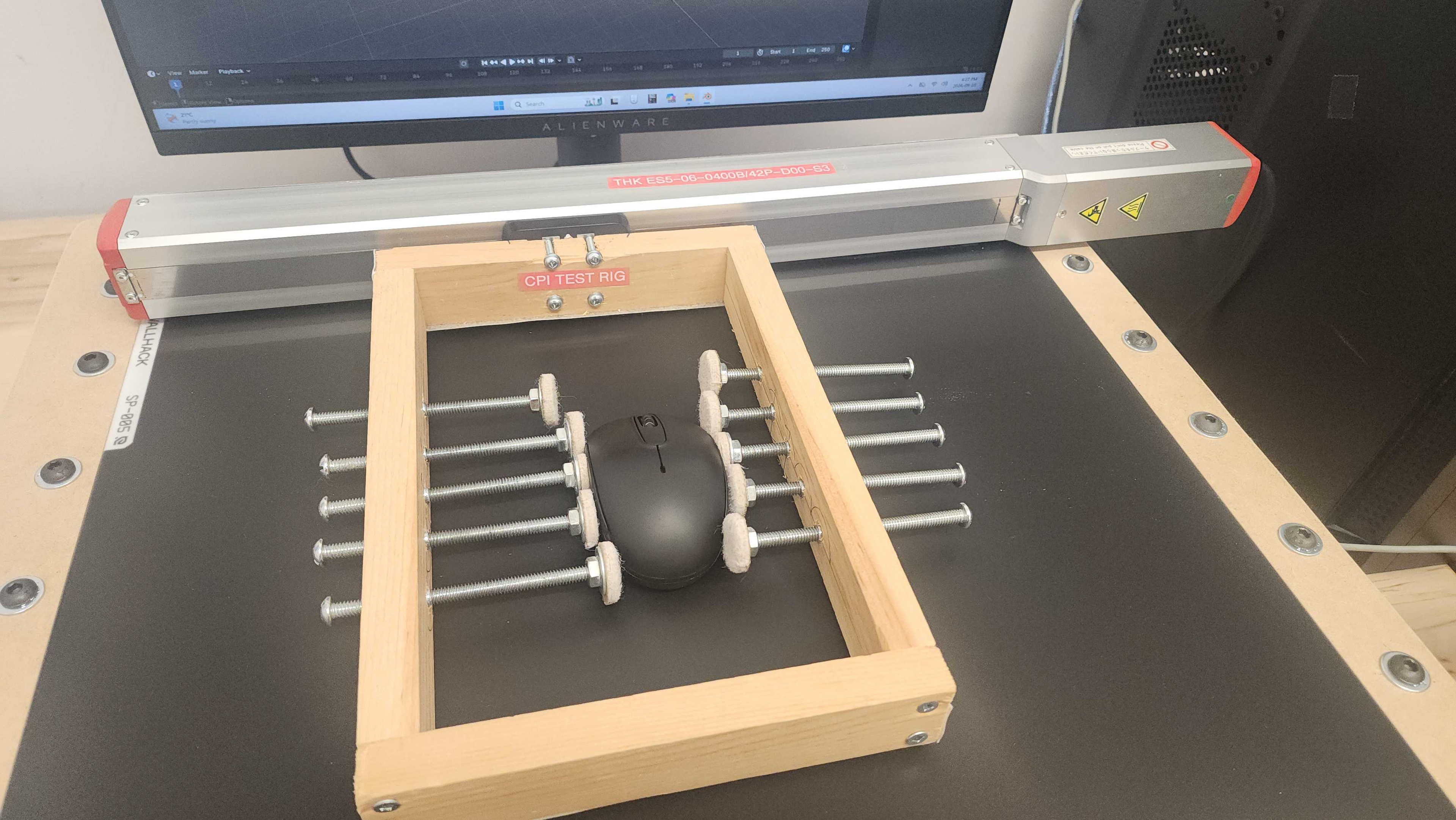
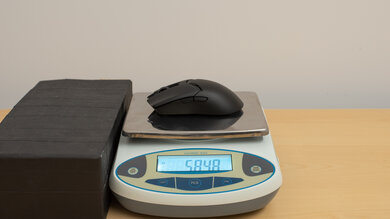
The Tech1 Optical USB Mouse is passable for casual FPS gaming. It has decent sensor latency performance and is very lightweight, so it's easy to move quickly. It also has a fairly accommodating ambidextrous shape. However, it has disappointing click latency, which can cause slight delays when registering your inputs and affect your competitive performance. It also suffers from an extremely low polling rate, which can make cursor movements appear somewhat choppy and inconsistent. Furthermore, its feet don't glide nearly as smoothly as those of most dedicated FPS gaming mice, and it uses a fixed CPI with no option to adjust it, so you have to adjust your mouse sensitivity using your operating system.
Fair sensor latency.
Poor build quality.
No side buttons.
No way to adjust CPI settings.
Disappointing click latency.
The Tech1 Optical USB Mouse is bad for MMO gaming. It has no side buttons and disappointing click latency. It also uses a fixed CPI setting and has no software to adjust it or other settings.
Poor build quality.
No side buttons.
No way to adjust CPI settings.
Disappointing click latency.
The Tech1 Optical USB Mouse has poor raw performance. It has disappointing click latency and a very low 125Hz polling rate. This limits the rate at which sensor and click latency reports can be sent to your computer, which can result in somewhat choppy-looking cursor movements, particularly if you use a high-refresh-rate monitor.
Fair sensor latency.
No way to adjust CPI settings.
Disappointing click latency.
Check Price
Differences Between Sizes And Variants
We aren't aware of any variants of the Tech1 Optical USB Mouse. Our unit doesn't have a label.
Popular Mouse Comparisons
The Tech1 Optical USB Mouse is a cheap wireless mouse. It's a no-frills wireless input device that works if you need something cheap and don't care about build quality, features, or performance. For slightly more, you can get a mouse like the Logitech M317 or the Logitech M240. Both of those options have significantly better build quality, a two-year warranty, and a great track record of customer support.
To see which mice we recommend, check out our articles on the best mice, the best wireless mice, and the best work mice.
The Logitech M317 and the Tech1 Optical USB Mouse are budget wireless mice. The Logitech has much better build quality than the Tech1 and offers a two-year warranty. The Tech1 has Bluetooth and wireless connectivity with a USB receiver, while the Logitech only has USB receiver connectivity.
The Logitech M720 Triathlon is a better mouse than the Tech1 Optical USB Mouse. It has better build quality, a more comfortable, right-handed shape, side buttons, multi-device pairing, and a two-year warranty.
The Logitech M240 is a better mouse than the Tech1 Optical USB mouse. They're both budget wireless mice, but the Logitech has significantly better build quality, a warranty, and silent switches compared to the Tech1. That said, Logitech only supports Bluetooth, while the Tech1 supports both Bluetooth and connecting over a USB receiver.
Test Results
for pictures & test results
for pictures & test results

for pictures & test results