Notice: We've revamped our membership program.
Top Printer Picks
View all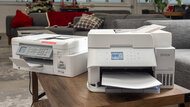
Best Home Printers
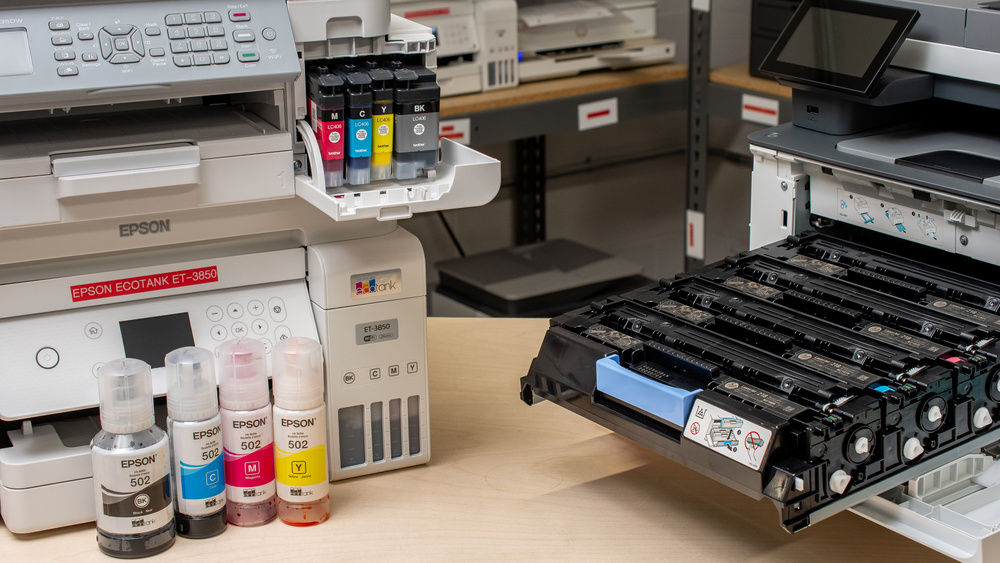
We've purchased over 180 printers and tested them with the real-world demands of home use in mind. The best printer for your home depends on what you print, how often you print, and which features matter most to your household.
When choosing a home printer, consider:
- What you print: If you mostly print essays, forms, shipping labels, or other documents, prioritize sharp text, fast print speeds, and low running costs. If you print photos, cards, or creative projects, look for strong color accuracy and good photo print quality.
- Ink or toner costs: A cheap printer can become expensive if it needs frequent cartridge replacements. We test ink and toner yields and cost-per-print to help you understand long-term value.
- Scanner features: If you need to digitize old family photos, scan forms, or copy documents, look for good scan quality. An automatic document feeder (ADF) is also useful if you often scan multi-page documents.
- Maintenance needs: Inkjet printers can clog if left unused for long periods, while laser printers are generally better suited to occasional document printing. Our Set-And-Forget score is a good way to identify which models are easiest to manage.
- Convenience features: Duplex printing, mobile printing, multiple paper trays, wide-format support, and wireless connectivity can all make a printer more convenient, depending on your needs.
Our testing is exhaustive, allowing us to recommend printers based on how they perform in practice, not just on their spec sheets. Below are our recommendations for the best printer for home use and the best home office printer you can buy. If you're looking for more options, check out our picks for the best all-in-one printers, the best photo printers, and the best office printers.


Popular Printer Comparisons
View all
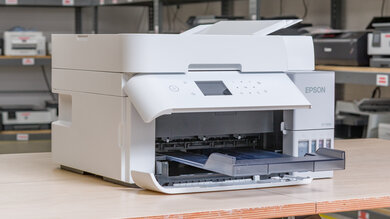


Popular Printer Reviews
View all


Newsletter
Useful Tools
Compare Printers
Having trouble deciding between two printers? This tool will clearly show you the differences
Results Table Tool
Use our results table to filter, sort, and compare printers across the metrics that matter most to you
Printer Review List
Full dynamic list of all printer reviews
Review Index
Alphabetical index of all printer reviews
Graph Tool
Compare graphs from our printer test results in order to make a clearer and more informed decision
Printers Review Pipeline
Want to see what's coming up? Check out which printers are curently in testing and will be reviewed.
Vote for Printers
Help us decide which printers we will buy next. Vote for the products you'd like for us to review.
Custom printer Ratings
Create or edit custom printer ratings, your custom ratings will be present on the table tool and other pages