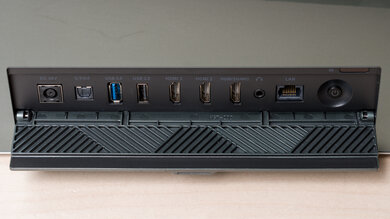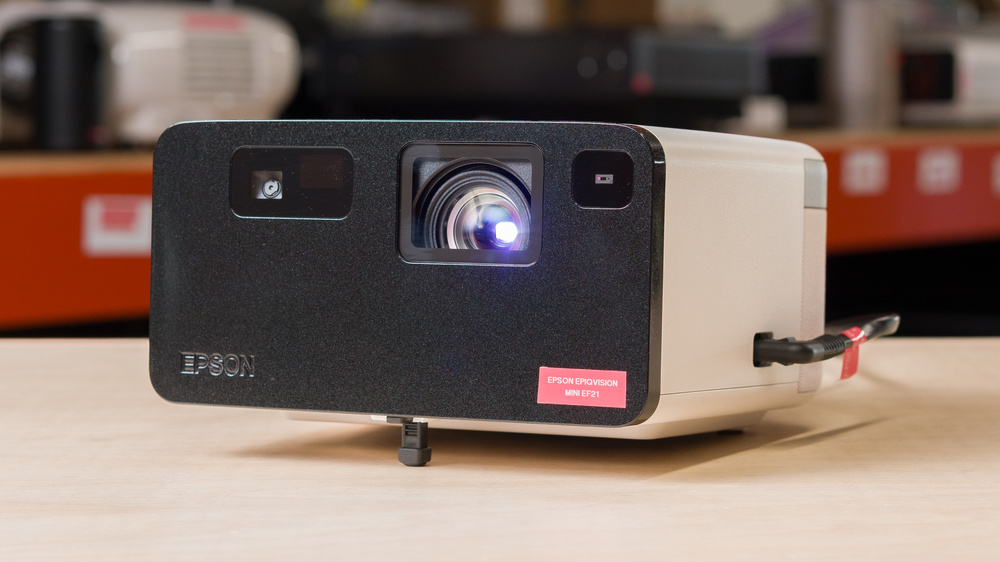
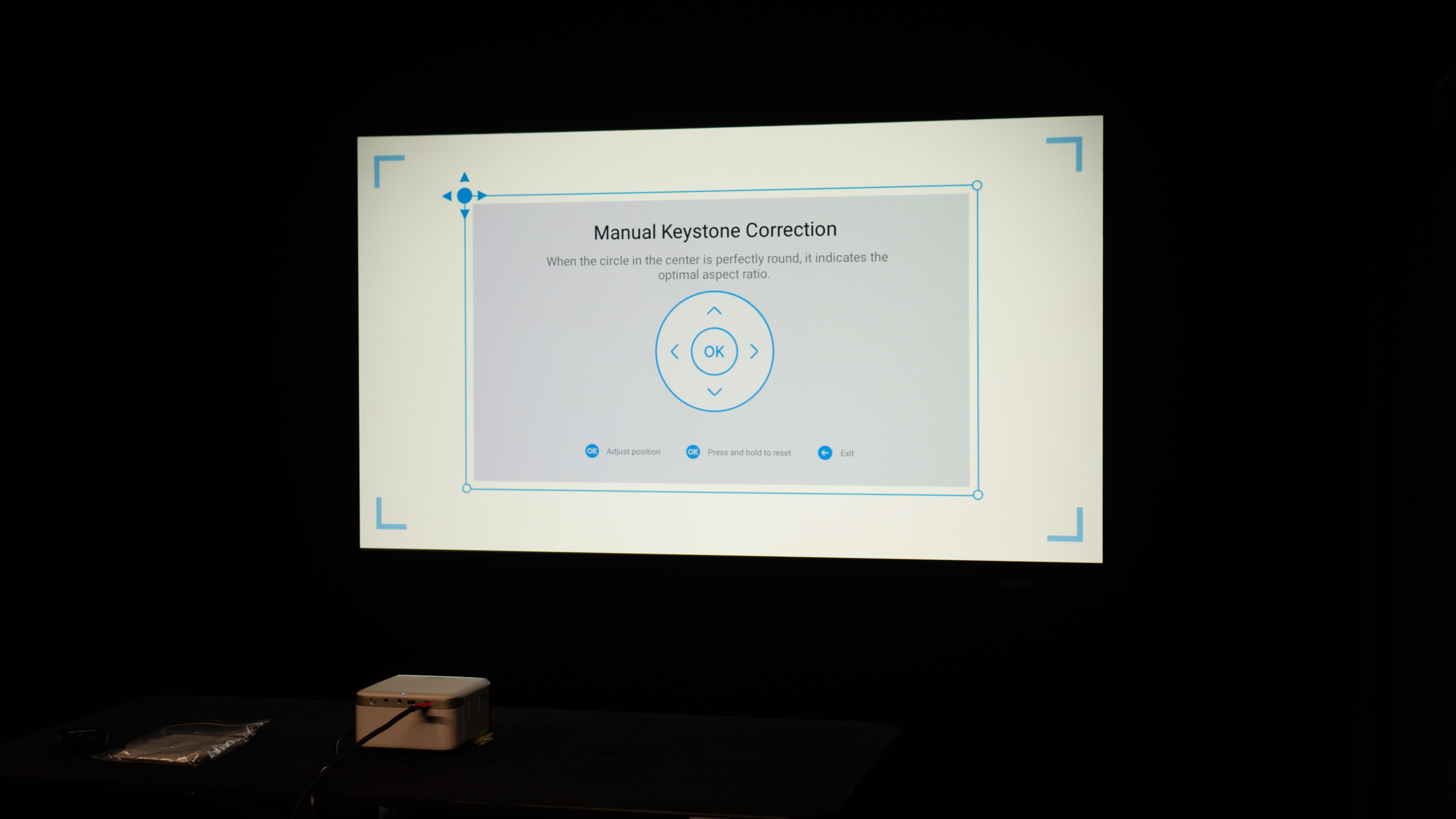
The Epson EpiqVision Mini EF21 is a long-throw 1080p 3LCD projector using a laser-phosphor light engine. It runs Google TV with Chromecast built in and supports HDR10 and HLG. Setup features include autofocus and auto-keystone (manual controls available). The fixed ~1.03:1 throw covers 16:9 images from about 40–150 inches, which corresponds to roughly 3.0 ft (40") to 11.2 ft (150"). Connectivity includes dual-band Wi-Fi, Bluetooth 5.1 (audio out and Bluetooth-speaker mode), one HDMI with ARC, USB-A, and a 3.5 mm headphone jack. Audio is handled by stereo 5W × 2 speakers. It accepts up to 1080p @ 60Hz and doesn't support 3D. The chassis has an internal power supply, an adjustable front foot, and a tripod mount, and it's sold in multiple colorways (White, Beige Rose, and Smoke Ice Green).
Our Verdict
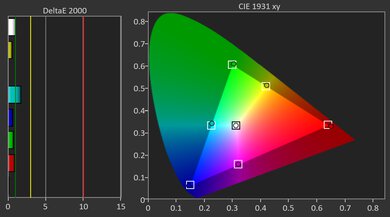
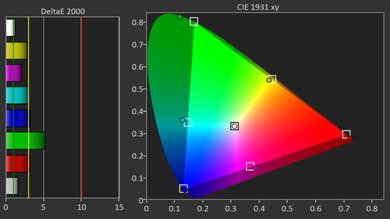
The Epson EpiqVision Mini EF21 is mediocre for movies. The projector's brightness is unremarkable, so it washes out quickly when a few lights are on. Inversely, its contrast is poor, so blacks are raised no matter how bright the scene is, which is most noticeable in dark rooms. This means that the projector doesn't excel in any room context. It is, however, decently portable, especially with its fully featured smart OS and image adjustment features, and its colors are nicely saturated in SDR, if not very bright. Out of the box, accuracy is great and improves with a quick touch‑up, and screen uniformity is solid, so there aren't too many distracting hot spots.
Accurate right out of the box.
Fully featured smart OS.
Easy to install due to its numerous image correction features.
Isn't bright enough to deal with any ambient lighting.
Blacks are raised in all scenes, moreso in near dark content.
The Epson EpiqVision Mini EF21 is definitely not a gaming‑first projector. It's limited to 1080p @ 60Hz, and input lag is extremely high, to the point that even slow single-player games feel sluggish. It does accept 1080p 4:4:4 for crisp text, which is fine for computer use, but your mouse cursor will feel quite laggy as you slide it across the screen. When it comes to how good your games look, it fares a little better, but not much more. Its brightness is unremarkable, and its contrast is poor, so it doesn't look good in any room context, but it's functional. Thankfully, it's pretty accurate right out of the box.
Accurate right out of the box.
Fully featured smart OS.
Easy to install due to its numerous image correction features.
Isn't bright enough to deal with any ambient lighting.
Blacks are raised in all scenes, moreso in near dark content.
Feels sluggish due to its very high input lag.
Limited resolution support.
The Epson EpiqVision Mini EF21 has unremarkable brightness. It's comfortably bright for dark room viewing, but avoid turning on any lights, as the unit quickly washes out in the presence of ambient lighting. It does have excellent brightness uniformity
Isn't bright enough to deal with any ambient lighting.
The Epson EpiqVision Mini EF21 has poor contrast. It's underwhelming in any scene, but it's particularly bad in near-dark content. Overall, this unit doesn't impress when it comes to its black levels.
Blacks are raised in all scenes, moreso in near dark content.
Changelog
-
Updated May 29, 2026:
We've added text to some test boxes as a result of our latest test bench.
- Updated May 13, 2026: We've converted the review to Test Bench 0.12, which adds new Judder, Screen Adaptation, Battery, Maximum Volume, Size, Mobility Features, and Physical Setup Features test boxes. We also updated Inputs & Connectivity to verify Bluetooth support with wireless speakers or headphones. See the 0.12 changelog.
-
Updated Mar 12, 2026:
Mentioned the newly reviewed Wanbo X5 Pro in the Native Contrast section of this review.
-
Updated Feb 06, 2026:
We've modified the text in our Brightness and Native Contrast text boxes as a result of our latest test bench. We've also added Brightness and Contrast performance usages in the Verdict section.
Check Price
Differences Between Sizes And Variants
The EpiqVision EF21 is part of Epson's compact long-throw 1080p laser lineup. It sits alongside the EF22, which adds a swivel gimbal stand and uses an external AC adapter, while the earlier EF12 is the previous-generation model on Android TV with Yamaha-tuned audio.
| Model | Platform | Stand / Placement | Power | Speakers |
|---|---|---|---|---|
| EF21 | Google TV | Fixed body, adjustable front foot; tripod socket | Internal PSU | Stereo 5W × 2 |
| EF22 | Google TV | Built-in swivel/gimbal stand with tilt | External AC adapter (connects to stand) | Stereo 5W × 2 (revised enclosure w/ passive radiator) |
| EF12 (previous gen) | Android TV | Fixed body; no gimbal | Internal PSU | Stereo 5W × 2 (Yamaha-voiced) |
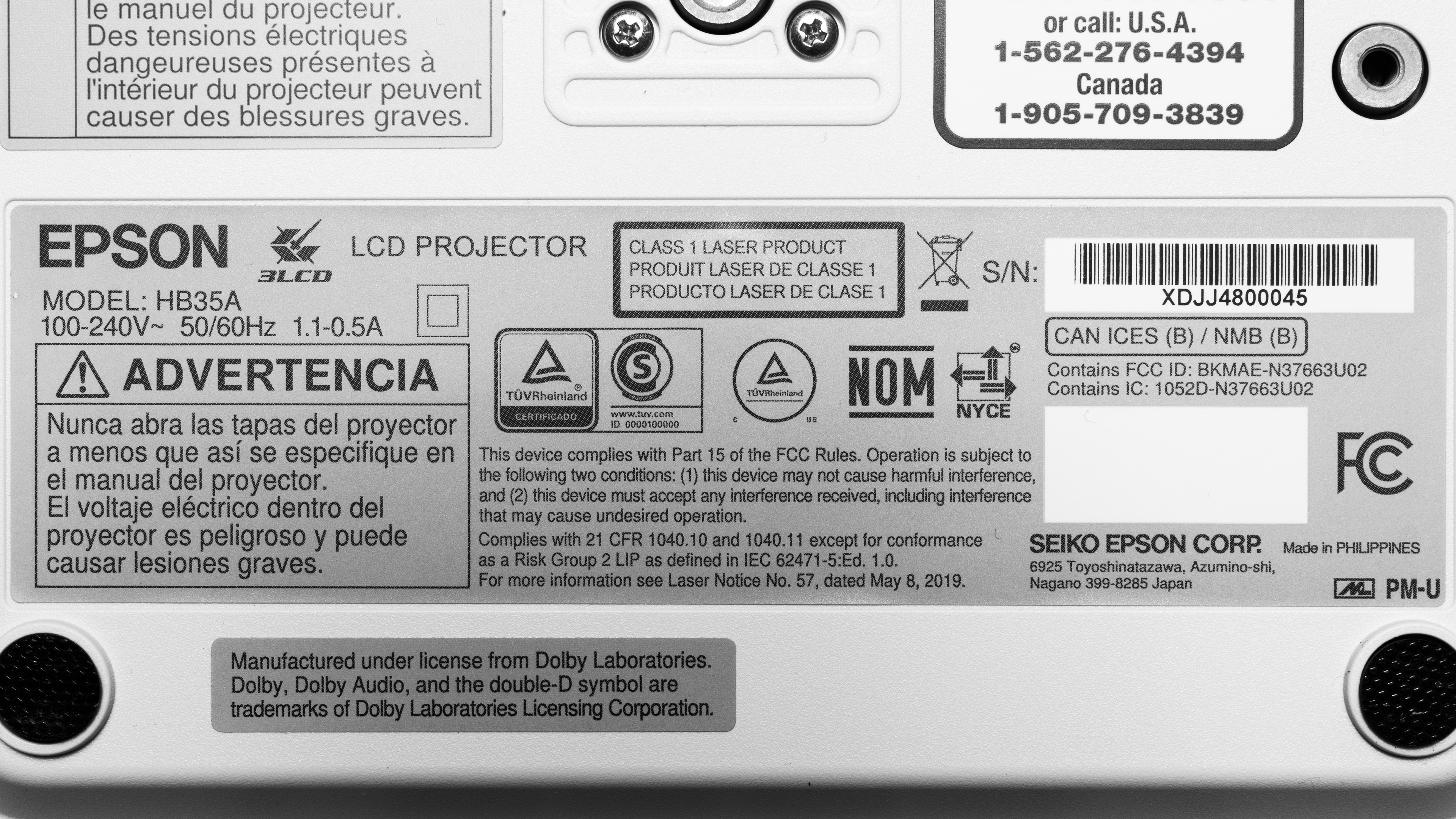
Our unit was manufactured in the Philippines.
Popular Projector Comparisons
The Epson EpiqVision Mini EF21 is a mediocre and somewhat portable projector. It's not a bad value at its price point, as it's very accurate out of the box, with unremarkable but functional brightness, but there are better options. If you're really itching for a portable projector, the XGIMI Halo+ is a better option, as it's far more portable, has much better contrast, and can double as a cheap on-the-go gaming projector for slower single-player gaming. Inversely, the NexiGo PJ40 (Gen 3) is far cheaper than the Epson, but delivers comparable image quality. Finally, if you already own the Epson EpiqVision Mini EF12, then the EF21 isn't much of an upgrade, as they perform similarly.
Check out our recommendations for the best portable projectors and the best outdoor projectors. If you'd prefer to shop for another product in the same price range, look up the best projectors under $1,000 instead.
The Epson EpiqVision Mini EF12 and the Epson EpiqVision Mini EF21 are very similar projectors, with little to differentiate them. While the newer EF21 is a bit brighter, the older EF12 has slightly better contrast. The EF21 has an optical zoom, making setup a bit easier, while the EF12 has a fixed zoom, so the only way to adjust the image is to move the unit. The older model has an advantage over the EF21: it has two HDMI ports, so it can act as a passthrough hub for audio through ARC.
The XGIMI Halo+ is better than the Epson EpiqVision Mini EF21, except perhaps for those who care about accuracy, as the XGIMI is very inaccurate out of the box. Otherwise, the XGIMI has much better contrast than the Epson, is way more portable due to its size and integrated battery, and has lower input lag, making it better for gaming.
The LG CineBeam Q is better than the Epson EpiqVision Mini EF21. The LG is even more portable due to its smaller size and integrated handle. While it's a bit dimmer than the Epson, it makes up for it with far superior contrast, making it look much better in dark rooms. Neither projector is a good option for gaming, but if forced against a wall, the LG has slightly faster input lag due to the inclusion of a Game Mode.
The XGIMI Horizon S Max is vastly superior to the Epson EpiqVision Mini EF21. The XGIMI is brighter, has far better contrast, is more colorful, and is sharper due to its pixel-shifted image. It's also far superior for gaming, as its input lag is low enough for pleasant single-player titles. While the Epson has the edge in portability, mostly due to its smaller size, the XGIMI offers a fully rotating gimbal stand, making it easier to adjust the viewing angle.

We've independently bought and tested over 100 projectors and published detailed results for each, so you can decide which one to buy. These have all been tested under the same standardized methodology, allowing you to compare them side by side. We still have all these projectors in our lab, so we can continually go back and compare them to ensure our reviews are still accurate. All our test methodologies are also public on our website, so you can validate the results yourself.
Throw Calculator
Global Controls
Test Results
for pictures & test results

for pictures & test results











for pictures & test results


for pictures & test results

for pictures & test results