Since the roll-out of Wi-Fi 6 in 2018, it's become increasingly common and widespread. Chances are, many of your devices support Wi-Fi 6. While the technology builds on Wi-Fi 5, it's important to understand what improvements it actually brings, how those affect your day-to-day experience, and what kind of performance you can realistically expect.
The biggest new features Wi-Fi 6 introduces over Wi-Fi 5 are OFDMA (orthogonal frequency-division multiple access) and wider adoption of 1024-QAM modulation and 160MHz channel widths. They work to improve efficiency when many devices are connected to the same network and increase the potential maximum speeds between your device and the access point. In addition, Wi-Fi 6 brought in several other changes, like Target Wake Time (TWT) for better battery life, and mandatory WPA3 security.
Read on to learn more about how each protocol works, and the rest of the differences between Wi-Fi 5 vs 6.
Test results
Wi-Fi 5
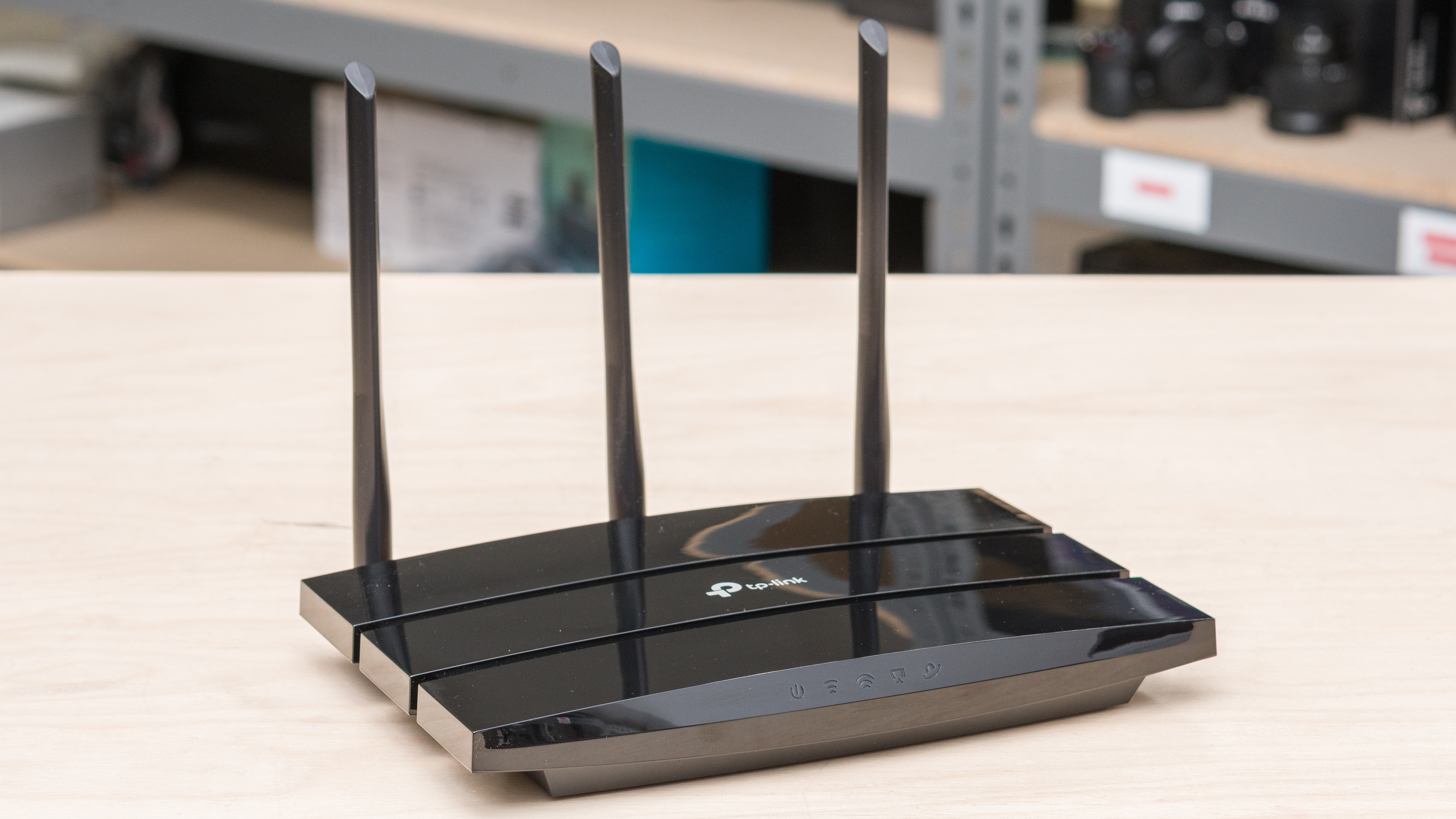
Wi-Fi 5 (802.11ac) was first introduced in 2013 and received a major update in 2016. Pre-update products are referred to as 'Wave 1,' while products supporting the 2016 features are 'Wave 2.' The biggest advance with Wi-Fi 5 was much higher maximum throughput, thanks to support for 80MHz channel widths compared to the maximum channel width of 40MHz on Wi-Fi 4. This effectively widens the pipeline so your devices can use more spectrum at the same time, increasing throughput. 256-QAM modulation further improves maximum throughput by supporting a much higher raw bitrate between devices and access points. Wi-Fi 5 Wave 2 brought more new features:
- MU-MIMO allows routers to use MIMO (multiple input multiple output) with multiple devices simultaneously, increasing speeds on busier networks.
- Beamforming helps access points direct signals more efficiently towards connected devices, resulting in a better effective range and performance.
- 160MHz channel widths became an optional feature that some routers implemented, further increasing throughput.
- 1024-QAM modulation was another optional feature that increased the density of data that could be transmitted, improving maximum speeds.
- Support for up to eight spatial streams improves the effectiveness of MIMO by using multiple antennas that can help with beamforming and connecting to multiple devices simultaneously.
Another important detail about Wi-Fi 5 is that it only operates on the 5GHz band. That means that the 2.4GHz band on dual-band Wi-Fi 5 routers only supports Wi-Fi 4.
Wi-Fi 6
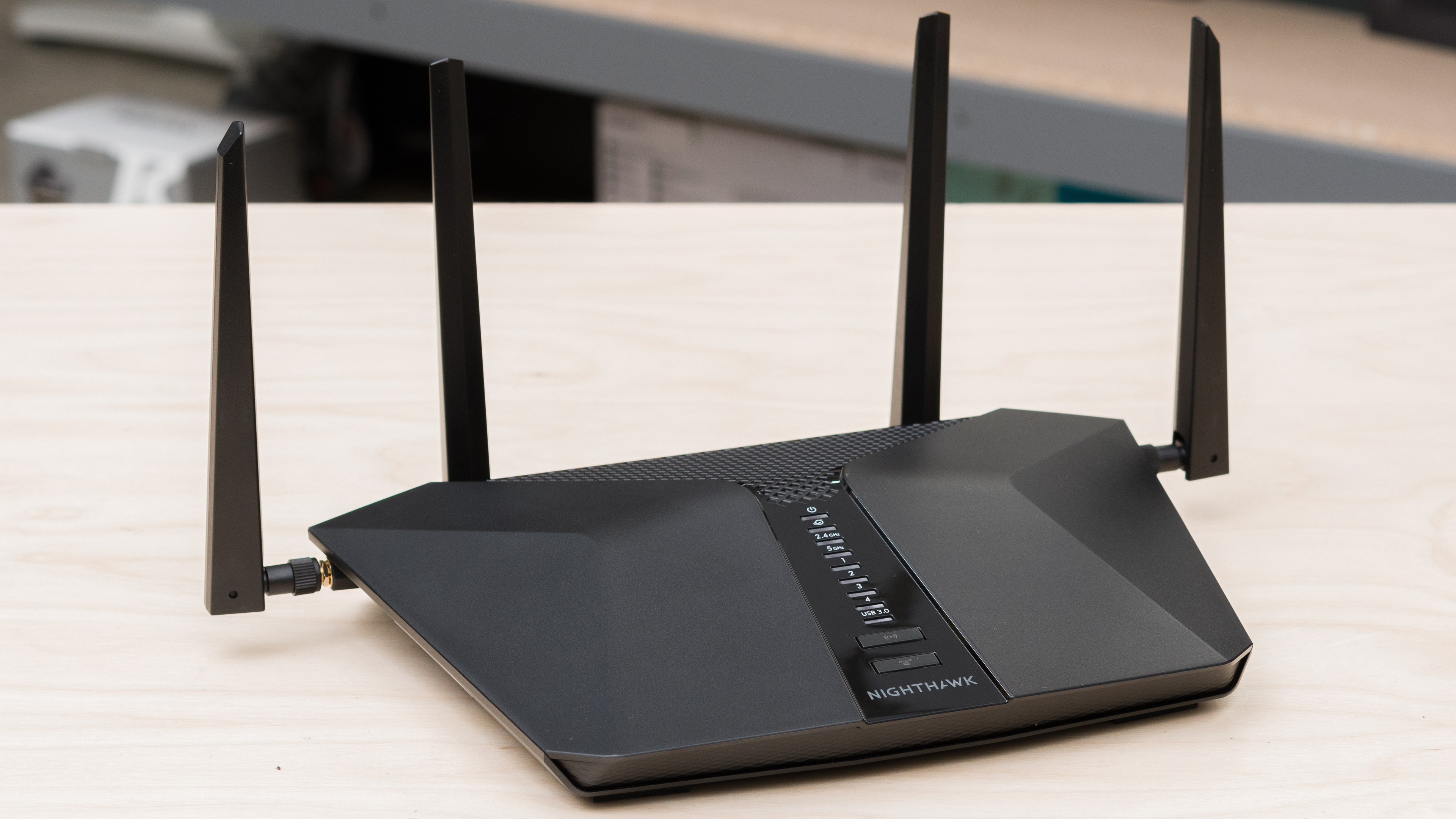
Wi-Fi 6, also known as 802.11ax, was officially introduced in 2018. The two biggest improvements over Wi-Fi 5 (802.11ac) were OFDMA (orthogonal frequency-division multiple access) and the wider adoption of 1024-QAM modulation. OFDMA improves transmission efficiency by allowing access points to serve many clients simultaneously, while 1024-QAM boosts maximum transfer speeds by supporting a higher raw bitrate between your device and the router.
In addition, Wi-Fi 6 introduced several other useful features:
- Target Wake Time (TWT) lets devices wake up on a schedule instead of constantly waiting for signals, improving battery life.
- WPA3 security became mandatory, offering stronger protection against attacks.
- While 160 MHz channel widths were available in Wi-Fi 5, they became more widely adopted in Wi-Fi 6 for increased throughput.
Wi-Fi 6 routers are fully backward compatible with older devices. However, clients also need to support Wi-Fi 6 to take advantage of these improvements; otherwise, the connection will fall back to the lowest common denominator.
OFDMA
While Wi-Fi 4's MIMO (multiple-input and multiple-output) and Wi-Fi 6's OFDMA both increase performance for multiple simultaneous clients, they work differently. The former uses a beamforming technique that leverages multiple antennas, while the latter partitions WLAN channels into sub-channels called resource units (RUs) for each connected client. Partitioning the WLAN channels means each device can receive data at the same time, improving performance on busy networks.
Wi-Fi 6E
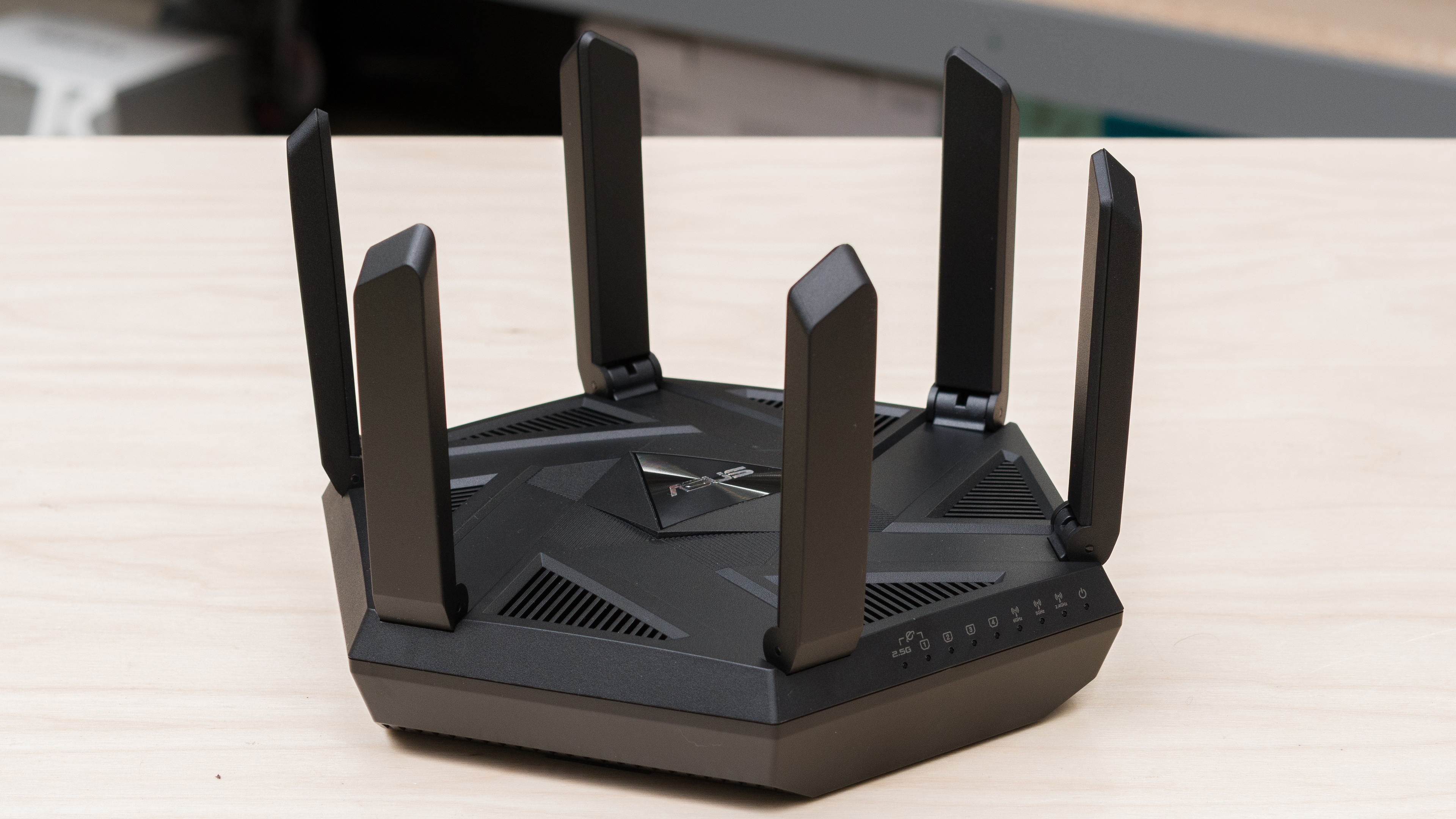
Wi-Fi 6E is usually marketed as a distinct protocol, but it's actually just Wi-Fi 6 that can operate in the 6GHz band. The advantage of all the additional spectrum means your devices are less likely to be subject to interference and noise on existing channels, and there are more contiguous channels available for 160MHz channel widths. In practice, this means your devices are more likely to connect to 160MHz channels, greatly increasing potential speeds. Importantly, Wi-Fi 6E requires both your router/access point and client device to support it in order to use the 6GHz band.
Wi-Fi 5 vs 6: Tested
In general, Wi-Fi 6 routers perform better than Wi-Fi 5 routers. That said, Wi-Fi 5 routers can still deliver performance that's absolutely adequate for most uses and can easily saturate the average home internet connection in the United States.
| Router | TP-Link Archer A8 | Google Nest Wifi | Netduma R3 | TP-Link Archer AX55 | ASUS ZenWiFi XT9 |
|---|---|---|---|---|---|
| Wi-Fi Version | Wi-Fi 5 | Wi-Fi 5 | Wi-Fi 6 | Wi-Fi 6 | Wi-Fi 6 |
| Highest Speed | 601Mbps | 478Mbps | 588Mbps | 746Mbps | 1,140Mbps |
| Average 5GHz Speed (Short Range) | 471Mbps | 357Mbps | 390Mbps | 651Mbps | 848Mbps |
| Average 5GHz Speed (Long Range) | 257Mbps | 221Mbps | 144Mbps | 454Mbps | 493Mbps |
The above results illustrate that not all Wi-Fi 6 routers necessarily perform better than Wi-Fi 5 routers. The Netduma R3 is among the slowest Wi-Fi 6 routers we've tested, with worse range performance than the TP-Link Archer A8 and the Google Nest Wifi, two Wi-Fi 5 routers. This could be the case for several reasons, including a potentially inferior hardware design, firmware that uses more congested channels, or reverts to transmitting on a narrower channel width like 40MHz instead of 80 or 160MHz.
At this point, however, most Wi-Fi 6 routers perform better than their Wi-Fi 5 counterparts. Good Wi-Fi 6 routers have come down in price significantly, so high-performing options like the TP-Link Archer AX55 and the ASUS ZenWiFi XT9 are quite accessible.
Conclusion
Wi-Fi 6 offers tangible improvements over Wi-Fi 5, with higher practical speeds, better efficiency in busy networks with many devices, and even improved security. That said, Wi-Fi 5 performs admirably and can deliver performance that is still thoroughly modern and able to keep up with the demanding needs of busy, connected households.
If you still have a Wi-Fi 5 router that's serving you well and keeping up with your internet speed, there's no need to rush and upgrade. On the other hand, if you need a new router, Wi-Fi 6 has matured significantly since its release, and well-performing budget models are widely available, so it's the better choice today. Lastly, if you want the highest speeds and best performance on the market, even newer Wi-Fi 7 routers are becoming widely available, so they're worth considering if you're looking to further extend the time before your next upgrade.
If you're interested in the newest protocol on the market, check out our article explaining the differences between Wi-Fi 6 and Wi-Fi 7.
To see which products we recommend, check out our picks for the best Wi-Fi routers, the best Wi-Fi 6 routers, and the best mesh Wi-Fi systems.