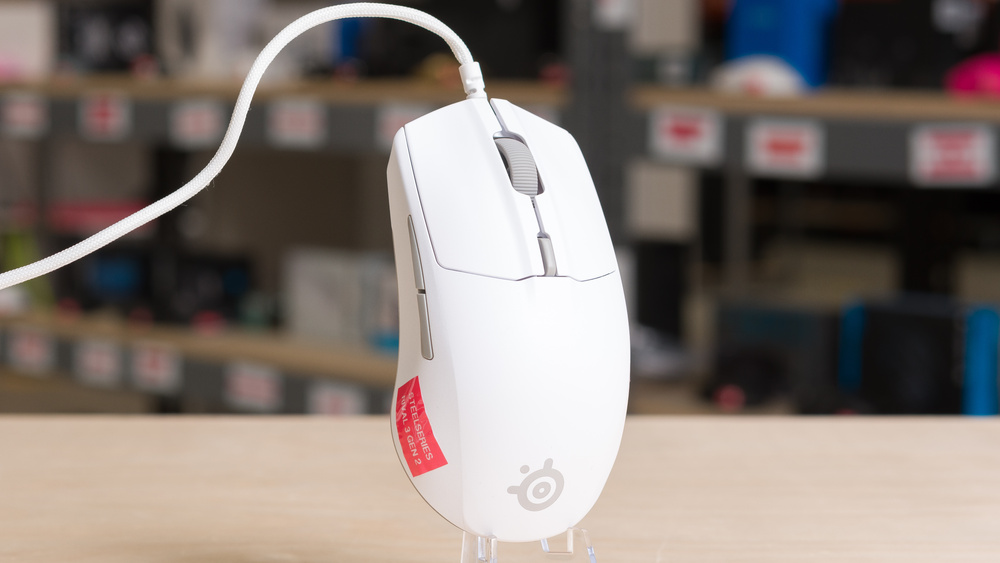
The SteelSeries Rival 3 Gen 2 is a wired gaming mouse that continues SteelSeries' Rival 3 lineup. It has the same symmetrical shape as its predecessor, the SteelSeries Rival 3, but features minor performance upgrades, a significantly better paracord-like cable, and improved virgin-grade PTFE mouse feet.
Our Verdict
The SteelSeries Rival 3 Gen 2 is adequate for work, though it isn't designed with productivity in mind. It feels well-built and has a comfortable, symmetrical shape that's best suited for medium or large hands. You can program its buttons through the companion software, but it lacks convenience features like free scrolling, side-scrolling inputs, Bluetooth support, or multi-device pairing.
Excellent build quality.
Comfortable symmetrical shape.
Wired-only.
Scroll wheel lacks free-scrolling and left/right tilt inputs.
The SteelSeries Rival 3 Gen 2 is an excellent FPS gaming mouse with impressive raw performance that's suitable for both casual and competitive play. It has outstanding build quality, with a noticeably thicker plastic body and a comfortable, symmetrical shape that best suits medium-sized hands using a claw or fingertip grip. Its only major drawback is that it isn't as lightweight as most modern FPS mice, which affects how quickly and accurately you can move it. However, if you prefer a more moderate weight, that may not be an issue.
Excellent build quality.
Comfortable symmetrical shape.
Superb raw performance.
Heavier than most recent dedicated FPS mice.
The SteelSeries Rival 3 Gen 2 is good for MMO or MOBA gaming, though it doesn't have as many side buttons as mice designed specifically for these genres. It has excellent build quality and feels sturdy, with a more substantial weight and thicker-feeling plastic shell than many of the FPS-focused mice on the market today. It also has a comfortable, medium-sized symmetrical shape, and its strong overall performance is more than suitable for high-level PvE or PvP play.
Excellent build quality.
Comfortable symmetrical shape.
Superb raw performance.
Fewer side buttons than dedicated MMO mice.
The SteelSeries Rival 3 Gen 2 has superb raw performance. While it only supports a maximum polling rate of 1000Hz compared to some higher-end FPS mice designed for the highest levels of competitive play, the difference in click and sensor performance is minimal and barely perceptible in-game. This mouse remains very well-suited for gaming in any genre at both casual and competitive levels.
Extremely low click latency.
Remarkable sensor latency.
Changelog
- Updated Mar 10, 2026: We've converted this review to Test Bench 1.5.2. This update removes the Delay To Start Of Movement and Delay To End Of Movement measurements from the Sensor Latency test. See our full 1.5.2 changelog for details.
-
Updated Oct 10, 2025:
We originally published this review with only our test results and have now updated it with our full written analysis.
- Updated Sep 30, 2025: Review published.
- Updated Jul 18, 2025: Early access published.
Check Price
Differences Between Sizes And Variants
The SteelSeries Rival 3 Gen 2 is available in Black and White. We tested the White color version, and you see our unit's label here.
There's also a SteelSeries Rival 3 Gen 2 Wireless version of this mouse that we've reviewed separately.
Popular Mouse Comparisons
The SteelSeries Rival 3 Gen 2 is a wired gaming mouse that continues SteelSeries' Rival 3 lineup. It's positioned as a dependable budget option from a well-established brand at a time when most new releases typically target mid-range or upper mid-range price points and come from emerging brands with limited track records. It features an RGB lighting strip with three customizable zones, which is becoming less common among dedicated FPS mice that often remove extra features to reduce weight. While this mouse isn't heavy, it's noticeably heavier than many lightweight competitors, such as the SteelSeries Aerox 3, which shares the same shape and is more expensive but has honeycomb cut-outs in its body to save weight. This mouse's stiffest competition comes from the MCHOSE L7 Pro, which shares a similar shape and costs slightly more but adds wireless connectivity. It's also significantly lighter and uses higher-end internal components for top-tier performance aimed at competitive FPS players, though it lacks RGB lighting.
For more recommendations, see our picks for the best cheap and budget gaming mice, the best wired mice, and the best claw grip mice.
The Logitech G203 LIGHTSYNC and the SteelSeries Rival 3 Gen 2 are wired gaming mice with symmetrical shapes. The Logitech is slightly heavier and has an egg-shaped design that tapers toward both the front and back, making it a versatile choice for palm, claw, or fingertip grips. In contrast, the SteelSeries' shape is wider toward the rear and tapers toward the front, making it better suited for claw or fingertip grips. The SteelSeries also offers better raw performance, higher-quality feet that glide more smoothly on mousepads and desks, and a much lighter, more flexible paracord-like cable compared to the Logitech's relatively stiff rubber cable.
The SteelSeries Rival 3 Gen 2 is a newer version of the SteelSeries Rival 3, and both share the same symmetrical shape. The Rival 3 Gen 2 offers slightly better raw performance, a much lighter and more flexible paracord-like cable, and upgraded feet that glide more smoothly on mousepads.
The Endgame Gear XM2 8k and the SteelSeries Rival 3 Gen 2 are both wired gaming mice with somewhat similar symmetrical shapes, but the Endgame Gear's hump sits farther toward the rear and its sides are more concave, while the SteelSeries has a more centered hump and straighter sides. The Endgame Gear is specifically designed for high-level competitive play. It's lighter, has higher-quality feet, a more flexible and lightweight cable, and delivers significantly better raw performance with a maximum polling rate of 8000Hz. It also uses specialized SDPT switches to achieve exceptionally low click latency. On the other hand, the SteelSeries has RGB lighting, which the Endgame Gear lacks.
The MCHOSE L7 Pro and the SteelSeries Rival 3 Gen 2 have similar symmetrical shapes, although the MCHOSE is slightly smaller. The MCHOSE also offers wireless connectivity, significantly better raw performance, and a much lighter weight, making it a stronger choice for competitive, high-end FPS gaming. In comparison, the SteelSeries is a wired-only model. It has somewhat better build quality and feels sturdier, though it’s significantly heavier. Its feet are also higher-quality, and it has three customizable RGB lighting zones, which the MCHOSE lacks.
Test Results
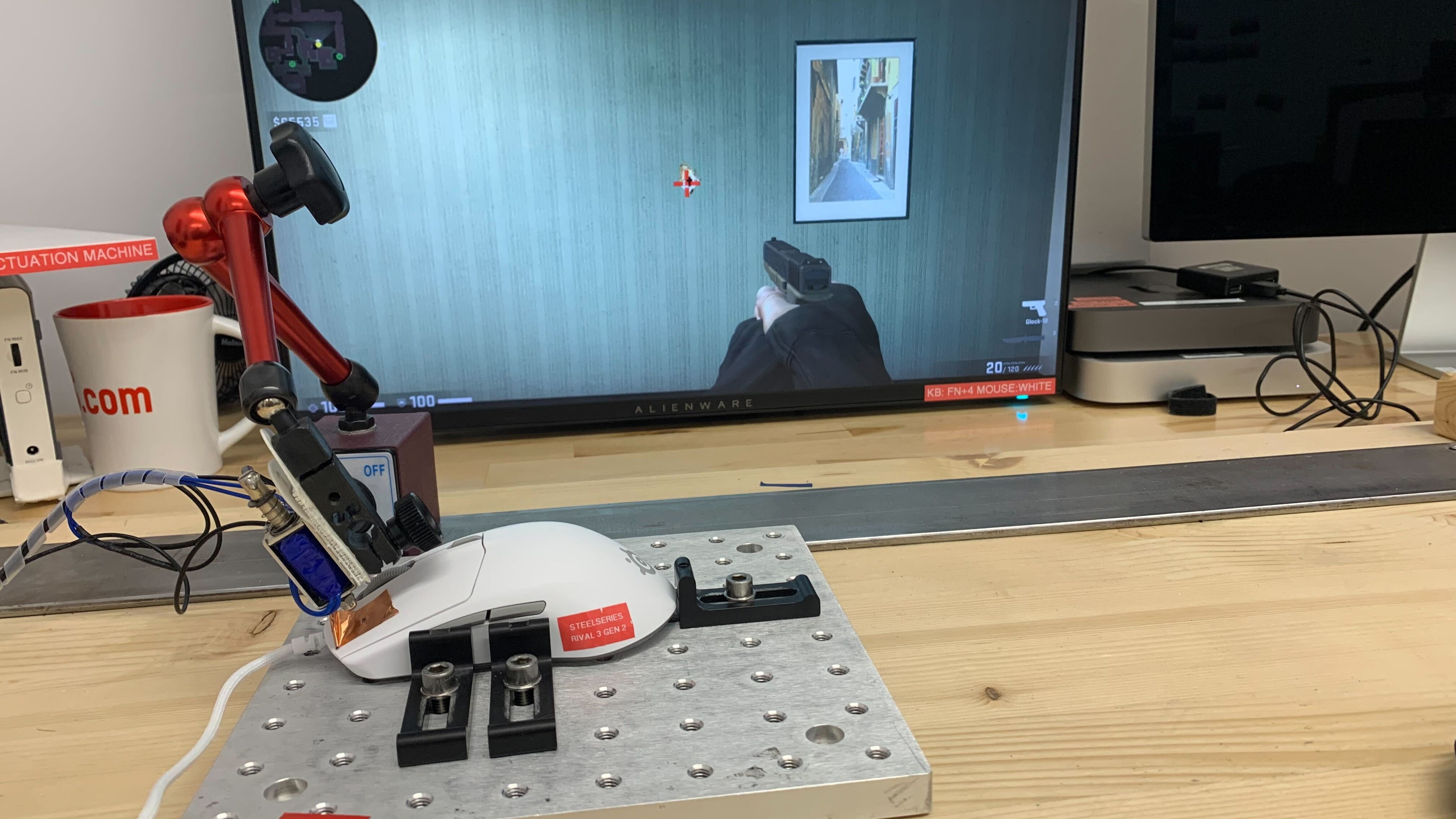

for pictures & test results


for pictures & test results








for pictures & test results







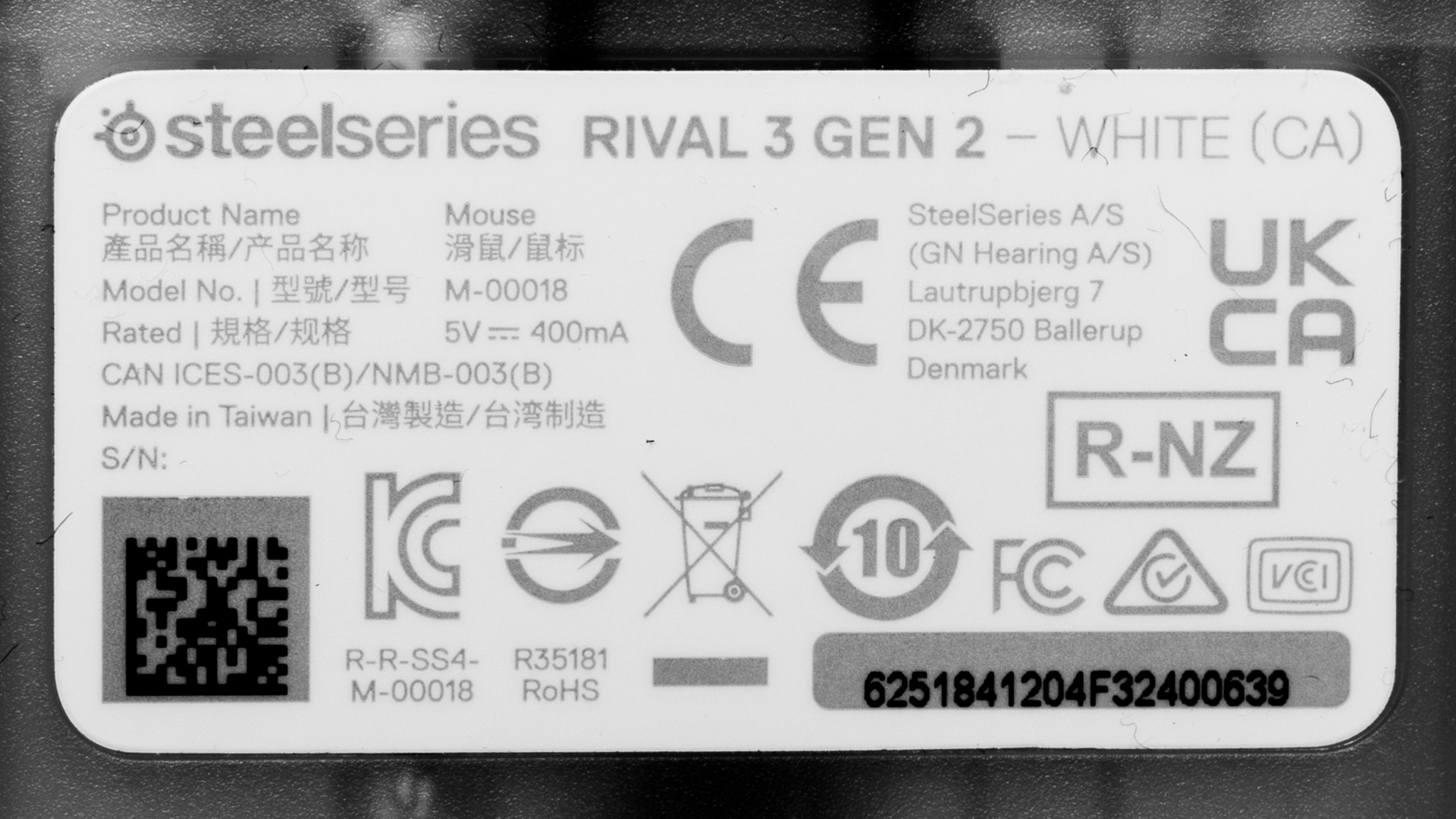
for videos & test results
