Corsair HARPOON RGB  Mouse Review

Reviewed Sep 16, 2020 at 08:45am
Tested using Methodology v1.2 
Corsair HARPOON RGB
6.8
Office/Multimedia 
7.1
Video Games (FPS) 
7.3
Video Games (MMO) 
7.4
Ultra-Light Gaming 
5.0
Travel 
 0

The Corsair HARPOON RGB is a simple, compact gaming mouse that's a wired version of the Corsair HARPOON RGB Wireless. It has low click latency, but its sensor performance is barely adequate for gaming that requires a high degree of precision. It has two side buttons, and you can reprogram almost any button on the mouse through the iCUE software. It's a right-handed mouse designed for a claw grip with any hand size, and unless you have a small hand, it's a good choice for a fingertip grip. However, due to its small size, it's uncomfortable for large hands with a palm grip.

Our Verdict

6.8
Office/Multimedia 

The Corsair HARPOON RGB is okay for office use. It's a fairly comfortable mouse that's designed to be used by any hand size with a claw grip. It's a good choice for a fingertip grip unless you have small hands, but it's not comfortable for larger hands with a palm grip. It's well-built, it has a good amount of programmable buttons, and it works with both Windows and macOS.

Pros
  • Suitable for all hand sizes with claw grip.
  • Good build quality.
Cons
  • Not suited for large hands with palm grip.
  • Can't be used wirelessly.
7.1
Video Games (FPS) 

The Corsair HARPOON RGB is good for FPS gaming because it's lightweight and easy to move around, but the cable feels stiff. It's designed for a claw grip, and due to its small size, it's a good choice for small to medium-sized hands with a palm grip. Performance-wise, it has low click latency, but sadly, the sensor is barely adequate for FPS gaming as it's inconsistent and prone to tracking errors.

Pros
  • Suitable for all hand sizes with claw grip.
  • Excellent sensor performance.
  • Lightweight mouse.
  • Good build quality.
Cons
  • Not suited for large hands with palm grip.
  • Cheap cable.
7.3
Video Games (MMO) 

The Corsair HARPOON RGB is good for playing MMO games. You can reprogram almost any button, but there are only two side buttons. It has low click latency and a high polling rate. It's fairly comfortable to use, especially if you have small hands, and it's designed for use with a claw grip. Lastly, it has a wide CPI range, but the sensor performance is only adequate and prone to significant CPI tracking errors.

Pros
  • Suitable for all hand sizes with claw grip.
  • Excellent sensor performance.
  • Good build quality.
Cons
  • Not suited for large hands with palm grip.
  • Cheap cable.
7.4
Ultra-Light Gaming 

The Corsair HARPOON RGB is very good for ultra-light gaming. It's a light mouse, but it's not as light as some other ultra-light mice. It has a high polling rate and low click latency. Unfortunately, it has a stiff cable, which is hard to remove any kinks, and you can't remove any parts to make it lighter.

Pros
  • Suitable for all hand sizes with claw grip.
  • Excellent sensor performance.
  • Lightweight mouse.
  • Good build quality.
Cons
  • Not suited for large hands with palm grip.
  • Cheap cable.
5.0
Travel 

The Corsair HARPOON RGB is bad for travel because it's wired only. It's a bit difficult to carry around, mainly due to its bulky wire. On the bright side, it feels well-built, so you shouldn't have to worry about breaking it in a laptop case or bag.

Pros
  • Good build quality.
Cons
  • Not suited for large hands with palm grip.
  • Can't be used wirelessly.
  • 6.8
    Office/Multimedia
  • 7.1
    Video Games (FPS)
  • 7.3
    Video Games (MMO)
  • 7.4
    Ultra-Light Gaming
  • 5.0
    Travel
  • Changelog

    1.  Updated Dec 15, 2022: We've simplified the name of this mouse from Corsair HARPOON RGB Gaming Mouse to Corsair HARPOON RGB.
    2.  Updated Dec 02, 2022: We've added text in various places throughout the article and specifically within the CPI section to provide a more in-depth explanation of our results following the update to Test Bench 1.2.
    3.  Updated Dec 01, 2022: We've converted this review to Test Bench 1.2. This update simplifies our Weight test and expands on our CPI test from Test Bench 1.1, resulting in changes to test results in both sections. For more details, you can see our complete changelog here.
    4.  Updated Nov 17, 2022: We've converted this review to Test Bench 1.1. This update revamps our Click Latency test and results in changes to test results. For more details, you can see our full changelog here.

    Check Price

    BlackHARPOON RGB
    SEE PRICE
    Amazon.com
    BlackHARPOON RGB
    SEE PRICE
    Walmart.com
    BlackHARPOON RGB
    B&H
    BlackHARPOON RGB
    BestBuy.com

    Popular Mouse Comparisons

    The Corsair HARPOON RGB is a simple gaming mouse that should please most people looking for a light mouse. Although its sensor performance is barely adequate for fast-paced, competitive gaming compared to most other gaming mice, including the wireless version of this mouse, the Corsair HARPOON RGB Wireless.

    Also, check out our recommendations for the best wired mice, the best FPS mice, and the best cheap gaming mice.

    Logitech G305 LIGHTSPEED

    The Logitech G305 LIGHTSPEED is better than the Corsair HARPOON RGB. The Logitech is a wireless mouse designed for a fingertip grip. It has a much better sensor with a wider CPI range, less CPI variation, and lower lift-off distance. However, the Corsair is a wired mouse designed for a claw grip, and it's lighter.

    Razer DeathAdder Elite

    The Razer DeathAdder Elite is a bit better than the Corsair HARPOON RGB. The Razer can be used by most grip types and hand sizes, except small hands with a claw or fingertip grip. It has a significantly better sensor with a much wider CPI range, and you can adjust the CPI by increments of one. It also has more programmable inputs. However, the Corsair's dedicated software is also available on macOS, and the mouse is lighter.

    SteelSeries Rival 3

    The SteelSeries Rival 3 is much better than the Corsair HARPOON RGB. Both mice have a similar shape and are recommended for the same hand sizes and grip types, but the SteelSeries is an ambidextrous mouse. It also has a much more consistent sensor, and it has more programmable inputs. On the other hand, the Corsair has textured grips on the sides.

    Logitech G203 Prodigy

    The Logitech G203 Prodigy is slightly better than the Corsair HARPOON RGB. The Logitech is ambidextrous and has a better-performing sensor with a wider CPI range, much less inconsistency, and a lower lift-off distance. It also has a lower click latency and an extra programmable button. However, the Corsair is a right-handed mouse suitable for those with extra-large hands who use the claw grip.

    Corsair HARPOON RGB Wireless

    The Corsair HARPOON RGB Wireless is much better than the Corsair HARPOON RGB. Both mice have the same shape, while the RGB Wireless is, as the name suggests, a wireless mouse. It also has a much better sensor with a wider CPI range and lower CPI variation. However, the RGB Gaming Mouse is lighter and has a lower lift-off distance.

    Corsair SABRE PRO

    The Corsair SABRE PRO is a better gaming mouse than the Corsair HARPOON RGB. The SABRE is significantly lighter, has a much lower click latency, and an 8000Hz maximum polling rate. It also has onboard profile storage, a wider CPI range, and a CPI you can adjust by increments of one. It's suitable for all grip types, depending on hand size. On the other hand, the HARPOON has RGB lighting, but its CPI is only adjustable by increments of 250. That said, it's suitable for all grip types, but it's too short for those with larger hands using a palm grip, and it may be difficult for those with small hands to reach both side buttons using a fingertip grip.

    Corsair HARPOON RGB PRO

    The Corsair HARPOON RGB PRO is an updated version of the Corsair HARPOON RGB. It has a more consistent sensor with a broader CPI range and a CPI that you can set more precisely. It also has onboard memory for settings and marginally better click latency, though it's likely too small of a difference to be noticeable. Both mice are well-suited for a claw or fingertip grip for nearly all hand sizes and a palm grip for smaller hands.

    Razer DeathAdder Essential

    The Corsair HARPOON RGB and the Razer DeathAdder Essential are wired gaming mice with a right-handed design and high back. The Razer has a wider CPI range, a more precisely adjustable CPI, and a more consistent sensor. If you have larger hands and use a palm grip, you may find the Razer's larger size more comfortable. On the other hand, the Corsair is more suitable for small hands using a palm or claw grip.

    Test Results

    perceptual testing image
    Sort:
    RATINGS
    Category:
    All
    Design
    Style
    Type
    Standard
    Lighting ColorRGB

    The Corsair HARPOON RGB is a simple-looking gaming mouse with a black body and slanted design. There are rubber textured grips on each side of the mouse and the scroll wheel. The CPI switch button and the programmable side buttons are glossy. There's one RGB location on the logo, and you can customize it through the iCUE software. It looks a lot like the Corsair HARPOON RGB Wireless, except the CPI switch button doesn't have RGB lighting.

    Shape
    Length4.6" (116 mm)
    Height1.6" (40 mm)
    Width2.7" (68 mm)
    Grip Width
    59 mm
    5.7
    Portability
    Volume
    19.34 in³ (317 cm³)
    Cable/Receiver Storing
    No

    The Corsair HARPOON RGB is a lightweight mouse that isn't too bulky, but because it's wired-only, it may be difficult to carry around and use on planes or trains.

    8.0
    Build Quality

    The Corsair HARPOON RGB has a good build quality. This mouse is made out of solid matte plastic with textured rubber grips on the sides. The mouse is well-made, and there aren't many loose parts aside from the CPI switch button that wobbles a bit. The mouse clicks aren't very satisfying, and there's an audible difference between the left and right clicks. The feet are of good quality, so it's easy to move the mouse around.

    7.8
    Weight
    Lowest Weight
    76.0 g
    Default Weight
    76.0 g
    Weight Distribution
    Centered
    Extra Weights
    No

    This is a lightweight gaming mouse, but sadly, you can't add any extra weight to it.

    7.5
    Comfort Of Use
    Right-handed
    Yes
    Left-handed
    No
    Ambidextrous
    No
    Coating
    Matte
    Finger Rest
    No

    The Corsair HARPOON RGB is fairly comfortable. It has a slight slant to the right, so it's designed for right-handed use. The grips on the side feel nice and the programmable side buttons are easy to reach. The CPI switch button is too far back no matter which grip you're using. For a gaming mouse with similar performance but an ambidextrous shape and side buttons on both left and ride sides, check out the SteelSeries Sensei RAW.

    Palm Grip: Hand Size Recommendation
    Small Hand
    Yes
    Medium Hand
    Yes
    Large Hand
    No
    X.Large Hand
    No

    This mouse is small and isn't suited for large hands with a palm grip. The bottom of your palm will rest on the table and you may have to reach back for the scroll wheel and CPI switch button. If you're interested in a gaming mouse that's well-suited to all hand sizes using a palm grip, check out the BenQ ZOWIE FK2-B.

    Claw Grip: Hand Size Recommendation
    Small Hand
    Yes
    Medium Hand
    Yes
    Large Hand
    Yes
    X.Large Hand
    Yes

    The Corsair HARPOON RGB is designed for a claw grip and you should be able to easily reach all the buttons regardless of hand size.

    Fingertip Grip: Hand Size Recommendation
    Small Hand
    No
    Medium Hand
    Yes
    Large Hand
    Yes
    X.Large Hand
    Yes

    For the most part, this mouse is well-designed for a fingertip grip. However, it may be too hard to reach the programmable side buttons if you have small hands.

    0.0
    Wireless Versatility
    Bluetooth
    No
    Receiver
    No
    Battery Type
    No Batteries
    Use When Charging
    No
    On/Off Activation
    None
    Receiver Extender
    No
    Battery IndicatorNo

    This is a wired gaming mouse that can't be used wirelessly.

    6.5
    Cable
    ConnectivityWired
    Cable Length6.0 ft (1.8 m)
    Cable Type
    Rubber
    Permanent Kink
    Yes
    Port Type: Mouse End
    No Port
    Port Type: PC End
    USB

    This mouse's cable is thin and it's difficult to remove any kinks from it. It feels cheap and unfortunately, you can't remove it if you want to replace it.

    7.5
    Mouse Feet
    Gliding Experience
    Good
    Material
    PTFE
    Extra Included
    No
    In The Box

    • Corsair HARPOON RGB
    • Manual
    Control
    7.2
    Buttons
    Buttons Activation
    Mechanical
    Total Number Of Buttons
    6
    Number Of Side Buttons
    2
    Number Of Programmable Inputs
    6
    Profile Switching Button
    Yes
    CPI (DPI) Switching Button
    Yes
    Gesture Support
    No

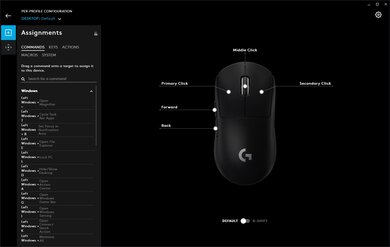
    You can reprogram the right click, CPI switch, the two side buttons, and the wheel click button through the iCUE software. Also, you can reprogram the left button as long as the left click is assigned to another button.

    6.0
    Click Latency
    See details on graph tool
    Expected Connection
    19.7 ms
    Wired
    19.7 ms
    Receiver
    N/A
    Bluetooth
    N/A

    The Corsair HARPOON RGB has a low click latency, but it's higher than most wired gaming mouse we've tested. Still, most people won't notice much of a delay. If you're interested in a similar mouse with lower click latency, check out the ROCCAT Burst Core or the HyperX Pulsefire FPS Pro.

    6.5
    CPI
    See details on graph tool
    SRAV @ 1600 CPI
    -7.77%
    SRAV @ 800 CPI
    0.04%
    SRAV @ 400 CPI
    -2.73%
    SRAV @ Fixed CPI
    N/A
    Precision Error Between Speeds
    5.23%
    Precision Error Between CPI
    22.05%
    Worst Tracking Error
    49.60%
    Minimum CPI
    250 CPI
    Maximum CPI
    6,000 CPI
    CPI Adjustment Steps
    250 CPI

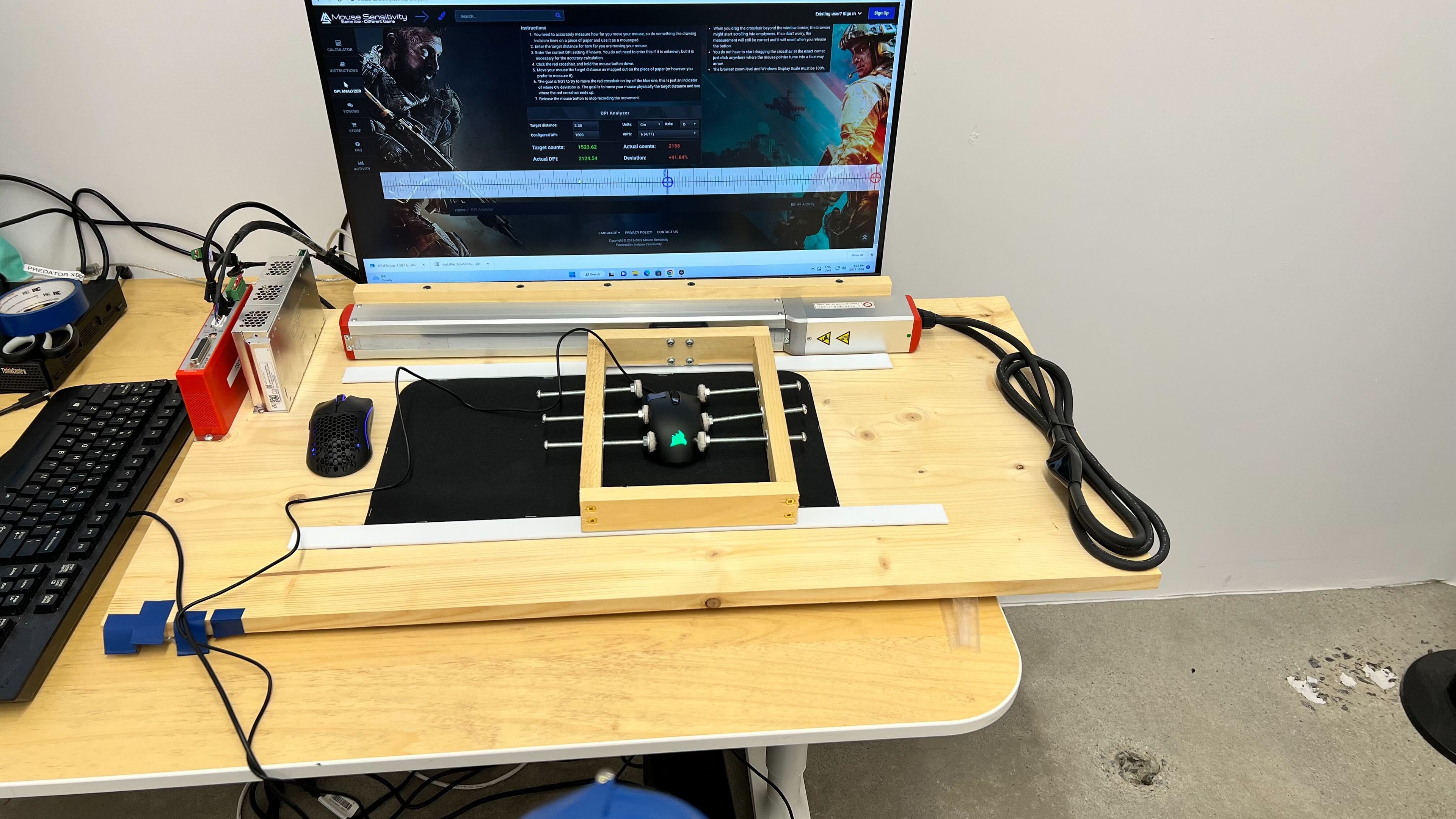
    Compared to other gaming mice from Corsair, as well as most gaming mice from other manufacturers, this mouse only has adequate CPI performance. It demonstrates significant tracking errors at higher CPI values and deviations at higher movement speeds. This produces an inconsistent gaming experience, and you will likely need to make frequent micro-adjustments with your mouse movements to compensate for these errors.

    Note: Our CPI test uses standard CPI settings of 400, 800, and 1600 CPI. However, this mouse only allows CPI adjustment by steps of 250 CPI. This means the test was performed at the closest achievable CPI settings of 500, 750, and 1500 CPI. This also means that the listed test results for 400 CPI are, in actuality, 500 CPI, and so forth.

    Sensor Specifications
    Sensor Technology
    Optical (LED)
    Sensor Model
    PixArt PMW3320
    Works On Glass
    No
    Minimum Lift Off Distance
    2.4 mm
    Maximum Polling Rate
    1000 Hz
    Mouse Wheel
    Scroll Wheel
    Notched Wheel
    Scroll Wheel Steps
    24 Steps
    Scroll Wheel Tilt
    No
    Thumb Wheel
    No
    Thumb Wheel Steps
    No Thumb Wheel

    The Corsair HARPOON RGB wired gaming mouse has an incremented mouse wheel, but sadly, you can't unlock it for infinite scrolling.

    Noise
    Click Noise
    Loud
    Operating System And Software
    8.5
    Compatible Software Option
    Software NameCorsair iCUE
    Software Windows Compatibility
    Yes
    Software macOS Compatibility
    Yes
    Account Needed
    No
    On-Board Memory
    No
    CPI (DPI) Adjustment
    Yes
    Polling Rate Adjustment
    Yes
    Profile Configuration
    Yes
    RGB On/Off
    Yes

    The Corsair iCUE software offers excellent customization options. Sadly, the mouse doesn't have on-board memory, so you can't use your settings on another computer.

    10
    Mouse Compatibility
    Windows CompatibilityFully
    macOS CompatibilityFully

    This mouse is fully compatible with Windows and macOS.