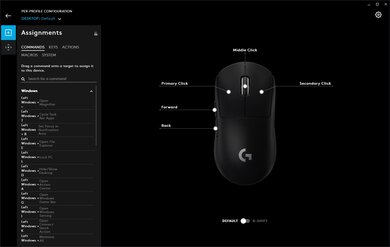
The Corsair HARPOON RGB is a simple, compact gaming mouse that's a wired version of the Corsair HARPOON RGB Wireless. It has low click latency, but its sensor performance is barely adequate for gaming that requires a high degree of precision. It has two side buttons, and you can reprogram almost any button on the mouse through the iCUE software. It's a right-handed mouse designed for a claw grip with any hand size, and unless you have a small hand, it's a good choice for a fingertip grip. However, due to its small size, it's uncomfortable for large hands with a palm grip.
Our Verdict
The Corsair HARPOON RGB is okay for office use. It's a fairly comfortable mouse that's designed to be used by any hand size with a claw grip. It's a good choice for a fingertip grip unless you have small hands, but it's not comfortable for larger hands with a palm grip. It's well-built, it has a good amount of programmable buttons, and it works with both Windows and macOS.
- Suitable for all hand sizes with claw grip.
- Good build quality.
- Not suited for large hands with palm grip.
- Can't be used wirelessly.
The Corsair HARPOON RGB is good for FPS gaming because it's lightweight and easy to move around, but the cable feels stiff. It's designed for a claw grip, and due to its small size, it's a good choice for small to medium-sized hands with a palm grip. Performance-wise, it has low click latency, but sadly, the sensor is barely adequate for FPS gaming as it's inconsistent and prone to tracking errors.
- Suitable for all hand sizes with claw grip.
- Excellent sensor performance.
- Lightweight mouse.
- Good build quality.
- Not suited for large hands with palm grip.
- Cheap cable.
The Corsair HARPOON RGB is good for playing MMO games. You can reprogram almost any button, but there are only two side buttons. It has low click latency and a high polling rate. It's fairly comfortable to use, especially if you have small hands, and it's designed for use with a claw grip. Lastly, it has a wide CPI range, but the sensor performance is only adequate and prone to significant CPI tracking errors.
- Suitable for all hand sizes with claw grip.
- Excellent sensor performance.
- Good build quality.
- Not suited for large hands with palm grip.
- Cheap cable.
The Corsair HARPOON RGB is very good for ultra-light gaming. It's a light mouse, but it's not as light as some other ultra-light mice. It has a high polling rate and low click latency. Unfortunately, it has a stiff cable, which is hard to remove any kinks, and you can't remove any parts to make it lighter.
- Suitable for all hand sizes with claw grip.
- Excellent sensor performance.
- Lightweight mouse.
- Good build quality.
- Not suited for large hands with palm grip.
- Cheap cable.
The Corsair HARPOON RGB is bad for travel because it's wired only. It's a bit difficult to carry around, mainly due to its bulky wire. On the bright side, it feels well-built, so you shouldn't have to worry about breaking it in a laptop case or bag.
- Good build quality.
- Not suited for large hands with palm grip.
- Can't be used wirelessly.
Changelog
- Updated Dec 15, 2022: We've simplified the name of this mouse from Corsair HARPOON RGB Gaming Mouse to Corsair HARPOON RGB.
- Updated Dec 02, 2022: We've added text in various places throughout the article and specifically within the CPI section to provide a more in-depth explanation of our results following the update to Test Bench 1.2.
- Updated Dec 01, 2022: We've converted this review to Test Bench 1.2. This update simplifies our Weight test and expands on our CPI test from Test Bench 1.1, resulting in changes to test results in both sections. For more details, you can see our complete changelog here.
- Updated Nov 17, 2022: We've converted this review to Test Bench 1.1. This update revamps our Click Latency test and results in changes to test results. For more details, you can see our full changelog here.
Check Price
Popular Mouse Comparisons
The Corsair HARPOON RGB is a simple gaming mouse that should please most people looking for a light mouse. Although its sensor performance is barely adequate for fast-paced, competitive gaming compared to most other gaming mice, including the wireless version of this mouse, the Corsair HARPOON RGB Wireless.
Also, check out our recommendations for the best wired mice, the best FPS mice, and the best cheap gaming mice.
The SteelSeries Rival 3 is much better than the Corsair HARPOON RGB. Both mice have a similar shape and are recommended for the same hand sizes and grip types, but the SteelSeries is an ambidextrous mouse. It also has a much more consistent sensor, and it has more programmable inputs. On the other hand, the Corsair has textured grips on the sides.
The Logitech G305 LIGHTSPEED is better than the Corsair HARPOON RGB. The Logitech is a wireless mouse designed for a fingertip grip. It has a much better sensor with a wider CPI range, less CPI variation, and lower lift-off distance. However, the Corsair is a wired mouse designed for a claw grip, and it's lighter.
The Razer DeathAdder Elite is a bit better than the Corsair HARPOON RGB. The Razer can be used by most grip types and hand sizes, except small hands with a claw or fingertip grip. It has a significantly better sensor with a much wider CPI range, and you can adjust the CPI by increments of one. It also has more programmable inputs. However, the Corsair's dedicated software is also available on macOS, and the mouse is lighter.
The Logitech G203 Prodigy is slightly better than the Corsair HARPOON RGB. The Logitech is ambidextrous and has a better-performing sensor with a wider CPI range, much less inconsistency, and a lower lift-off distance. It also has a lower click latency and an extra programmable button. However, the Corsair is a right-handed mouse suitable for those with extra-large hands who use the claw grip.
Test Results
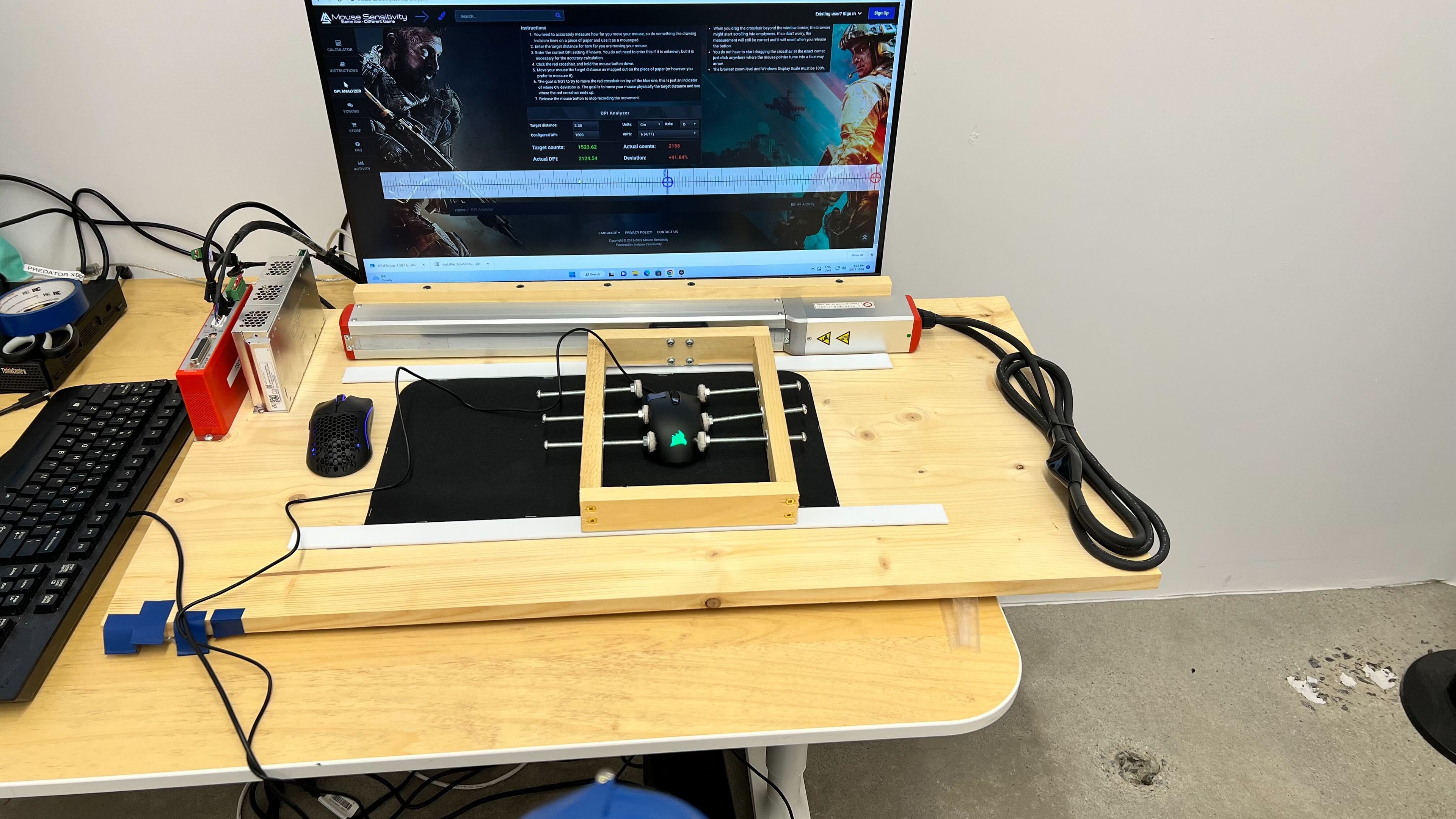




for pictures & test results




for videos & test results



for pictures & test results



for videos & test results

for pictures & test results

for pictures & test results

for pictures & test results


for pictures & test results