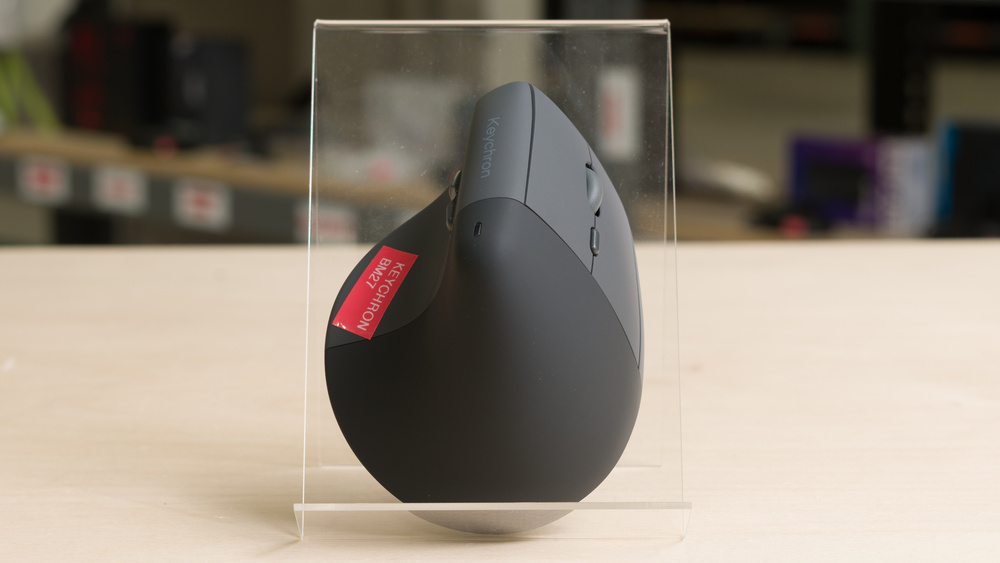
The Keychron BM27 is a wireless mouse that's part of Keychron's wider BM series, designed primarily for productivity and everyday use. This mouse has an ergonomic vertical design intended to keep your hand, wrist, and arm in a more neutral handshake position that limits forearm pronation. It connects wirelessly with an included receiver or Bluetooth and has very quiet left- and right-click buttons. You can adjust various settings using Keychron's browser-based configuration software.
Our Verdict
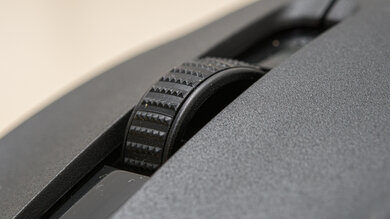
The Keychron BM27 is a satisfactory work mouse. Its vertical shape can be more comfortable to use for longer stretches for some people, as it reduces forearm pronation and may help limit strain. It also connects wirelessly with an included USB receiver or via Bluetooth, and it uses web-based configuration software, making it easy to adjust settings. Its left- and right-click buttons are also virtually silent, making it a good option for shared workspaces. That said, it has relatively few buttons overall compared to some dedicated work mice, and its scroll wheel is quite basic, lacking useful productivity-focused features like left/right tilt or free scrolling. We also had some trouble making perfectly straight movements due to the sensor's positioning, but this is something you can likely adjust to over time.
Great build quality.
Comfortable right-handed vertical shape best suited for medium- or smaller-sized hands.
Connects wirelessly with the included receiver or Bluetooth.
Straightforward web-based software.
Few additional buttons.
Lacks productivity features like gesture controls or free scrolling.
Sensor position isn't centered, which can take some getting used to.
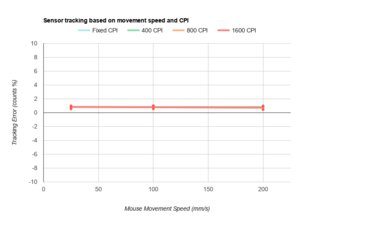
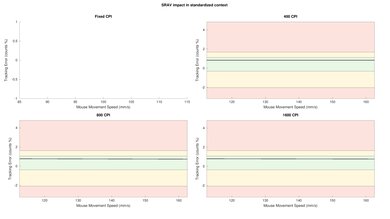
While it's not designed for it, the Keychron BM27 is reasonably good for FPS gaming. Its vertical shape can be comfortable for long stretches. We also had some trouble making perfectly straight movements due to the sensor's positioning, but this is something you likely will be able to adjust to with time. That said, it has impressive overall sensor performance and superb click latency, though its tracking varies somewhat with movement speed, which can make precise movements feel a bit less predictable. Otherwise, it has great overall build quality, although its feet don't glide as smoothly as the higher-quality feet found on most dedicated gaming mice, and while it isn't particularly heavy compared to most other work mice, it's quite heavy for an FPS mouse.
Great build quality.
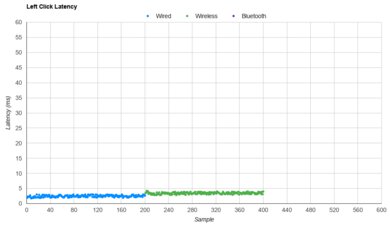
Superb click latency.
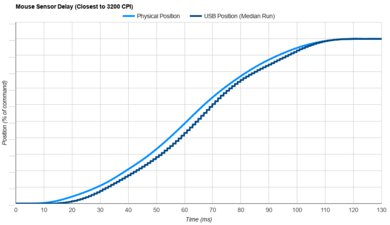
Impressive sensor latency.
Comfortable right-handed vertical shape best suited for medium- or smaller-sized hands.
Heavy compared to dedicated FPS mice.
Moderate sensor tracking accuracy variation.
Feet don't glide as smoothly as most FPS mice.
Sensor position isn't centered, which can take some getting used to.
The Keychron BM27 is generally good for MMO gaming, but its main limitation is that it has far fewer side buttons than a typical dedicated MMO mouse. That said, it has great build quality and impressive raw performance, though its tracking varies somewhat with movement speed, which can make precise movements a bit less predictable.
Great build quality.
Superb click latency.
Impressive sensor latency.
Comfortable right-handed vertical shape best suited for medium- or smaller-sized hands.
Few additional buttons.
Moderate sensor tracking accuracy variation.
Sensor position isn't centered, which can take some getting used to.
The Keychron BM27 has excellent overall raw performance, with superb click latency and impressive sensor latency. Unfortunately, its tracking accuracy varies somewhat with movement speed, which can make precise movements less predictable when gaming. This is unlikely to present any issues when using the mouse as intended for work or everyday use. Its maximum polling rate is also limited to 1000Hz, though this isn't a meaningful limitation, as higher polling rates typically offer only a minor latency benefit.
Superb click latency.
Impressive sensor latency.
Moderate sensor tracking accuracy variation.
Limited to 1000Hz polling rate.
Check Price
Differences Between Sizes And Variants
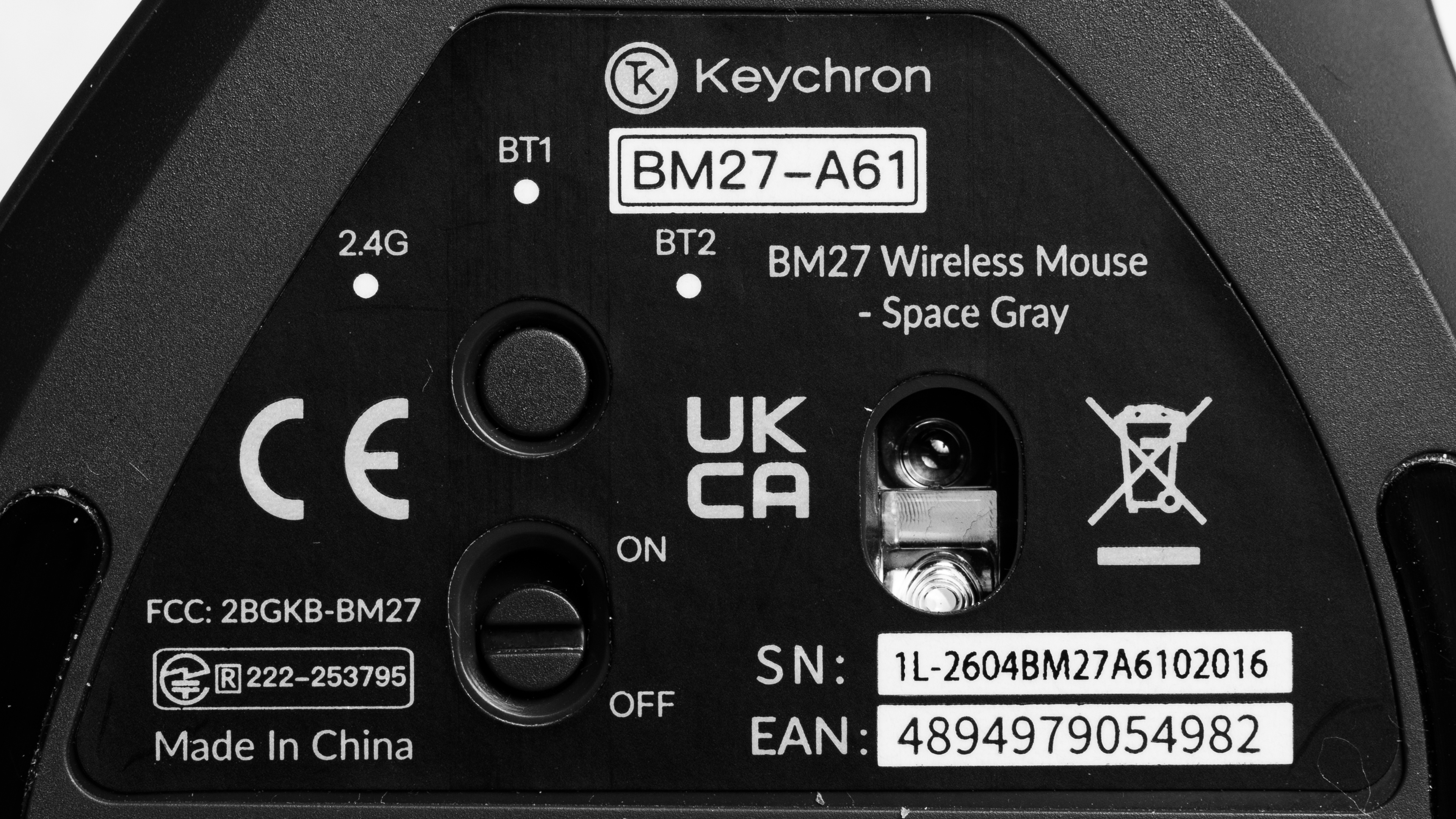
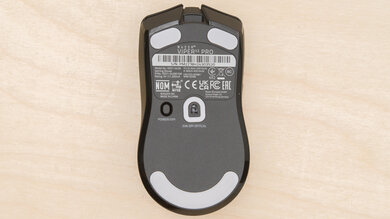
The Keychron BM27 has no variants. See a photo of our unit's label.
Popular Mouse Comparisons
The Keychron BM27 is an inexpensive model best suited for basic work and everyday use. It's a good entry-level ergonomic option if you struggle with fatigue or strain from using a conventional mouse, especially if you want very quiet clicks that won't be disruptive in public or shared workspaces.
This mouse is more affordable than the Logitech Lift and roughly the same size, being best suited for medium- or smaller-sized hands. Their vertical angles are also similar: 55° on the BM27 and 57° on the Lift. However, the BM27's scroll wheel lacks the Lift's faster scrolling mode, which is useful for moving quickly through long documents or web pages. It's also less expensive than the Keychron M5, which is a bit larger overall, making it the better option for medium- or larger-sized hands. It has a less upright 47° angle compared to the BM27 and has a more prominent ledge on the right side for resting your pinky finger. It also has much better and more consistent raw performance, making it the better option for competitive gaming. Unlike the BM27, it features a second scroll wheel on the left side that's especially useful for horizontal navigation through audio timelines or spreadsheets.
For more recommendations, see our picks for the best mouse, the best ergonomic mouse, and the best work mouse.
The Keychron BM27 and Anker Wireless Vertical Mouse are ergonomic mice with similar vertical designs. The Keychron is better in most respects, with better sensor performance, lighter weight, better build quality, and support for both receiver connectivity and Bluetooth. That said, it's a fairly small mouse that's best suited for small- or medium-sized hands. Comparatively, the Anker doesn't support Bluetooth and has quite poor sensor performance. Notably, it also has a very low polling rate, which can make cursor movement appear choppy if you have a high refresh rate monitor. That said, the Anker is a bit taller and slightly bigger overall, making it a better option if you have a larger hand size.
The Logitech Lift and Keychron BM27 are wireless mice with similar vertical shapes and fairly upright angles. The Logitech is a bit smaller, but both are best suited for small- or medium-sized hands. The Logitech is heavier, but its scroll wheel has both notched and free-scrolling modes, while the Keychron's wheel only has notched scrolling. The Keychron feels a bit better built, and its web-based software lets you adjust settings without downloading a dedicated app. It also has better sensor and click latency performance overall, so while it isn't designed for gaming, it's more suitable for gaming than the Lift.
The Keychron M5 and Keychron BM27 are wireless mice with ergonomic vertical designs. The M5 is more versatile for either gaming or work. It has significantly better raw performance, making it the better option for competitive play. It also has a second scroll wheel, which is especially useful for horizontal scrolling through spreadsheets or audio timelines. The M5 is noticeably larger and has a ledge on the right side where you can rest your pinky finger. It's a better option if you have medium- or larger-sized hands. By comparison, the BM27 is smaller and better suited for smaller hands.
The Razer Pro Click V2 Vertical is a more gaming-capable alternative to the Keychron BM27. It has much better raw performance, making it the more suitable option for competitive gaming. It also has better build quality, and it's larger, making it more suitable for medium or larger hands. The Keychron, on the other hand, is primarily designed for work or everyday use and is better suited for medium or smaller hands. It's also noticeably lighter. Both mice have fairly quiet clicks, but the Keychron's clicks are quieter.
Test Results
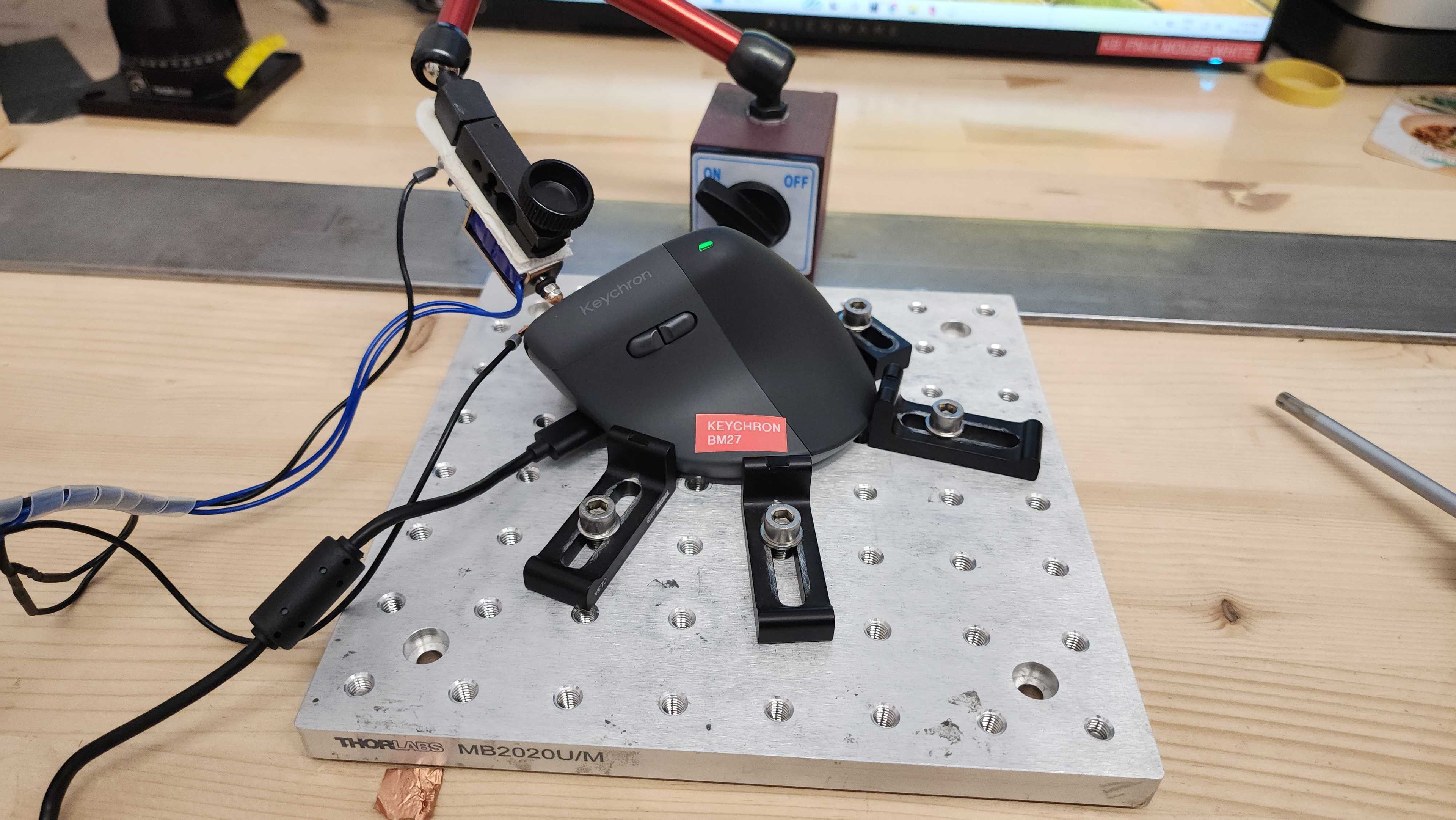
for pictures & test results
for pictures & test results
for pictures & test results

for videos & test results