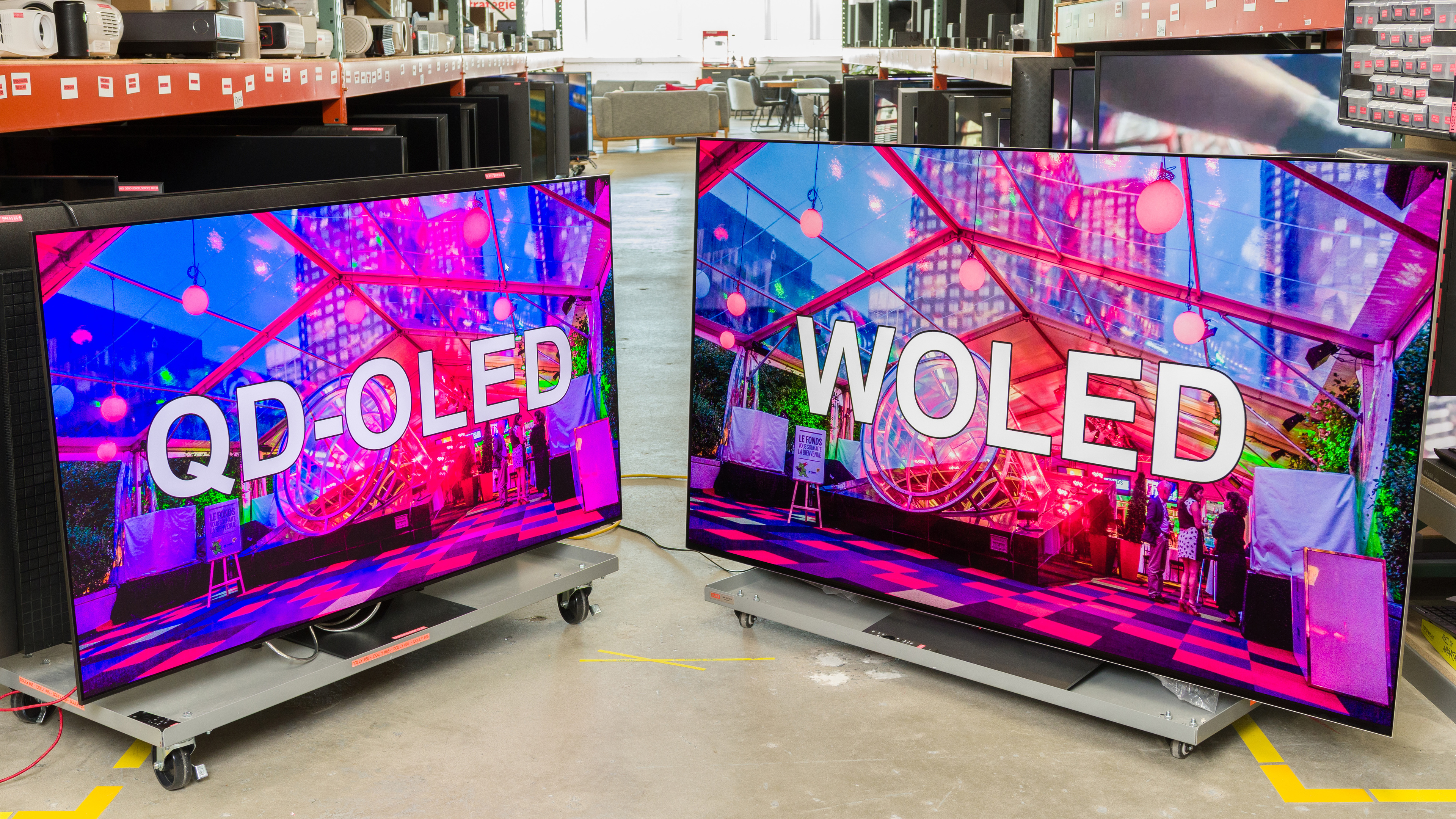
If you're shopping for a home theater TV, one of the toughest decisions can be choosing between QD-OLED vs WOLED. What's the difference between them, though, and which one should you buy?
From 2016 to 2022, consumers really only had one choice if they wanted an OLED TV, as all OLEDs on the market used white OLED panels made by LG Display, which are also known as WOLED. That changed in 2022 with the release of the first two TVs powered by QD-OLED panels: the Sony A95K OLED and the Samsung S95B OLED. Fast-forward a few years to 2025, and the market is even more crowded and confusing, with some manufacturers releasing both QD-OLED and WOLED models, sometimes within the same lineup. In this article, we'll break down their strengths and weaknesses to help you find the best product for your needs. If you're ready to look at specific models, check out the best OLED TVs. Not sure if OLED is right for you? Our panel overview guide is a great starting point.
What Are They?
Before we get into the details of how they perform and how you should choose one, let's start with the basics. What do each of these terms actually mean?
WOLED
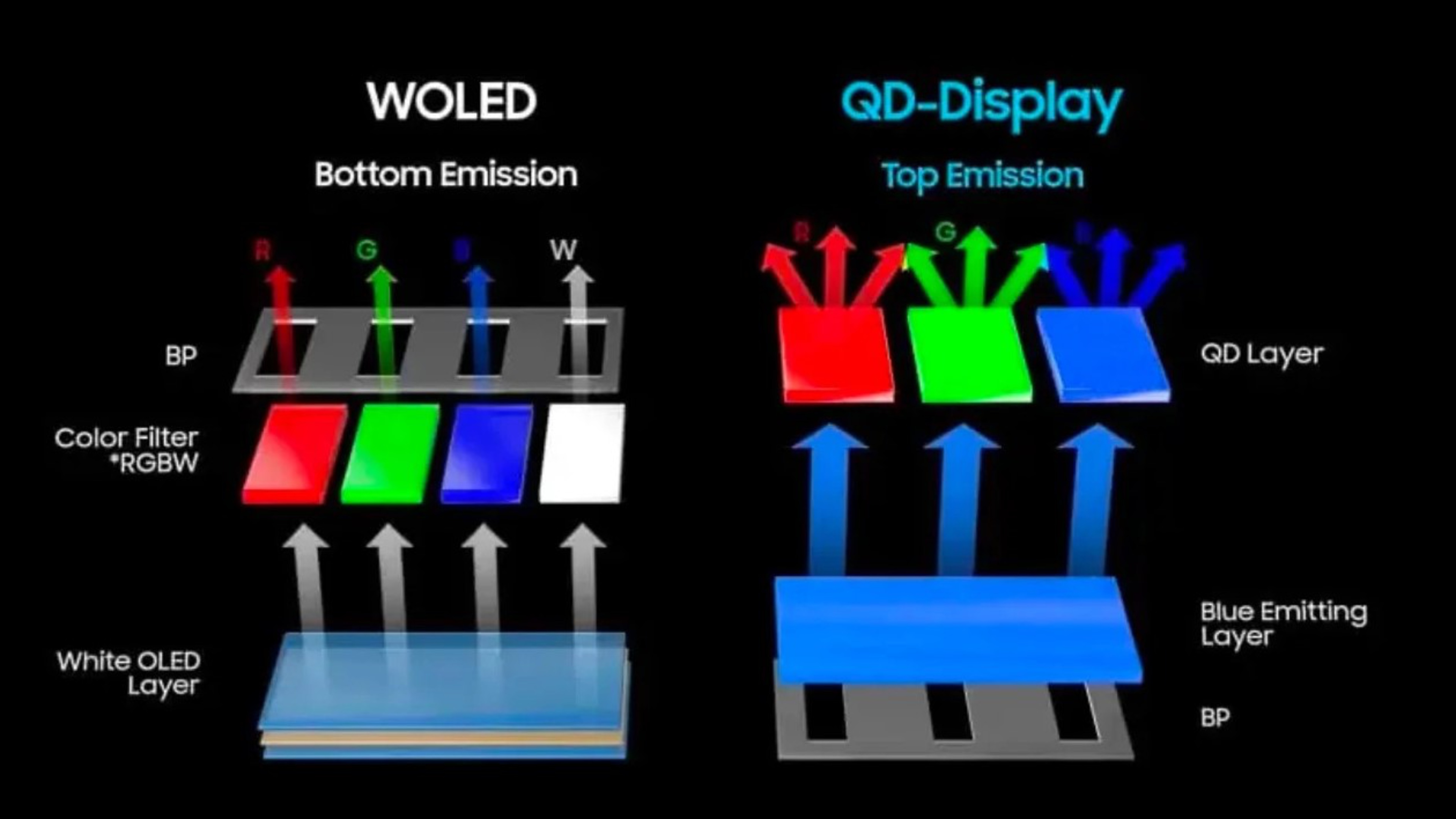
WOLED TVs have been around for over a decade. In fact, the first mainstream OLED TVs on the market used WOLED panels. WOLED technology works by first producing white light (the 'W' in WOLED), and then passing that light through red, green, and blue color filters to produce the three primary colors that make up each pixel. WOLEDs also have a fourth, unfiltered white subpixel that's used to boost brightness. Up until the introduction of QD-OLEDs, all commercially available OLED TVs and monitors used WOLED panels.
QD-OLED
Samsung introduced QD-OLED as an alternative to WOLED, starting with the Samsung S95B OLED in 2022. Their goal with QD-OLEDs was to improve the purity of colors by changing the way the TV produces light. QD-OLEDs start with blue light instead of white, which then passes through layers of a special material called quantum dots. This material has an interesting capability: when light hits it, that light is then emitted at a lower frequency. This process is extremely efficient, and the wavelength of the emitted light depends only on the size of the quantum dot. Since Samsung Display is able to precisely control the size of each quantum dot, this results in extremely precise colors. Put it all together and you get the same strengths as traditional OLEDs, but with the benefits of quantum dots, resulting in much better color saturation.
Performance
So, if the only real difference between them is how they produce light, is there really a better technology? How does this difference in structure impact the overall performance of each technology? To study the impact of these differences, we're going to take a look at Samsung and LG's most recent flagships: the Samsung S95F OLED, the LG G5 OLED, and the LG C5 OLED. Why two LGs, you might ask? It's simple: the G5 uses the absolute latest WOLED panel, which uses a new emitter stack that changes the game quite a bit. It's also one of the only TVs in 2025 to use that panel, so it's not very representative of the entire market. If you're considering buying a WOLED in 2025, chances are it'll be closer in performance to the C5. The S95F also uses an improved QD-OLED stack, but the differences aren't as significant compared to previous generations of QD-OLED.
Dark Room Performance
 |
 |
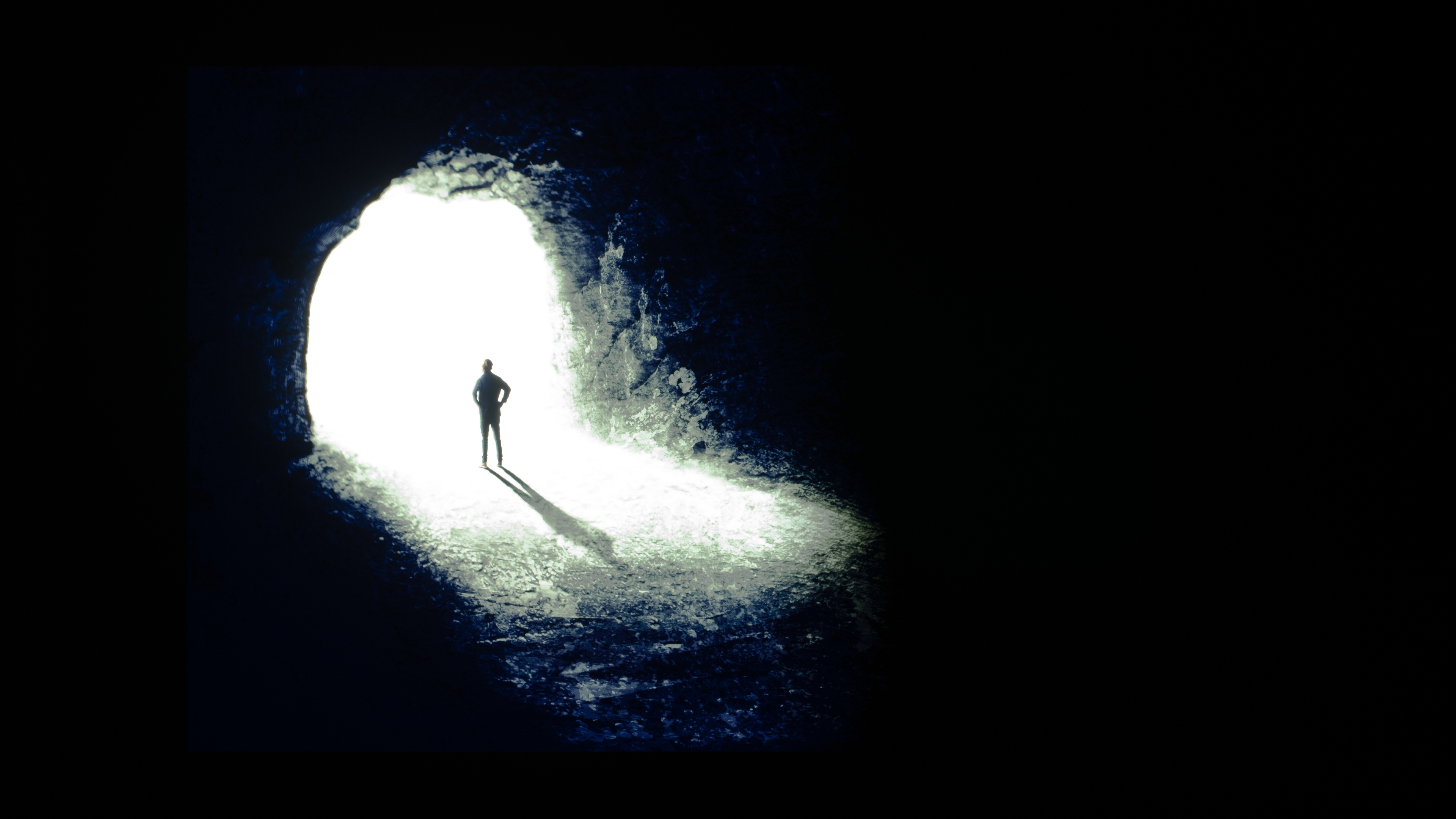 |
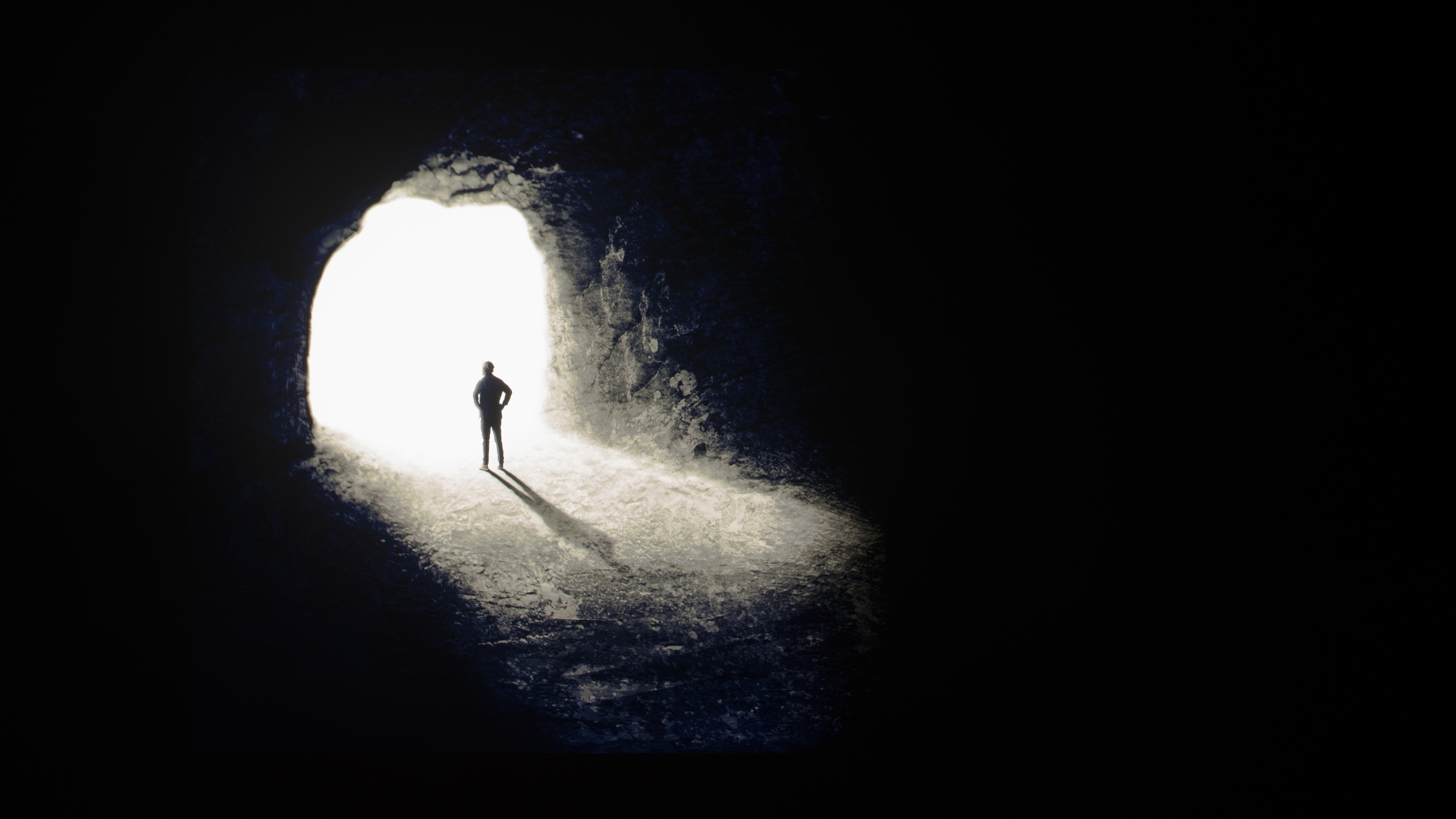
Let's get the easy stuff out of the way first: in a dark room, there's absolutely no difference in black levels between QD-OLED and WOLED panels. They all deliver perfect blacks, with a near infinite contrast ratio that gives OLED those deep inky blacks that everyone knows and loves. The type of OLED panel and even the screen coating make almost no difference, as long as you're in a completely dark room. If there's any ambient light, though, it's not the same story (more on that later).
Winner: Tie.
Colors
 |
 |
 |
 |
 |
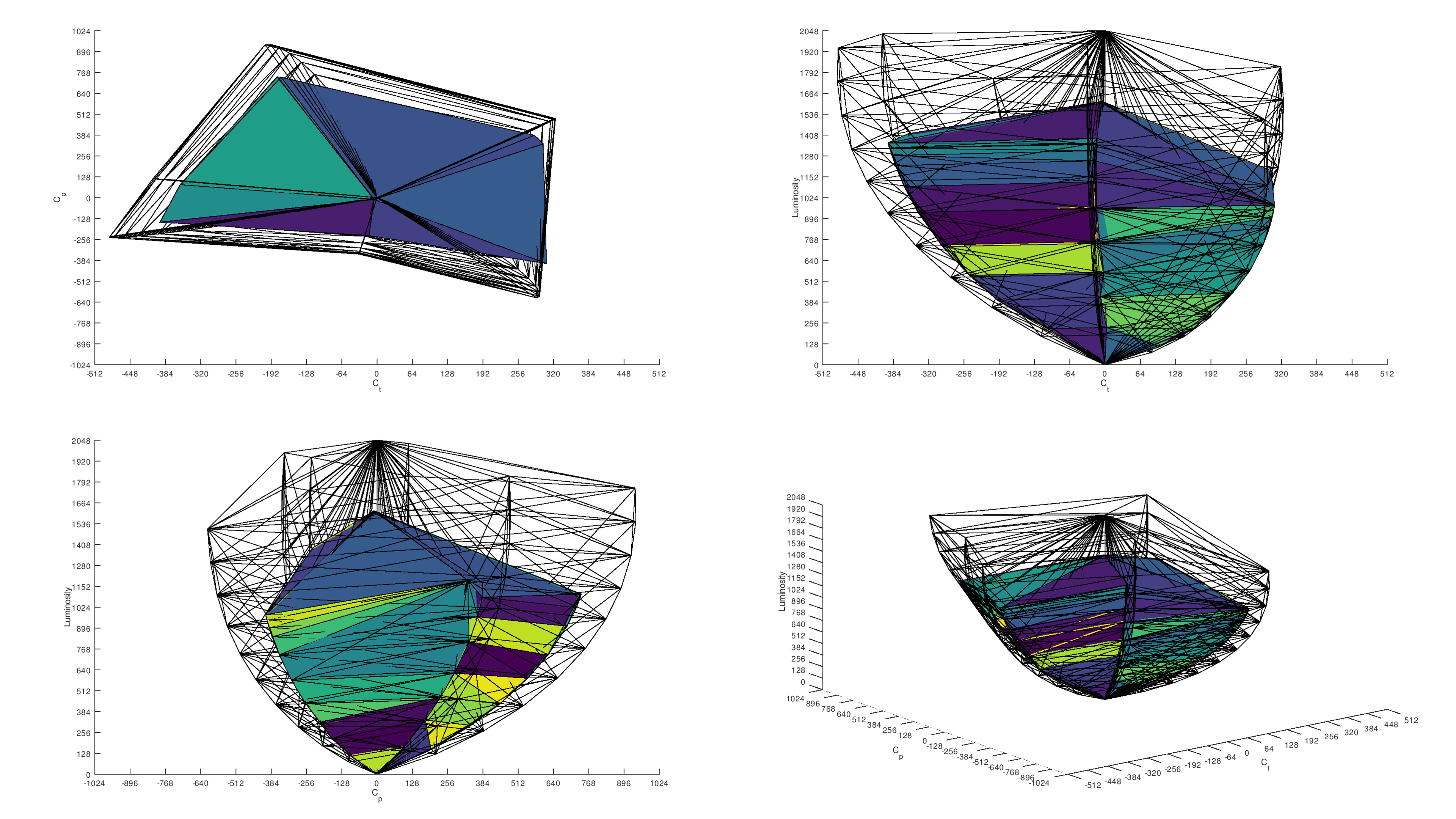 |
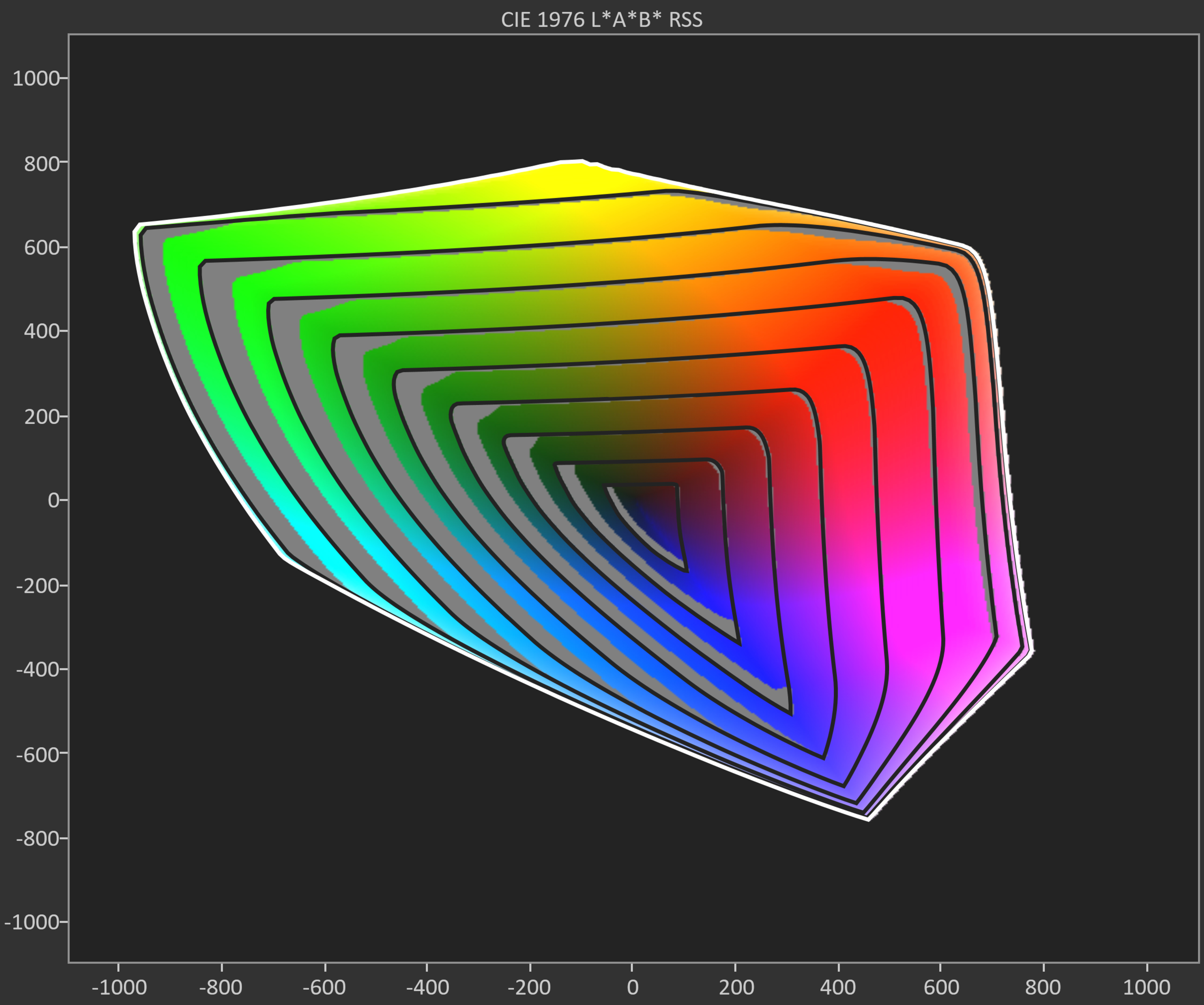
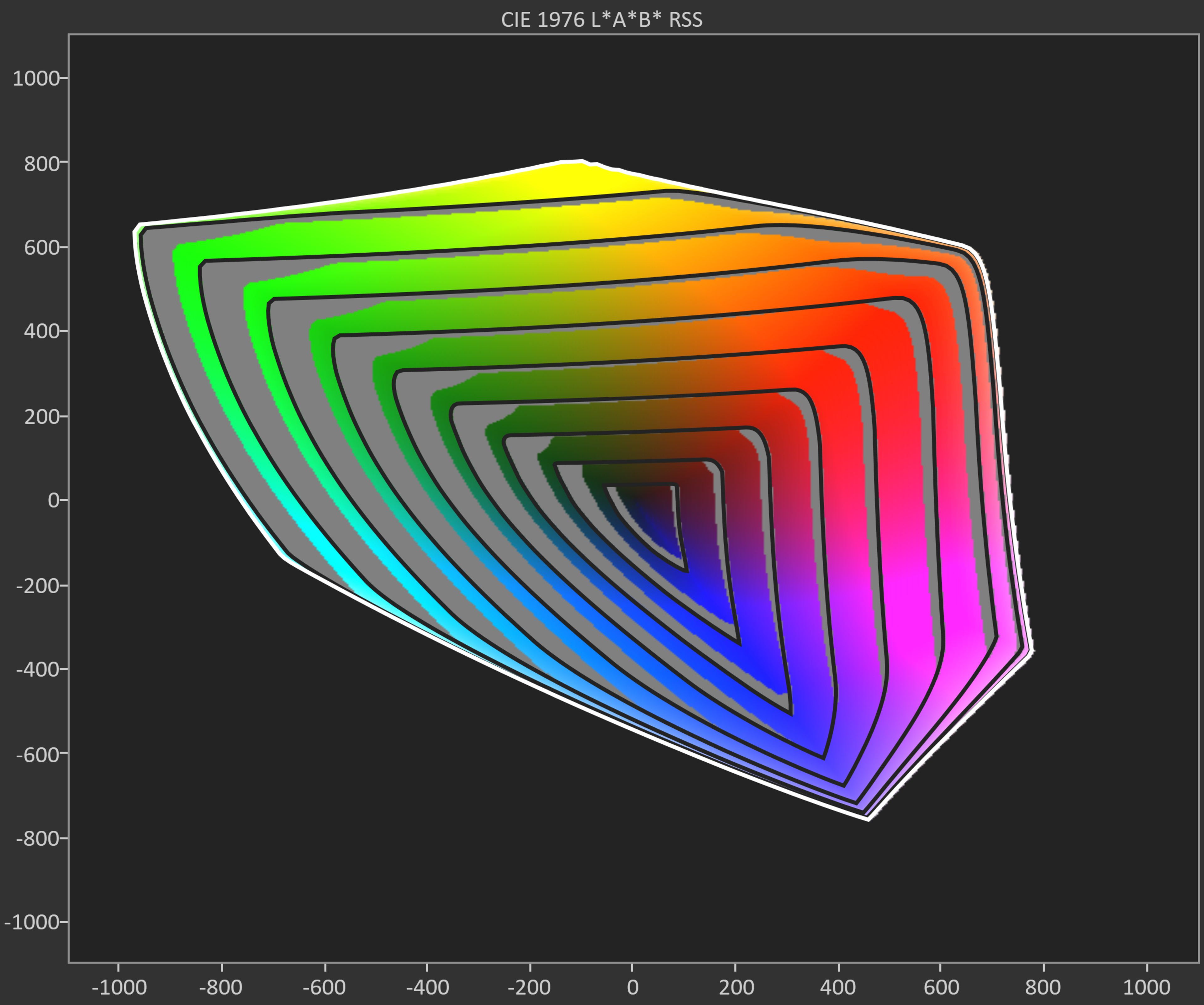
Color saturation is one of the biggest differences between QD-OLED and WOLED technology. Let's look back at the technology behind each of them to understand why. WOLED passes white light through three color filters to produce red, green, and blue light. These filters are terribly inefficient; they work by simply blocking the unwanted portions of light from passing through each subpixel. Because of this low efficiency, WOLEDs also have a fourth subpixel that passes the white light straight through to boost the brightness of the TV. QD-OLED, on the other hand, creates very pure light, with no need for color filters or a white subpixel. This results in significantly better color saturation on QD-OLEDs.
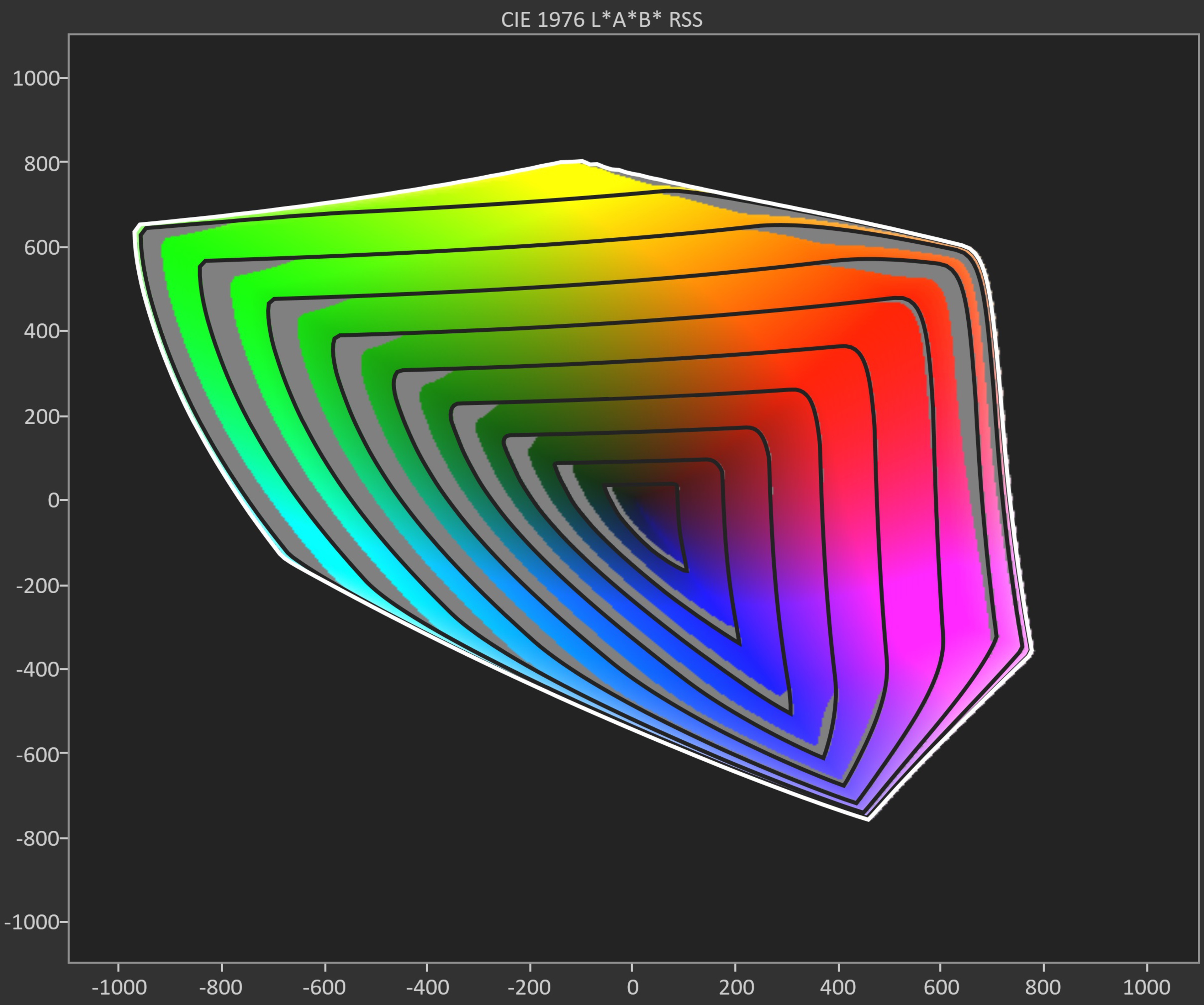
One way we can evaluate a TV's color saturation is through SDR color volume, also known as gamut rings. When we look at these results for our three comparisons, we can see that TVs with QD-OLED panels offer the best coverage of the BT.2020 color space. In fact, QD-OLEDs deliver the best BT.2020 coverage of any display technology we've tested as of 2025. This makes them a fantastic choice for watching the latest HDR content.
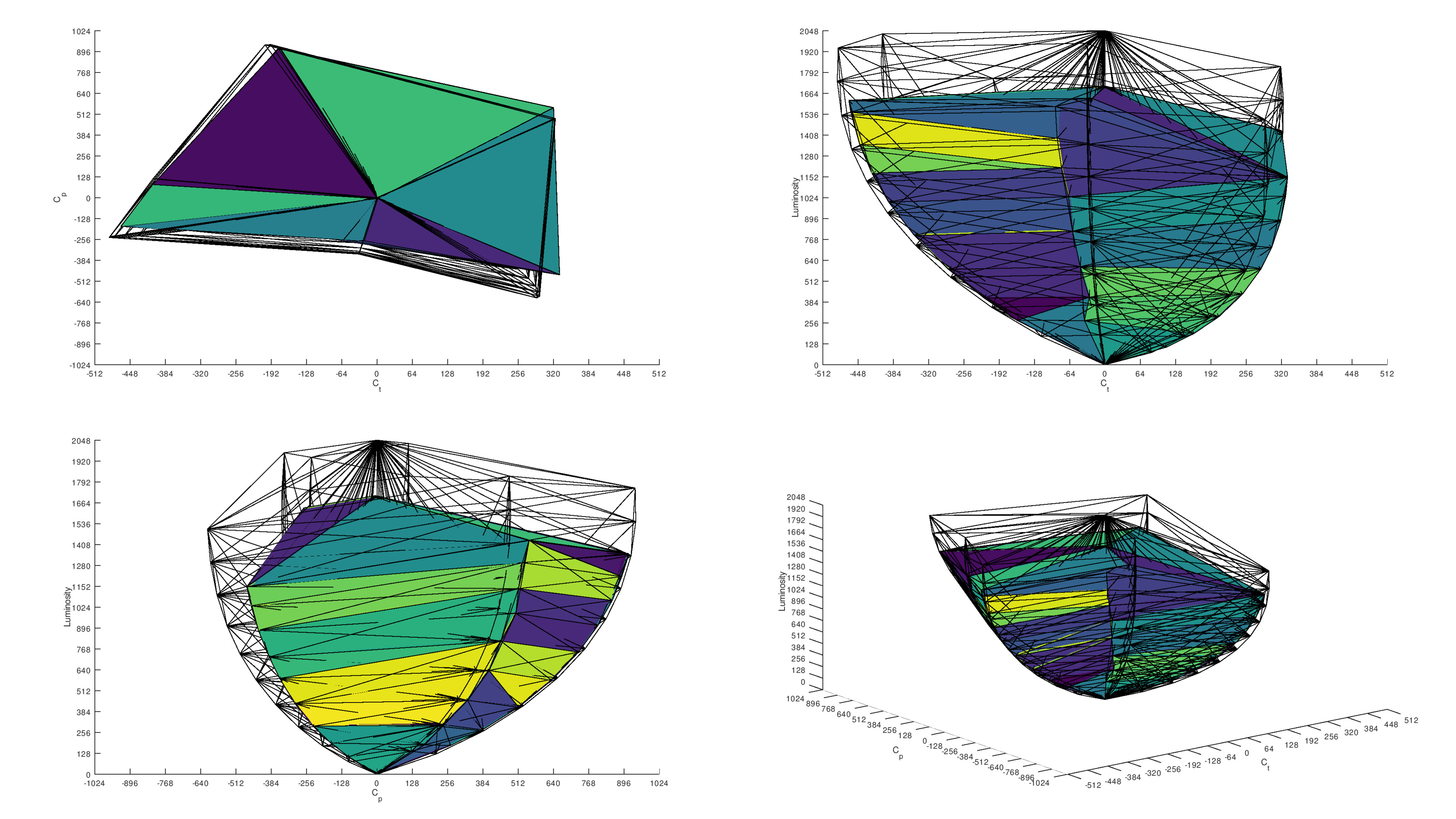
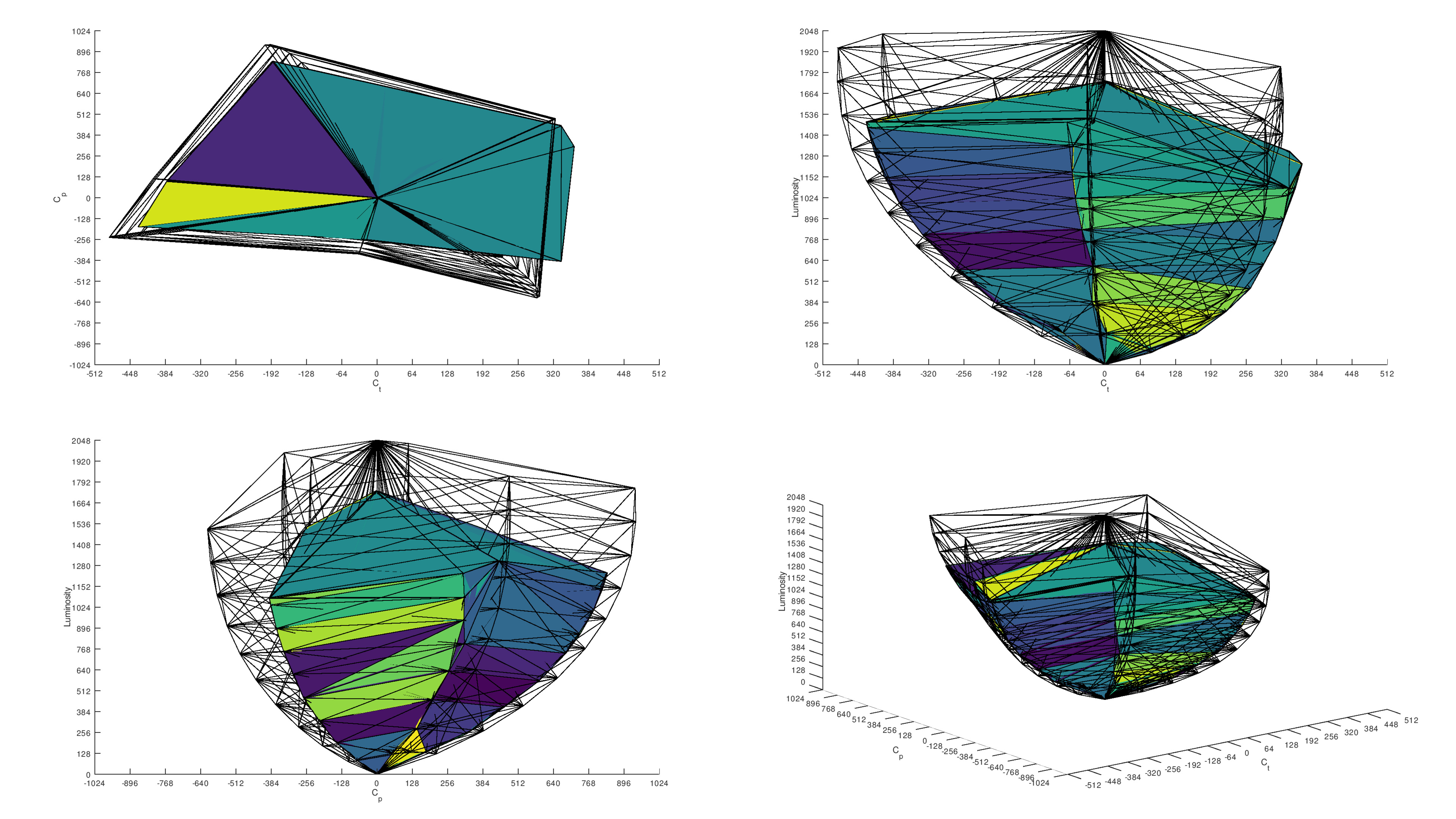
That test is a bit simple, though, as it's done in SDR at low brightness, and it doesn't really push any of these TVs. HDR color volume is a more demanding test, and when compared to a theoretical TV with 10,000 nits peak brightness, we really see the limits of each TV technology. Here, QD-OLED stands far ahead of the pack, with significantly better coverage.
Looking at the volume graphs, we can clearly see the effects of the white subpixel, even on the G5, as the white peak in the center is significantly higher than the colors around it. This indicates that at high brightness levels, the G5 relies on the white subpixel to boost brightness, resulting in diluted saturated colors. This issue is even more obvious on the C5 with its older WOLED stack. The S95F, on the other hand, doesn't even have a white subpixel, so color volume is fantastic even at high brightness levels, with no washout at all.
So, what does this all mean for you, watching TV at home? Well, assuming all three TVs are fully calibrated, you're not going to notice much difference between the three display types when watching run-of-the-mill SDR content or even most HDR content. When you get into really bright, vibrant colors, though, like what you'll find on nature documentaries, anime, or even some video games, QD-OLEDs deliver a more vibrant experience overall.
Winner: QD-OLED.
Brightness
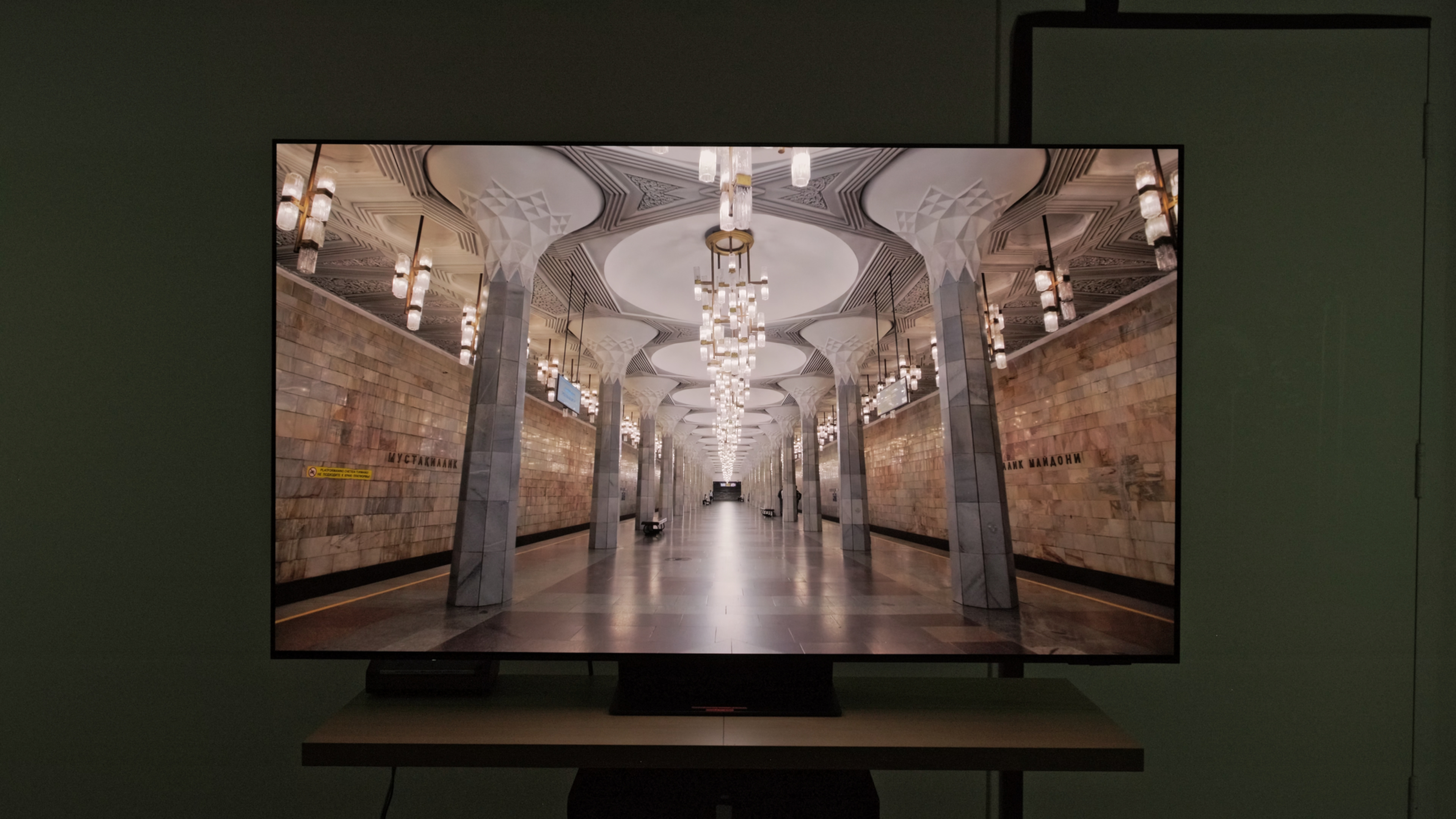 1,004 cd/m² |
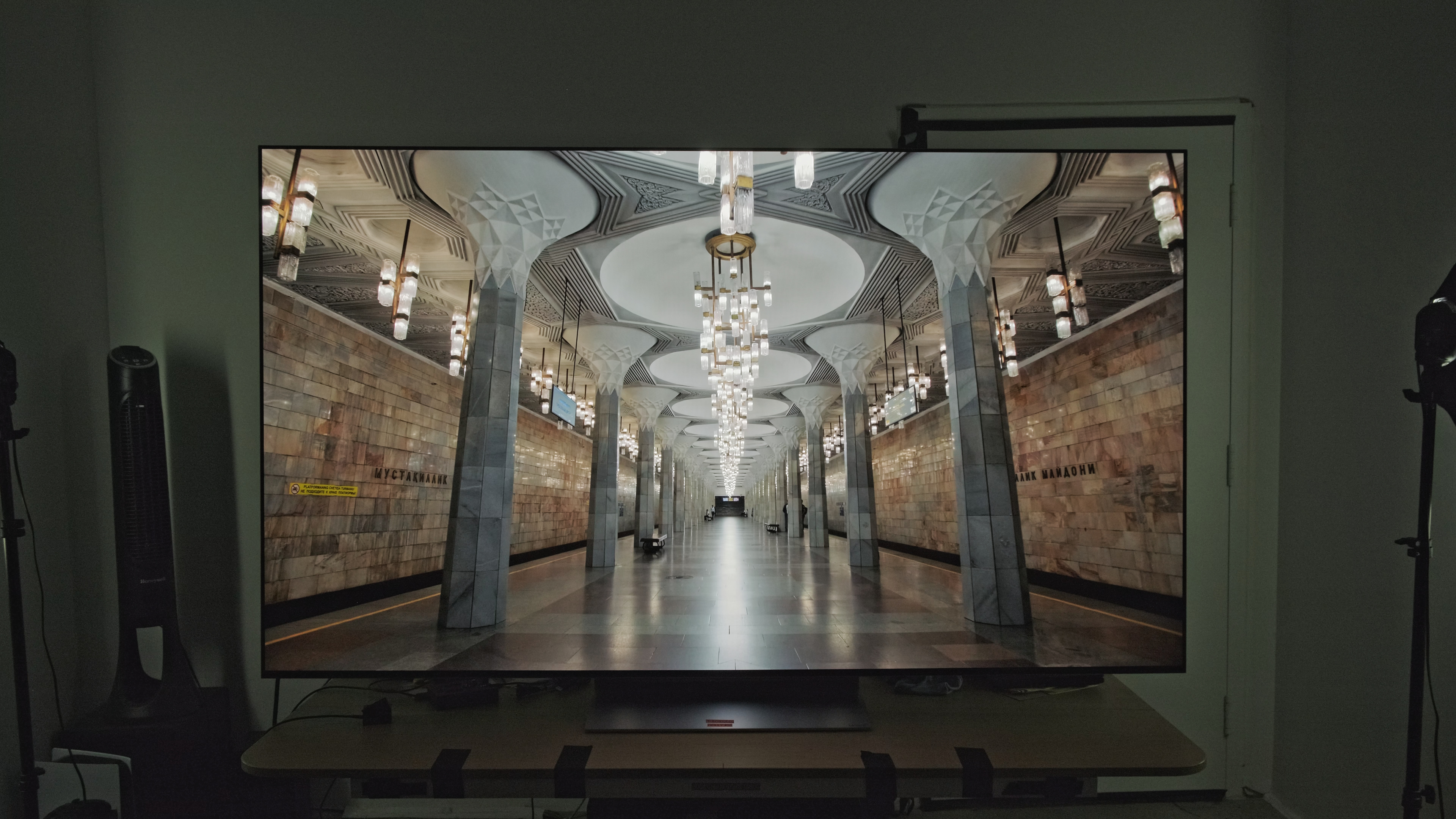 1,113 cd/m² |
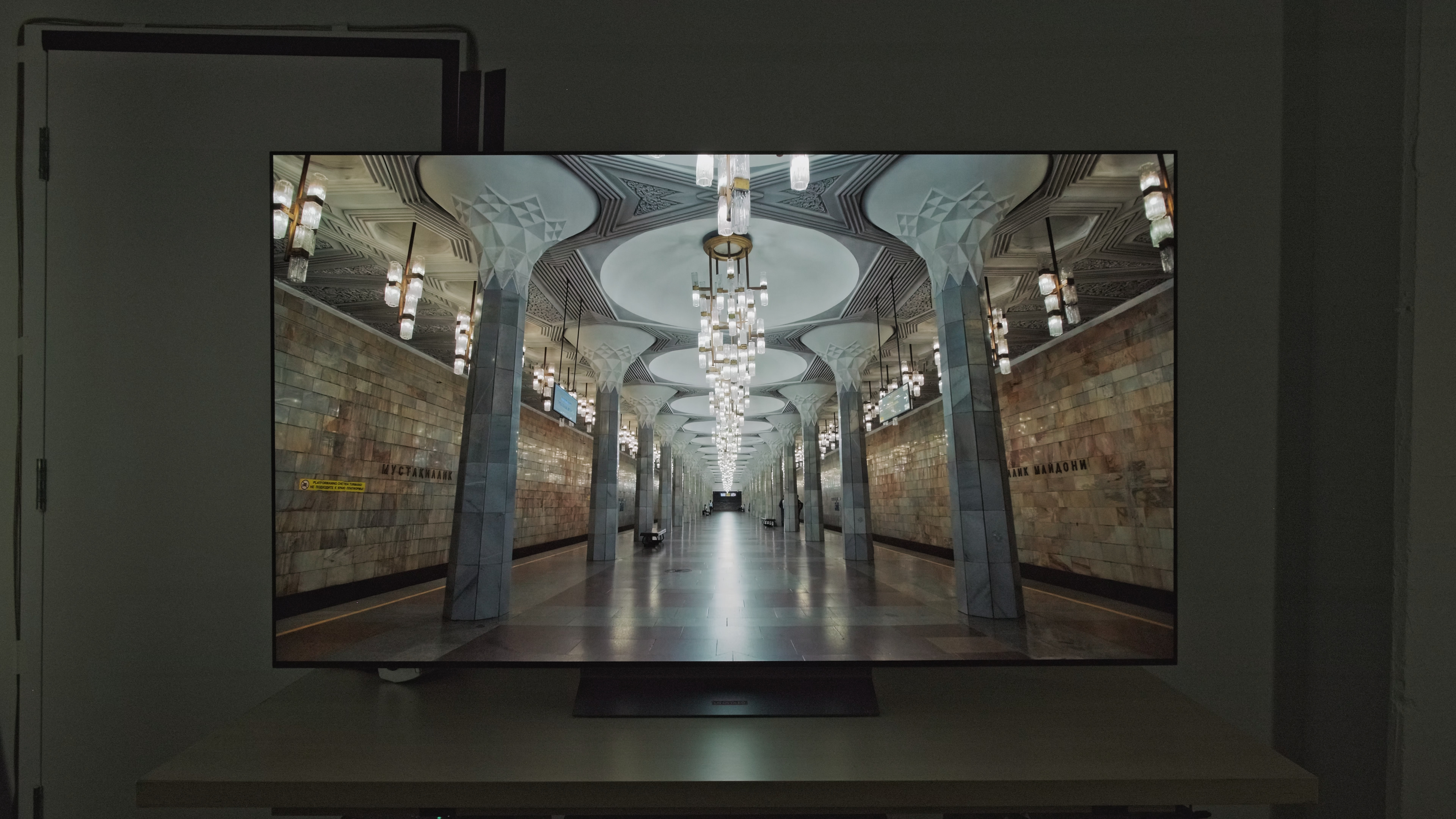 1,074 cd/m² |
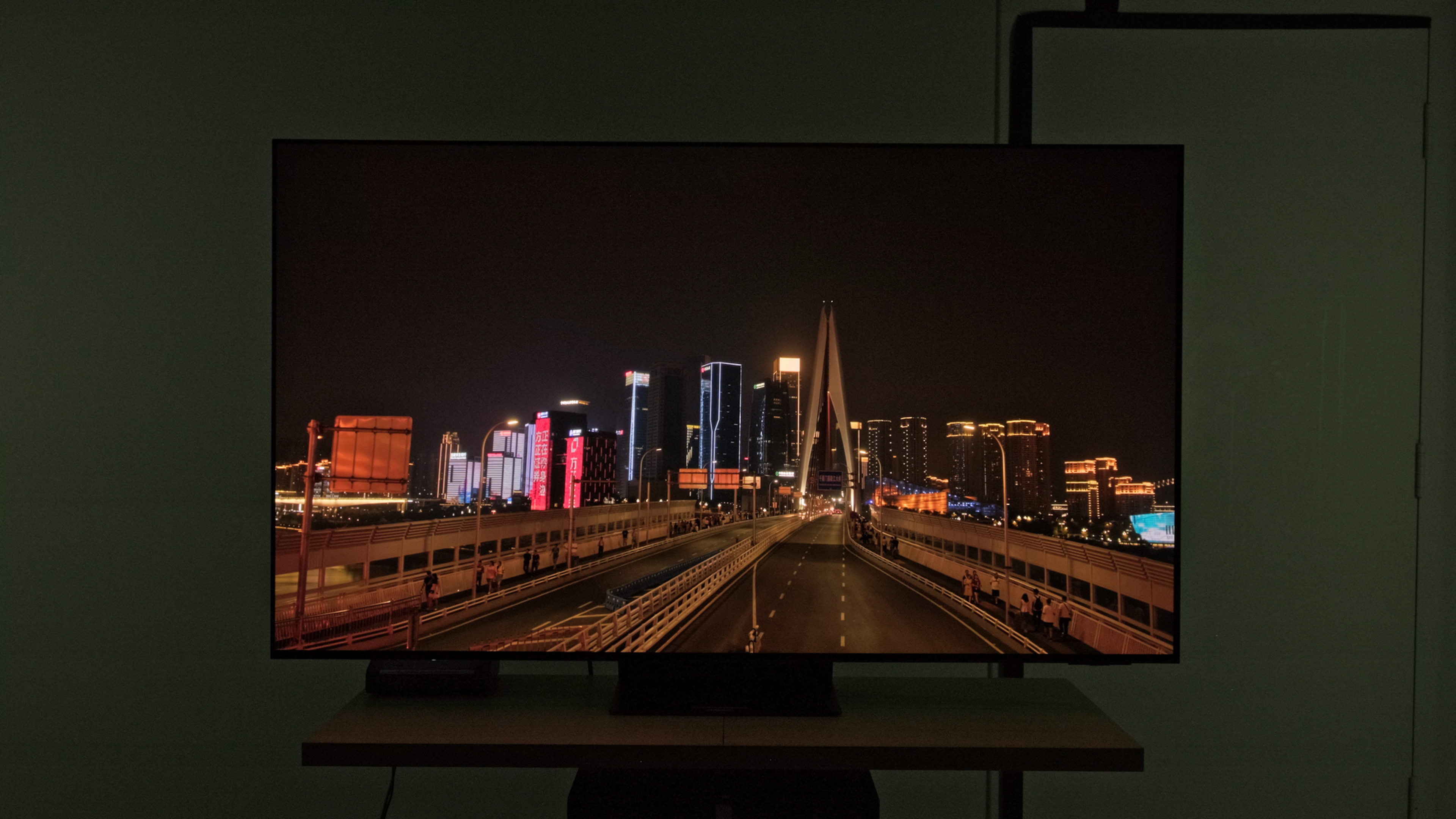 693 cd/m² |
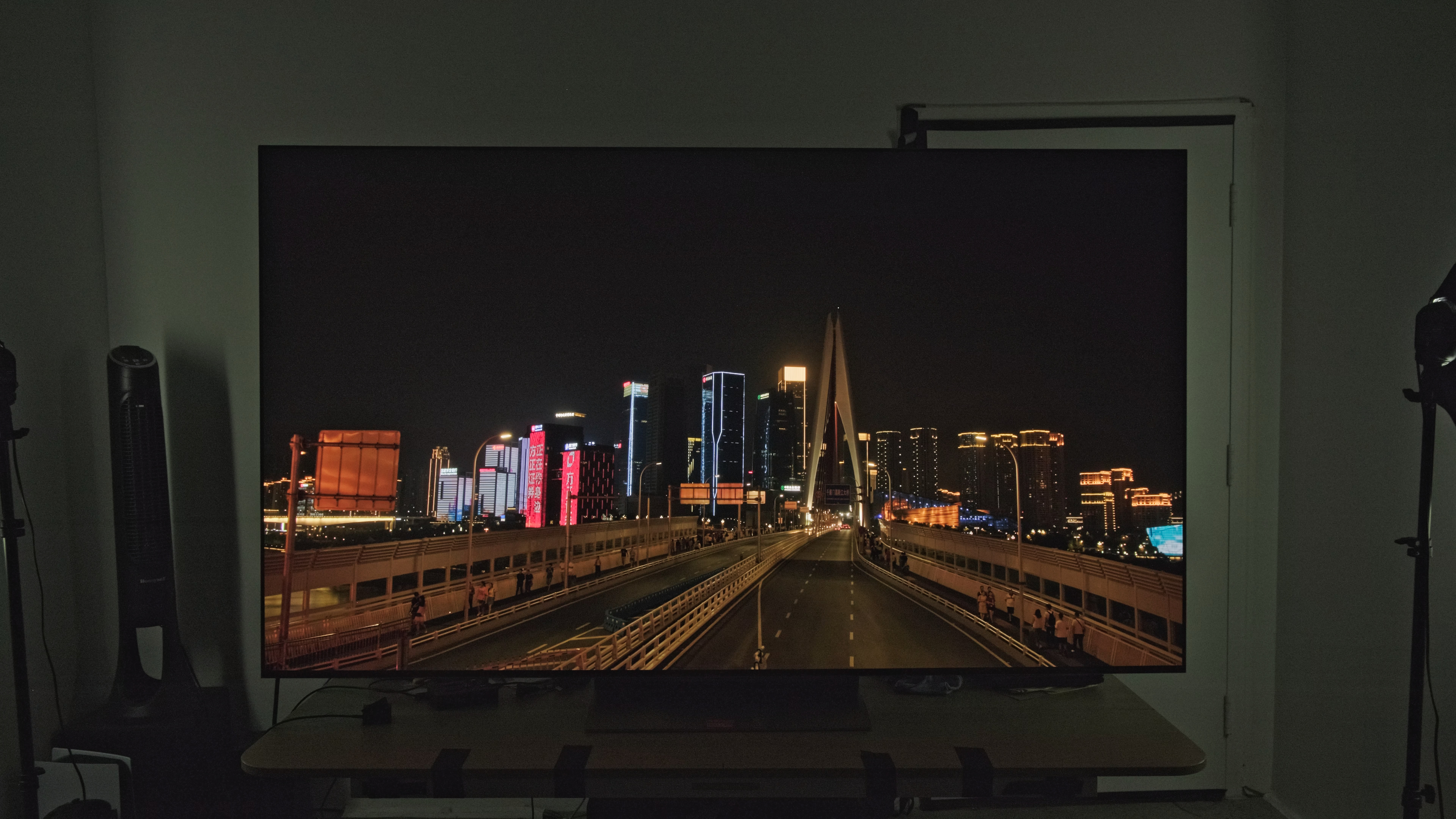 745 cd/m² |
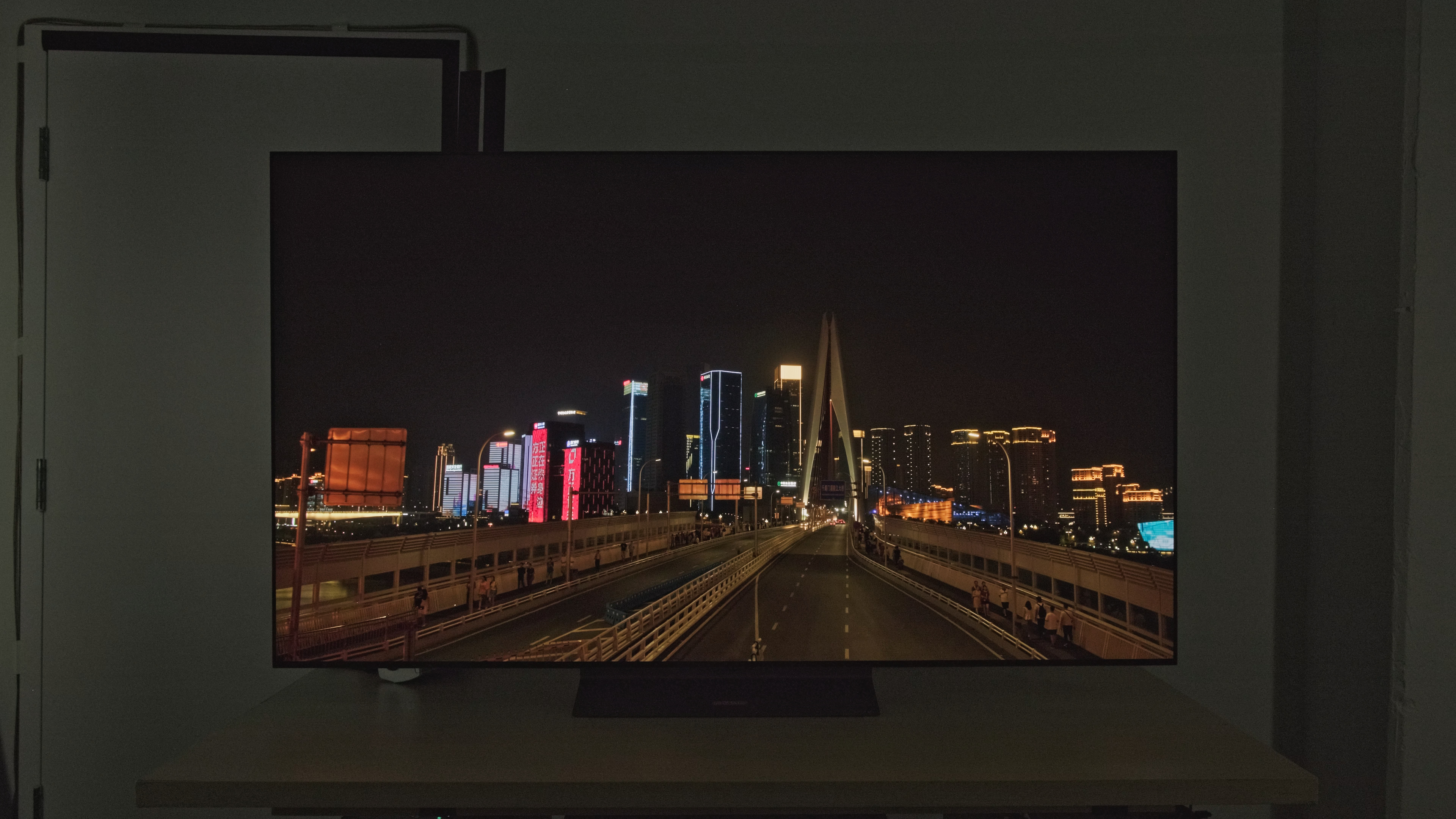 707 cd/m² |
 253 cd/m² |
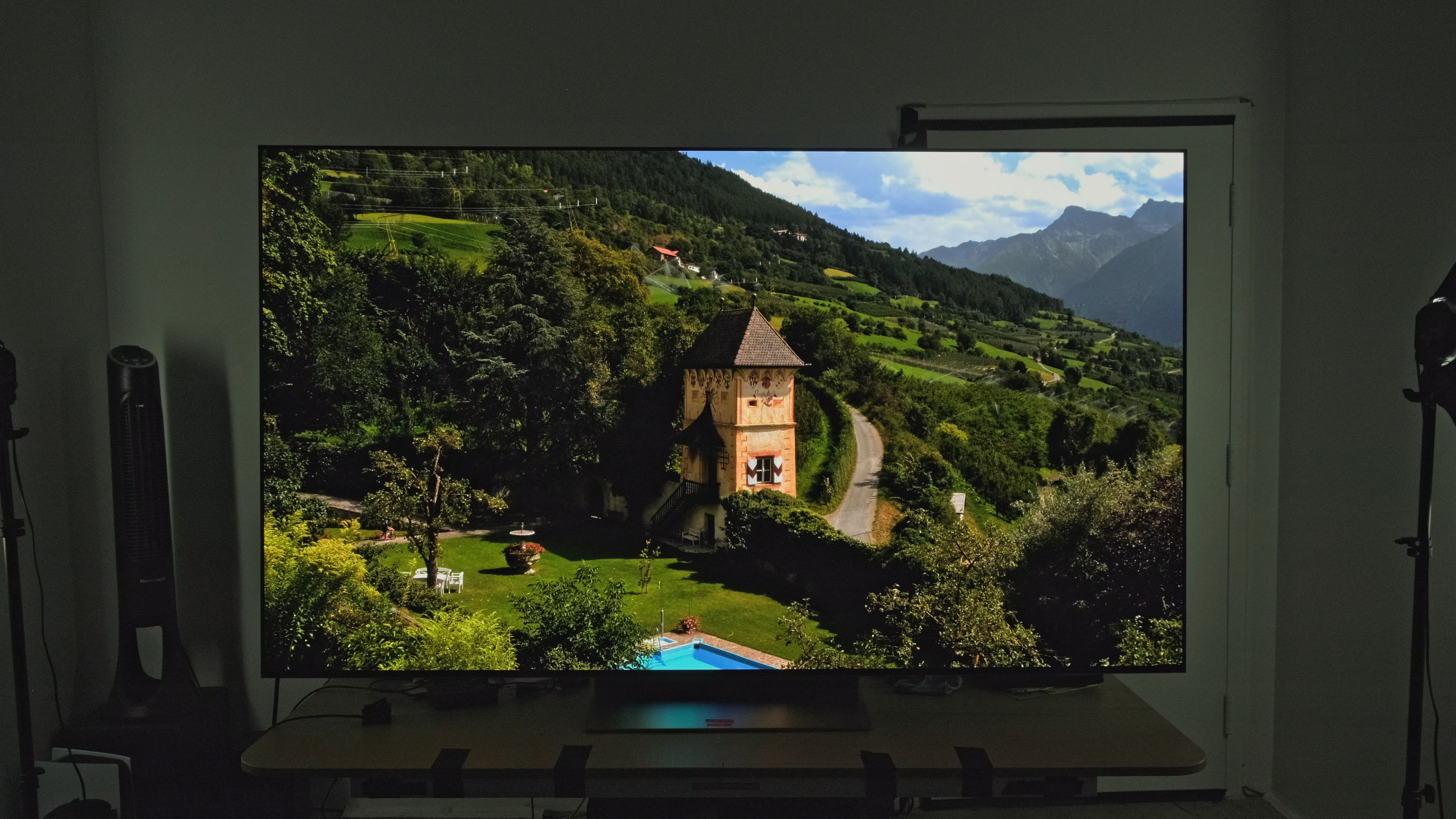 307 cd/m² |
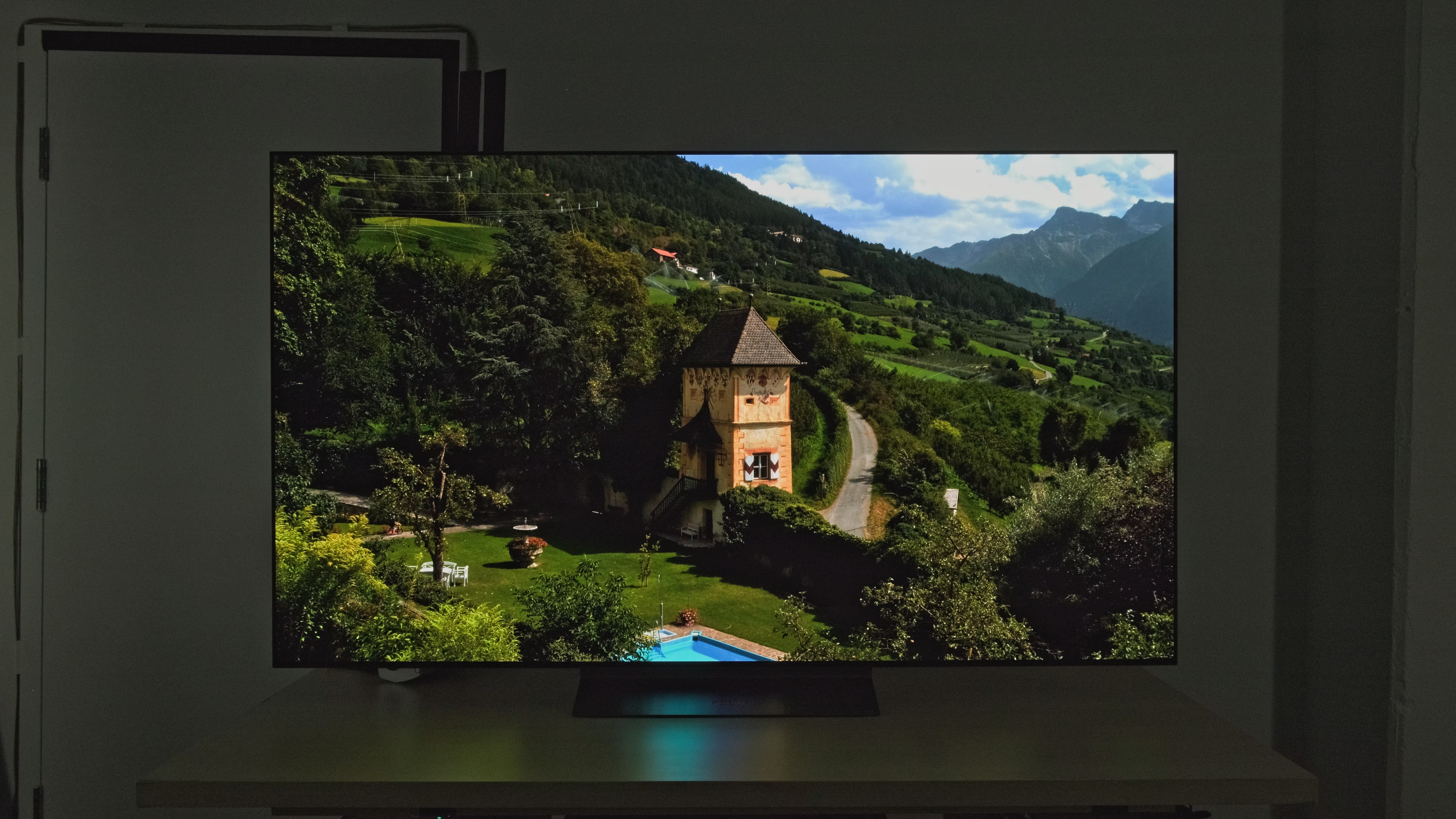 287 cd/m² |
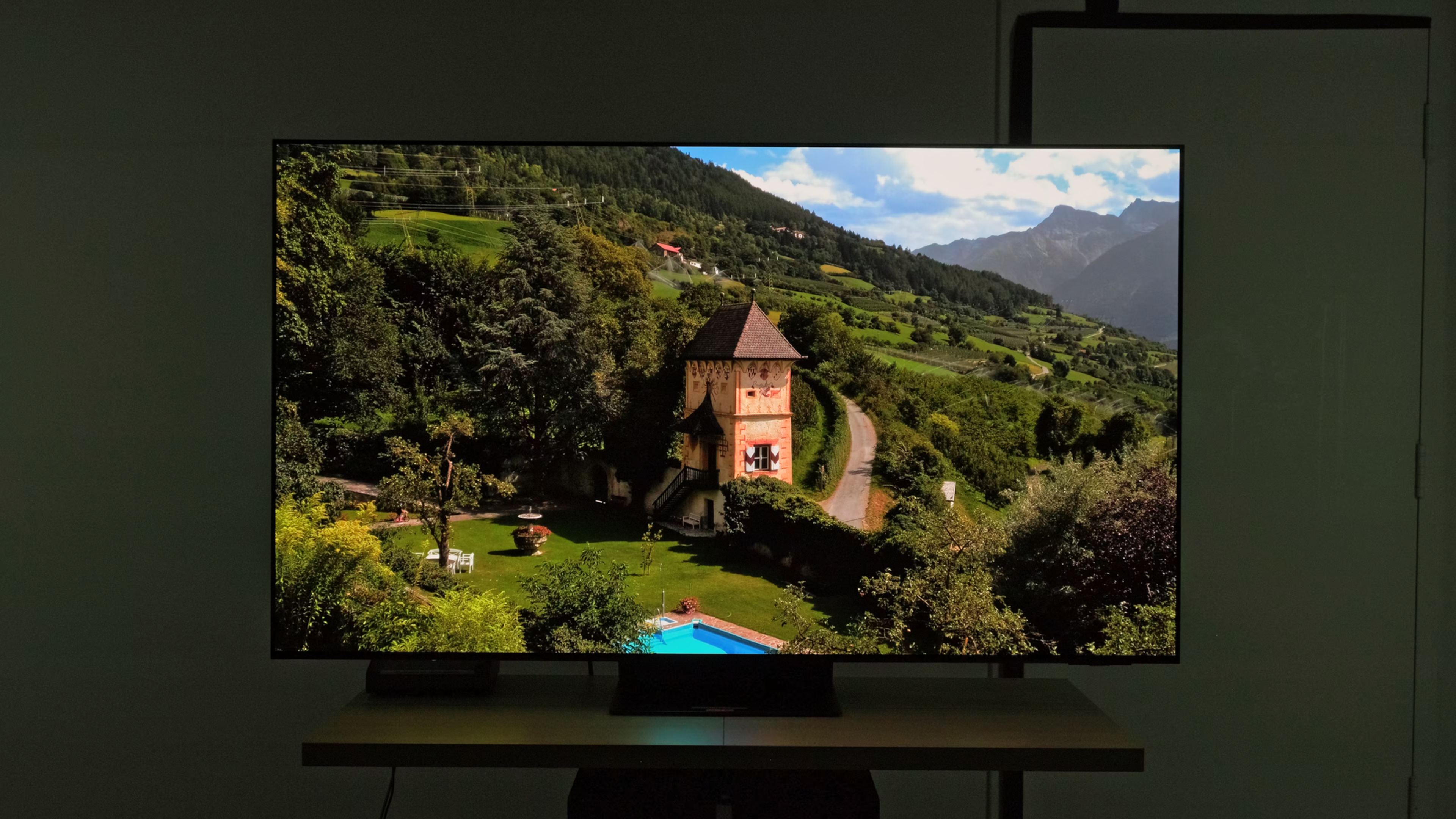
Whereas color tests above use test slides and show the absolute peak brightness levels a TV can hit, real scene test photos show us how bright TVs get with real content. These scenes are meant to mimic different types of real HDR scenes with various APLs (average picture level), from relatively dark scenes with a few bright highlights up to incredibly bright scenes with lots of lights. Looking at the results from the three comparison TVs, we can see that the results are a bit all over the place and don't really match up with the color tests.
That's because brightness with real content isn't just about how bright the TV can push the pixels; the TV's processing has a lot to do with it, too. From the PQ EOTF handling of each individual TV to things like tone and brightness mapping, a lot goes into how a TV displays a real scene image. This makes it difficult to directly compare brightness between different TV panel types. One metric we can use instead is the overall Brightness performance score. This score combines the overall HDR and SDR brightness scores, taking a weighted average of both real scene peak brightness and test slide peak brightness.
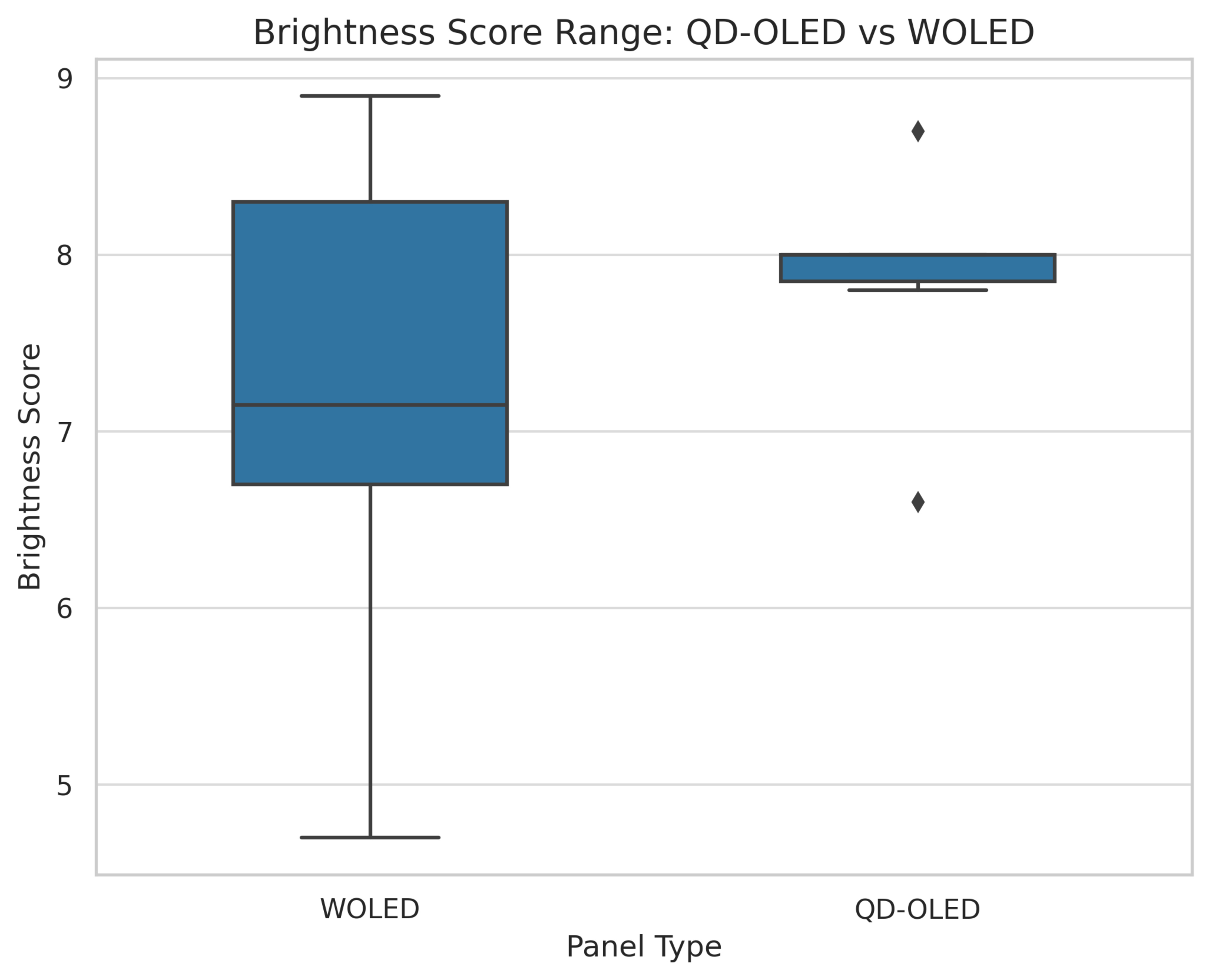
If we look at the overall Brightness performance score for all OLEDs, we can see that there's no clear winner. QD-OLEDs tend to all perform within a very tight range, with just two outliers. WOLEDs, on the other hand, have a very wide range of brightness scores, with more outliers. The point we're trying to make here is simply that peak brightness has more to do with the specific panel and how the manufacturer tunes it.
Winner: QD-OLEDs have a narrower range of brightness and are brighter on average, but it really depends on the specific TV.
Direct Reflections
 |
 |
 |
 |
 |
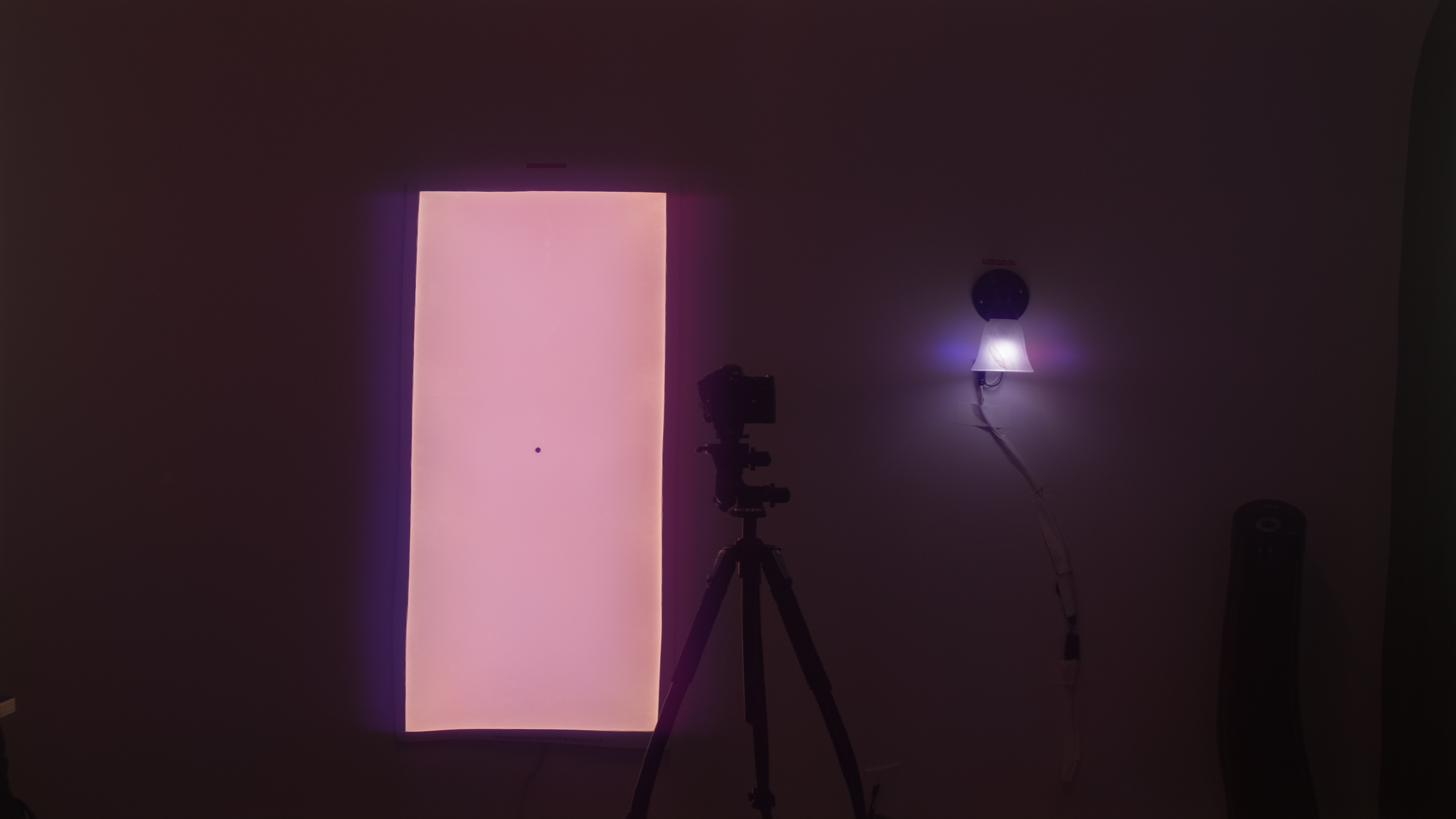 |
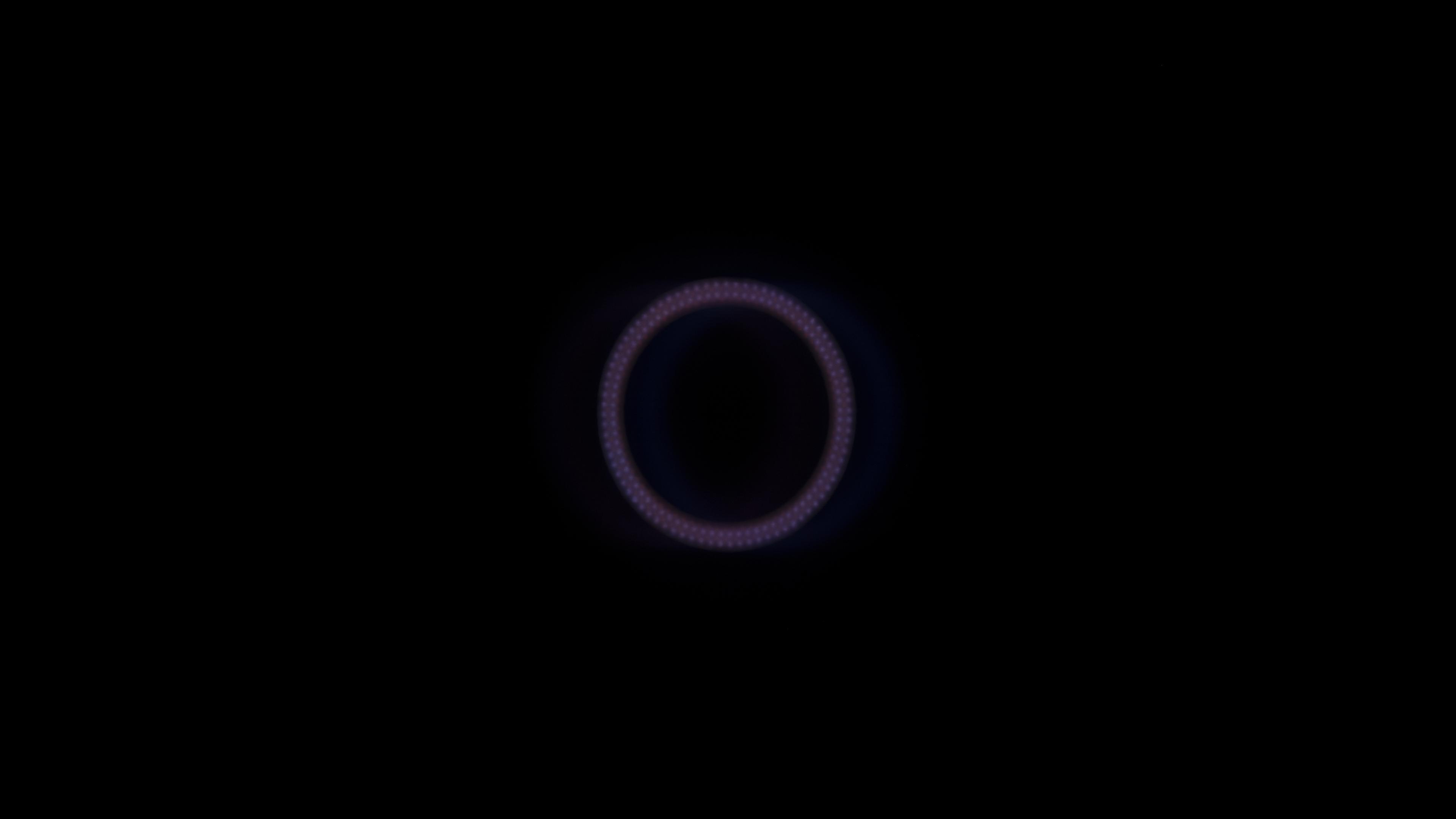
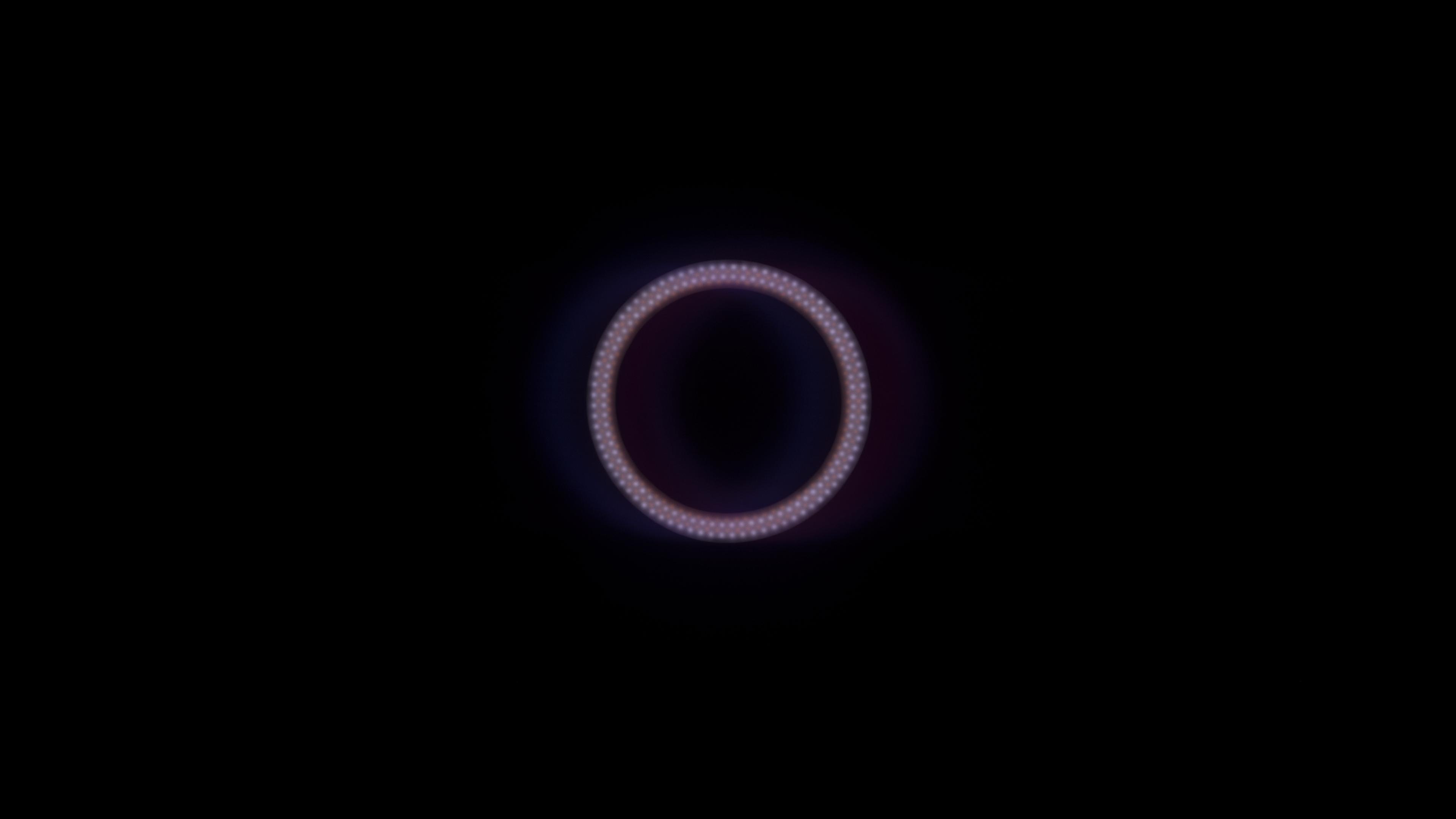
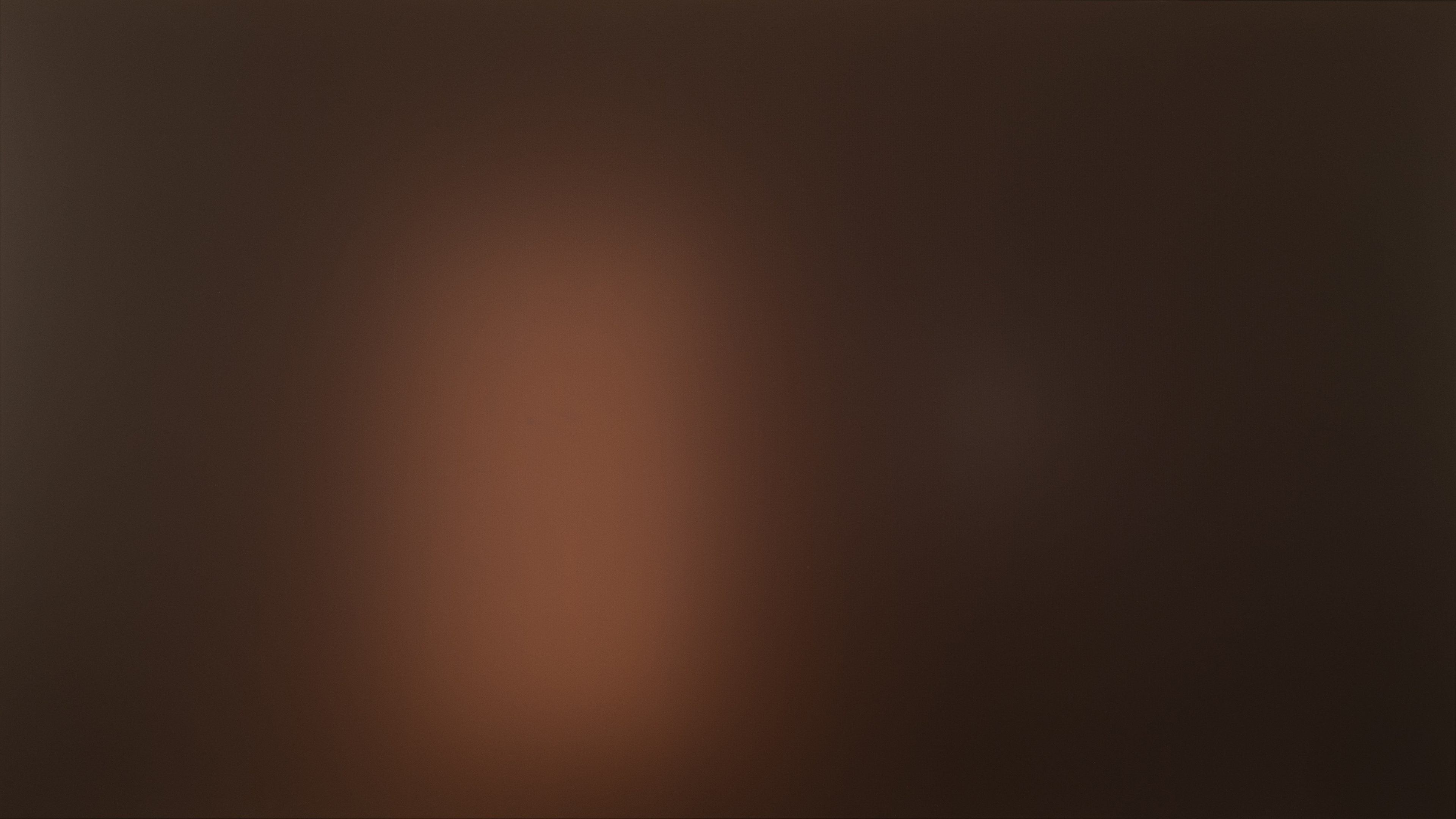
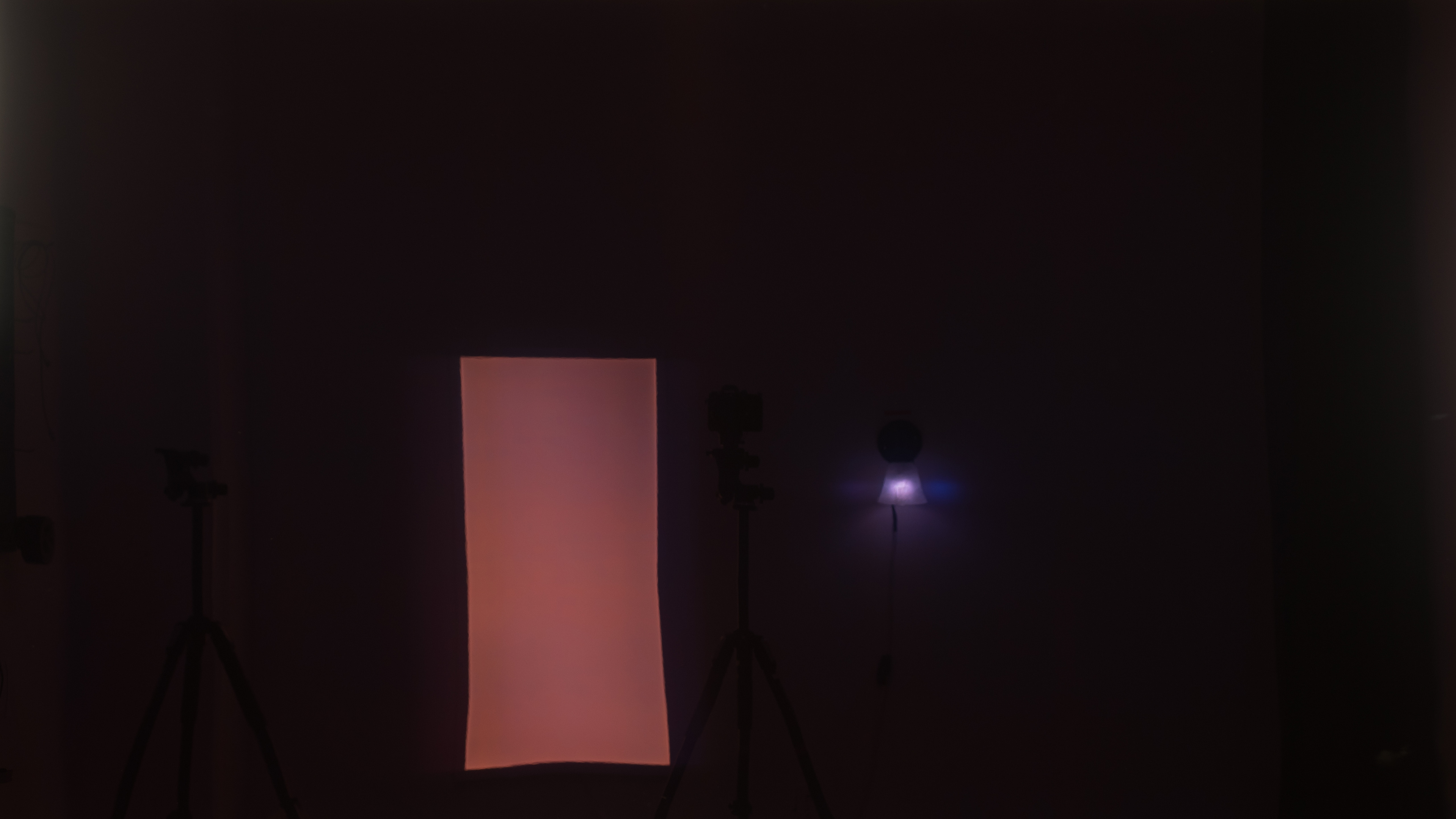
A TV's ability to reduce the appearance of reflected light has more to do with the surface screen coating than the actual panel, but there is a noticeable trend, mainly due to manufacturer preferences. Samsung uses a matte anti-reflective coating on almost all of its QD-OLED TVs released in 2024 and 2025, whereas LG uses a glossy coating on their models. LG also adds an anti-reflective coating on some of their models, usually only on the high end, so reflection handling gets worse as you step down from the flagship models.
Winner: Matte coatings are better for reflection handling, so Samsung QD-OLED is technically better, even though it's the coating, not the panel, that makes the difference.
Ambient Black Level Raise
 |
 |
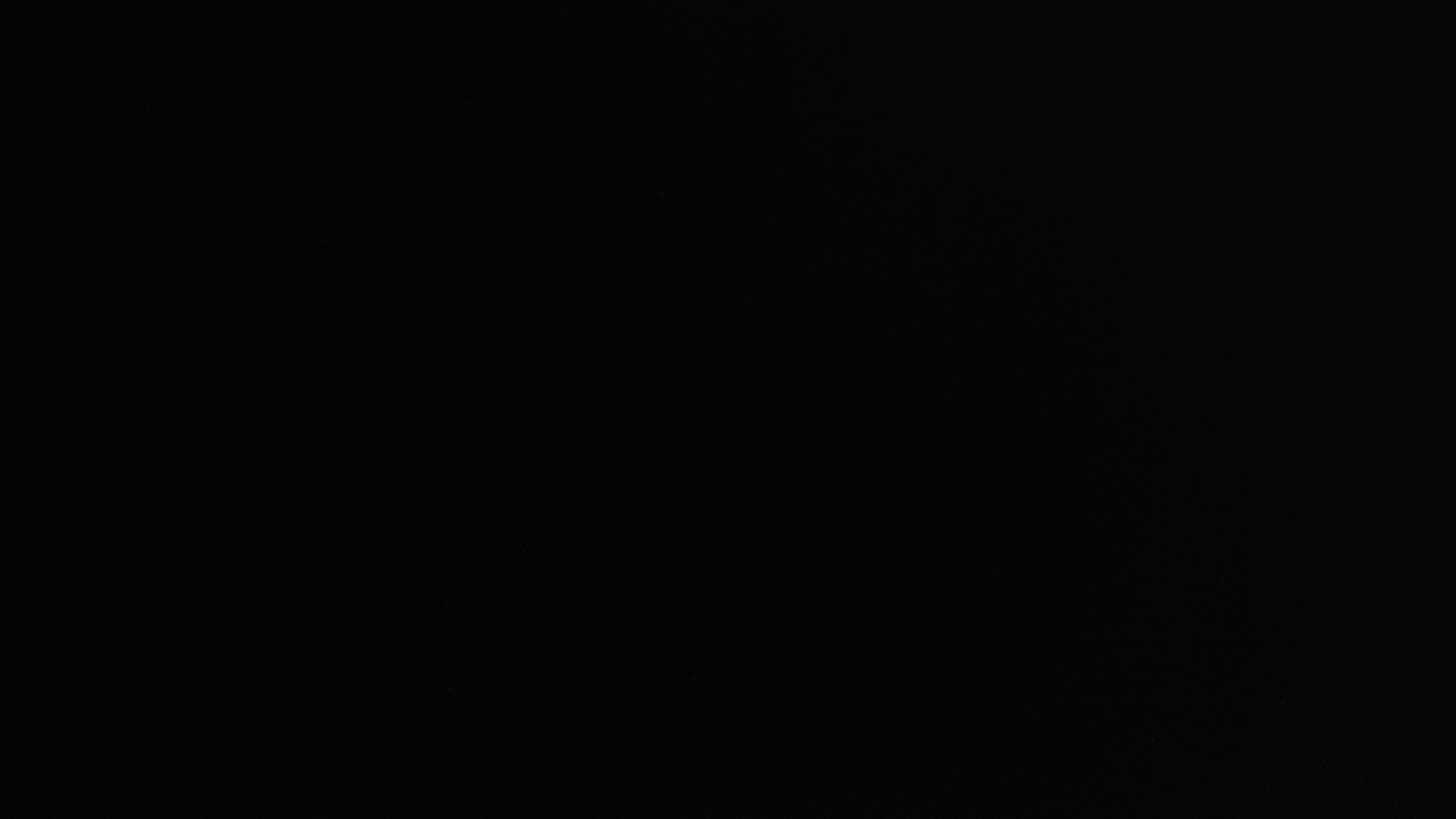 |
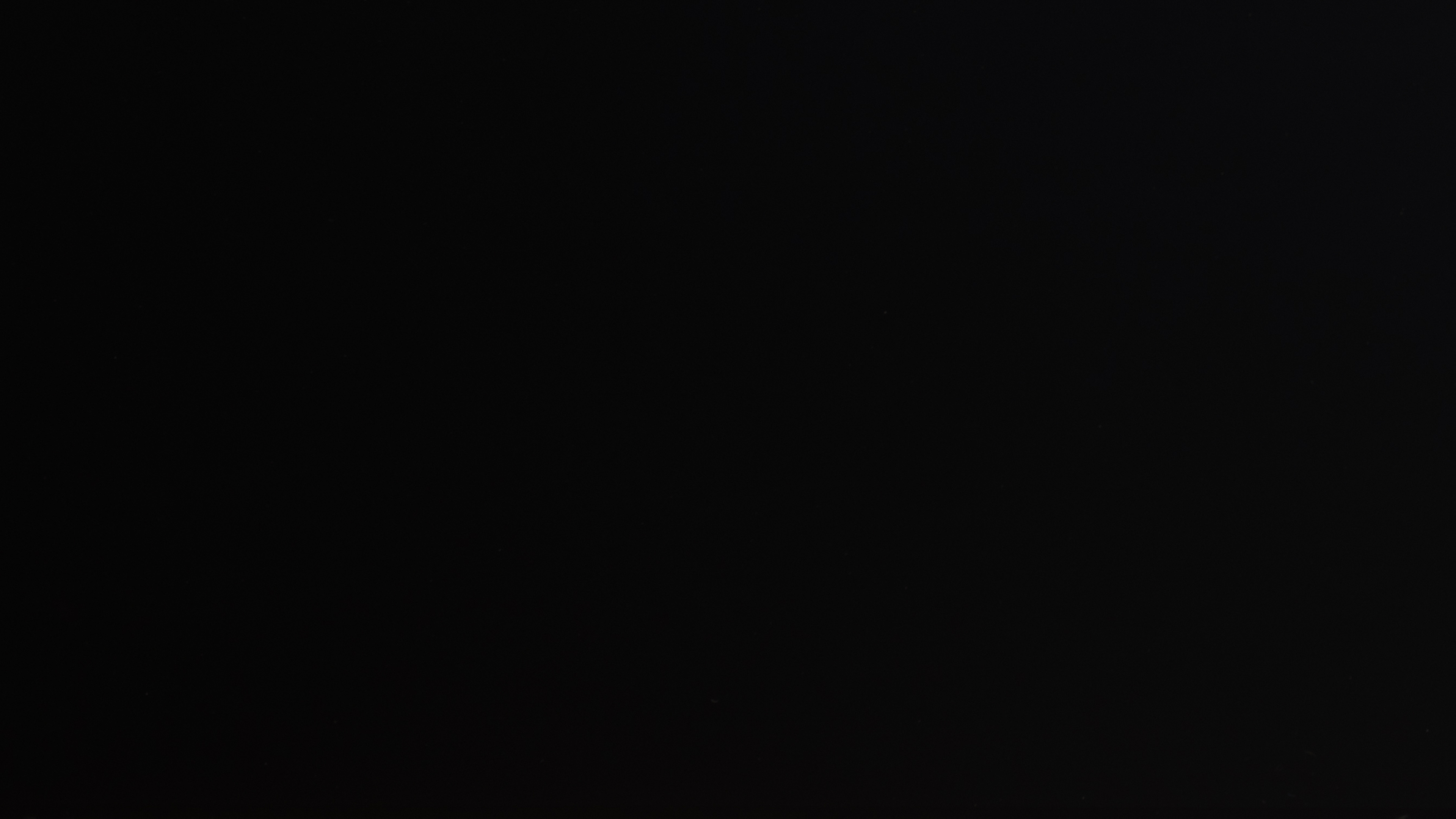
Ambient black level raise is one of the biggest differences between QD-OLED and WOLED panel performance, which is directly related to the internal structure of the panel. While all TVs exhibit some rise in black levels when viewed in a dark room, QD-OLEDs like the Samsung S95F lack a polarizer, making it much worse than most TVs. A few 8k TVs have a similar issue, but outside of those TVs, QD-OLEDs have the worst black level rise of any TV type. This is an intentional decision by the panel manufacturer, Samsung Display, as a way to boost brightness. Some reports suggest that adding a polarizer would reduce the TV's peak brightness by as much as 50%.
What this means for you is that when there are lights on in the room, QD-OLEDs lose the deep, inky blacks that OLEDs are known for. The more lights you have on, the worse it gets. In some rare cases, the bright light emitted from the TV itself can also cause this issue. So if you really care about black levels, WOLED is the best choice.
Winner: WOLED.
Uniformity
 |
 |
 |
Almost all OLEDs have fantastic uniformity, regardless of the panel type, but it varies between individual units, so it really is just luck of the draw. That being said, there are a few reported issues with WOLED panels that make QD-OLEDs the safer choice overall. There have been widespread reports of a green tint on LG WOLEDs in recent years, and it's a lot worse on 2023 and 2024 models.
Winner: QD-OLED has fewer reported issues, especially with off-angle viewing.
Burn-In
 |
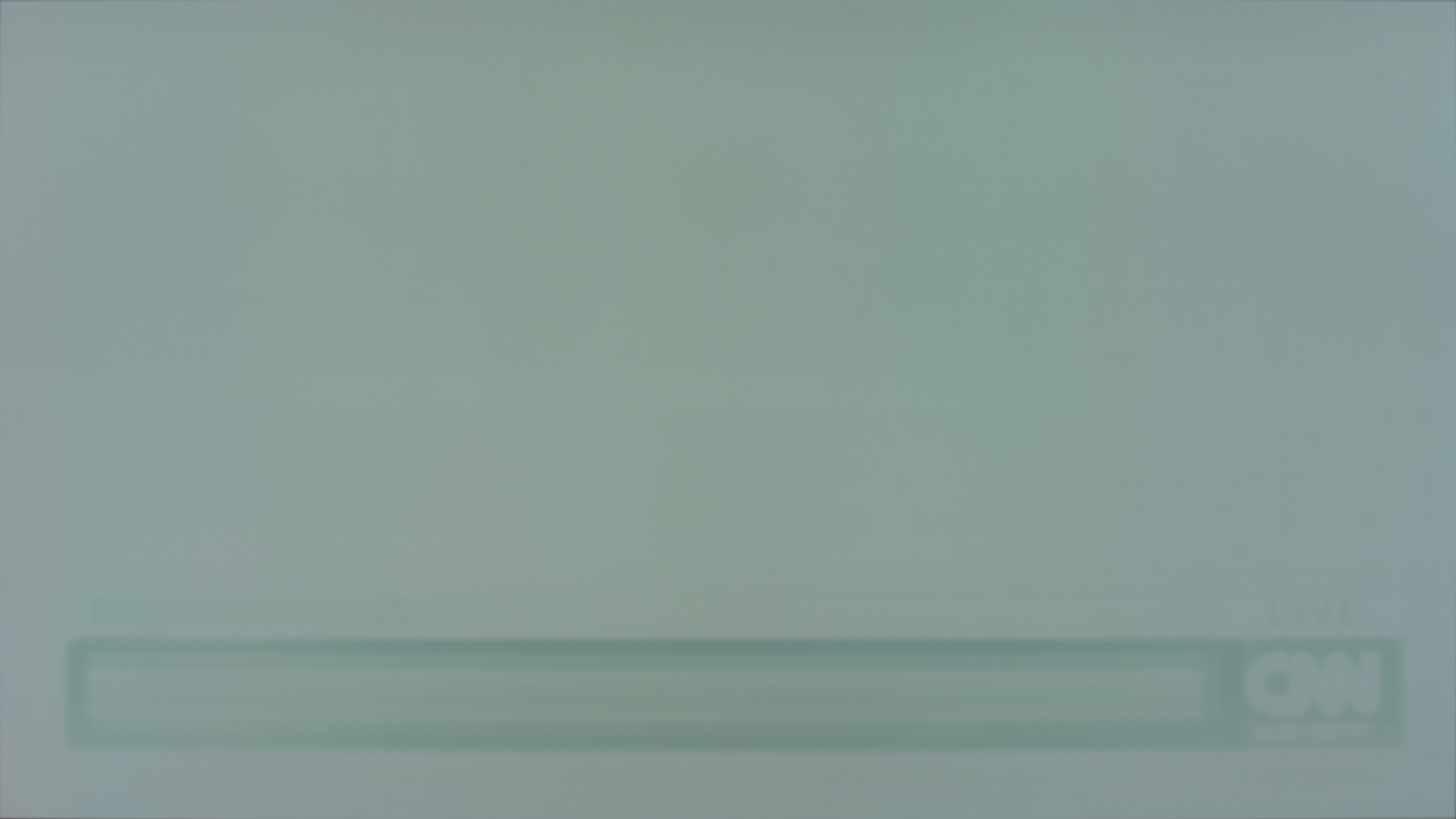 |
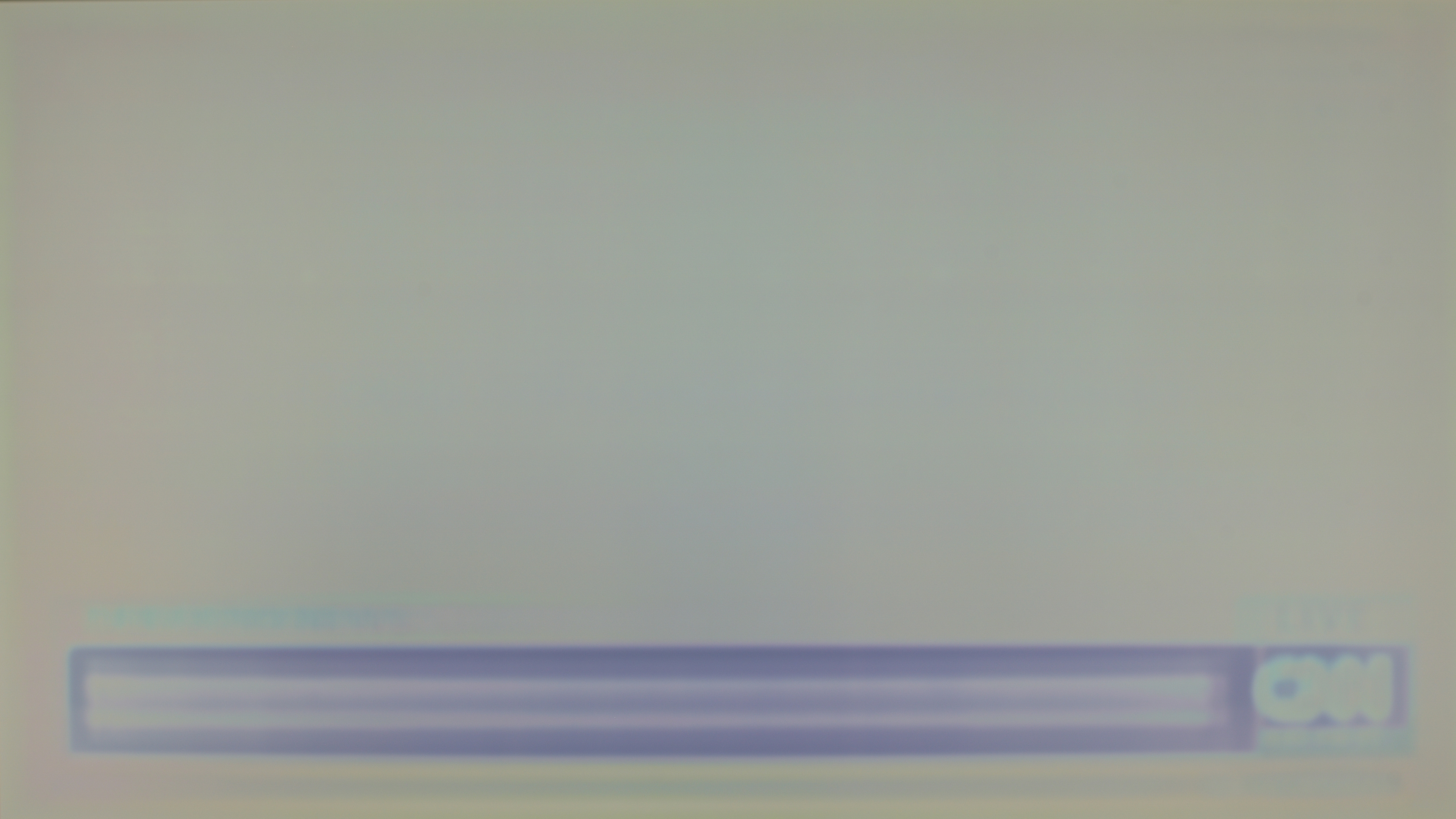
We ran dozens of OLED TVs through our accelerated longevity test for almost three years to try to better understand how long a TV should last. From this test, it's pretty obvious that any OLED TV will eventually experience burn-in. There definitely seems to be a significant improvement from one generation to the next, as even the 2nd generation Samsung S95C remained clear of burn-in much longer than the Samsung S95B did. Both QD-OLED and WOLED panels have evolved a lot over recent years, though, so this doesn't really represent the current state of the OLED market.
Overall, based on the data available from this test and user reports, it seems like QD-OLEDs might be slightly more resilient, but it's far from definitive. The data still shows that both types will eventually experience burn-in with enough exposure to static elements, but with proper viewing habits, this shouldn't be an issue for most people.
Winner: QD-OLED might be more resilient, but it's not definitive. Both types will eventually experience burn-in when exposed to static content.
Conclusion
So, now that we've covered the differences in technology and the pros and cons of each panel type, which one's best, and what should you buy? Overall, QD-OLED seems to be on a path to being declared the winner, but there are still some noticeable downsides. If you often watch TV in a bright room, the superior reflection handling and higher peak brightness of pure whites on WOLED panels make them a clear winner. The overall performance of each TV is more important than the specific panel used, and due to differences in specific panels, the best one overall depends on the individual TV. For lower-end or mid-tier OLED TVs, QD-OLED panels seem slightly better, but higher-end WOLED panels with MLA or new tandem panels deliver significantly brighter highlights and better reflection handling.
Additional Information
Now that we've covered some of the performance differences between WOLED and QD-OLED panels, let's take a look at the physical differences between them and how this impacts you as the end user. There's no winner to any of these; it's just an "FYI" section for those of you who want to learn more about the physical characteristics of these panels.
Subpixel Structure
 |
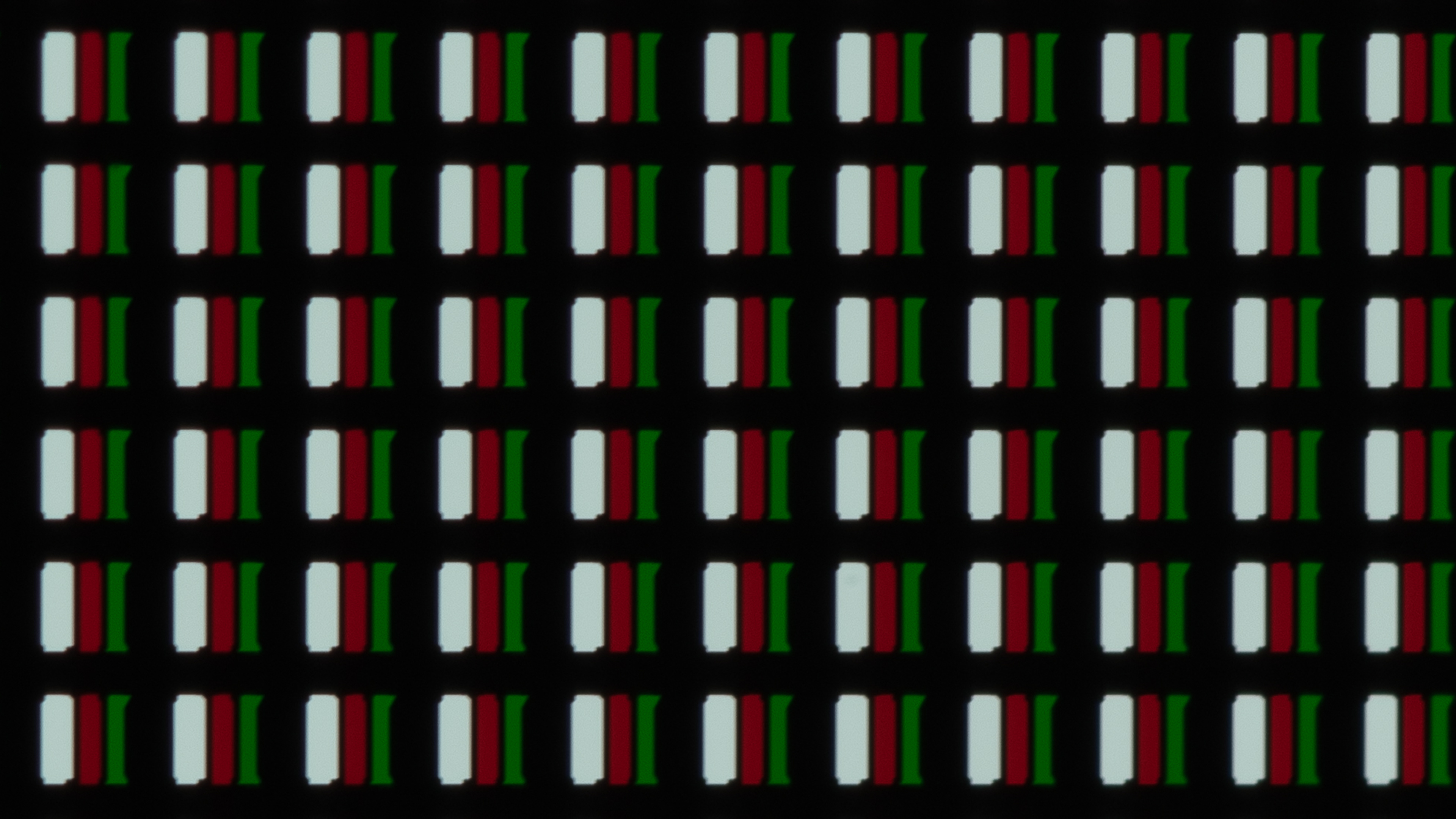 |
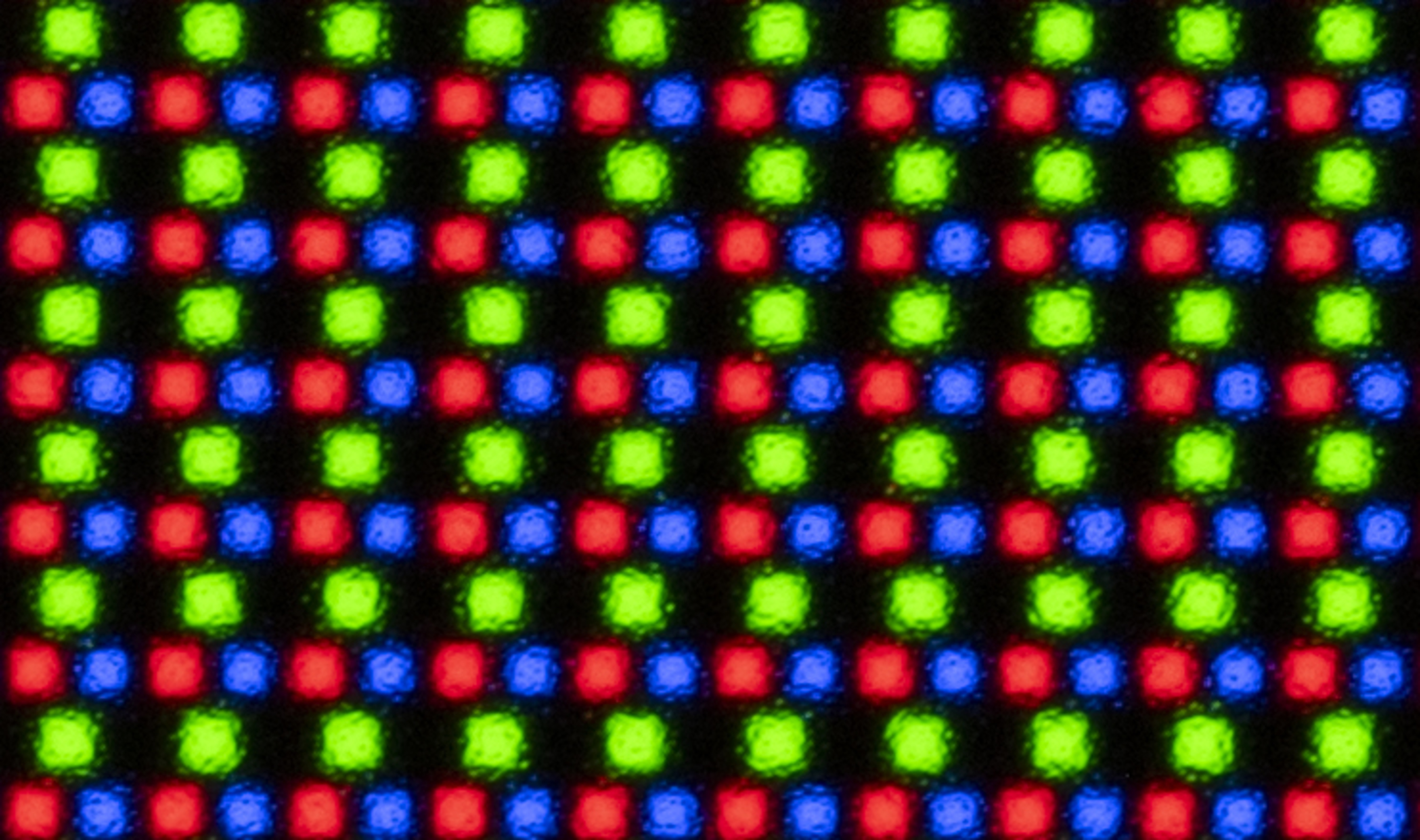
The different approach of each panel manufacturer results in a vastly different panel structure. Look at the two macro images above; when displaying pure white, the white subpixel on the G5 is clearly visible, but so are the red and green ones. Conversely, the Samsung S95F combines red, green, and blue subpixels to display pure white.
As you can see above, WOLED and QD-OLED displays have vastly different pixel structures. The tandem panel on the LG G5 uses rectangular pixels with four subpixels in a blue, white, red, and green configuration. Older WOLEDs used a different subpixel structure than the G5, which swapped the pixel order from RWBG to BWRG. This change may seem minor, but it means that the panel will always have a red, green, and blue subpixel next to each other, in a more "traditional" order. Although they're spread across two pixels, this still helps with text clarity, as Windows PCs are designed for an RGB pixel order.
Spectral Distribution
 |
 |
 |
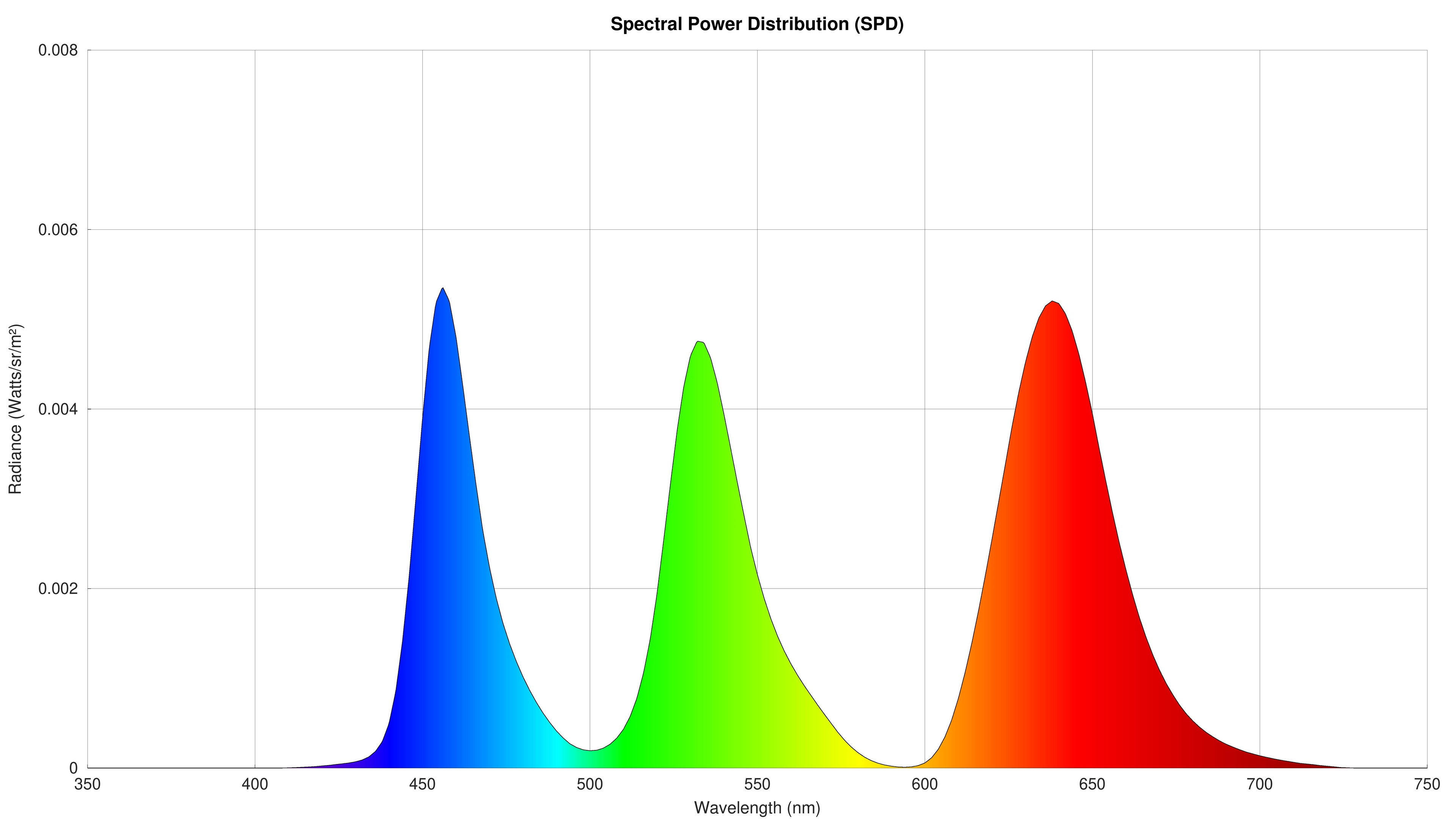
The structures of these TVs and the different ways they drive their pixels mean there are significant differences in the purity of the colors they produce. The spectral power distribution chart is an interesting tool to evaluate the purity of a TV's colors. This chart shows the intensity of light at different wavelengths when the TV displays a white slide and is captured by our Colorimetry Research, Inc. CR-250 Spectroradiometer during the TV testing process. Looking at the SPDs of the three TVs, you can see that the spikes of pure blue, green, and red are far more precise on the S95F, and there's less noise between pure colors, as they're not diluted by the white subpixel. There's also a considerable difference between the G5 and C5, and the benefits of the tandem panel on the G5 are immediately obvious, as the C5 has much less precise primaries with a lot more crosstalk between each color.
Text Clarity


We don't usually talk about text clarity with TVs, as that's mainly a concern for monitors, but many of the latest OLED TVs on the market support higher refresh rates that clearly target PC gamers. Both of these panel types have their share of issues, and there's really no clear winner.
QD-OLEDs often exhibit color fringing, especially in areas where there's a sharp border, like between two windows on a PC that are a different color. You might even notice it with regular content when watching TV. For example, if you look at the top of a QD-OLED screen, you might notice that the top line is pure green. Conversely, the bottom of the screen often appears purple. This is due to the triangular structure of each pixel. If you're using it as a PC monitor, this can be even more noticeable. The pixel density is usually high enough on monitors that this structure isn't an issue, but that's not the case when using large QD-OLED TVs as a PC monitor.
WOLEDs aren't immune to issues, either. As you can see in the above text clarity image, there's noticeable color fringing around text. This is caused by the unusual subpixel layout on these displays, as the subpixels aren't in the order the PC expects. Since PCs try to make fonts look smoother by optimizing them for specific subpixel layouts, when your display doesn't match the RGB layout PCs expect, you get weird results like this.
We test for this with monitors, but not TVs at this time, so while we don't have any hard data on WOLED vs QD-OLED panels, you should be aware of these issues when choosing between these panel types. The good news is, it's possible to at least partially correct for this. Windows has a built-in program to help you adjust this, but it's a bit limited. There are free alternatives like Better ClearType Tuner that really help to clear up text when using an OLED as a PC monitor.