
The Razer BlackWidow V4 is a full-sized, mechanical gaming keyboard that continues Razer's BlackWidow lineup. New features introduced with this entry include sound-dampening foam inside the case, pre-lubed stabilizers, dedicated macro keys on the left side of the keyboard, and a maximum polling rate of 8000Hz. This keyboard also has dedicated media keys and a scroll bar for volume control. Like previous entries in this lineup, you can program macros, change backlighting settings, and create custom profiles using Razer's Synapse 3 configuration software.
There's a separate 'Pro' version of this keyboard called the Razer BlackWidow V4 Pro. For more details, see the Differences Between Variants section below.
Our Verdict
The Razer BlackWidow V4 is an outstanding gaming keyboard with very low and consistent latency performance, making it well-suited for playing games in any genre at any competitive level. It also has great build quality and is available in linear or clicky switch options. This keyboard has a standard high-profile design but includes a plush wrist rest to help ensure you don't need to angle your wrists too steeply to reach the keys.
- Great build quality.
- Outstanding latency performance.
- 8000Hz maximum polling rate.
- Six dedicated macro keys.
- Per-key backlighting and shine-through keycap legends.
- While better than average, the ABS keycaps aren't as high quality as PBT keycaps.
While not designed specifically for this use, the Razer BlackWidow V4 is decent for office work. Overall, it has great build quality and includes a layer of sound-dampening foam inside the board to reduce noise. It also has pre-lubed stabilizers, making for a smoother typing experience compared to many dedicated gaming keyboards. We bought and tested this keyboard with linear Razer Yellow switches, which may feel too sensitive for everyday typing. You can also purchase this keyboard with Razer Clicky Green switches, which have an added tactile bump but are much louder and likely too disruptive for an office environment.
- Great build quality.
- Two adjustable incline settings and an included wrist rest.
- Six dedicated macro keys.
- While better than average, the ABS keycaps aren't as high quality as PBT keycaps.
The Razer BlackWidow V4 is a wired-only keyboard and isn't suitable for use with tablets or mobile devices.
The Razer BlackWidow V4 is good for programming. It has great build quality with a layer of sound-dampening foam and pre-lubed stabilizers. This keyboard also has a column of six dedicated macro keys on the left side, and you can record macros directly on the keyboard with hotkey combinations or using the configuration software. Additionally, this keyboard has full RGB backlighting, and its shine-through keycaps make the legends clearly visible in darker rooms.
- Great build quality.
- Two adjustable incline settings and an included wrist rest.
- Six dedicated macro keys.
- Per-key backlighting and shine-through keycap legends.
- While better than average, the ABS keycaps aren't as high quality as PBT keycaps.
The Razer BlackWidow V4 performs poorly as an entertainment or home theater PC keyboard. It's a wired-only model, so you must sit close to your computer. Additionally, it's a relatively bulky and heavy full-size keyboard designed primarily for a desktop setup. It has dedicated media controls, and its shine-through keycaps make the legends visible in the dark.
- Dedicated media keys and volume scroll bar.
- Per-key backlighting and shine-through keycap legends.
- Wired-only.
- Heavy and bulky.
- Lacks a control knob.
Changelog
- Updated Jan 22, 2026: Our Test Bench 1.4.3 update adds clearer terminology and new measurements to our Keystrokes test group. For more details, see the full changelog.
- Updated Jan 09, 2026: Our 1.4.2 Test Bench Update makes changes to the Hardware Customizability test group. We've created a new Magnetic Switch Compatibility test and renamed our previous PCB Socket test to Mechanical Switch Compatibility. See our full changelog.
- Updated Oct 01, 2024: We've added a link to the newly-reviewed HyperX Alloy Rise to the Hardware Customizability section.
- Updated Nov 29, 2023: We've converted this review to Test Bench 1.3.1, which adds a new estimated PCB latency test to the Single-Key Latency section and a new Analog test to the Switches section of this review. You can see the full changelog here.
Check Price
Differences Between Sizes And Variants
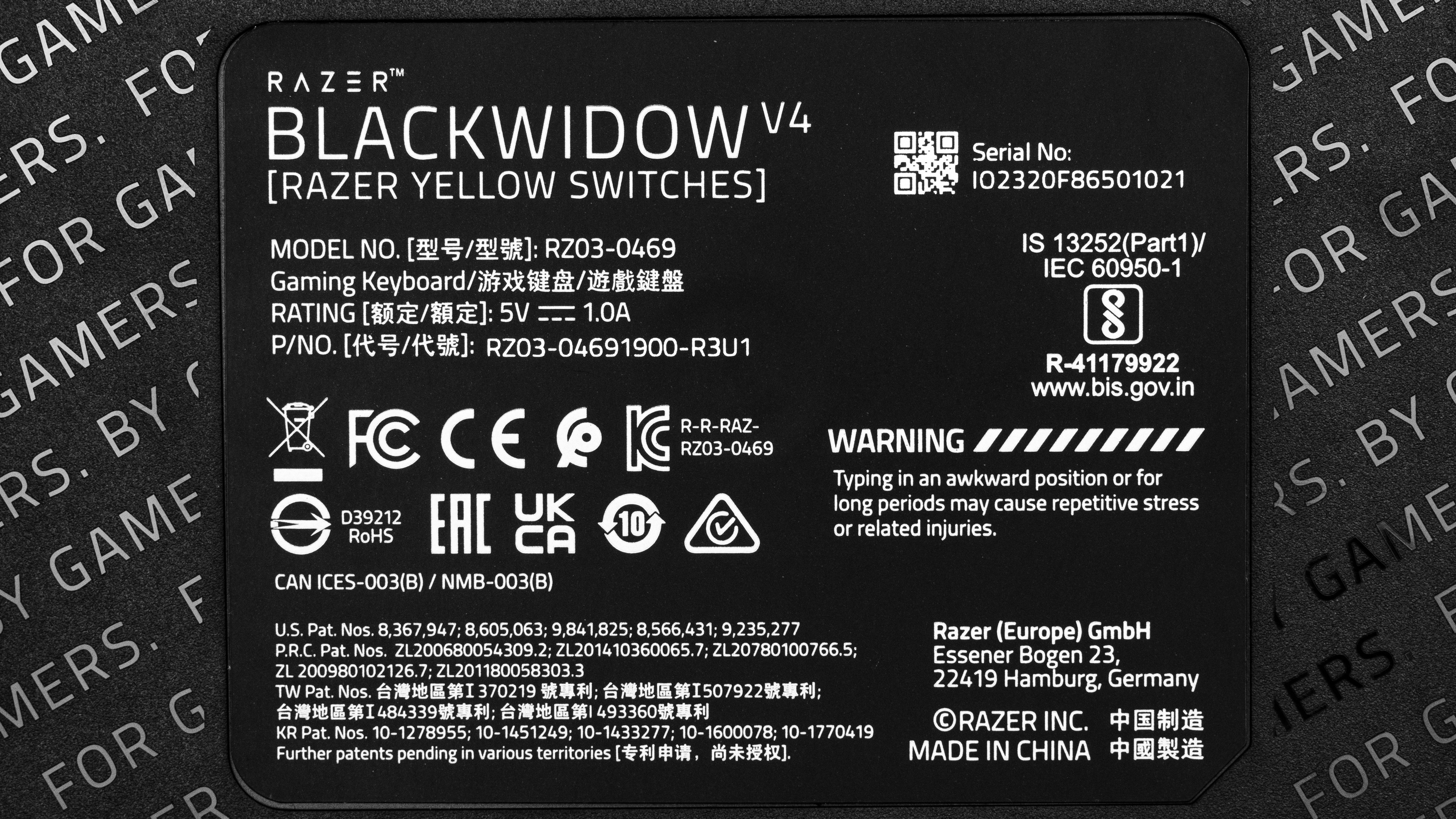
The Razer BlackWidow V4 is only available in a black colorway with Razer Yellow or Razer Green switches. We bought this keyboard with Razer Yellow switches. You can see a label of our unit here.
We've tested the related Razer BlackWidow V4 Pro version of this keyboard separately. You can see the differences between these two models in the table below.
| Name | Size | Switch Options | RGB Lighting Zones | Sound-Dampening Foam | USB Passthrough | Dedicated Macro Keys | Scroll Bar | Knob |
| Razer BlackWidow V4 | Full-size (100%) | Razer Yellow, Razer Green | Per-key backlighting and both sides of keyboard case | PCB and Bottom Plate | No | 6 keys | Yes | No |
| Razer BlackWidow V4 Pro | Full-size (100%) | Razer Yellow, Razer Green | Per-key backlighting, wrist rest, and both sides of keyboard case | PCB | Yes | 5 keys and 3 buttons on the side | Yes | Yes |
Popular Keyboard Comparisons
The Razer BlackWidow V4 continues Razer's popular BlackWidow lineup of flagship gaming keyboards. The standout features this model introduces to the lineup are a handful of dedicated macro keys on the left side of the board and a maximum polling rate/update rate of 8000Hz, which means it can send information to your computer eight times more frequently. This higher update rate is a major factor in ensuring slightly lower and more consistent latency performance compared to some other gaming keyboards with a standard polling rate/update rate of 1000Hz.
There's a separate 'Pro' version of this keyboard called the Razer BlackWidow V4 Pro that has several additional features, including one more layer of sound-dampening foam inside the case, additional RGB lighting zones in the wrist rest, additional macro buttons on the left edge of the keyboard, and a programmable knob that Razer calls a 'command dial.' For more details, see the Differences Between Variants section above.
For more recommendations, see our picks for the best keyboard, the best mechanical keyboard, and the best gaming keyboard.
The Razer BlackWidow V4 and the Razer Huntsman V2 are wired mechanical gaming keyboards with maximum polling rates of 8000Hz. The BlackWidow V4 is available with linear or clicky mechanical switches. It also has dedicated macro keys, and several small build quality features the Huntsman V2 lacks, including a layer of sound-dampening PCB foam and pre-lubed stabilizers. On the other hand, the Huntsman V2 is available with linear or clicky optical switches and has slightly more premium-feeling PBT keycaps.
The Razer BlackWidow V4 Pro and the Razer BlackWidow V4 are wired mechanical keyboards in the same product lineup. The difference between these boards is that the BlackWidow V4 Pro has several additional features, including one more layer of sound-dampening foam inside the case, additional RGB lighting zones in the wrist rest, additional macro buttons on the left edge of the keyboard, and a programmable knob that Razer calls a 'command dial.' That said, the standard BlackWidow V4 has one additional macro key in place of the command dial, but it lacks the three additional macro buttons on the left edge of the case.
The Razer BlackWidow V4 and the Corsair K100 RGB are wired gaming keyboards with maximum polling rates of 8000Hz. Both keyboards have dedicated macro keys you can program on the board or in software. Both keyboards also have dedicated media controls, but the controls on the Corsair are somewhat more extensive, with a programmable 'iCUE wheel' that the Razer lacks. The Corsair has linear mechanical or linear optical switch options, while the Razer offers linear or clicky mechanical switches.
The Razer BlackWidow V3 and the Razer BlackWidow V4 are wired mechanical gaming keyboards in the same product lineup. The BlackWidow V3 is older and not as feature-rich. On the other hand, the BlackWidow V4 offers better overall performance with a higher maximum polling rate of 8000Hz. Additionally, it has a column of dedicated macro keys, more dedicated media keys, and several small improvements to build quality, including an internal layer of sound-dampening foam and pre-lubed stabilizers.
Test Results
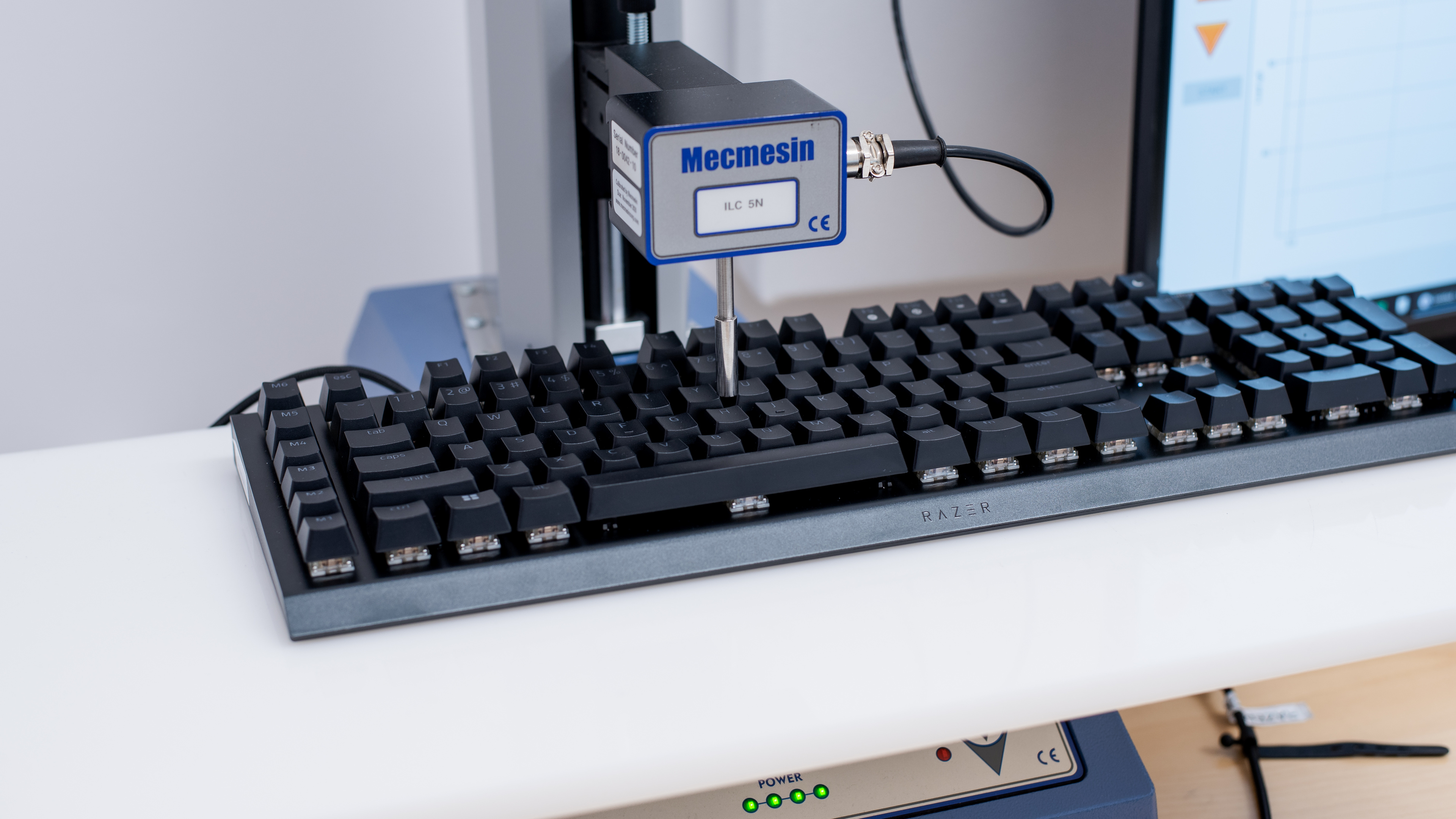



for pictures & test results

for pictures & test results





for pictures & test results



for pictures & test results

for pictures & test results


for pictures & test results


for pictures & test results


for videos & test results
