The HP Victus 16 (2024) is a budget gaming laptop. It replaces the HP Victus 16 from 2023 (AMD Ryzen 7040-series, model 16-s0000). This 2024 model is available with an AMD Ryzen 5 8645HS or Ryzen 7 8845HS CPU paired with an NVIDIA GeForce RTX 3050, 4050, 4060, or 4070 Laptop GPU. RAM and storage max out at 32GB and 1TB, respectively. Display options include 144Hz FHD, 165Hz FHD, and 240Hz QHD panels; all three are IPS screens with no VRR support. Ports comprise three USB-As, a USB-C, an HDMI 2.1, a 3.5mm headphone jack, and an Ethernet port. You can configure the laptop with a Wi-Fi 6 or Wi-Fi 6E wireless adapter and a 70Wh or 83Wh battery.
See our unit's specifications and the available configuration options in the Differences Between Variants section.
Our Verdict
The HP Victus 16 2024 is decent for general productivity. It feels well-built and offers a great user experience thanks to its large screen, comfortable keyboard, and responsive touchpad. You get a good 1080p webcam for video calls, as well as a wide selection of ports for peripherals and external displays. Performance is excellent; its CPU and discrete GPU can easily handle general productivity tasks like text processing and web browsing, as well as photos and video editing. Its bulky, heavy design makes it hard to carry around, but on the upside, you won't have to bring the charger, as the battery lasts over 10 hours of light use.
Feels well built.
Battery lasts over 10 hours of light use.
Spacious and tactile keyboard, responsive touchpad.
Great 1080p webcam.
Bulky and heavy.
Loud fans.
The HP Victus 16 2024 is mediocre for media consumption. It's a pretty bulky 16-inch device, so it isn't easy to carry around. The upside is that its battery lasts around six hours of video playback, giving you plenty of time to get through a few movies or TV show episodes. You can get this laptop with an FHD or QHD display; unfortunately, the lowest-end panel looks washed out, and all available displays have a low contrast ratio, which isn't ideal for dark-room viewing. As for the speakers, they sound relatively natural and well-balanced despite having only a small amount of bass. They're quiet, though, and they distort at higher volume levels.
Battery lasts around six hours of video playback.
QHD display option available.
Speakers sound natural and fairly well-balanced.
Flicker-free display.
Bulky and heavy.
144Hz display looks washed out.
Quiet speakers with only a small amount of bass.
Low contrast makes blacks look gray in dim settings.
The HP Victus 16 2024 is a good gaming laptop. Its AMD CPU and NVIDIA discrete GPU can deliver smooth gameplay at 1080p in demanding AAA titles. RAM and storage are user-replaceable, so you can upgrade or add more later. You can get this laptop with a 144Hz FHD, 165Hz FHD, or 240Hz QHD display; unfortunately, the tested 144Hz panel has a slow response time, causing visible ghosting, and none of the displays support VRR to reduce screen tearing. Thermal throttling is minimal, but the fans get pretty loud.
CPU and GPU can handle demanding tasks.
High-refresh displays.
Wide port selection.
User-replaceable RAM and storage.
Minimal throttling under load.
144Hz display has slow response time.
No VRR support.
Loud fans.
The HP Victus 16 2024 isn't designed for workstation use. While it can handle demanding workloads, it isn't available with professional GPUs, which have better optimization for tasks like 3D modeling and simulations. Also, you'll have to upgrade the RAM yourself if your work requires more than 32GB of RAM. It can be a good option for content creators, as it has more than enough processing power to handle tasks like photo and video editing, though you'll need a separate display if you work with wider color spaces like DCI P3 or Adobe RGB. Unfortunately, its USB-C doesn't support USB4 for fast file transfer. Thermal throttling is minimal, but the fans get very loud under load.
CPU and GPU can handle demanding tasks.
Wide port selection.
User-replaceable RAM and storage.
Minimal throttling under load.
No professional GPU options.
No display with full DCI P3 coverage.
No Thunderbolt 4 or USB4 support.
Loud fans.
Changelog
-
Updated Jan 26, 2026:
We've updated text throughout the review after converting to Test Bench 0.9.
- Updated Jan 23, 2026: We've updated the review to Test Bench 0.9, which adds several test boxes in the performance section, including CPU/RAM Performance, Low Tier Graphics, High Tier Graphics, Professional 3D (GPU accelerated), CPU-Intensive Game Performance, GPU-Intensive Game Performance, and Ray Tracing Performance. See the 0.9 changelog here.
-
Updated Aug 12, 2025:
Added mention of the Gigabyte AORUS MASTER 16 (2025) as an alternative with NVIDIA 50-series GPUs in the GPU section.
- Updated May 07, 2025: We've updated this review to Test Bench 0.8.3, which removes the viewing angle tests and adds a GPU Total Graphics Power comparison in the GPU section. The Pen Input test in the Extra Features section has also changed, as it now shows whether the laptop supports pen input rather than the inclusion of a stylus in the box. See the changelog for more details.
Differences Between Sizes And Variants
We tested the HP Victus 16 2024 (model 16-s1023dx) with a 144Hz FHD display, an AMD Ryzen 7 8845HS CPU, an NVIDIA GeForce RTX 4070 Laptop GPU, 16GB of RAM, and 512GB of storage. The display, CPU, GPU, memory, and storage are configurable; see below for all the configuration options. The HP Victus 16 is also available with Intel CPUs; however, we consider them separate models. Our review applies only to the AMD-based 16-s1000 models.
SCREEN
- 16.1” IPS 1920 x 1080 144Hz (matte, 300 cd/m², 45% NTSC)
- 16.1” IPS 1920 x 1080 165Hz (matte, 300 cd/m², 100% sRGB)
- 16.1” IPS 2560 x 1440 240Hz (matte, 300 cd/m², 100% sRGB)
CPU
- AMD Ryzen 5 8645HS (6 cores/12 threads, up to 5.0GHz, 16MB L3 cache)
- AMD Ryzen 7 8845HS (8 cores/16 threads, up to 5.1GHz, 16MB L3 cache)
GPU
- NVIDIA GeForce RTX 3050 Laptop GPU 6GB GDDR6 (95W TGP /w Dynamic Boost, Ryzen 5 only)
- NVIDIA GeForce RTX 4050 Laptop GPU 6GB GDDR6 (120W TGP /w Dynamic Boost, Ryzen 5 only)
- NVIDIA GeForce RTX 4060 Laptop GPU 8GB GDDR6 (120W TGP /w Dynamic Boost, Ryzen 7 only)
- NVIDIA GeForce RTX 4070 Laptop GPU 8GB GDDR6 (120W TGP /w Dynamic Boost, Ryzen 7 only)
Memory
- 16GB DDR5 5600MHz
- 32GB DDR5 5600MHz
STORAGE
- 512GB M.2 PCIe Gen 4 NVMe SSD
- 1TB M.2 PCIe Gen 4 NVMe SSD
COLOR
- Mica Silver
- Ceramic White
- Performance Blue
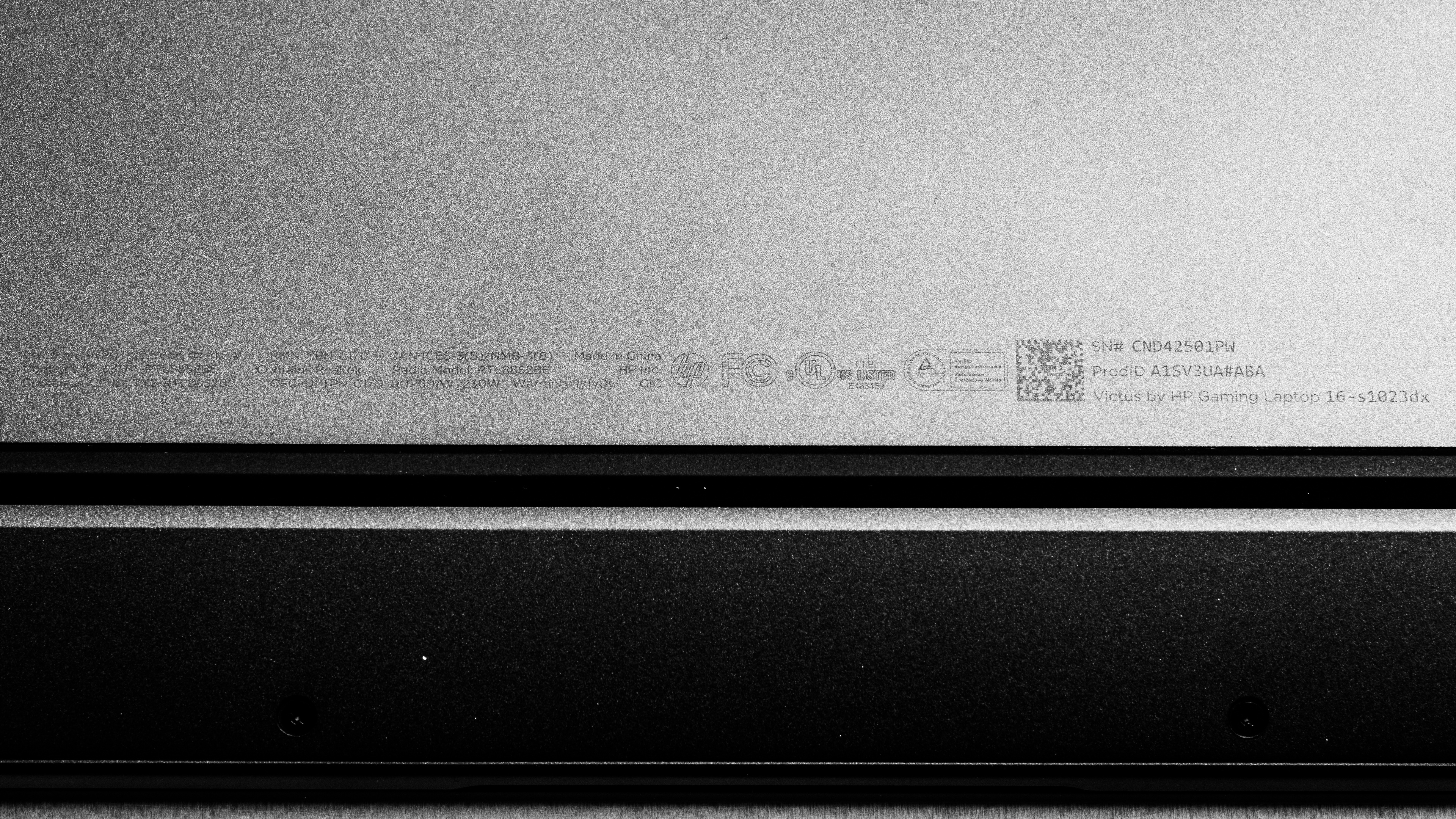
See our unit's label.
Popular Laptop Comparisons
The HP Victus 16 2024 is a great budget gaming laptop. It feels well-built compared to other laptops in its class, and most configurations can deliver smooth gameplay in demanding titles. However, it's best to avoid the lower-end 144Hz FHD panel, as its slow response time causes visible ghosting, and none of the available displays support VRR. You can use this laptop for general productivity, media consumption, and more intensive tasks like content creation, though you'll need an external monitor for the latter if you work in DCI-P3.
For more options, check out our recommendations for the best 15-16 inch laptops, the best budget and cheap gaming laptops, and the best budget and cheap laptops for students.
The HP Victus 16 (2024) and the Lenovo LOQ 15 (2023) are both budget gaming laptops. The HP provides a slightly better user experience overall, and it's available with a more powerful NVIDIA GeForce RTX 4070 Laptop GPU, which is more suitable for gaming at 1440p than the top-end RTX 4060 configuration you can get on the Lenovo. Both laptops have multiple display options; you can get a higher refresh rate if you get the HP with a QHD panel, but the Lenovo's displays support variable refresh rate to reduce screen tearing.
The HP Victus 16 (2024) and the Acer Nitro V 16 (2024) are both 16-inch budget gaming laptops available with the same AMD Ryzen 8040-series CPUs; however, the HP has more GPU options, including a more powerful NVIDIA GeForce RTX 4070 Laptop GPU, making it a better choice for 1440p gaming. The HP also has a QHD display option with a higher refresh rate of 240Hz, which will give you better input responsiveness and smoother motion, but unlike the Acer, its displays lack VRR support, so if you're particularly sensitive to screen tearing, the Acer is a better choice. In terms of the overall user experience, the HP comes out ahead as well; it has a more comfortable keyboard, a more responsive touchpad, a wider port selection, and a higher-quality webcam.
The HP Victus 16 (2024) and the ASUS TUF Gaming A16 Advantage Edition (2023) are both great budget gaming laptops with AMD CPUs. However, the HP uses NVIDIA discrete GPUs, while the ASUS uses AMD GPUs. Performance will depend on which configuration you get, though it's worth noting that NVIDIA's implementation of features like DLSS and Frame Generation typically perform better, at least in their current versions. On the other hand, the ASUS has an additional SSD slot, allowing you to store more games, and it'll provide a superior visual experience when gaming, as its displays support variable refresh rate.
The HP Victus 16 (2024) is better than the MSI Katana A15 AI (2024) overall. The HP has a sturdier build and provides a better user experience. While both laptops are available with AMD Ryzen 8040-series CPUs and NVIDIA discrete GPUs, the HP comes out slightly ahead performance-wise, as it can push higher frame rates, thanks to its GPUs' higher wattage. The HP also has a higher-end 240Hz QHD display option, which will give you better input responsiveness and smoother motion, but unlike the MSI, its displays lack VRR support to reduce screen tearing.
Test Results
The HP Victus 16 2024 is available in a Mica Silver, Ceramic White, and Performance Blue colorway. See the bottom of the laptop.
The HP Victus 16 2024's build quality is great. The mostly-aluminum chassis feels pretty sturdy, showing only a small amount of flex on the lid and almost none on the keyboard deck. The display twists a bit when manipulated, but not enough to be a concern. The only part that feels noticeably lower quality and flimsier is the plastic around the hinge. There are no issues with the feet; they feel solid and stick firmly to the bottom. The finish doesn't scratch easily; it picks up some fingerprints after prolonged use, as most dark-color finishes do. The Ceramic White and Performance Blue models are likely better in that regard.
The HP Victus 16 2024's hinge is subpar. It feels smooth when opening and closing the lid, but because there's very little resistance, it takes little effort to move the screen. There's also a noticeable amount of screen wobble when typing heavily.
The HP Victus 16 2024's serviceability is great. Accessing the internals is straightforward; you only need to remove eight Philips screws and pull off the bottom panel. A prying tool isn't necessary. The two screws at the back corners of the laptop are larger than the rest, so it's best to keep them organized to make the reassembly easier. The storage slot supports M.2 PCIe Gen 4 NVMe SSDs.
You can see the service guide videos on HP's website.
The HP Victus 16 2024 is available with the following displays:
- 16.1" IPS 1920 x 1080 144Hz (matte, 45% NTSC)
- 16.1" IPS 1920 x 1080 165Hz (matte, 100% sRGB)
- 16.1" IPS 2560 x 1440 240Hz (matte, 100% sRGB)
An FHD resolution looks reasonably sharp on this laptop's 16.1-inch display. Individual pixels are visible up close, but this isn't a major issue at typical viewing distances, especially when playing fast-paced games. At a pixel density of 182 PPI, the QHD display looks noticeably sharper, making it a better option if you play a lot of slower-paced games in which you have the time to appreciate the graphics, like RPGs and atmospheric games, or if you plan on using the laptop for productivity and media consumption. That said, remember that the QHD panel will drain the battery faster, and you'll need to pair it with an NVIDIA GeForce RTX 4060 or 4070 to make the most of it, as the RTX 3050 and 4050 will struggle to push high frame rates at 1440p. The 16:9 aspect ratio is standard, though it feels somewhat outdated, as most manufacturers have moved to the slightly taller 16:10, even on gaming laptops.
The 144Hz FHD panel is the lowest-end display option. It has a slow response time, causing visible ghosting behind fast-moving objects. The 165Hz FHD and 240Hz QHD panels have an advertised response time of 7 ms and 3 ms, respectively; take these numbers with a grain of salt. Unfortunately, none of the displays support variable refresh rate to reduce screen tearing.
The 144Hz FHD display has a good contrast ratio that's within the typical range of most IPS panels. That said, it's still pretty low compared to other display technologies like VA and OLED. This contrast level makes blacks look gray in dim settings. You can expect the contrast to be in the same ballpark on the 165Hz FHD and 240Hz QHD panels.
The HP Victus 16 2024's 144Hz FHD display gets reasonably bright. It's fine for use in most indoor settings, but you may have trouble seeing some content in very well-lit rooms. It isn't bright enough for outdoor use in broad daylight. The screen gets very dim at the lowest brightness setting, which helps reduce eye strain when viewing content in the dark. The 165Hz FHD and 240Hz QHD panels are likely similar in brightness, as they both have an advertised brightness of 300 cd/m².
The display's reflection handling is decent. Its matte coating works well against direct, mirror-like reflections; however, it causes a halo effect around bright light sources, making dark-color content hard to see. Some reflections are visible when viewing light-color content, but they aren't overly distracting. The other displays have the same matte finish.
The 144Hz FHD panel's accuracy is bad out of the box. Its white balance is noticeably off, especially at higher brightness levels. The color dE is high mainly because this panel has a narrow color gamut and can't reproduce highly saturated tones. The gamma follows the curve, albeit rather loosely; very dark and very bright scenes look a tad over-darkened, while the rest look over-brightened.
The 144Hz FHD panel has a poor color gamut, as it doesn't even have full coverage of the commonly used sRGB color space, resulting in washed-out colors when viewing most web content. The 165Hz FHD and 240Hz QHD panels have 100% sRGB coverage. None of the displays provides sufficient coverage of the wider Adobe RGB and DCI-P3 color spaces for color-critical work such as print graphics and HDR video production.
The other panels are likely flicker-free.
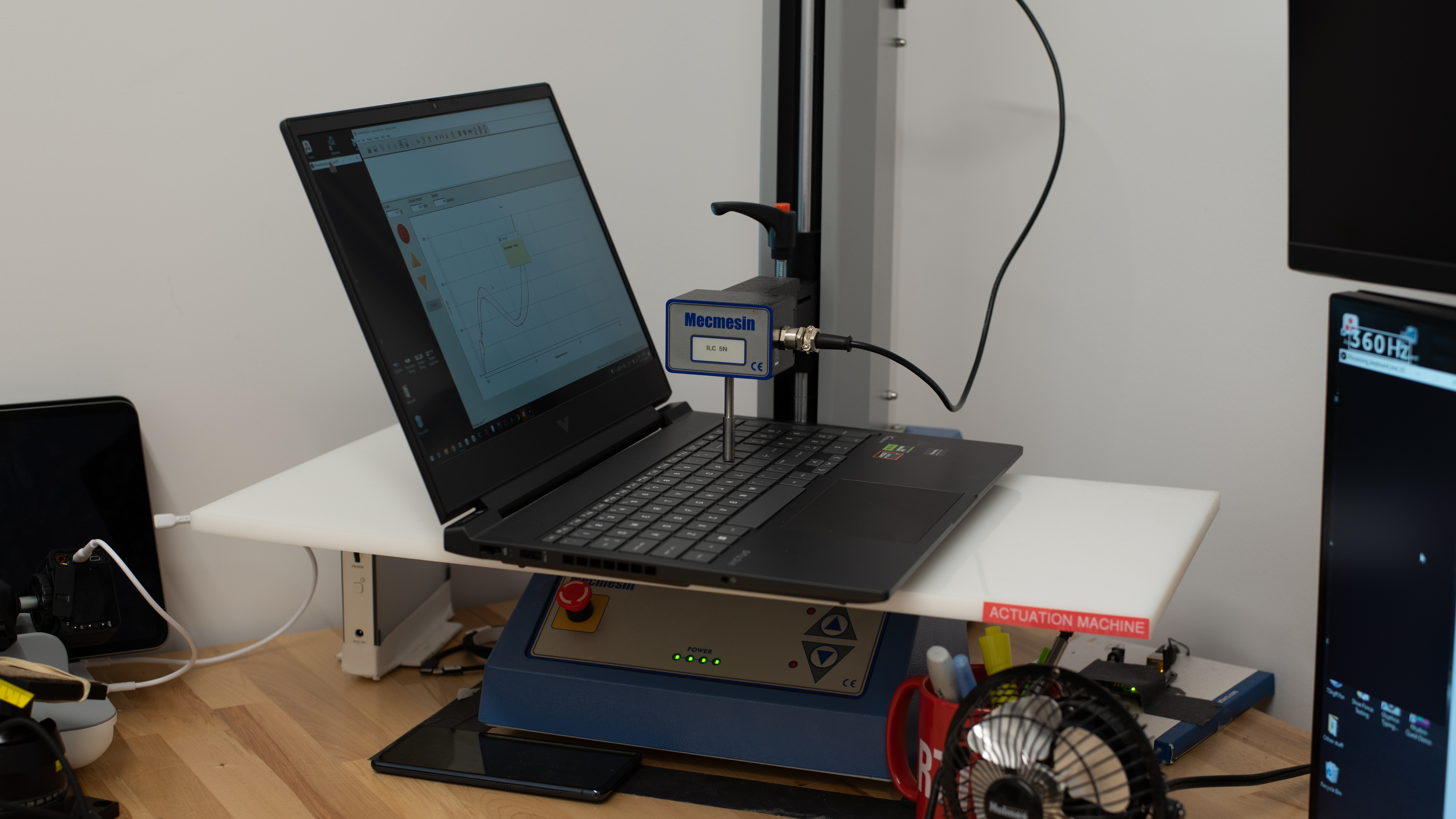
The HP Victus 16 2024 has an excellent keyboard. Its layout feels spacious and is easy to get used to. Keycap stability is great; it isn't perfect, but pretty stable for this class of laptops. The keys have a good amount of travel, require little force to actuate, and provide clear, satisfying tactile feedback without being overly loud. The keyboard is quite large, though, so it may cause some fatigue over time, especially if you have small hands, because you need to move your hands around more to reach all the keys. This laptop is available with single-color (white) or 1-zone RGB keyboard backlighting; you can adjust between two brightness levels using the F4 shortcut or turn it off completely. The backlight shines well through the legends, but could be a little brighter.
The HP Victus 16 2024 has a great touchpad. It's large enough for most actions; it could be a tad larger, but it's very usable. It tracks all movements and gestures well, and there are no issues with palm rejection. The surface isn't super smooth, so you might sometimes experience glide stutters, especially when performing actions like dragging and dropping over a long distance. You can only click in the bottom half of the touchpad; the buttons work well but are a tad mushy.
The HP Victus 16 2024's speakers sound natural and relatively well-balanced despite having only a small amount of bass. However, they don't get very loud and distort a bit at higher volume levels.
The HP Victus 16 2024 has a great webcam. The image looks fairly sharp and detailed, with true-to-life colors; however, the exposure is slightly too low, and there's a bit of noise in darker areas. Voices sound clear over the microphone with no noticeable background noise. The volume is quite high, so you may have to turn down the microphone's gain a bit. The privacy cover is a physical barrier, but it also disables the camera at the software level.
The HP Victus 16 2024 has an excellent port selection. All three USB-A ports support USB 3.2 Gen 1 data transfer speed of up to 5Gbps. The one on the left supports Sleep and Charge, so you can charge a mobile device even when the laptop is in sleep mode. The USB-C supports USB 3.2 Gen 1 data transfer speed, DisplayPort 1.4a, Power Delivery, and Sleep and Charge. You can charge the laptop via USB-C, but since it can only take up to 100W, the battery will discharge if you perform intensive tasks at the same time.
HP's specifications only mention the MediaTek MT7921 (Wi-Fi 6) and MediaTek MT7922 (Wi-Fi 6E) wireless adapters as available options. However, our unit has a RealTek RTL8852BE Wi-Fi 6 adapter. Wi-Fi 6E gives you access to the 6GHz band, providing faster speeds, lower latency, and less signal interference than Wi-Fi 6 and other previous standards; however, you need a router that supports Wi-Fi 6E to benefit from these features. See our best router recommendations if you want to upgrade your wireless performance.
The HP Victus 16 2024 is available with the following CPUs:
- AMD Ryzen 5 8645HS (6 cores/12 threads, up to 5.0GHz, 16MB L3 cache)
- AMD Ryzen 7 8845HS (8 cores/16 threads, up to 5.1GHz, 16MB L3 cache)
Both are high-performance processors typically found in gaming, content creation, and workstation laptops. They're essentially a refresh of the older AMD Ryzen 7040 series processors, but with better Neural Processing Unit (NPU) performance (up to 40% faster than the previous generation) to speed up AI-based tasks, like image generation in photo editing apps and background blurring during video calls. The Ryzen 7 has two additional cores, making it a better option for intensive, multi-threaded workloads than the Ryzen 5. As indicated in the GPU section below, the CPU and GPU options are linked, so if your primary goal is to play games, it's best to choose the configuration based on the GPU rather than the CPU.
See more information about the Ryzen 8040-series CPUs in AMD's product brief.
The HP Victus 16 2024 is available with the following GPUs:
- NVIDIA GeForce RTX 3050 Laptop GPU 6GB GDDR6 (95W TGP /w Dynamic Boost, Ryzen 5 only)
- NVIDIA GeForce RTX 4050 Laptop GPU 6GB GDDR6 (120W TGP /w Dynamic Boost, Ryzen 5 only)
- NVIDIA GeForce RTX 4060 Laptop GPU 8GB GDDR6 (120W TGP /w Dynamic Boost, Ryzen 7 only)
- NVIDIA GeForce RTX 4070 Laptop GPU 8GB GDDR6 (120W TGP /w Dynamic Boost, Ryzen 7 only)
The available GPUs include entry-level (RTX 3050 and RTX 4050) to upper mid-range (RTX 4070) models in NVIDIA's lineup. The RTX 3050 is from an older generation of GPUs based on the Ampere architecture, while the rest are from the current Ada Lovelace generation. They support mostly the same features, like DLSS, ray tracing, and Reflex, with the only exception being Frame Generation, a 40-series exclusive feature that boosts performance in supported games by inserting AI-generated frames. All models can push playable frame rates in demanding games at 1080p, but you'll have to use the lowest settings and rely on features like DLSS on models with an RTX 3050 in more recent games. The RTX 4050 is also a 1080p gaming GPU; it'll just push higher frame rates than the 3050. The RTX 4060 excels at 1080p gaming and can push decent frames at 1440p with low to medium graphical settings. That said, if you want to play all your games at 1440p, it's best to get a model with an RTX 4070.
The biggest issue with these GPUs is their relatively low VRAM. 6GB is no longer sufficient for many recent games, even when using low or medium settings at 1080p. For 1440p gaming, 8GB can be insufficient beyond medium settings, depending on the title. This means you might encounter stutters and graphical pop-ins if you set some settings too high, like textures. Check out the Gigabyte AORUS MASTER 16 (2025) if you want a gaming laptop with NVIDIA 50-series GPUs, which support Multi-Frame Generation.
See NVIDIA's spec sheet for more information about these GPUs.
You can get the HP Victus 16 2024 with 16GB or 32GB of RAM. The memory is user-replaceable.
You can get the HP Victus 16 2024 with 512GB or 1TB of storage. The storage is user-replaceable; the SSD slot supports M.2 PCIe Gen 4 NVMe SSDs.
Battery life varies depending on the configuration. Models with an NVIDIA GeForce RTX 3050 Laptop GPU will likely have slightly longer battery life, as the RTX 3050 draws less power, while models with a 240Hz QHD display will likely have shorter battery life due to the screen's higher resolution and faster refresh rate.
The keyboard is only mildly warm under load, but the bottom of the laptop gets quite hot, reaching 51.7 °C (125.06 °F). Unfortunately, the fans are very loud.
The posted results are measurements taken in the Performance mode with Thermal Control set to max. The max Thermal Control setting makes the fans spin all the time, regardless of the load. Setting it to default lowers the fan noise to 49 dBA.
Below are the measurements in the Balanced mode:
- Keyboard Temp Under Load: 44 °C (111.2 °F)
- Bottom temperature: 57.4 °C (135.32 °F)
- Fan Noise Under Load: 46.5 dBA
We've conducted this test using the laptop's best performance (Performance) mode with the fan speed set to max, rather than the default Balanced mode we've used in previous laptop reviews.
The HP Victus 16 2024 has many pre-installed applications, including:
- AMD Ryzen Master: Lets you overclock the CPU for better performance.
- AMD Software: Lets you change the laptop's power settings, check for updates, create hotkeys, monitor the system's status, and view system information.
- Dropbox Promotion: Ad for the cloud storage service.
- HP Connection Optimizer: Helps improve network performance.
- HP Documentation: Contains warranty information, regulatory, safety, and environmental notices, and the user guide.
- PC Hardware Diagnostic Windows: Diagnostic tools to find and fix PC issues.
- HP Privacy Settings: Lets you choose the type of information you share with HP.
- HP Smart: Companion app for HP printers.
- HP Support Assistant: Helps with system updates and troubleshooting of common issues. Connects you to an HP Virtual Agent for further troubleshooting.
- HP System Event Utility: Lets you program special function keys or shortcuts, like turning the wireless on or off and adjusting the screen brightness.
- McAfee: Antivirus software. Requires subscription.
- myHP: Online store for HP products.
- OMEN Gaming Hub: Lets you access your installed games, HP rewards, and picture gallery. It also lets you view system information like CPU/GPU usage and temperatures, optimize PC performance, adjust webcam/microphone settings, and boost network performance.
- WebAdvisor by McAfee: Protects you from malware when browsing the internet. Requires subscription.