Fnatic x LAMZU MAYA 8K  Mouse Review

Reviewed Feb 07, 2025 at 12:47pm
Writing modified Nov 27, 2025 at 11:18am
Tested using Methodology v1.5.1 
Fnatic x LAMZU MAYA 8K
6.6
Work 
9.3
Video Games (FPS) 
7.8
Video Games (MMO) 
9.4
Raw Performance 
 2

The Fnatic x LAMZU MAYA 8K is a wireless gaming mouse developed in collaboration between LAMZU and Fnatic, an esports organization. It shares the same size as the base LAMZU MAYA and features the same Nordic 52840 MCU as other models in the broader MAYA lineup. However, it introduces several key differences: a distinct orange colorway, a slightly newer PixArt PAW3950 sensor, and Omron optical switches. Additionally, it comes with a wireless receiver that supports a maximum polling rate of 8000Hz.

Our Verdict

6.6
Work 

The Fnatic x LAMZU MAYA 8K is adequate for work despite not being designed specifically for this use. It has excellent build quality, it connects wirelessly with its USB receiver, and you can remap buttons using the companion software. Unfortunately, it doesn't support Bluetooth connectivity or multi-device pairing, and its scroll wheel lacks helpful productivity features like a free-scrolling mode and L/R tilt inputs.

Pros
  • Excellent build quality.

  • Symmetrical shape is well-suited for palm, claw, or fingertip grip types for most hand sizes.

Cons
  • Framework baseplate design is lightweight but leaves the inside more open to collecting dust and debris.

  • Scroll wheel lacks free scrolling and L/R tilt inputs.

  • No Bluetooth support for multi-device pairing.

9.3
Video Games (FPS) 

The Fnatic x LAMZU MAYA 8K is outstanding for FPS gaming. It's extremely lightweight, making it easy to move quickly and accurately. It also delivers superb raw performance, with remarkably low and consistent click latency and amazing all-around sensor performance. Its symmetrical shape is comfortable and accommodating to all grip types, and it has excellent overall build quality with mouse feet that glide very smoothly on mousepads and desks.

Pros
  • Excellent build quality.

  • Extremely lightweight.

  • Remarkable raw gaming performance.

  • Symmetrical shape is well-suited for palm, claw, or fingertip grip types for most hand sizes.

Cons
  • Framework baseplate design is lightweight but leaves the inside more open to collecting dust and debris.

7.8
Video Games (MMO) 

The Fnatic x LAMZU MAYA 8K is very good for MMO gaming, though it doesn't have as many side buttons as a dedicated MMO mouse. That said, it has excellent build quality, its symmetrical shape comfortably accommodates all grip types and most hand sizes, and it provides remarkable raw gaming performance across the board.

Pros
  • Excellent build quality.

  • Remarkable raw gaming performance.

  • Symmetrical shape is well-suited for palm, claw, or fingertip grip types for most hand sizes.

Cons
  • Framework baseplate design is lightweight but leaves the inside more open to collecting dust and debris.

  • Fewer side buttons compared to dedicated MMO gaming mice.

9.4
Raw Performance 

The Fnatic x LAMZU MAYA 8K has superb raw performance with remarkably low and consistent click and sensor latency. Its maximum polling rate is 8000Hz out of the box, and it provides an extremely consistent and responsive gaming experience for competitive or casual play.

Pros
  • Superb click latency.

  • Remarkable sensor latency.

  • Maximum polling rate of 8000Hz.

Cons
None
  • 6.6
    Work
  • 9.3
    Video Games (FPS)
  • 7.8
    Video Games (MMO)
  • 9.4
    Raw Performance
  • Changelog

    1.  Updated Nov 27, 2025: 

      We've added a link to the Logitech G PRO X SUPERLIGHT 2c in the Build Quality section.

    2.  Updated Aug 19, 2025: We've converted this review to Test Bench 1.5.1. This update removes less relevant or redundant elements, including several videos. We've also adjusted our Sensor Latency testing, resulting in minor score changes. See our full 1.5.1 changelog for details.
    3.  Updated Feb 07, 2025: Review published.
    4.  Updated Jan 31, 2025: Early access published.

    Check Price

    Orangex LAMZU MAYA 8K
    SEE PRICE
    Amazon.com
    Orangex LAMZU MAYA 8K
    B&H
    Orangex LAMZU MAYA 8K
    BestBuy.com
    Orangex LAMZU MAYA 8K
    Walmart.com

    Differences Between Sizes And Variants

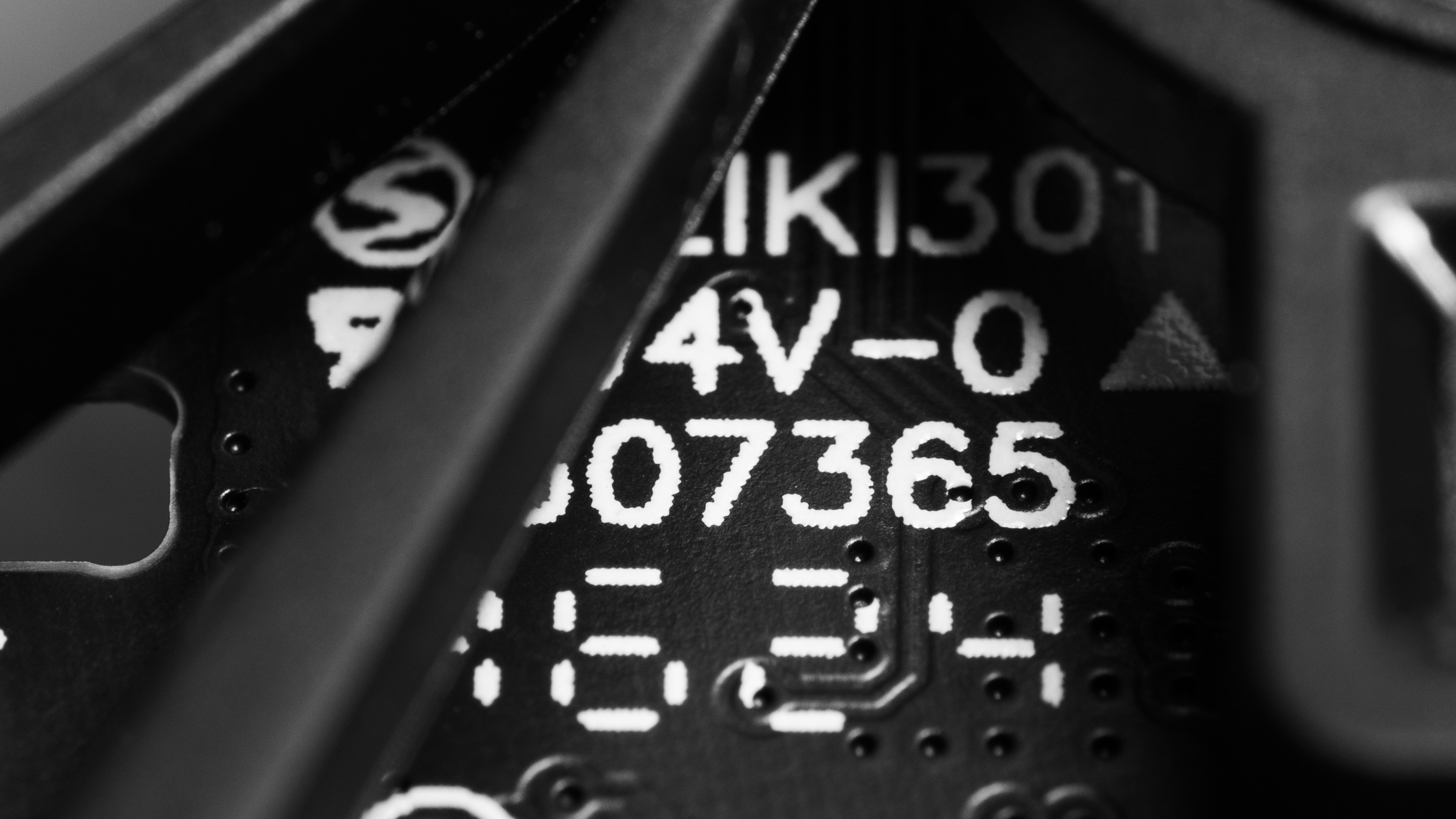
    The Fnatic x LAMZU MAYA 8K is part of a wider lineup of gaming mice with the same shape. This model is only available in an orange colorway. Here's our unit's label. However, the label is printed on a panel inside the mouse and partially obscured through the plastic framework on the bottom of the mouse.

    The table below details other models in the lineup, some of which have dedicated reviews.

    Name Color Options Size High Polling Dongle Max Polling Rate Sensor Switches
    LAMZU MAYA DOODLE White w/ Graphics Small-Medium Not Included 8000Hz PixArt PAW3950 Omron Optical
    Fnatic x LAMZU MAYA 8K Orange Small-Medium Included 8000Hz PixArt PAW3950 Omron Optical
    LAMZU MAYA X Purple Shadow, Cloud Gray, White, Charcoal Black Medium-Large Included 8000Hz PixArt PAW3950 Omron Optical
    Fnatic x LAMZU MAYA X 8K Orange Medium-Large Included 8000Hz PixArt PAW3950 Omron Optical
    LAMZU MAYA (4K Compatible) Cloud Gray, Imperial Red, White, Charcoal Black Small-Medium Not Included 8000Hz PixArt PAW3395 Huano Blue Shell Pink Dot
    LAMZU MAYA 4K Cloud Gray, Charcoal Black Small-Medium Included (4000Hz) 8000Hz PixArt PAW3395 Huano Blue Shell Pink Dot

    Popular Mouse Comparisons

    The Fnatic x LAMZU MAYA 8K is a lightweight wireless gaming mouse with the same symmetrical shape as other models in the broader MAYA lineup. While it features a slightly newer sensor than the base LAMZU Maya, the differences are negligible. The main upgrades—native Motion Sync at 8000Hz polling and tracking on clear glass surfaces—offer little practical advantage, especially considering PixArt PAW 3395 models already perform well on glass mousepads. In short, performance alone isn't a compelling reason to choose this version over others in the lineup.

    While this mouse doesn't stand out purely on features or performance, it remains a strong contender in the increasingly crowded market of lightweight, symmetrical FPS mice with high polling rates. It competes with options like the Scyrox V8, the Hitscan Hyperlight, and flagship models from larger brands like the Logitech G PRO X SUPERLIGHT 2 and the Razer Viper V3 Pro. It's worth considering if you like the colorway, have medium or smaller hands, and prefer a versatile shape that doesn't strongly favor any single grip style.

    For more recommendations, see our picks for the best mouse, the best lightweight mouse, and the best FPS mouse.

    Logitech G PRO X SUPERLIGHT 2

    The Logitech G PRO X SUPERLIGHT 2 and the Fnatic x LAMZU MAYA 8K are lightweight wireless gaming mice with accommodating symmetrical shapes that are well-suited to most hand sizes and grip types. The Logitech offers somewhat better raw performance overall. Meanwhile, the Fnatic x LAMZU is noticeably lighter, making it a good choice if you prioritize maneuverability. However, its weight-saving open baseplate design can be a drawback, as it exposes the interior to dust and debris.

    LAMZU MAYA X

    The LAMZU MAYA X and the Fnatic x LAMZU MAYA 8K are lightweight wireless gaming mice from the same lineup. They share the same internal components, deliver identical gaming performance, and have the same shape. The only difference is size—the MAYA X is slightly larger and better suited for bigger hands, while the Fnatic x LAMZU MAYA 8K is ideal for small to medium-sized hands. There's also a Fnatic x LAMZU MAYA X 8K variant, which is identical to the MAYA X but comes in the same orange colorway as the Fnatic x LAMZU MAYA 8K.

    LAMZU MAYA

    The LAMZU MAYA and the Fnatic x LAMZU MAYA 8K are wireless gaming mice from the same lineup, sharing an identical shape but with slight internal differences. The Fnatic x LAMZU MAYA 8K features optical switches, which help prevent double-clicking issues over time, and a slightly newer sensor that supports native Motion Sync at 8000Hz polling and tracking on clear glass surfaces. It also comes in a distinct orange colorway, though it offers no meaningful performance advantage over the base model. Meanwhile, the standard MAYA also supports up to 8000Hz polling, but enabling it requires a separate dongle, sold separately.

    LAMZU THORN

    The LAMZU THORN and the Fnatic x LAMZU MAYA 8K are both lightweight wireless gaming mice with comparable raw performance, but their shapes set them apart. The THORN features a larger, ergonomic right-handed design with a prominent central hump, making it best suited for palm or claw grips, particularly for medium to larger hands. In contrast, the MAYA 8K has a smaller, symmetrical shape with flatter sides and a lower central hump, offering greater versatility across all grip types.

    Test Results
    perceptual testing image
    Sort:
    RATINGS
    Category:
    All
    Design
    Style
    Type
    Standard
    Coating
    Matte
    Lighting ColorNo Lighting

    The Fnatic x LAMZU MAYA 8K has a fairly straightforward design but a distinct orange colorway. It has a matte plastic body, glossy side buttons, and a rubberized scroll wheel with a raised filigree pattern. There's a Fnatic logo on the palm rest and a faint LAMZU logo on the bottom left side, just above a small LED battery life indicator.

    Like other recent LAMZU models, this mouse has a plastic framework on its underside rather than a solid baseplate. This design helps reduce overall weight but leaves the interior more open. That said, there's a protective adhesive covering included in the box that you can apply to cover the bottom.

    Shape
    Length4.6" (118 mm)
    Width2.4" (62 mm)
    Height1.5" (38 mm)
    Grip Width
    59 mm
    Ambidextrous
    Shape Only
    Left-Handed Friendly
    Yes
    Finger Rest
    No
    8.5
    Build Quality

    The Fnatic x LAMZU MAYA 8K has excellent build quality. It has a solid plastic shell with a matte dry-grip coating. It's well-assembled with no visible gaps, significant flex, creaks, or rattles when pressure is applied or the mouse is shaken. The left- and right-click buttons have crisp, clear tactility and use Omron optical switches. Optical switches have the advantage of not being susceptible to double-clicking issues as they age, like the mechanical switches used in the baseline LAMZU MAYA.

    On the underside, this mouse features a plastic framework that helps reduce its overall weight. This design doesn't have a direct impact on the overall build quality, but it does leave the mouse open to collecting dust and debris. That said, there's a sticker included in the box that you can use to cover the underside.

    If you're interested in a mouse with a very similar weight, shape, and performance but with a solid baseplate design, check out the Logitech G PRO X SUPERLIGHT 2c.

    9.6
    Weight
    Lowest Weight
    46.5 g
    Default Weight
    46.5 g
    Weight Distribution
    Centered
    Extra Weights
    No
    Hand Size Recommendation
    Palm Grip Hand Recommendation
    Claw Grip Hand Recommendation
    Fingertip Grip Hand Recommendation

    This mouse has the same symmetrical shape as other models in the MAYA lineup, with a low, centered hump and relatively straight sides. It's well-suited for palm, claw, and fingertip grips for most hand sizes. However, those with larger hands may find it too small for palm or claw grips, while extra-large hands won’t have enough surface area for a palm or relaxed claw grip.

    7.2
    Wireless Versatility
    Maximum Of Paired Devices
    1
    Bluetooth
    No
    Receiver
    Yes
    Battery Type
    Rechargeable
    Use When Charging
    Yes
    On/Off Activation
    Auto Off And On/Off Switch
    Receiver Extender
    Yes
    Receiver Storing
    No
    Battery IndicatorYes

    LAMZU advertises a maximum battery life of up to 80 hours using a 1000Hz polling rate.

    Using higher polling rates consumes significantly more battery. Unfortunately, LAMZU doesn't provide battery life estimates for other polling rate settings. Users online are reporting a battery life of around 20 hours at 8000Hz.

    The mouse also has a 'Peak Performance' mode that you can toggle in the software. The software provides vague details about what it does, indicating that it "Highlights the sensor LED," but it's likely that it also prioritizes performance by ignoring or lengthening sensor sleep timeouts at the cost of quicker battery use.

    Cable
    ConnectivityWireless
    Cable Length
    5.9 ft (1.8 m)
    Cable Type
    Paracord-like
    Permanent Kink
    Yes
    Port Type: Mouse End
    USB-C
    Port Type: PC End
    USB-A

    This mouse has a fairly thick yet flexible paracord-like cable. It glides smoothly across desks and mousepads. However, it retains some minor kinks from the packaging, making it slightly prone to tangling.

    9.0
    Mouse Feet
    Gliding Experience
    Very Good
    Material
    Virgin Grade PTFE
    Extra Included
    Yes

    The feet have rounded edges and glide very smoothly across mousepads or desks with minimal drag. There's also a set of replacement feet included in the box.

    In The Box

    • USB-C to USB-A charging cable
    • 2.4GHz receiver.
    • Receiver extender
    • Additional mouse feet
    • Adhesive skin for the underside
    • Adhesive grip tape
    • Carrying pouch
    • User documentation
    Control
    Main Button
    See details on graph tool
    See details on graph tool
    Switch Type
    Optical
    Switch Model
    Omron Opticals

    A small dip in actuation force is visible on the actuation graph, but it isn't noticeable during normal in-game use. It doesn't compromise the crisp tactility of the switch implementation. However, if you're deliberately trying to feel it—holding the mouse off your gaming surface and clicking very slowly—you might detect a faint dip.

    6.4
    Additional Buttons
    Total Number Of Buttons
    6
    Number Of Side Buttons
    2
    Number Of Programmable Inputs
    5
    Profile Switching Button
    No
    Gesture Support
    No

    You can reprogram most buttons on the mouse using the configuration software, including the button on the underside that cycles CPI settings by default. However, a left-click function must always be assigned somewhere, and you can't reprogram the scroll up or down inputs.

    9.8
    Click Latency
    See details on graph tool
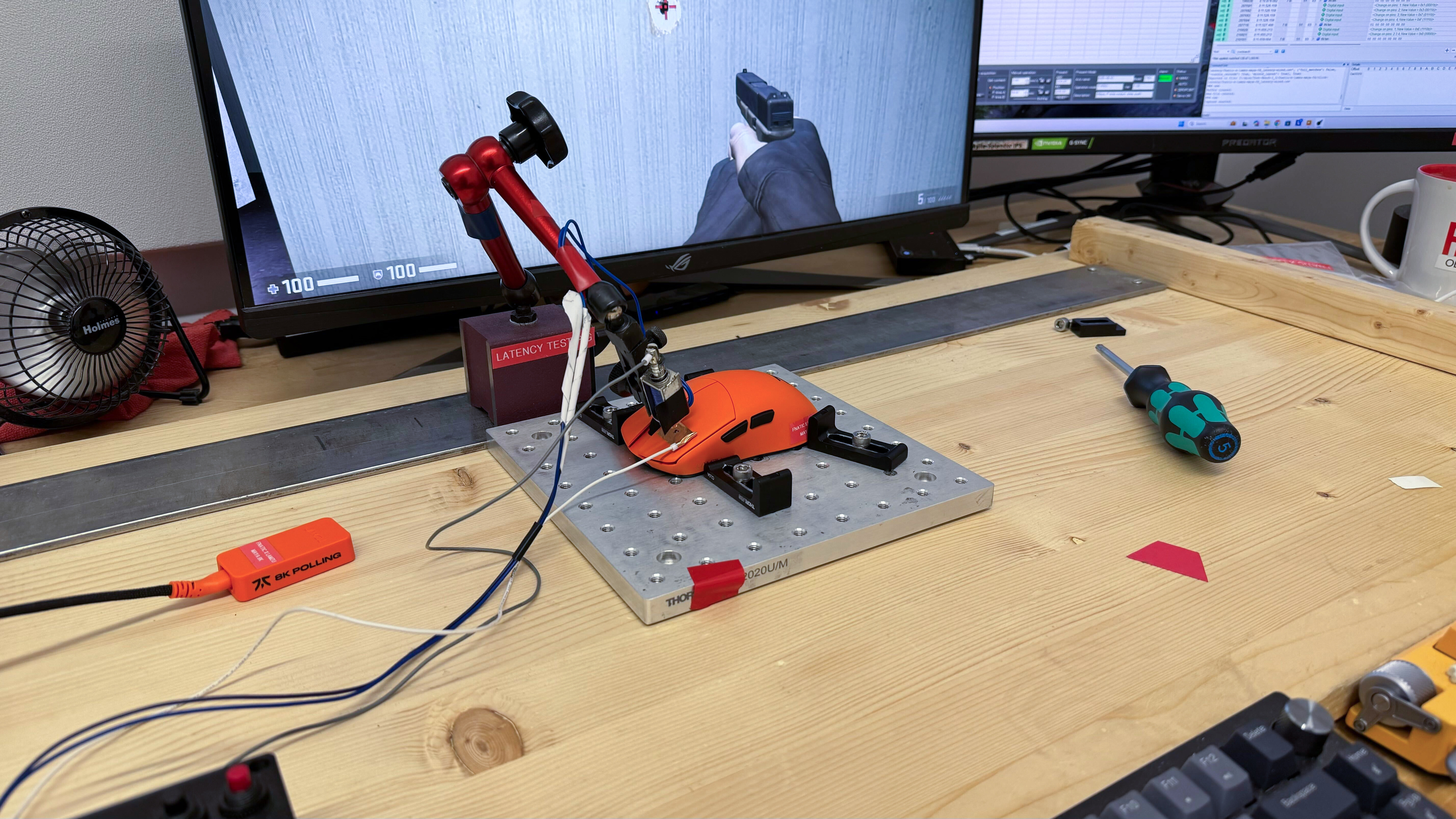
    Expected Connection
    1.2 ms
    Wired
    2.1 ms
    Receiver
    1.2 ms
    Bluetooth
    N/A

    The LAMZU MAYA 8K delivers superb click latency performance, providing an exceptionally responsive and consistent experience for casual or competitive gaming.

    We conducted this test with the lowest debounce setting of 0 ms, the maximum wireless polling rate of 8000Hz, and the maximum wired polling rate of 1000Hz.

    8.7
    CPI
    See details on graph tool
    SRAV @ 1600 CPI
    -0.04%
    SRAV @ 800 CPI
    -3.46%
    SRAV @ 400 CPI
    -1.25%
    SRAV @ Fixed CPI
    N/A
    Precision Error Between Speeds
    1.07%
    Precision Error Between CPI
    1.73%
    Worst Tracking Error
    -3.38%
    Minimum CPI
    50 CPI
    Maximum CPI
    30,000 CPI
    CPI Adjustment Steps
    50 CPI

    The LAMZU MAYA 8K delivers largely excellent tracking consistency across most CPI settings. We observed minor variation at 800 CPI and a slightly higher-than-expected error rate across tested settings. However, this isn't a significant issue that impacts your performance in-game whatsoever. At most, this signifies that it may take a bit more time for your muscle memory to adjust when first using the mouse, especially if you frequently switch between different mice.

    9.4
    Sensor Latency
    See details on graph tool
    Delay To Start Of Movement
    9.2 ms
    Delay At Half Movement
    2.1 ms
    Delay To End Of Movement
    3.1 ms

    The LAMZU MAYA 8K delivers remarkably low sensor latency. The sensor reacts extremely quickly when you move your mouse, and these movements closely match the timing of the cursor movements you see on-screen.

    We conducted this test at 8000Hz with Motion Sync off. We also performed supplementary testing below:

    1000Hz (Motion Sync off):

    • Delay to start of movement: 12.6 ms
    • Delay to half of movement: 3.3 ms
    • Delay to end of movement: 5.2 ms

    4000Hz (Motion Sync off):

    • Delay to start of movement: 11.8 ms
    • Delay to half of movement: 2.1 ms
    • Delay to end of movement: 4.3 ms

    8000Hz (Motion Sync on):

    • Delay to start of movement: 11.7 ms
    • Delay to half of movement: 2.0 ms
    • Delay to end of movement: 4.1 ms

    See comparison graphs for our supplementary testing.

    Sensor Specifications
    Sensor Technology
    Optical (LED)
    Sensor Model
    PixArt PAW3950
    Works On Glass
    Yes
    Minimum Lift Off Distance
    1.2 mm
    Maximum Polling Rate
    8000 Hz

    This mouse's wireless polling rate options are 1000Hz, 2000Hz, 4000Hz, and 8000Hz. Its maximum wired polling rate is 1000Hz.

    You can adjust sensor settings such as Motion Sync, Peak Performance, and Long Distance modes in the software. For more details, see the Configuration Software section.

    Mouse Wheel
    Scroll Wheel Type
    Notched Wheel
    Scroll Wheel Tilt
    No
    Thumb Wheel Type
    No

    The scroll wheel on the LAMZU MAYA 8K has a very grippy rubber coating with a raised filigree pattern. Scrolling is relatively quiet and feels precise with well-pronounced steps.

    Noise
    Click Noise
    Quiet

    The left- and right-click buttons, side buttons, and scroll wheel operate fairly quietly and aren't likely to bother those around you.

    Operating System And Software
    Configuration Software
    Software NameLAMZU Gaming Mouse
    Software Windows Compatibility
    Yes
    Software macOS Compatibility
    No
    On-Board Memory
    Yes
    CPI (DPI) Adjustment
    Yes
    Polling Rate Adjustment
    Yes
    Profile Configuration
    Yes
    Profile Auto-Switching
    No
    RGB On/Off
    No RGB

    The LAMZU MAYA 8K uses LAMZU's downloadable software client. It's simple and has an intuitive user interface. It allows you to adjust a range of expected settings, including sleep settings, lift-off distance, macros, ripple control, and angle snapping.

    This mouse isn't currently compatible with LAMZU's web-based Aurora software.

    Additional options include:

    Motion Sync: This setting attempts to synchronize sensor data with USB polling events. It can make on-screen motion feel more consistent, though it typically adds a small amount of latency (up to around 1 ms).

    Peak Performance: A popup in the software states that when this mode is enabled "the sensor LED is highlighted, and the sensor is in maximum performance mode." It likely also prioritizes performance by reducing or disabling sensor sleep timeouts at the cost of faster battery drain.

    Long Distance Mode: This setting appears to prioritize wireless signal strength and stability. We only suggest using this setting if your mouse isn't near your computer or you experience connectivity issues. It isn't likely to provide any performance benefit and will only drain your battery more quickly.

    8.3
    Mouse Compatibility
    Windows CompatibilityFully
    macOS CompatibilityPartially

    All button functions work in Windows and macOS, but the software is only available for Windows.