Redragon M908  Mouse Review

Reviewed Dec 11, 2019 at 08:55am
Tested using Methodology v1.2 
Redragon M908
7.1
Office/Multimedia 
6.9
Video Games (FPS) 
8.3
Video Games (MMO) 
6.3
Ultra-Light Gaming 
4.8
Travel 
 0
The Redragon M908 is a good gaming mouse that's especially well-suited for MMOs thanks to its many programmable buttons and excellent overall performance. Its wired latency is also decently low, and most gamers won't notice any delay, even in fast-paced games. This mouse has a rather large, tall, but short body, making it better for a palm or claw grip. Small hands might find it too big to use, while extra large hands will go past the two main click buttons due to its short body. This mouse is a good option for MMO players on a budget that are looking for a wide mouse.

Our Verdict

7.1
Office/Multimedia 

Decent to use at the office. The ergonomics are great for medium and large hands due to its large but rather short shape. It's a well-built mouse that offer plenty of customizable buttons, making work a bit easier and convenient. However, this is a wired mouse with a stiff cable.

Pros
  • Well-built design.
  • Excellent performance; fairly customizable.
  • Plenty of programmable buttons.
Cons
  • Unusual body shape and size; unsuitable for small hands.
  • Rigid cable.
  • Not travel-friendly.
6.9
Video Games (FPS) 

Decent for FPS games. While it has a decent click latency, the mouse is rather heavy. On the upside, tts performance is excellent, although you can't customize the CPI settings as precisely as some other gaming mice. However, its cable is annoyingly stiff and this mouse will only be suited for palm or claw grip if you have medium or large hands.

Pros
  • Well-built design.
  • Excellent performance; fairly customizable.
  • Plenty of programmable buttons.
Cons
  • Unusual body shape and size; unsuitable for small hands.
  • Rigid cable.
  • Not travel-friendly.
8.3
Video Games (MMO) 

Excellent for MMO games. The side panel offers plenty of reprogrammable buttons to quick cast your abilities. This mouse is also rather bulky and short, which will be better suited for medium and large hands with a claw or palm grip.

Pros
  • Well-built design.
  • Excellent performance; fairly customizable.
  • Plenty of programmable buttons.
Cons
  • Unusual body shape and size; unsuitable for small hands.
  • Rigid cable.
  • Not travel-friendly.
6.3
Ultra-Light Gaming 

This mouse is pretty heavy, although you can make it lighter by getting rid of the weight cartridge. However, this mouse shouldn't be considered if you're looking for an ultra-light gaming mouse.

Pros
  • Well-built design.
  • Excellent performance; fairly customizable.
  • Plenty of programmable buttons.
Cons
  • Unusual body shape and size; unsuitable for small hands.
  • Rigid cable.
  • Not travel-friendly.
4.8
Travel 

Not suitable for traveling. This mouse is wired-only and its body is rather bulky, making it hard to use in tight spaces like on a plane.

Pros
  • Well-built design.
  • Excellent performance; fairly customizable.
  • Plenty of programmable buttons.
Cons
  • Unusual body shape and size; unsuitable for small hands.
  • Rigid cable.
  • Not travel-friendly.
  • 7.1
    Office/Multimedia
  • 6.9
    Video Games (FPS)
  • 8.3
    Video Games (MMO)
  • 6.3
    Ultra-Light Gaming
  • 4.8
    Travel
  • Changelog

    1.  Updated Dec 09, 2022: We've converted this review to Test Bench 1.2. This update simplifies our Weight test and expands on our CPI test from Test Bench 1.1, resulting in changes to test results in both sections. For more details, you can see our complete changelog here.
    2.  Updated Nov 17, 2022: We've converted this review to Test Bench 1.1. This update revamps our Click Latency test and results in changes to test results. For more details, you can see our full changelog here.
    3.  Updated Oct 05, 2020: Converted to Test Bench 1.0.
    4.  Updated Dec 20, 2019: Converted to Test Bench 0.8.1.

    Popular Mouse Comparisons

    The Redragon M908 is a pretty good option for people who are looking for a budget mouse. It has an oddly large design, which is very comfortable in palm grip, but this won't be great for people with small hands. On the upside, its performance is amazing and is quite customizable. It's better suited for MMO games, but it's important to note that its sensor is off-centered, which can result in odd cursor movements at first. Also see our recommendations for the best mouse for MMOs, the best wired mouse, and the best gaming mouse.

    Redragon M913 Impact Elite

    The Redragon M913 Impact Elite is a wireless version of the Redragon M908. The M913 connects wirelessly with its USB receiver and has a compartment for storing it when not in use. It also has a wider CPI range, a more consistent sensor, and a lower lift-off distance. On the other hand, the Redragon M908 is a wired-only model with lower click latency. It also has a set of eight 2.5g weights you can add to the mouse, which the M913 Impact Elite lacks. Both mice are well-suited for medium and large-sized hands using a palm or claw grip or extra-large hands using a fingertip grip.

    UtechSmart VENUS

    The UtechSmart VENUS is a slightly better wired MMO mouse than the Redragon M908. While the two mice look almost identical, the Redragon has a larger thumb rest and a pinky rest. They both weigh the same and feature the same adjustable weight options, and they're both recommended to be used in palm or claw grip by people with medium or large hands. The UtechSmart has a wider and more adjustable CPI range and features one of the most consistent CPIs that we've tested.

    UtechSmart VENUS Pro

    The Redragon M908 and the UtechSmart VENUS Pro are MMO gaming mice with comparable and performance. The Redragon is a wired-only model and is somewhat lighter. It has a thumb rest just like the UtechSmart, but it also has a pinky rest. Additionally, it has a bit lower click latency and the ability to create multiple profiles, a feature the UtechSmart lacks. On the other hand, the UtechSmart feels sturdier and connects wired or wirelessly with a USB receiver. It also has a wider CPI range and a lower lift-off distance.

    Anker High Precision Gaming Mouse

    The Anker High Precision Gaming Mouse is slightly different than the Redragon M908. The Redragon has many more side buttons, which is better for MMO games. On the other hand, the Anker mouse has a better feel to it and is noticeably less wide.

    Show more 

    Test Results

    perceptual testing image
    Sort:
    RATINGS
    Category:
    All
    Design
    Style
    Type
    Standard
    Lighting ColorRGB

    The Redragon M908 is a fairly oddly shaped mouse that's rather bulky and not very long. There's RGB lighting on the scroll wheel, logo on the back of the mouse, the back lines, and the side MMO buttons. It's only one zone and can be customized in the software. The top of the mouse is covered by a matte coating, while the sides have a glossy finish.

    Shape
    Length4.9" (124 mm)
    Height1.7" (42 mm)
    Width3.6" (91 mm)
    Grip Width
    72 mm
    5.2
    Portability
    Volume
    28.99 in³ (475 cm³)
    Cable/Receiver Storing
    No

    The Redragon M908 is rather bulky and is wired, meaning that working with this mouse when traveling won't be ideal. It's rather tall, so you might not be able to toss it in a laptop bag.

    7.5
    Build Quality

    The Redragon M908's build quality is surprisingly good. While the materials don't give off a premium feel, the mouse is well put together. There are no rattling or wobbling parts and there's a certain heft to the design. Unfortunately, the middle row buttons on the side panel are quite mushy and don't offer great feedback like the others. The feet glide very well, which is impressive at this price point.

    5.5
    Weight
    Lowest Weight
    117.6 g
    Default Weight
    117.6 g
    Weight Distribution
    Centered
    Extra Weights
    Yes

    This mouse is fairly heavy, even if you want to use it at its lightest. Under the mouse, there's a cartridge of eight 2.5g weights, which lets you find the perfect weight for you. If you want an MMO mouse that weighs significantly less, check out the Razer Naga X.

    8.5
    Comfort Of Use
    Right-handed
    Yes
    Left-handed
    No
    Ambidextrous
    No
    Coating
    Matte
    Finger Rest
    Thumb and Pinky

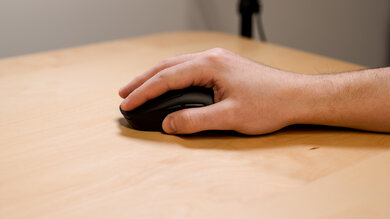
    The ergonomics are great. The tall and short design of the Redragon M908 is well-suited for palm or claw grip. Unfortunately, the materials tend to feel a bit slippery when using the mouse. On the upside, the mouse shape is nice and hugs your hand well, and the thumb rest is comfortable. Due to its considerably large size, people with small hands shouldn't use this mouse. If you want a budget gaming option with a narrower grip width, check out the Anker High Precision Gaming Mouse.

    Palm Grip: Hand Size Recommendation
    Small Hand
    No
    Medium Hand
    Yes
    Large Hand
    Yes
    X.Large Hand
    No

    Small hands might feel like this mouse is too big to palm grip, making it hard to reach all buttons. On the other hand, extra large hands will extend past the front of the mouse since it's pretty short, and even the thumb will have difficulty using the side buttons. If you want a similarly-performing budget MMO mouse that's more suitable for extra-large hands, check out the Havit HV-MS735.

    Claw Grip: Hand Size Recommendation
    Small Hand
    No
    Medium Hand
    Yes
    Large Hand
    Yes
    X.Large Hand
    No

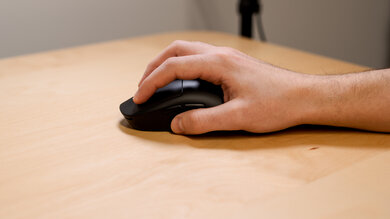
    Due to its rather tall and short shape and size, this mouse won't be well-suited for small and extra large hands. Just like for the palm grip, small hands might have trouble reaching all the buttons, while your fingers go past the main click buttons if you have extra large hands.

    Fingertip Grip: Hand Size Recommendation
    Small Hand
    No
    Medium Hand
    No
    Large Hand
    No
    X.Large Hand
    Yes

    The fingertip grip isn't recommended for this mouse, although people with extra large hands can have decent control over the mouse thanks to its tall back and wide body.

    0.0
    Wireless Versatility
    Bluetooth
    No
    Receiver
    No
    Battery Type
    No Batteries
    Use When Charging
    No
    On/Off Activation
    None
    Receiver Extender
    No
    Battery IndicatorNo

    This mouse is wired-only and can't be used wirelessly. For a similar wireless option, check out the the UtechSmart VENUS Pro.

    6.0
    Cable
    ConnectivityWired
    Cable Length6.1 ft (1.9 m)
    Cable Type
    Braided
    Permanent Kink
    Yes
    Port Type: Mouse End
    No Port
    Port Type: PC End
    USB

    The Redragon M908's cable is pretty disappointing. It's rigid and keeps a lot of kinks from when it was packaged. It needs to be straightened out before using it, and we couldn't even get it completely flat. This is very similar to Razer cables.

    7.5
    Mouse Feet
    Gliding Experience
    Good
    Material
    PTFE
    Extra Included
    No
    In The Box

    • Redragon M908 mouse
    • 8x 2.5g weights with carrying case
    • Manual
    Control
    9.3
    Buttons
    Buttons Activation
    Mechanical
    Total Number Of Buttons
    19
    Number Of Side Buttons
    12
    Number Of Programmable Inputs
    20
    Profile Switching Button
    Yes
    CPI (DPI) Switching Button
    Yes
    Gesture Support
    No

    The Redragon M908 has plenty of programmable buttons. Pretty much every single button is programmable, even the scroll up and down. Only the 'Mode Switch' button underneath the mouse can't be programmed to something else, and is used to switch between your different profiles. If you want a more versatile mouse that still has a good amount of extra programmable buttons, check out the SteelSeries Rival 500.

    6.5
    Click Latency
    See details on graph tool
    Expected Connection
    16.3 ms
    Wired
    16.3 ms
    Receiver
    N/A
    Bluetooth
    N/A

    The Redragon M908's wired click latency is decent. Most people won't notice any delay when using this mouse when gaming, although it's a bit higher than most wired gaming mice.

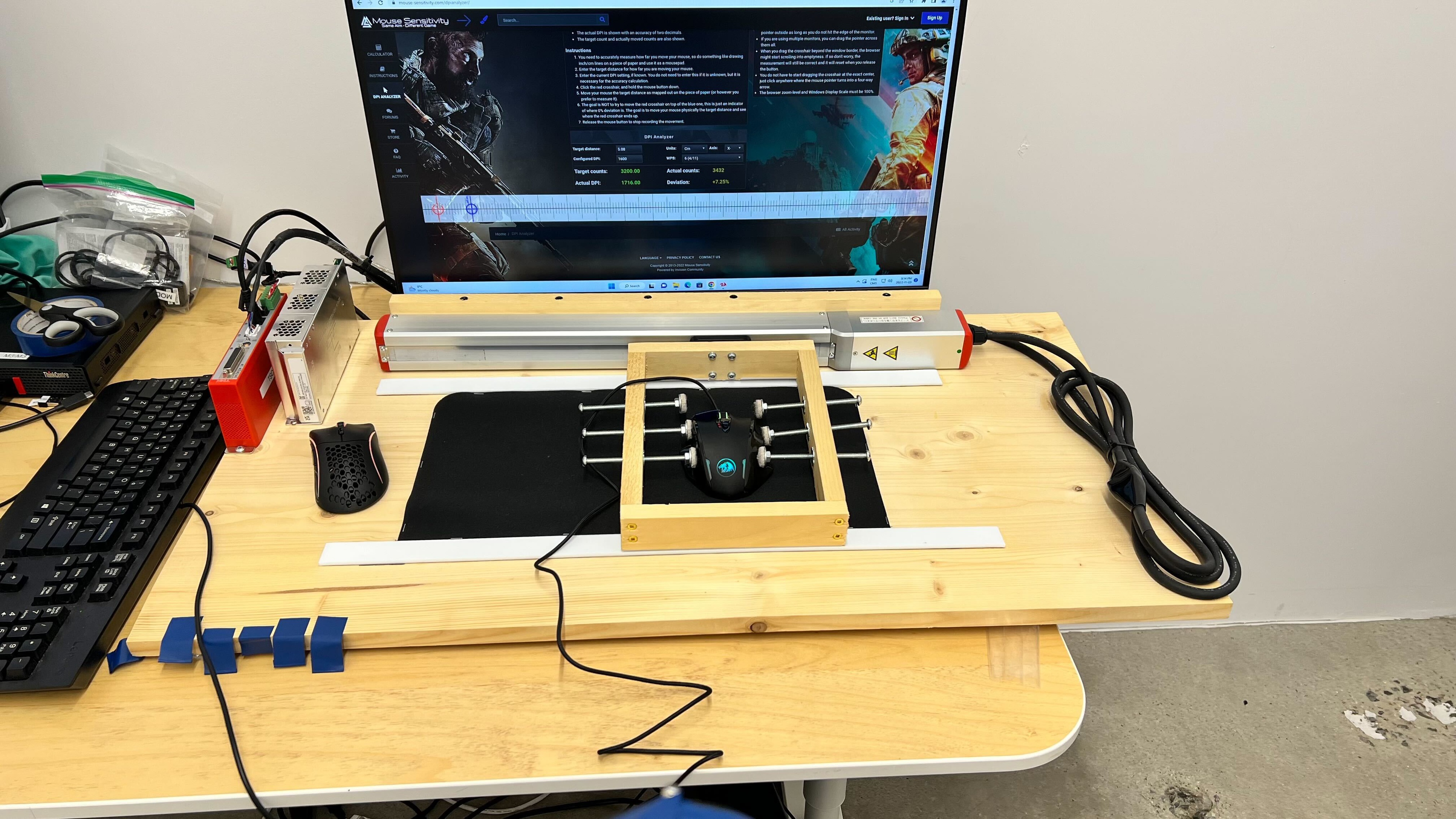
    7.6
    CPI
    See details on graph tool
    SRAV @ 1600 CPI
    -2.79%
    SRAV @ 800 CPI
    -2.04%
    SRAV @ 400 CPI
    -2.25%
    SRAV @ Fixed CPI
    N/A
    Precision Error Between Speeds
    1.14%
    Precision Error Between CPI
    3.79%
    Worst Tracking Error
    13.50%
    Minimum CPI
    200 CPI
    Maximum CPI
    12,400 CPI
    CPI Adjustment Steps
    100 CPI
    Sensor Specifications
    Sensor Technology
    Optical (LED)
    Sensor Model
    PixArt PMW3327
    Works On Glass
    No
    Minimum Lift Off Distance
    2.4 mm
    Maximum Polling Rate
    1000 Hz

    The sensor is slightly off-centered, which might require time to get used to if you've never used a mouse with an off-centered sensor.

    Mouse Wheel
    Scroll Wheel
    Notched Wheel
    Scroll Wheel Steps
    24 Steps
    Scroll Wheel Tilt
    No
    Thumb Wheel
    No
    Thumb Wheel Steps
    No Thumb Wheel

    The Redragon M908's scroll wheel is pretty standard. Its incremented design gives good feedback, but isn't as fluid and great for fast scrolling through long documents. On the upside, you can change the scroll speed sensitivity in the software.

    Noise
    Click Noise
    Quiet
    Operating System And Software
    8.0
    Compatible Software Option
    Software NameRedragon M908
    Software Windows Compatibility
    Yes
    Software macOS Compatibility
    No
    Account Needed
    No
    On-Board Memory
    Yes
    CPI (DPI) Adjustment
    Yes
    Polling Rate Adjustment
    Yes
    Profile Configuration
    Yes
    RGB On/Off
    Yes

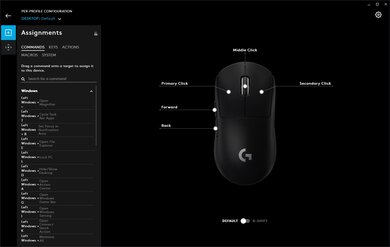
    The dedicated software for the Redragon M908 offers a good amount of customization options. You can create up to five different profiles on the mouse and save them all on the onboard memory, meaning you won't have to re-download the software if you use this mouse on another computer.

    8.3
    Mouse Compatibility
    Windows CompatibilityFully
    macOS CompatibilityPartially

    Although the Redragon M908 can be used on macOS, we experienced unusual behavior with the side buttons where some work and others don't. Some pre-programmed buttons on PC carried over on macOS, but some others didn't.