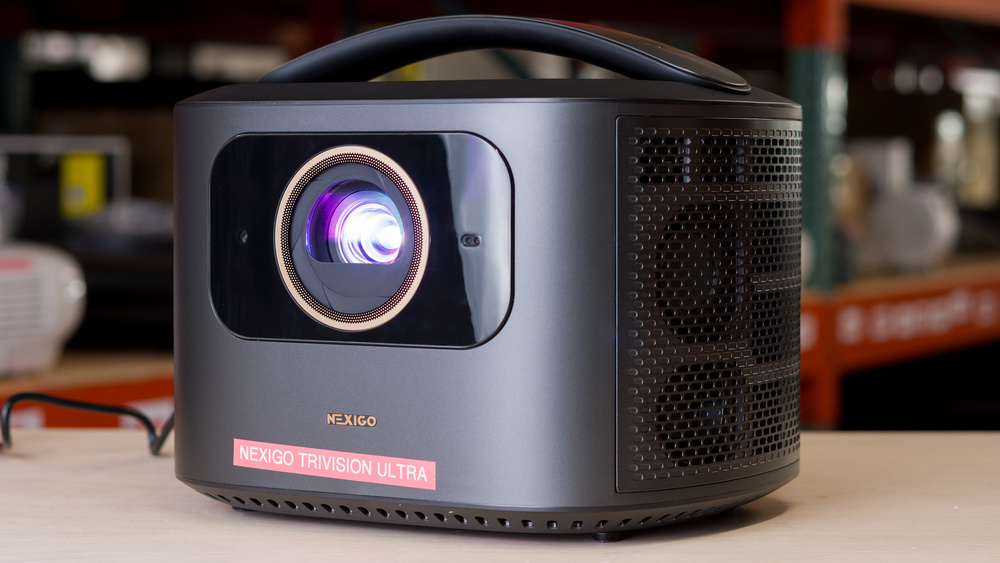
The NexiGo TriVision Ultra is a long-throw 4k XPR DLP projector that uses a tri-LED-laser light engine. It's advertised at 2,600 lumens and a 1.27:1 throw ratio, with a recommended 80- to 150-inch image (supports up to 300 inches). Feature support includes Dolby Vision, HDR10+, HDR10, and HLG, plus active 3D. Smart screen-adaptation items are also onboard and include autofocus, auto-keystone, auto screen-fit, obstacle avoidance, eye protection, and adaptive brightness. For sound, it has dual 15W speakers with Dolby Audio and DTS Virtual:X. Connectivity includes three HDMI 2.1 inputs with eARC on HDMI 1, one USB-A, one Micro-USB, S/PDIF optical out, a 3.5 mm line-out, RJ-45 Ethernet, Wi-Fi 6, Bluetooth 5.2, screen casting, and a backlit IR/Bluetooth remote. It weighs about 11 pounds and comes with a built-in handle for carrying.
Our Verdict
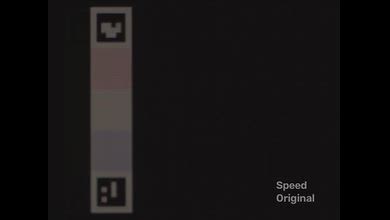
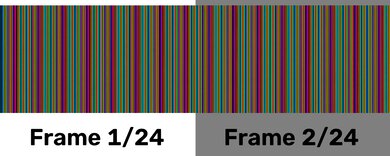
The NexiGo TriVision Ultra is sub-par for a home theater, as its contrast struggles in dark scenes, making blacks look gray. Its picture also needs calibration to look natural, even in its most accurate mode, which has uninspiring colors. Its rainbow effect is noticeable enough that many people will see it, not just those who are typically sensitive to RBE. It does have smooth motion when you're watching frame-matched content on a newer streaming device, but it's jumpy on an older one.
Smooth 24p and 25p playback from a frame-matched source.
Fairly quiet fan.
Extremely inaccurate out of the box.
Raised blacks weaken dark-scene depth.
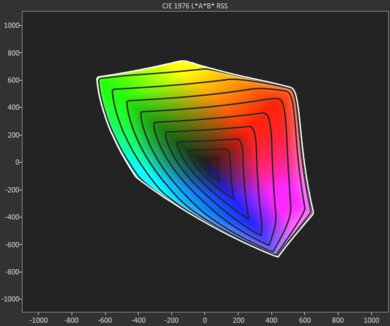
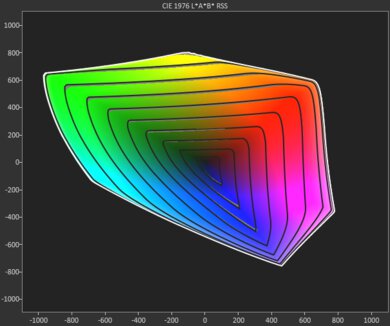
Has limited color volume.
Rainbow artifacts may distract some viewers.
Motion isn't smooth when watching content on older streaming devices.
The NexiGo TriVision Ultra is decent for outdoor use. It's bright enough for a large, satisfying image after dark, even with some nearby lighting. Once it's outside, automatic focus, image alignment, obstacle avoidance, and screen fitting make setup exceptionally easy, though you still need to physically move the unit to move or resize the image. Its integrated handle helps move the otherwise mid-size projector to the patio, but it still needs wall power as it lacks a battery.
Very bright projector.
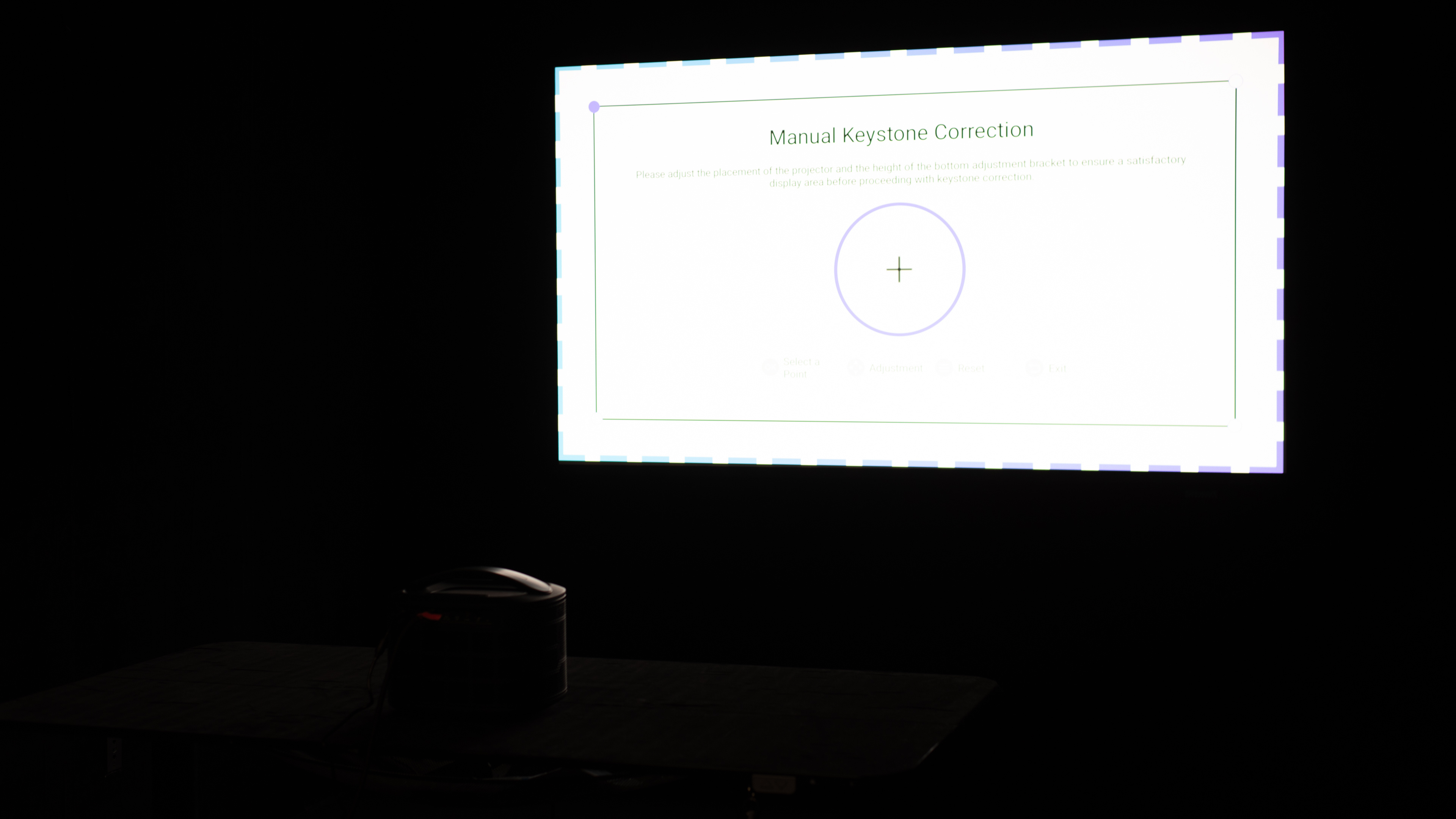
Fully automated focus, alignment, obstacle avoidance, and screen fitting.
Integrated carry handle for occasional moves.
Doesn't come with a smart OS.
Fixed optics make physical placement restrictive.
No battery, carrying case, or lens protection.
The NexiGo TriVision Ultra is alright for bedroom use. It's a mid-size projector, but it does have a handle, so it's not hard to grab. Its automatic image setup makes viewing easy once it's in place, and the fan stays fairly unobtrusive. Its 30W speakers are adequate for TV and movies, but there is no built-in smart OS, so an external streamer is necessary. That said, it's important to find a fixed spot for the unit, as its fixed lens, lack of zoom or lens shift, and limited foot adjustment mean you need to get up from the bed if you want to move or resize the image.
Fully automated focus, alignment, obstacle avoidance, and screen fitting.
Fairly quiet fan.
Integrated carry handle for occasional moves.
Doesn't come with a smart OS.
Fixed optics make physical placement restrictive.
The NexiGo TriVision Ultra is a decent option for gaming, but not the pick for serious players. The input delay is decent at 4k @ 60Hz, so action titles feel fine offline, but avoid 1080p @ 60Hz, as its input lag is noticeably higher than at 4k. High-refresh-rate modes aren't viable, as 120/240Hz signals are accepted but frame skip, so the real ceiling is 60Hz. On the plus side, it's bright enough to game with some lights on, and the DLP engine keeps motion clean. Just don't expect deep blacks or colors, as its contrast is sub-par and its colors are uninspiring.
Very bright projector.
Is decently responsive at 4k @ 60Hz.
Free of any motion blur.
Far less responsive at 1080p than at 4k, and frame skips at 120Hz/240Hz.
Extremely inaccurate out of the box.
Raised blacks weaken dark-scene depth.
Has limited color volume.
Rainbow artifacts may distract some viewers.
The NexiGo TriVision Ultra is genuinely bright for its class, so it can handle a typical living room with a few lights on without immediately looking washed out.
Very bright projector.
Contrast is subpar on the NexiGo TriVision Ultra. Blacks and shadows have a gray cast, which is most noticeable in a fully dark room, so movies and games lack depth.
Raised blacks weaken dark-scene depth.
The NexiGo TriVision Ultra is acceptable for portability, thanks to its integrated handle, which makes the otherwise mid-size unit manageable to carry between rooms. It also automatically adjusts the screen after you've physically set it up, though the process to get there can be tedious, as moving or resizing the image requires physically moving the unit. Ultimately, it's portable in the sense that it can be moved without too much difficulty, not in the grab-and-go sense of a small battery-powered model.
Fully automated focus, alignment, obstacle avoidance, and screen fitting.
Integrated carry handle for occasional moves.
Doesn't come with a smart OS.
Fixed optics make physical placement restrictive.
No battery, carrying case, or lens protection.
Color performance is poor on the NexiGo TriVision Ultra. The recommended 'Vision Maker' Picture Mode looks noticeably cool and has color errors out of the box. That more accurate mode has limited color volume, however, so saturated colors lose richness in dark shades and bright highlights. The 'Customized' picture mode looks much more vivid, but it's even less accurate, leaving viewers to choose between a more faithful image and a punchier one.
Extremely inaccurate out of the box.
Has limited color volume.
Gaming responsiveness on the NexiGo TriVision Ultra is best at 4k @ 60Hz, where controls feel decent for casual play. Avoid 1080p @ 60Hz if possible, as input lag is noticeably higher there. The projector also accepts 120Hz and 240Hz signals, but frame-skips in them, so it cannot provide a true high-refresh experience. Its DLP imaging keeps fast-moving objects sharp, but competitive and rhythm games still feel delayed.
Is decently responsive at 4k @ 60Hz.
Free of any motion blur.
Far less responsive at 1080p than at 4k, and frame skips at 120Hz/240Hz.
Performance Usages
Changelog
- Updated Jul 28, 2026: We've converted the review to Test Bench 1.0, which replaces our Color Gamut test with Color Volume and adds a new Rainbow Effect test box. We also updated Effective Contrast (formerly Native Contrast) to account for projector brightness and reworked Judder scoring. The new bench also adds Outdoors and Bedroom usages, plus Portability, Color, and Gaming Responsiveness Performance Usages; Movies is now Home Theater, and all existing usage scores have been updated. See the 1.0 changelog.
-
Updated May 28, 2026:
We've added text to some test boxes as a result of our latest test bench.
- Updated May 13, 2026: We've converted the review to Test Bench 0.12, which adds new Judder, Screen Adaptation, Battery, Maximum Volume, Size, Mobility Features, and Physical Setup Features test boxes. We also updated Inputs & Connectivity to verify Bluetooth support with wireless speakers or headphones. See the 0.12 changelog.
-
Updated Feb 09, 2026:
We mention the newly reviewed Valerion VisionMaster Plus2 in the Pre-Calibration Color Accuracy section of this review.
Check Price
Differences Between Sizes And Variants
The NexiGo TriVision Ultra sits above NexiGo's PJ-series models; it uses a tri-LED-laser DLP engine, has full auto setup with three HDMI inputs with eARC on HDMI 1, connects to Wi-Fi 6, has a stick compartment, but ships without a built-in smart OS. In NexiGo's lineup, the closest alternatives are the NexiGo PJ40 (Gen 3), a value-oriented LCD/lamp model with ARC and manual setup plus vertical lens shift, the NexiGo PJ30 Ultra, a compact DLP/LED with licensed streaming apps and full auto setup capped at 200 inches, and the entry NexiGo PJ20, which is dimmer with fewer features and no HDR input.
| Model | Positioning | Native resolution | 4k input handling | Focus / Keystone | Smart / Licensed apps | Notable I/O |
|---|---|---|---|---|---|---|
| NexiGo TriVision Ultra | Flagship, long-throw DLP | 4k via XPR (pixel-shift) | Accepts 4k; displays as 4k XPR | Auto focus / Auto keystone | No built-in TV OS (casting; external stick bay) | 3× HDMI (1× eARC), USB-A, S/PDIF, RJ-45 |
| NexiGo PJ40 (Gen 3) | Value long-throw LCD | 1080p | Accepts 4k and downscales | Manual focus / Auto keystone | No TV OS | 2× HDMI (1× ARC), USB-A, 3.5 mm |
| NexiGo PJ30 Ultra | Step-up portable/compact | 1080p | Accepts 4k and downscales | Auto focus / Auto keystone | Yes (Netflix/Prime/YouTube) | HDMI, USB-A, 3.5 mm |
| NexiGo PJ20 | Entry LCD | 1080p | Accepts 4k and downscales (typical for class) | Manual / Basic keystone | No TV OS | HDMI, USB-A, 3.5 mm |
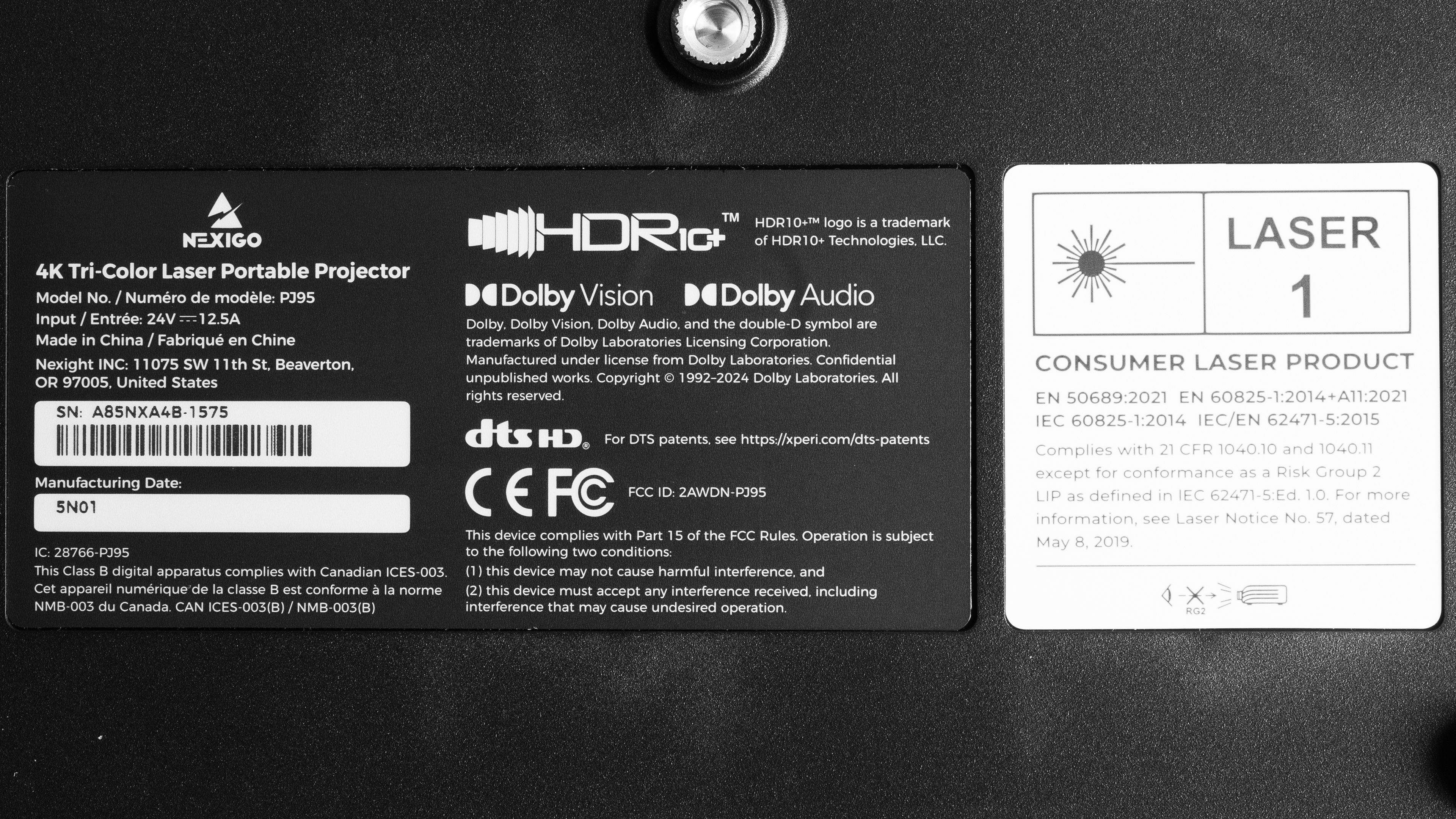
Our unit was manufactured in China.
Popular Projector Comparisons
The NexiGo TriVision Ultra is a bright, 60Hz home-theater-first projector with a simple setup and strong connectivity, but basic smart features. Still, for the price, there are other better options. If movies are your priority, the BenQ HT2060 is an upgrade; it's dimmer yet delivers cleaner dark-room performance with tighter blacks and more disciplined color, though gaming responsiveness trails behind the NexiGo. The Epson Home Cinema 2350 lands nearby, as it's generally a touch better for movies than the NexiGo due to its much better accuracy. If you're willing to pay a bit more, the XGIMI Horizon S Max is the most convenient, as it delivers better image quality and a fully featured smart OS and offers more to gamers. Ultimately, while the NexiGo isn't a bad pick, there are better options for any usage.
Check out our recommendations for the best 4k projectors and the best projectors for home theater. If you'd prefer to shop for a projector you can use outdoors, look up the best outdoor projectors.
The XGIMI HORIZON 20 outperforms the NexiGo TriVision Ultra in basically every way. The XGIMI is a bit brighter, has better contrast, is far more accurate out-of-the-box, and has high-refresh-rate modes for gamers. The NexiGo does have lower input lag at 60Hz than the XGIMI, but frame skips at 120Hz and 240Hz, while the XGIMI works well at those refresh rates.
The Valerion VisionMaster Plus2 is an upgrade over the NexiGo TriVision Ultra in nearly every category. The Valerion has better contrast, is much more accurate out of the box, supports 120Hz and 240Hz inputs, has more responsive input lag, and comes equipped with an OS (Google TV) for easier access to content. However, the NexiGo is brighter than the Plus2.
The Anker Nebula Mars 3 and the NexiGo TriVision Ultra are two mid-sized projectors with a carry handle, but of the two, the NexiGo is the superior pick. It's far brighter than the Anker, with deeper contrast, so it looks punchier in any room condition. The NexiGo also delivers a sharper image with its pixel shifting technology, while the Anker is limited to 1080p. They're both inaccurate out of the box, with the NexiGo being more so than the Anker, but the former is easier to calibrate. The NexiGo is the superior pick for gamers, too, as its input lag is far lower at 4k @ 60Hz. If you instead game at 1080p, then the Anker's input lag is slightly lower at that resolution, but they're both pretty slow there. Both units have a handle for easy transport and weigh about the same, but the Anker is a tad more portable due to its fully featured smart OS; the NexiGo requires a dongle for apps.
The Hisense PX3-PRO is noticeably better than the NexiGo TriVision Ultra. While they're similar in brightness, the Hisense has far deeper contrast, so it looks punchier in dark rooms, especially with its wider color gamut. It's also more accurate out of the box than the NexiGo. The Hisense also comes with a fully featured smart OS, avoiding the need to buy a dongle. Gamers will also appreciate the Hisense's 120Hz and 240Hz support at 1080p, although gamers who play at 60Hz will prefer the NexiGo, as it's far more responsive than the Hisense at that refresh rate. Finally, while neither projector is truly portable, the Hisense is a massive unit, while the NexiGo is lighter and has a handle, so it's easier to move room to room.

We've independently bought and tested over 80 projectors and published detailed results for each, so you can decide which one to buy. These have all been tested under the same standardized methodology, allowing you to compare them side by side. We still have all these projects in our lab, so we can continually go back and compare them to ensure our reviews are still accurate. All our test methodologies are also public on our website, so you can validate the results yourself.
Throw Calculator
Global Controls
Test Results

for pictures & test results







for pictures & test results





for pictures & test results