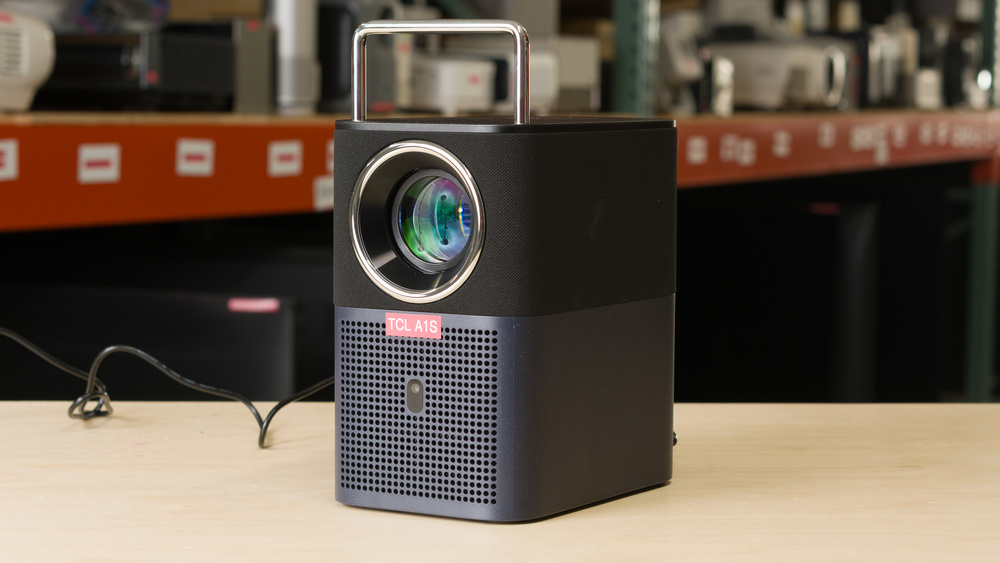
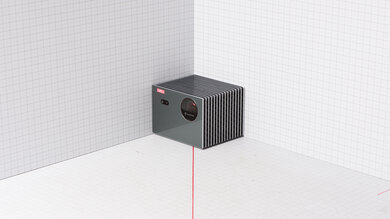
The TCL A1s is an LCD projector with a 1080p resolution and an LED light source. It's designed with portability in mind, with a small, lightweight design and built-in handle that make it easy to carry around. The handle also doubles as a stand, allowing you to adjust the projection angle by up to 15 degrees. It's relatively light on setup features, as it doesn't have optical zoom or lens shift, but it has a wide variety of screen adaptation features like autofocus, automatic keystone correction, obstacle avoidance, and automatic screen fit. With a 1.25:1 throw ratio, it can project an image from 45 to 150 inches. It runs on Google TV, giving you access to popular streaming services without needing an external device. The projector has one HDMI port and has two built-in 8W full-range speakers.
Our Verdict
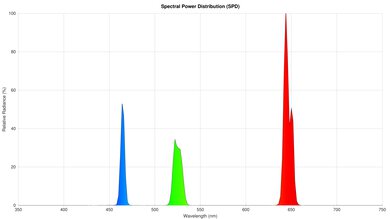
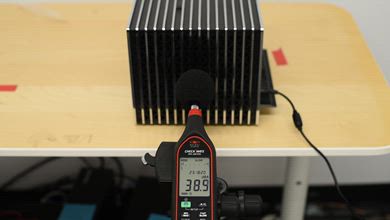
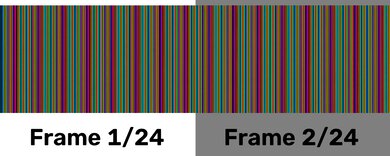
The TCL A1s is bad for a home theater. It has sub-par contrast across all scenes, so dark scenes look washed out and bright scenes look flat. The projector doesn't remove judder, leading to choppy motion in movies and shows. Its awful color volume results in muted and dull colors. Additionally, colors have bad accuracy out of the box, leading to an image that looks overly cool. Since it's a dim projector, the image doesn't look punchy at all, even in a pitch-black room. The projector's fan runs loudly, so it can be distracting in quiet scenes, especially if you're sitting in front of it. Fortunately, there's no rainbow effect at all, which is good for those who are sensitive to the effect.
No rainbow effect.
Sub-par contrast leads to a flat-looking image.
Colors look very dull and muted.
Motion looks choppy since it doesn't remove judder.
Loud fan.
Poor brightness leads to a dim image.
Has an overly cool tint out of the box.
The TCL A1s is unremarkable for outdoors. It's a dim projector that looks very washed out when used in a space with any lighting, so it's best to wait until nighttime and turn off all your outdoor lights. Its small size, lightweight design, and built-in handle make it easy to bring into your backyard. Unfortunately, it doesn't have lens shift or a zoom lens, so you have to physically move it to center it with your screen and adjust the image size if you want the best image quality. If you can't do that, you can use keystone correction, but relying on it entirely can negatively impact image quality. The handle doubles as a stand to vertically tilt the projector, which helps with alignment, and you can mount it on a tripod. You still need access to a power outlet since it lacks a built-in battery.
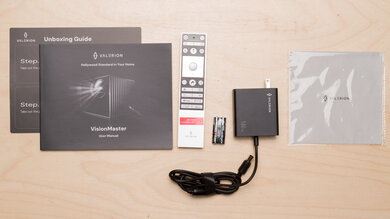
Its built-in handle, included carrying case, and small, lightweight design make it easy to carry around.
Has Google TV built-in.
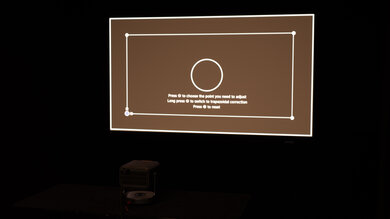
Has a wide variety of screen adaptation tools.
No lens shift or zoom lens.
No built-in battery.
Poor brightness leads to a dim image.
The TCL A1s is decent for a bedroom. Since it's small, light, and has a built-in handle, it's easy to carry from another room into your bedroom. It has a wide array of screen adaptation tools like autofocus, automatic keystone correction, and obstacle avoidance, which can help speed up the setup process. However, these features can negatively impact image quality. If you want the best image quality it can produce, you need to physically move the projector to adjust the image size and align it with your screen, since it doesn't have lens shift or a zoom lens. It also does an unremarkable job of minimizing fan noise, so you might be distracted by it if you're watching a movie or show at low volume.
Its built-in handle, included carrying case, and small, lightweight design make it easy to carry around.
Has Google TV built-in.
Has a wide variety of screen adaptation tools.
No lens shift or zoom lens.
Loud fan.
The TCL A1s is a poor choice for gaming. It has high input lag that changes every time you handshake with your console, so gaming feels unresponsive and inconsistent. Since it's limited to 1080p @ 60Hz, it doesn't take advantage of the higher refresh rates offered by modern consoles and gaming PCs. It's also a very dim projector with muted colors and weak contrast, so games look dull, flat, and washed out.
No rainbow effect.
Limited to 60Hz refresh rate.
Sub-par contrast leads to a flat-looking image.
Colors look very dull and muted.
Visible motion blur.
High input lag leads to unresponsive gaming.
The TCL A1s has poor brightness. It's not bright enough to avoid a very washed-out image in a room with ambient lighting, and many people will find that it even looks a bit dim in a dark room.
Poor brightness leads to a dim image.
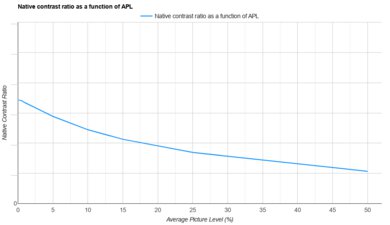
The TCL A1s has sub-par contrast. Blacks lack depth and look gray, so dark scenes look washed out and bright scenes look flat.
Sub-par contrast leads to a flat-looking image.
The TCL A1s has good portability. Its small, lightweight design and built-in handle make it simple to carry from one room to another, and the included carrying case helps protect it when you're bringing it to a friend's house. Since there's no zoom lens or lens shift, you'll need to physically move the projector to change the image size and center it with your screen for the best image quality. Fortunately, it has a ton of screen adaptation features, including autofocus and automatic keystone correction, that make setup easy. However, using keystone correction too heavily can negatively impact image quality.
Its built-in handle, included carrying case, and small, lightweight design make it easy to carry around.
Has Google TV built-in.
Has a wide variety of screen adaptation tools.
No lens shift or zoom lens.
No built-in battery.
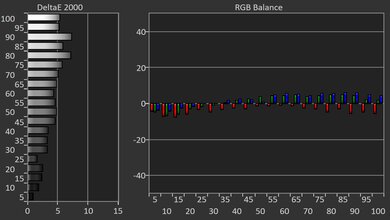
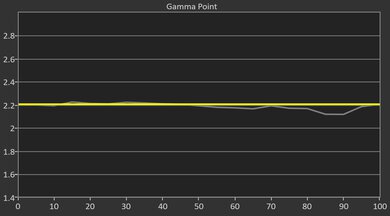
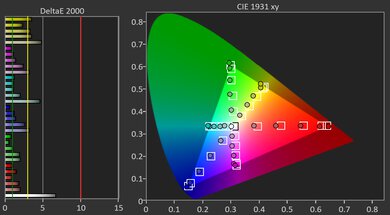
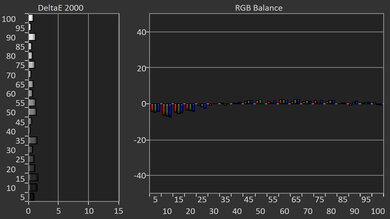
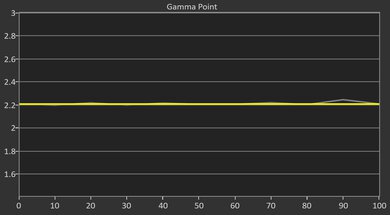
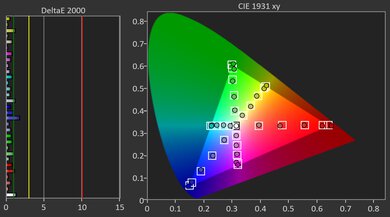
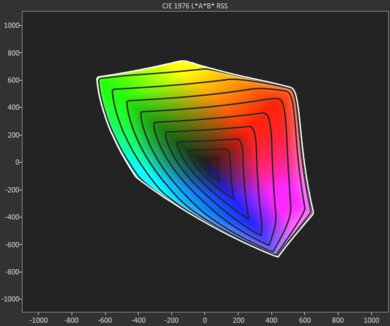
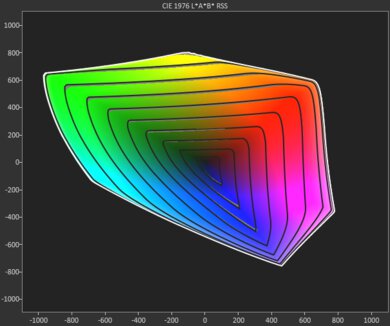
The TCL A1s has bad colors. Its awful color volume means that all shows, movies, and video games look dull and muted. Colors also have bad accuracy out of the box, leading to an image that looks overly cool. Calibrating the projector can get rid of the overly cool tint, but colors are still very undersaturated.
Colors look very dull and muted.
Has an overly cool tint out of the box.
The TCL A1s has bad gaming responsiveness. It's limited to 1080p @ 60Hz, so you can't take advantage of the 120Hz refresh rate offered by modern consoles. The amount of input lag is high, and it changes every time you handshake with a console, so gaming feels sluggish and inconsistent. Since it uses LCD imaging technology, there's also visible motion blur, especially in fast-paced games.
Limited to 60Hz refresh rate.
Visible motion blur.
High input lag leads to unresponsive gaming.
Performance Usages
Check Price
Differences Between Sizes And Variants
The TCL A1s doesn't have any variants, and it's only available in blue. Our results are only valid for the A1s, but TCL also sells a similar model as part of the A Series lineup called the TCL A1. Our results aren't valid for that model, but the table below highlights a few of the key differences between the two.
| Model | Advertised Brightness (ISO Lumens) | Advertised Contrast | Screen Size |
|---|---|---|---|
| TCL A1 | 360 ISO lumens | 2000:1 | 45–120" |
| TCL A1s | 600 ISO lumens | 1500:1 | 45–150" |
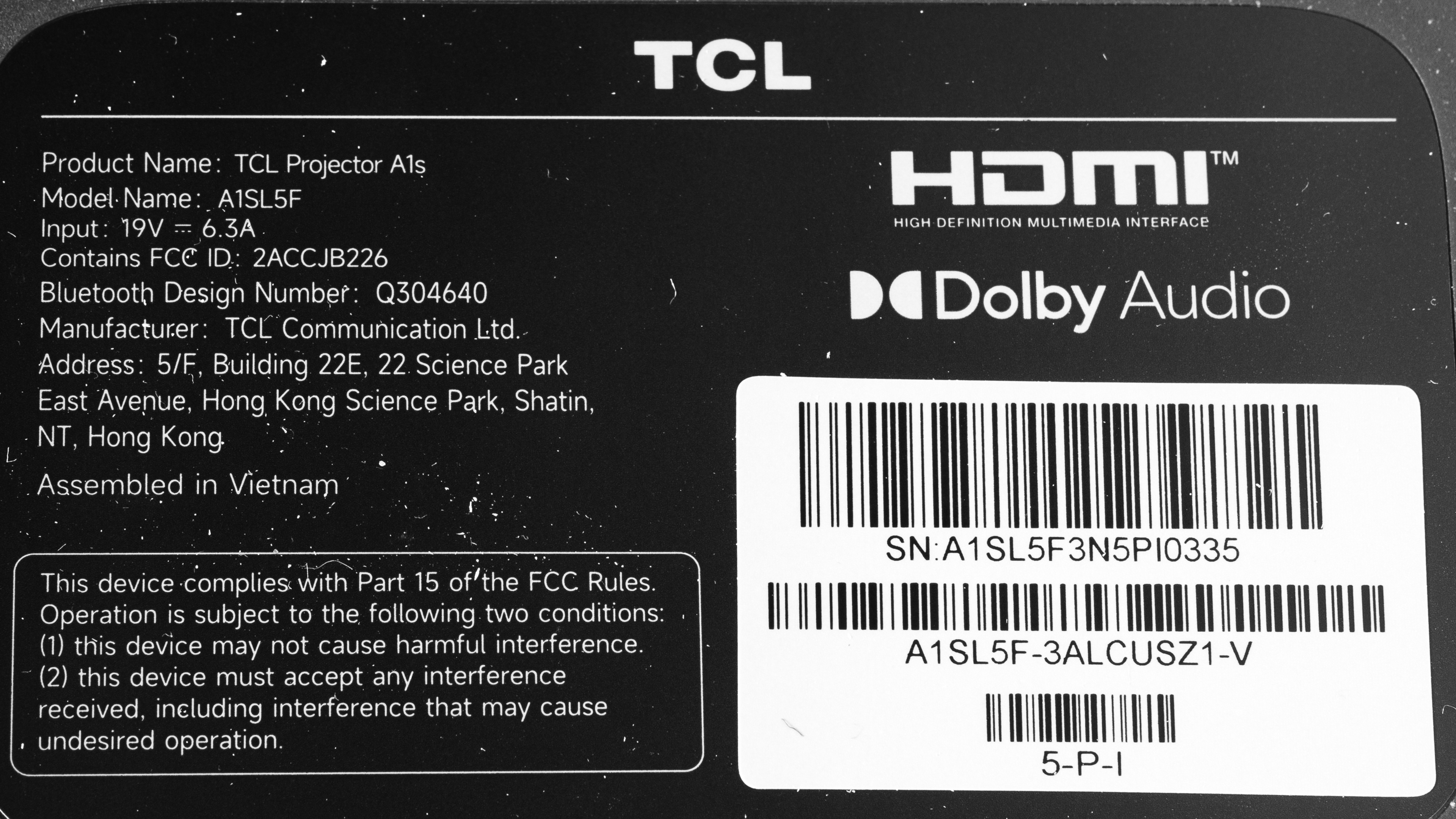
Our unit was assembled in Vietnam.
Popular Projector Comparisons
The TCL A1s is alright for a relatively low-cost portable projector. It's easy to carry around thanks to its built-in handle, included carrying case, and small, lightweight design. It shares a similar design and price point as the Anker Nebula P1i, but it offers better image quality. Still, it leaves a lot to be desired when it comes to image quality, since it's a dim projector with poor contrast and awfully dull, muted colors. It also falls somewhere in the middle when it comes to portability and image quality, making it a bit difficult to recommend over models that focus more heavily on one or the other. If you're willing to sacrifice some portability for better image quality, you can get a projector with better colors and significantly better contrast, like the NexiGo PJ40 Pro. If you just want the most portable projector you can get in this price range, you can get the cheaper XGIMI Vibe One, which is dimmer but has noticeably better contrast.
For more portable options, check out the best portable projectors. If you care less about portability and just want a projector in this price range, take a look at the best projectors under $500, or check out the best projectors under $1,000 if you're willing to stretch your budget.
The XGIMI Elfin Flip Laser is much better than the TCL A1s. The XGIMI is brighter, has much better contrast that leads to an image with more depth, and offers drastically more vibrant colors that are more accurate out of the box. Although the XGIMI doesn't come with a carrying case, it's noticeably lighter, so carrying it around from room to room is a bit easier. Finally, the XGIMI has a quieter fan, so it's less distracting when you're watching content at low volume.
The XGIMI Vibe One and the TCL A1s each have different strengths and weaknesses. The TCL is brighter, so the image looks punchier in a dark room. On the other hand, the XGIMI has better contrast, so blacks are deeper and the image has more depth. The XGIMI has lower input lag, making it better for gaming, and its smaller and lighter design makes it a bit easier to carry around. Both projectors offer autofocus and automatic keystone correction, but the TCL also has automatic screen fit and obstacle avoidance, so it's easier to set up in a pinch.
The NexiGo PJ40 Pro is better than the TCL A1s when it comes to image quality, since it's a bit more colorful and has significantly better contrast. The NexiGo is also a bit more versatile due to its extra HDMI port, and it's better for gamers since it has noticeably lower input lag. However, the TCL offers better portability thanks to its built-in handle, included carrying case, and wider set of automatic screen adaptation features.
The TCL A1s is a bit better than the Anker Nebula P1i overall. The TCL has better image quality since it's brighter and has better contrast. The TCL is also easier to carry around, since it's lighter and comes with a carrying case that protects it during transport. On the other hand, the Anker has a quieter fan, and its significantly lower input lag makes it the better choice for gaming.
We've independently bought and tested over 100 projectors and published detailed results for each, so you can decide which one to buy. These have all been tested under the same standardized methodology, allowing you to compare them side by side. We still have all these projectors in our lab, so we can continually go back and compare them to ensure our reviews are still accurate. All our test methodologies are also public on our website, so you can validate the results yourself.
Throw Calculator
Global Controls
Test Results
for pictures & test results
for pictures & test results



for pictures & test results