
The SteelSeries Apex Pro TKL (2023) is a wired gaming keyboard that continues SteelSeries' Apex Pro (2023) lineup. Like previous entries in the Apex Pro series, this keyboard uses OmniPoint switches, which let you customize the actuation point of individual switches. Several new features were introduced from the previous generation Apex Pro TKL, released in 2019. New features with this generation include a wider range of adjustable actuation points (now between 0.2mm-3.8mm) and the ability to program two functions to activate at different actuation points in a single keypress. SteelSeries has also added a Rapid Trigger feature via a firmware update post-launch, which allows you to set how far your switches need to travel back up before you can register another keystroke. For more details about this mode, see the Single-Key Latency section later in this review.
We bought and tested the wired version of this keyboard, but there is also a wireless version available called the SteelSeries Apex Pro TKL Wireless (2023). We expect our test results to also largely apply to the wireless version.
Our Verdict
The SteelSeries Apex Pro TKL 2023 is an excellent gaming keyboard. It has remarkably low latency, and the OmniPoint switches allow you to fine-tune the sensitivity of your keypresses to best suit your preferences and the game you're playing. It also feels well-built, and the PBT keycaps have a pleasant texture for added grip. There's also an included wrist rest for added comfort, a rare feature on smaller TKL keyboards.
- Remarkably low latency.
- Switches have adjustable actuation points.
- Impressive build quality.
- Keys wobble slightly.
- No tactile switch options.
The SteelSeries Apex Pro TKL 2023 is an impressive keyboard for office work, but it isn't explicitly designed for this use. It feels well-built and has good ergonomics with two incline settings and an included wrist rest, which is a rare feature for a keyboard of this size. The companion software is also fully compatible with Windows and macOS, and you can customize the sensitivity of keypresses to find a sensitivity that best suits your workflow. While this is a wired-only model, a wireless version of this keyboard is available that connects with a USB receiver or via Bluetooth, which can help reduce the clutter on your desk as there isn't a cable to worry about.
- Switches have adjustable actuation points.
- Impressive build quality.
- Wired-only.
- Keys wobble slightly.
- No tactile switch options.
The SteelSeries Apex Pro TKL 2023 isn't suitable for use with mobile devices or tablets.
The SteelSeries Apex Pro TKL 2023 is great for programming use. It feels well-built, has full RGB backlighting, and offers impressive typing quality with the ability to customize the sensitivity of your keypresses to suit your preferences. It also has good ergonomics with two incline settings and an included wrist rest, which is a rare feature for a TKL keyboard. You can program macros to any key directly on the board or use the customization software compatible with Windows and macOS.
- Switches have adjustable actuation points.
- Impressive build quality.
- Wired-only.
- Keys wobble slightly.
- No tactile switch options.
The SteelSeries Apex Pro TKL is inadequate for an entertainment or home theater PC setup. While it feels well-built and has full RGB backlighting, it's a wired-only model, so you have to sit fairly close to your PC to use it. That said, there's a wireless version of this keyboard available called the SteelSeries Apex Pro TKL Wireless (2023) that would be better suited for this use.
- Impressive build quality.
- Wired-only.
- Keys wobble slightly.
Changelog
- Updated Jan 06, 2026: Our Test Bench 1.4.3 update adds clearer terminology and new measurements to our Keystrokes test group. For more details, see the full changelog.
- Updated Oct 02, 2025: Our 1.4.2 Test Bench Update makes changes to the Hardware Customizability test group. We've created a new Magnetic Switch Compatibility test and renamed our previous PCB Socket test to Mechanical Switch Compatibility. See our full changelog.
- Updated Aug 26, 2025: We've converted this review to Test Bench 1.4.1. This update removes the Key Release test and a video element from the Multi-Key Latency section, resulting in minor score changes. See our full 1.4.1 changelog for details.
- Updated Jun 21, 2025: We've updated this review with our new Test Bench 1.4 methodology. It adds a new Output Type classification in the Switches box, indicating whether the keyboard's output is non-adjustable, adjustable, or analog. It also introduces a new Adjustable Input Granularity test, which improves comparability between keyboards with adjustable input.
Check Price
Differences Between Sizes And Variants
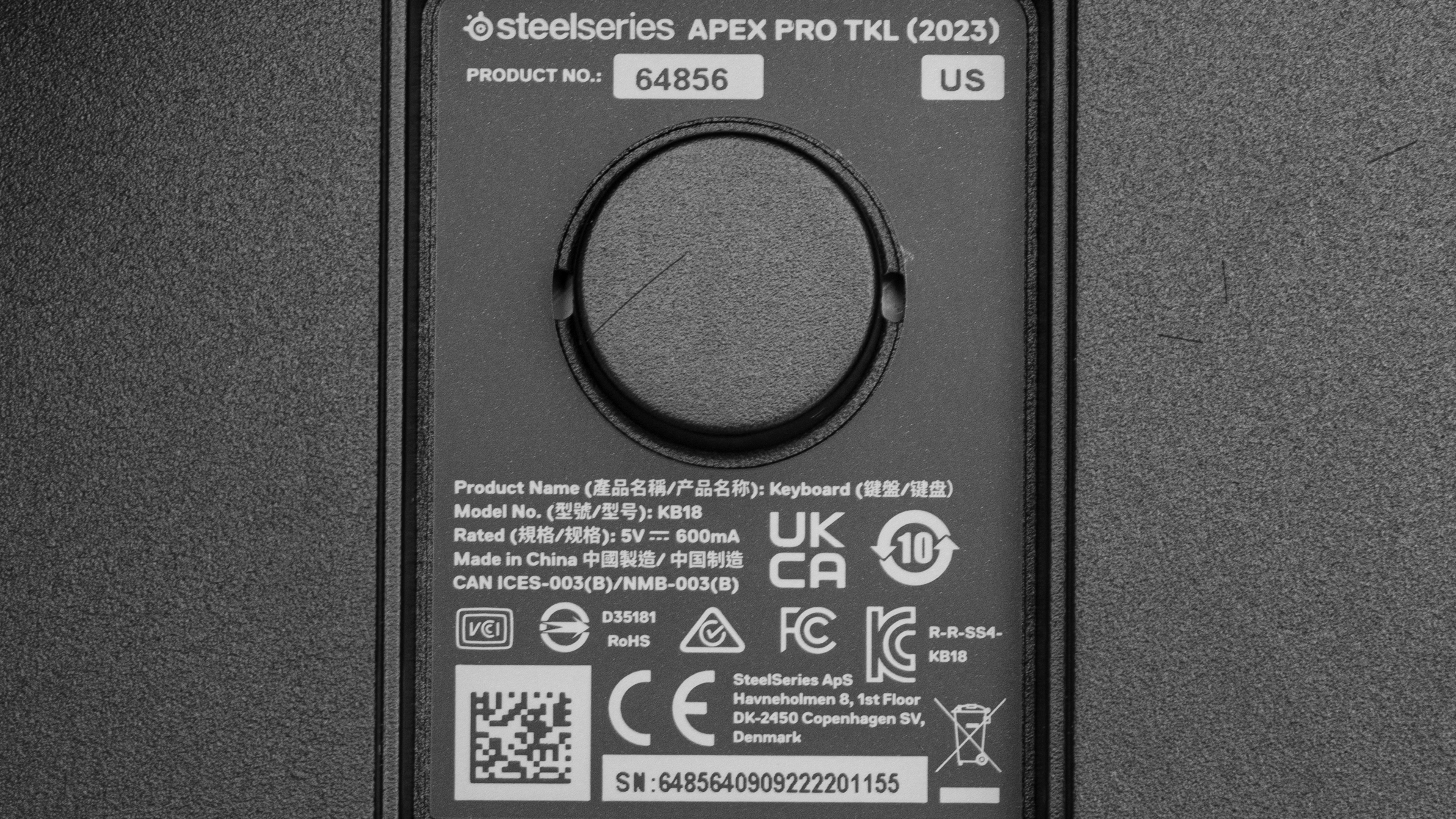
The SteelSeries Apex Pro TKL (2023) is only available in a black colorway and with OmniPoint 2.0 switches. There's also a wireless version of this keyboard, the SteelSeries Apex Pro TKL Wireless (2023). We expect our test results to apply broadly to the wireless version too. You can see the label for the unit we bought and tested here.
If you come across another variant of this keyboard that doesn't correspond to our review, let us know in the discussions, and we'll update our review.
Popular Keyboard Comparisons
The SteelSeries Apex Pro TKL (2023) is a mechanical gaming keyboard that continues SteelSeries' Apex Pro (2023) lineup. Like other models in the lineup, this board uses SteelSeries' proprietary OmniPoint 2.0 switches. Unlike standard mechanical switches, these switches allow you to adjust the actuation point of individual keys. In other words, this lets you adjust how sensitive your keys feel. You can set certain keys to be ultra-sensitive for playing competitive FPS or other fast-paced games and then switch to a much less sensitive setting for everyday typing to help prevent typos. These OmniPoint switches use hall effect sensors to register keypresses, and while this technology is still fairly rare to find in gaming keyboards, there are several other examples of models with similar switches, including the Wooting two HE and Wooting 60HE, which also use hall effect switches, and the Razer Huntsman V2 Analog which uses optical switches to achieve the same effect.
For more recommendations, see our picks for the best keyboards, the best gaming keyboards, the best TKL keyboards, and the best mechanical keyboards.
The Razer Huntsman V3 Pro TKL and the SteelSeries Apex Pro TKL (2023) are tenkeyless wired gaming keyboards that use analog optical switches that allow you to customize pre-travel and reset distance of individual keys. Both keyboards provide similar gaming performance. Otherwise, the differences come down to some of their extra features: the SteelSeries has an OLED screen and programmable scroll wheel while the Razer has dedicated media keys and a programmable rotary control knob.
Both the SteelSeries Apex Pro Gen 3 and the SteelSeries Apex Pro TKL (2023) are wired, analog gaming keyboards with comparable gaming performance in the same product lineup. The Apex Pro Gen 3 is a newer model with a full-size layout compared to the older Apex Pro TKL (2023) which has a tenkeyless (80%) layout. The newer Gen 3 has some minor build quality improvements, like tuned stabilizers and acoustic foam that improve the sound profile and dampen typing noise. Unfortunately, its actuation settings are much less accurate, although this may be something SteelSeries can fix with firmware updates in the future.
The SteelSeries Apex Pro and the SteelSeries Apex Pro TKL (2023) are mechanical gaming keyboards that belong to the same lineup and use OmniPoint switches that allow you to customize the actuation point of individual keys. The Apex Pro is an older, full-size model. On the other hand, the Apex Pro TKL (2023) is a newer TKL form-factor model. It also features higher-quality PBT keycaps and improved switches with a slightly wider range of actuation points.
The SteelSeries Apex Pro TKL (2023) and the Wooting 60HE are mechanical gaming keyboards with outstanding gaming performance and analog switch functionality that allow you to adjust the pre-travel distance of individual keys. The SteelSeries is a TenKeyLess (80%) model and has an included wrist rest. It also has an OLED screen and a control wheel, which the Wooting lacks. On the other hand, the Wooting 60HE is a smaller, Compact (60%) model. The Wooting has several software features the SteelSeries doesn't, including a low latency Tachyon Mode and an Analog Mode that reproduces the gradual inputs of controller joysticks.
Test Results
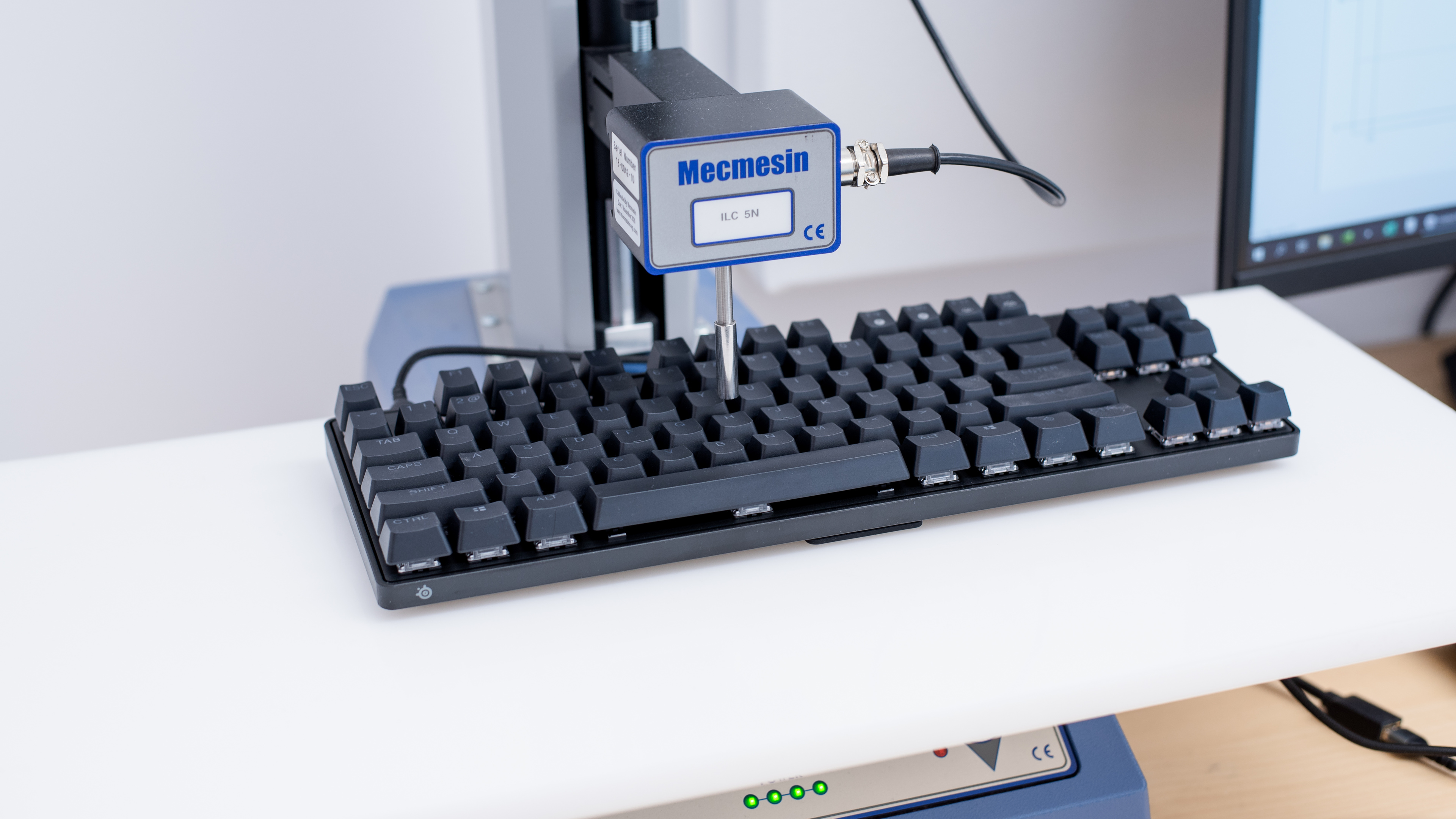



for pictures & test results

for pictures & test results





for pictures & test results



for pictures & test results

for pictures & test results


for pictures & test results


for pictures & test results


for videos & test results
