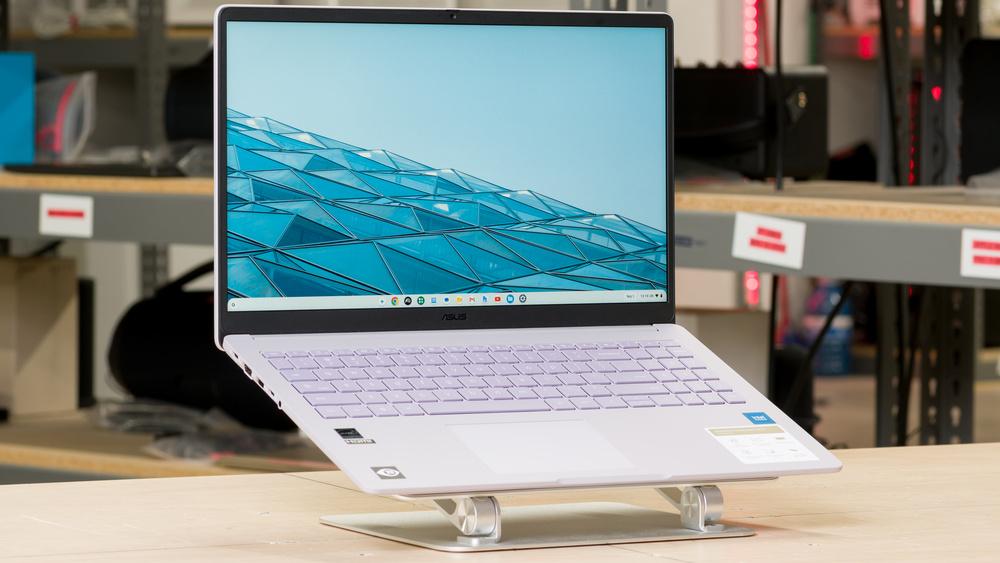
The ASUS Chromebook CX15 (2026) is a budget 15.6-inch laptop designed for everyday tasks like web browsing, schoolwork, and video playback. It runs ChromeOS, which supports web apps and Android apps through the Google Play Store. It has a full-size keyboard with a numpad, a 720p webcam with a privacy shutter, and a plastic chassis available in several colors. Its port selection includes one USB-A, two USB-Cs, an HDMI, and a headphone jack. Both USB-C ports support charging and video output.
Our Verdict
The ASUS Chromebook CX15 is mediocre for general productivity. It's adequate for light tasks like browsing and writing documents, but running many tabs or apps at once will make it feel sluggish, especially with the 4GB model. While it's easy to carry around, and its keyboard provides a solid typing experience, it may not last a full workday without charging, depending on your usage. The large matte display provides enough room for two windows side by side and handles reflections well, though it isn't bright enough to deal with glare in brighter settings. The laptop stays cool and quiet, and its ports make connecting peripherals and an external monitor straightforward. However, the small touchpad occasionally misses movements along its edge, and the webcam produces a blurry, washed-out image.
Easy to carry around.
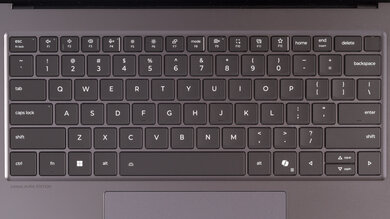
Comfortable keyboard with satisfying key travel.
Stays cool and quiet under load.
USB-C charging and video output, plus HDMI.
Matte coating generally handles reflections well.
Limited performance for demanding tasks.
4GB configurations provide little room for multitasking.
Battery may not last a full workday.
Small touchpad with occasional tracking issues.
Blurry, washed-out webcam image.
The ASUS Chromebook CX15 is decent for multimedia. Its large display looks reasonably sharp, and the laptop is easy to carry around, with enough battery life for nearly six hours of video playback. However, colors look washed out, and blacks appear gray when watching movies in a dark room. The matte display handles reflections well, but it doesn't get bright enough to overcome glare near sunny windows or outdoors. The speakers get reasonably loud without noticeable distortion, making them adequate for watching videos, though their lack of bass leaves music and movie effects sounding thin.
Easy to carry around.
Large, reasonably sharp 1080p display.
Nearly six hours of video playback on our tested unit.
Speakers get reasonably loud without noticeable distortion.
Matte coating generally handles reflections well.
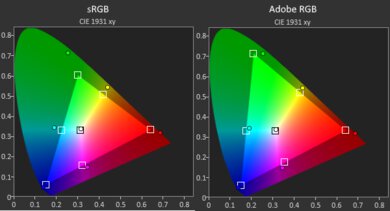
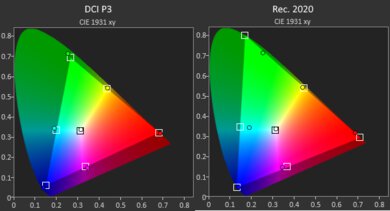
Limited color range makes content look washed out.
Blacks look gray in a dark room.
The display isn't quite bright enough to deal with glare in bright settings.
Speakers lack bass.
The ASUS Chromebook CX15 is only suited to casual gaming, if at all. Its Intel N50 processor and integrated graphics limit it to lighter Android and browser games, with compatibility and control support varying by title. This is also due to ChromeOS not natively running most Windows games, though cloud gaming is an option with a fast, stable internet connection. The display's 60Hz refresh rate is adequate for slower-paced games, but its slow response time causes noticeable blur in fast-moving scenes. The TN panel should be a bit better on that front, however. On the upside, the keyboard feels good to use, and the laptop stays cool and quiet.
Comfortable keyboard with satisfying key travel.
Stays cool and quiet under load.
Supports compatible Android and browser games.
Slow display response time causes motion blur.
Limited native support for PC games.
The ASUS Chromebook CX15 is poor for use as a workstation. ChromeOS really limits your choice of professional software, but browser-based tools let you tackle basic tasks like trimming clips and assembling simple videos. Configurations with a faster processor or more RAM provide more room for multitasking than our Intel N50 model with 4GB of RAM, but the lineup's entry-level processors and integrated graphics aren't suited to demanding editing or 3D workloads. The RAM and eMMC storage aren't upgradeable, so you'll need to choose enough capacity when purchasing.
Stays cool and quiet under load.
USB-C charging and video output, plus HDMI.
Limited performance for demanding tasks.
4GB configurations provide little room for multitasking.
RAM and storage aren't upgradeable.
ChromeOS lacks native support for many professional applications.
Slow eMMC storage makes large file transfers take longer.
Check Price
Differences Between Sizes And Variants
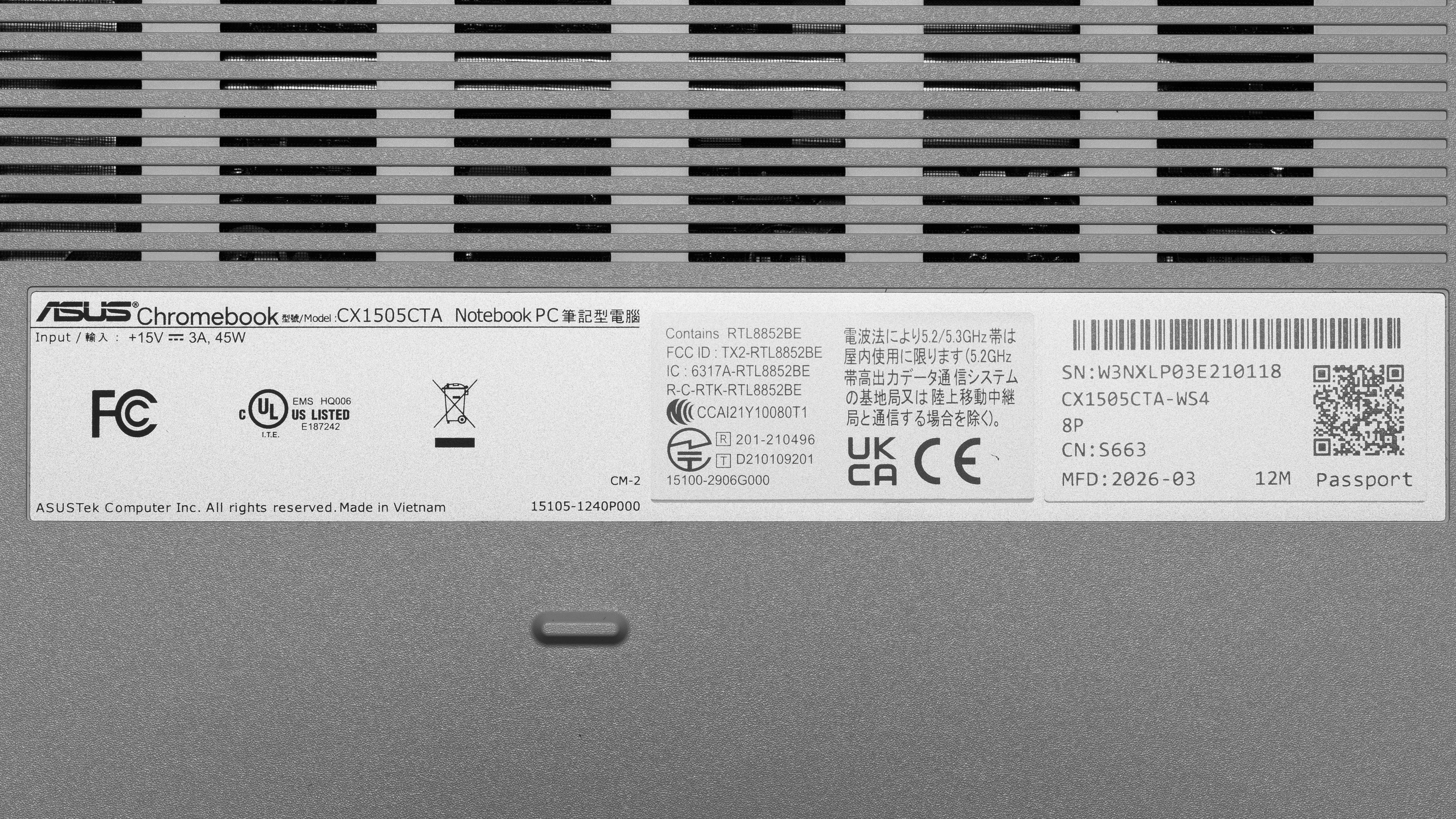
We tested the ASUS Chromebook CX15 laptop in the CX1505CTA-WS48P configuration, with an Intel N50 processor, 4GB of RAM, 128GB of eMMC storage, and a 1080p IPS display. Depending on the region, it's also available with Intel N150 or N250 processors, which have four cores instead of the N50's two and provide more headroom for multitasking. Memory options include 4GB and 8GB of soldered LPDDR5 RAM, while storage options include 64GB and 128GB of non-upgradeable eMMC storage. Display options consist of 15.6-inch 1080p non-touch panels: a 300-nit wide-view option corresponding to our tested IPS display and a 250-nit TN option with narrower viewing angles.
ASUS also sells an older CX1505CKA version with a Celeron N4500 processor and a separately branded Chromebook Plus CX15 with a Core 3-N355 processor; these aren't covered by this review.
Our unit was manufactured in March 2026.
Popular Laptop Comparisons
The ASUS Chromebook CX15 (2026) is a basic Chromebook that makes sense for users who want a large screen and a comfortable keyboard for light everyday tasks. Its useful port selection and quiet operation are welcome at the entry level, and its modest performance and slow storage aren't major drawbacks if you mainly browse, stream videos, or write documents. However, its washed-out display and relatively short battery life keep it from standing out among budget Chromebooks.
If you can find it at a similar price, the Lenovo IdeaPad Slim 3i Chromebook 14 (2023) is a stronger all-around option, particularly with its Core i3 processor and 1080p IPS touchscreen, offering longer battery life and a more colorful display. The Acer Chromebook Plus Spin 714 (2024) is a step-up option for those who need better performance and the flexibility of a convertible touchscreen.
For more options, check out our recommendations for the best Chromebooks, the best laptops for college, and the best budget and cheap laptops for students.
The Lenovo IdeaPad Slim 3i Chromebook 14 (2023) and ASUS Chromebook CX15 (2026) are budget laptops designed for basic everyday tasks. The Lenovo is the better choice for use on the go, with a smaller footprint and significantly longer battery life. It also has a clearer webcam, and its Core i3 configuration provides more processing power for multitasking. For watching videos, the Lenovo's 1080p IPS touchscreen option produces richer colors than either ASUS display option, though this advantage doesn't extend to every Lenovo configuration. The ASUS offers a larger screen and a numpad, plus a second USB-C port that leaves one free while charging; the Lenovo instead has an extra USB-A port.
The Acer Chromebook Plus Spin 714 (2024) is a more versatile, premium alternative to the ASUS Chromebook CX15 (2026). Its faster processors make it better suited to multitasking, and its brighter, more colorful 14-inch touchscreen folds back for tablet use. It also offers longer battery life, a much clearer webcam, and Thunderbolt 4 support. The ASUS is a simpler option for light everyday tasks, with a larger 15.6-inch display and a numpad. Its matte screen handles reflections better, and its microphone captures clearer audio than the Acer's.
Test Results
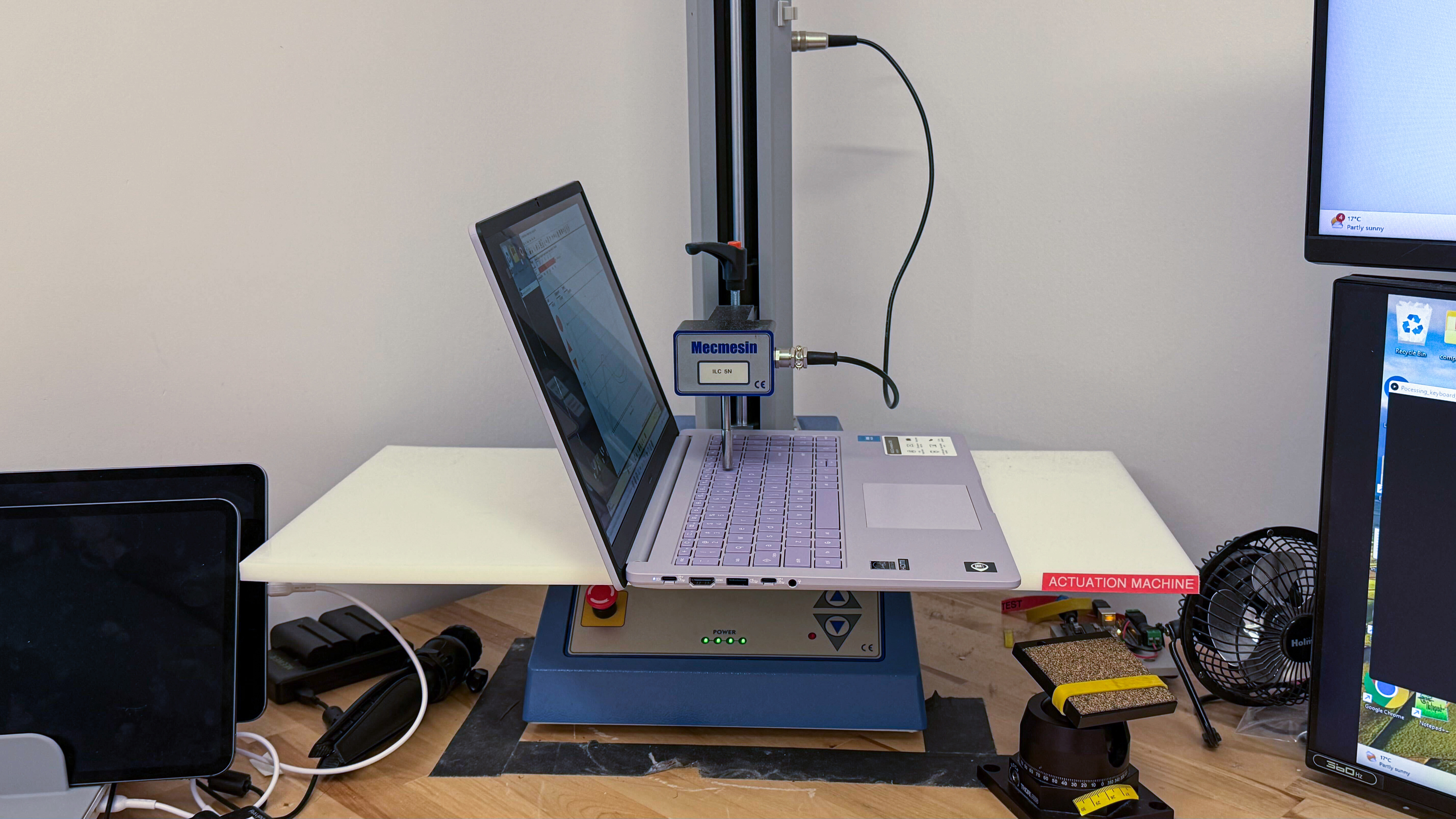
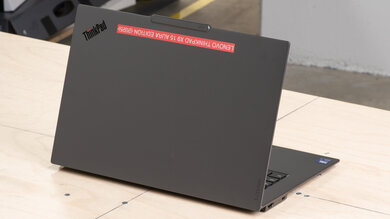
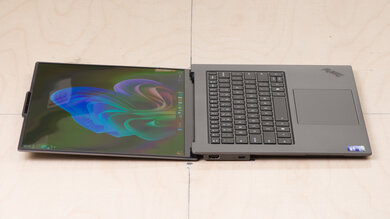
for pictures & test results
for pictures & test results
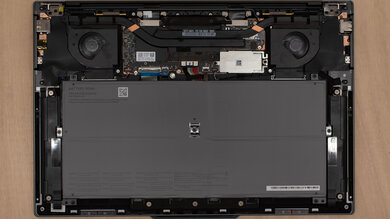
for pictures & test results






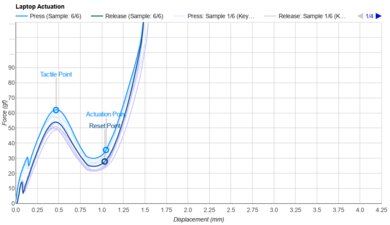
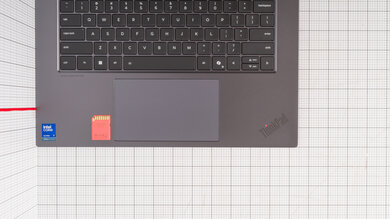
for pictures & test results
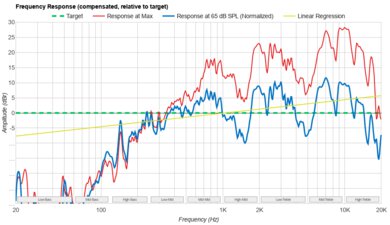
for videos & test results

for pictures & test results
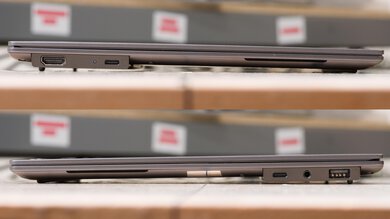
for pictures & test results