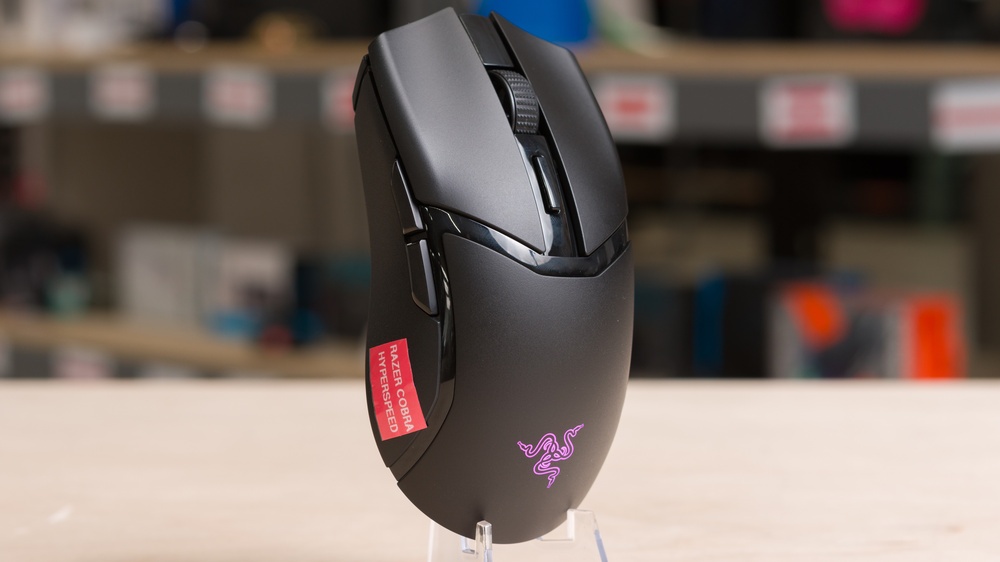
The Razer Cobra HyperSpeed is a wireless gaming mouse that continues Razer's Cobra lineup. Its symmetrical shape is similar to the original Razer Viper Mini and identical to other models in the current Razer Cobra series. It's positioned as a more feature-focused option within the lineup, with optical main switches and the first optical scroll wheel encoder, which avoids mechanical wear and can improve long-term durability. It also has two RGB lighting zones and a wide range of software customizations.
Performance-wise, it uses Razer's mid-range Focus 26K sensor and is compatible with several optional Razer accessories, including the Razer Mouse Dock Pro and the Razer HyperPolling Wireless Dongle. These accessories are sold separately and add support for wireless charging and higher polling rates. For more details about these accessories, check the Wireless Versatility section later in this review.
Our Verdict
Although it isn't designed primarily for productivity, the Razer Cobra HyperSpeed works well for general office tasks. It has solid build quality and a comfortable, low-profile symmetrical shape that suits small or medium-sized hands. You can customize any of the buttons, set macros, and create profiles through the companion software. Unfortunately, the scroll wheel only offers basic functionality and doesn't offer a free-scrolling mode or L/R tilt inputs, which limits its versatility for work.
Excellent build quality.
No Bluetooth connectivity.
Scroll wheel lacks tilt inputs and a free-scrolling mode.
The Razer Cobra HyperSpeed is a superb FPS gaming mouse, although it's heavier than many competing options, which can affect how quickly and accurately you can react in-game. That said, it has a small, low-profile, symmetrical shape that's a good fit for medium or smaller hands for those who use a claw or fingertip grip. It also has excellent build quality and feet that glide smoothly on mousepads or directly on a desk. Its raw performance is also generally excellent, with exceptionally low click latency and impressive sensor accuracy, making it suitable for casual and competitive play.
Excellent sensor latency.
Excellent build quality.
Exceptionally low click latency.
Scroll wheel lacks tilt inputs and free-scrolling modes.
Relatively heavy compared to competing FPS mice.
The Razer Cobra HyperSpeed is very good for MMO gaming with a low-profile symmetrical shape that's a good fit for medium or smaller-sized hands using a claw or fingertip grip. However, it has far fewer side buttons than dedicated MMO models. That said, you can reprogram all the buttons it has using the companion software. It also has impressive build quality and excellent all-around performance to deliver an extremely responsive-feeling gaming experience.
Excellent build quality.
Exceptionally low click latency.
Fewer programmable side buttons than dedicated MMO models.
The Razer Cobra HyperSpeed delivers exceptional raw performance. Its click latency is extremely low and fairly stable, and its sensor closely translates your physical movements. It doesn't quite match higher-end models built specifically for competitive performance, but you can buy Razer's HyperPolling Dongle separately, which increases the maximum polling rate to 8000Hz and provides a small boost to its sensor performance.
Excellent sensor latency.
Exceptionally low click latency.
Changelog
- Updated Mar 10, 2026: We've converted this review to Test Bench 1.5.2. This update removes the Delay To Start Of Movement and Delay To End Of Movement measurements from the Sensor Latency test. See our full 1.5.2 changelog for details.
- Updated Nov 17, 2025: Review published.
- Updated Sep 18, 2025: Early access published.
- Updated Aug 12, 2025: Our testers have started testing this product.
Check Price
Differences Between Sizes And Variants
The Razer Cobra HyperSpeed is only available in a Black colorway. See our unit's label here.
Popular Mouse Comparisons
The Razer Cobra HyperSpeed is a wireless gaming mouse that continues Razer's Cobra lineup. Despite the name, many long-time mouse enthusiasts see it as a potential spiritual successor to the original Razer Viper Mini, a mouse known for its strong price-to-performance ratio, low weight for its time, and well-liked shape. At the same time, features like RGB underglow, a dedicated AI prompt button, and its mid-range price place it in an awkward market position. It costs less than current flagships from Razer and Logitech, but its price pits it directly against cheaper, lighter, and higher-performing models from emerging brands such as the Scyrox V6 and the MCHOSE L7 Ultra.
The Razer Cobra HyperSpeed will disappoint some people because of its weight. Razer markets it as lightweight, yet it's heavier than much of the current competition and even slightly heavier than the original Razer Viper Mini at a time when many rivals come in closer to 40 g. Razer's "HyperSpeed" branding also adds confusion. It once referred to budget models in Razer's lineup with replaceable batteries, but no longer signals a clear product tier or feature set. All told, the Razer Cobra HyperSpeed is a well-made mouse with a proven, comfortable shape and strong overall performance. If you play slower or more narrative-focused games and appreciate now uncommon features like RGB lighting, it's a compelling choice. If you play only competitive FPS games, you may be disappointed unless you prefer a heavier feel than most ultralight designs.
For more recommendations, see our picks for the best wireless gaming mice, the best gaming mice, and the best lightweight mice.
The Razer Viper V3 Pro and the Razer Cobra HyperSpeed wireless gaming mice with similar symmetrical shapes. The Viper is aimed more directly at competitive FPS players. Its shape is slightly larger, but it's significantly lighter and supports polling rates up to 8000Hz out of the box. By comparison, the Cobra is smaller but heavier. It has excellent all-around performance, but it's not targeted at the same competitive market and includes extra features like RGB lighting that the Viper lacks.
The Razer Cobra Pro and the Razer Cobra HyperSpeed are two wireless models in the same lineup with the same shape and a very similar feature set. The Cobra Pro is heavier and has rubber side grips that the HyperSpeed lacks. It also uses a newer sensor, which provides marginally better sensor latency out of the box, and it offers more customizable RGB lighting. The Cobra HyperSpeed is lighter, and while it has simpler non-customizable RGB lighting, it includes a dedicated AI prompt button behind the scroll wheel. Both mice are compatible with various Razer accessories, including charging docks, wireless charging pucks, and the HyperPolling Wireless Dongle for increasing the maximum polling rate.
The Razer Cobra and the Razer Cobra HyperSpeed are two models in the same lineup that share the same shape. The Cobra is a wired-only option that is slightly lighter and delivers marginally better sensor latency, even though it uses an older sensor. However, the unit we tested had noticeably weaker build quality than the Cobra HyperSpeed. The HyperSpeed is a wireless model that also supports a range of Razer accessories, including charging docks, wireless charging pucks, and the HyperPolling Wireless Dongle for higher maximum polling rates.
The Razer DeathAdder V3 HyperSpeed and the Razer Cobra HyperSpeed are wireless gaming mice with comparable performance and similar sizes, but very different shapes. The DeathAdder has a right-handed ergonomic shape with a pronounced hump and is intended for palm or claw grip. It's also lighter. By comparison, the Cobra HyperSpeed has a low-profile symmetrical shape that works best for claw or fingertip grip, and it includes RGB lighting zones, a feature the DeathAdder V3 HyperSpeed lacks. While both are compatible with Razer's separately purchased HyperPolling Dongle, only the Cobra HyperSpeed works with Razer's wireless charging puck and charging dock accessories, which are also sold separately.
Test Results
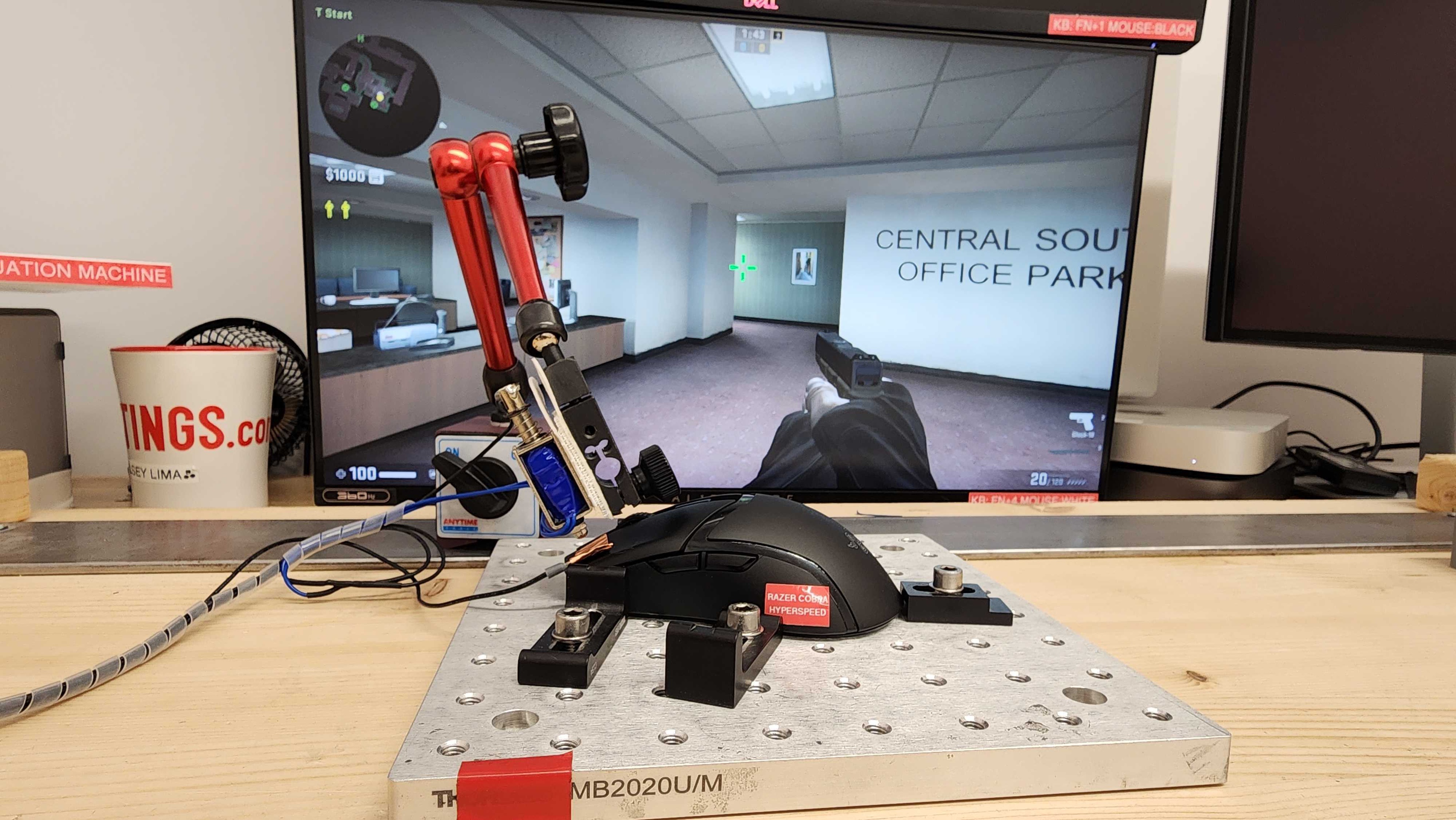

for pictures & test results


for pictures & test results








for pictures & test results







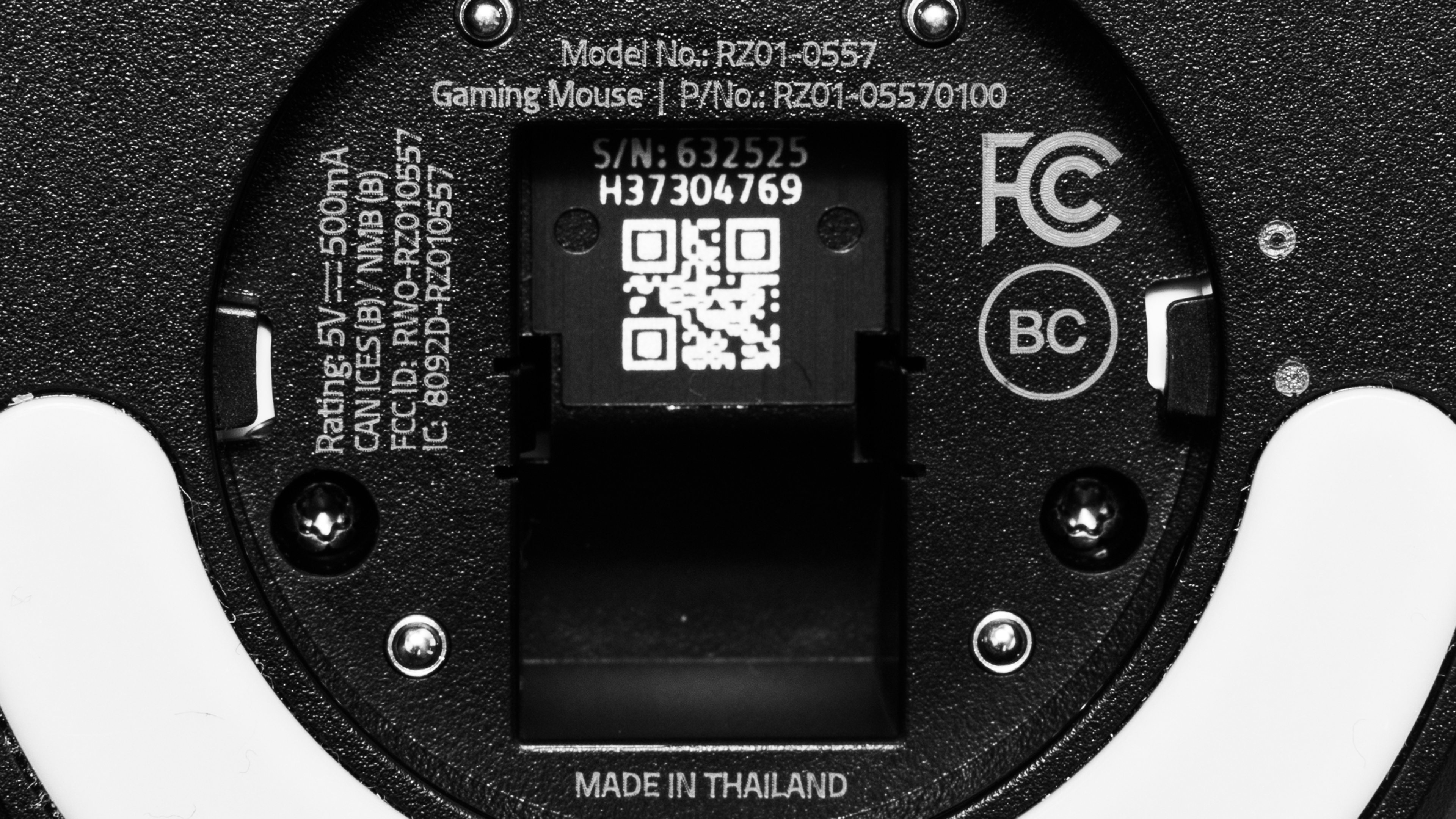
for videos & test results
