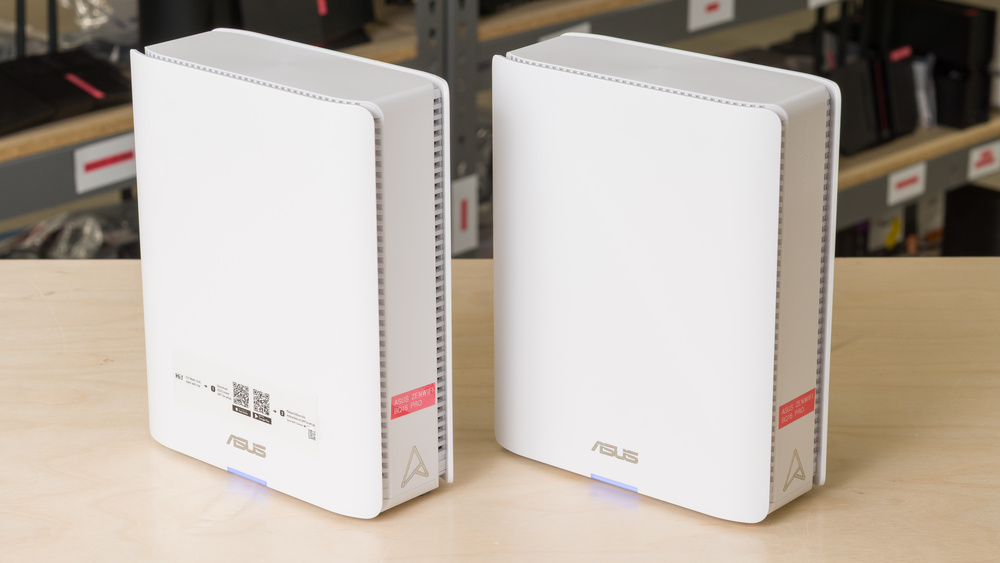
The ASUS ZenWiFi BQ16 Pro is a stylish quad-band Wi-Fi 7 mesh system featuring a 2.4GHz band, 5GHz band, and dual 6GHz bands. Each unit comes equipped with two 10Gbps ports (one of which acts as an auto-sensing WAN/LAN port), three 1Gbps LAN ports, and a single USB-A 3.0 port. The system supports alternating Multi-Link Operation (MLO) along with AiMesh, which allows you to pair it with other compatible ASUS routers to expand your network. The BQ16 Pro comes with a free suite of parental control and security software powered by Trend Micro. You can manage the system via the ASUS Router app or its web interface.
Our Verdict
The ASUS ZenWiFi BQ16 Pro is an excellent choice for an apartment or condo. Its superb top speeds and 10Gbps LAN/WAN port make it ideal if you're looking to take full advantage of a high-speed internet plan. Two 6GHz bands help newer Wi-Fi 6E and 7 devices avoid congestion in high-traffic buildings, while its great range and expandability offer plenty of headroom to tackle areas with weaker coverage. As an added bonus, the router's slim design makes it relatively easy to position in smaller spaces.
Great range.
Two high-speed 10Gbps Ethernet ports on each node.
Incredible peak speeds.
Slim design.
Three of its LAN ports are limited to 1Gbps.
The ASUS ZenWiFi BQ16 Pro is a great mesh system for multi-level homes. The router maintains impressive range and outstanding speeds for fast downloads, streaming, or video conferencing across larger floor plans. You can connect the nodes using their dual 10Gbps ports for the lowest latency, or take advantage of its extra 6GHz band for a dedicated wireless backhaul option across multiple floors.
Great range.
Two high-speed 10Gbps Ethernet ports on each node.
Incredible peak speeds.
Can add additional mesh access points to improve range.
Three of its LAN ports are limited to 1Gbps.
The ASUS BQ16 Pro is decent for gaming over Wi-Fi. It has fantastic peak speeds to make quick work of large game downloads over Wi-Fi, and latency that's broadly in line with other mesh routers we've tested. Its two 6GHz bands make a notable difference in reducing lag and jitter when connected to a satellite node. As always, plugging your console or PC directly into the router's 10Gbps LAN port is recommended for the best performance.
Great range.
Incredible peak speeds.
Consistent latency when connected to a satellite access point.
Latency isn't suitable for competitive gaming over Wi-Fi.
The ASUS ZenWiFi BQ16 Pro delivers excellent wireless speeds and is well-suited to multi-gigabit internet plans. Its dual 10Gbps Ethernet ports give you room for a fast WAN connection, high-speed wired device, or wired backhaul between nodes. It also supports Dynamic Frequency Selection (DFS) channels on its 5GHz band, which can help reduce congestion in busy wireless environments.
Incredible peak speeds.
The ASUS ZenWiFi BQ16 Pro has very good range performance. As a mesh router, its satellite access points help it maintain more consistent performance over long distances. Its quad-band design also allows one 6GHz band to serve as wireless backhaul between nodes, so latency stays low while you're connected through a satellite rather than the main router.
Great range.
Can add additional mesh access points to improve range.
The ASUS BQ16 Pro has fair latency that's consistent with similar mesh systems we've tested. It's adequate for web browsing, video calls, and casual gaming, with largely consistent performance regardless of whether you're connected to the main router or a satellite.
Consistent latency when connected to a satellite access point.
Latency isn't suitable for competitive gaming over Wi-Fi.
Changelog
- Updated Jun 22, 2026: We've updated this review to Test Bench 0.9.1! This is a minor change that makes the router type easier to see at the top of each review. Read the changelog for more info.
- Updated Jun 08, 2026: Review published.
- Updated May 29, 2026: Early access published.
- Updated May 12, 2026: Our testers have started testing this product.
Check Price
Differences Between Sizes And Variants
The ASUS ZenWiFi BQ16 Pro is available as a standalone unit, as well as in packs of 2 or 3. We bought and tested the 2-pack.
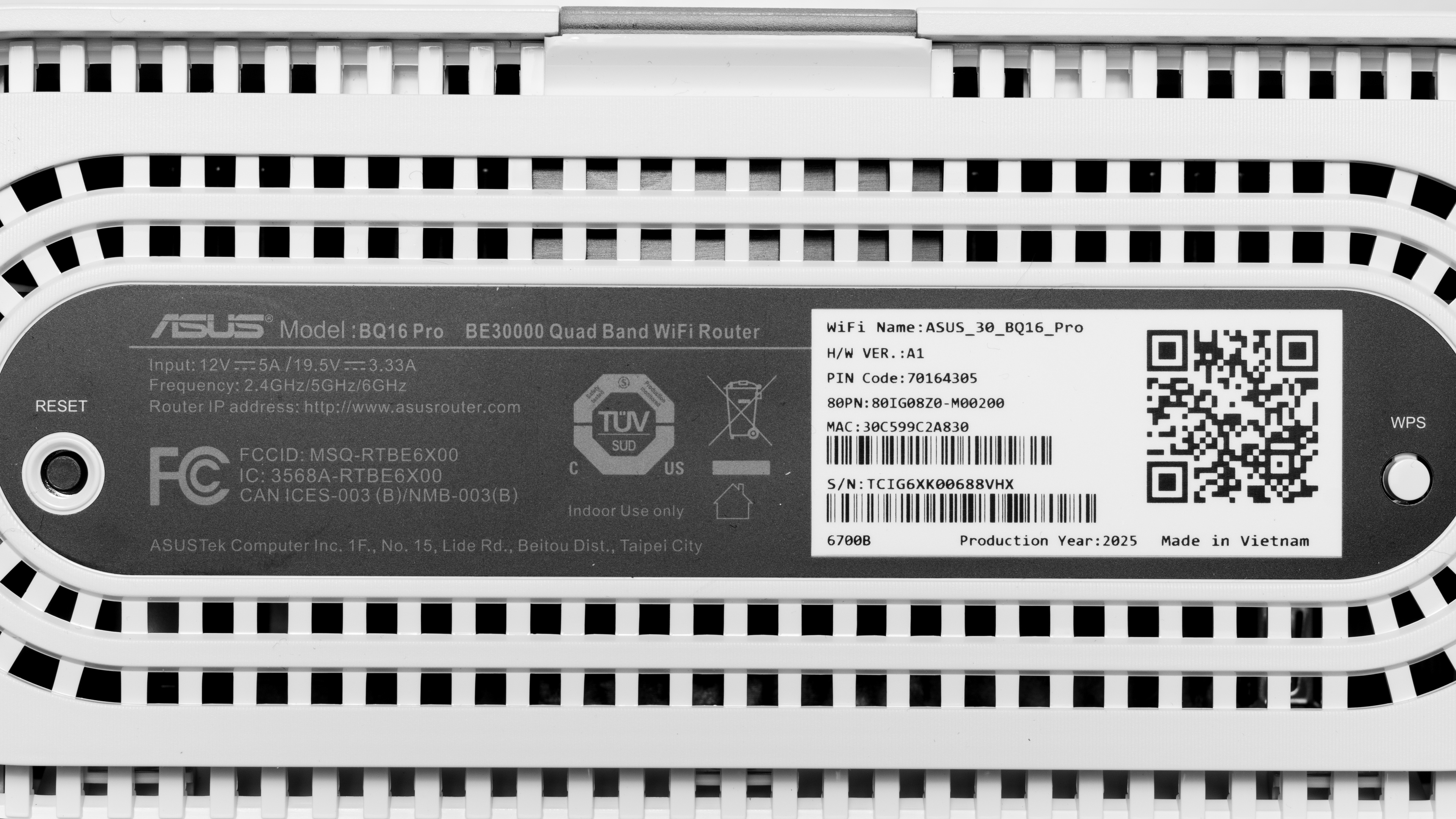
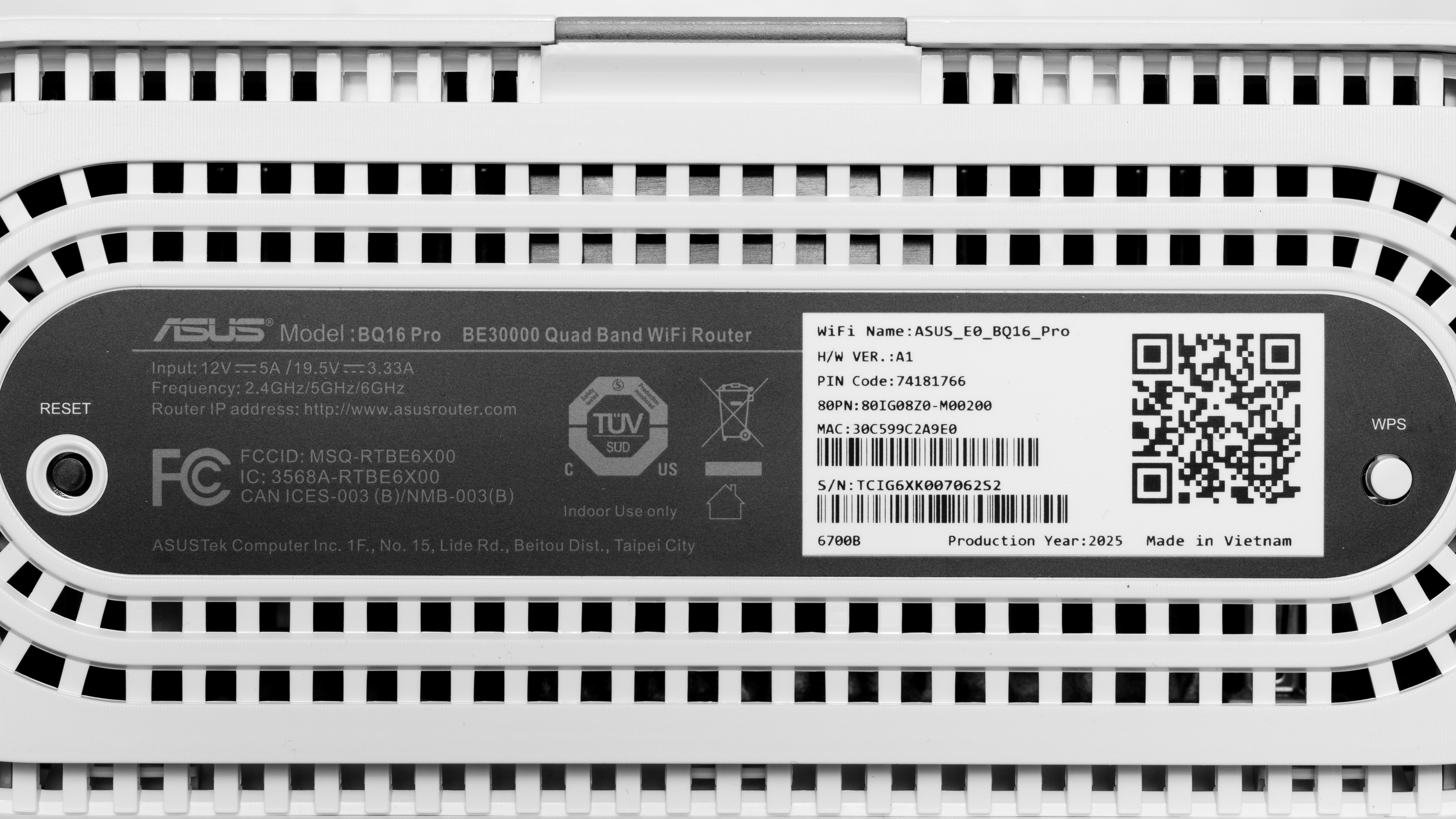
See a photo of the label for our main unit and its satellite node.
Popular Router Comparisons
The ASUS BQ16 Pro is ASUS' high-end Wi-Fi 7 mesh system built for larger homes, fast internet plans, and demanding networks. It's a strong competitor to the eero Max 7, with only marginally lower speed and range results, and the added benefit of an entirely subscription-free model. It's a comparable alternative to the ASUS ZenWiFi BT10 and TP-Link Deco 7 Pro BE65 Pro, but its unique quad-band design sets one of its two 6GHz bands aside for wireless backhaul, allowing for surprisingly low latency between units. While the BQ16 Pro is aimed squarely at the high end of the Wi-Fi 7 mesh market, users with smaller spaces or slower internet plans may be served just as well by a capable standalone like the UniFi Dream Router 7 or the TP-Link Archer BE550.
For more recommendations, check out our guides to the best mesh Wi-Fi systems, the best routers for large homes, and the best routers overall.
The ASUS ZenWiFi BQ16 Pro and the eero Max 7 are both high-end Wi-Fi 7 mesh systems suitable for large homes and multi-gigabit internet. The eero offers a stronger range, marginally higher speeds, and a higher-bandwidth selection of 2.5Gbps ports than the ASUS. Both mesh systems sport dual 10Gbps ports and a contemporary design, but the BQ16 Pro stands out for its dual 6GHz bands, additional LAN ports, and a suite of security tools that's refreshingly subscription-free.
The ASUS ZenWiFi BQ16 Pro and the ZenWiFi BT10 are both Wi-Fi 7 mesh systems from the same lineup, but the BQ16 Pro has the stronger spec sheet on paper. Its quad-band design includes two 6GHz bands, giving it a theoretically higher bandwidth ceiling compared to the BT10's tri-band setup. However, the BT10 performs very similarly in testing, with comparable peak speeds and notably better range. The BQ16 Pro comes with two extra gigabit ports, though both systems have dual 10Gbps ports and a USB 3.0 connector.
The ASUS ZenWiFi BQ16 Pro and the TP-Link Deco 7 Pro BE65 Pro are both capable Wi-Fi 7 mesh systems for larger homes. The Deco delivers better long-range performance in a more compact design, while the ASUS is equipped with a beefier quad-band configuration, additional LAN ports, and two 10Gbps ports compared to the TP-Link's 5Gbps speed cap.
The ASUS ZenWiFi BQ16 Pro is a quad-band Wi-Fi 7 mesh system, while the UniFi Dream Router 7 is a standalone tri-band Wi-Fi 7 router. The ASUS delivers slightly better peak speeds and coverage, while the UniFi has notably lower wireless latency in a more compact, rounded design. The ASUS has a selection of three 1Gbps and two 10Gbps ports, while the UniFi has four 2.5Gbps ports, one 10Gbps SFP+ connector, and PoE (Power over Ethernet) support. The BQ16 Pro is the better choice if you need powerful Wi-Fi 7 coverage for a demanding home network, while the Dream Router is a strong option for users seeking an advanced standalone solution with enterprise-level connectivity.
Test Results
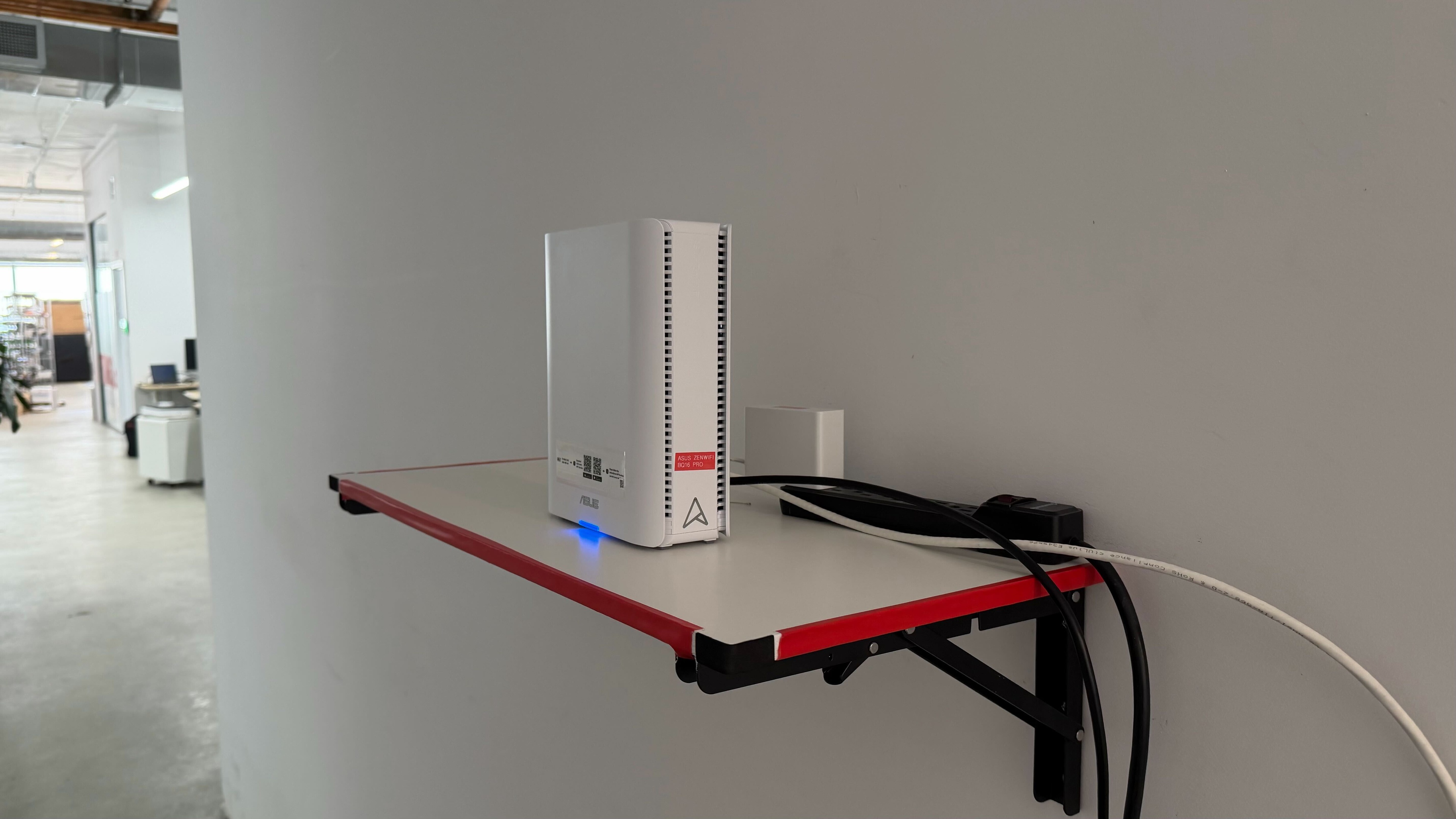
for pictures & test results

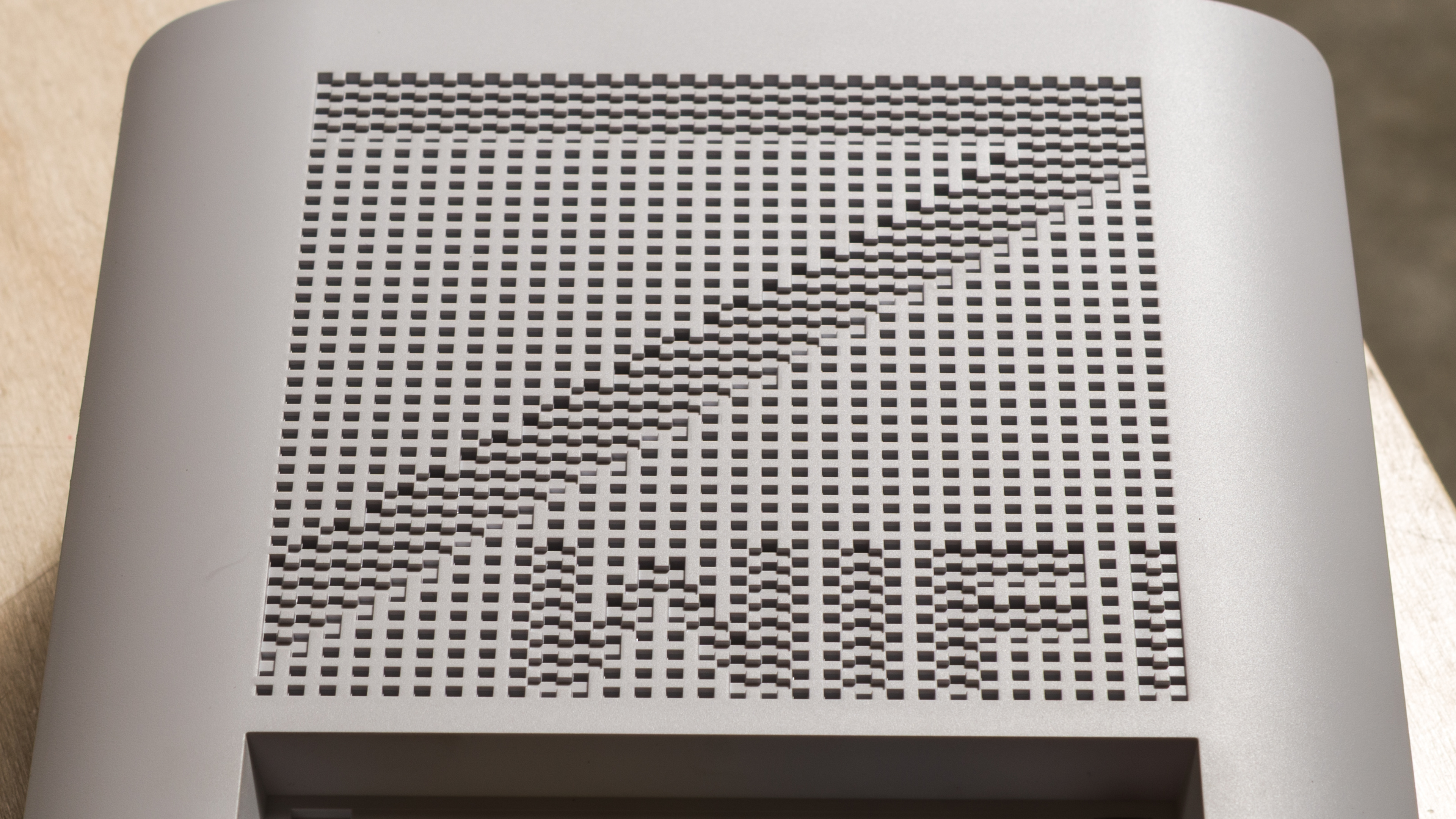
Check out a photo of the router's side grille design.
for pictures & test results

for pictures & test results

- 2 power adapters
- Ethernet cable
- User documentation

for pictures & test results

for pictures & test results

for pictures & test results

The main router's latency is generally consistent with similar mesh routers we've tested, making it suitable for general browsing, streaming, and calling.
for pictures & test results
Latency and jitter remain reasonable when connected through a satellite access point, with better results than we typically see from mesh Wi-Fi systems.
for pictures & test results
This router uses alternating Multi-Link Operation (MLO), which is a limited implementation of the technology that establishes a connection with clients on one band at a time. For more information, read our article on the topic.