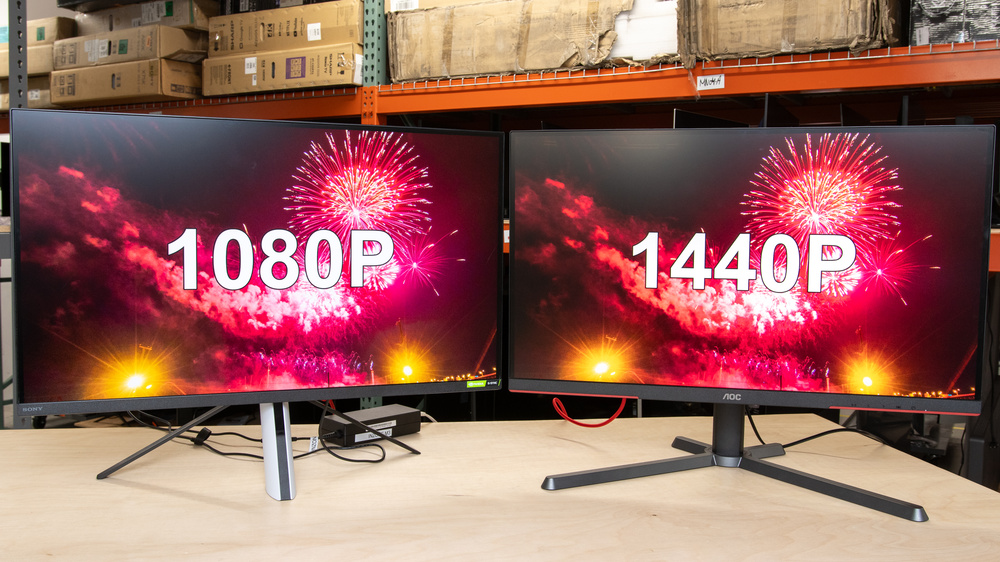
If you're looking for which monitor resolution is better in the battle of 1080p vs 1440p, the answer is easy: 1440p in nearly all cases. In this article, we'll explain why that's true and describe some limited circumstances where you may prefer a 1080p display. We've summarized the best resolution for each usage in the table below:
| Usage | 1080p Monitor | 1440p Monitor |
|---|---|---|
| Productivity | Decent | Better |
| Gaming | Decent | Better |
| Mixed Usage (Productivity and Gaming) | Decent | Better |
We cover the best resolutions for each usage in more detail below. However, if you've already decided on a resolution you can also jump directly to our recommendations for the best 1440p monitors and the best 1080p monitors.
Technical Details on Resolutions
Let's look at the differences between 1080p and 1440p in the table below. This helps you have a better understanding of each resolution, including things like marketing names, cost tiers, and typical screen sizes.
| Resolution | 1080p (1920x1080) |
1440p (2560x1440) |
|---|---|---|
| Horizontal Pixels | 1920 | 2560 |
| Vertical Pixels | 1080 | 1440 |
| Total Pixels | 2,073,600 | 3,686,400 |
| Marketing Names | Full HD, FHD | 2k, Quad HD, QHD |
| Common Screen Sizes | 22 to 27 inches | 24 to 32 inches |
| Cost | Low to Medium | Low to High |
| Image Detail | Decent | Better |
| Optimal Uses | Gaming | Gaming Productivity Multimedia |
Productivity
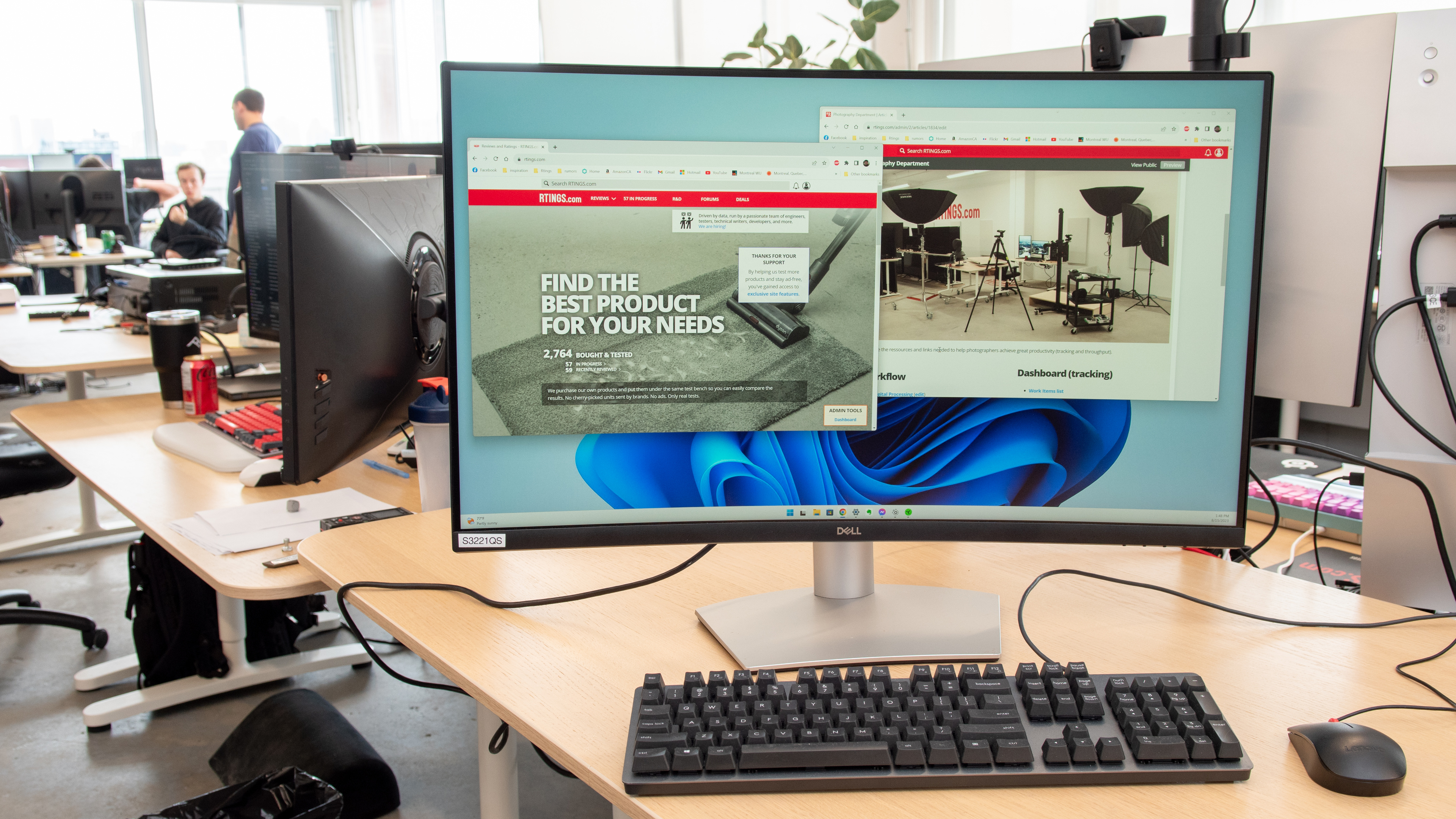
Productivity work involves reading a lot of text, so sharpness and text clarity is important. As a result, if you can afford a 1440p display, we strongly recommend getting it over a 1080p monitor for productivity. That said, 24-inch 1080p displays still have decent text clarity, but larger sizes don't have sharp text. Finding the right productivity monitor can be difficult, but our best work monitors article can help you decide.
PC Gaming
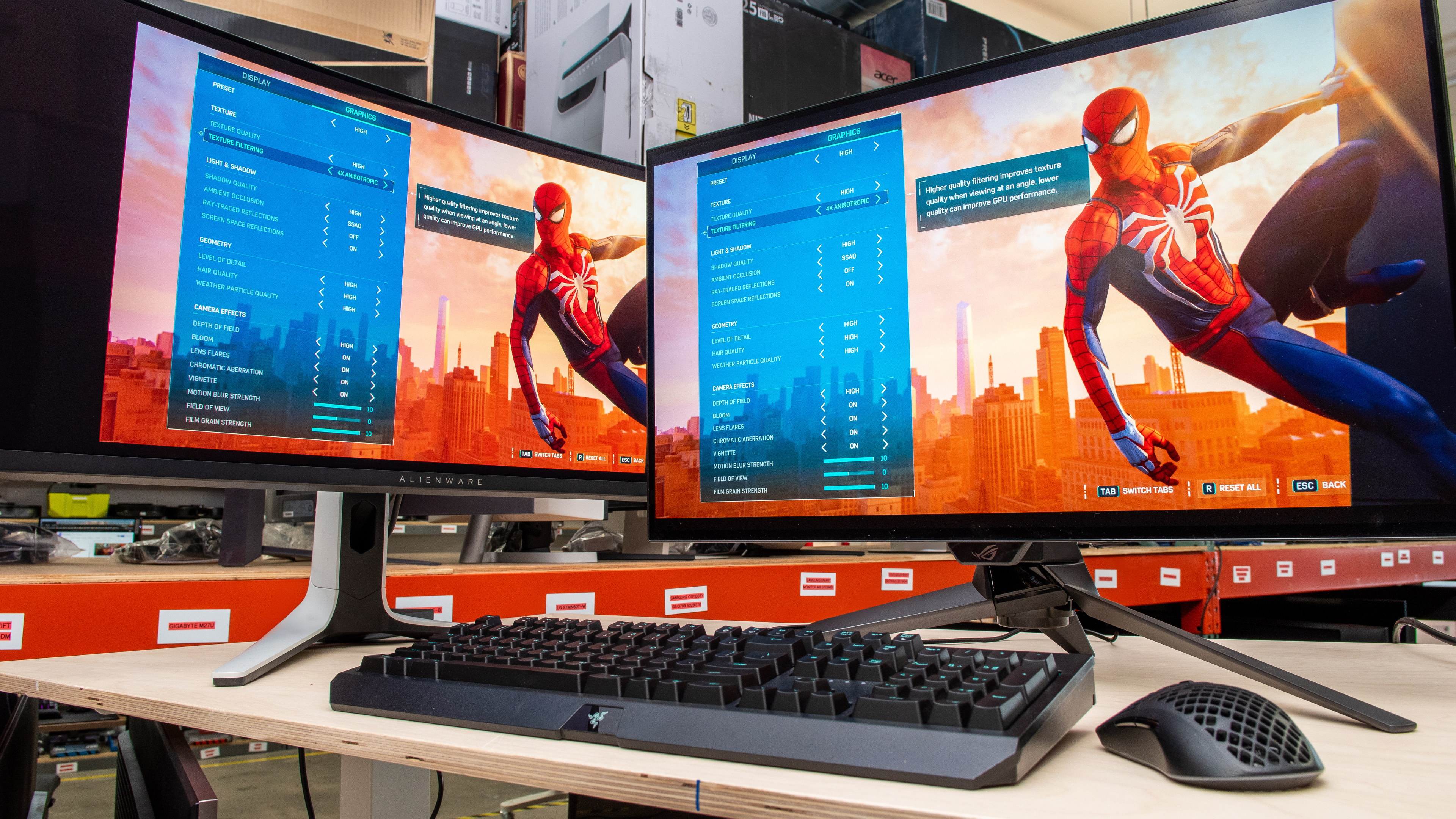
Gaming is very demanding of your computer's processing power, including both your CPU and your graphics card. Each pixel a monitor displays needs to be rendered by your computer, so increasing the number of pixels increases your computer's workload. 1440p has 78% more pixels than 1080p, so you need to match the resolution you game at to your computer's power. If you don't, your games won't feel smooth or responsive, as your computer will take too long to render all the pixels. Finding the right gaming monitor can be a challenge, so check out our best gaming monitor recommendations to see what's right for you.
Low-end PCs
Low-end PCs (such as those without discrete graphics cards) provide the best gaming performance at 1080p. This resolution minimizes the number of pixels your computer needs to render and helps maintain a higher frame rate. However, you can use a 1440p monitor at 1080p if you want, and the best 1440p monitors have far better image quality than the best 1080p displays due to market limitations, so we recommend a 1440p gaming monitor even for low-end PCs. If you don't have a lot to spend but still want a great gaming monitor, check out our best budget and cheap gaming monitors article.
Mid-Range PCs
Mid-range PCs (such as those with NVIDIA GeForce RTX 5060 graphics cards) generally work best with 1440p monitors. 1440p monitors are notably sharper and more detailed than 1080p displays, and mid-range PCs are able to render fast enough at 1440p that you'll have a consistent, high frame rate and a responsive feel. You'll also benefit from the higher image quality you can get on the best 1440p gaming monitors.
High-End PCs
For high-end PCs (such as those with NVIDIA GeForce RTX 5080 graphics cards), a 1440p monitor is a much better choice. Some esports gamers may want to use a high-end PC at 1080p for the best performance in highly competitive games. However, even in that case, a high-end 1440p monitor running at 1080p generally has better motion handling performance than 1080p monitors. This is because many high-end 1440p monitors are OLEDs, which have a near-instantaneous response time for sharp motion, and there aren't any 1080p OLEDs available. Additionally, as noted above, high-end 1440p monitors have better image quality than you can get on 1080p monitors.
Mixed Usage
If you plan to use your monitor for a mix of productivity tasks, web browsing, and gaming, then a 1440p monitor is a much better choice than a 1080p monitor. For non-gaming tasks, it has sharper text and displays a more detailed image, and you can always use it at a lower resolution for gaming if you want a higher frame rate and a more responsive feel.
It's worth keeping in mind that many gaming monitors are great for productivity, but productivity monitors usually aren't good for fast-paced gaming. As a result, if you're looking for the best monitor for mixed usage, it's best to look at gaming monitors that are also very capable for productivity tasks. We cover the best of these monitors in our best monitors recommendation article.
Frequently Asked Questions
How much does resolution affect the monitor's image quality and motion handling?
A monitor's resolution doesn't have a necessary impact on performance apart from image sharpness. You can have two 1440p monitors that perform very differently, and a 1440p and 1080p monitor with very similar image quality and motion handling. That said, some 1440p monitors have far better image quality than any 1080p display due to market limitations. As a result, in practice, you'll find some 1440p monitors with image quality that no 1080p monitor can match.
Can my monitor accept a signal that's lower than its native resolution, such as a 1440p monitor receiving a 1080p signal?
Yes, though you normally want to use your monitor at its native resolution for anything other than gaming. In the past, if you were gaming, you would send a lower resolution signal to your monitor, and the monitor itself would upscale the image. However, today you'll generally find better results by letting your computer do the upscaling and sending the image to your monitor at its native resolution. You can use NVIDIA's Image Scaling (NIS) and AMD's Radeon Super Resolution (RSR) to intelligently upscale any game running below the monitor's native resolution. This results in a minimal loss of image quality compared to viewing it at native resolution.
Can my monitor accept a signal that's higher than its native resolution, such as a 1080p monitor receiving a 1440p signal?
This is called downscaling, and some 1440p monitors can do this, but not many 1080p displays. In most cases, you'll get equally good or better results by not downscaling.
I don't know the resolution of the monitor I want to buy; what should I do?
Some manufacturers aren't always clear about a monitor's resolution, so you need to learn the marketing names to decode what they mean. 1080p is also known as Full HD/FHD, and 1440p is also known as Quad HD/QHD or even 2k. It may not be clear immediately, but after some translating, you can find the display's resolution. If we've reviewed the monitor, you can see its resolution at the top of our review.
Does the maximum resolution change if I use DisplayPort or HDMI?
Normally, the maximum resolution doesn't change if you switch connection types. However, if one of the two connections has much lower bandwidth than the other, you may need to choose between lowering the monitor's resolution or its refresh rate on the lower bandwidth connection. That said, provided there are no bandwidth limitations, you can display content at the monitor's native resolution with either connection. For more information on this, check out our HDMI vs DisplayPort: Which one should you use article, which compares the two connections in more detail.
Conclusion
A 1440p monitor is a better choice than a 1080p monitor for most people, because it's better for productivity, mixed use, and gaming, and has a more detailed image. Additionally, the best 1440p monitors have better image quality and motion handling than you can find in 1080p displays. For more information on the best monitor for you, check out our recommendations for the best 1440p monitors and the best 1080p monitors.