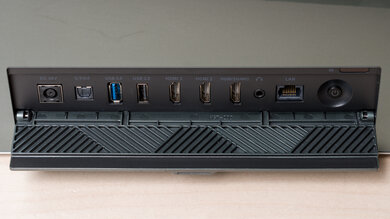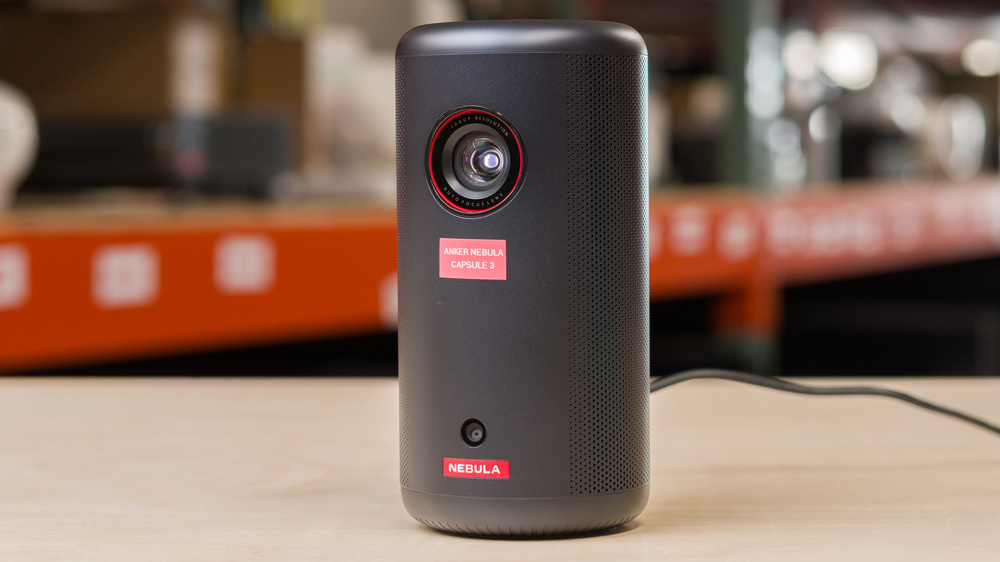
The Anker Nebula Capsule 3 is a compact, battery-powered 1080p LED projector built around Google TV, with built-in Chromecast support for casting and access to streaming apps (including Netflix). It uses Anker’s automatic setup tools like autofocus and auto keystone correction, projects a 16:9 image with a fixed 1.2:1 throw ratio, and is designed for easy, quick placement in small rooms or on the go. For audio, it includes an integrated 8W speaker and can also run in Bluetooth speaker mode; it supports Wi-Fi and Bluetooth 5.1. Connectivity is straightforward: one HDMI input, one USB-A port for media, USB-C for charging, and a 3.5 mm AUX jack for external audio. Anker rates the internal battery for up to about 2.5 hours of video playback (or longer when used just as a Bluetooth speaker).
Our Verdict
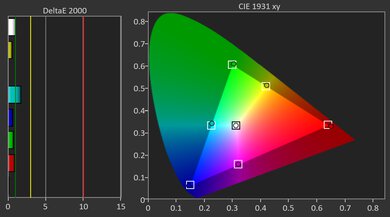
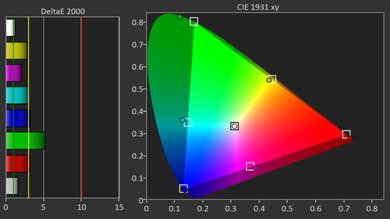
The Anker Capsule 3 is best suited for use as a casual, battery-powered movie projector for a dark room and a small screen. Its biggest limitation is contrast: blacks are raised enough that dark scenes look gray and fairly flat, so it isn't the right pick for moody, cinematic content. It can still be fun for lighter movies, animation, or casual TV once you dial it in, but it's also very dim. It doesn't have the light output for big-screen movie nights or any meaningful ambient light, and out-of-the-box accuracy can leave skin tones and neutral shades looking a bit off until you tweak it.
Super portable.
Has a full smart platform so you can stream anywhere without bringing a dongle or laptop.
Too dim for big-screen movies.
Inaccurate out of the box.
Near black scenes look very flat.
The Anker Capsule 3 is a bad choice for gaming. It feels noticeably sluggish to use due to its high input lag, to the point where we wouldn't recommend it for basically any gamer. Even most casual action/adventure games will feel unresponsive, and the only titles that really make sense are turn-based games where timing doesn't matter. On top of that, its image quality doesn't help the case: it's dim and inaccurate out of the box, and dark scenes look flat, so you're not getting the kind of clarity or punch that makes games look their best, especially if you aren't in a fully dark room.
Super portable.
Input lag is too high for almost any game.
Too dim and inaccurate for games to look good.
Near black scenes look very flat.
The Anker Capsule 3 is a very dim projector, so you should treat it as a small-screen, lights-off option. It can work for a quick setup in a bedroom or while traveling, but it doesn't have the output to stay readable once you scale up the image or introduce even modest ambient light.
Very dim projector.
Contrast on the Anker Capsule 3 is serviceable for a small portable projector, with enough separation in mixed scenes to keep the image from looking totally washed out. That said, blacks are noticeably more dark gray than true black, so it doesn't deliver the kind of depth you'd expect from larger home-theater projectors.
Contrast holds up in brighter scenes.
Near black scenes look very flat.
Changelog
-
Updated May 11, 2026:
We've added text to some test boxes as a result of our latest test bench. We've also updated the Inputs & Connectivity box to include Bluetooth support checks.
- Updated May 11, 2026: We've converted the review to Test Bench 0.12, which adds new Judder, Screen Adaptation, Battery, Maximum Volume, Size, Mobility Features, and Physical Setup Features test boxes. We also updated Inputs & Connectivity to verify Bluetooth support with wireless speakers or headphones. See the 0.12 changelog.
-
Updated Jan 26, 2026:
We've modified the text in our Brightness and Native Contrast text boxes as a result of our latest test bench. We've also added Brightness and Contrast performance usages in the Verdict section.
- Updated Jan 16, 2026: We've converted the review to Test Bench 0.11, which renames our Contrast test to Native Contrast, and adds a Sequential Contrast test box. We also added new Brightness and Contrast performance usages in Our Verdict. See the 0.11 changelog.
Check Price
Differences Between Sizes And Variants
We bought and tested the Anker Nebula Capsule 3 projector. The Capsule lineup includes a few similarly named models, but the main difference is the light source: the Anker Nebula Capsule 3 Laser uses a laser light engine, while the regular Capsule 3 uses an LED light source. Older models like the Capsule Max and Capsule II also use LED light sources and have a lower 720p resolution, whereas both Capsule 3 models are 1080p.
| Model | Light Source | Resolution |
|---|---|---|
| Capsule 3 Laser | Laser | 1080p |
| Capsule 3 | LED | 1080p |
| Capsule Max | LED | 720p |
| Capsule II | LED | 720p |
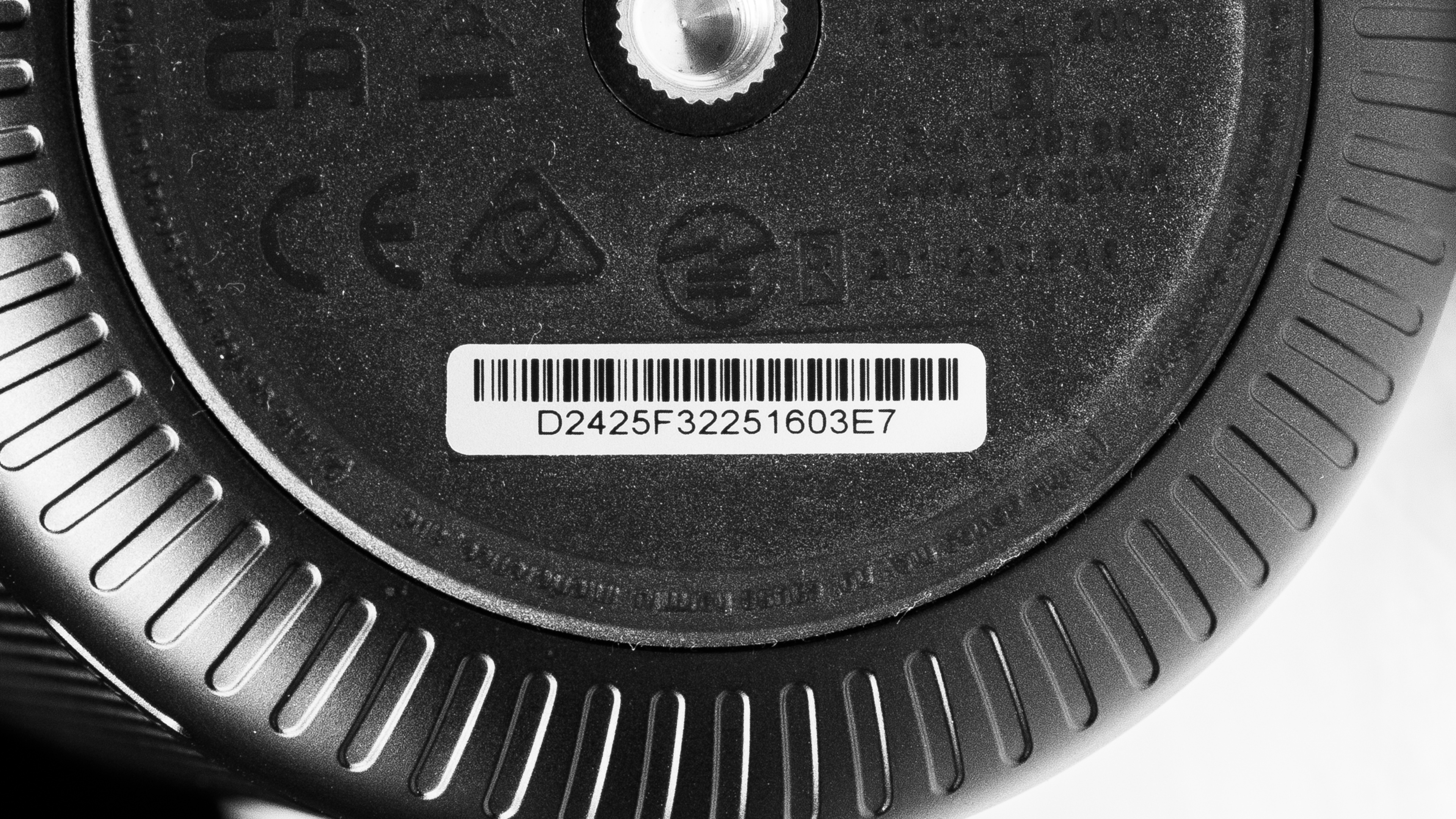
Look at our unit's label.
Popular Projector Comparisons
The Anker Capsule 3 is an ultra-portable 1080p LED projector built around a small "soda-can" design with a built-in battery, autofocus/auto-keystone, and a smart interface for easy, anywhere viewing. Its main strength is convenience, not picture quality: it's very dim for a projector, its out-of-the-box accuracy is poor, and its gaming performance is extremely limited due to high input lag. If you're comparing it to alternatives, the XGIMI MoGo 4 has a brighter image, better accuracy, and a more responsive feel, while the Capsule 3 tends to have noticeably better contrast if you’re watching in a pitch-black room. The Samsung The Freestyle 2nd Gen is also brighter and much more accurate out of the box, but the Anker's built-in battery makes it easier to use truly anywhere without extra accessories. And if you're considering the Anker Nebula Capsule 3 Laser, the Laser model is the clear upgrade overall since it's brighter, more accurate, and more gaming-friendly, whereas the regular Capsule 3 is mainly for saving money if portability is the priority.
Check out our recommendations for the best portable projectors and the best outdoor projectors. If you'd prefer to shop for another product in the same price range, look up the best projectors under $1,000 instead.
The XGIMI MoGo 2 Pro is a bit better than the Anker Nebula Capsule 3 because it's brighter. Still, the Anker has an integrated battery, so it's a bit easier to carry around than the XGIMI.
The Anker Nebula Capsule 3 Laser is better than the Anker Nebula Capsule 3. The regular Capsule 3 has better colors, but the Capsule 3 Laser is brighter, more accurate out of the box, and has lower input lag for gamers, giving it the edge overall.
The Samsung The Freestyle 2nd Gen is a bit better than the Anker Nebula Capsule 3, mainly due to being slightly brighter, and also much more accurate out of the box. Still, the Anker has some advantages, mainly in its inclusion of a battery, which makes it a bit more portable than the equally small Samsung.
The Anker Nebula Capsule 3 and XGIMI MoGo 3 Pro are closely matched. The XGIMI is more accurate out of the box, even if it's still generally inaccurate, and it's also brighter than the Anker. In turn, the Anker offers better contrast and an integrated battery, making it easier to carry. The biggest difference between the two is for gamers: the XGIMI is the far better option for gaming due to its lower input lag.

We've independently bought and tested over 80 projectors and published detailed results for each, so you can decide which one to buy. These have all been tested under the same standardized methodology, allowing you to compare them side by side. We still have all these projects in our lab, so we can continually go back and compare them to ensure our reviews are still accurate. All our test methodologies are also public on our website, so you can validate the results yourself.
Throw Calculator
Global Controls
Test Results
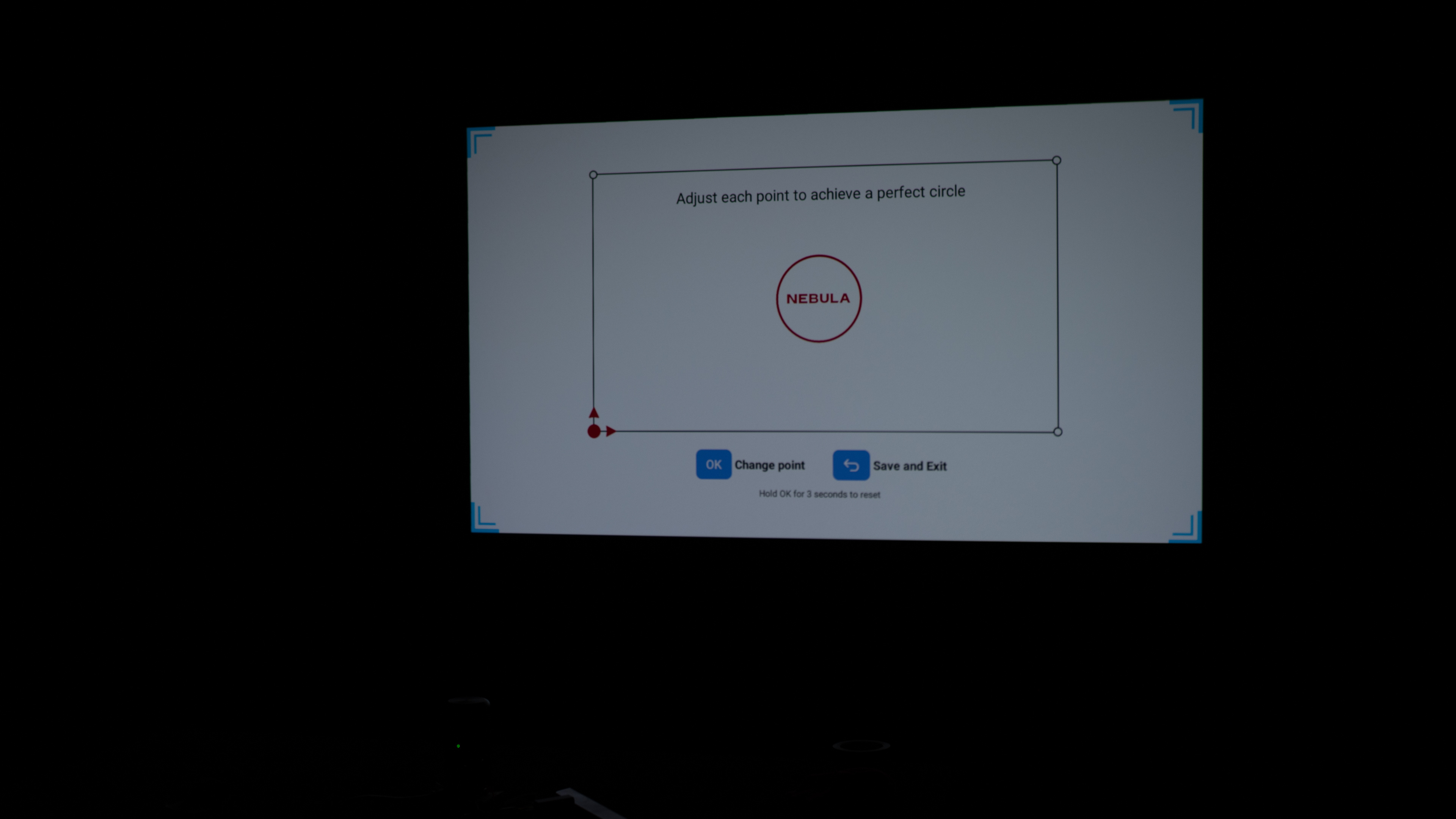
for pictures & test results

for pictures & test results











for pictures & test results


for pictures & test results

for pictures & test results