
The GLORIOUS Model O Wireless is an excellent ultra-light gaming mouse. It's a wireless version of the GLORIOUS Model O and it remains very light despite having a battery built-in. It has a different sensor compared to the wired variant and the new GLORIOUS BAMF sensor has a wider CPI range that you can adjust in smaller increments. This mouse is very well-built and even though it has a honeycomb body, it feels solid. It's very comfortable and suitable for large hands using any grip, but it may be too big for those with small hands. The virgin-grade PTFE feet provide a very smooth gliding experience. Unfortunately, despite it being a wireless model, it's not ideal for use on-the-go because it lacks Bluetooth support and doesn't have a slot to store its USB receiver.
Our Verdict
The GLORIOUS Model O Wireless is very good for office use. It's very well-built and comfortable to use, especially for those with medium-to-large-sized hands. You can reprogram any of its buttons, but sadly, its scroll wheel doesn't offer left/right tilt options and can't be unlocked for free-scrolling.
- Very comfortable for those with medium or large-sized hands.
- Excellent build quality.
- No Bluetooth support.
- Too big for those with small hands.
- No slot for USB receiver.
The GLORIOUS Model O Wireless is excellent for FPS gaming. It's lightweight, has very low click latency, and the high-quality feet provide a smooth gliding experience. The build quality also feels excellent and you can adjust the CPI in precise increments.
- Very low click latency.
- Very light.
- Smooth gliding experience.
- Companion software not available on macOS.
- Too big for those with small hands.
- No slot for USB receiver.
The GLORIOUS Model O Wireless is decent for MMO gaming. You can reprogram any of its six buttons, but its two side buttons may not be enough for some MMO gamers. It has very low click latency, a wide CPI range, and you can adjust the CPI in small increments.
- Very comfortable for those with medium or large-sized hands.
- Very low click latency.
- Companion software not available on macOS.
- Only two side buttons.
- Too big for those with small hands.
- No slot for USB receiver.
- Too big for those with small hands.
- No slot for USB receiver.
Changelog
-
Updated Apr 13, 2026:
We've added a link to the GLORIOUS Model O3 Wireless to the Wireless Versatility section.
- Updated Aug 19, 2025: We've converted this review to Test Bench 1.5.1. This update removes less relevant or redundant elements, including several videos. We've also adjusted our Sensor Latency testing, resulting in minor score changes. See our full 1.5.1 changelog for details.
- Updated Jan 10, 2024: We've updated the CPI graph displayed in the Sensor Latency section of this review. Our results remain the same, but these graphs have two new columns with results from the Delay At Half Movement and Delay To End Of Movement tests.
- Updated Dec 07, 2023: We've converted this review to Test Bench 1.5. This update adds a new Main Button test group, which provides button actuation data and switch information. We've also made minor changes to how we calculate the Office usage score. For more details, you can see our full changelog here.
Check Price
Differences Between Sizes And Variants
We tested the GLORIOUS Model O Wireless in black, and it's also available in white. It's the only wireless model in GLORIOUS' Model O lineup, and you can see the differences between each variant below.
| Model | Colors | Glossy Versions | Sensor |
| GLORIOUS Model O Wireless | Black and White | No | GLORIOUS BAMF |
| GLORIOUS Model O | Black and White | Yes | PixArt PMW3360 |
| GLORIOUS Model O- | Black, Pink, and White | Yes (Except Pink) | PixArt PMW3360 |
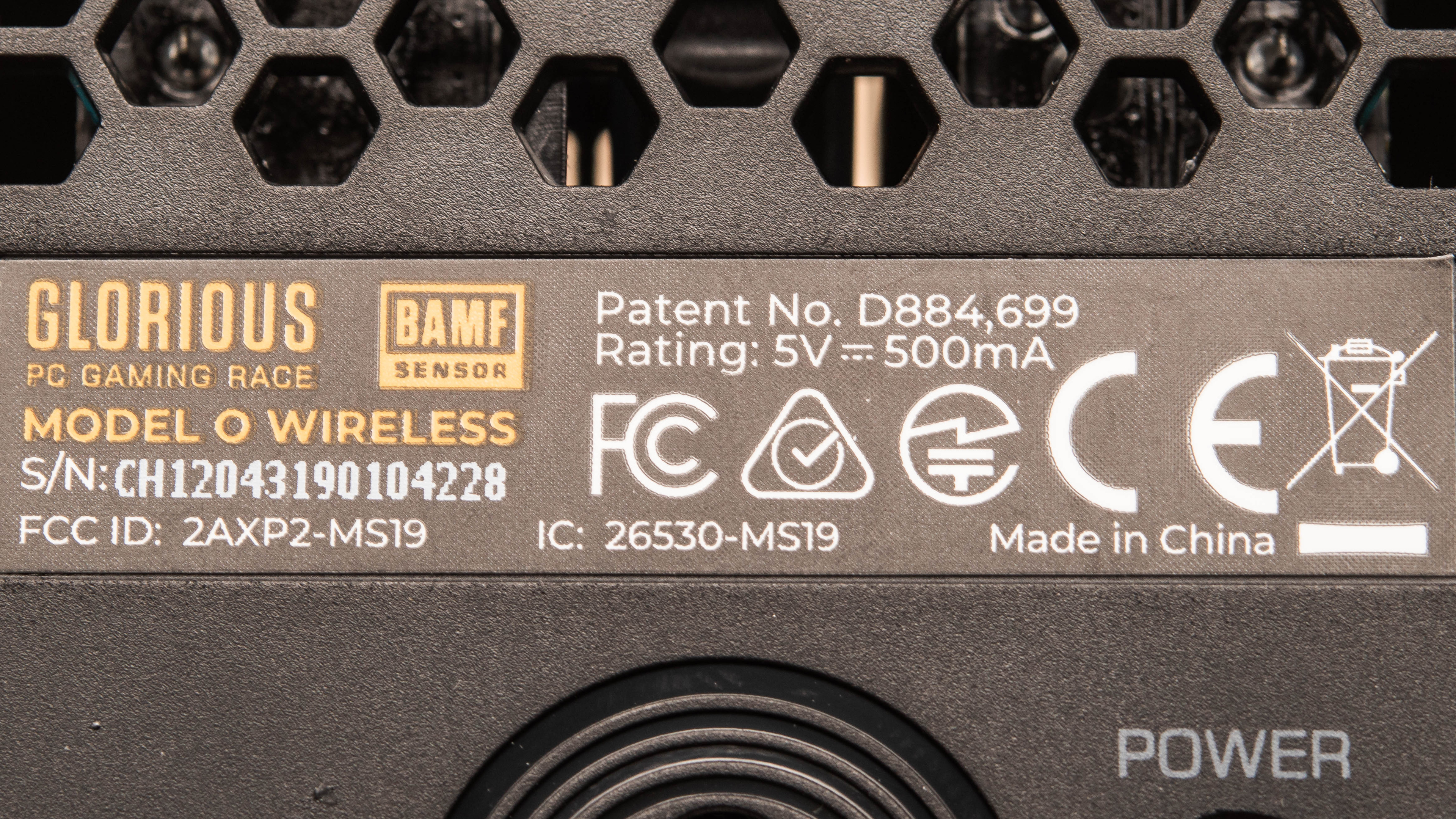
If someone comes across a GLORIOUS Model O Wireless that's different from ours, let us know and we'll update the review. You can see the label for our unit here.
Popular Mouse Comparisons
The GLORIOUS Model O Wireless is one of the best wireless ultra-light gaming mice we've tested. It's very light and it offers a smooth gliding experience. It may not be as versatile for other uses as the Razer Viper Ultimate as it doesn't have as many programmable inputs, but if you're looking for a light and wireless option that won't cost much, you should be happy with this. Also see our recommendations for the best mice, the best wireless mice, and the best gaming mice.
The Logitech G PRO X SUPERLIGHT and the GLORIOUS Model O Wireless are both excellent wireless gaming mice. While the GLORIOUS is a very lightweight mouse, the Logitech is even lighter. The Logitech also has a wider CPI range and is fully compatible with both Windows and macOS. On the other hand, the GLORIOUS has RGB lighting and charges via USB-C instead of the older Micro-USB standard, like the Logitech does. Overall, they're both excellent mice, though if you prioritize a lightweight design over anything else, the Logitech may be the better choice.
The GLORIOUS Model O Wireless is very similar to the GLORIOUS Model D Wireless, but the Model O has an ambidextrous shape while the Model D has a right-handed shape. The Model O Wireless also feels sturdier. Both mice are suitable for all grip types and most hand sizes, but the Model D Wireless is suitable for medium-sized hands using a fingertip grip, while the Model O Wireless isn't.
The GLORIOUS Model O PRO and the GLORIOUS Model O Wireless are both lightweight, wireless gaming mice that share the same shape and deliver very similar gaming performance. The PRO has a solid plastic shell and is lighter. It also has a somewhat longer advertised battery life. On the other hand, the Wireless has a body with honeycomb cutouts, and it feels better built overall.
The GLORIOUS Model O 2 Wireless and the GLORIOUS Model O Wireless are gaming mice in the same lineup. The Model O 2 Wireless is newer and has a significantly longer advertised battery life. On the other hand, the Model O Wireless delivers much better click latency performance.
Test Results
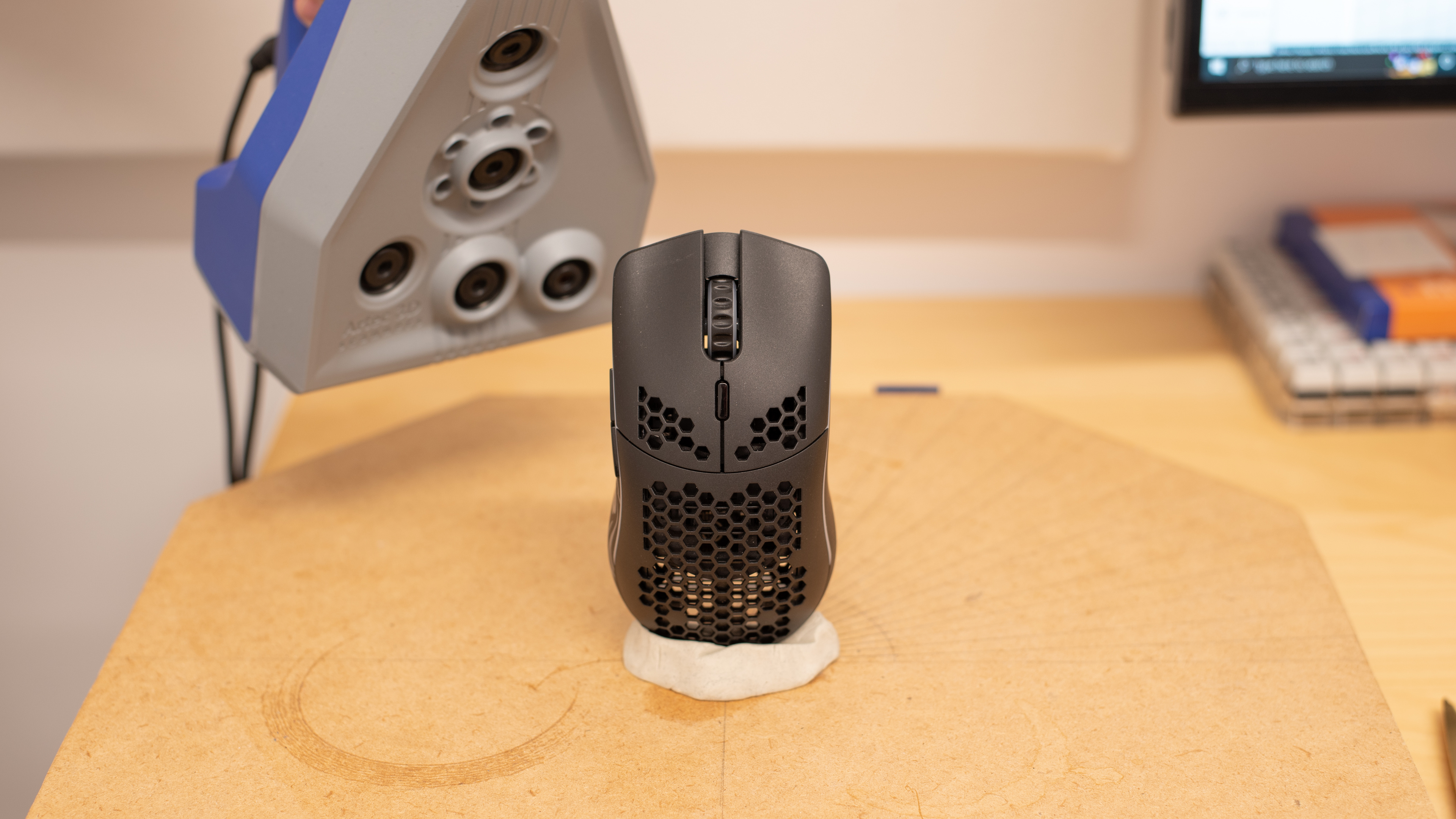

for pictures & test results


for pictures & test results








for pictures & test results




for pictures & test results



for videos & test results
