Logitech G PRO X SUPERLIGHT  Mouse Review

Reviewed Jan 15, 2021 at 10:55am
Writing modified Dec 08, 2025 at 08:59am
Tested using Methodology v1.5.1 
Logitech G PRO X SUPERLIGHT
7.2
Work 
9.3
Video Games (FPS) 
8.0
Video Games (MMO) 
9.5
Raw Performance 
 12
Notice: This mice was replaced by Logitech G PRO X SUPERLIGHT 2

The Logitech G PRO X SUPERLIGHT is an ultralightweight, wireless gaming mouse. Even though it doesn't have a honeycomb design, it's still among the lightest mice we've ever tested, which is especially impressive considering it's wireless. It offers amazing performance, whether used wired or wirelessly, with exceptionally low click latency, and its CPI can be customized precisely by increments of 50. It's suitable for all hand sizes with any grip type, although the side buttons may be hard to reach with a fingertip grip if you have small hands. You can reprogram all of its buttons, and you can set a G-Shift button to give you a second layer of controls, but this may not be enough buttons for some MMO gamers. This mouse is very similar to the Logitech G Pro Wireless, except the SUPERLIGHT is significantly lighter and only has two side buttons that you can't remove.

Our Verdict

7.2
Work 

While not designed specifically for it, the Logitech PRO X SUPERLIGHT is decent for office use. Its build quality is excellent, and while its ambidextrous shape isn't as ergonomic as some dedicated office mice, it's still very accommodating and comfortable with any grip type for almost all hand sizes. You can reprogram all of its buttons in the Logitech G HUB software, and it's fully compatible with both Windows and macOS.

Pros
  • USB receiver storage.
  • Excellent build quality.
  • Fully compatible with macOS and Windows.
  • Reasonable number of buttons.
Cons
  • Too large for small hands using fingertip grip.
  • No Bluetooth support.
9.3
Video Games (FPS) 

The Logitech PRO X SUPERLIGHT is an outstanding FPS gaming. Despite not having a honeycomb design, this mouse is still extremely light and is among the lightest wireless mice we've tested. It has excellent build quality, exceptional click latency, and high-quality PTFE feet that glide very well on mousepads and desks. It's suitable for any grip type, although small hands may struggle to reach the side buttons with a fingertip grip.

Pros
  • USB receiver storage.
  • Exceptional click latency.
  • Extremely light.
  • Excellent build quality.
  • Fully compatible with macOS and Windows.
Cons
  • Too large for small hands using fingertip grip.
8.0
Video Games (MMO) 

The Logitech PRO X SUPERLIGHT is good for MMO gaming. It's suitable for all hand sizes with most grip types and has excellent build quality. You can adjust its CPI fairly precisely by increments of 50, and it has an exceptional click latency. While you can remap its buttons in its companion software, it doesn't have nearly as many buttons as dedicated MMO mice.

Pros
  • USB receiver storage.
  • Exceptional click latency.
  • Excellent build quality.
  • Fully compatible with macOS and Windows.
Cons
  • Too large for small hands using fingertip grip.
  • Only two side buttons.
9.5
Raw Performance 

Pros
  • USB receiver storage.
Cons
None
  • 7.2
    Work
  • 9.3
    Video Games (FPS)
  • 8.0
    Video Games (MMO)
  • 9.5
    Raw Performance
  • Changelog

    1.  Updated Dec 08, 2025: 

      We've added a link to the Logitech G PRO X SUPERLIGHT 2 SE in the Main Button section.

    2.  Updated Aug 19, 2025: We've converted this review to Test Bench 1.5.1. This update removes less relevant or redundant elements, including several videos. We've also adjusted our Sensor Latency testing, resulting in minor score changes. See our full 1.5.1 changelog for details.
    3.  Updated Jan 05, 2024: We've updated the CPI graph displayed in the Sensor Latency section of this review. Our results remain the same, but these graphs have two new columns with results from the Delay At Half Movement and Delay To End Of Movement tests.
    4.  Updated Oct 06, 2023: We've added a link to the newly-reviewed Logitech G PRO X SUPERLIGHT in the Sensor Specifications of this review.

    Differences Between Sizes And Variants

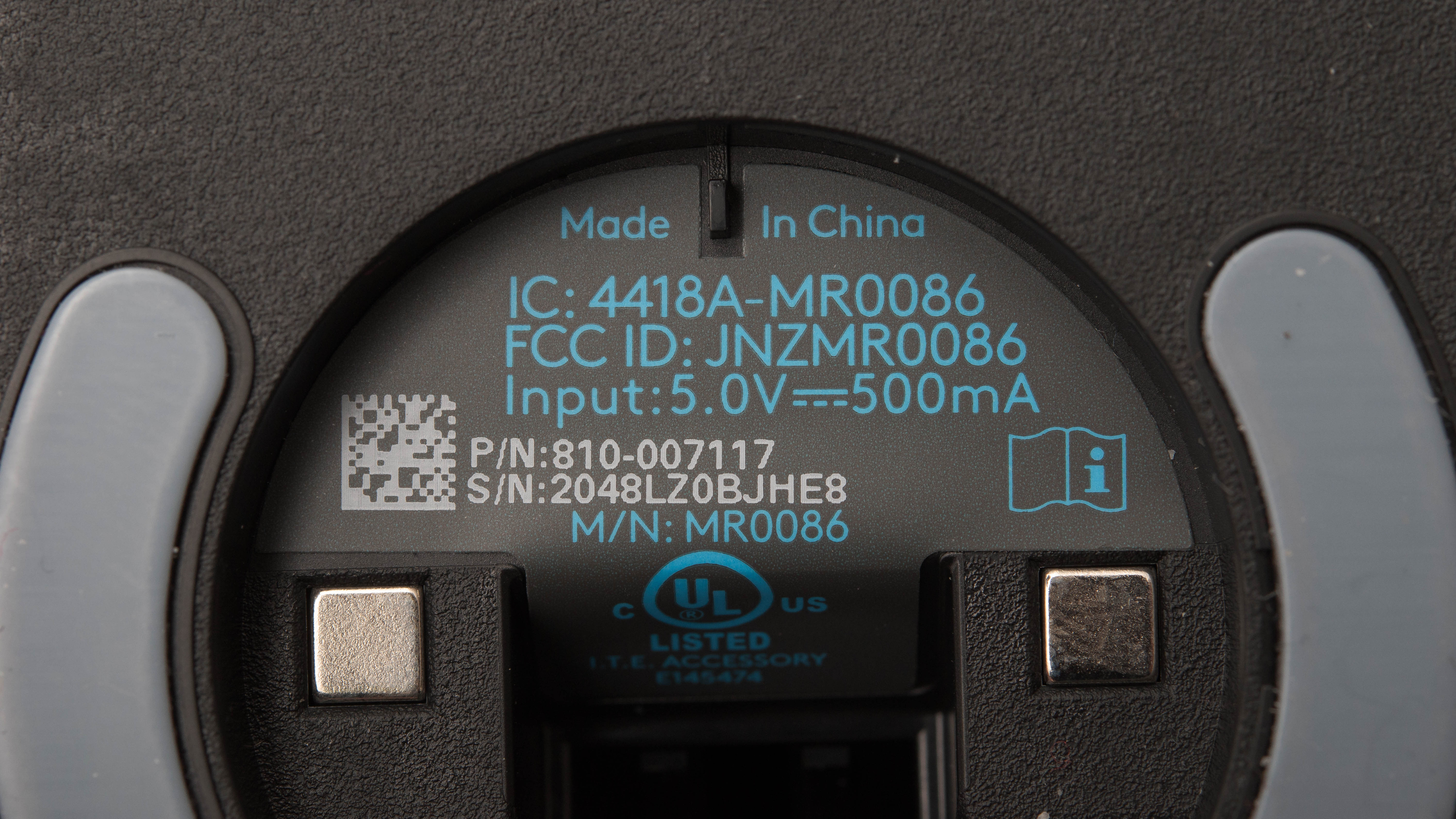
    The Logitech PRO X SUPERLIGHT is available in black and in white. Although we tested the black variant, we expect our results to be valid for the white one as well. You can see our unit's label here.

    Popular Mouse Comparisons

    The Logitech PRO X SUPERLIGHT is excellent for gaming. Although it doesn't have a honeycomb design, this mouse is still amazingly light, and it's among the lightest mice we've ever tested, which is especially impressive considering it's wireless. Its simple design makes it professional enough to be used in an office setting as well, although some people may be disappointed at its lack of RGB lighting. While it has the same ambidextrous shape as the Logitech G Pro Wireless and is significantly lighter, the SUPERLIGHT only has two side buttons on the left side, instead of on both sides.

    For other options, see our recommendations for the best gaming mice and the best wireless mice, and if you're interested in Logitech products, also check out the best Logitech mice.

    Razer DeathAdder V3 Pro

    The Razer DeathAdder V3 Pro and the Logitech G PRO X SUPERLIGHT are high-end wireless gaming mice. They are both extremely lightweight, weigh virtually the same, and offer similarly outstanding gaming performance. The biggest difference between them is their shape. The Razer has a right-handed design best suited for larger hands using a palm or claw grip. On the other hand, the Logitech has a symmetrical shape and is suitable for a wider range of hand sizes and grip types. The Razer also has a slightly longer advertised battery life and uses optical left- and right-mouse buttons, while the Logitech has mechanical switches.

    Logitech G305 LIGHTSPEED

    The Logitech G PRO X SUPERLIGHT has better overall performance than the Logitech G305 LIGHTSPEED. Even though the G PRO is slightly bigger, it’s significantly lighter, making it an excellent choice for fans of ultra-light gaming. It also feels more comfortable overall, and it’s a great fit for most hand sizes and grip types. It has better feet, a wider CPI range, and lower click latency. That said, the G305 is still a very good option for FPS gaming. It has a great shape for fingertip grip and offers a few more programmable inputs. However, you can only use it wirelessly.

    Razer Viper V2 Pro

    The Logitech G PRO X SUPERLIGHT and the Razer Viper V2 Pro are high-end wireless gaming mice with symmetrical shapes. The two perform very similarly and weigh virtually the same, though the Razer is marginally lighter. The Razer also has a slightly wider CPI range and a USB-C charging cable, while the Logitech uses an older micro-USB charging cable. On the other hand, the Logitech's shape accommodates a wider range of hand sizes and grip types. Its customization software is also compatible with Windows and macOS, while the Razer software is only compatible with Windows.

    Logitech G Pro Wireless

    The Logitech G Pro Wireless and the Logitech G PRO X SUPERLIGHT are very similar wireless gaming mice that share the same shape. While the Wireless has removable side buttons on both sides of the mouse, the SUPERLIGHT only has two side buttons on the left side. That being said, the SUPERLIGHT is much lighter. Other than that, both mice have the same sensor and perform almost identically.

    Show more 

    Video

    Test Results

    perceptual testing image
    Sort:
    RATINGS
    Category:
    All
    Design
    Style
    Type
    Standard
    Coating
    Matte
    Lighting ColorNo Lighting

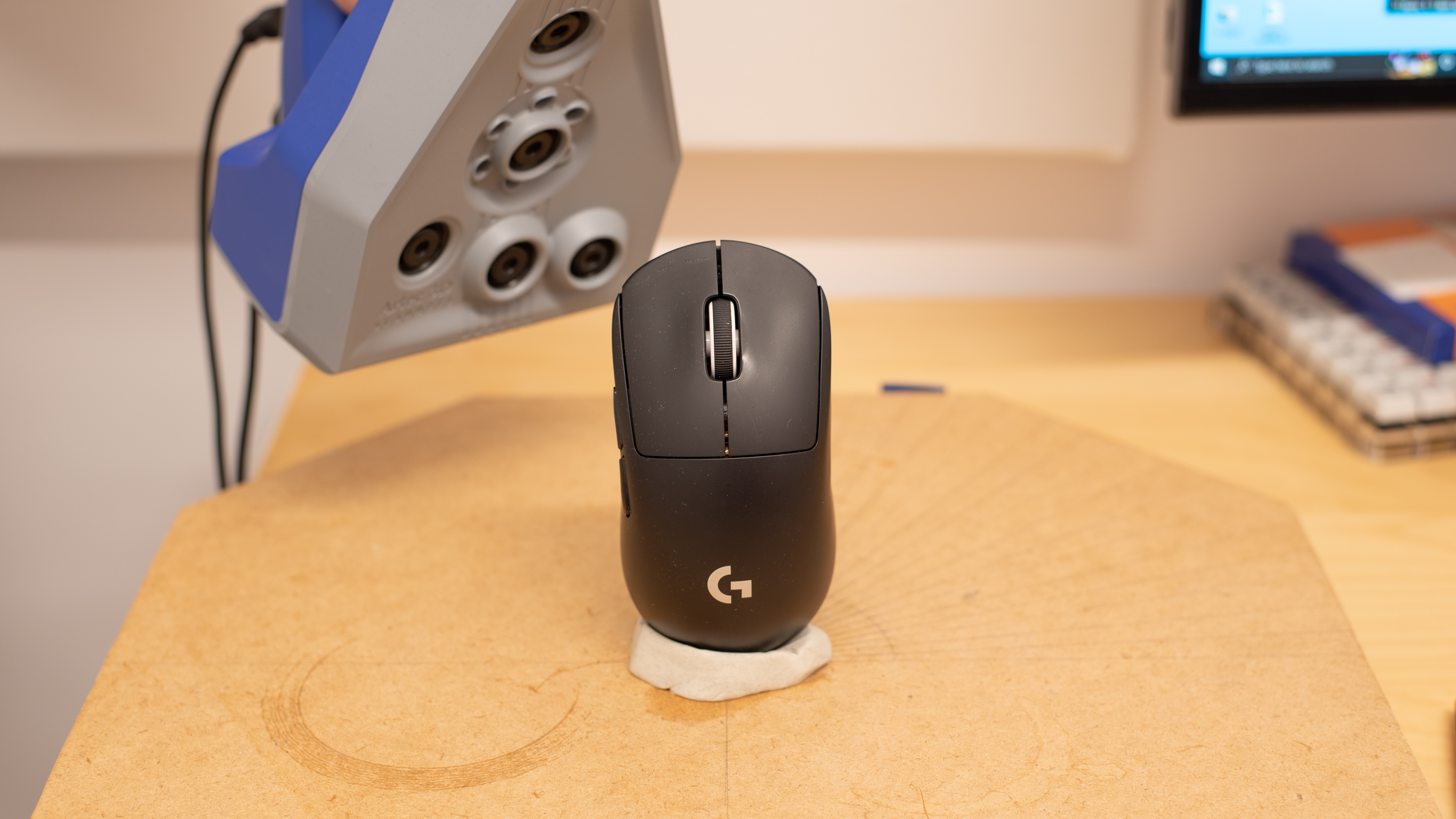
    The Logitech G PRO X SUPERLIGHT comes in two colors: white and black. The variant we tested is a simple black mouse with a matte finish. It has the same ambidextrous shape as the Logitech G Pro Wireless, except it doesn’t have two additional buttons on its right side. There’s a non-lit G logo on its back, and the word “Superlight” is written on its right side. If you're interested in a lightweight gaming mouse that's available in a wider range of colorways, check out the LAMZU Atlantis. Or, if you're interested in a lightweight gaming mouse that has RGB lighting, check out the GLORIOUS Model O 2 Wireless.

    Shape
    Length5.0" (126 mm)
    Width2.5" (63 mm)
    Height1.6" (40 mm)
    Grip Width
    61 mm
    Ambidextrous
    Shape Only
    Left-Handed Friendly
    Yes
    Finger Rest
    No
    8.5
    Build Quality

    The Logitech G PRO X SUPERLIGHT has excellent build quality. It’s made entirely of lightweight plastic that feels thin but sturdy. While there’s a slight flex around the sensor when you apply pressure, it shouldn’t cause any issue during regular use. However, you can feel the left and right clicks move slightly to the side when pressing down on them.

    9.0
    Weight
    Lowest Weight
    59.1 g
    Default Weight
    61.1 g
    Weight Distribution
    Centered
    Extra Weights
    No

    Despite not having a honeycomb design, the Logitech G PRO X SUPERLIGHT is still amazingly light. Note that the Lightest Weight is achieved by removing the circular plate that covers the receiver storage compartment on the bottom of the mouse. If you're interested in a wireless gaming mouse that's even lighter, check out the Finalmouse Starlight-12 Small or the significantly lighter Zaunkoenig M2K. However, at this point, both these mice are only available from third-party sellers, and they can be very expensive.

    Hand Size Recommendation
    Palm Grip Hand Recommendation
    Claw Grip Hand Recommendation
    Fingertip Grip Hand Recommendation

    It's very comfortable to use. While it doesn’t have an ergonomic shape or a thumb rest, it should still be suitable for almost all hand sizes using any grip type. There aren’t any grips on the mouse, but it does come with rubber grip strips that you can stick onto the sides and the mouse clicks. For an alternative option that's as lightweight as this mouse but has an ergonomic, right-handed shape, check out the Pulsar Xlite V2.

    7.2
    Wireless Versatility
    Maximum Of Paired Devices
    1
    Bluetooth
    No
    Receiver
    Yes
    Battery Type
    Rechargeable
    Use When Charging
    Yes
    On/Off Activation
    Auto Off And On/Off Switch
    Receiver Extender
    Yes
    Receiver Storing
    Yes
    Battery IndicatorYes

    It has decent wireless versatility. It comes with a receiver extension adapter that helps bring the receiver closer to the mouse. Unfortunately, there's no Bluetooth support. However, if you're looking for a high-performing gaming mouse with Bluetooth support, check out the SteelSeries Aerox 3 Wireless (2022) or the ASUS ROG Harpe Ace Aim Lab Edition.

    Cable
    ConnectivityWireless
    Cable Length
    5.9 ft (1.8 m)
    Cable Type
    Rubber
    Permanent Kink
    No
    Port Type: Mouse End
    Micro USB
    Port Type: PC End
    USB-A

    It comes with a decent charging cable that's pretty flexible and doesn't retain packaging kinks. Unfortunately, the rubber texture is grippy, which may create some drag. Unlike the Logitech G303 Shroud Edition that uses a USB-C cable, this one uses a more dated Micro-USB cable.

    9.5
    Mouse Feet
    Gliding Experience
    Very Good
    Material
    Virgin Grade PTFE
    Extra Included
    No

    The PTFE mouse feet provide an incredibly smooth glide. You can also replace the stock plastic receiver cover with the included PTFE cover to further improve the glide.

    In The Box

    • Logitech G PRO X SUPERLIGHT Wireless Gaming Mouse
    • USB receiver
    • Receiver extension adapter
    • Micro-USB charging cable
    • Optional grip tape
    • Cloth wipe
    • Optional aperture door with PTFE foot
    • Sticker
    • Manuals
    Control
    Main Button
    See details on graph tool
    See details on graph tool
    Switch Type
    Mechanical
    Switch Model
    Omron D2FC-F-7N (G1)

    This mouse's left- and right-click buttons use Omron D2FC-F-7N (G1) mechanical switches.

    If you're interested in an updated version of this mouse that utilizes optical switches, consider the Logitech G PRO X SUPERLIGHT 2 SE.

    7.1
    Additional Buttons
    Total Number Of Buttons
    5
    Number Of Side Buttons
    2
    Number Of Programmable Inputs
    9
    Profile Switching Button
    Yes
    Gesture Support
    No

    It has a reasonable number of buttons. The left and right clicks, wheel click, and both side buttons can be remapped within the Logitech G HUB software, and you can set one of them to be a profile-switching button. Also, you can have a second layer of controls if you set to a G-Shift button to one of the inputs.

    9.3
    Click Latency
    See details on graph tool
    Expected Connection
    3.1 ms
    Wired
    2.5 ms
    Receiver
    3.1 ms
    Bluetooth
    N/A

    The Logitech G PRO X SUPERLIGHT has exceptionally low click latency. It delivers an extremely responsive-feeling experience for gaming in any genre.

    9.6
    CPI
    See details on graph tool
    SRAV @ 1600 CPI
    0.00%
    SRAV @ 800 CPI
    0.16%
    SRAV @ 400 CPI
    0.00%
    SRAV @ Fixed CPI
    N/A
    Precision Error Between Speeds
    0.31%
    Precision Error Between CPI
    0.36%
    Worst Tracking Error
    1.25%
    Minimum CPI
    100 CPI
    Maximum CPI
    25,600 CPI
    CPI Adjustment Steps
    50 CPI
    9.3
    Sensor Latency
    See details on graph tool
    Delay To Start Of Movement
    12.9 ms
    Delay At Half Movement
    2.5 ms
    Delay To End Of Movement
    1.6 ms
    Sensor Specifications
    Sensor Technology
    Optical (LED)
    Sensor Model
    HERO 25K
    Works On Glass
    No
    Minimum Lift Off Distance
    1.2 mm
    Maximum Polling Rate
    1000 Hz

    The Logitech G PRO X SUPERLIGHT has a wide CPI range that can be adjusted by increments of 50. It has an extremely consistent sensor, and the minimum lift-off distance is very low, so it shouldn't track your movement when you reposition your mouse. You can choose between four polling rates: 125Hz, 250Hz, 500Hz, and 1000Hz. If you're interested in a gaming mouse that supports a higher maximum polling rate, check out the Logitech G PRO X SUPERLIGHT 2 or the Razer Viper Mini Signature Edition.

    Mouse Wheel
    Scroll Wheel Type
    Notched Wheel
    Scroll Wheel Tilt
    No
    Thumb Wheel Type
    No

    The Logitech G PRO X SUPERLIGHT has a standard mouse wheel with no L/R tilt. It has a nice grip, and it feels satisfying to scroll thanks to its defined steps.

    Noise
    Click Noise
    Loud

    The Logitech G PRO X SUPERLIGHT is loud, but it still shouldn't bother people around you unless you're in a very quiet environment.

    Operating System And Software
    Configuration Software
    Software NameLogitech G HUB
    Software Windows Compatibility
    Yes
    Software macOS Compatibility
    Yes
    On-Board Memory
    Yes
    CPI (DPI) Adjustment
    Yes
    Polling Rate Adjustment
    Yes
    Profile Configuration
    Yes
    Profile Auto-Switching
    Yes
    RGB On/Off
    No RGB

    The Logitech G HUB software is outstanding and offers an incredible amount of customization. You can adjust the CPI and polling rate, and you can reprogram the buttons. Also, the mouse has onboard memory, so you can save your customizations and maintain them when you switch computers. While no software issues were encountered during testing, many users online have reported problems with Logitech's G HUB software, including but not limited to startup issues, freezing, and connection issues with some devices. If you'd like to share your experience using Logitech G HUB with this mouse, feel free to leave a comment in the discussions.

    10
    Mouse Compatibility
    Windows CompatibilityFully
    macOS CompatibilityFully

    Since the software is available on both Windows and macOS, this mouse is fully customizable no matter which operating system you use it with.