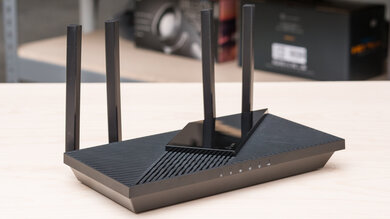
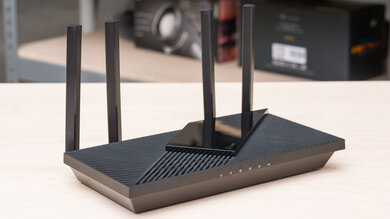
The Google Wifi is a dual-band Wi-Fi 5 router supporting 2.4 and 5GHz bands. It's designed to work in a mesh network with other access points and is available as a standalone unit or in a multi-pack. It has a simple and stylish design with a small footprint. You set up and manage the router through Google's Home app, where you can also manage your smart home devices. We bought a three-pack and tested it in dual mesh mode.
Our Verdict
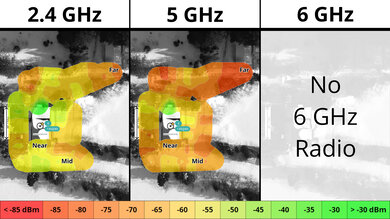
The Google Wifi is an okay router for an apartment, condo, or small, single-story home. Its sleek design makes it easy to fit in your living space. While it has decent top speeds suitable for streaming 4k video or downloading files quickly, it has poor range, so you might experience slowdowns, even if you use it in dual mesh mode. It's only Wi-Fi 5 and lacks DFS (dynamic frequency selection), so it can't use DFS-only channels, which are faster in congested wireless environments like apartment buildings.
- Small, clean design.
- Integration with Google's Home ecosystem.
- Decent top speeds.
- Newer Wi-Fi 6 and 7 devices can't reach their full speeds on this Wi-Fi 5 router.
- Disappointing range.
- Google Home app can take a long time to setup.
The Google Wifi is just okay if you live in a multi-level house. It provides decent top speeds fast enough for video streaming, but it has poor range. You'll experience slowdowns if you have a large home or if it's made of solid materials like concrete or masonry. You manage its settings with the Google Home app, which is easy to use and integrates with your smart home devices, though the initial setup is slow and tedious.
- Small, clean design.
- Integration with Google's Home ecosystem.
- Decent top speeds.
- Newer Wi-Fi 6 and 7 devices can't reach their full speeds on this Wi-Fi 5 router.
- Disappointing range.
- Google Home app can take a long time to setup.
- Newer Wi-Fi 6 and 7 devices can't reach their full speeds on this Wi-Fi 5 router.
The Google Wifi delivers decent top speeds suitable for an internet connection of up to ~450 Mbps. That said, it lacks DFS (dynamic frequency selection), so it can't use DFS-only channels, which are faster in congested wireless environments.
- Decent top speeds.
- Newer Wi-Fi 6 and 7 devices can't reach their full speeds on this Wi-Fi 5 router.
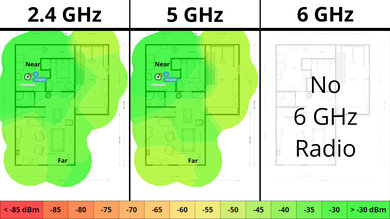
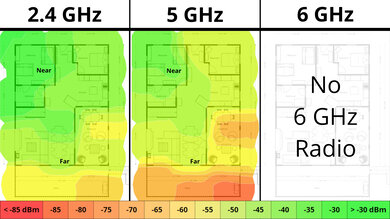
The Google Wifi's range is disappointing. While it's a mesh system that you can expand with additional access points, it's slow when you're connected to a satellite unit.
- Newer Wi-Fi 6 and 7 devices can't reach their full speeds on this Wi-Fi 5 router.
- Disappointing range.
- Newer Wi-Fi 6 and 7 devices can't reach their full speeds on this Wi-Fi 5 router.
Changelog
- Updated Jun 22, 2026: We've updated this review to Test Bench 0.9.1! This is a minor change that makes the router type easier to see at the top of each review. Read the changelog for more info.
-
Updated May 29, 2026:
We've added a link to the newly reviewed Davolink Minions Bob in the Interior Long Range section of the review.
- Updated May 08, 2026: We've updated this review to Test Bench 0.9! This update adds wireless latency testing to evaluate router gaming performance. Read the changelog for more info.
- Updated Dec 16, 2025: We've added an MLO Implementation test for Test Bench 0.8.2! Read the changelog for more details.
Check Price
Differences Between Sizes And Variants
The Google Wifi is available as a standalone router or in a two-, three-, or four-pack.
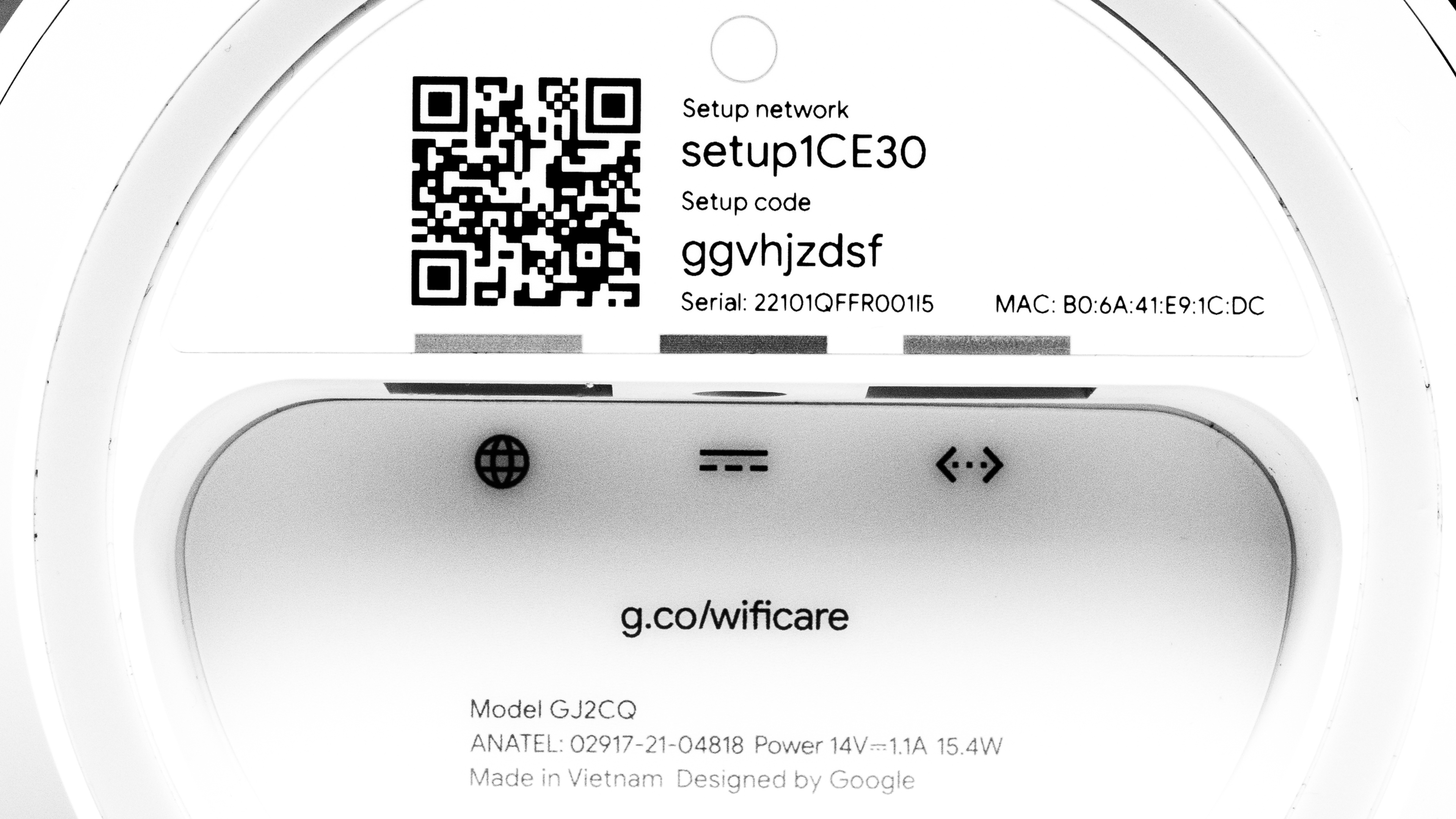
We bought a three-pack and tested it in dual mesh mode. Here's a picture of our unit's label.
Popular Router Comparisons
The Google Wifi is a dual-band Wi-Fi 5 router released in the US in 2016. The manufacturer has since discontinued and replaced it with the Google Nest Wifi and the Google Nest Wifi Pro routers. Its range is disappointing and not as good as the newer models, and it doesn't support newer smart home standards like Thread and Matter. It's also only a Wi-Fi 5 router, so it won't take advantage of the faster speeds your newer Wi-Fi 6, 6E, and 7 devices are capable of. Unlike routers from eero or TP-Link like the eero 6+ or the TP-Link Deco M4, you can't create a mesh network with different Google router models.
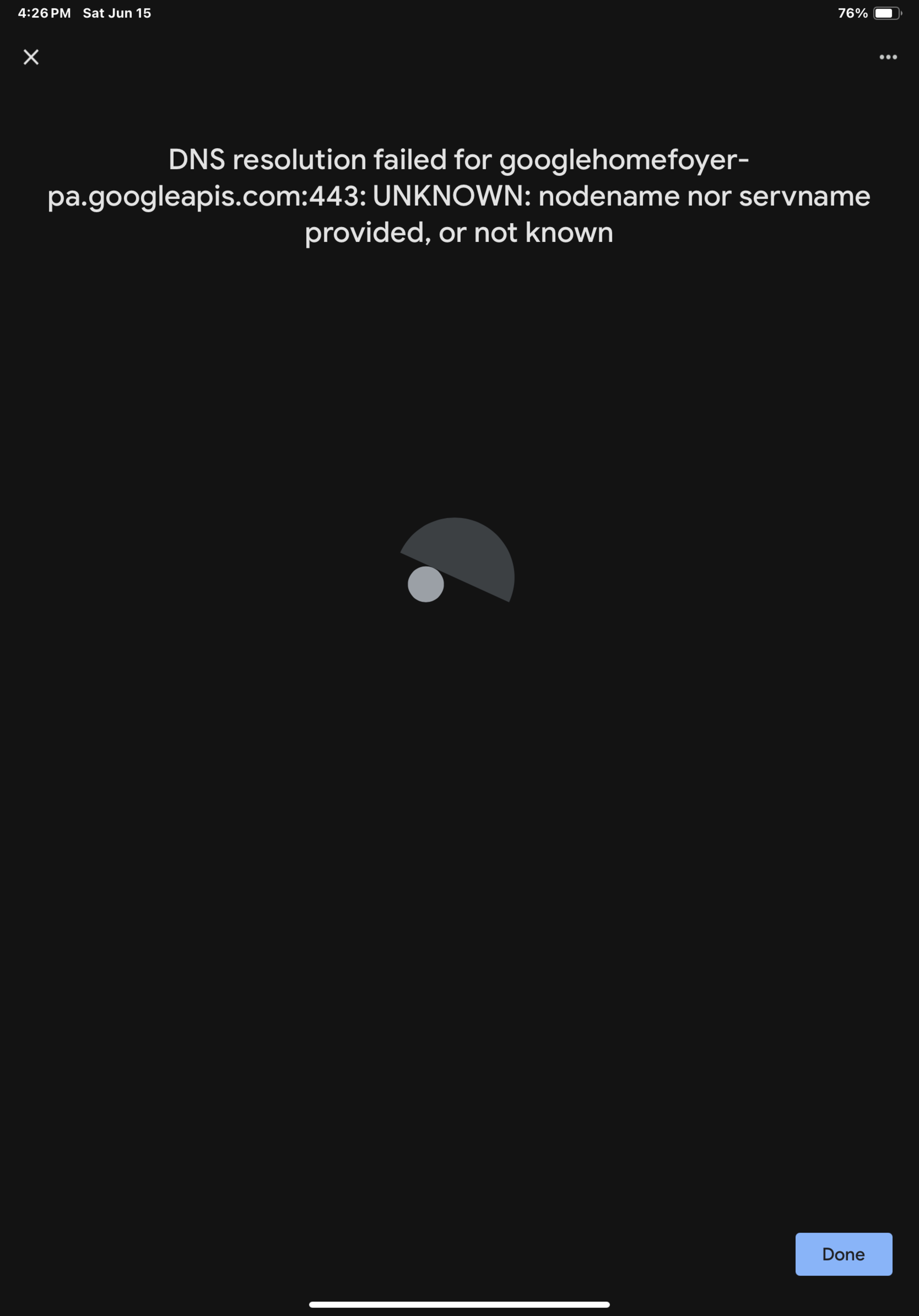
In our testing, we found that the setup process in the Google Home app was time-consuming and frustrating. We had to restart the process multiple times and kept receiving an unclear error message. Let us know in the comments if you've had a similar experience setting up this router.
If you're looking for more options, check out our recommendations for the best Wi-Fi routers, the best mesh Wi-Fi systems, and the best cheap and budget routers.
The Google Nest Wifi is better than the Google Wifi. They're both dual-band Wi-Fi 5 mesh systems, but the Nest Wifi has significantly better range and short-distance speeds.
The Google Nest Wifi Pro is a better router than the Google Wifi. The former is much newer and supports Wi-Fi 6E, while the latter has been discontinued and is only Wi-Fi 5. They're both mesh routers, but the Google Wifi has a poor range that's worse than most standalone routers. The Nest Wifi Pro has very good speeds and range.
The eero 6 is a much better router than the Google Wifi. They're both routers that you can buy in multi-packs and are intended for use in a mesh network. The Google is only Wi-Fi 5, and its performance is disappointing at longer distances. On the other hand, the eero is Wi-Fi 6, performs much better at range, and has faster top speeds.
The eero 7 is much better than the Google Wifi. They're both dual-band mesh Wi-Fi systems, but the eero is Wi-Fi 7 while the Google is Wi-Fi 5. The eero has 2.5Gbps networking ports compared to the Google's 1Gbps ports, delivers much better range, and is about twice as fast.
Test Results

for pictures & test results

for pictures & test results

- Ethernet cable
- Power adapter x3
- User documentation

for pictures & test results

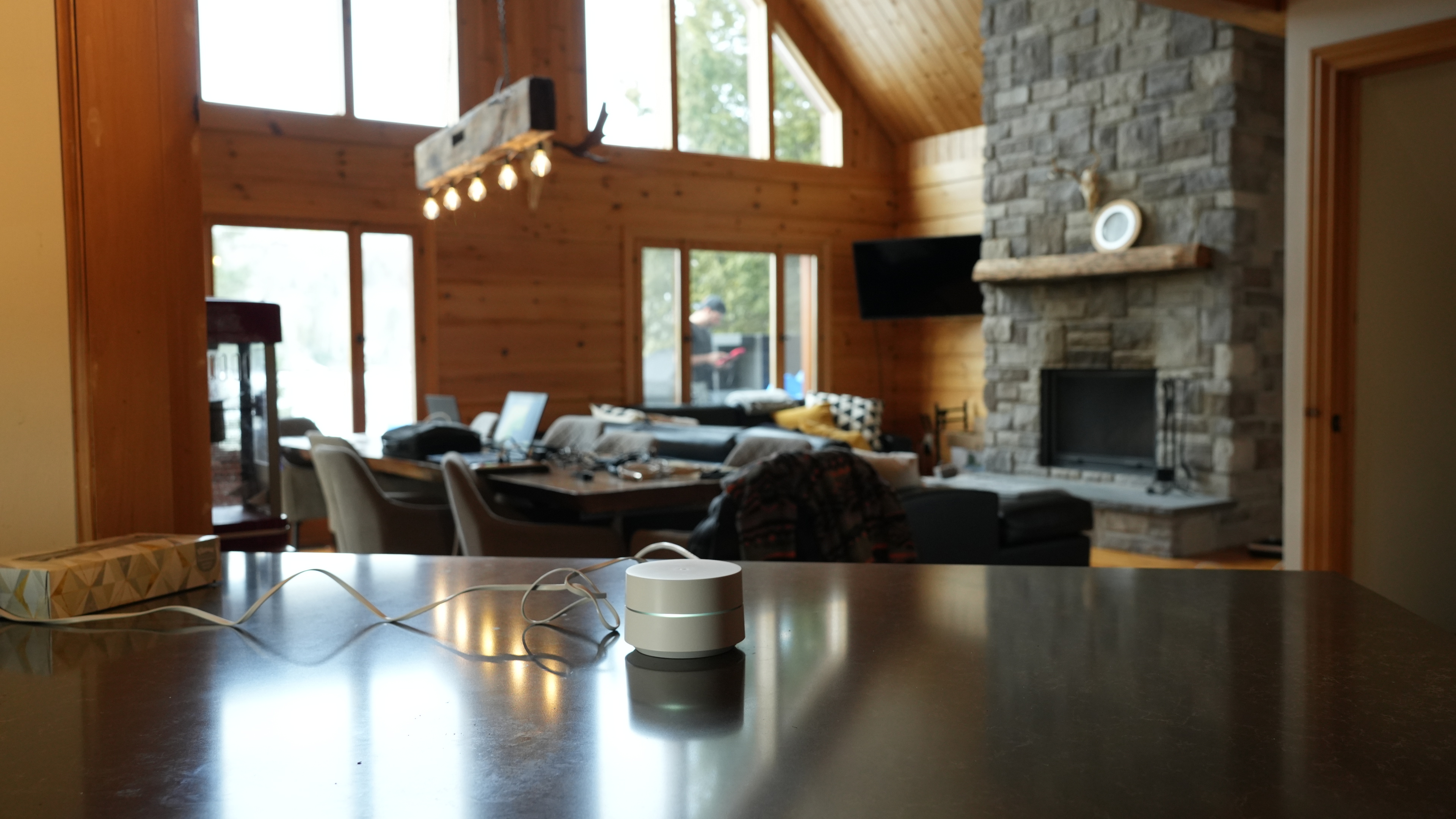
We tested this router in dual mesh mode.
for pictures & test results

We tested this router in dual mesh mode.
If you're looking for a newer router with better range, check out the Davolink Minions Bob.
for pictures & test results

for pictures & test results