Monitors come with either a curved or flat screen, so it may be hard to know which one to get without understanding the differences between them first. Choosing between a curved vs flat monitor is ultimately a personal preference, but there are a few things to consider before buying a new monitor. For example, curved displays bring the edges of the screen closer to your field of vision for a more immersive viewing experience. However, it may take time getting used to a curved screen if you've never used one, as straight lines appear curved. You may also want to think about the curved vs flat monitor market, as most curved screens are ultrawides, and there are more flat screens with 27- and 32-inch screen sizes. That said, you can get a curved screen no matter your usage, whether you need a gaming display or a productivity monitor.
If you want specific recommendations, also look into the best curved gaming monitors and the best curved monitors.
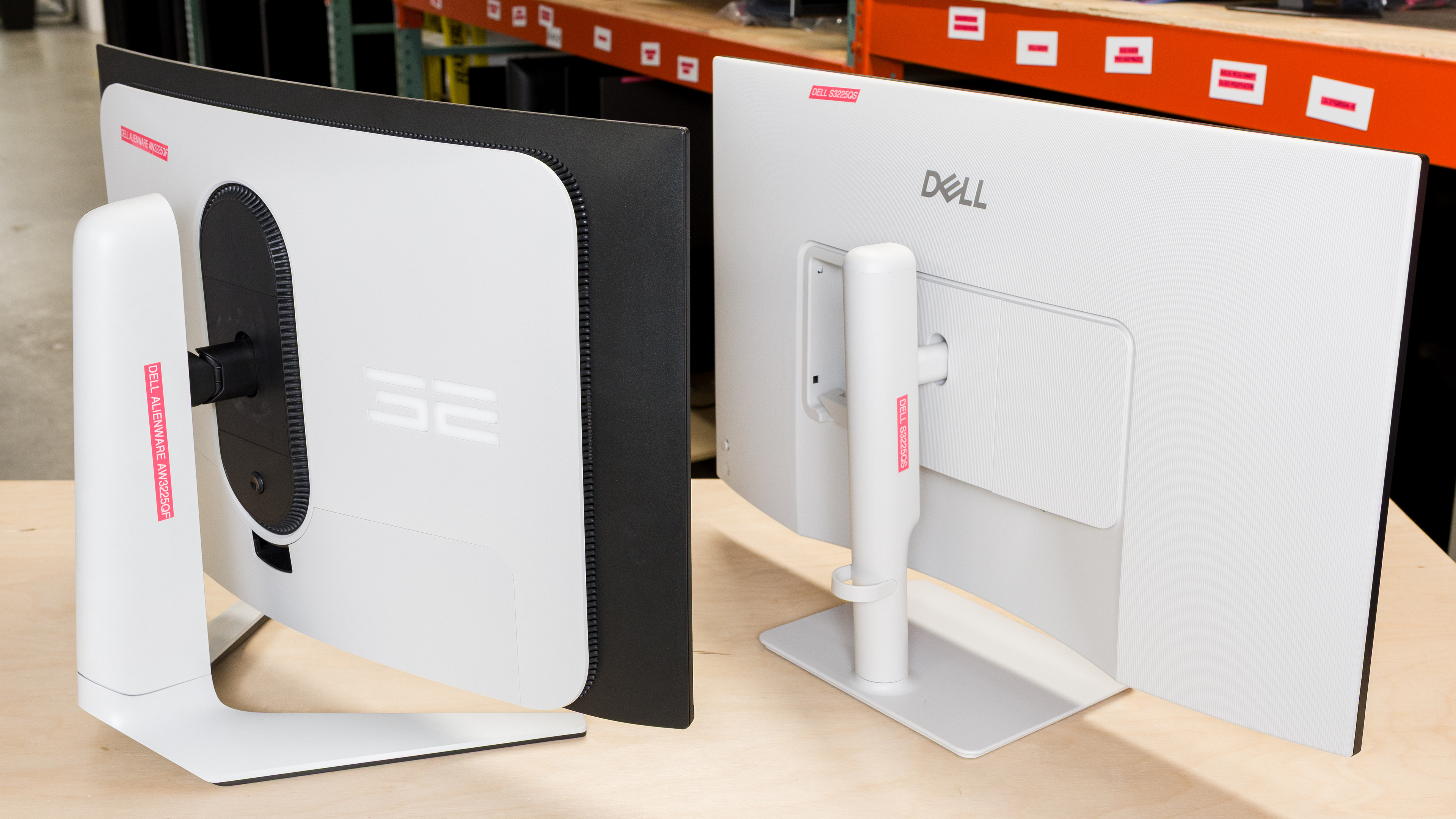
Types of Curved and Flat Monitors
Like the entire monitor market, not all curved and flat displays are the same. They're available with different panel types, sizes, and resolutions and aspect ratios. This alone may impact your buying decision, as a 32-inch, 4k QD-OLED monitor, like the Dell Alienware AW3225QF, offers a very different experience than a 34-inch, 1440p VA monitor, like the Dell Alienware AW3425DWM, even if they both have curved screens. You can also get many different types of flat monitors, so knowing whether a monitor is flat or curved is just one spec, but it doesn't tell you everything you need to know about it.
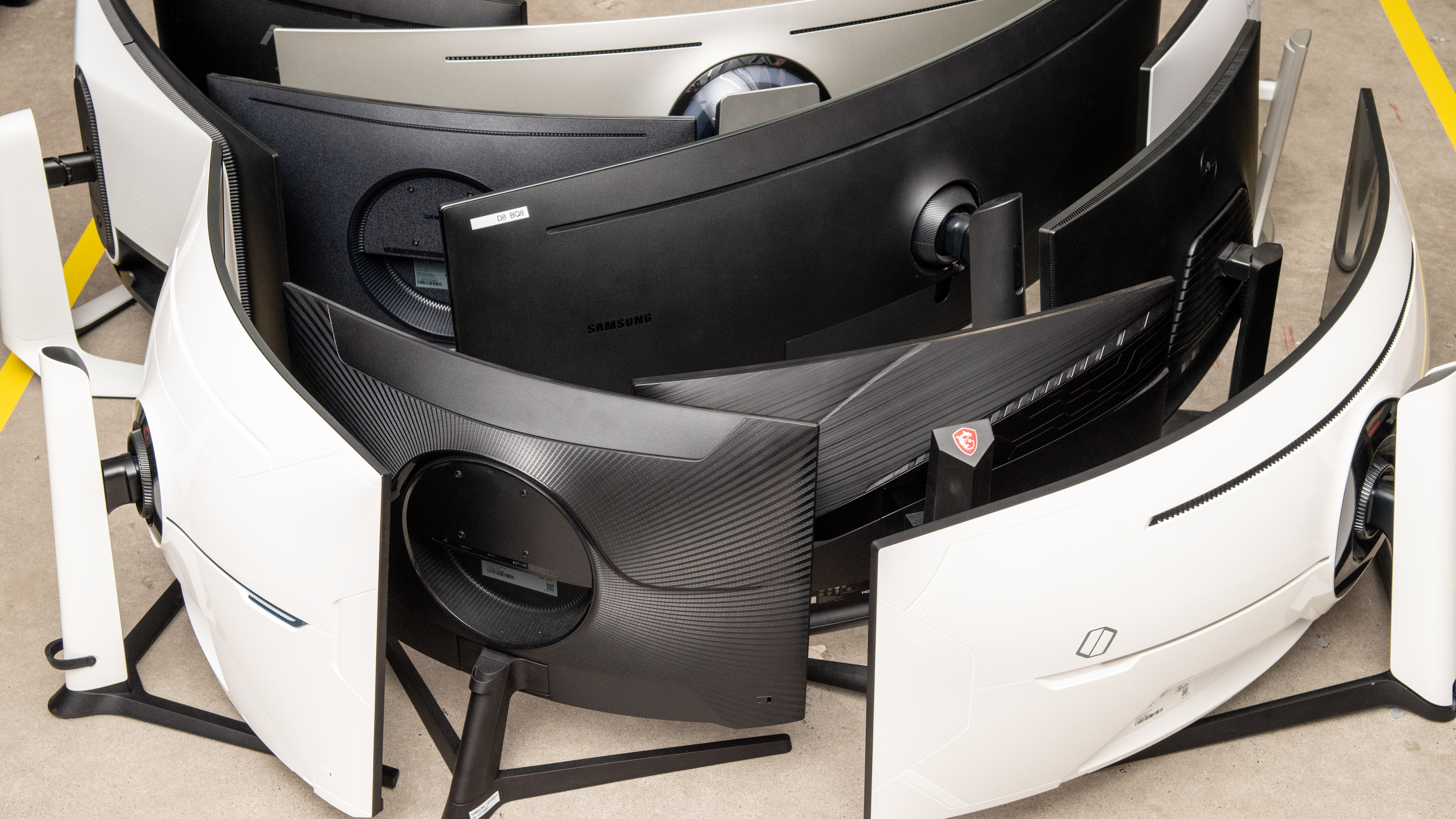
With that said, ultrawide monitors, especially larger ones, tend to have curved screens. This is because they have 21:9 aspect ratios, offering more horizontal screen space than a typical 16:9 monitor. With the extra space on the sides, the curved screens are meant to bring the edges closer to your field of vision.
There are also bendable monitors that let you adjust the curvature to your liking or make the screen flat, like the Corsair XENEON FLEX 45WQHD240.
If you're curious about learning more about monitors, check out all our monitor guides.
Curve Radius
Besides the different specifications with which curved monitors are available, the exact curvature also changes. The monitor's curve radius is the radius measurement, in millimeters, if the monitor were to form a perfect circle. Because of this, a larger radius, like 2500R, has a less aggressive curve than a smaller radius, like 800R.
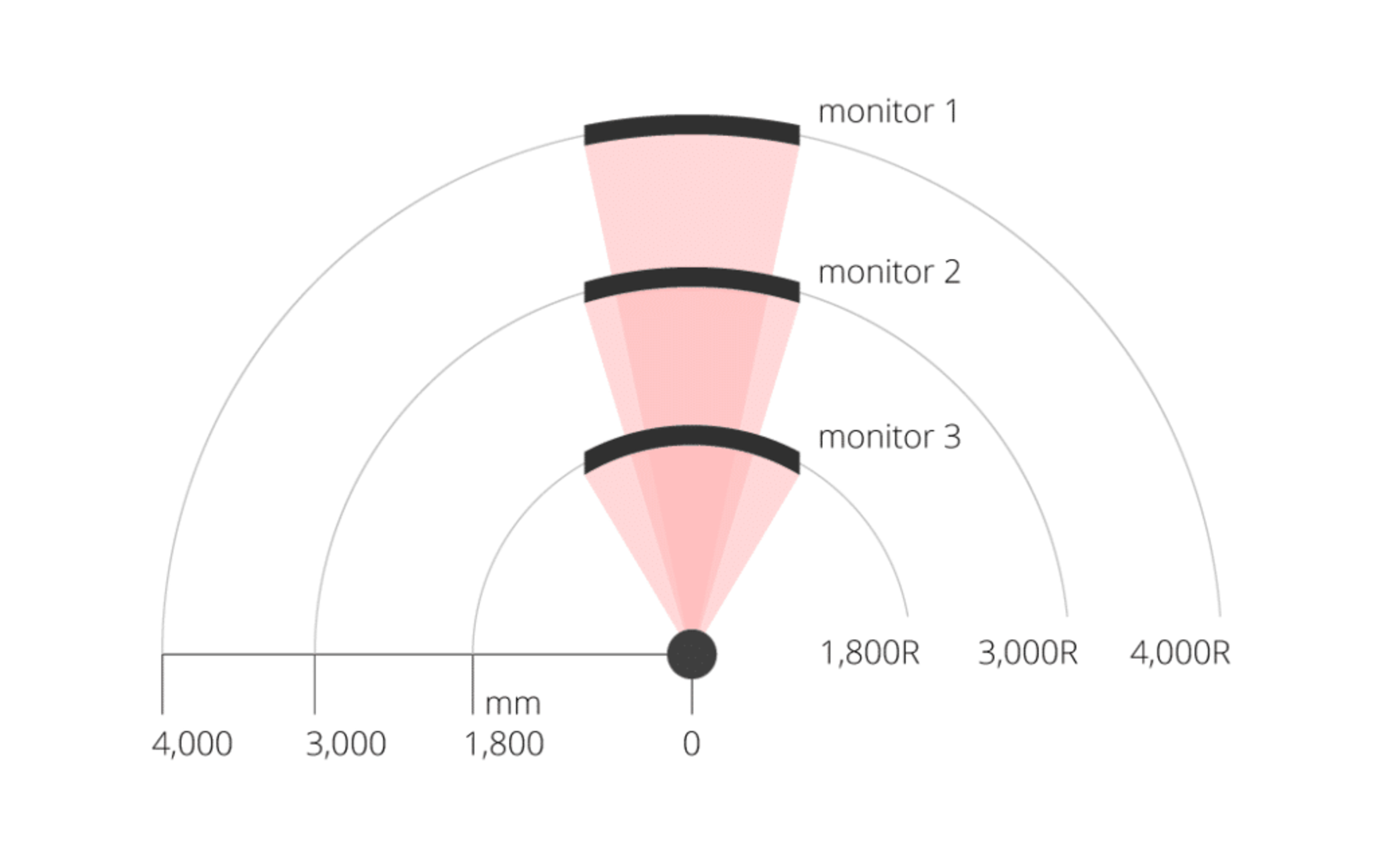
Source: ViewSonic.
Choosing which curve radius you prefer is a personal preference, but if you're getting a curved monitor for the first time and you've only used flat monitors, you may be better off starting with a less aggressive curve.
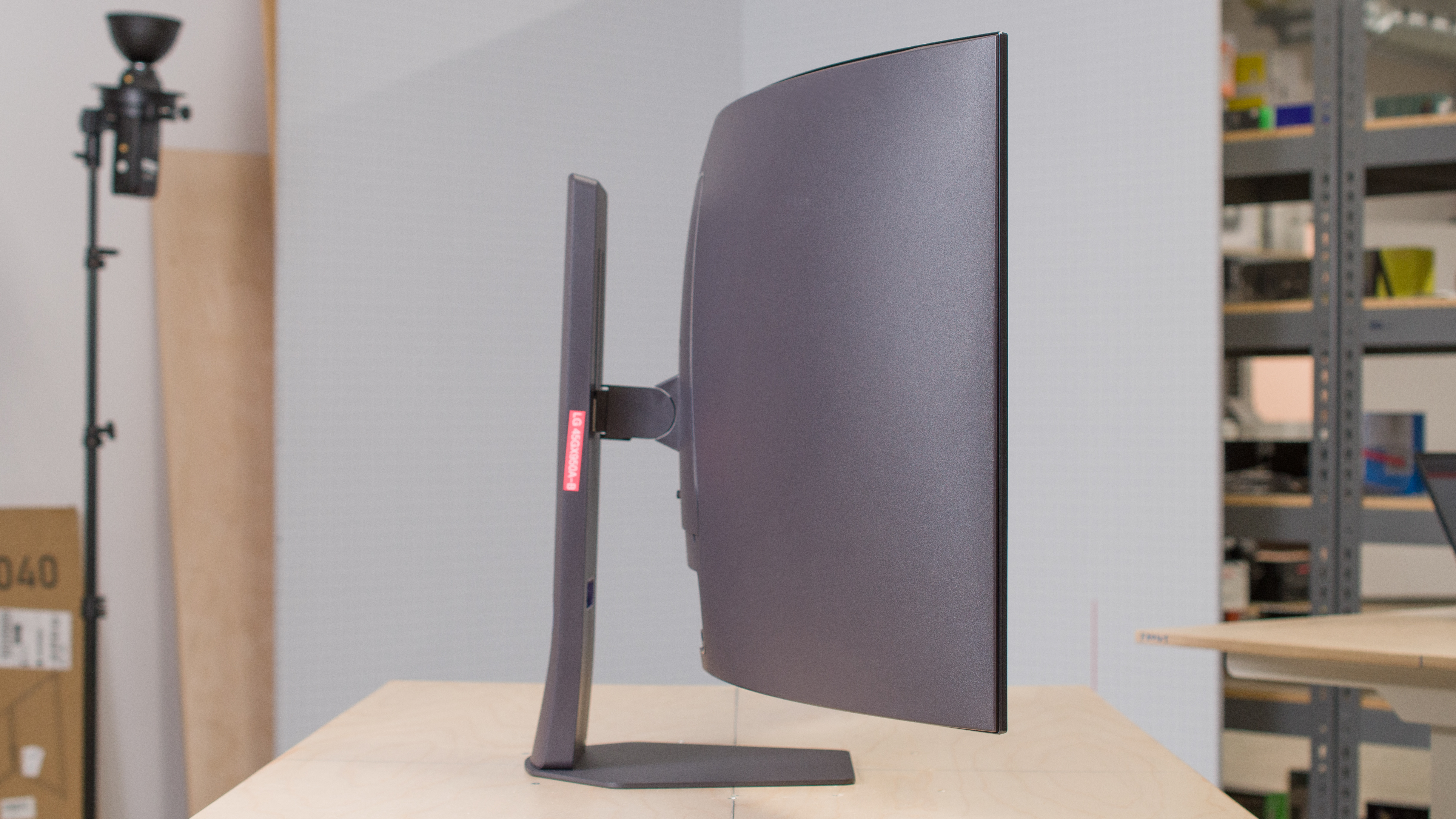
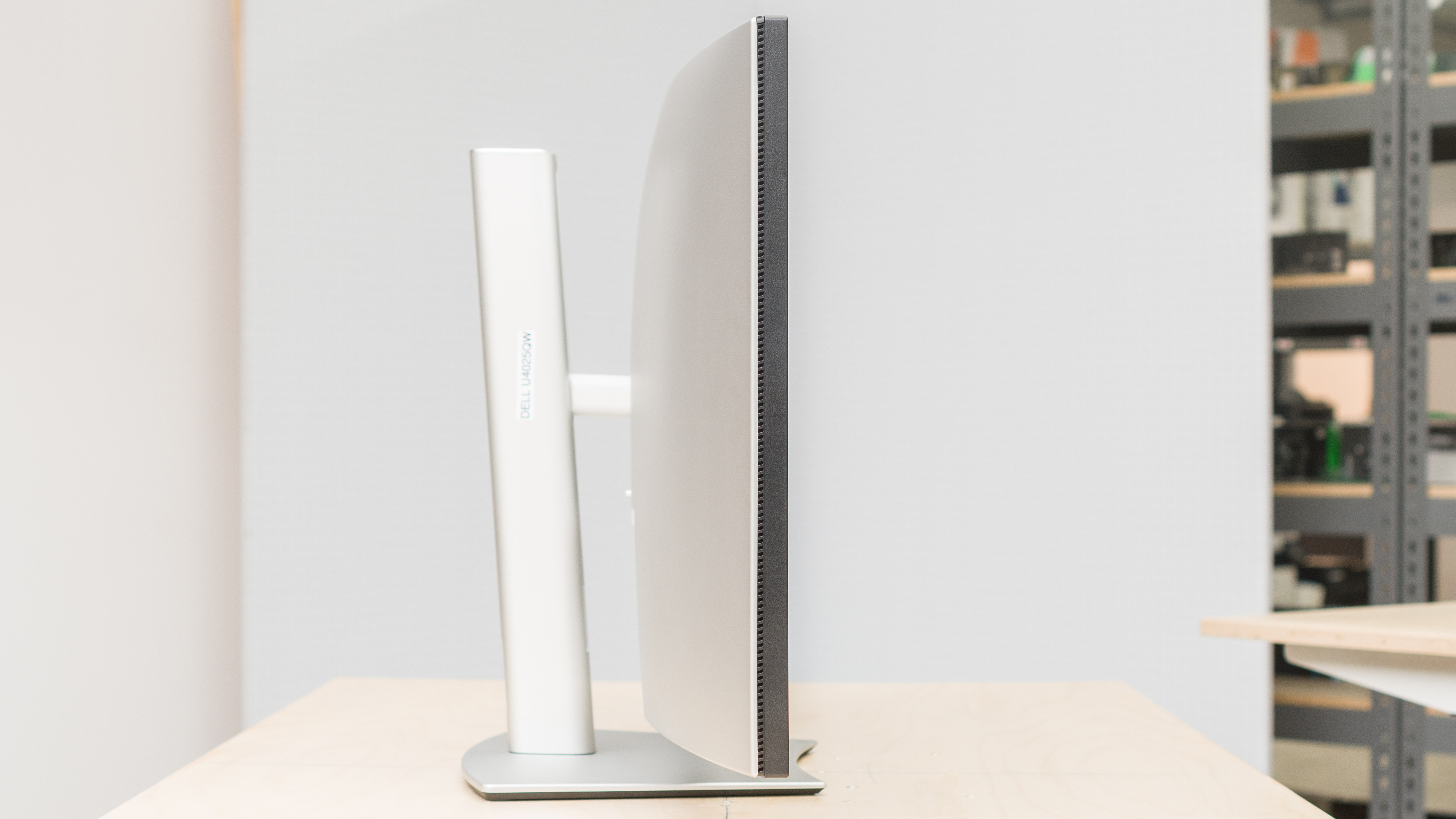
Below you can see the side views of monitors with different curved radii.
| 800R | 2500R |
|---|---|
 |
 |
Differences Between Curved vs Flat Monitors
Despite knowing the different types of curved and flat monitors available, it's also important to consider how they impact the monitor's performance. Below, you can learn more about the main differences between curved vs flat monitors.
Viewing Distance and Angles
Getting a curved screen may be beneficial if you want an ultrawide monitor and sit close to the display. This is because the edges are brought closer to your field of vision, making it easy to view more of the screen at once and offering a more immersive viewing experience. This is beneficial for atmospheric gaming, like sim racing.
When comparing a flat and curved monitor with the same size and viewing distance, the edges on the flat monitor are further from you, as you can see below. This means the image washes out at the edges on monitors with narrow viewing angles, which is why there are many curved VA panels that have narrow viewing angles. The curvature on these monitors helps bring the edges closer to you when you're sitting directly in front of it, so they don't look as washed out as on a flat screen.
The monitor's curve also helps you understand how far away you should sit from the monitor. According to ViewSonic, the maximum recommended viewing distance of a curved monitor is equal to the curve radius; a 2300R curve has a 2.3 m (7.5 ft) recommended viewing distance. That means those with aggressive curves are better for sitting close to the screen.
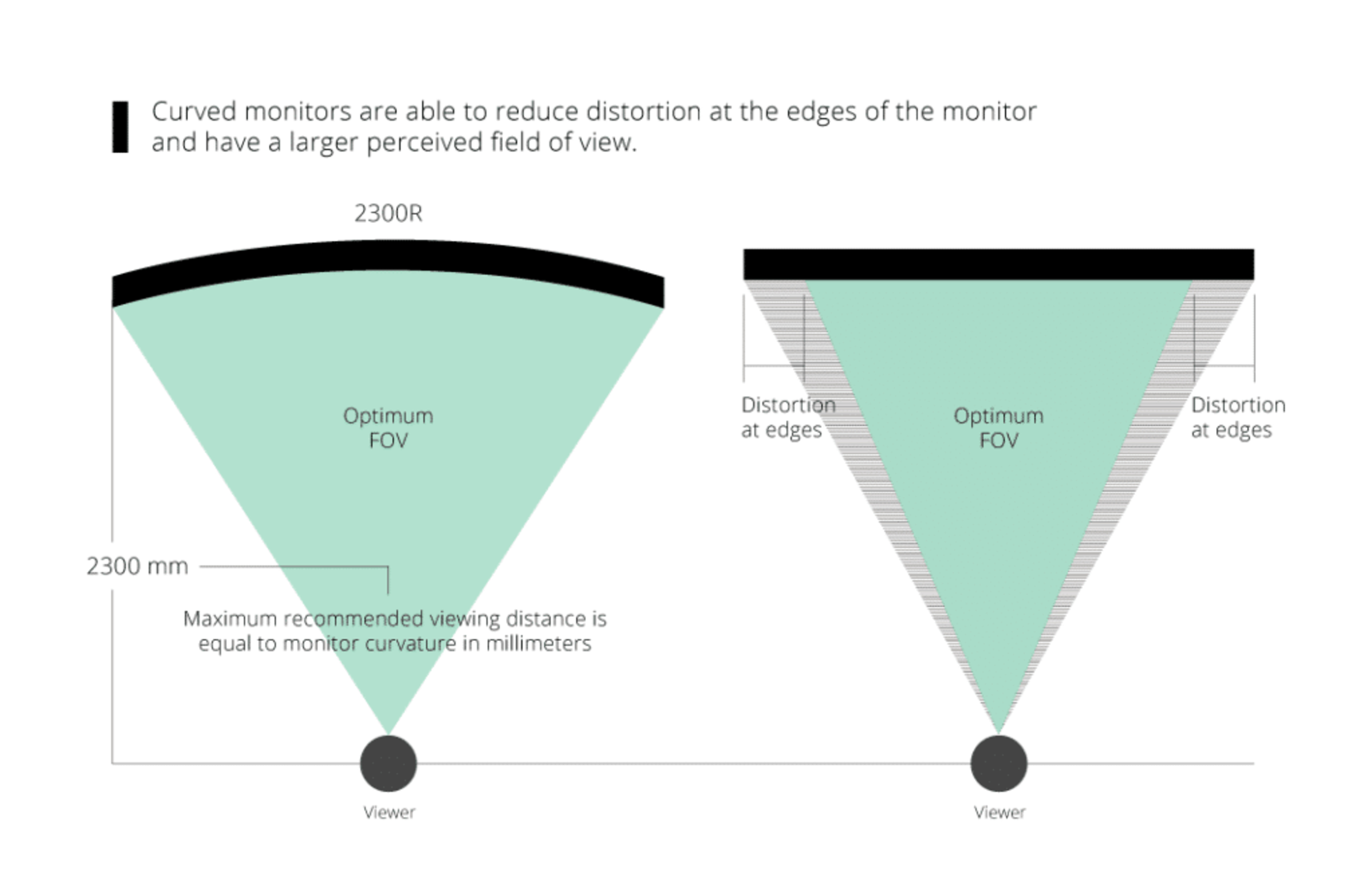
Source: ViewSonic.
A curved display helps if you sit directly in front of the screen, but it isn't ideal if you need to share the screen with someone next to you or if you're looking at the screen from the sides in a multi-monitor setup. If you're looking at a curved display from the sides, images look distorted or you may not even see the entire display, as you can see with the examples below.
Although the curved OLED monitors below have wide viewing angles, meaning the image remains consistent when viewing from wide angles, you can't see the entire screen from the sides. This is especially true for monitors with aggressive curves or monitors with narrow viewing angles, which is the case with the VA monitors below.
| Flat | Curved |
|---|---|
| 32-inch OLED | |
| 45-inch OLED | |
| 32-inch VA | |
Reading Webpages And Documents
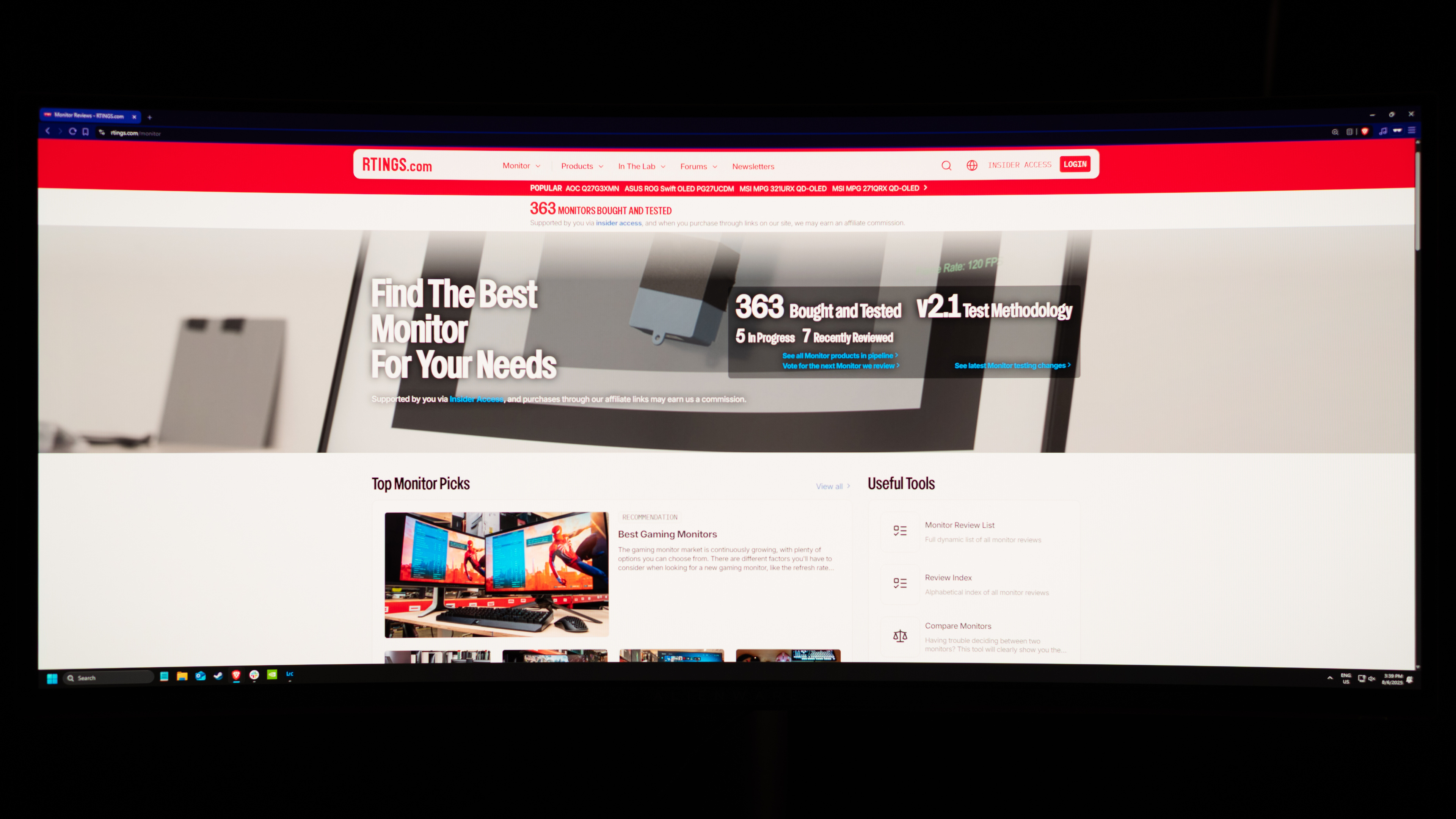
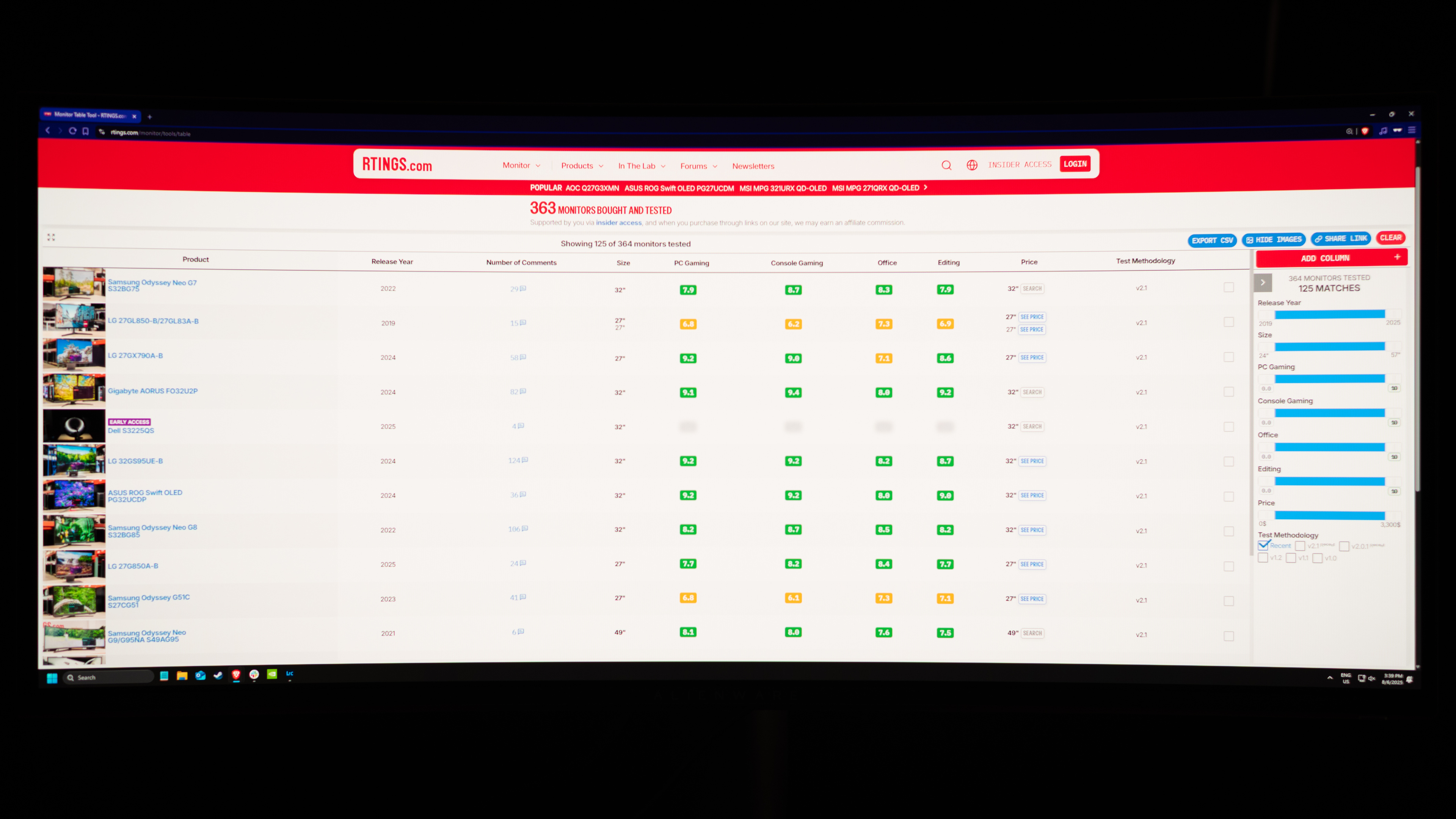
Although the monitor's curvature (or lack of it) doesn't impact text clarity, it does impact the way you see straight lines on the screen. You can see this with the examples below, showing the Dell Alienware AW3425DW, which has an 1800R curve, and the flat Dell Alienware AW2725DF. There's nothing intrinsically wrong with having these straight lines look curved; it just might take you some time getting used to it, especially if you've never used a curved monitor before. That said, this may be something to think about if you're a content creator or designer who needs the content on your screen to perfectly reflect reality.
Keep in mind that you'll notice these curved lines mainly with webpages or when reading documents. It's harder to see this when gaming, especially with action games where the on-screen content is constantly changing.
| Curved | |
|---|---|
 |
 |
| Flat | |
 |
 |
Reflections
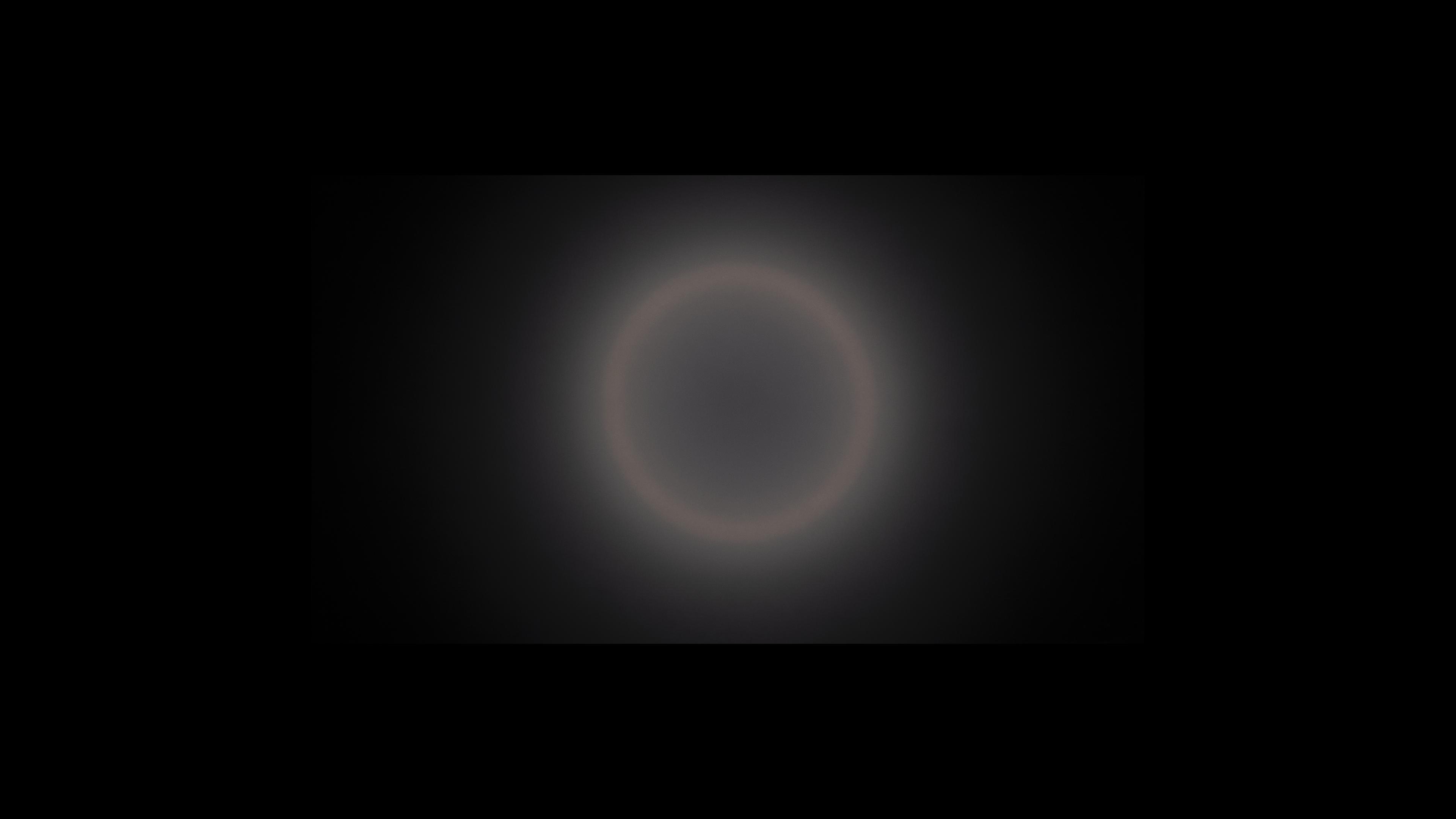
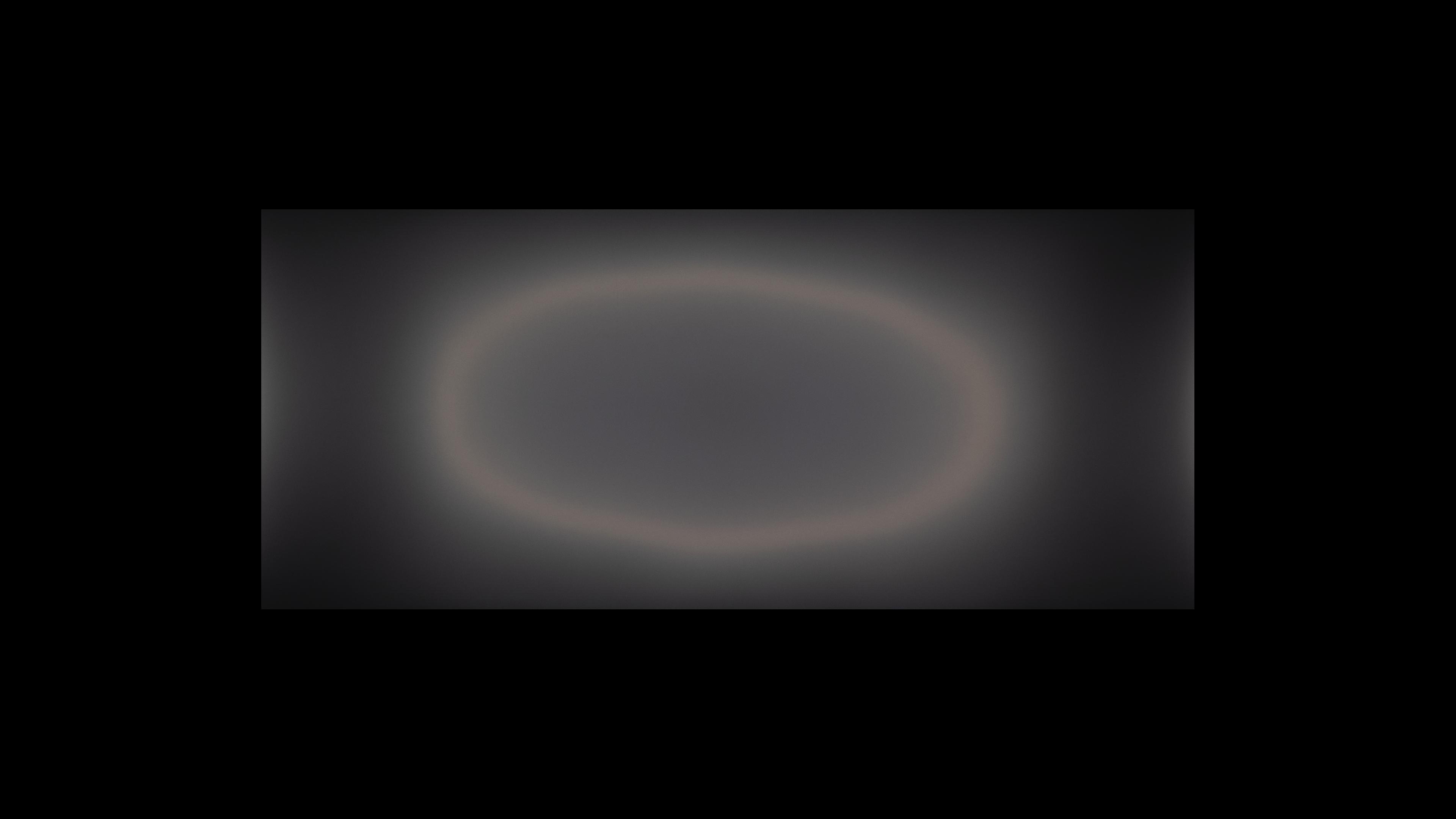
Lastly, something else that changes between curved and flat monitors is the way that light reflects off them. Reflection handling is something that varies between monitors and multiple factors impact it, including the screen coating. However, the shape of the screen impacts the direction that light comes off the display. What tends to happen is that monitors with less aggressive curves stretch the light out across the screen, while those with more aggressive curves direct the light towards the center of the screen.
You can see this with examples below with our Direct Reflections and Total Reflected Light test photos. The monitor with the least-aggressive curve, the LG 34GP83A-B, stretches light across the display, and reflected objects look warped. This is different on the monitors with more aggressive curves, as reflected light is compressed towards the center of the monitor.
| Flat | 1900R Curve | 1000R Curve | 800R Curve |
|---|---|---|---|
| Dell G3223Q | LG 34GP83A-B | Samsung Odyssey Neo G9/G95NA S49AG95 | LG 34GS95QE-B |
 |
 |
 |
 |
 |
 |
 |
 |
Of course, it's important to remember that some monitors are better at absorbing light than others, but the differences above are good examples of what happens to light when it doesn't get absorbed on a curved or flat monitor.
Conclusion
The debate of choosing between flat vs curved monitors is a timeless one, and there's no real winner. It's ultimately a personal preference, but there are a few differences you may want to consider before choosing to get a flat or curved monitor. For example, curved monitors help bring the edges closer to your field of vision, providing a more immersive gaming experience. However, getting a curved monitor is only something to consider if you sit directly in front of it, as they're less ideal for multi-monitor setups or sharing your screen with someone next to you. Another thing to consider, especially if you're a content creator, is that straight lines look curved. This also may take some time getting used to if you've always used a flat monitor. With all that said, deciding between a curved vs flat monitor is only one aspect to choose when looking for a new monitor, as curved and flat displays are available in various sizes and resolutions with different panel types.