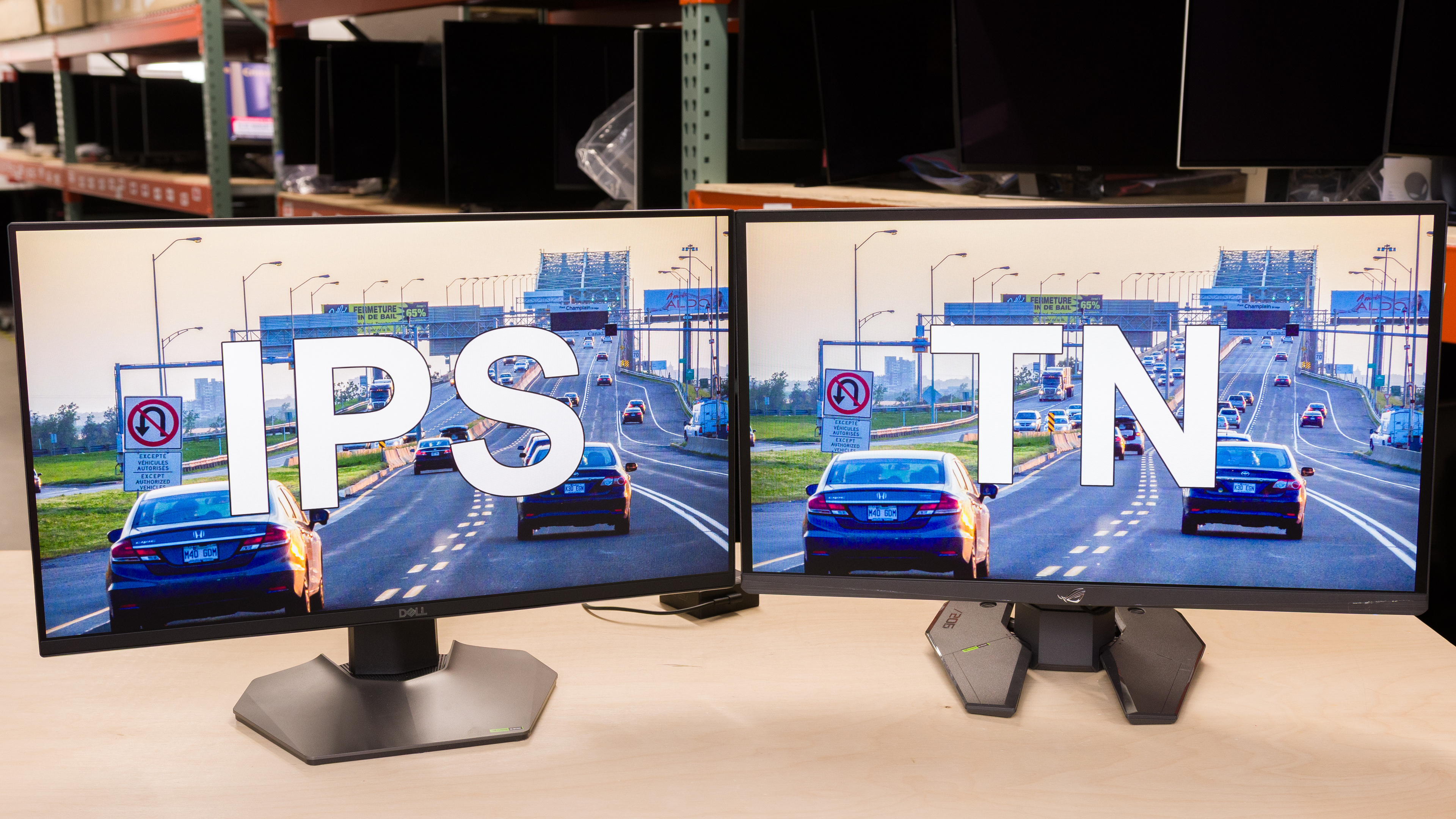
Many gaming monitors use LCD panels, with two common panel types being IPS and TN. Although the majority of LCD monitors use IPS panels, there are esports gaming monitors that use TN panels. When comparing IPS vs TN panels, you'll notice how different they actually are in terms of picture quality and motion handling. While it may seem easy to say that IPS panels are better due to their wider viewing angles, superior colors, and improved uniformity, this doesn't mean that they're the better choice for everyone. TN panels still have greater motion handling, which makes them the better choice if you're a gamer craving crisp motion.
If you want to learn more about various panel types, check out our LED vs OLED article.
Technical Differences
In-Plane Switching (IPS) and Twisted Nematic (TN) panels are both types of LCD panels, and they display an image by relying on LED lights behind the panel. Voltage excites the subpixels, causing them to shift and let light pass through, creating an image on your monitor's screen. The main differences between IPS vs TN panels come down to the way their subpixels move, which may seem small, but it has a big impact on the picture quality.
Subpixel crystals on IPS panels rotate parallel to the monitor's screen to let light pass through, similar to how clock hands rotate. As for TN panels, the subpixels twist to let light through.
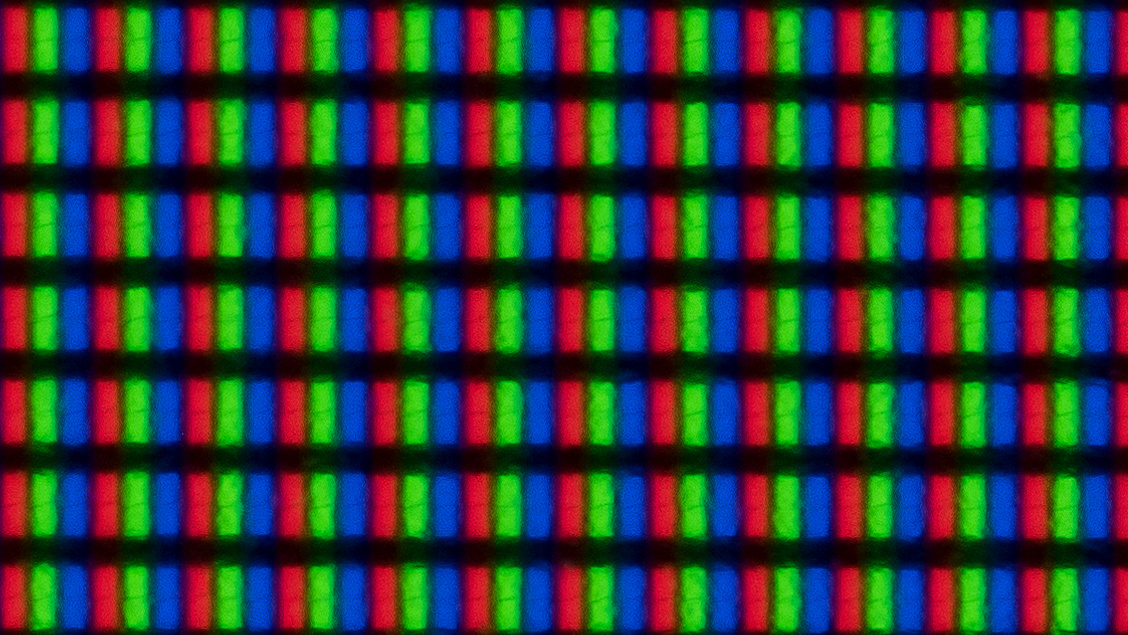
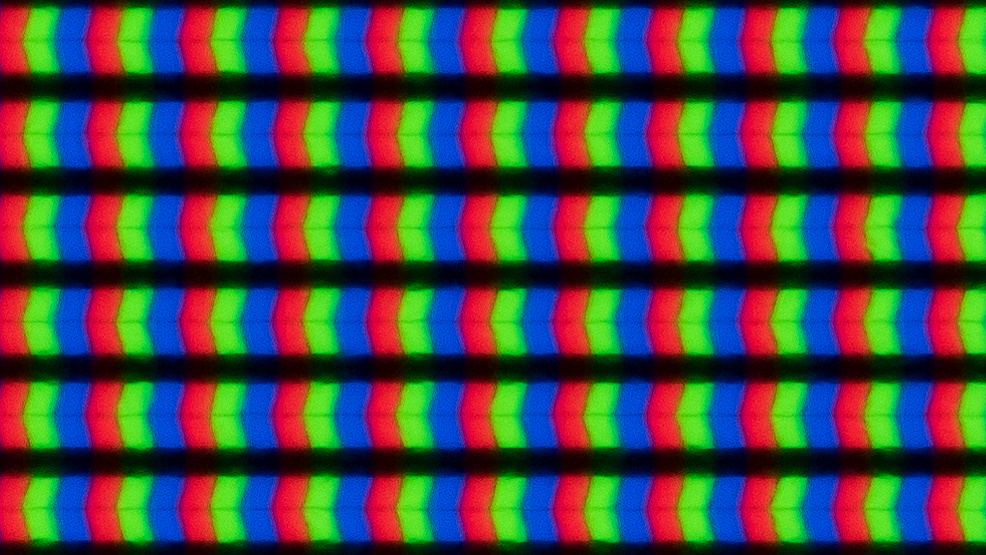
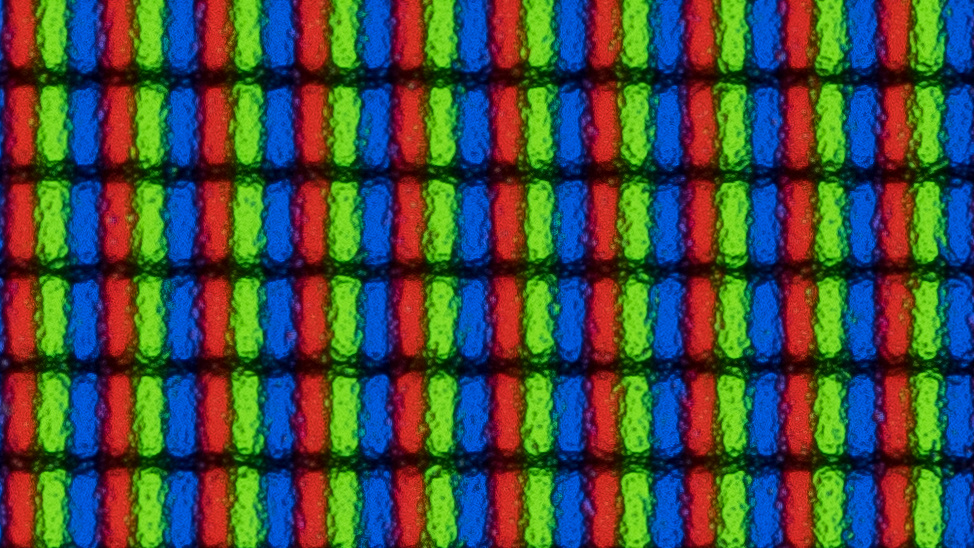
Despite these differences, the shape of the subpixels is similar between the panel types, as you can see below. Keep in mind that there are different types of IPS panels made by different manufacturers, and not all have the same subpixel shape. That said, the subpixels move the same way with any of these IPS panels, so they share the same characteristics.
| IPS | TN | |
|---|---|---|
 LG 27GL850-B/27GL83A-B |
 LG 34GP83A-B |
 BenQ ZOWIE XL2566K |
IPS vs TN: Which Is Better?
| Motion | Viewing Angles | Picture Quality | Availability |
|---|---|---|---|
| TN | IPS | IPS | IPS |
Choosing between TN vs IPS panels really depends on your needs. For most people, IPS monitors are the better choice because they offer more versatility with wider viewing angles and superior picture quality. This means you should go for an IPS monitor if you want something for different uses, like for work and gaming. However, TN monitors are still the best LCD panel type for motion handling, so you should get one if you're a competitive gamer and play fast-paced games.
Motion
Winner: TN
Historically, one of the main advantages of TN panels was their superior motion handling compared to other LCD panel types, and that still stands today. Although there are IPS monitors with fast response times and excellent motion handling, most TN monitors are better as they have minimal blur with fast-moving objects. Plus, because most TN monitors these days have high refresh rates, they provide a smooth gaming experience, ideal for competitive esports gamers.
Below you can see examples of two high-refresh-rate gaming monitors: the BenQ ZOWIE XL2586X (TN) and the Dell Alienware AW2524H (IPS). At their max refresh rates of 540Hz and 500Hz, respectively, it's clear that the TN monitor has much better motion handling with less blur behind objects. The difference between them isn't as big with lower refresh rates, though, as there's persistence blur that you can see in the 60Hz photos. That said, if you look closely at the photos, you can still see that there's a bit less blur on the TN monitor as it has a faster response time.
| TN | IPS |
|---|---|
| 540Hz | 500Hz |
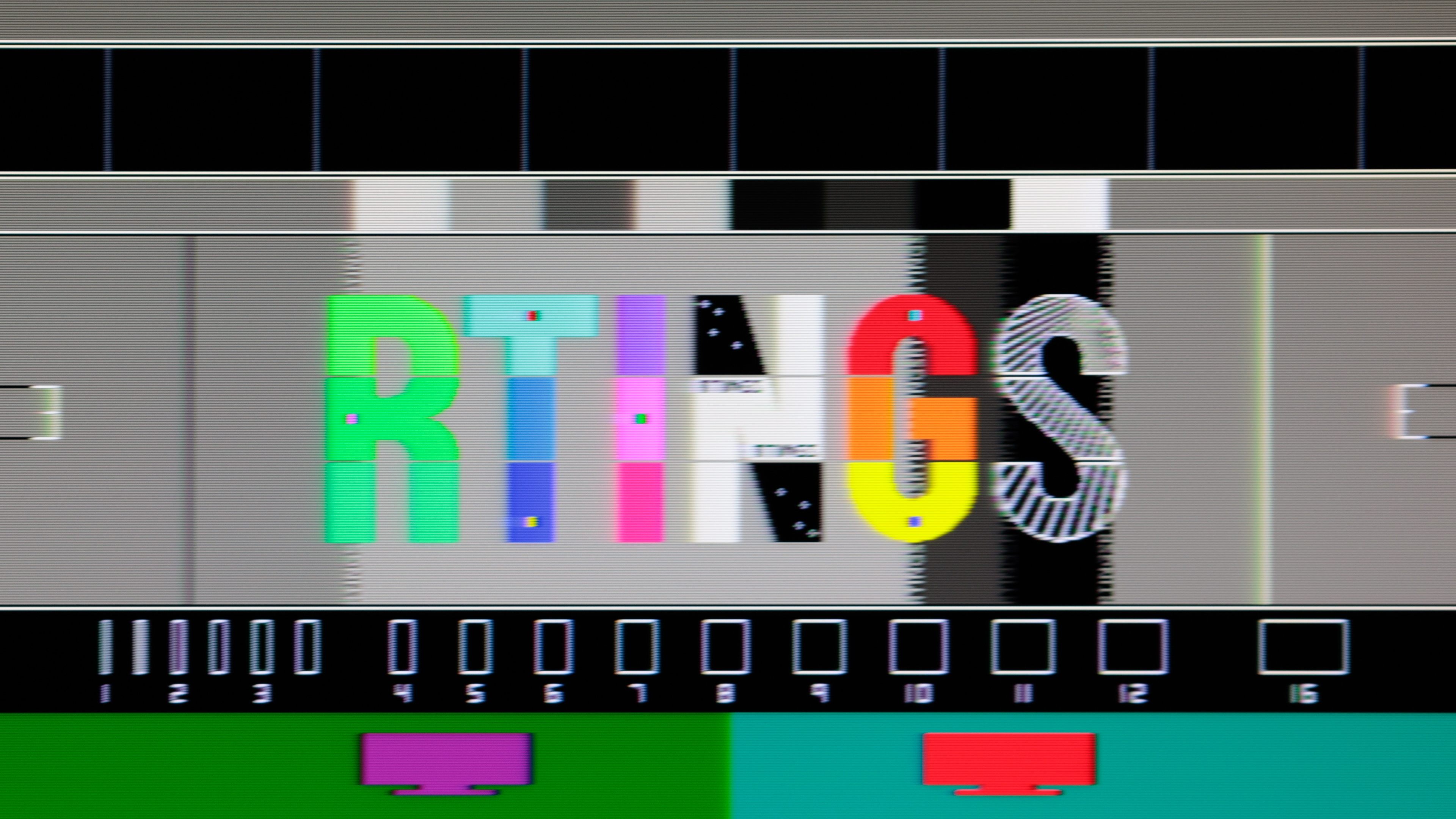 Total Response Time: 3.5 ms |
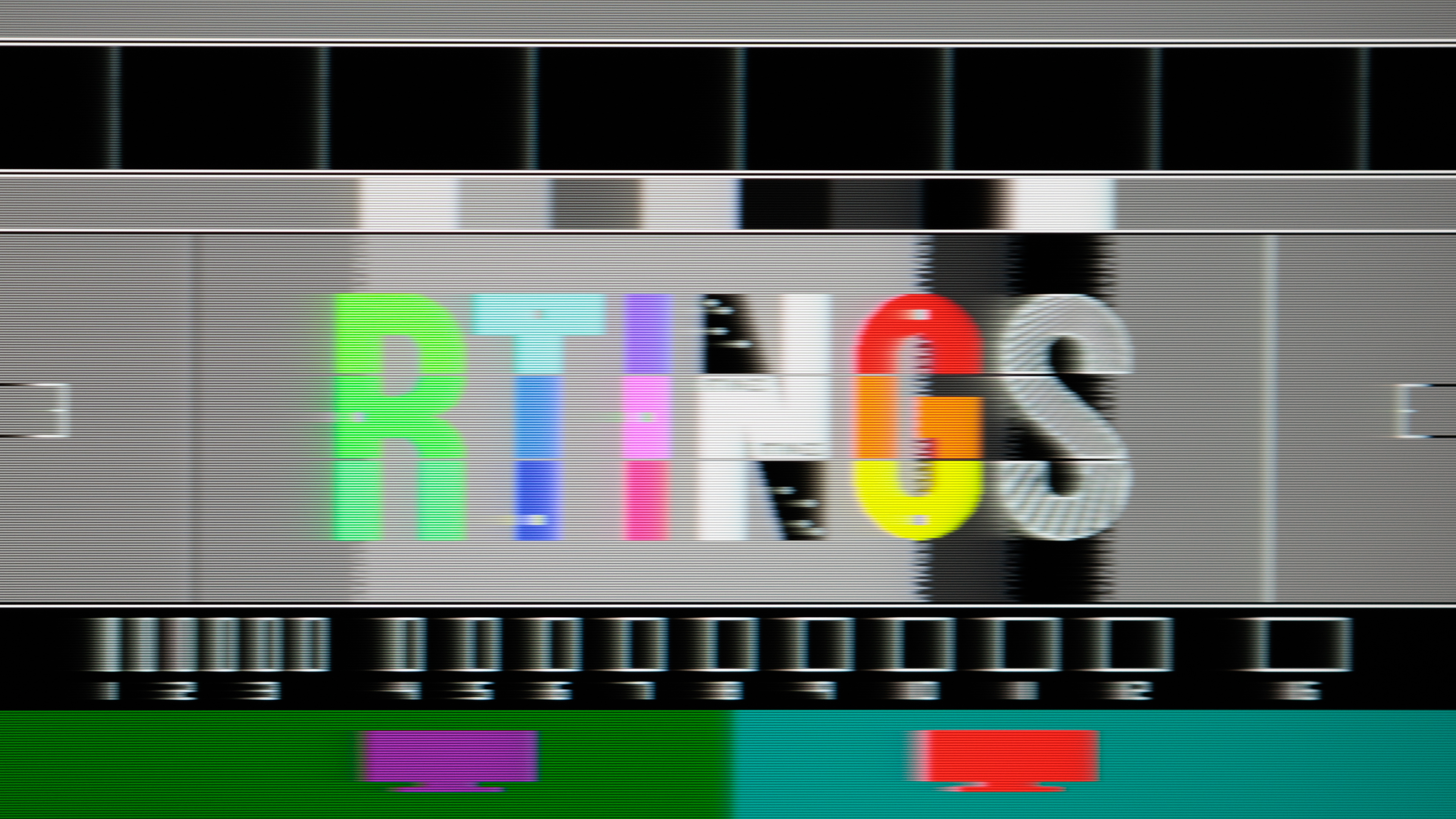 Total Response Time: 4.2 ms |
| 60Hz | 60Hz |
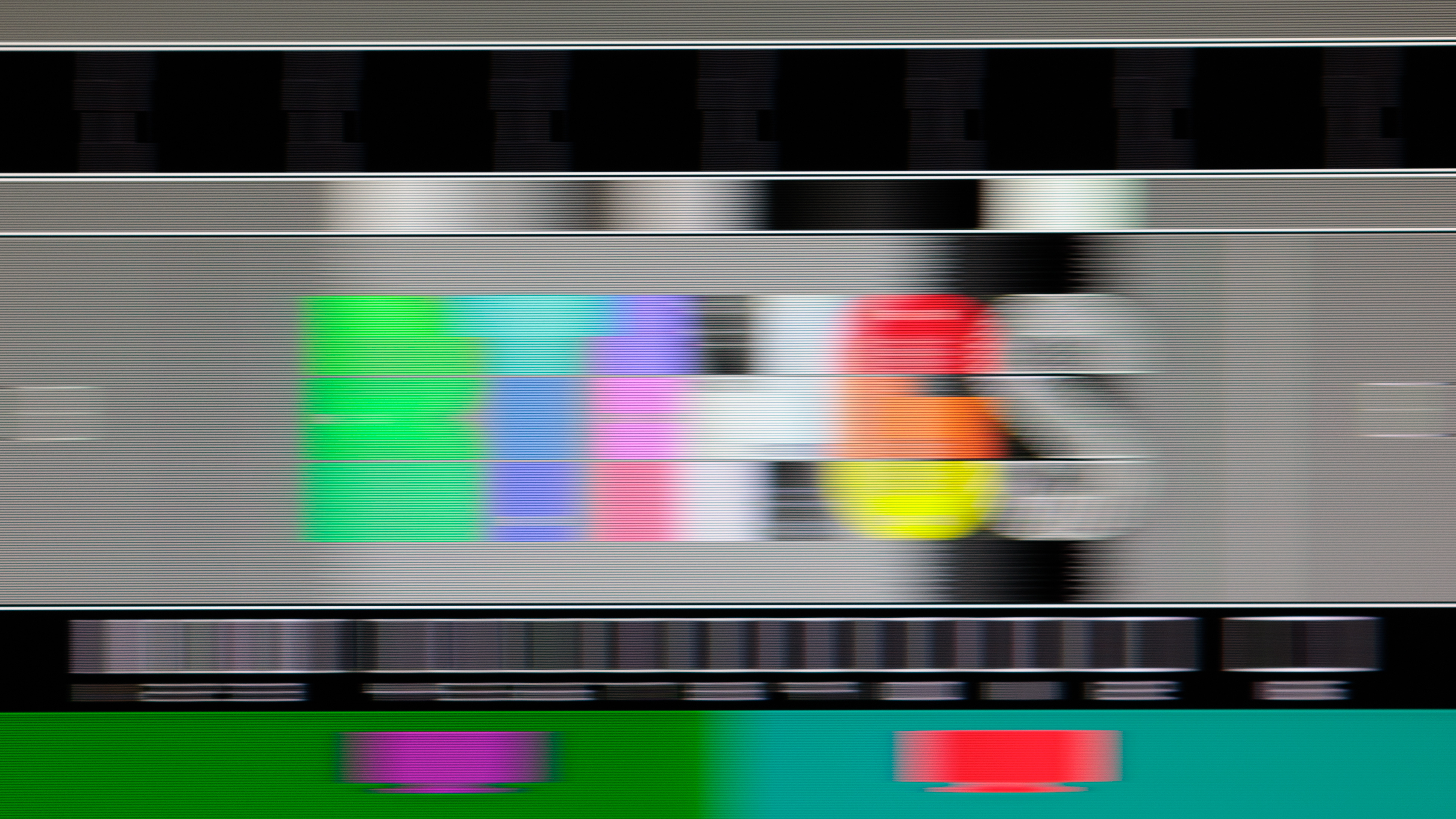 Total Response Time: 7.8 ms |
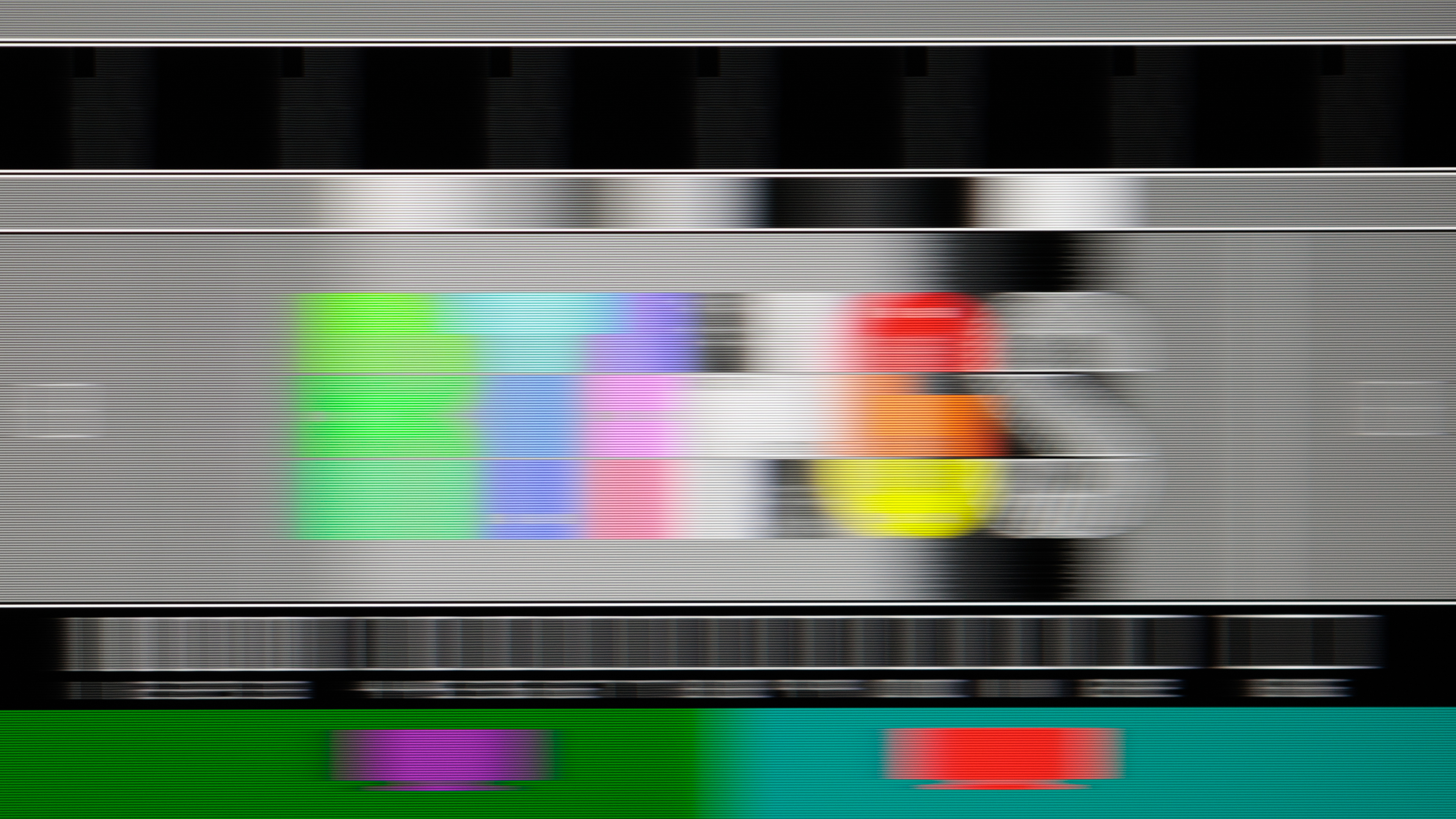 Total Response Time: 8.1 ms |
Many TN monitors also have optional backlight strobing features to reduce persistence blur. When implemented properly, these features can reduce persistence blur at any refresh rate, improving the appearance of motion. That said, this feature isn't a characteristic of the panel type, as there are TN monitors that don't have it, and there are IPS displays that do.
Viewing Angles
Winner: IPS
While motion is TN's greatest strength, its biggest weakness is with viewing angles. They have extremely narrow viewing angles, meaning the image washes out if you aren't viewing it from directly in front. One of the defining characteristics of TN panels is that the colors invert when viewed from below, resulting in a weird-looking image. If you aren't sure if your monitor has a TN panel or not, all you have to do is look at it from below and see if colors invert or not.
On the other hand, IPS panels have wide enough viewing angles to share the screen with someone next to you. There are some IPS monitors that have wider viewing angles than others, but generally speaking, these are the best LCD panels for viewing angles.
Below are examples of viewing angles on TN and IPS monitors, and you can see how quickly colors shift on the TN, especially when looking at it from below.
| TN | IPS |
|---|---|
Picture Quality
Winner: IPS
Generally speaking, TN panels tend to have worse overall picture quality than IPS panels. One of the reasons is because TN panels have worse uniformity. This means they have trouble displaying an even color throughout the entire screen, like when viewing a full-screen webpage or document. While there are IPS monitors that also struggle with uniformity, as ultimately it's something that varies between units, IPS monitors are generally more uniform than TN monitors.
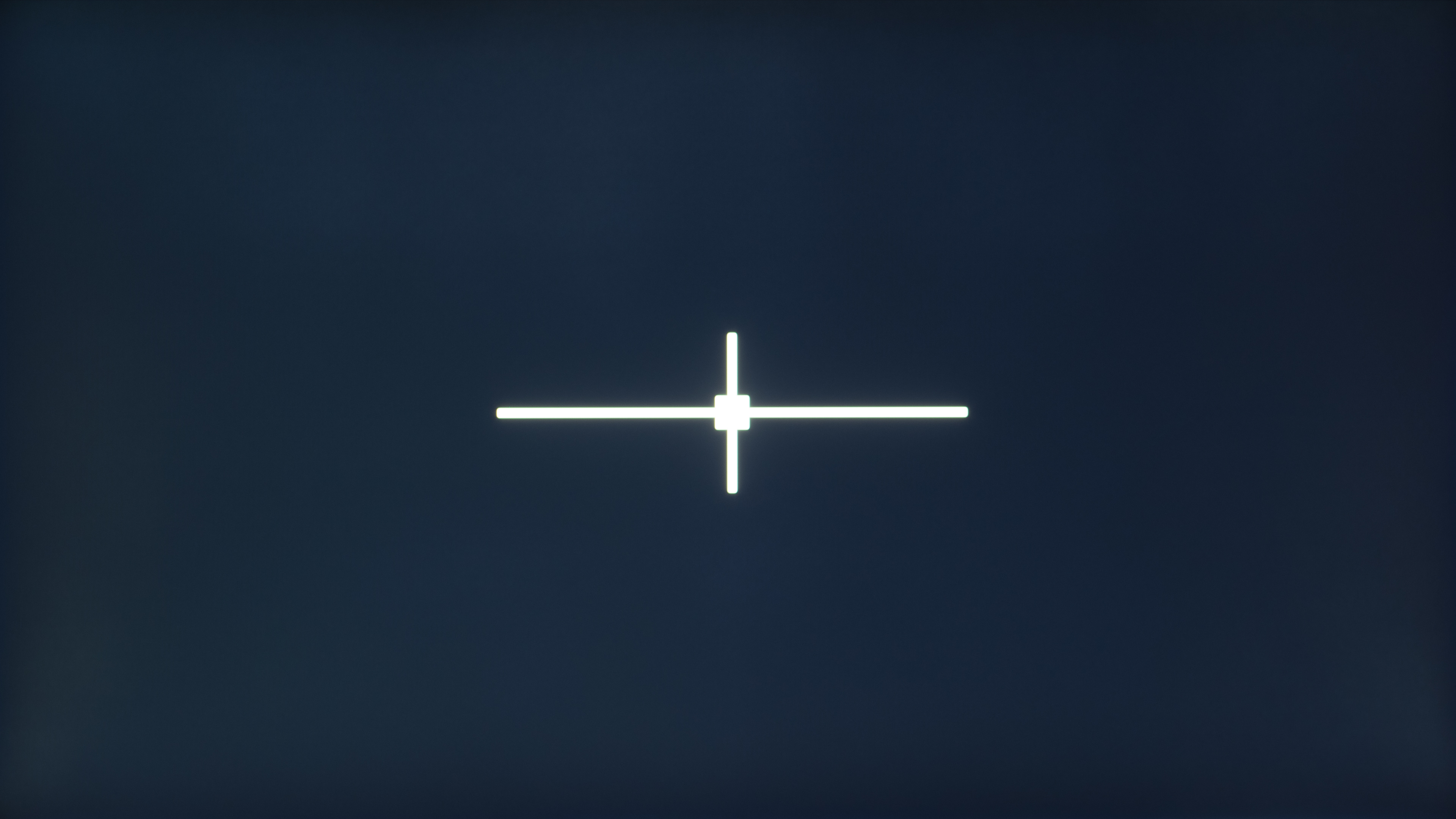
The biggest issues with TN monitors are backlight bleed and edges looking darker. They usually also have these issues when displaying a dark color, like black, but so do some IPS monitors. Below you can see examples of our gray uniformity and black uniformity pictures from TN and IPS monitors. The IPS monitor displays a more uniform color throughout, with both gray and black.
| TN | IPS |
|---|---|
| BenQ ZOWIE XL2546X | Dell S2722QC |
 50% Std. Dev.: 7.778% |
 50% Std. Dev.: 4.183% |
 Native Std. Dev.: 1.439% |
 Native Std. Dev.: 1.194% |
Keep in mind that these are just examples, and there are IPS monitors that have uniformity issues, but most are more uniform than TN monitors. IPS monitors also have IPS glow when you aren't viewing them from directly in front, resulting in raised blacks towards the corners of the screen. However, this is different than having uniformity issues, and it's a problem with any IPS monitor and depends on your viewing angle.
Another difference in picture quality is that IPS monitors tend to display a wider range of colors more accurately. However, this is a general statement, and color accuracy is something that varies between units. There are also TN monitors that display a wider range of colors than IPS monitors, so it's not a guarantee that you're getting better colors with an IPS monitor.
Availability
Winner: IPS
Besides the differences in performance and picture quality, one of the main reasons you'll likely end up getting an IPS monitor is that there are many more models to choose from. The majority of LED-backlit LCD monitors these days use IPS panels. Only a handful of monitors use TN panels, and most of them are focused on competitive gaming with high refresh rates, small screens, and low resolutions. This means that if you're looking for a 27-inch or bigger monitor with a 1440p or higher resolution, you're already limited to just IPS panels.
Although TN panels were historically the cheaper panel to produce, most TN monitors are now high-end esports gaming displays that are costly. If you're on a tight budget, you'll have better luck finding a low-cost IPS monitor. You can see all the IPS and TN monitors we've tested.
For more specific recommendations, check out our monitor buying guides.
Conclusion
IPS and TN panels are different types of LCD panels that have their own pros and cons. Generally speaking, TN panels have the advantage when it comes to motion handling, as they have faster response times with less blur behind fast-moving objects. That said, IPS monitors have better picture quality with improved uniformity, wider viewing angles, and superior colors. This means that if you're looking for a monitor for different uses, including work, you should go for an IPS monitor. While the majority of LCD monitors these days have IPS panels, there are still esports-focused gaming monitors with TN panels, so choosing which panel type to get all depends on your needs.