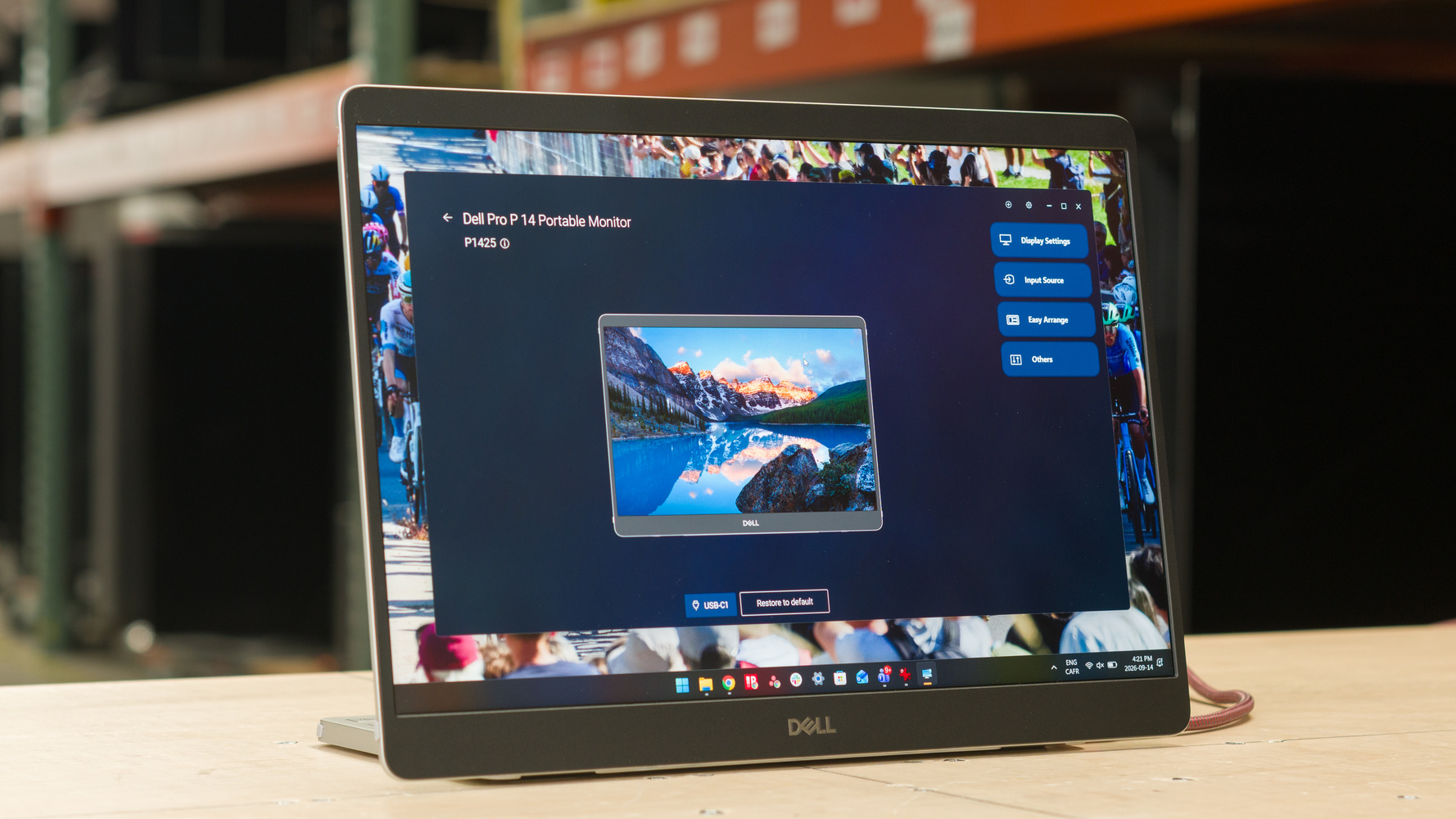
The Dell P1425 is a 14-inch portable monitor. Unlike many monitors, it has a 16:10 aspect ratio for extra screen height, and it has a 1920x1200 resolution. It has a built-in stand that allows you to adjust the angle of the screen, including if you want to use it in portrait mode. It's rather straightforward without any extra perks, as it lacks a touchscreen, but its USB-C ports provide passthrough power delivery of up to 65W. It competes with other portable monitors in the same price range, like the Lenovo ThinkVision M14t Gen2.
Note: Our portable monitor reviews only include certain tests to better cover the intended usages, like office work and editing. The gaming verdict scores don't include a number of tests, like motion handling, so these scores shouldn't be compared to regular desktop monitors. However, scores are comparable across portable monitors on the same test bench.
Our Verdict
Note: The score doesn't reflect its performance because we didn't measure its Response Time. Don't compare the score to regular desktop monitors.
The Dell P1425 isn't suitable for PC gaming. It can only connect over USB-C, and it's limited to a 60Hz refresh rate. Plus, motion looks blurry, and it has high input lag.
Note: The score doesn't reflect its performance because we didn't measure its Response Time. Don't compare the score to regular desktop monitors.
The Dell P1425 isn't suitable for console gaming because it only has USB-C inputs. You would need an HDMI adapter to even connect a console, but there's no guarantee that it would work.
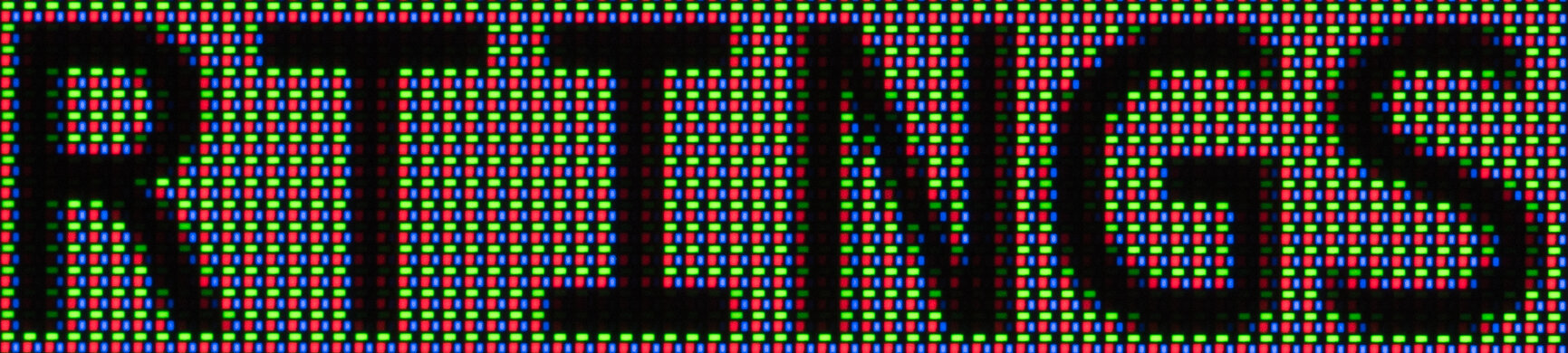
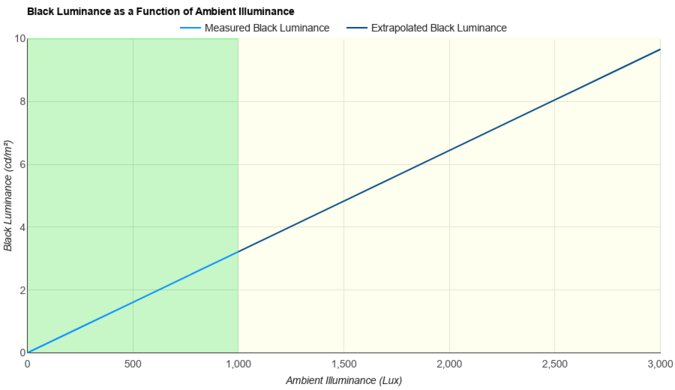
The Dell P1425 is good for office work. Text looks sharp, and it gets bright enough to fight some glare. However, reflections are distracting if you have it in front of a sunny window. It comes with a built-in stand that lets you tilt it, but you can't change the height of the screen.
Sharp text and images.
Tilt-adjustable stand.
Bright enough to fight some glare.
Visibility is an issue in sunny rooms.
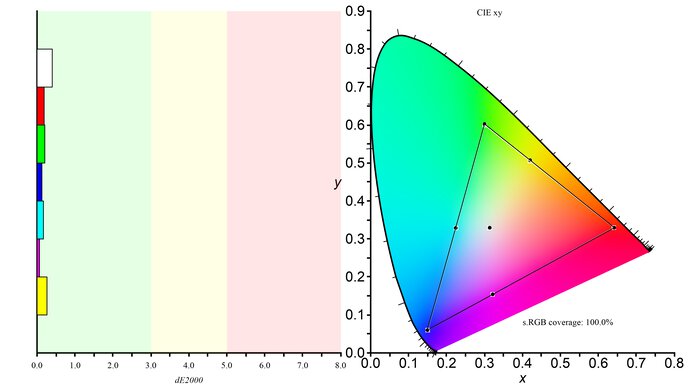
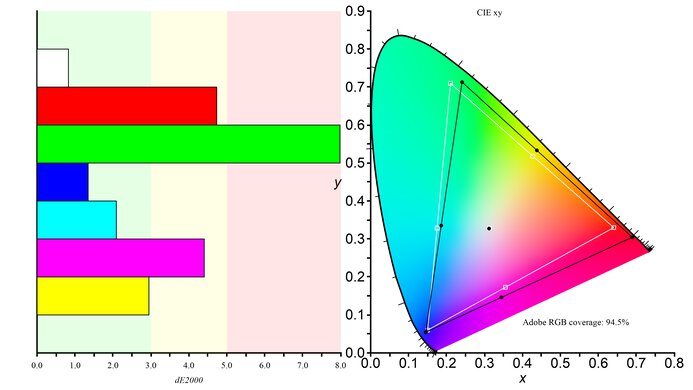
The Dell P1425 is decent for content creation. While it's accurate out of the box without oversaturated colors, it has limited picture settings. This means you can't calibrate it to make it better. It also has poor picture quality with a low contrast ratio, so blacks look gray, and it doesn't support HDR at all. It at least displays a wide range of colors in SDR and images look sharp.
Sharp text and images.
Tilt-adjustable stand.
Bright enough to fight some glare.
Limits colors to sRGB color space.
Visibility is an issue in sunny rooms.
Low contrast ratio.
No settings to improve accuracy.
The Dell P1425 has great brightness. It fights some glare well, unless you have it in front of a sunny window.
Bright enough to fight some glare.
We didn't measure the Response Time on the Dell P1425. Regardless, it has a limited 60Hz refresh rate with blurry motion.
The Dell P1425 doesn't support HDR.
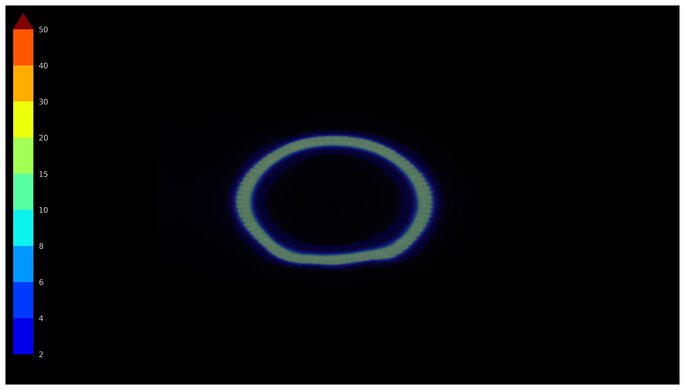
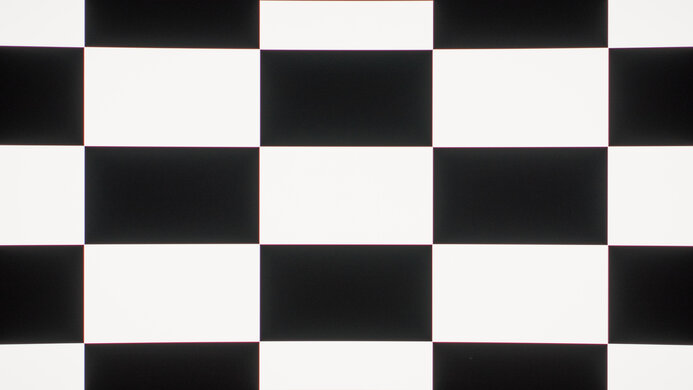
The Dell P1425 has good SDR picture quality. Its biggest strength is its wide range of colors. However, blacks look gray due to its low contrast ratio.
Limits colors to sRGB color space.
Low contrast ratio.
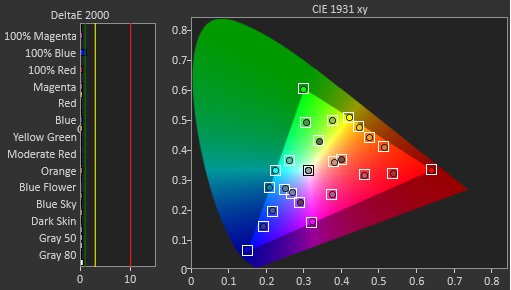
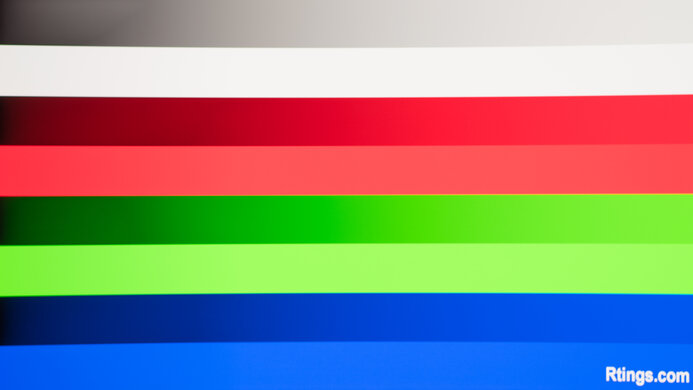
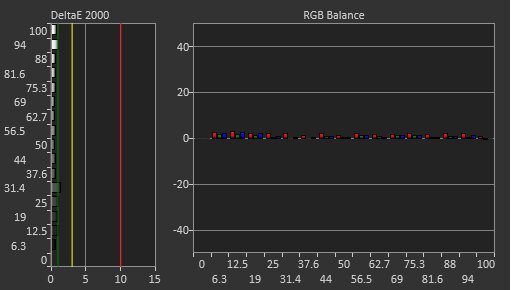
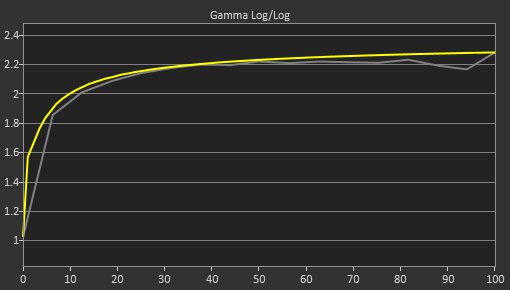
The Dell P1425 has great color accuracy. It's accurate out of the box, as it doesn't have any oversaturated colors. However, the white balance is off, so shades of white are inaccurate. It doesn't have any settings to calibrate it and improve the accuracy.
Limits colors to sRGB color space.
No settings to improve accuracy.
Performance Usages
Changelog
- Updated Oct 07, 2026: We converted this review to Test Bench 2.2. With this update, we've added a new test box for the Longevity 3.0 test.
- Updated Sep 18, 2026: Review published.
- Updated Sep 16, 2026: Early access published.
- Updated Sep 10, 2026: Our testers have started testing this product.
Check Price
Differences Between Sizes And Variants
We bought and tested the 14-inch Dell P1425, which is the only size available. The results are only valid for this model.
| Model | Size | Resolution | Refresh Rate |
|---|---|---|---|
| P1425 | 14" | 1920x1200 | 60Hz |
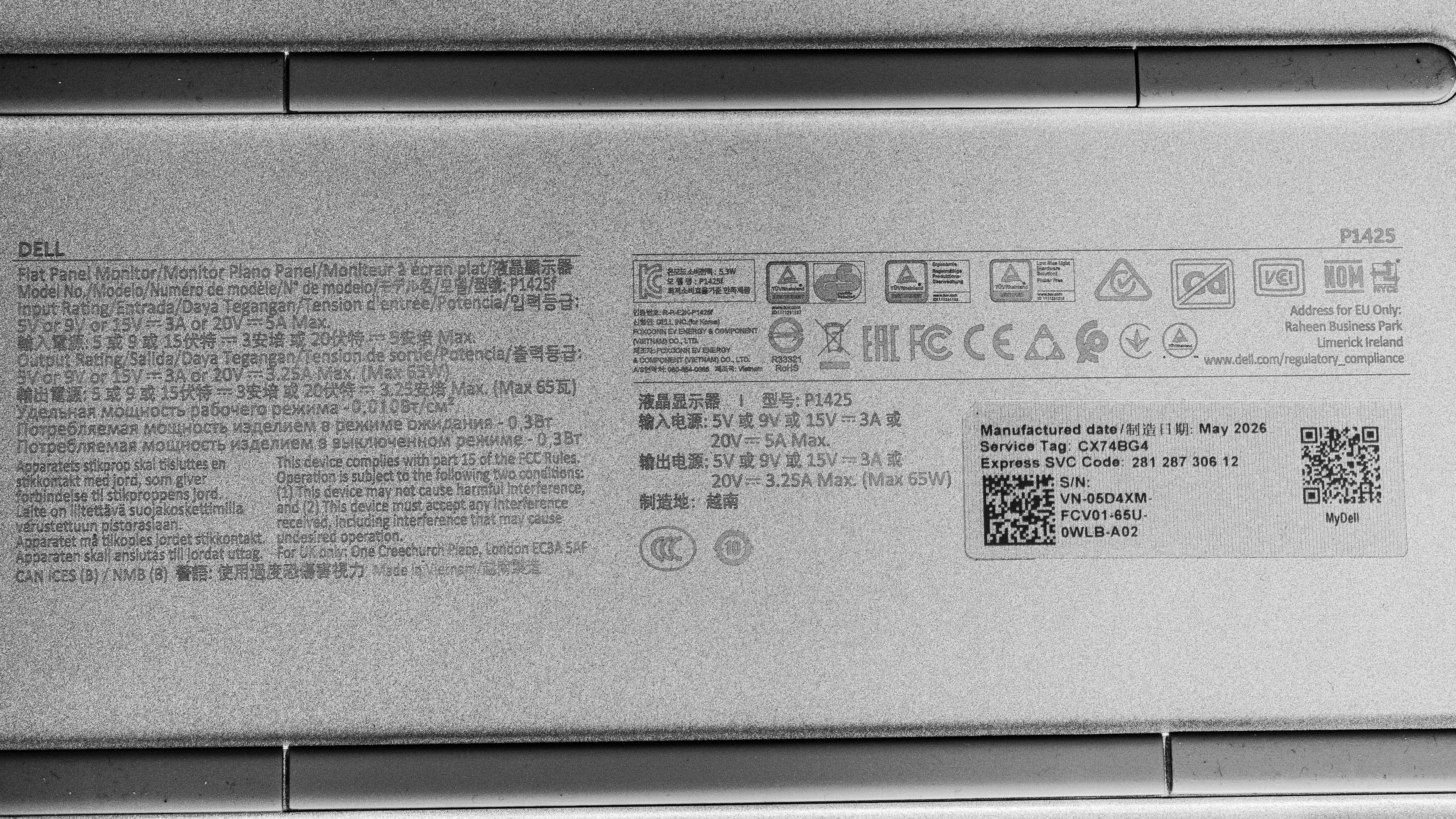
Our unit's label indicates it was manufactured in May 2026.
Popular Monitor Comparisons
The Dell P1425 is a solid portable monitor that's useful if you need something on the side of your laptop. It's a mid-range option compared to other portable displays, as it doesn't have premium features, like a 4k resolution or touchscreen, like on the higher-end espresso Pro 15, and it's more well-rounded than cheap options. Its high brightness means it suitable if you work in a well-lit space, making it a better choice than the competing LG gram +view 16. However, its matte coating makes the screen hard to properly see if you have it in front of a sunny window. It's rather straightforward besides that, as it doesn't even have picture modes to choose from, but it does the trick as a secondary screen for on-the-go work.
Also see our recommendations for the best portable monitors and the best lightweight laptops. If you want a regular desktop monitor instead, check out the best work monitors and the best Dell monitors.
The Dell P1425 and the LG gram +view 16 are competing entry-level portable monitors. The LG has a higher resolution, with higher pixel density and sharper text. However, the Dell feels better built, and it comes with a built-in stand. The Dell also gets brighter and is more accurate out of the box.
The Dell P1425 is newer than the Dell C1422H. The main advantage of getting the newer P1425 is that it's brighter. The P1425 also has a different 16:10 aspect ratio, offering extra vertical screen height compared to the 16:9 aspect ratio of the C1422H. Otherwise, the two monitors are similar in features.
The espresso Pro 15 is higher-end than the Dell P1425. The espresso has a higher resolution for sharper text, and its touchscreen offers greater versatility. The espresso also comes with a more ergonomic stand, allowing you to adjust it in more ways. However, the Dell has better accuracy in the sRGB color space, as it doesn't oversaturate colors.
The Lenovo ThinkVision M14t Gen2 and the Dell P1425 are competing portable monitors. The Lenovo has the slight edge in features because it has a touchscreen, which the Dell doesn't have. However, the Dell has the advantage when it comes to using it in a well-lit room because it gets brighter and has better reflection handling. That said, the glossy coating of the Lenovo results in clearer images.
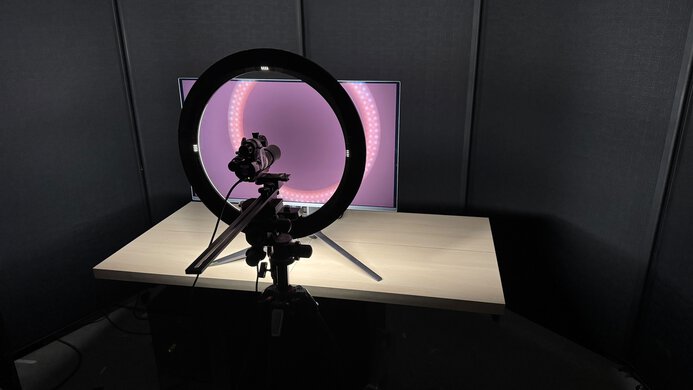
We buy and test more than 30 monitors each year, all of which we purchase ourselves, without cherry-picked units or samples. We put a lot into each unbiased, straight-to-the-point review, and there's a whole process from purchasing to publishing, involving multiple teams and people. We do more than just use the monitor for a week; we use specialized, custom tools to measure various aspects and deliver objective, data-driven results. We also consider multiple factors before making any recommendations, including the monitor's cost, its performance compared to the competition, and whether it's easy to find.
Test Results
for pictures & test results

for pictures & test results
for pictures & test results
for pictures & test results