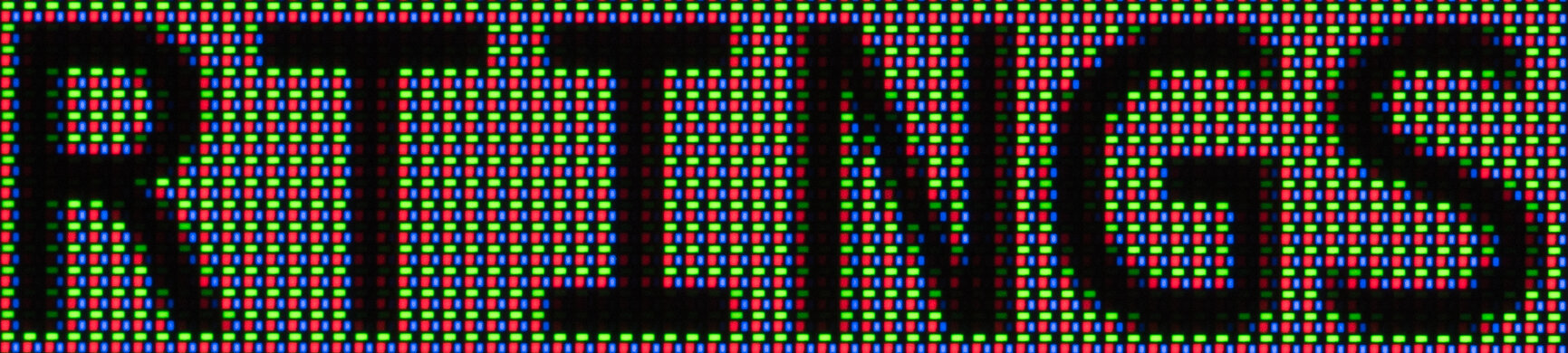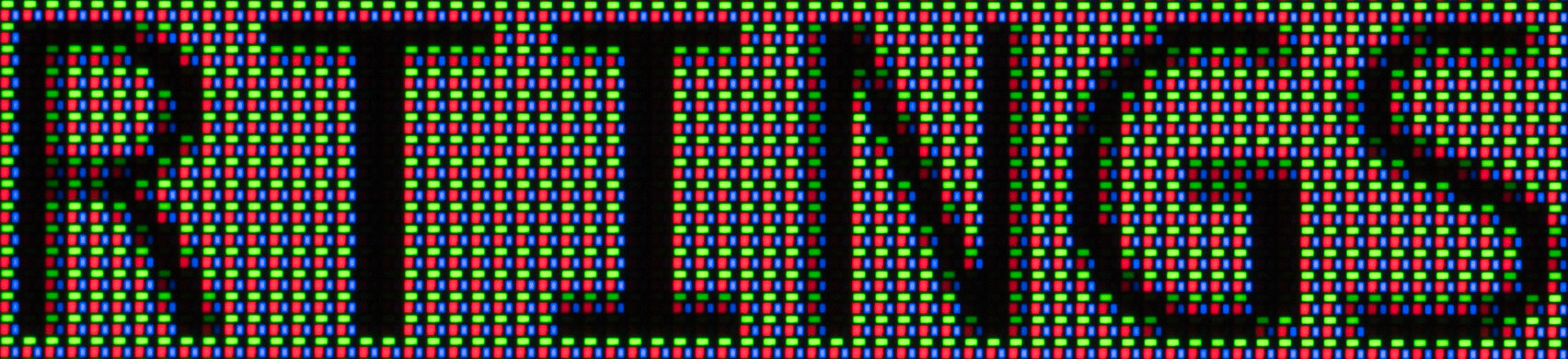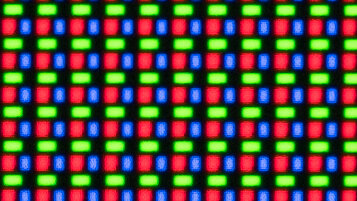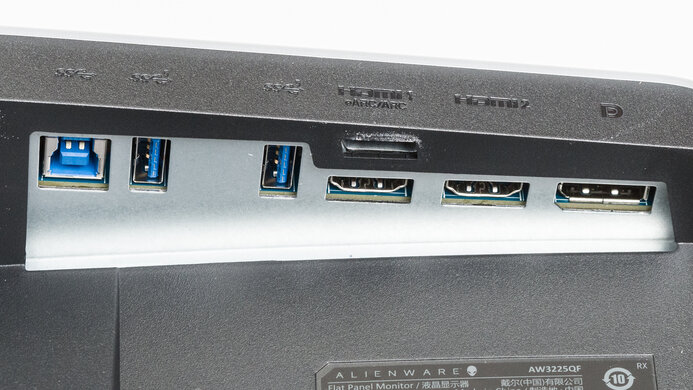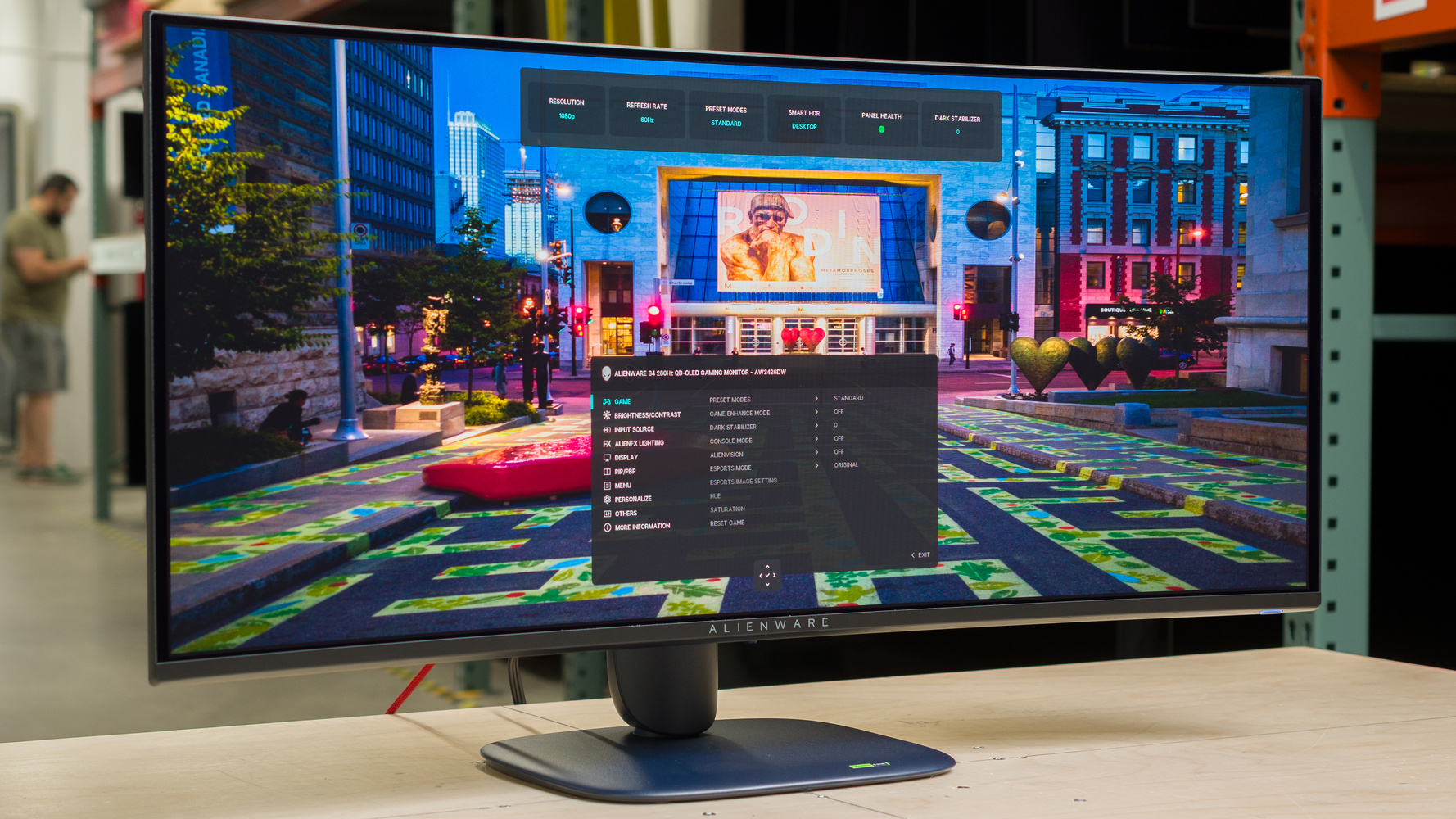
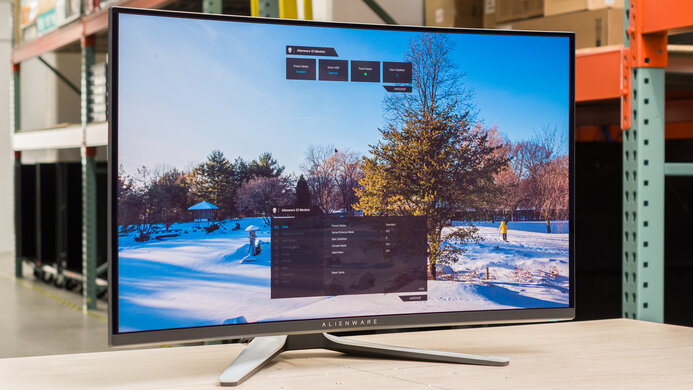
The Dell Alienware AW3426DW is a high-end ultrawide gaming monitor. With a 34-inch screen, 3440x1440 resolution, and 280Hz refresh rate, it's newer than the Dell Alienware AW3425DW and sits below the Dell Alienware AW3926QW. The main difference is that this model has a newer Penta Tandem QD-OLED panel that's advertised to get brighter than previous-generation QD-OLEDs, and it uses a V-Stripe RGB subpixel layout for improved text clarity. It supports Dolby Vision with enhanced HDR picture quality, and it's certified for VESA DisplayHDR True Black 500. It competes with monitors that have similar specs, like the MSI MAG 341CQP QD-OLED X28, and the higher-refresh-rate MSI MPG 341CQR QD-OLED X36 and ASUS ROG Swift OLED PG34WCDN. Besides that, the Dell has typical gaming features, like G-SYNC Compatibility, FreeSync Premium, and AdaptiveSync, alongside HDMI 2.1 ports and a small USB hub to connect your devices.
Our Verdict
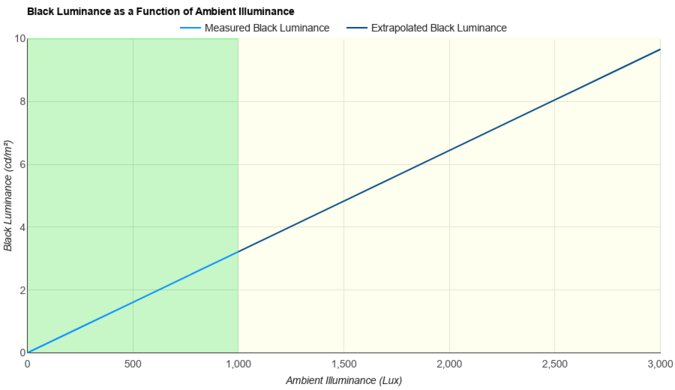
The Dell Alienware AW3426DW is fantastic for PC gaming. It features a fast 280Hz refresh rate with support for all common VRR formats and a near-instantaneous response time, so motion looks sharp no matter the refresh rate. The input lag is also low enough for a responsive feel, and its ultrawide screen offers an immersive feel. Plus, it delivers incredible picture quality with deep blacks in dark rooms, no haloing around bright objects, and vivid colors that deliver an impactful HDR viewing experience. It also fights some glare well in bright rooms, but blacks look gray in a well-lit space.
Deep, inky blacks in dark rooms.
Low input lag.
Displays wide range of vivid colors.
Sharp motion at any refresh rate.
280Hz refresh rate with VRR support.
Supports Dolby Vision with compatible sources.
Blacks look gray in a bright room.
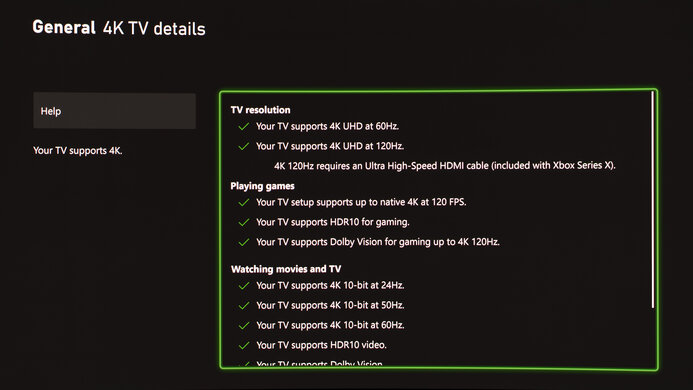
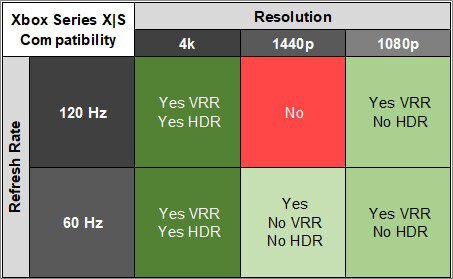
The Dell Alienware AW3426DW is incredible for console gaming. Besides the fact that it has to downscale 4k signals, it supports all signals with a gaming console, including Dolby Vision with an Xbox. However, you'll see black bars on the sides because consoles don't support ultrawide signals. Besides that, motion looks sharp thanks to its near-instantaneous response time, and its low input lag provides a responsive feel. It's also an incredible choice for HDR gaming thanks to its deep blacks in dark rooms, highlights that pop, and vivid colors. That said, its black levels raise in bright rooms, making them look gray.
Deep, inky blacks in dark rooms.
Low input lag.
Displays wide range of vivid colors.
Sharp motion at any refresh rate.
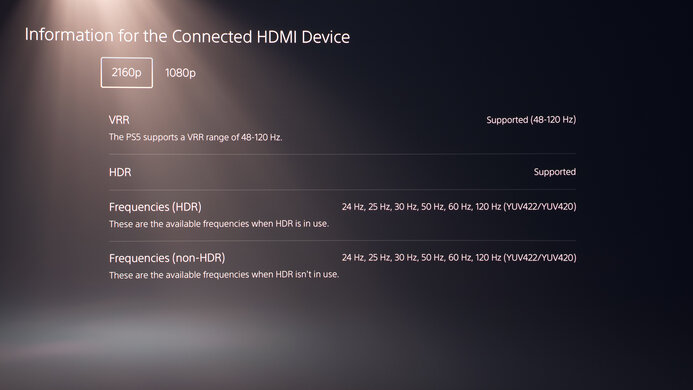
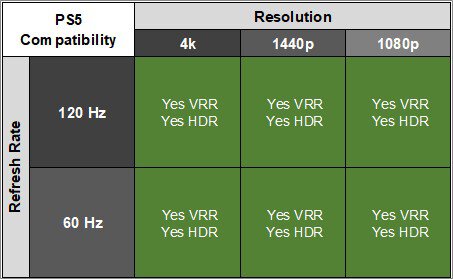
Supports all signals with a PS5 and Xbox Series X|S.
Supports Dolby Vision with compatible sources.
Consoles don't support ultrawide signals.
Blacks look gray in a bright room.
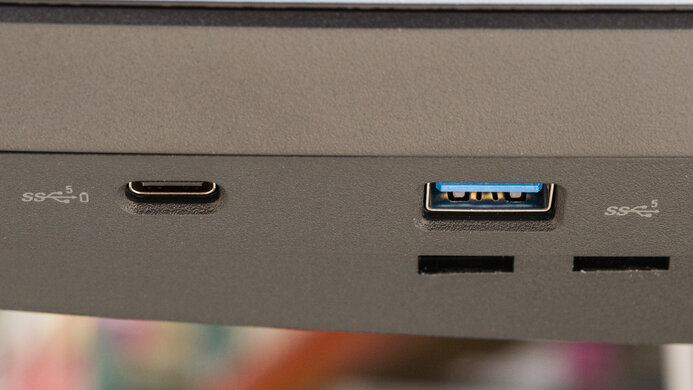
The Dell Alienware AW3426DW is good for office use. Its ultrawide 34-inch screen offers enough space to open windows side-by-side, and it has good text clarity. It's fine if you want to use it in a well-lit office space, as it has great reflection handling and gets fairly bright, but visibility is still an issue in sunny rooms. It also has a wide viewing angle that keeps the image consistent from the sides, and its stand is easy to adjust. It includes a small USB hub to connect your devices, but its USB-C port doesn't support DisplayPort Alt Mode to quickly connect a laptop. Unfortunately, it risks burn-in with constant exposure to the same static elements over time.
Decent brightness.
Sharp text clarity.
Small USB hub.
Great reflection handling.
Visibility an issue in sunny spaces.
Risk of burn-in.
The Dell Alienware AW3426DW is remarkable for content creation. It's extremely accurate before any sort of calibration, and calibrating it only fixes a few minor issues, like with its gamma tracking and white balance. It offers incredible picture quality with deep blacks, no haloing around bright objects, and vivid colors, so it's superb for editing HDR content. It also gets bright enough to make highlights pop and fight some glare, but visibility is a problem in a sunny space. Its 34-inch screen offers enough space for viewing more of your editing program at once, and it has sharp text clarity. The biggest downside is that it risks burn-in with constant exposure to the same static elements over time.
Deep, inky blacks in dark rooms.
Displays wide range of vivid colors.
Decent brightness.
Highlights pop in HDR.
Sharp text clarity.
Fantastic out-of-the-box accuracy.
Visibility an issue in sunny spaces.
Risk of burn-in.
Blacks look gray in a bright room.
The Dell Alienware AW3426DW has decent brightness. It fights some glare well and makes highlights stand out in HDR. However, visibility is still an issue in sunny spaces.
Decent brightness.
Highlights pop in HDR.
Visibility an issue in sunny spaces.
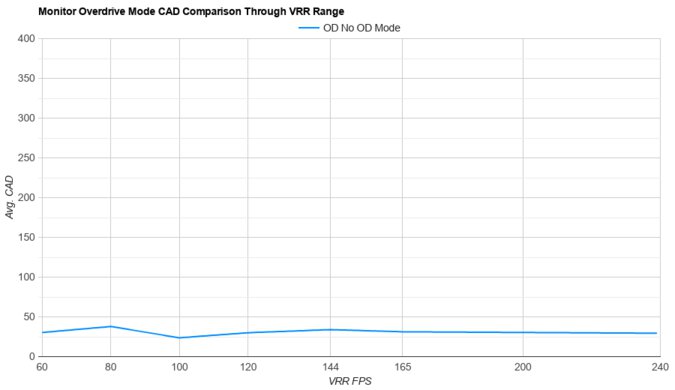
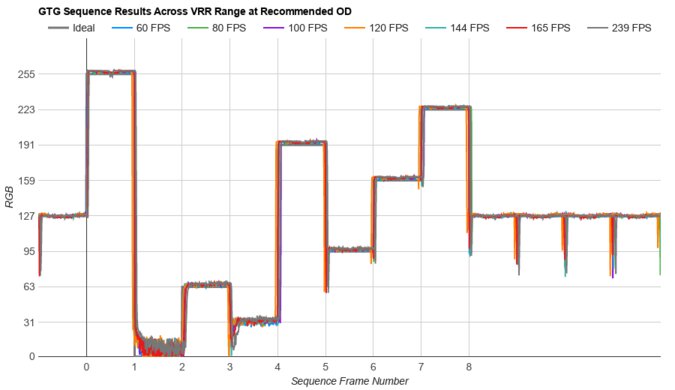
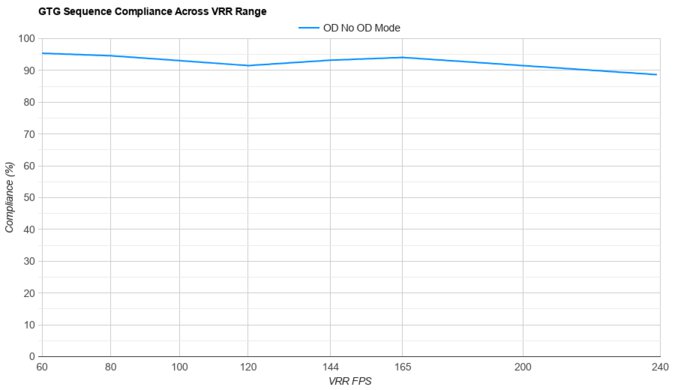
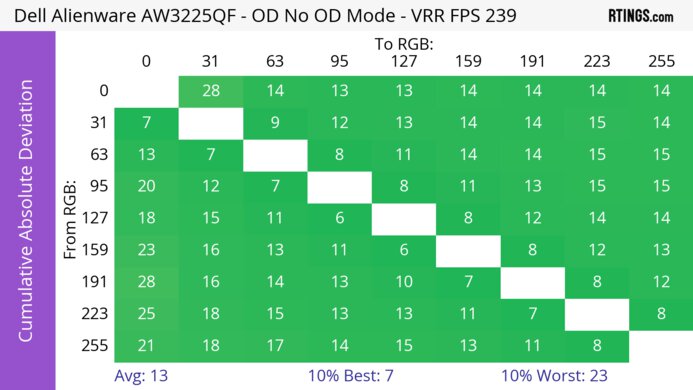
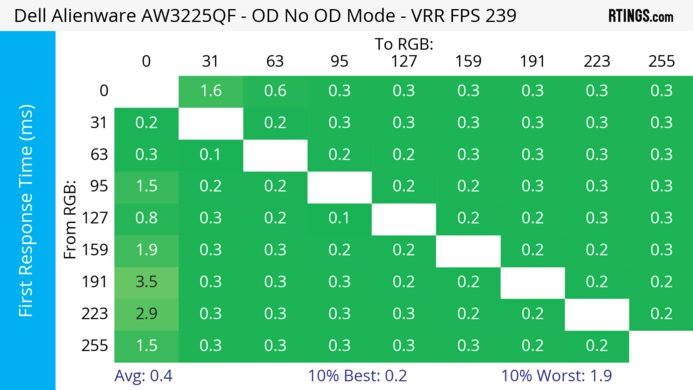
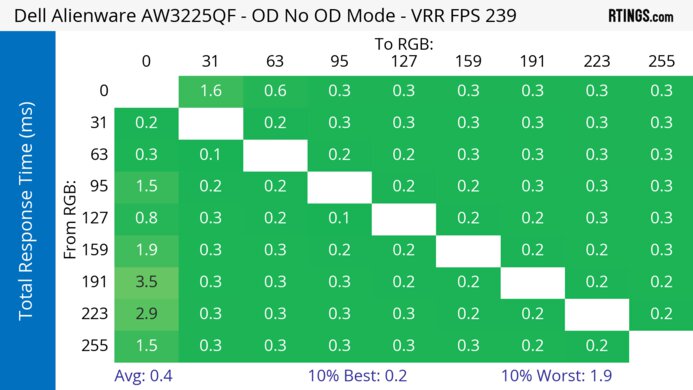
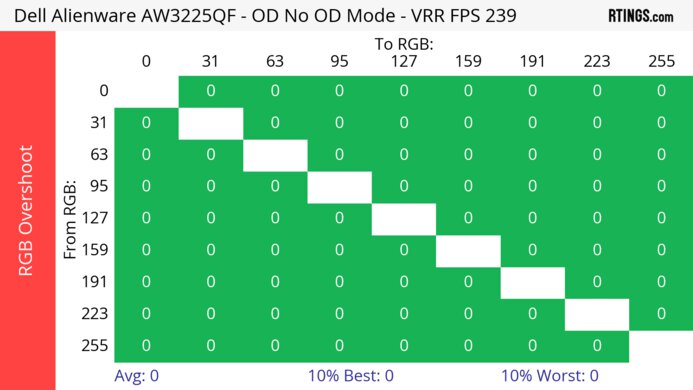
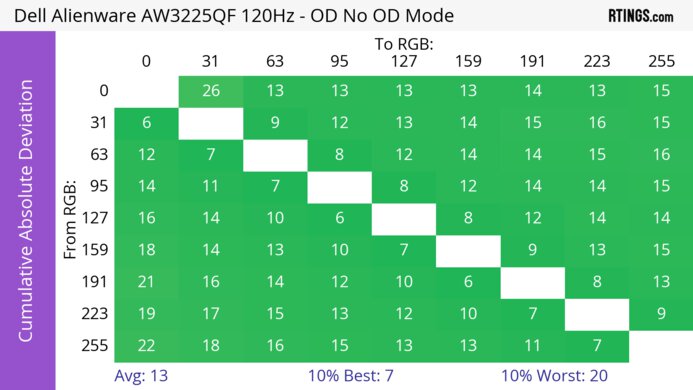
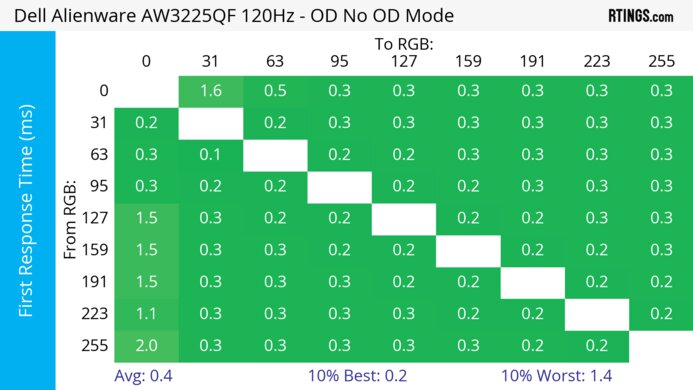
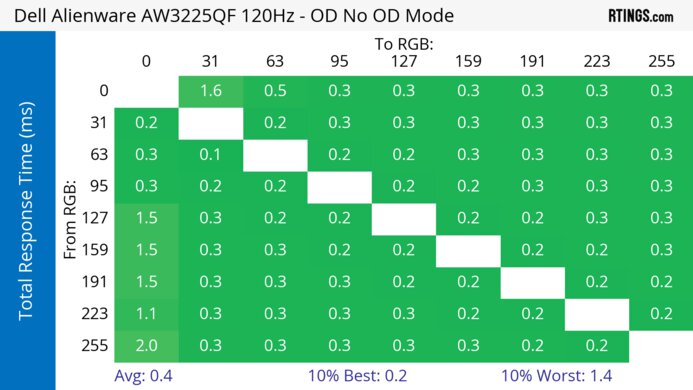
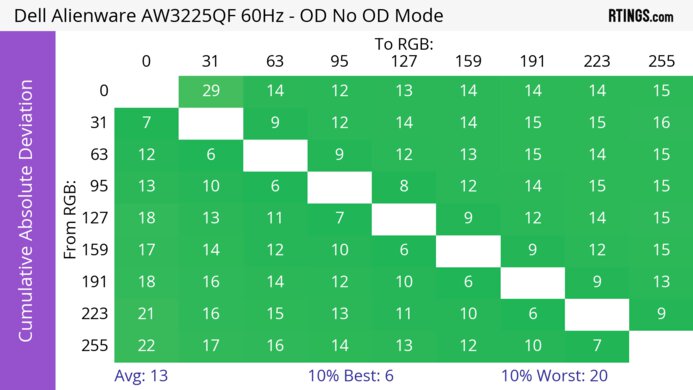
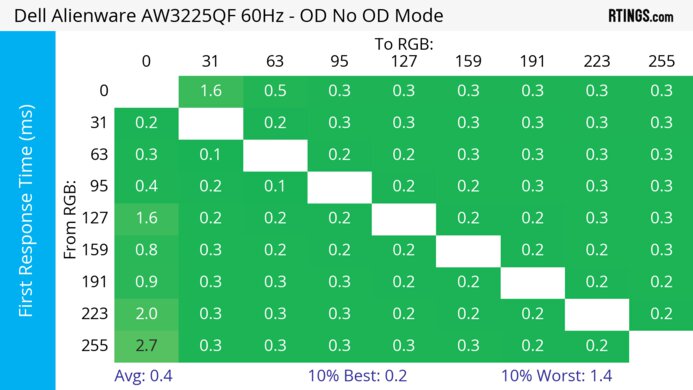
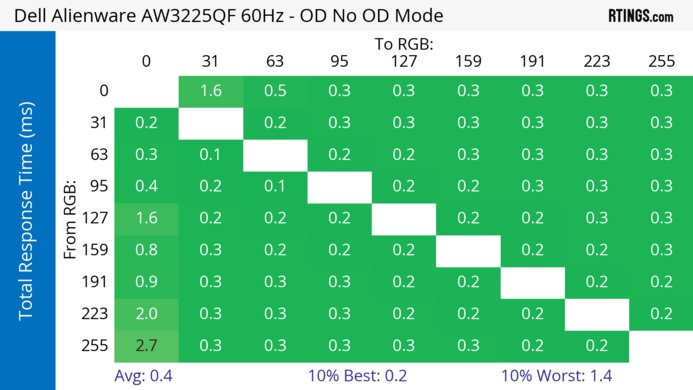
The Dell Alienware AW3426DW has a near-instantaneous response time for sharp motion at any refresh rate.
Sharp motion at any refresh rate.
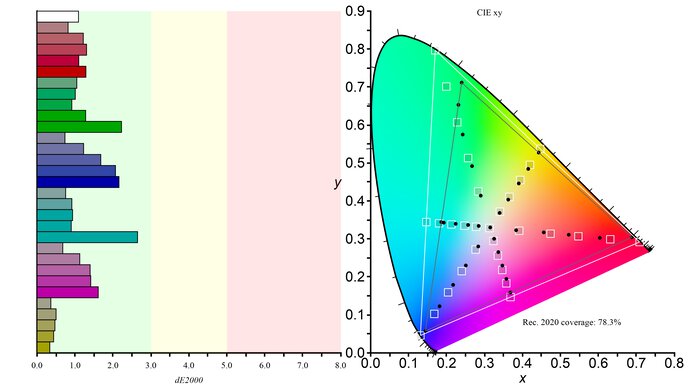
The Dell Alienware AW3426DW has incredible HDR picture quality. Blacks are deep and inky in dark rooms, there's no haloing around bright objects against dark backgrounds, and it makes highlights stand out. It also displays a wide range of vivid colors.
Deep, inky blacks in dark rooms.
Displays wide range of vivid colors.
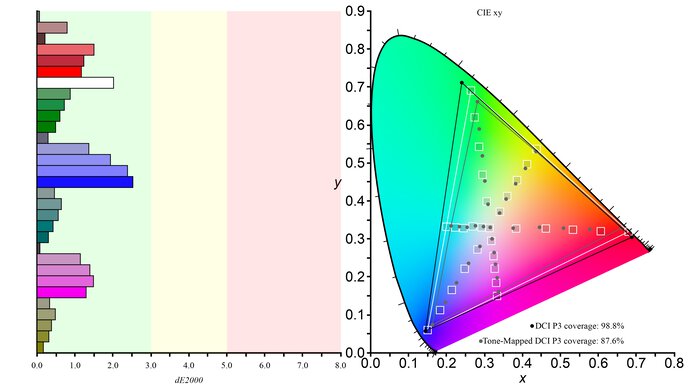
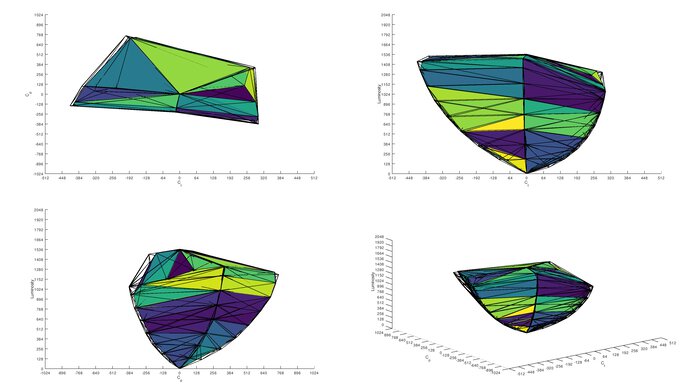
The Dell Alienware AW3426DW has outstanding SDR picture quality. It has deep, inky blacks in dark rooms, and it displays a wide range of colors.
Deep, inky blacks in dark rooms.
Displays wide range of vivid colors.
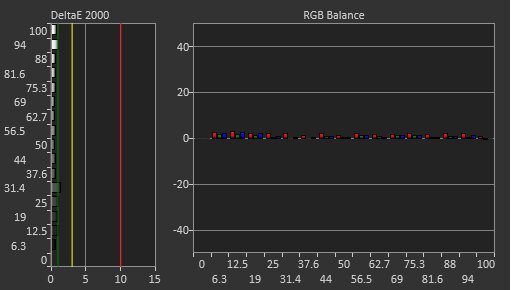
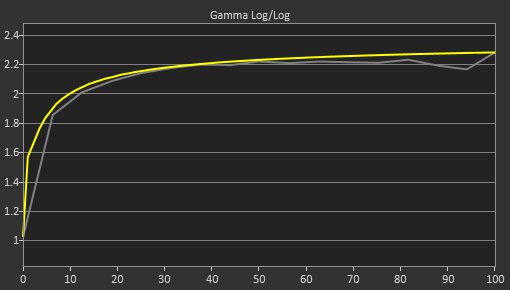
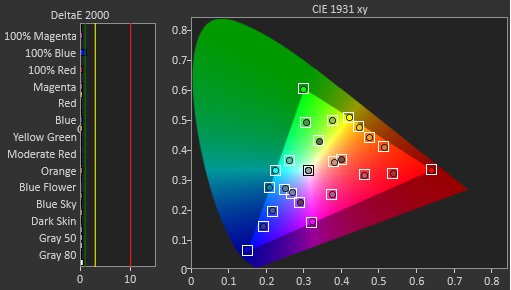
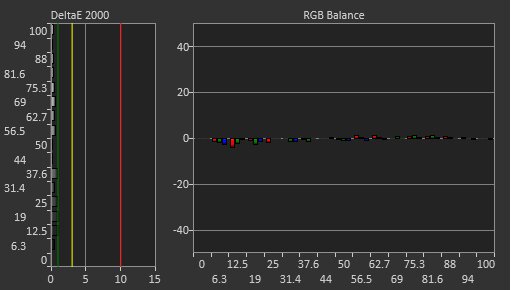
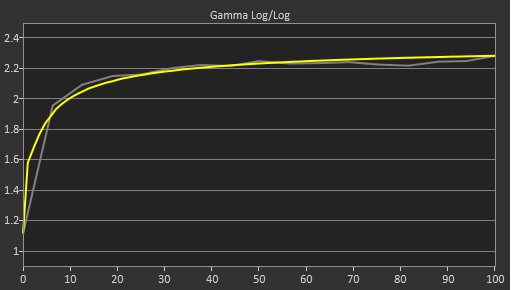
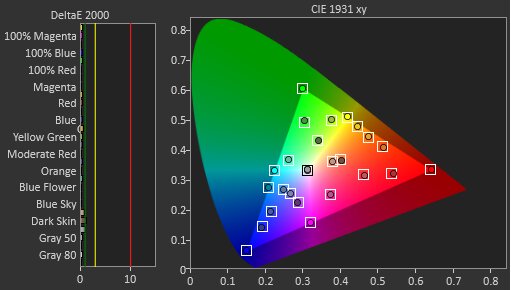
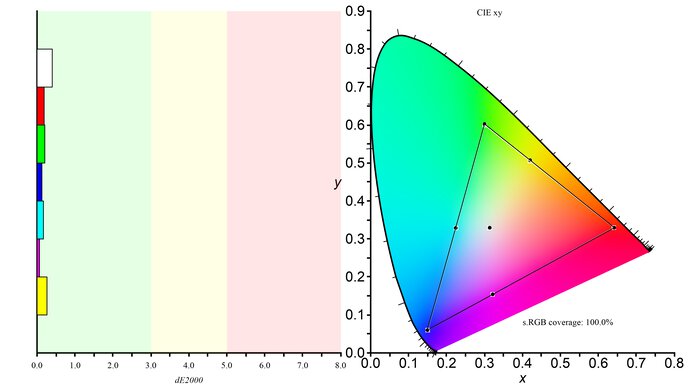
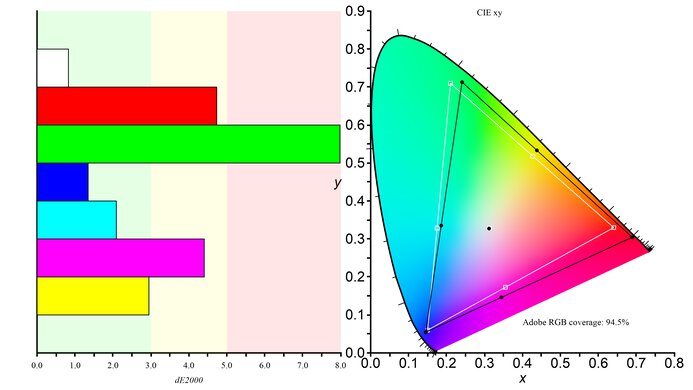
The Dell Alienware AW3426DW has superb color accuracy. It's extremely accurate before any sort of calibration. You can calibrate it to perfect its accuracy, particularly with its white balance and gamma tracking.
Fantastic out-of-the-box accuracy.
Performance Usages
Changelog
-
Updated Aug 20, 2026:
We bought and tested the HyperX OMEN OLED 34, and added a comparison in the Refresh Rate section of the review.
- Updated Aug 10, 2026: Review published.
- Updated Aug 05, 2026: Early access published.
- Updated Jul 31, 2026: Our testers have started testing this product.
Check Price
Differences Between Sizes And Variants
We bought and tested the 34-inch Dell Alienware AW3426DW, which is the only size available. There are similar ultrawide QD-OLEDs in the Alienware gaming lineup, which you can see below, but those are different models. The results are only valid for this model.
| Model | Panel Type | Subpixel Layout | Size | Resolution & Refresh Rate | Curve | DisplayPort Version |
|---|---|---|---|---|---|---|
| AW3425DW | 2nd-gen QD-OLED | Triangular RGB | 34" | 3440x1440 @ 240Hz | 1800R | 1.4 |
| AW3426DW |
5th-gen QD-OLED (Penta Tandem) |
V-Stripe RGB | 34" | 3440x1440 @ 280Hz | 1800R | 1.4 |
| AW3926QW | 4th-gen WOLED (Tandem) |
RGB Stripe | 39" | 5120x2160 @ 165Hz 2560x1080 @ 330Hz |
1500R | 2.1 |
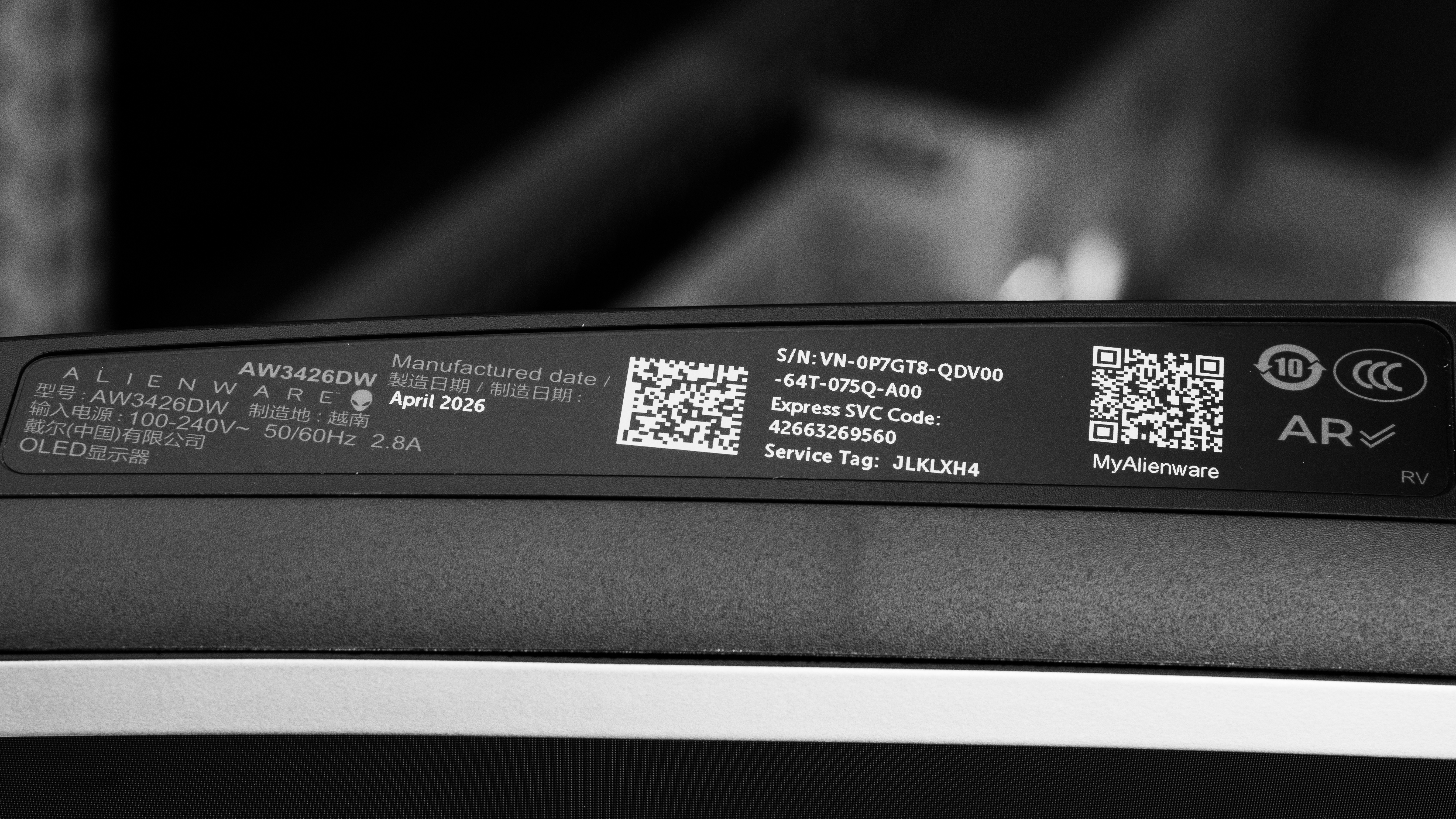
Our unit's label indicates it was manufactured in April 2026. We tested it with firmware M3B101.
Popular Monitor Comparisons
The Dell Alienware AW3426DW is a high-end 34-inch ultrawide gaming monitor with a 280Hz refresh rate. Featuring a fifth-gen Penta Tandem QD-OLED panel with a V-Stripe RGB subpixel layout, it's an upgrade over the older Dell Alienware AW3425DW. This monitor gets brighter, has less black level raise in well-lit rooms, and has improved text clarity with less fringing.
It's a cheaper alternative to more premium options with the same panel type, like the ASUS ROG Swift OLED PG34WCDN and the MSI MPG 341CQR QD-OLED X36. However, there are some trade-offs to getting the Dell because it has a lower refresh rate and lacks some features the other options have, like DisplayPort 2.1 bandwidth, USB-C with DisplayPort Alt Mode, and a KVM switch. Regardless, it still has all the benefits of an OLED, including incredible picture quality and gaming performance, and it supports Dolby Vision, so it's a fantastic choice if you want an ultrawide OLED for PC gaming.
Also see our recommendations for the best curved gaming monitors, the best ultrawide gaming monitors, and the best 34-49 inch monitors.
The ASUS ROG Swift OLED PG34WCDN and the Dell Alienware AW3426DW are both ultrawide gaming monitors with a fifth-gen QD-OLED panel. While they have similar picture quality, there are a few differences in features. The ASUS has a black frame insertion feature to reduce persistence blur, and a KVM switch that makes it easy to change sources and use the same devices on both. Plus, the ASUS has a faster 360Hz refresh rate with higher DisplayPort 2.1 bandwidth, and it has a bigger USB hub that includes a USB-C port with DisplayPort Alt Mode, which the Dell lacks. That said, the Dell supports Dolby Vision.
The Dell Alienware AW3426DW is newer than the Dell Alienware AW3425DW. There are many similarities, but the main difference is that the AW3426DW has a newer fifth-gen Penta Tandem QD-OLED panel that gets brighter than the AW3425DW. The AW3426DW also has less black level raise in bright rooms, as blacks look gray instead of purple in well-lit spaces. The AW3426DW even has improved text clarity with less fringing as it uses a V-Stripe RGB subpixel layout compared to a triangular subpixel layout on the older model. Both monitors perform similarly otherwise, but the AW3426DW has a slightly higher 280Hz refresh rate.
The MSI MPG 341CQR QD-OLED X36 and the Dell Alienware AW3426DW are both ultrawide gaming monitors with a fifth-gen QD-OLED panel. While they have similar picture quality, there are a few differences in features. The MSI features a faster 360Hz refresh rate with higher DisplayPort 2.1 bandwidth, and it has a bigger USB hub that includes a USB-C port with DisplayPort Alt Mode, which the Dell lacks. Plus, the MSI has a few extra perks, like black frame insertion to reduce persistence blur, and a KVM switch that makes it easy to change sources and use the same devices on both. That said, the Dell supports Dolby Vision.
The Dell Alienware AW3426DW is a higher-end ultrawide gaming monitor than the Dell Alienware AW3425DWM. The main differences come down to their different panel types. The QD-OLED panel of the Dell Alienware AW3426DW provides much better picture quality with deeper blacks, no haloing around bright objects, and vivid colors. The glossy coating on the AW3426DW even delivers a clearer image, and it has better reflection handling. Plus, the AW3426DW is really better for gaming as it has a faster refresh rate, much improved motion handling, and better console compatibility. The advantage of the AW3425DWM is that it gets brighter and it doesn't risk burn-in with constant exposure to the same static elements over time.
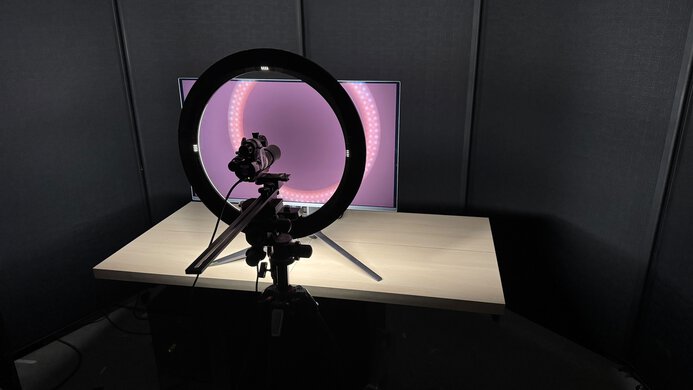
We buy and test more than 30 monitors each year, all of which we purchase ourselves, without cherry-picked units or samples. We put a lot into each unbiased, straight-to-the-point review, and there's a whole process from purchasing to publishing, involving multiple teams and people. We do more than just use the monitor for a week; we use specialized, custom tools to measure various aspects and deliver objective, data-driven results. We also consider multiple factors before making any recommendations, including the monitor's cost, its performance compared to the competition, and whether it's easy to find.
Test Results
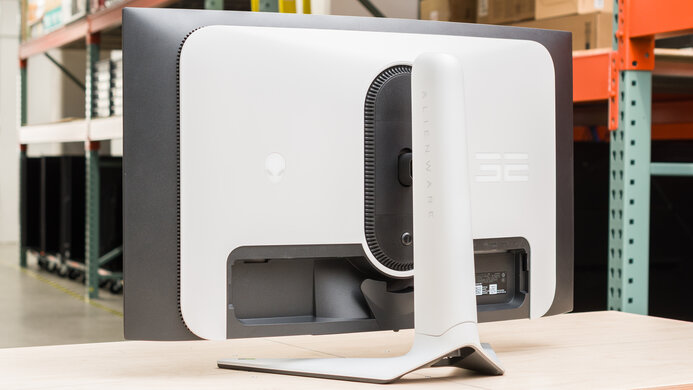
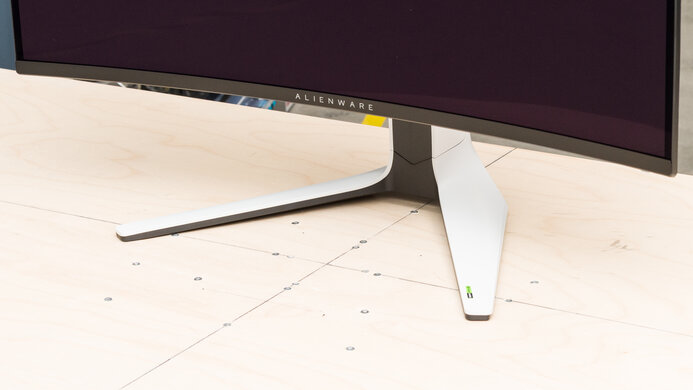
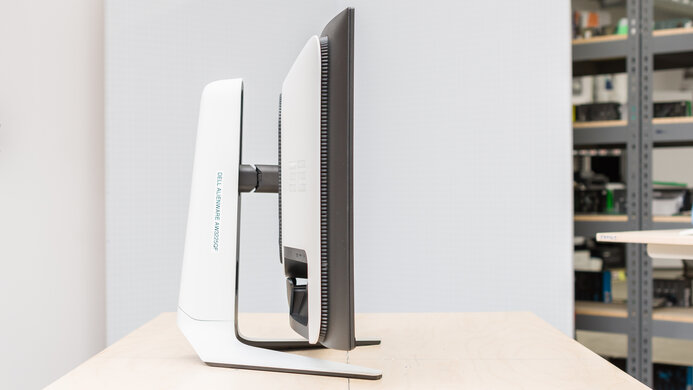
for pictures & test results
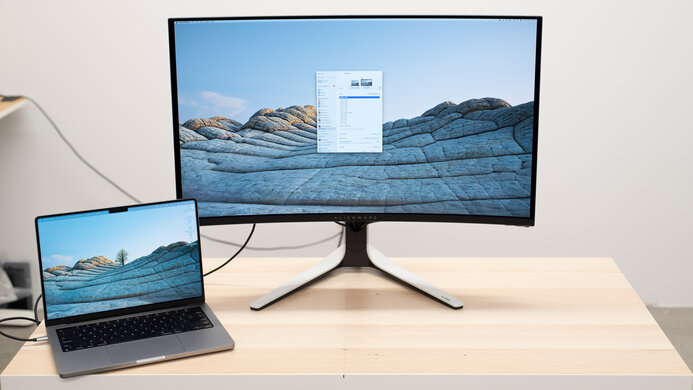

for pictures & test results

for pictures & test results
for pictures & test results
for pictures & test results
for pictures & test results
for pictures & test results
for pictures & test results
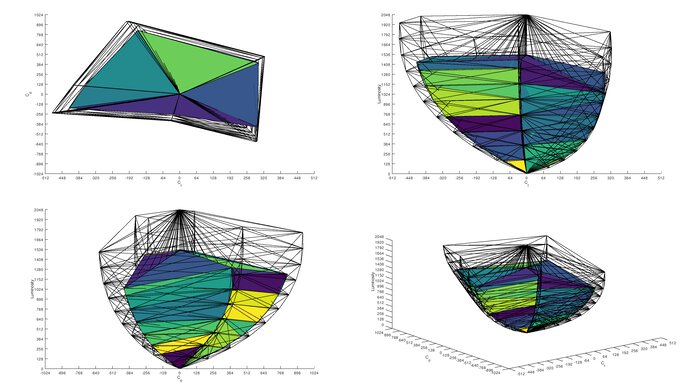
for videos & test results

for pictures & test results
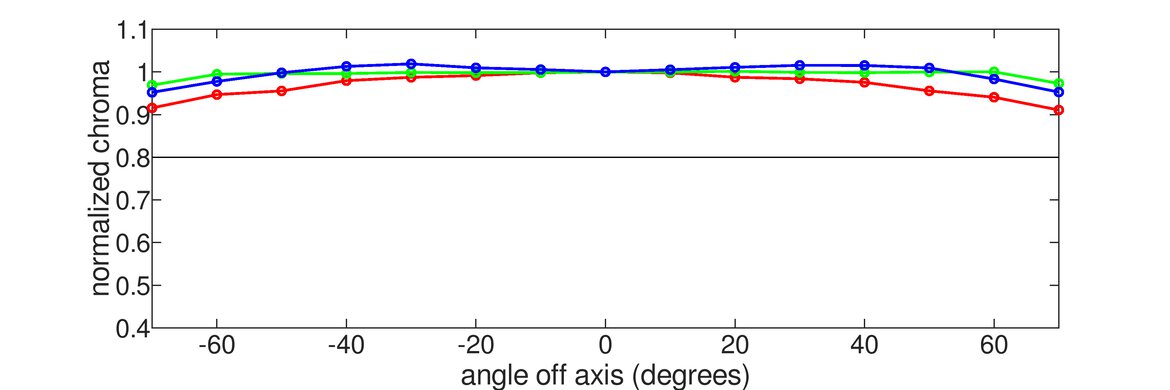
for pictures & test results
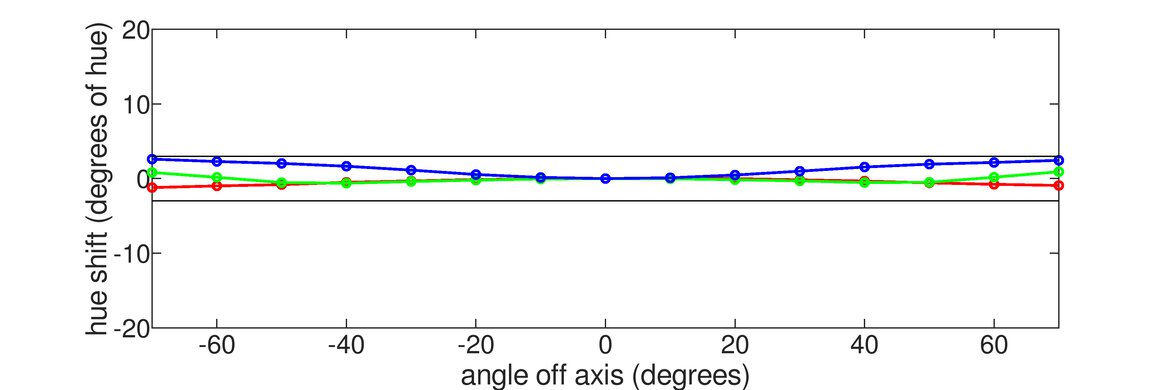
for pictures & test results