Lenovo ThinkVision M14t Gen2  Monitor Review

Reviewed Sep 18, 2026 at 04:14pm
Test bench update Oct 07, 2026 at 09:49am
Tested using Methodology v2.2 
Lenovo ThinkVision M14t Gen2

Track

Track

 2
  1. Recommended in:
  2. Portable

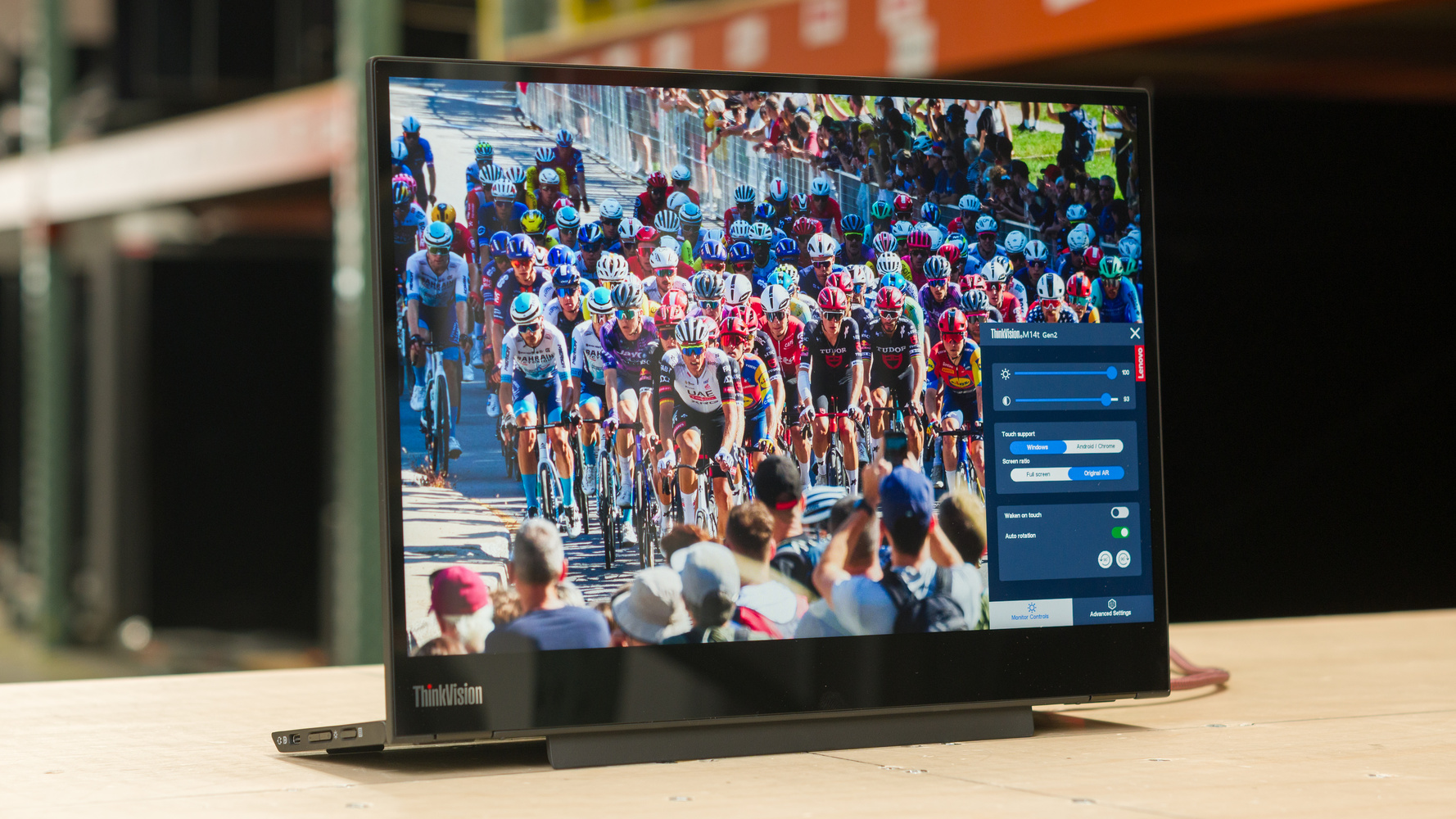
The Lenovo ThinkVision M14t Gen2 is a 14-inch portable monitor. It's an updated and higher-end version of the Lenovo ThinkVision M14, with a few new features, like a touchscreen. It has a 2240x1400 resolution, offering higher pixel density than competing models, like the Dell P1425 or the LG gram +view 16. It comes with a built-in stand that allows you to tilt it, or you can place it on its side to use in a portrait orientation. It also supports power passthrough of up to 65W from its USB-C ports, so you can connect it to your laptop and charge extra devices with the other port.

Note: Our portable monitor reviews only include certain tests to better cover the intended usages, like office work and editing. The review doesn't include a number of tests, like motion handling, so the verdict scores shouldn't be compared to regular desktop monitors. However, scores are comparable across portable monitors on the same test bench.

Our Verdict

0.0
PC Gaming 

Note: The score doesn't reflect its performance because we didn't measure its Response Time. Don't compare the score to regular desktop monitors.

The Lenovo ThinkVision M14t Gen 2 isn't suitable for PC gaming. It can only connect over USB-C, and it's limited to a 60Hz refresh rate. Plus, motion looks blurry.

0.0
Console Gaming 

Note: The score doesn't reflect its performance because we didn't measure its Response Time. Don't compare the score to regular desktop monitors.

The Lenovo ThinkVision M14t Gen 2 isn't suitable for console gaming because it only has USB-C inputs. You would need an HDMI adapter to even connect a console, but there's no guarantee that it would work.

0.0
Office 

The Lenovo ThinkVision M14t Gen 2 is decent for office use. Text looks sharp thanks to its high pixel density, and its touchscreen makes it easy to navigate. Its built-in stand allows you to change the angle of the screen, or you can use it in portrait mode if you prefer. A downside is that it has distracting reflections, and it doesn't get bright enough to fight glare.

Pros
  • Sharp text clarity.

  • Has a touchscreen.

  • Tilt-adjustable stand.

Cons
  • Limited brightness and distracting reflections.

0.0
Editing 

The Lenovo ThinkVision M14t Gen 2 is good for editing photos or videos. It comes with an accurate sRGB mode, and it has a few picture settings you can adjust to fine-tune the colors. However, it's only suitable for editing content in SDR because it doesn't support HDR at all. It also has a low contrast ratio that makes blacks look gray. It doesn't get bright, either, so visibility is an issue in well-lit rooms.

Pros
  • Sharp text clarity.

  • Has a touchscreen.

  • Tilt-adjustable stand.

  • Accurate sRGB mode.

Cons
  • Limited brightness and distracting reflections.

  • Low contrast ratio.

0.0
Brightness 

The Lenovo ThinkVision M14t Gen 2 has mediocre brightness. It doesn't get bright enough to fight glare, so visibility is an issue in well-lit rooms.

Pros
Cons
  • Limited brightness and distracting reflections.

0.0
Response Time 

We didn't measure the Response Time on the Lenovo ThinkVision M14t Gen 2. Regardless, it has a limited 60Hz refresh rate with blurry motion.

0.0
HDR Picture 

The Lenovo ThinkVision M14t Gen 2 doesn't support HDR.

0.0
SDR Picture 

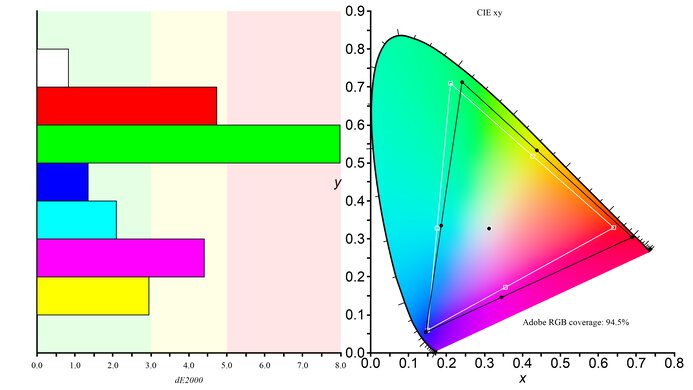
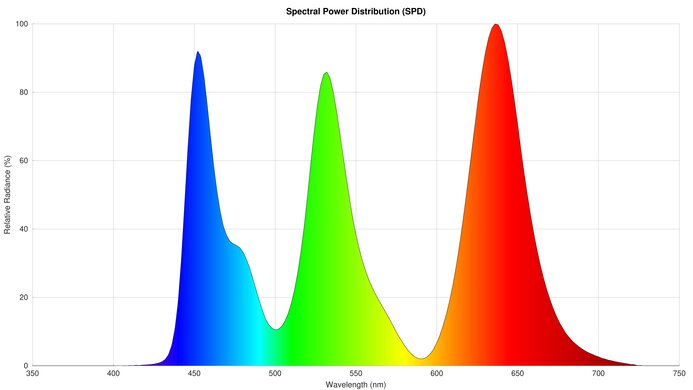
The Lenovo ThinkVision M14t Gen 2 has good SDR picture quality. It displays a wide range of colors, but blacks look gray due to the monitor's low contrast ratio.

Pros
  • Displays wide range of colors.

Cons
  • Low contrast ratio.

0.0
Color Accuracy 

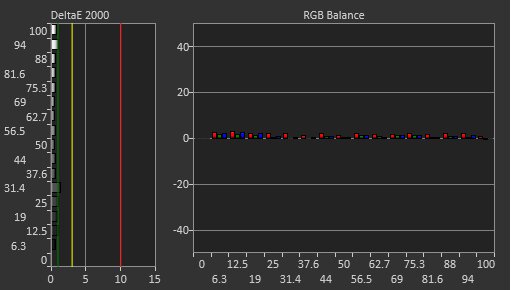
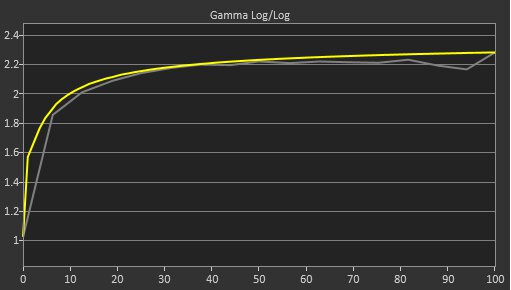
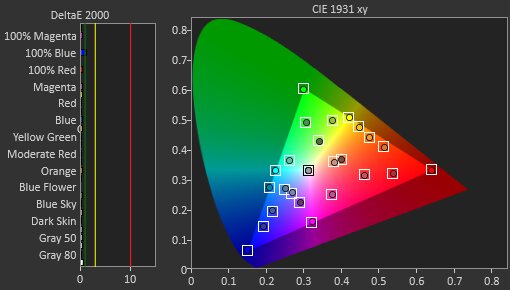
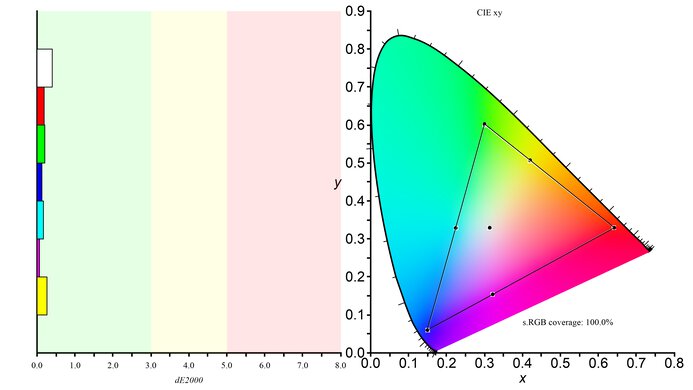
The Lenovo ThinkVision M14t Gen 2 has impressive color accuracy. Its dedicated sRGB mode is accurate out of the box, with only a few minor inaccuracies.

Pros
  • Accurate sRGB mode.

Cons
  • 0.0
    PC Gaming
  • 0.0
    Console Gaming
  • 0.0
    Office
  • 0.0
    Editing

  • Performance Usages

  • 0.0
    Brightness
  • 0.0
    Response Time
  • 0.0
    HDR Picture
  • 0.0
    SDR Picture
  • 0.0
    Color Accuracy
  • Changelog

    1.  Updated Oct 07, 2026: We converted this review to Test Bench 2.2. With this update, we've added a new test box for the Longevity 3.0 test.
    2.  Updated Sep 18, 2026: Review published.
    3.  Updated Sep 16, 2026: Early access published.
    4.  Updated Sep 09, 2026: Our testers have started testing this product.

    Check Price

    14"ThinkVision M14t Gen2
    SEE PRICE
    Amazon
    14"ThinkVision M14t Gen2
    SEE PRICE
    BestBuy.com
    14"ThinkVision M14t Gen2
    SEE PRICE
    Lenovo.com
    14"ThinkVision M14t Gen2
    B&H
    14"ThinkVision M14t Gen2
    Walmart.com
    14"ThinkVision M14t Gen2
    Staples.com

    Differences Between Sizes And Variants

    We bought and tested the 14-inch Lenovo ThinkVision M14t Gen 2, which is the only size available. There are similar models in Lenovo's M14 lineup, which you can see below, but the results are only valid for this model.

    Model Resolution Aspect Ratio Touchscreen
    M14d 2240x1400 16:10 No
    M14t Gen1 1920x1080 16:9 Yes
    M14t Gen2 2240x1400 16:10 Yes

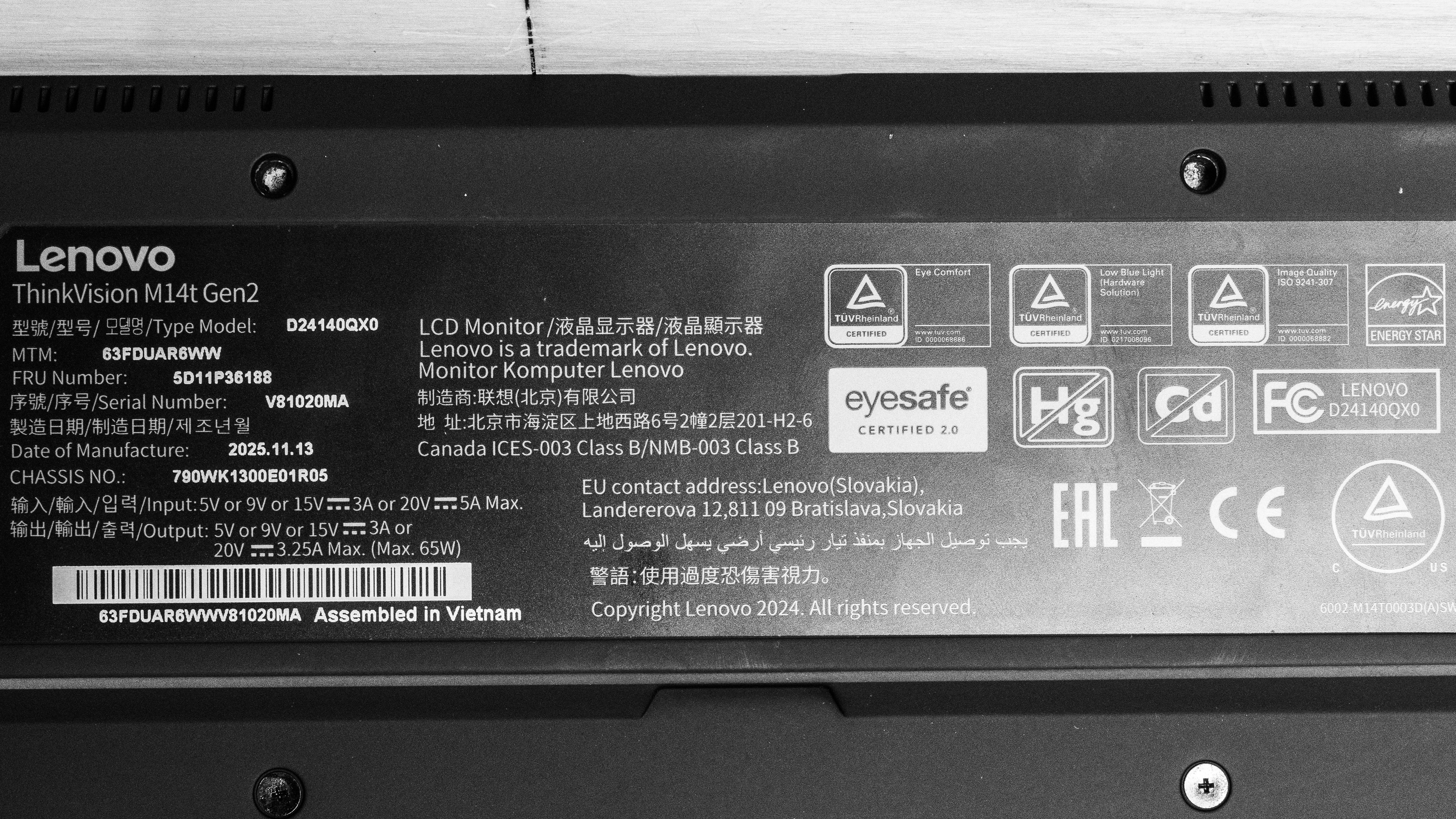
    Our unit's label indicates it was manufactured in November 2025 in Vietnam. We tested it on firmware L1.0.

    Popular Monitor Comparisons

    The Lenovo ThinkVision M14t Gen 2 is a 14-inch portable monitor with a 2240x1400 resolution. This gives it a sweet spot between 4k options, like the espresso Pro 15, and lower-resolution displays, like the Dell P1425. It also offers good value in terms of features because its touchscreen makes it easy to navigate. It even has a few picture modes and settings that help if you want to fine-tune the picture. However, it's not bright, and its glossy coating has terrible reflection handling, so you have to use it away from windows or bright lights if you want to properly see the screen. It's still a solid portable monitor, but only if you work in a moderately lit or dim space.

    Also see our recommendations for the best portable monitors and the best lightweight laptops. If you want a regular desktop monitor instead, check out the best video editing monitors and the best photo editing monitors.

    Lenovo ThinkVision M14

    Track

    The Lenovo ThinkVision M14t Gen2 is newer and higher-end than the Lenovo ThinkVision M14. The main advantage of the M14t is that it has a higher resolution and a touchscreen, making it easier to navigate. They also have different screen coatings, as the glossy coating of the M14t has clearer images, but the matte finish of the M14 results in better reflection handling.

    LG gram +view 16

    Track

    The LG gram +view 16 and the Lenovo ThinkVision M14t Gen2 are both portable monitors. The LG gets brighter, and its matte coating is better at handling reflections than the Lenovo. However, the advantage of the Lenovo is that it has a touchscreen, making navigation easier. The Lenovo is also more accurate as it comes with a dedicated sRGB mode, which the LG doesn't.

    Dell P1425

    Track

    The Lenovo ThinkVision M14t Gen2 and the Dell P1425 are competing portable monitors. The Lenovo has the slight edge in features because it has a touchscreen, which the Dell doesn't have. However, the Dell has the advantage when it comes to using it in a well-lit room because it gets brighter and has better reflection handling. That said, the glossy coating of the Lenovo results in clearer images.

    espresso Pro 15

    Track

    The espresso Pro 15 is higher-end than the Lenovo ThinkVision M14t Gen2. They both have touchscreens, but the espresso is more well-rounded because it has a higher resolution, gets brighter, and displays a wider range of colors. However, the Lenovo is more accurate in the sRGB color space because it has a dedicated sRGB mode.
    How We Test Monitors
    How We Test Monitors

    We buy and test more than 30 monitors each year, all of which we purchase ourselves, without cherry-picked units or samples. We put a lot into each unbiased, straight-to-the-point review, and there's a whole process from purchasing to publishing, involving multiple teams and people. We do more than just use the monitor for a week; we use specialized, custom tools to measure various aspects and deliver objective, data-driven results. We also consider multiple factors before making any recommendations, including the monitor's cost, its performance compared to the competition, and whether it's easy to find.

    Test Results
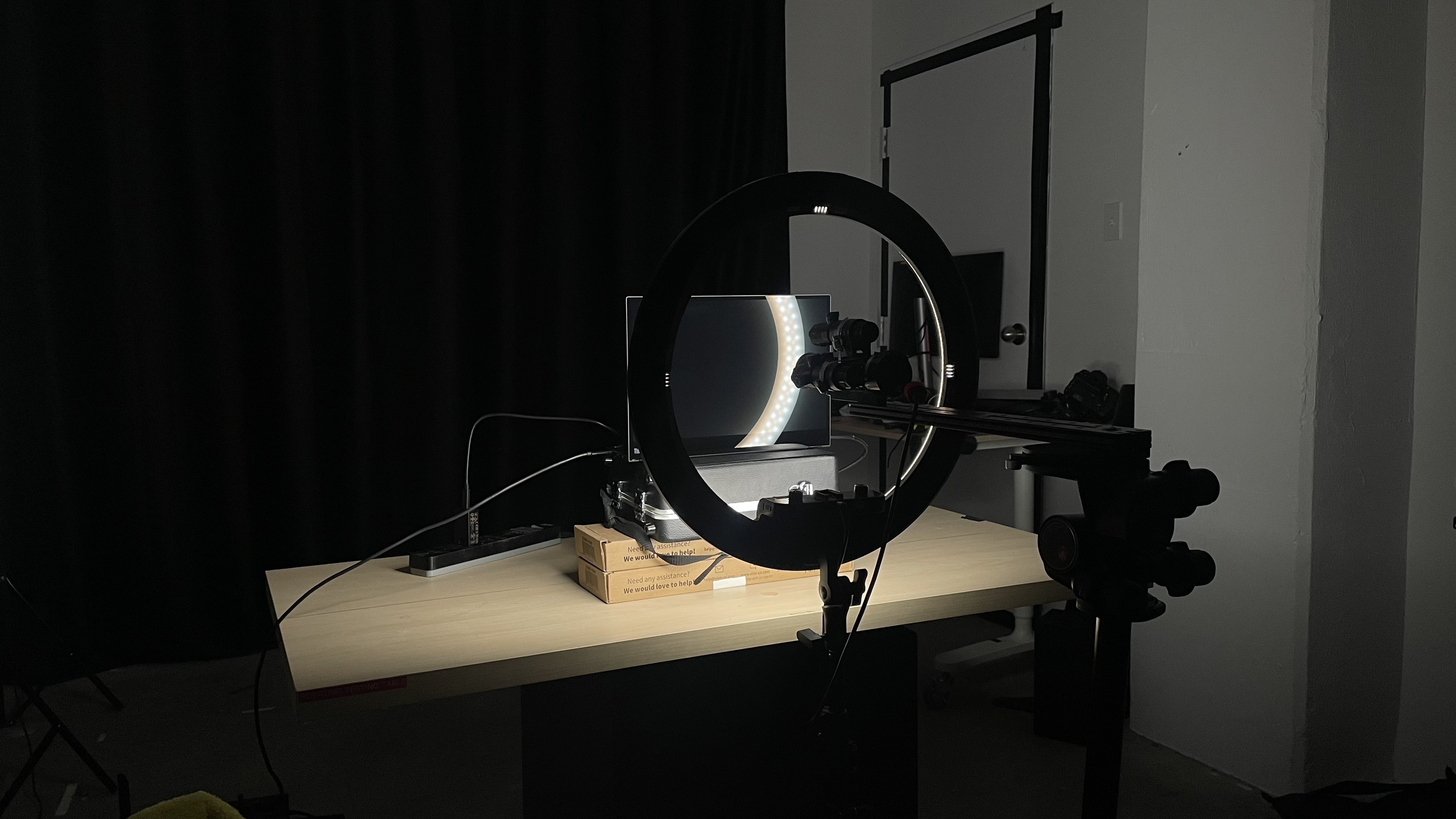
    perceptual testing image
    Sort:
    RATINGS
    Category:
    All
    Design
    Longevity
    Uniformity PicturesN/A
    Style
    Curved
    LockedLocked
    Curve Radius
    LockedLocked

    Become a member to view the full test results and text of the reviews, as well as extra website features and tools with no ads.

    0.0
    Build Quality

    Become a member to view the full test results and text of the reviews, as well as extra website features and tools with no ads.

    0.0
    Ergonomics
    Min Height To Top Of Panel
    LockedLock" (Lock cm)
    Height Adjustment
    LockedLock" (Lock cm)
    Tilt Range
    LockedLocked
    Rotate Portrait/Landscape
    LockedLocked
    Swivel Range
    LockedLocked
    Wall Mount
    LockedLocked

    Become a member to view the full test results and text of the reviews, as well as extra website features and tools with no ads.

    Stand
    Base Width
    LockedLock" (Lock cm)
    Base Depth
    LockedLock" (Lock cm)
    Thickness (With Display)
    LockedLock" (Lock cm)
    Weight (With Display)
    LockedLock lbs (Lock kg)

    Become a member to view the full test results and text of the reviews, as well as extra website features and tools with no ads.

    Display
    Size
    Locked14"
    Housing Width
    LockedLock" (Lock cm)
    Housing Height
    LockedLock" (Lock cm)
    Thickness (Without Stand)
    LockedLock" (Lock cm)
    Weight (Without Stand)
    LockedLock lbs (Lock kg)
    Borders Size (Bezels)
    LockedLock" (Lock cm)
    Controls

    Become a member to view the full test results and text of the reviews, as well as extra website features and tools with no ads.

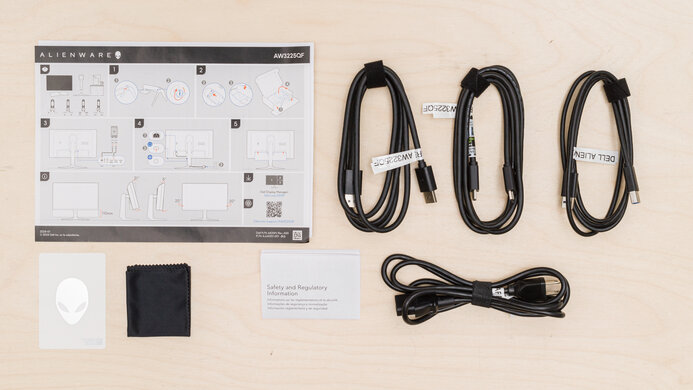
    In The Box
    Power Supply
    LockedLocked

    Become a member to view the full test results and text of the reviews, as well as extra website features and tools with no ads.

    Picture Quality
    0.0
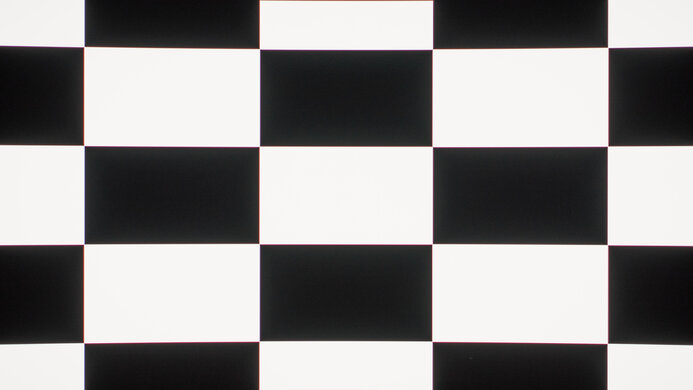
    Contrast
    Native Contrast
    LockedLock : 1
    Contrast With Local Dimming
    LockedN/A

    Become a member to view the full test results and text of the reviews, as well as extra website features and tools with no ads.

    0.0
    Local Dimming
    Local Dimming
    LockedLocked
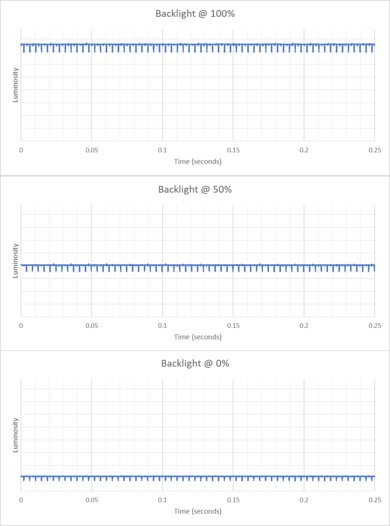
    Backlight
    LockedLocked

    Become a member to view the full test results and text of the reviews, as well as extra website features and tools with no ads.

    0.0
    SDR Brightness
    Real Scene
    LockedLock cd/m²
    Peak 2% Window
    LockedLock cd/m²
    Peak 10% Window
    LockedLock cd/m²
    Peak 25% Window
    LockedLock cd/m²
    Peak 50% Window
    LockedLock cd/m²
    Peak 100% Window
    LockedLock cd/m²
    Sustained 2% Window
    LockedLock cd/m²
    Sustained 10% Window
    LockedLock cd/m²
    Sustained 25% Window
    LockedLock cd/m²
    Sustained 50% Window
    LockedLock cd/m²
    Sustained 100% Window
    LockedLock cd/m²
    Automatic Brightness Limiting (ABL)
    LockedLock
    Minimum Brightness
    LockedLock cd/m²

    Become a member to view the full test results and text of the reviews, as well as extra website features and tools with no ads.

    0.0
    Gray Uniformity
    50% Std. Dev.
    LockedLock%
    50% DSE
    LockedLock%

    Become a member to view the full test results and text of the reviews, as well as extra website features and tools with no ads.

    0.0
    Black Uniformity
    Native Std. Dev.
    LockedLock%
    Std. Dev. w/ L.D.
    LockedN/A

    Become a member to view the full test results and text of the reviews, as well as extra website features and tools with no ads.

    0.0
    Color Accuracy (Pre-Calibration)
    Picture Mode
    LockedLocked
    sRGB Gamut Area xy
    LockedLock%
    White Balance dE (Avg.)
    LockedLock
    Color Temperature (Avg.)
    LockedLock K
    Gamma (Avg.)
    LockedLock
    Color dE (Avg.)
    LockedLock
    Contrast Setting
    LockedLock
    RGB Settings
    LockedLocked
    Gamma Setting
    LockedLocked
    Brightness Setting
    LockedLock
    Measured Brightness
    LockedLock cd/m²
    Brightness Locked
    LockedLocked

    Become a member to view the full test results and text of the reviews, as well as extra website features and tools with no ads.

    0.0
    SDR Color Gamut
    sRGB Coverage xy
    LockedLock%
    sRGB Picture Mode
    LockedLocked
    Adobe RGB Coverage xy
    LockedLock%
    Adobe RGB Picture Mode
    LockedLocked

    Become a member to view the full test results and text of the reviews, as well as extra website features and tools with no ads.

    0.0
    Text Clarity

    Become a member to view the full test results and text of the reviews, as well as extra website features and tools with no ads.

    Panel Technology
    Panel Type
    LockedLCD
    Sub-Type
    LockedIPS
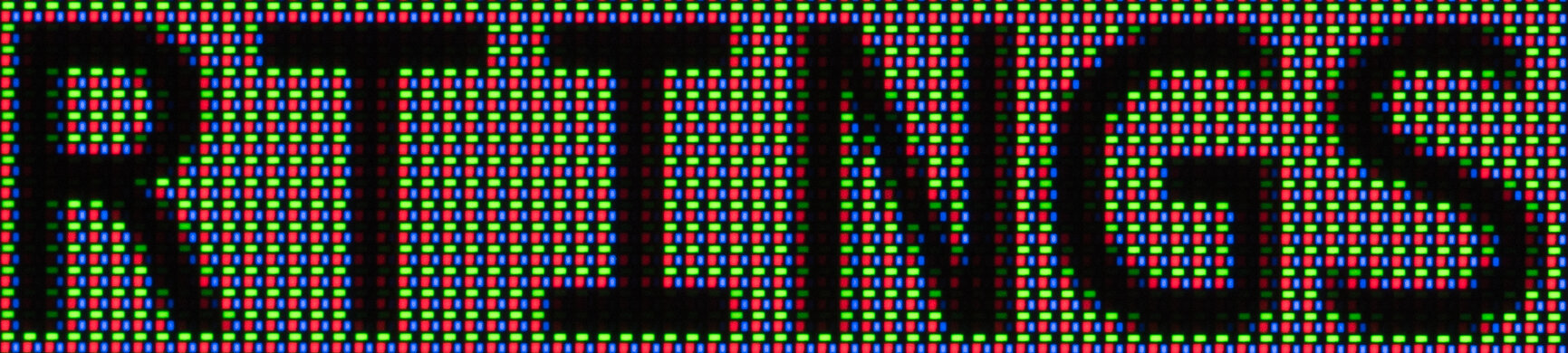
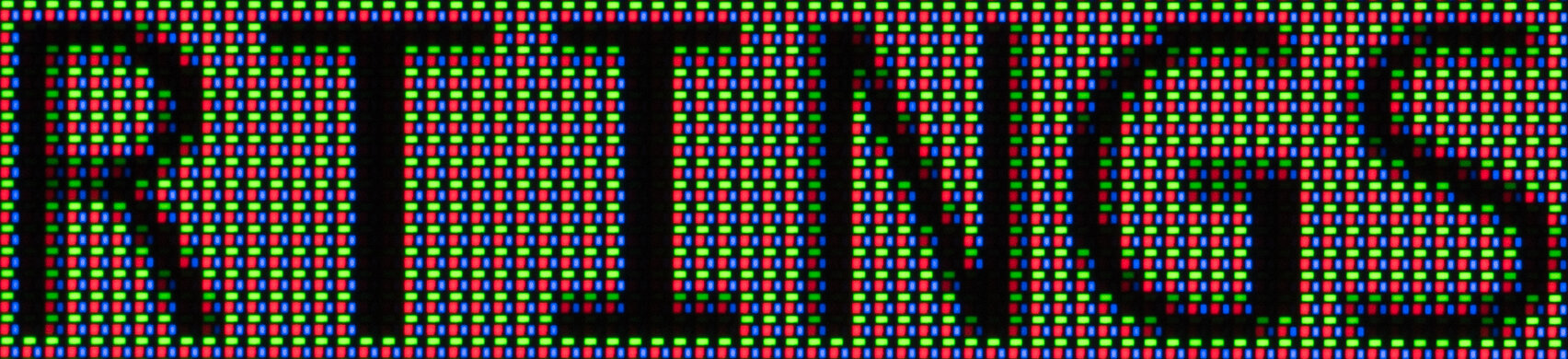
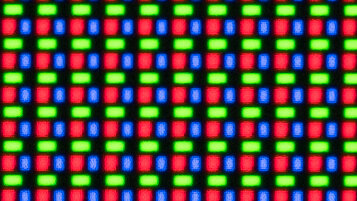
    Subpixel Layout
    LockedLocked

    Become a member to view the full test results and text of the reviews, as well as extra website features and tools with no ads.

    0.0
    Direct Reflections
    Peak Direct Reflection Intensity
    LockedLock%
    Screen Finish
    LockedLocked

    Become a member to view the full test results and text of the reviews, as well as extra website features and tools with no ads.

    0.0
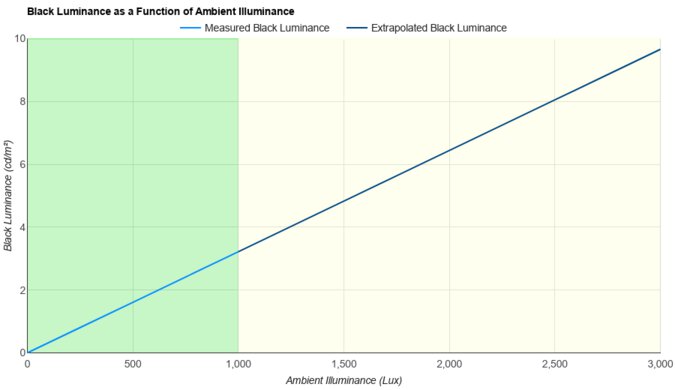
    Ambient Black Level Raise
    Black Luminance @ 0 lx
    LockedLock cd/m²
    Black Luminance @ 1000 lx
    LockedLock cd/m²

    Become a member to view the full test results and text of the reviews, as well as extra website features and tools with no ads.

    0.0
    Total Reflected Light
    Total Reflected Light Intensity
    LockedLock% ⋅ pixel
    Diffraction Artifacts
    LockedLocked

    Become a member to view the full test results and text of the reviews, as well as extra website features and tools with no ads.

    0.0
    Gradient
    Color Depth
    LockedLock Bit

    Become a member to view the full test results and text of the reviews, as well as extra website features and tools with no ads.

    Motion
    0.0
    Refresh Rate
    Dual Mode Setting
    LockedLocked
    Native Refresh Rate
    LockedLock Hz
    Max Refresh Rate
    Locked60 Hz
    Max Refresh Rate Over DP
    LockedLock Hz
    Max Refresh Rate Over HDMI
    LockedN/A
    Max Refresh Rate Over DP @ 10-bit
    LockedN/A
    Max Refresh Rate Over HDMI @ 10-Bit
    LockedN/A
    DSC Toggle
    LockedLocked
    DSC Off Max Refresh Rate Over DP
    LockedN/A
    DSC Off Max Refresh Rate Over HDMI
    LockedN/A

    Become a member to view the full test results and text of the reviews, as well as extra website features and tools with no ads.

    Variable Refresh Rate (VRR)
    Variable Refresh Rate
    LockedLocked
    VRR Supported Connectors
    LockedLocked
    0.0
    Image Flicker
    Flicker-Free
    LockedLocked
    PWM Dimming Frequency
    LockedLocked

    Become a member to view the full test results and text of the reviews, as well as extra website features and tools with no ads.

    Inputs
    0.0
    Input Lag
    Native Resolution @ Max Hz
    LockedLock ms
    Native Resolution @ 120Hz
    LockedN/A
    Native Resolution @ 60Hz
    LockedLock ms
    Backlight Strobing (BFI)
    LockedN/A

    Become a member to view the full test results and text of the reviews, as well as extra website features and tools with no ads.

    0.0
    Resolution
    Native Resolution
    Locked2240 x 1440
    Aspect Ratio
    LockedLocked
    Megapixels
    LockedLock MP
    Pixel Density
    LockedLock PPI
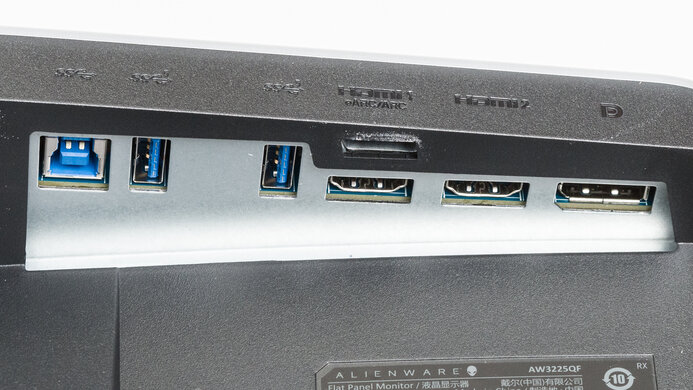
    Inputs
    DisplayPort
    LockedLocked
    DisplayPort Transmission Bandwidth
    LockedLocked
    Mini DisplayPort
    LockedLocked
    HDMI
    LockedLocked
    HDMI 2.1 Bandwidth
    LockedLocked
    Daisy Chaining
    LockedLocked
    3.5mm Audio Out
    LockedLocked
    Ethernet
    LockedLocked
    HDR10
    LockedLocked
    Dolby Vision
    LockedLocked
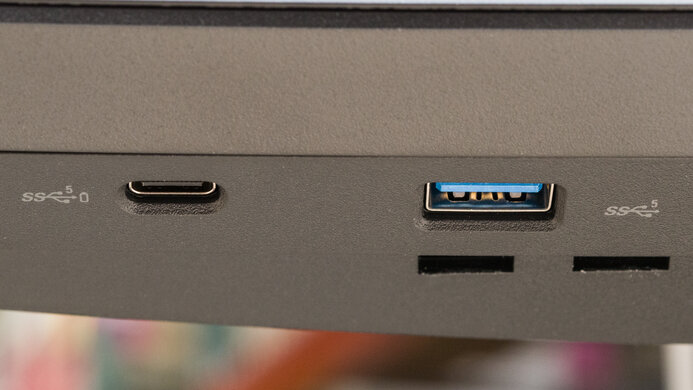
    USB
    USB-A Ports
    LockedLocked
    USB-A Rated Speed
    LockedLocked
    USB-B Upstream Port
    LockedLocked
    USB-C Ports
    LockedLocked
    USB-C Upstream
    LockedLocked
    USB-C Rated Speed
    LockedLocked
    USB-C Power Delivery
    LockedLocked
    USB-C DisplayPort Alt Mode
    LockedLocked
    Thunderbolt
    LockedLocked

    Become a member to view the full test results and text of the reviews, as well as extra website features and tools with no ads.

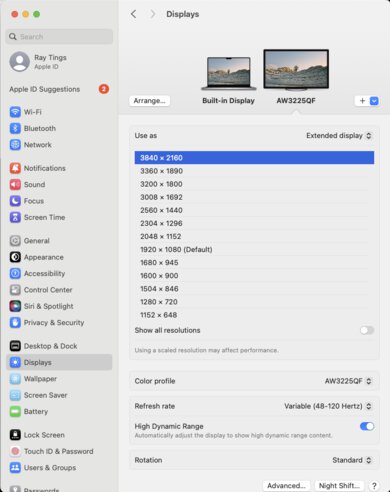
    macOS Compatibility

    Become a member to view the full test results and text of the reviews, as well as extra website features and tools with no ads.

    Features
    Additional Features
    Speakers
    LockedLocked
    RGB Illumination
    LockedLocked
    Multiple Input Display
    LockedLocked
    KVM Switch
    LockedLocked
    Smart OS
    LockedLocked

    Become a member to view the full test results and text of the reviews, as well as extra website features and tools with no ads.

    On-Screen Display (OSD)

    Become a member to view the full test results and text of the reviews, as well as extra website features and tools with no ads.