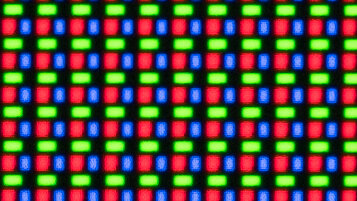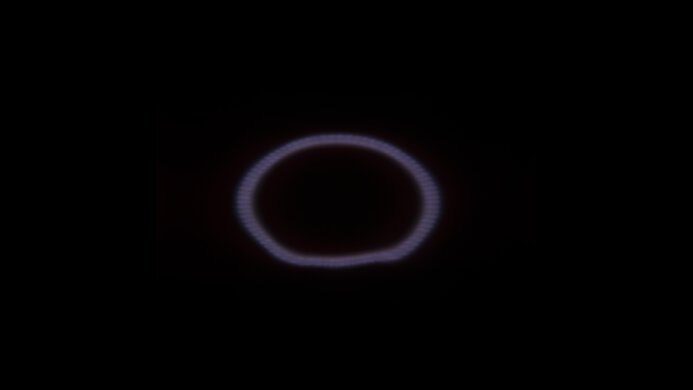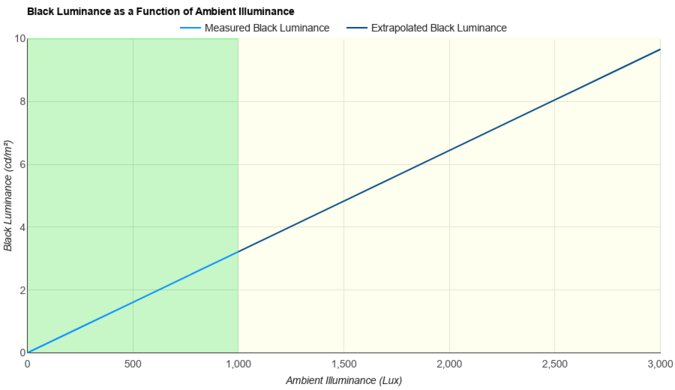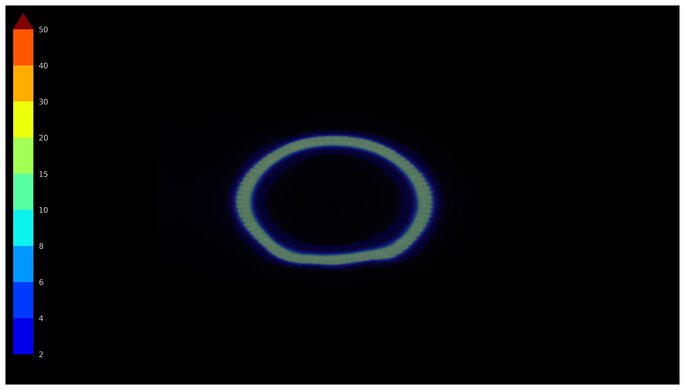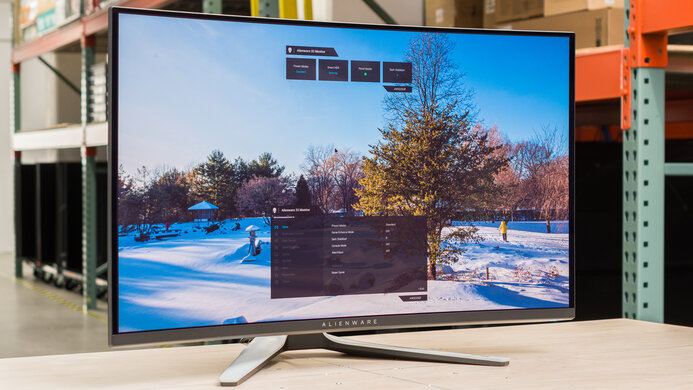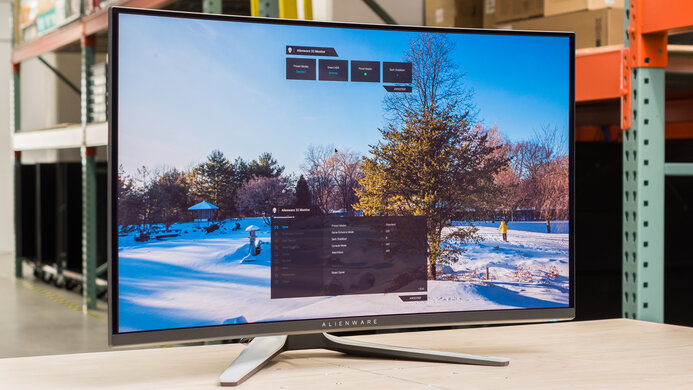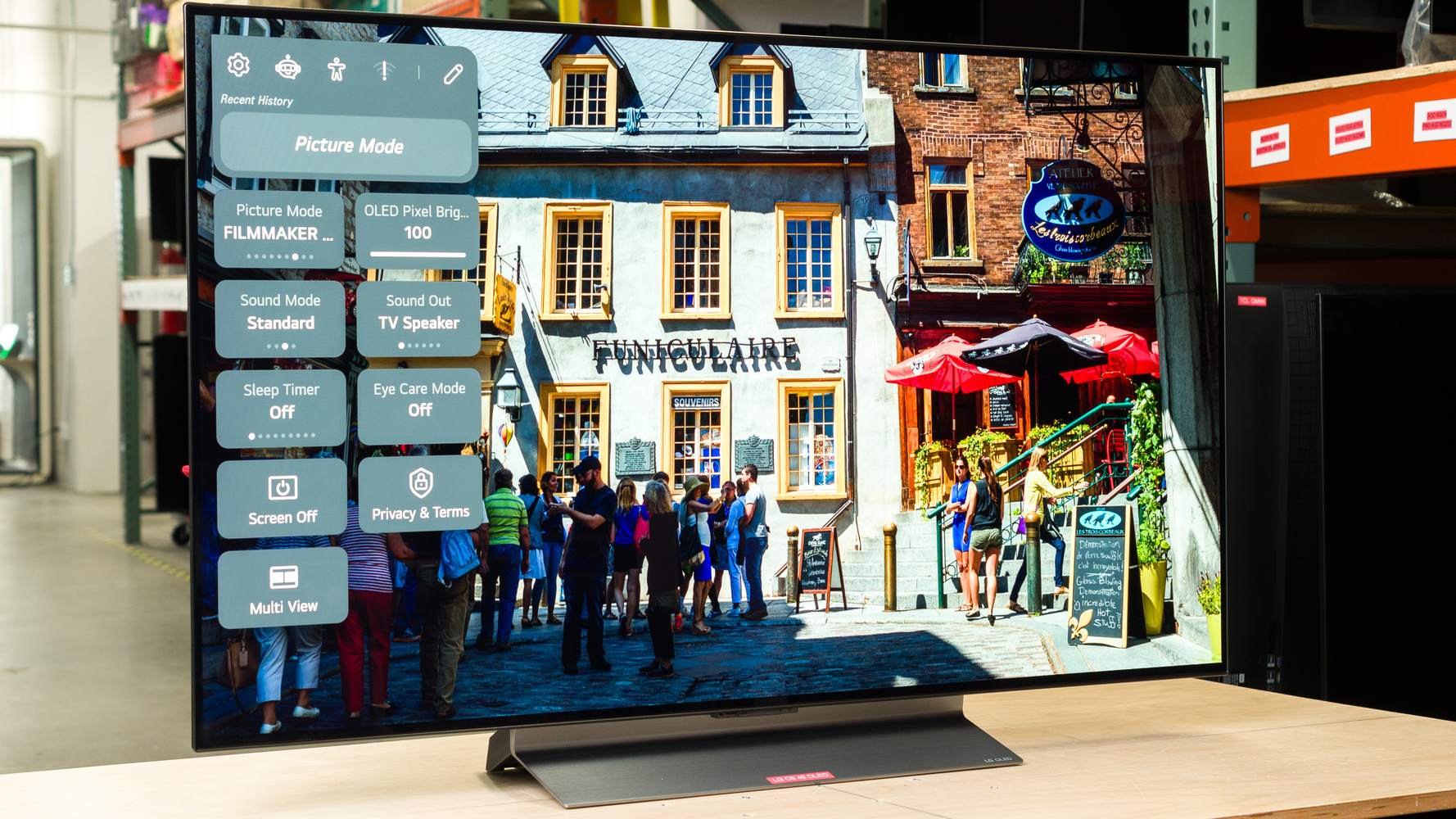
The LG C6 48 OLED is a 48-inch TV that's popular to use as a monitor. It's a newer version of the LG C5 42 OLED, with the 48-inch model being the second-smallest C6 model, ahead of the 42-inch option. The difference between this size and the other C6 options is that it uses a more colorful Tandem OLED panel, similar to the LG C6H OLED, which is only available in 77- and 83-inch sizes. It also comes with LG's Brightness Booster technology to boost luminosity even further. Besides that, it has features most competing gaming monitors have, like FreeSync Premium, G-SYNC Compatibility, and a 165Hz refresh rate that you can access in its 'Game Optimizer' mode. It also includes HDMI 2.1 bandwidth to take advantage of gaming consoles, but unlike modern monitors, it doesn't have any DisplayPort inputs. Lastly, it has features typical of TVs, like the Alpha 11 AI Gen 3 processor, along with the webOS smart platform and Dolby Vision support.
Note: We tested the 65-inch LG C6 OLED 2026 and 77-inch LG C6H OLED as TVs. That said, the results aren't comparable because of the different ways we test monitors and TVs. For example, we tested it with different settings to better represent how someone would use it as a PC monitor.
Our Verdict
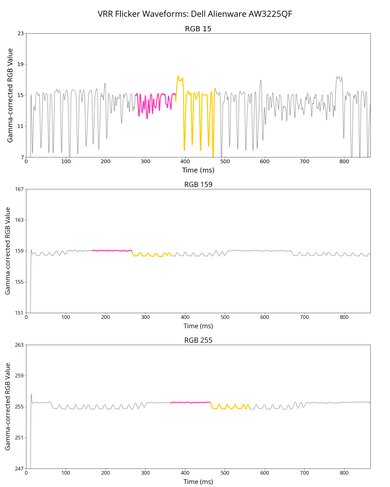
The LG 48 C6 is fantastic for PC gaming. Its 165Hz refresh rate offers a smooth feel alongside its near-instantaneous response time for sharp motion, resulting in minimal blur. It also has low input lag for a responsive feel. Plus, it has a large 48-inch screen for an immersive feel. While its 4k resolution results in detailed images, its low pixel density means that some in-game text looks blurry. Luckily, an advantage of gaming with it is that it has remarkable picture quality with deep blacks, bright highlights that really pop against the rest of the image, and a wide range of vivid colors. However, a downside is that it has noticeable VRR flicker, which could be distracting if your PC can't maintain consistent frame rates.
Sharp motion at any refresh rate.
165Hz refresh rate and VRR support.
Low 165Hz input lag in any mode.
Deep, inky blacks in any environment.
Makes highlights pop in HDR.
Displays wide range of vivid colors.
Distracting VRR flicker.
Lack of DisplayPort inputs.
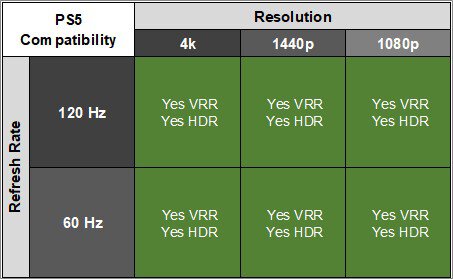
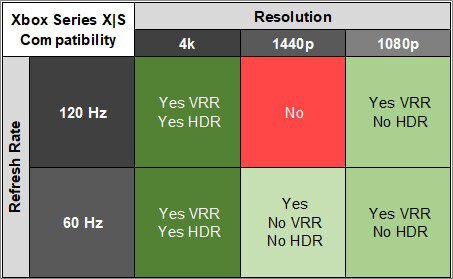
The LG 48 C6 is superb for console gaming. It takes full advantage of a PS5 or Xbox Series X|S, including VRR and Dolby Vision support. Using its 'Game Optimizer' mode results in low input lag when console gaming, and it also has a near-instantaneous response time with minimal blur. Besides that, it's an incredible choice for HDR gaming as it displays deep blacks without any haloing around bright objects. It also makes highlights pop, and it displays a wide range of colors for a vivid HDR gaming experience.
Sharp motion at any refresh rate.
Low 60Hz and 120Hz input lag in the 'Game Optimizer' mode.
Deep, inky blacks in any environment.
Makes highlights pop in HDR.
Supports all signals from consoles.
Displays wide range of vivid colors.
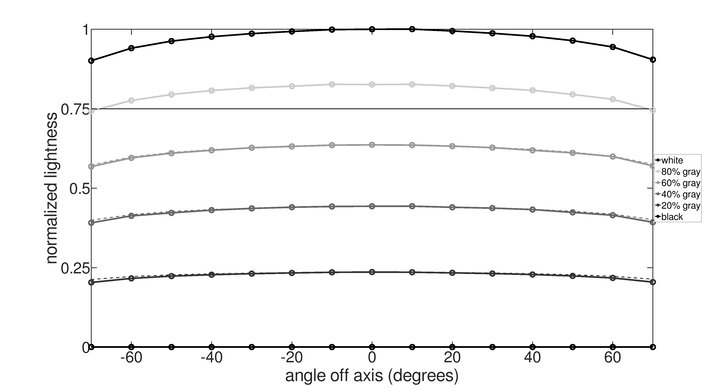
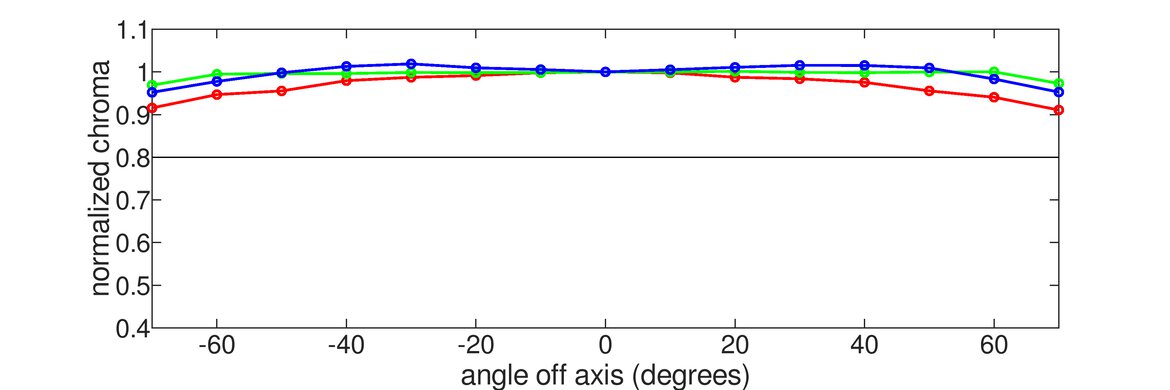
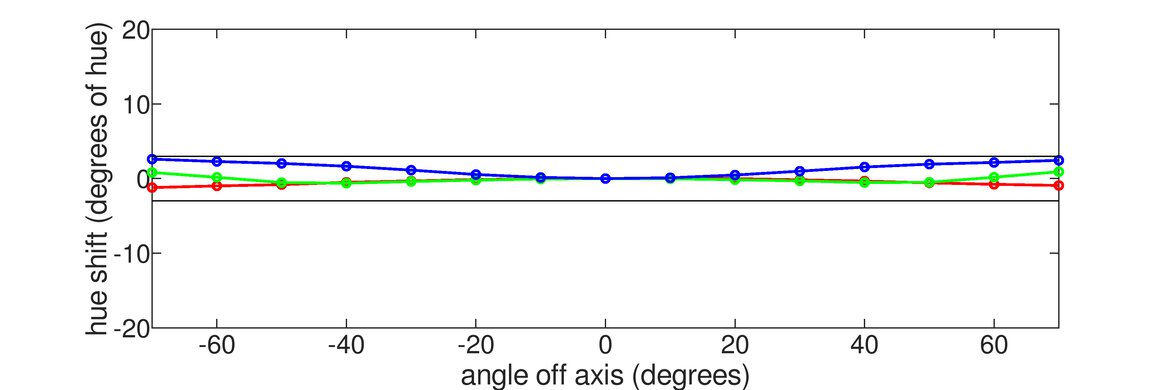
The LG 48 C6 is okay for office use. The main downside is that it has low pixel density, so there are some text clarity issues. It also risks burn-in with constant exposure to the same static elements over time. Despite having a wide viewing angle, the edges of the screen look green if you sit close and you have a webpage or document open. There are advantages to using it, though, as it gets bright enough to fight glare in most well-lit rooms, but reflections can be distracting in a sunny space due to its glossy coating.
Bright enough to fight glare.
Big enough for multitasking.
Reflections can be distracting.
Fringing around text.
Risk of burn-in.
No ergonomic adjustments.
Green vignetting at edges.
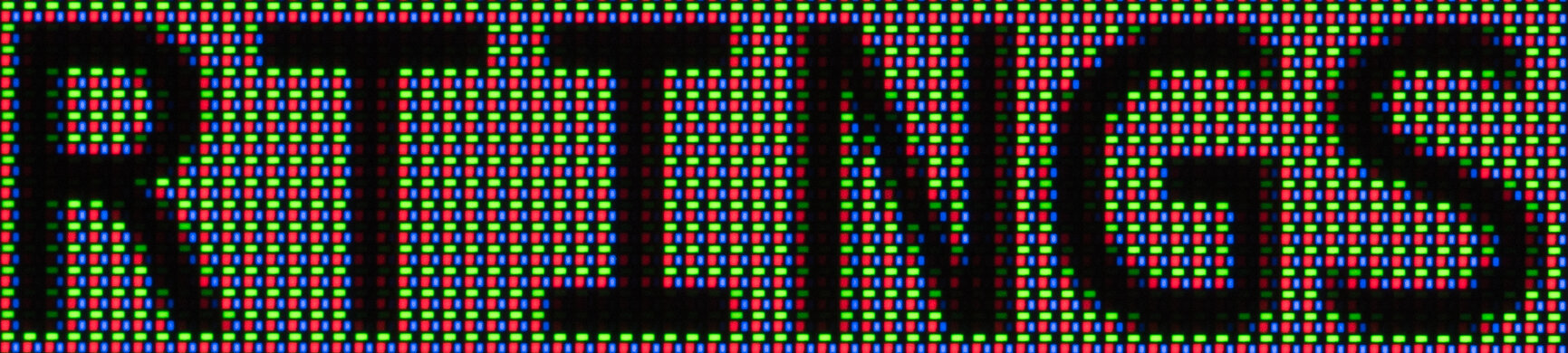
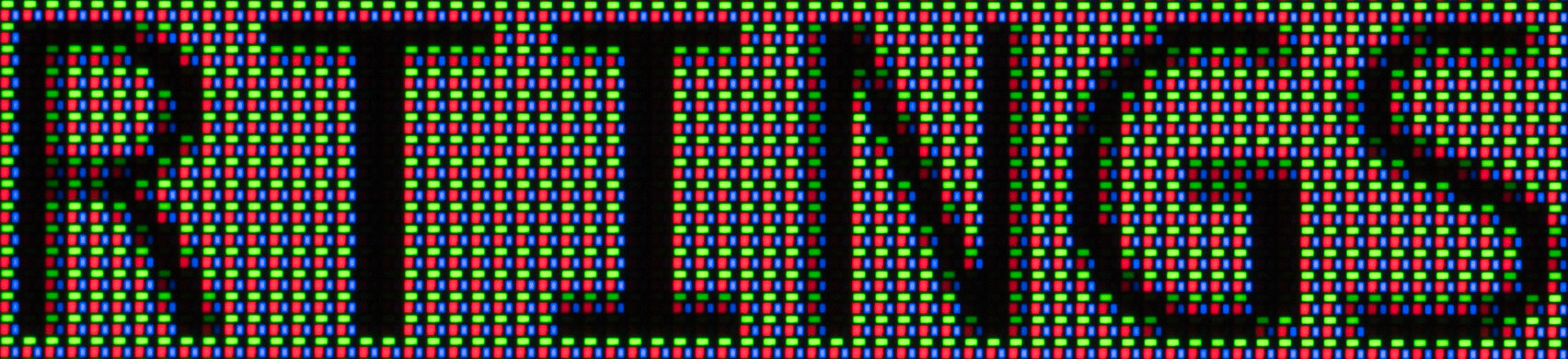
The LG 48 C6 is excellent for editing. The main advantage of using it for content creation is that it delivers remarkable picture quality. Blacks are deep and inky, it displays a wide range of colors, and it makes highlights stand out in HDR. However, there are white balance and color temperature issues out of the box that you may want to fix with a full calibration. It's not perfect, though, as it has green vignetting at the edges when you sit close, so your content may look off at the sides. It also lacks an ergonomic stand, and it has fringing around letters and images due to its subpixel layout and low pixel density.
Deep, inky blacks in any environment.
Bright enough to fight glare.
Excellent accuracy out of the box.
Big enough for multitasking.
Reflections can be distracting.
Risk of burn-in.
No ergonomic adjustments.
Green vignetting at edges.
Color temperature and white balance issues need calibration to fix.
The LG 48 C6 has excellent brightness. It gets very bright in 'Filmmaker Mode,' and highlights pop in HDR. Although its 'Game Optimizer' mode is dimmer, it's still bright enough to fight some glare.
Makes highlights pop in HDR.
Bright enough to fight glare.
The 'Game Optimizer' mode is slightly dimmer than 'Filmmaker Mode.'
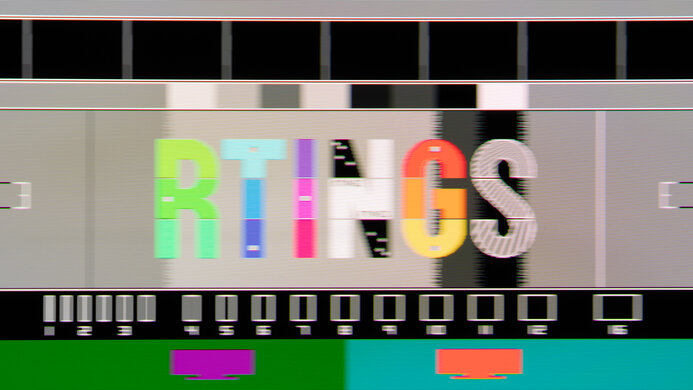
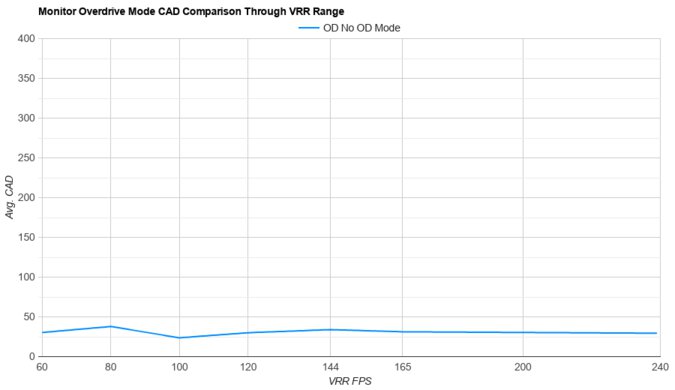
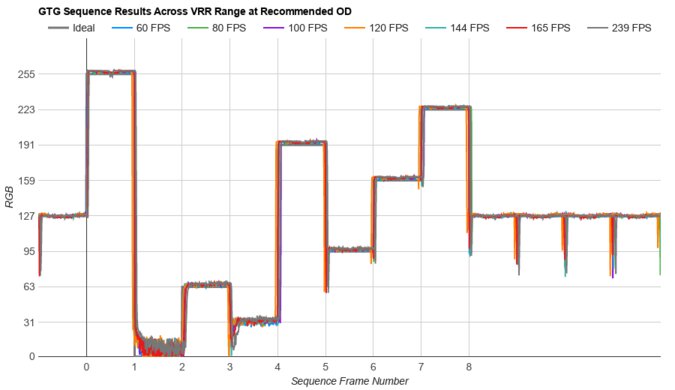
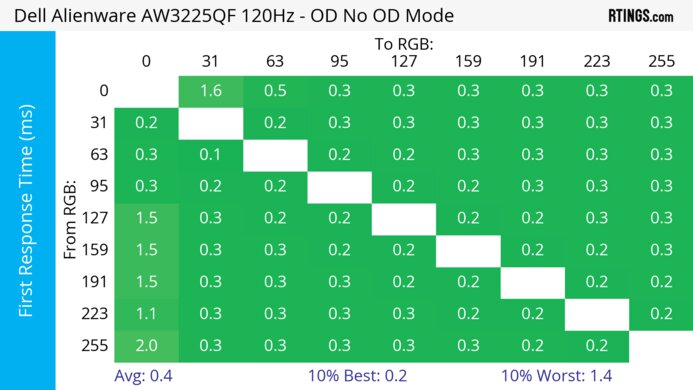
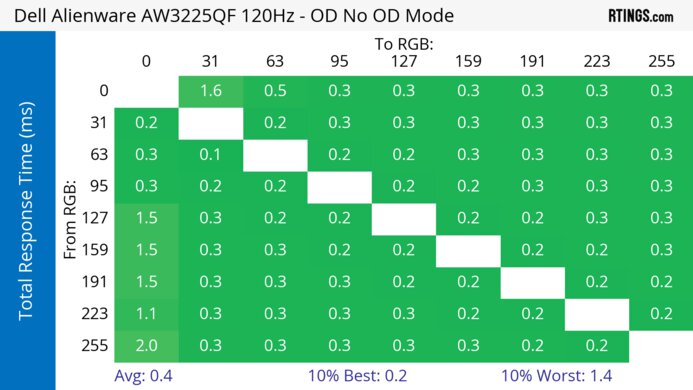
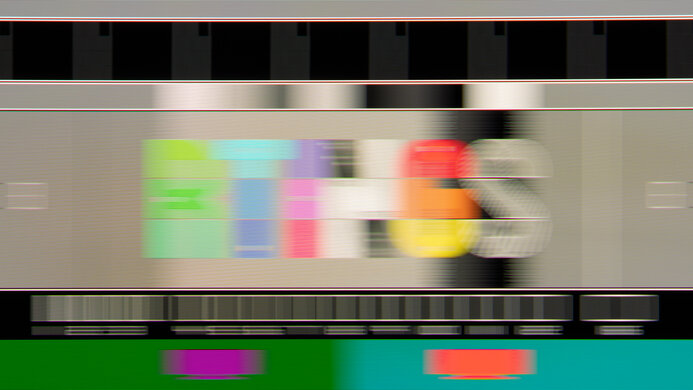
The LG 48 C6 has a near-instantaneous response time for sharp motion at any refresh rate.
Sharp motion at any refresh rate.
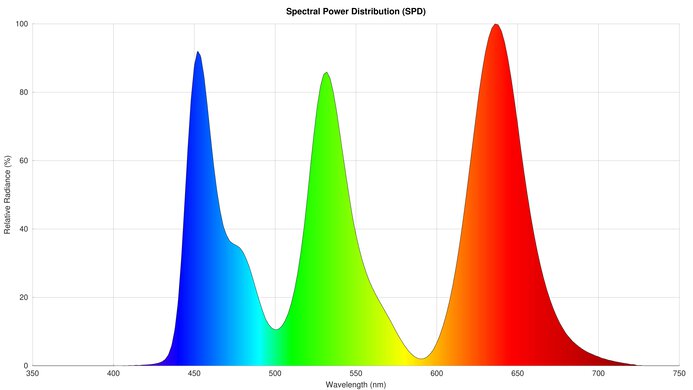
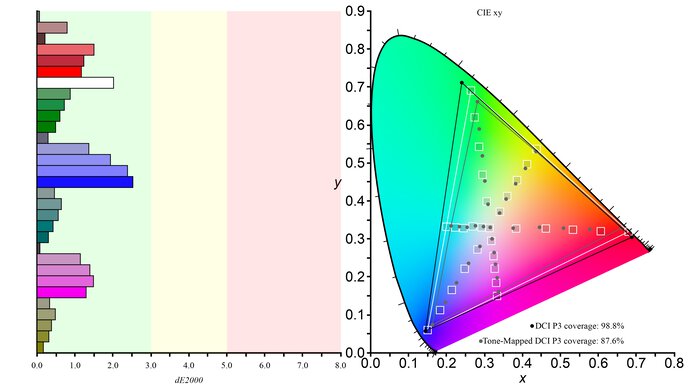
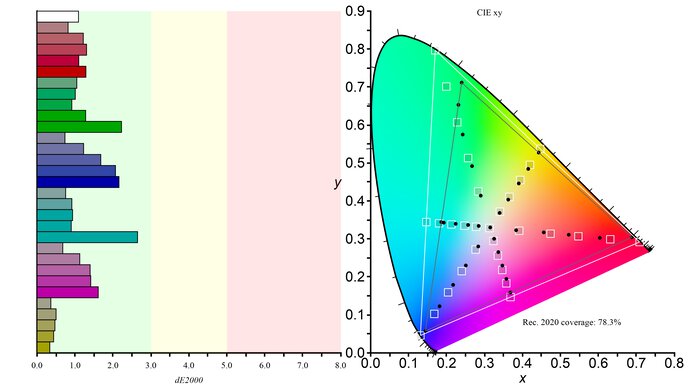
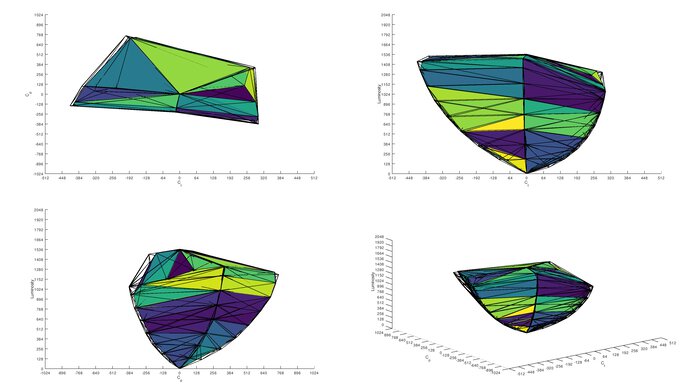
The LG 48 C6 has remarkable HDR picture quality. It displays deep, inky blacks without any haloing around bright objects. It also covers a wide range of colors and makes them look vivid.
Deep, inky blacks in any environment.
Displays wide range of vivid colors.
The LG 48 C6 has superb SDR picture quality. It displays deep blacks alongside a wide range of colors.
Deep, inky blacks in any environment.
Displays wide range of vivid colors.
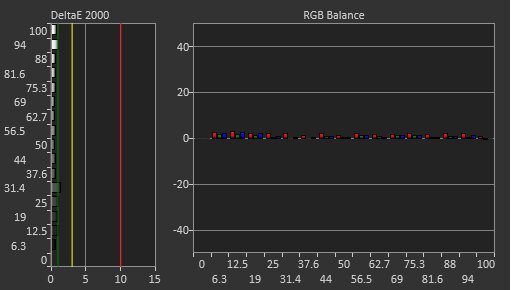
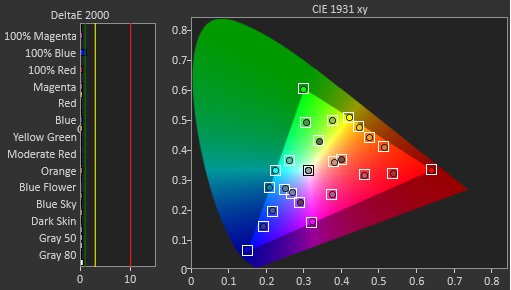
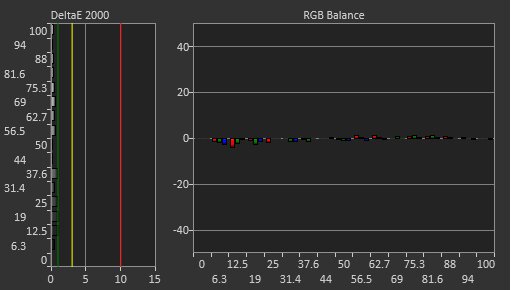
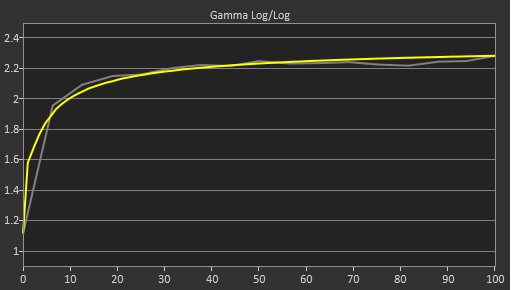
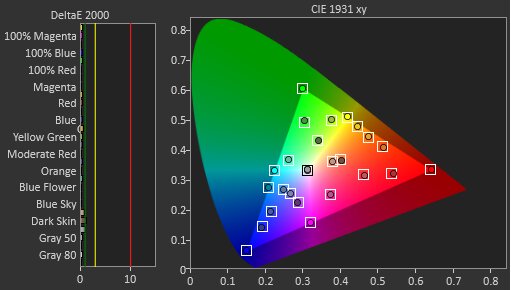
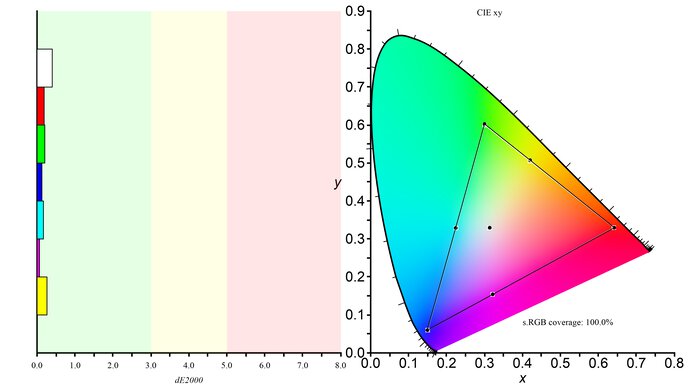
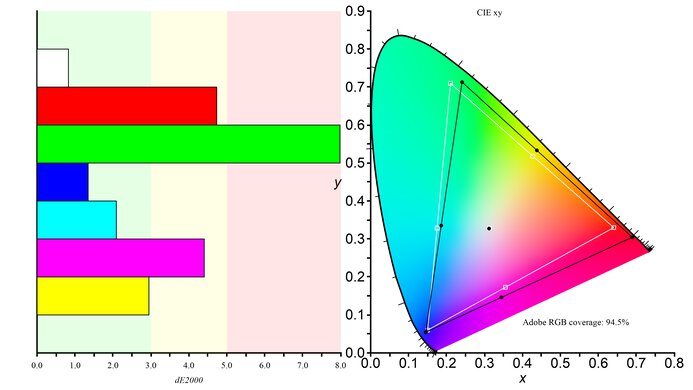
The LG C6 48 has excellent color accuracy. Despite lacking a dedicated sRGB mode, it still locks colors well to the sRGB color space. However, there are white balance and color temperature issues that you need to fix with a full calibration.
Excellent accuracy out of the box.
Color temperature and white balance issues need calibration to fix.
Performance Usages
Changelog
- Updated Oct 05, 2026: We converted this review to Test Bench 2.2. With this update, we've added a new test box for the Longevity 3.0 test.
-
Updated Jul 20, 2026:
We corrected the additional in-text HDR Real Scene brightness results.
-
Updated Jul 20, 2026:
We clarified in the Intro that the Tandem OLED panel is more colorful than other C6 sizes.
- Updated Jul 16, 2026: Review published.
Check Price
Differences Between Sizes And Variants
We bought and tested the 48-inch LG C6. It's different from the other LG C6 OLED 2026 sizes because it uses a Tandem OLED panel, which the others don't have. Even though the similar LG C6H OLED has a Tandem OLED panel, it's different because it's only available in 77- and 83-inch sizes, so they perform differently as a monitor due to their lower pixel density. The results are only valid for this 48-inch C6 model. Note that the full model code varies between regions and retailers, including with warehouse stores like Costco or Sam's Club.
| Model | Size | Panel Type | Stand | Notes |
|---|---|---|---|---|
| OLED42C6PUA | 42" | WOLED | Two feet | - |
| OLED48C6PUA | 48" | Tandem OLED | Center-mounted | Brightness Booster |
| OLED55C6PUA | 55" | WOLED | Center-mounted | - |
| OLED65C6PUA | 65" | WOLED | Center-mounted | - |
| OLED77C6HUP | 77" | Tandem OLED | Center-mounted | Brightness Booster Pro Hyper Radiant |
| OLED83C6HUP | 83" | Tandem OLED | Center-mounted | Brightness Booster Pro Hyper Radiant |
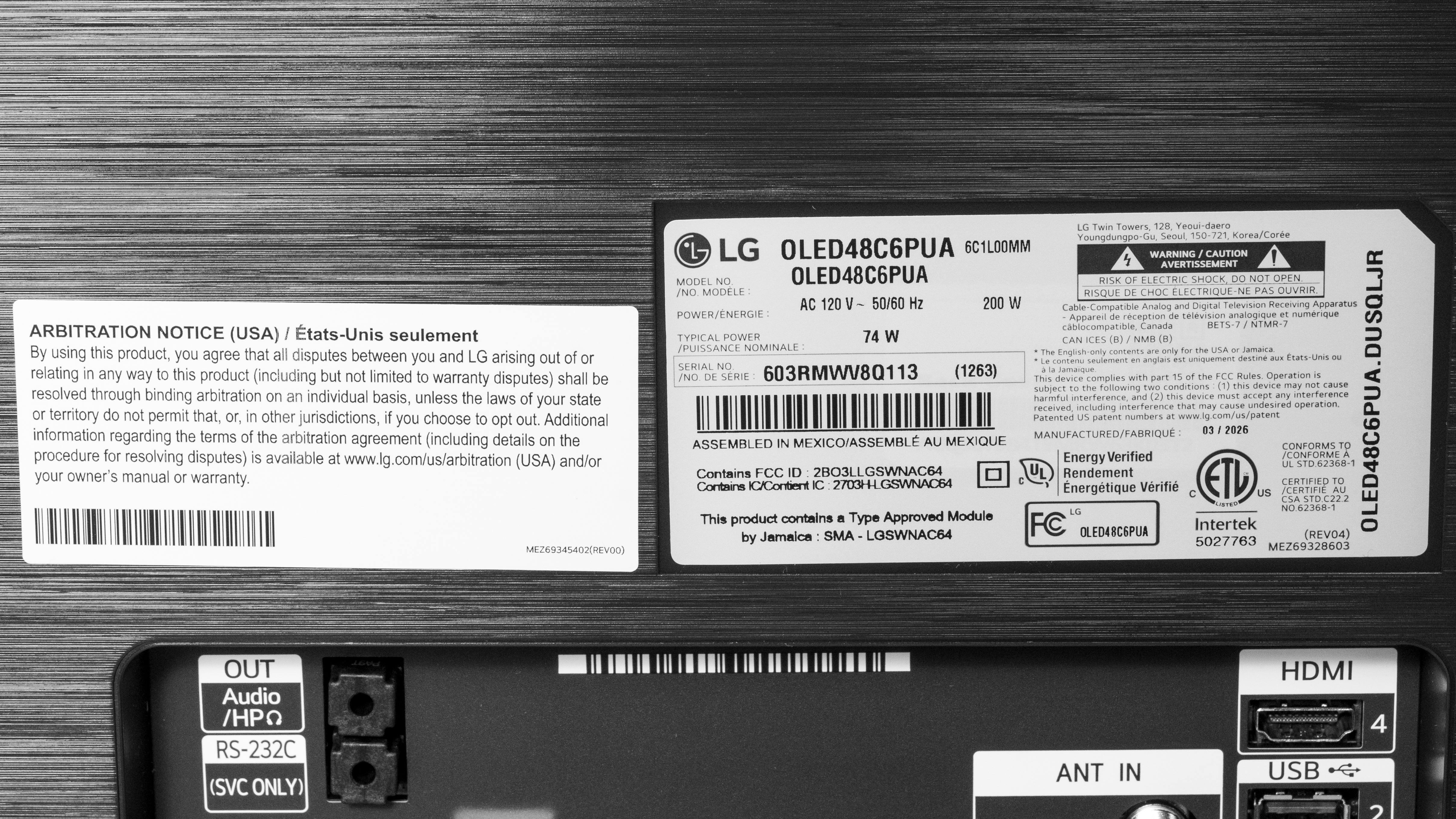
Our unit's label indicates it was manufactured in March 2026 in Mexico. We tested it with firmware 43.11.71.
Popular Monitor Comparisons
The LG C6 48 is a 48-inch OLED TV that's popular to use as a monitor for gaming. As the 48-inch screen is the only size of the C6 model that uses a Tandem OLED panel, it gets much brighter than the 42-inch version or the older LG C5 42 OLED. With this, it also displays a wide range of vivid colors, challenging QD-OLED monitors, like the ASUS ROG Swift OLED PG32UCDM Gen3, for the best picture quality on any computer screen while maintaining low black levels in bright rooms.
It has features that most gamers can make use of, like a 165Hz refresh rate, HDMI 2.1 bandwidth, and a near-instantaneous response time. Plus, it has low input lag at its max refresh rate in any picture mode, which allows you to choose a bright picture mode while getting a responsive feel. However, as it's a TV, it lacks features most monitors have, like an ergonomic stand or a KVM switch. It also has worse text clarity due to its lower pixel density. That said, if these are the trade-offs you're willing to make for getting this bigger screen for an immersive gaming experience, it's a fantastic choice.
Also see our recommendations for the best 34-49 inch monitors, the best 4k 144Hz monitors, and the best LG monitors. If you're looking for other TVs, check out the best small TVs.
The LG C6 48 OLED and the ASUS ROG Swift OLED PG32UCDM Gen3 are both high-end OLED displays. The main differences come down to what they're designed for. The LG is a small TV that includes features typical of TVs, like a processor and a smart system, and its bigger screen offers a more immersive feel. The LG also has advantages when it comes to picture quality because it gets brighter, and it maintains lower black levels in bright rooms. On the other hand, the ASUS is a monitor that's better for productivity or high-end PC gaming. The ASUS has a higher refresh rate for a smoother feel, and it includes a small USB hub with a KVM switch and DisplayPort Alt Mode to quickly connect a laptop. The ASUS also has a higher pixel density, which results in sharper text clarity.
The LG C6 48 OLED is newer than the LG C5 42 OLED. The C6 is a big upgrade because it uses a newer Tandem OLED panel that gets brighter, so it's better at fighting glare, and it makes highlights pop more, and it displays more vivid colors. The C6 also has fewer dithering issues that plagued the C5, and the C6 has a slightly higher refresh rate. Besides that, they're similar displays with the same features.
The LG C6 48 OLED is newer than the LG C4 42 OLED. The C6 is a big upgrade because it uses a newer Tandem OLED panel that gets brighter, so it's better at fighting glare and it makes highlights pop more. Plus, the C6 displays a wider range of colors, and it has a higher refresh rate for gaming.
The LG C6 48 OLED and the ASUS ROG Strix OLED XG32UCWMG are both high-end OLED displays. The main differences come down to what they're designed for. The LG is a small TV that includes features typical of TVs, like a processor and a smart system, and its bigger screen offers a more immersive feel. The LG also has advantages when it comes to picture quality because it gets brighter, and its newer Tandem OLED panel displays more vivid colors. On the other hand, the ASUS is a monitor that's better for productivity or high-end PC gaming. The ASUS has a higher refresh rate, and it has a dual mode to boost it as high as 480Hz with a lower resolution. Plus, it includes a small USB hub with a KVM switch and DisplayPort Alt Mode to quickly connect a laptop. The ASUS also has higher pixel density, resulting in sharper text clarity.
We buy and test more than 30 monitors each year, all of which we purchase ourselves, without cherry-picked units or samples. We put a lot into each unbiased, straight-to-the-point review, and there's a whole process from purchasing to publishing, involving multiple teams and people. We do more than just use the monitor for a week; we use specialized, custom tools to measure various aspects and deliver objective, data-driven results. We also consider multiple factors before making any recommendations, including the monitor's cost, its performance compared to the competition, and whether it's easy to find.
Test Results
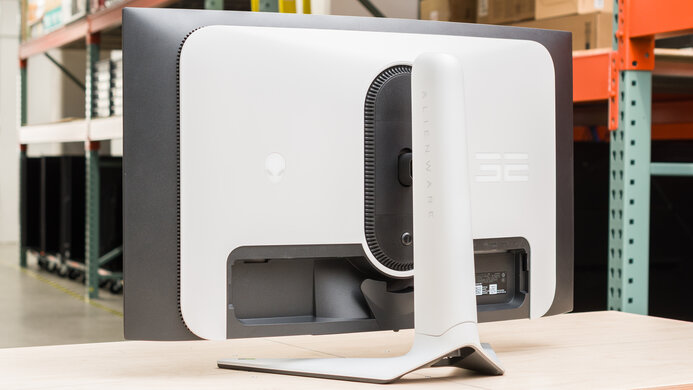
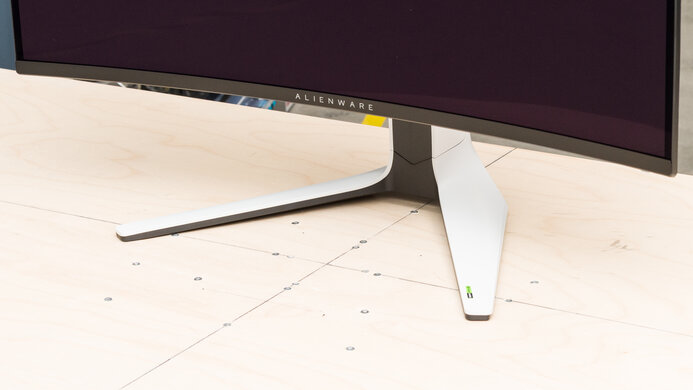
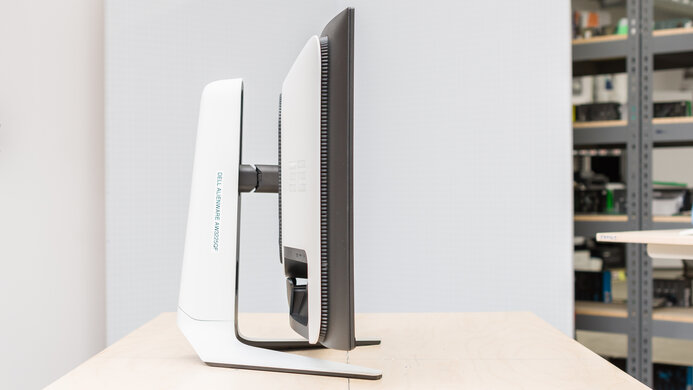
for pictures & test results
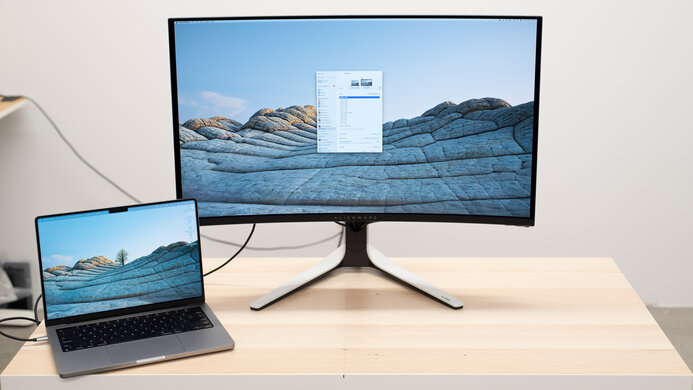

for pictures & test results

for pictures & test results
for pictures & test results
for pictures & test results
for pictures & test results
for pictures & test results
for pictures & test results
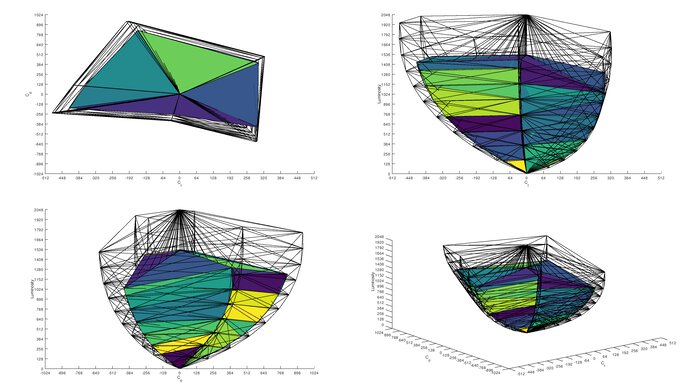
for videos & test results

for pictures & test results
for pictures & test results
for pictures & test results