The TCL S4/S450G is an entry-level 4k TV released in 2023. It's part of the TCL S4 series of budget TVs, which includes the TCL S4/S470G and offer a limited selection of extra features but are available in a wide variety of sizes. Unlike previous years, TCL is offering the S4 series with two different choices of smart interface; the "G" series of TVs, like this one, run the Google TV smart interface. The "R" models run the Roku smart interface instead.
Our Verdict
The TCL S450G is an alright TV for mixed usage. It's best suited for watching shows or playing games in a moderately-lit room. Despite its good reflection handling, it can't overcome glare in a bright room. It's okay for watching movies or gaming in a dark room, thanks to its high native contrast ratio, but it lacks a local dimming feature to improve contrast. It supports HDR, but this adds almost nothing, as it can't display a wide color gamut, and it's not bright enough to bring out bright specular highlights.
- High native contrast for deep blacks in dim scenes.
- Good reflection handling.
- Bad viewing angle.
- Not bright enough to overcome glare in a bright room.
- Sub-pixel dithering causes some color issues, especially in games and shadow details.
The TCL S450G is mediocre for watching shows in a bright room. It has poor peak brightness but good reflection handling, so it can handle some glare in a moderately lit room, but it can't get bright enough to overcome bright reflections. The built-in Google TV smart interface has a great selection of streaming apps to quickly find your favorite shows. Unfortunately, the image fades rapidly at an angle, so it's not a good choice for a wide seating arrangement. It also has limited picture processing capabilities, so it can't do much to clean up low-quality or low-resolution content.
- Wide selection of streaming apps.
- Good reflection handling.
- Bad viewing angle.
- Not bright enough to overcome glare in a bright room.
- Sub-pixel dithering causes some color issues, especially in games and shadow details.
The TCL S450G delivers a mediocre experience when watching sports in a bright room. It has good reflection handling, so it can handle some glare in a moderately lit room, but it can't get bright enough to overcome bright reflections. The response time is okay, but fast action in games looks blurry, and the TV has a narrow viewing angle, meaning the image fades and looks washed out at an angle.
- Wide selection of streaming apps.
- Good reflection handling.
- Bad viewing angle.
- Distracting dirty screen effect in the center.
- Not bright enough to overcome glare in a bright room.
- Sub-pixel dithering causes some color issues, especially in games and shadow details.
The TCL S450G is okay for gaming. It has superb low input lag, ensuring a responsive gaming experience with minimal delay between your actions and what you see on the screen. There's also very little difference in picture quality when switching to 'Game' mode. On the other hand, it has a fairly slow response time, so you'll see more blur around fast-moving objects. It's limited to a 60Hz refresh rate and doesn't support any advanced gaming features like VRR.
- High native contrast for deep blacks in dim scenes.
- Low input lag.
- Good reflection handling.
- 60Hz refresh rate and limited gaming features.
- Sub-pixel dithering causes some color issues, especially in games and shadow details.
The TCL S450G is okay for watching movies in a dark room. It has a high native contrast ratio and decent black uniformity, so you don't have to worry about distracting IPS glow or blooming around bright highlights. It can't get very bright in HDR, though, and it lacks a local dimming feature, so bright specular highlights don't stand out. Finally, it can't display a wide color gamut, so most HDR content looks dull and muted.
- High native contrast for deep blacks in dim scenes.
- No local dimming feature to improve contrast.
- Poor peak brightness in HDR.
- Can't display a wide color gamut.
- Sub-pixel dithering causes some color issues, especially in games and shadow details.
The TCL S450G is just okay for gaming in HDR. It has low input lag and good picture quality in the 'Game' Picture Mode. It also has a high native contrast ratio, which is essential for a good HDR experience. It lacks a local dimming feature, though, and it can't get very bright in HDR, so specular highlights in HDR don't stand out at all. It also can't display a wide color gamut, and HDR adds very little overall.
- High native contrast for deep blacks in dim scenes.
- Low input lag.
- No local dimming feature to improve contrast.
- Poor peak brightness in HDR.
- 60Hz refresh rate and limited gaming features.
- Sub-pixel dithering causes some color issues, especially in games and shadow details.
The TCL S450G is just okay for use as a PC monitor. It has low input lag, ensuring a responsive desktop experience, but the response time is a bit sluggish, resulting in more noticeable blur around fast-moving objects like a cursor. It has just okay gray uniformity, and there's noticeable dirty screen effect near the center, so it doesn't look good when browsing the web. It also has a bad viewing angle, so the sides of the screen lose uniformity when sitting too close to the screen.
- Low input lag.
- Chroma 4:4:4 is displayed properly for clear text from a PC.
- Good reflection handling.
- Bad viewing angle.
- Distracting dirty screen effect in the center.
- Not bright enough to overcome glare in a bright room.
- Sub-pixel dithering causes some color issues, especially in games and shadow details.
Changelog
- Updated Oct 04, 2024: We've added a comparison to the newly-reviewed TCL S5/S551G in the Variable Refresh Rate box.
- Updated Sep 12, 2024: We mentioned the newly-reviewed Hisense A7N in the SDR brightness section of this review.
- Updated Nov 24, 2023: Mentioned the newly reviewed Roku Select Series in the Compared To Other TVs section of this review.
- Updated Oct 03, 2023: We bought and tested the TCL S4/S470G, and added a few comparisons below in the Differences Between Sizes And Variants and the Color Gamut sections.
Check Price
Differences Between Sizes And Variants
We bought and tested the 50-inch TCL S450G which is part of the TCL S4 lineup, and these results are also valid for the 43-, 55-, 65-, 75, and 85-inch sizes. There are a few different models in TCL's S4 series, which share a similar design but slightly different features and picture quality. The TCL S470G is very similar to this one, but has a different panel with a wider color gamut and a wide viewing angle, but much worse contrast. The TCL S450R is a Roku variant of this TV with a slightly different feature set, but similar picture quality. All sizes perform the same, but the 75-inch and 85-inch models have a slightly different stand and an additional USB port.
| Size | Model Number |
|---|---|
| 43" | 43S450G |
| 50" | 50S450G |
| 55" | 55S450G |
| 58" | 58S450G |
| 65" | 65S450G |
| 75" | 75S450G |
| 85" | 85S450G |
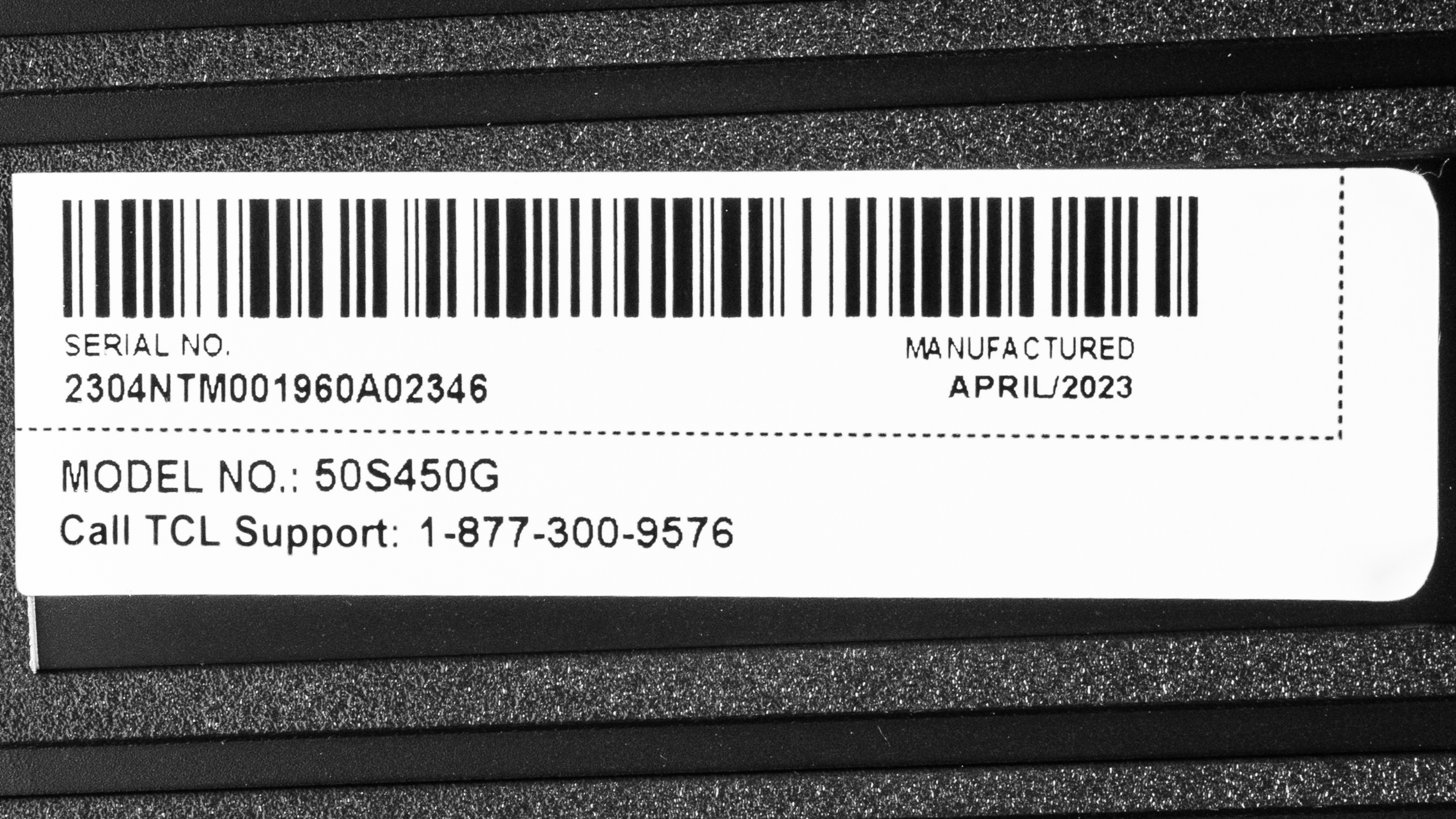
Our unit was manufactured in April 2023; you can see the label here.
Popular TV Comparisons
The TCL S450G is a very basic entry-level TV with okay picture quality and very few additional features. It's cheap, and it performs as expected for a cheap TV. You can get a much better TV by spending just a bit more or get the better Roku Select Series 2023 for a similar price. But if you don't care about gaming features or picture processing, then it's an okay option.
See our recommendations for the best budget TVs, the best TVs under $300, and the best smart TVs.
The TCL Q550G is significantly better than the TCL S4/S450G. The Q550G has a much better picture quality overall and looks better in bright rooms thanks to its higher SDR peak brightness. HDR content also has more impact on the Q5 thanks to its higher HDR peak brightness and wide color gamut. Finally, the Q550G is better for gaming thanks to the addition of VRR support, ensuring a nearly tear-free gaming experience.
The TCL Q651G is better than the TCL S4/S450G, as it's a higher-tier product. The Q651G is noticeably brighter and more colorful than the S4, and it has more gaming features, with VRR and 120Hz support at 1080p and 1440p in its 55, 65, and 75 model sizes, and support for 4k @ 120Hz on its two largest 85 and 98-inch models. The S4 doesn't have VRR and is limited to 60Hz at all resolutions. It has better contrast than the Q651G, but the S4 isn't as good a TV overall.
The TCL S551G is better than the TCL S4/S450G. While both have a somewhat limited contrast ratio and no local dimming, the S5 gets noticeably brighter, resulting in better overall picture quality, especially in brighter rooms. It also has a better viewing angle and wider color gamut, as well as offering more gaming features, like VRR and 1080p or 1440p @ 120Hz.
The Roku Select Series is better than the TCL S4/S450G. The Roku is noticeably brighter in HDR and SDR, has better black uniformity and a significantly faster response time, and has a wider viewing angle than the TCL. The TCL does have better upscaling and low-quality content smoothing capabilities, but the Roku has better HDR native gradient handling. Overall, the Roku is the better-looking and better-performing TV of the two and is available in more sizes.

We buy and test dozens of TVs yearly, taking an objective, data-driven approach to deliver results you can trust. Our testing process is complex, with hundreds of individual tests that take over a week to complete. Most of our tests use specially designed test patterns that mimic real content, but we also use the same sources you have at home to ensure our results match the real-world experience. We use two main tools for our testing: a Colorimetry Research CR-100 colorimeter and a CR-250 spectroradiometer.
Test Results
Older Test Bench: We tested this product using an older TV test methodology before a major update. Some of the test results below aren't directly comparable with other TVs. Learn more
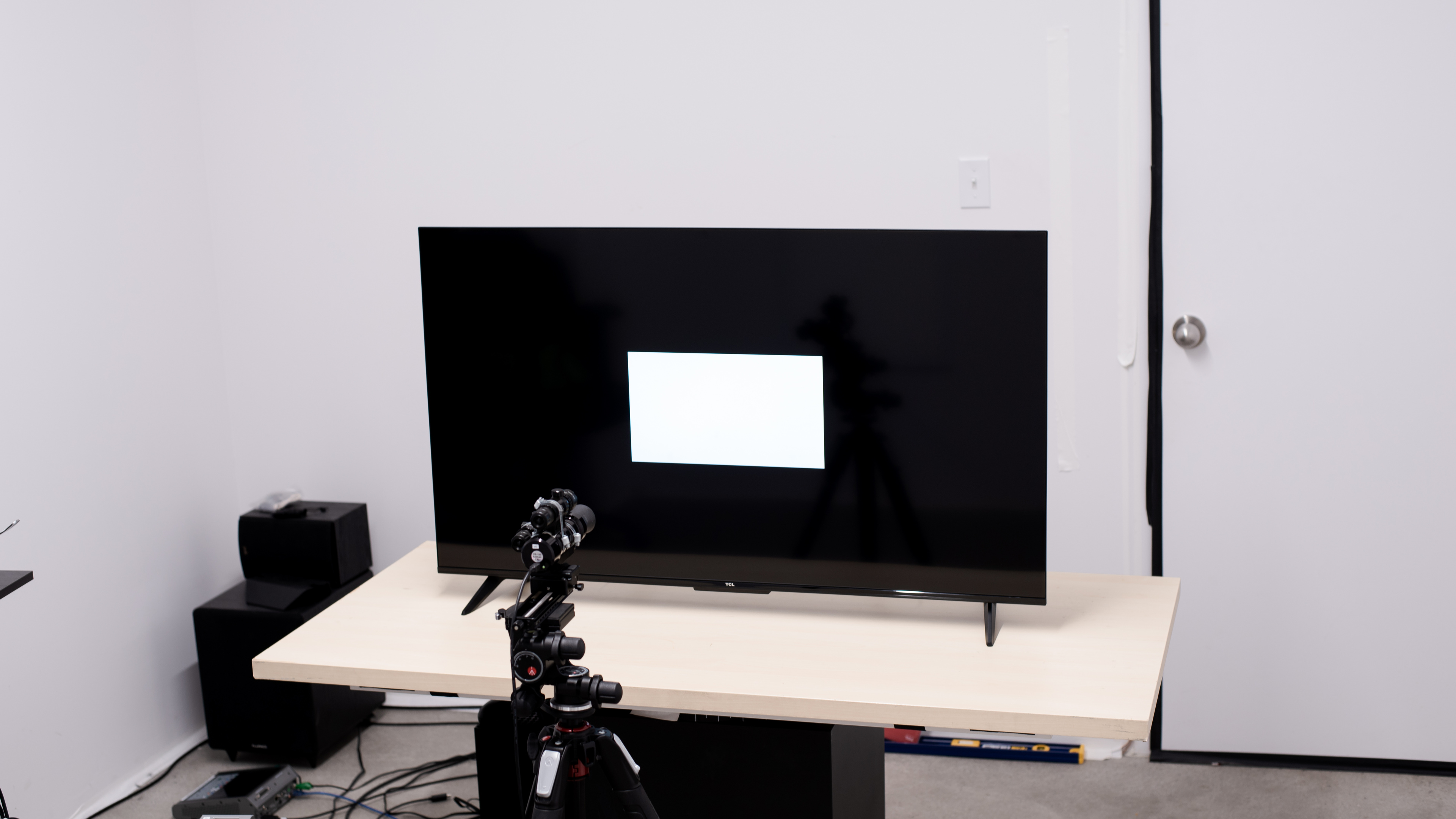
for pictures & test results

The design is basic and doesn't look very premium. The bezels are thin and not distracting, but the rest of the TV looks a bit cheap.
for pictures & test results

The V-shaped feet are very basic. They're set near the ends of the TV, so you'll need a large cabinet for the larger sizes if you're not planning on wall-mounting the TV. Sadly, the feet have no alternative position to accommodate a smaller table. The feet don't lift the TV very high, so most soundbars won't fit in front of it without blocking a portion of the screen.
Footprint of the 50" stand: 37.6" x 10" x 2.4"
for pictures & test results

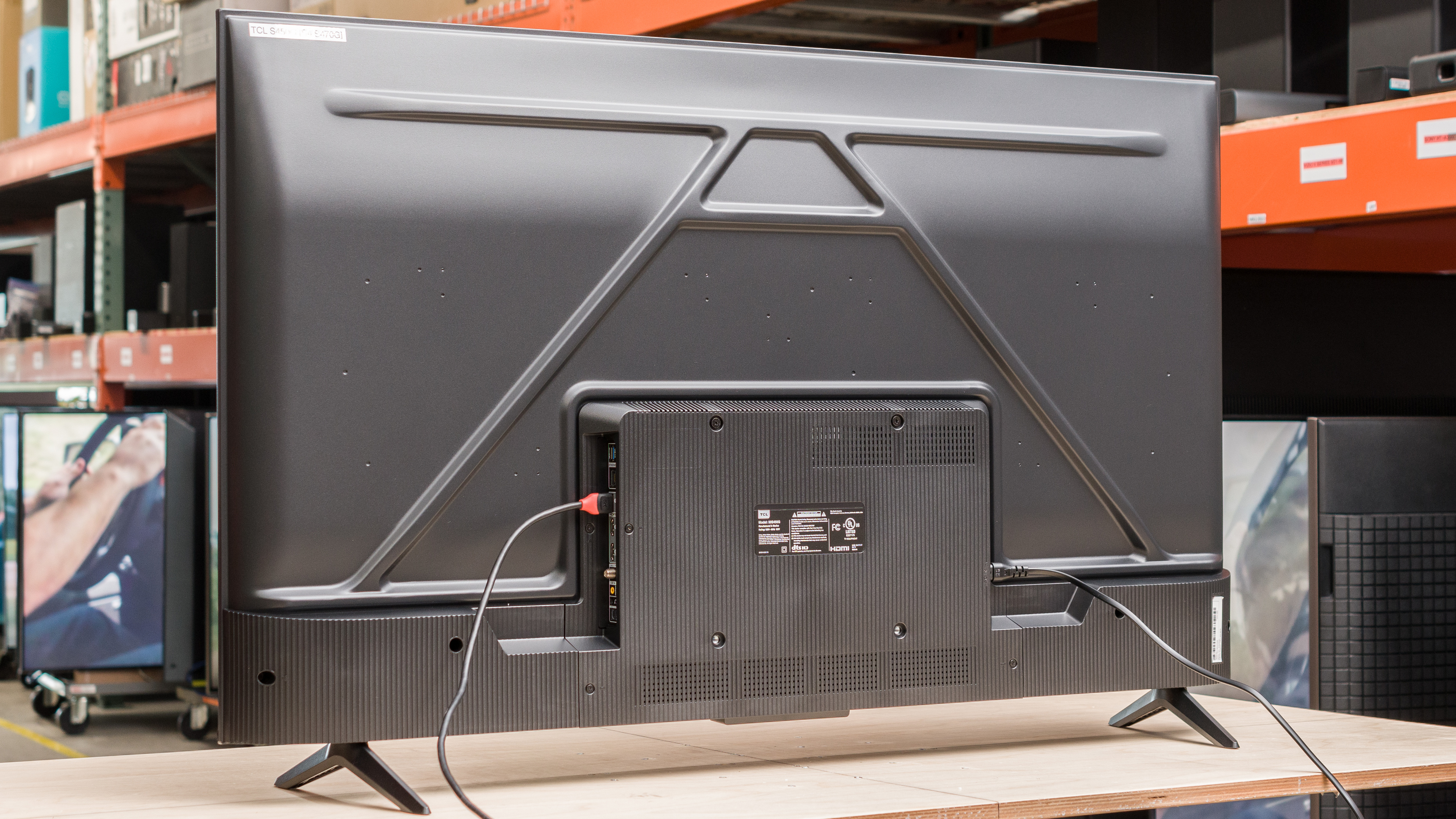
The back of the TV is very plain and looks cheap. The inputs are housed in a larger section of the back, near the center of the TV, so they're difficult to access if the TV is wall-mounted. There's no cable management.


for pictures & test results

The TCL S4/S450G has mediocre build quality. It's mostly made of cheap plastic, and there's some flex in the plastic panels around the inputs. There are some obvious quality control issues, though, as there are some specs on our panel that you can see in the gray uniformity slide.
for pictures & test results

The TCL S450G has an excellent native contrast ratio, so blacks are deep in relatively easy, dim scenes. Since it lacks a local dimming feature, blacks appear gray and washed out when very bright highlights are on the screen.
for pictures & test results

This TV doesn't have a local dimming feature, so there's no blooming around bright objects or subtitles in dark scenes.
for videos & test results

This TV doesn't have a local dimming feature, so it can't adjust the backlight of individual zones to brighten up highlights without impacting the rest of the image. But this means that there's no distracting flicker or brightness changes as bright highlights move between zones.



for pictures & test results

for pictures & test results

for pictures & test results

Unfortunately, the peak brightness in HDR is poor. HDR content is dull and lifeless, and specular highlights don't stand out.
These measurements are after calibrating the HDR white point with the following settings:
- HDR Picture Mode: Movie
- Brightness: 100
- Contrast: 100
- Color Temperature: -5 (Warm)
for pictures & test results

for pictures & test results

for pictures & test results

The brightness in the 'Game' Picture Mode is nearly identical to the brightness in 'Movie'.
These measurements are after calibrating the HDR white point with the following settings:
- HDR Picture Mode: Game
- Brightness: 100
- Contrast: 100
- Color Temperature: -5 (Warm)
for pictures & test results

The PQ EOTF tracking on this TV is surprisingly great. Most HDR content is displayed close to the brightness level intended by the content creator. Near-blacks are raised, so some shadow details appear washed out, mainly due to the lack of a local dimming feature. It's also severely limited by the TV's low peak brightness, so bright scenes are too dim. The EOTF tracking is consistent with content mastered at various brightness levels, but content mastered at 4,000 nits starts to tone map a bit earlier than content mastered at a lower level.
The peak brightness of this TV in SDR is poor. It can't handle glare, so it's best suited for a moderately-lit room with no open windows or bright lights. For a brighter image in SDR, consider the Hisense A7N instead.
These measurements are after calibration with the following settings:
- Picture Mode: Movie
- Brightness: 100
- Contrast: 96
- Color Temperature: -5 (Warm)
- Gamma: 2.2
for pictures & test results

for pictures & test results

The TCL S450G has an okay color gamut, but it can't display the wide range of colors that HDR is intended for. The tone mapping is surprisingly good, so fine details are preserved in saturated colors. Saturated greens and blues are a bit off. The next model up in TCL's lineup, the TCL S4/S470G offers a much wider color gamut thanks to the inclusion of a PFS Phosphor coating.
for pictures & test results

for pictures & test results

This TV's color volume is poor. It's limited by its low peak brightness and narrow color gamut, so bright colors don't stand out.
for pictures & test results

for pictures & test results

for pictures & test results

Unfortunately, the overall accuracy of this TV in SDR before calibration is mediocre. The white balance is noticeably off, especially in brighter shades of gray, and most saturated colors are noticeably off as well. The color temperature is very cool, giving everything a bluish tint. Just about the only good thing is the gamma, which tracks close to the 2.2 target for a moderately-lit room.
for pictures & test results

for pictures & test results

for pictures & test results

This TV looks much better after calibration, and it's surprisingly easy to calibrate for a budget model. Bright shades of gray are still a bit off but not noticeably so, and reds are slightly inaccurate. The color temperature is much closer to the target, though, and gamma remains excellent.
You can see the full settings used for our calibration here.
for pictures & test results

for pictures & test results

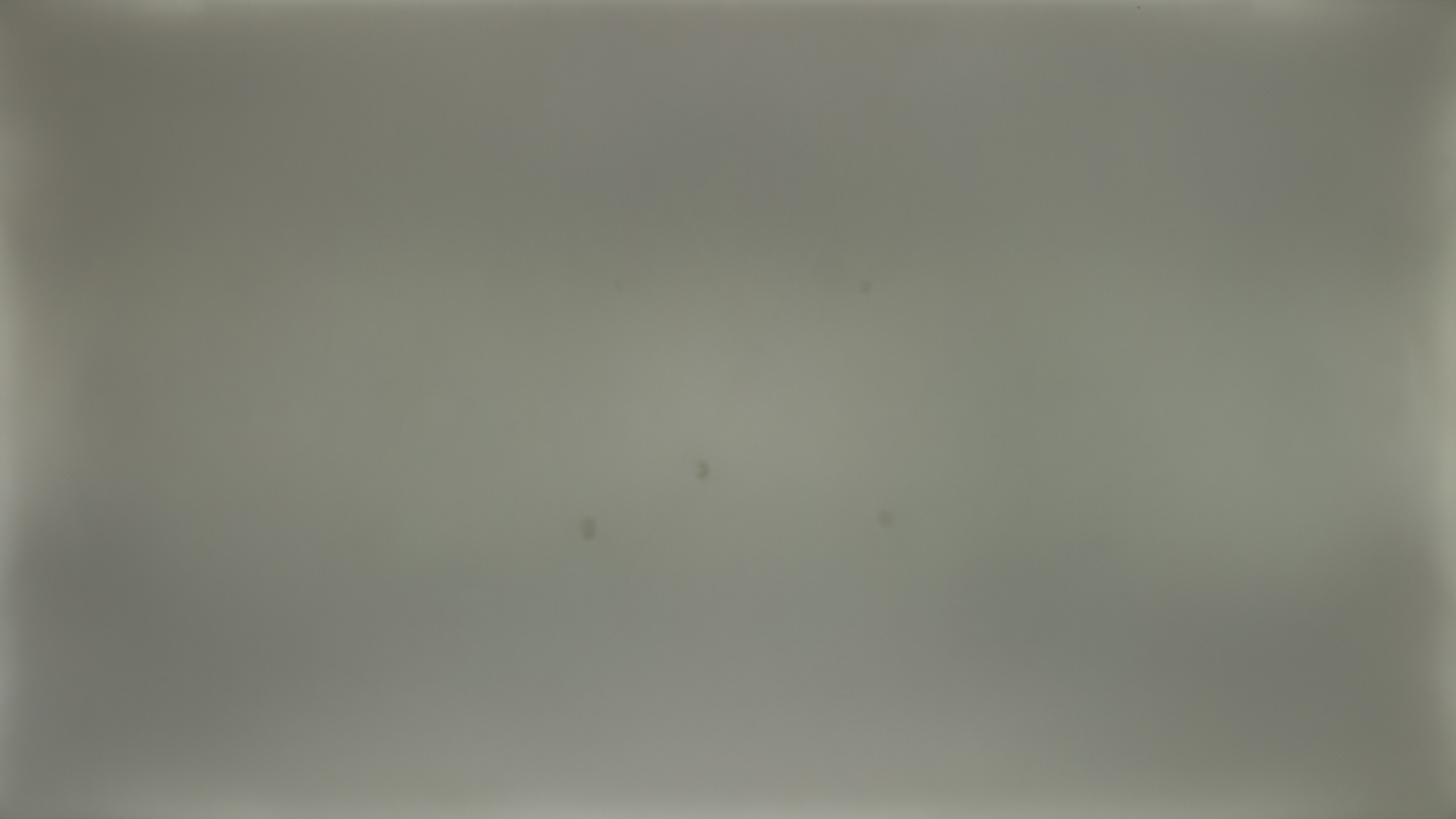
The gray uniformity of this TV is just okay. There are dark patches across the entire screen, and there are five dark spots near the middle that appear to be a quality control issue with our specific panel. The corners are also darker than the center. These results don't bode well for sports fans, as the center of the screen looks dirty and it's distracting.
for pictures & test results

This TV's black uniformity is decent. There are a few bright patches across the screen, and blacks are raised and look blue in near-black scenes due to the lack of a local dimming feature.
for videos & test results

for pictures & test results

for pictures & test results

for pictures & test results

Unfortunately, the TCL S450G has a bad viewing angle. The image degrades rapidly as you move off-center, so it's a bad choice for a wide seating arrangement.
for pictures & test results

for pictures & test results

for pictures & test results

The reflection handling is good overall. The semi-gloss coating helps reduce the intensity of direct reflections, but they're still distracting. Since this TV can't get very bright, it's not recommended for a bright room.
for pictures & test results

In HDR, gradients aren't displayed well on this TV. There's noticeable banding in almost all colors, and it's especially noticeable in darker shades.
for pictures & test results

The low-quality content smoothing is mediocre. It can't completely remove macro-blocking and pixelization in dark scenes, and the smoothing algorithms cause a loss of some fine details in all content.
for pictures & test results

The sharpness processing on this TV is mediocre. Text and fine details aren't upscaled well and look soft. Some fine details are lost, and upscaled text is hard to read.
Sharpness processing was calibrated for low-resolution or low-bitrate content, with no over-sharpening, with the following setting:
- Sharpness: 15
for pictures & test results

The TV uses a BGR (Blue-Green-Red) subpixel layout instead of the traditional RGB layout. It doesn't cause any issues for video content, but if you plan to use this TV as a PC monitor, non-RGB subpixel layouts impact text clarity, and text looks slightly blurry. You can read about it here. Unfortunately, there's noticeable sub-pixel dithering, as every other blue subpixel is dimmer than the rest. This causes some noticeable issues with certain content, especially shadows in games.
for pictures & test results

for pictures & test results

The TCL S450G has an alright response time. There's noticeable motion blur, which is good for watching movies but not for gaming or watching sports. Dark transitions are especially slow, resulting in noticeable black smearing in shadow details.
for pictures & test results

The TV's backlight uses pulse width modulation (PWM) to dim the backlight at low brightness levels. This causes noticeable flicker, and since it flickers at an unusual frequency, it's very distracting and causes motion issues. It's flicker-free with a backlight setting above '31' in most modes. The 'Low Power' mode is flicker-free above '40', and it's always flicker-free in the 'Smart HDR' mode. Since this TV can't get very bright, almost everyone will always use this TV above those brightness settings, so you'll never notice this issue.
There's no optional backlight strobing feature on this TV.
for pictures & test results

This TV has an optional motion interpolation feature, but it's ineffective. In most scenes, it doesn't appear to be doing much at all, but there are still some noticeable motion artifacts. In busy scenes, however, it stops interpolating entirely.
Thanks to its relatively slow response time, there's very little stutter.
The TCL S450G can remove judder from 24p sources like a Blu-ray player and from the native apps. It can't remove judder from 60Hz sources like most cable TV boxes or older streaming sticks that lack a "Match Frame Rate" feature.
All sizes of the TCL S450G are limited to a 60Hz refresh rate and don't support VRR. If you'd prefer a TV with VRR, check out the TCL S5/S551G.
The input lag on this TV is incredibly low. There's no noticeable delay between your inputs and the action on the screen, which is great for gaming or use as a PC monitor.
for pictures & test results

Since this TV is limited to a 60Hz refresh rate, it can't take full advantage of the PS5.
for pictures & test results

Since this TV is limited to a 60Hz refresh rate, it can't take full advantage of the Xbox Series S|X. It's good for more visually intense games that are locked at a low framerate, though, like Starfield.
This TV is limited to HDMI 2.0 bandwidth on all three HDMI ports.


The TCL S450G supports eARC, allowing you to pass high-quality, uncompressed audio to a compatible receiver. While the TV can pass DTS 5.1 through ARC and Optical connections, it can't pass the full 7.1 DTS:X or DTS-HD formats through eARC, which is disappointing as many UHD Blu-ray discs use these as their main audio track. If you have a 7.1 channel or higher speaker setup, connect your player to your receiver for the best audio quality.
for pictures & test results

The TCL S450G has a sub-par frequency response. It gets loud but severely lacks bass and can't reproduce sounds in the high treble range well. Most dialogue is clear and easy to understand, and there's little compression at max volume.
for pictures & test results

There's some noticeable distortion on this TV, even at moderate volume levels. It's significantly worse at max volume.
for pictures & test results

The TV uses version 11 of Google's popular Google TV OS. It's relatively easy to use and runs well, with a large selection of apps.
for pictures & test results

Like most TVs on the market, this TV has ads throughout the interface, and you can't disable them.
for pictures & test results

The TV has a great selection of streaming apps, with every popular streaming app being present. The interface is very smooth and pleasant to use.
for pictures & test results

The TV's remote is medium-sized and has a simple layout. It has a series of dedicated buttons for the most popular streaming apps. The remote has an integrated microphone for voice commands, and these work pretty well. It only supports simple queries, like launching an app or searching for content.

for pictures & test results

- Remote (with 2x batteries)
- Power cable
- Manuals