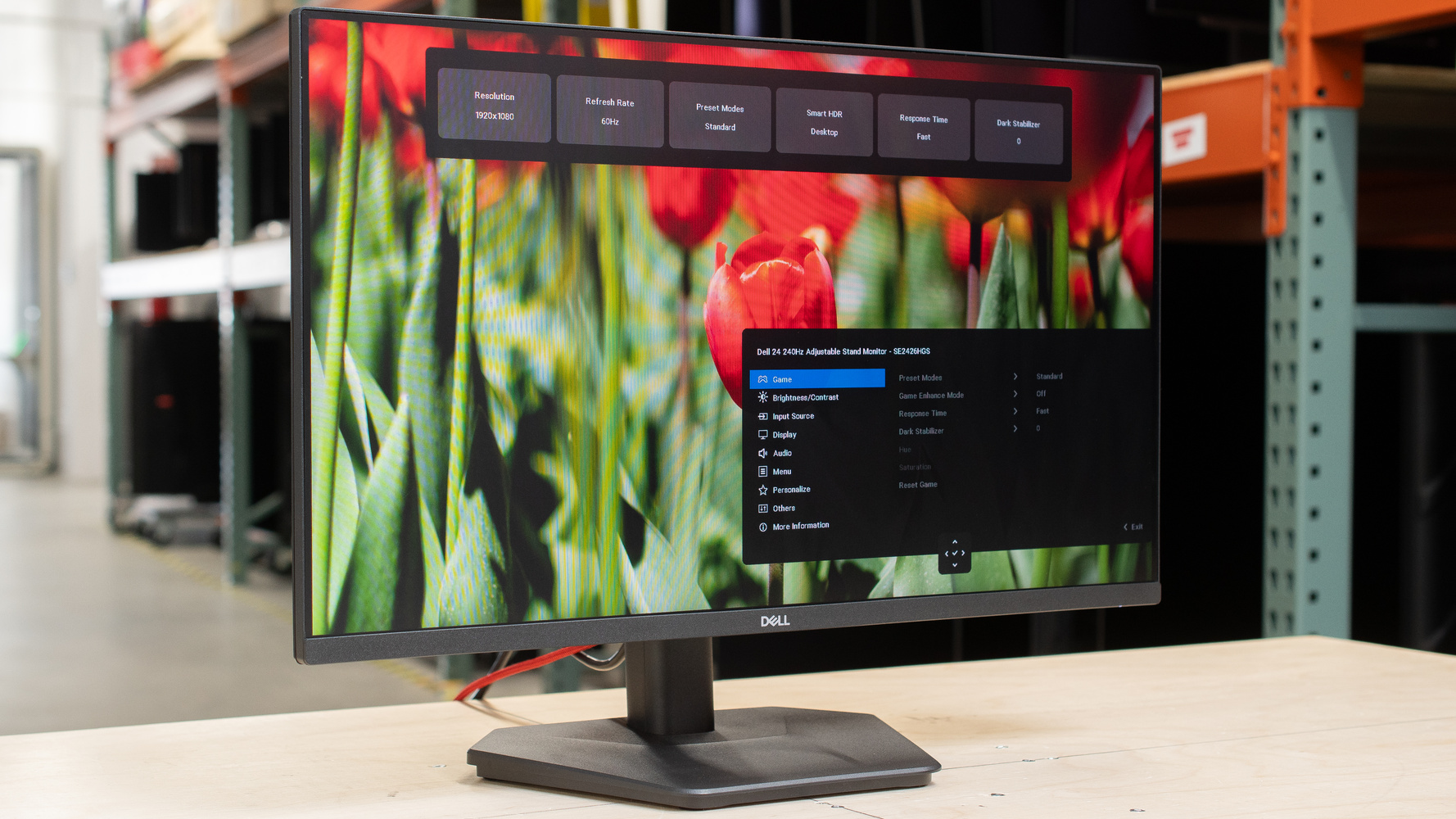
The Dell SE2426HGS is an entry-level gaming monitor. With a 24-inch, 1080p IPS screen, it has a 240Hz refresh rate and competes with other budget-friendly models that have similar specs, like the ViewSonic XG2431 and the LG 24GS65F-B. It sits above the lower refresh rate Dell SE2426H and below the bigger Dell SE2726HGS. It offers the basics for a gaming monitor, as it supports FreeSync Premium Pro. It's rather limited in features besides that, as it lacks a USB hub, and even the stand it comes with doesn't offer any swivel adjustment.
Our Verdict
The Dell SE2426HGS is decent for PC gaming. It has a fast 240Hz refresh rate and supports all common VRR formats to reduce screen tearing. It also has low input lag for a responsive feel and has good overall motion handling, but there's inverse ghosting at low refresh rates. The biggest downside of gaming is limited picture quality: blacks that look gray, a narrow color gamut, and highlights that don't pop in HDR. It also has a small screen and 1080p resolution, so games aren't very detailed.
240Hz refresh rate.
Support for all common VRR formats.
Low input lag at any refresh rate.
Consistently fast response time.
Inverse ghosting at low refresh rates.
Low contrast ratio & no local dimming.
Narrow HDR color gamut.
Highlights are muted in HDR.
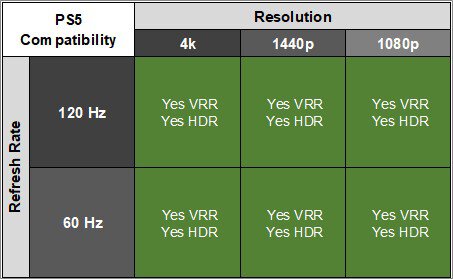
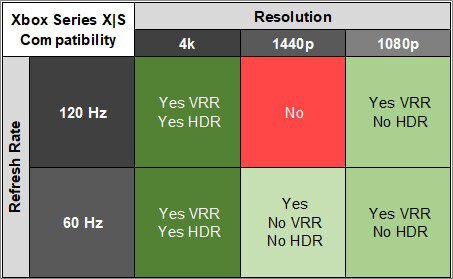
The Dell SE2426HGS is disappointing for console gaming. It only supports 1080p signals up to 120Hz from a PS5 and Xbox Series X|S. On the plus side, it has low input lag for a responsive feel and good overall motion handling, with minimal blur in action content. Games aren't the most detailed due to its low resolution. It also has limited picture quality as it has a low contrast ratio, a narrow color gamut, and muted highlights in HDR.
Support for all common VRR formats.
Low input lag at any refresh rate.
Consistently fast response time.
Inverse ghosting at low refresh rates.
Low contrast ratio & no local dimming.
Narrow HDR color gamut.
Highlights are muted in HDR.
Only supports 1080p signals with consoles.
The Dell SE2426HGS is alright for work. Text looks decently sharp, but its 24-inch screen means that it doesn't offer a ton of space to multitask. It also doesn't offer swivel adjustment and its viewing angle is just okay, so it's not ideal for sharing your screen with others. It also lacks any dedicated work perks, as it doesn't have a USB hub. While this monitor gets bright and fights some glare well, visibility is still an issue in sunny rooms.
Good brightness.
Decent text clarity.
Visibility is an issue in sunny rooms.
No swivel adjustment.
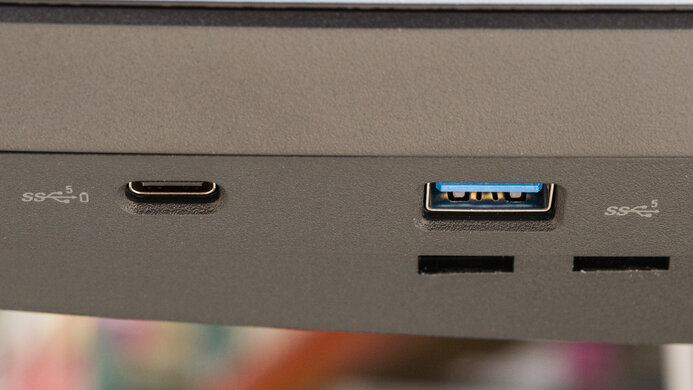
Lack of USB hub.
Small screen for multitasking.
The Dell SE2426HGS is decent for editing. It comes with an extremely accurate sRGB mode, and the only benefit of calibrating it is if you want access to settings that are locked out in the sRGB mode. However, it has worse picture quality for editing HDR content because blacks look gray, it doesn't display a very wide range of colors, and highlights don't pop, either. Its 1080p resolution is also limiting if you want to edit high-resolution, detailed videos.
Good brightness.
Decent text clarity.
Extremely accurate sRGB mode.
Displays wide range of colors in SDR.
Low contrast ratio & no local dimming.
Narrow HDR color gamut.
Visibility is an issue in sunny rooms.
No swivel adjustment.
Lack of USB hub.
Small screen for multitasking.
The Dell SE2426HGS has okay brightness. It's fine if you want to use it in a room with a few lights around, but visibility is an issue in sunny environments. It doesn't make highlights pop in HDR, either.
Good brightness.
Highlights are muted in HDR.
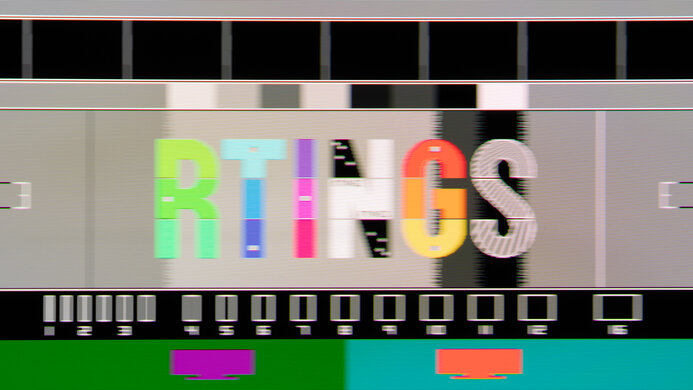
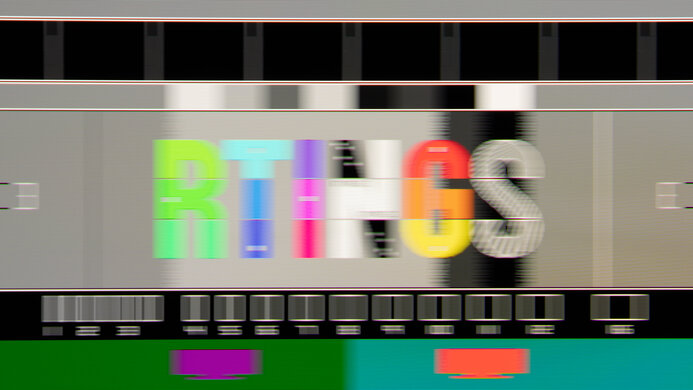
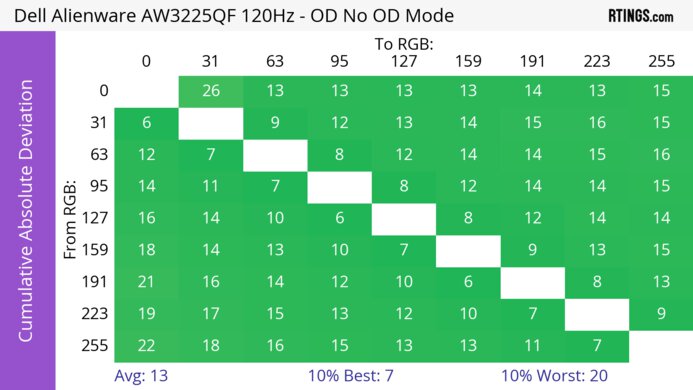
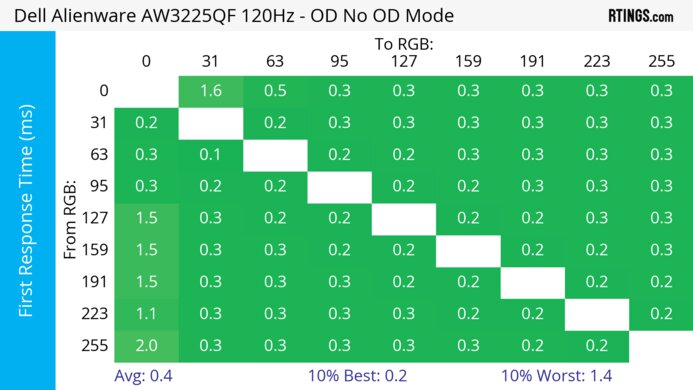
The Dell SE2426HGS has a good response time. It's consistently fast at any refresh rate. While there isn't too much distracting motion blur, there's more inverse ghosting at lower refresh rates.
Consistently fast response time.
Inverse ghosting at low refresh rates.
The Dell SE2426HGS has poor HDR picture quality. Blacks look gray due to its low contrast ratio, and it lacks a local dimming feature to improve black levels. It also doesn't display a wide range of colors in HDR.
Low contrast ratio & no local dimming.
Narrow HDR color gamut.
The Dell SE2426HGS has very good SDR picture quality. Its biggest strength is that it displays a wide range of colors. However, blacks look gray due to its low contrast ratio.
Displays wide range of colors in SDR.
Low contrast ratio & no local dimming.
The Dell SE2426HGS has superb color accuracy. Its sRGB mode is extremely accurate out of the box. You would only need to calibrate it if you want access to certain gaming and color settings that are locked out in the sRGB mode.
Extremely accurate sRGB mode.
Performance Usages
Check Price
Differences Between Sizes And Variants
We bought and tested the 24-inch Dell SE2426HGS, which is the only size available. The results are only valid for this model, but there are similar 1080p monitors in the Dell lineup; you can see them below.
| Model | Size | Refresh Rate | Stand |
|---|---|---|---|
| SE2426HGS | 24" | 240Hz | Height and tilt-adjustable |
| SE2426H | 24" | 144Hz | Tilt-only |
| SE2726H | 27" | 144Hz | Tilt-only |
| SE2726HGS | 27" | 240Hz | Height, swivel, and tilt-adjustable |
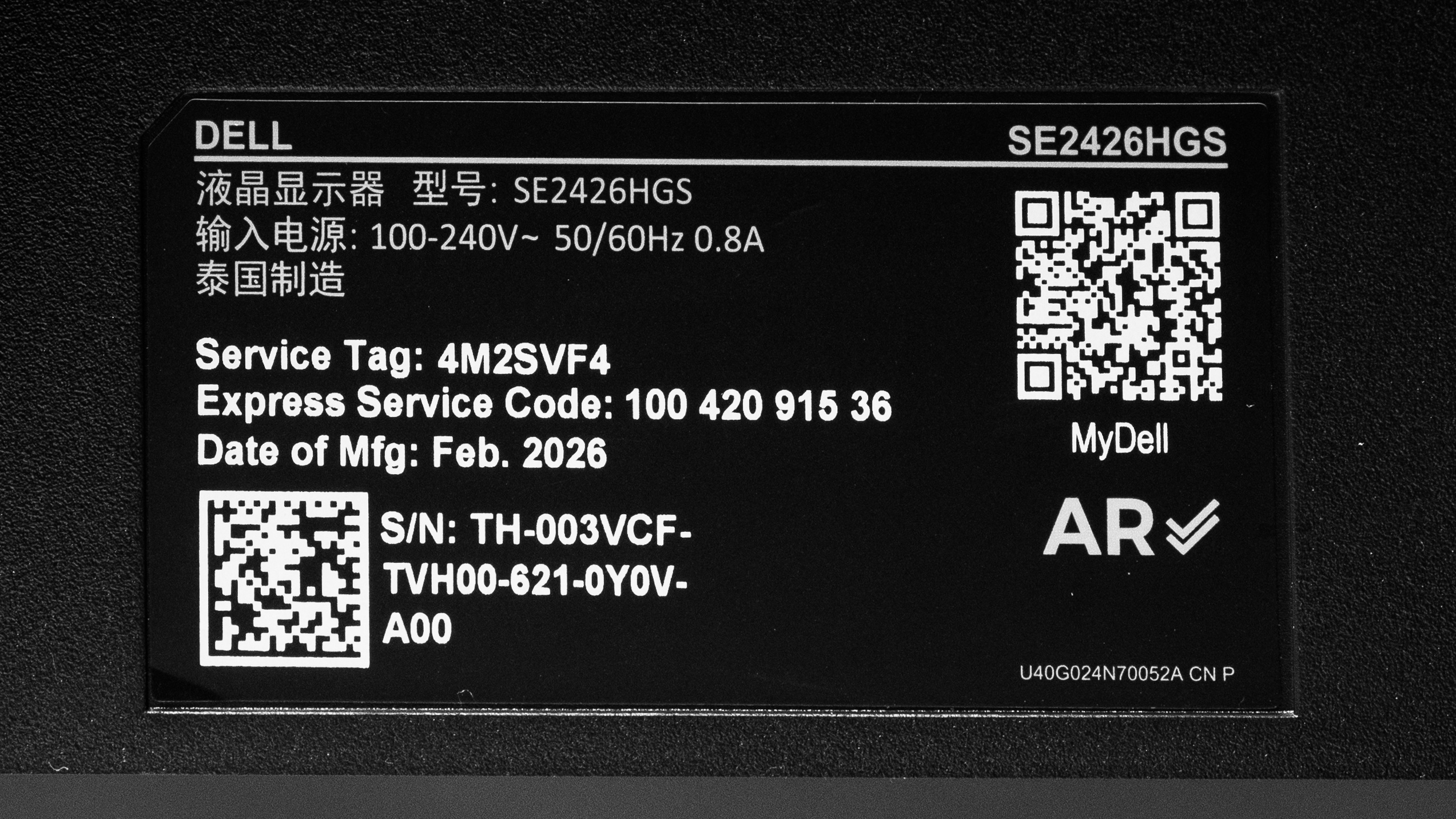
Our unit's label indicates it was manufactured in February 2026. We tested it with firmware M3C101.
Popular Monitor Comparisons
The Dell SE2426HGS is an entry-level 1080p, 240Hz gaming monitor with a 24-inch screen. It's meant for people who need the basics for PC gaming with a fast refresh rate, good motion handling, and low input lag. There's nothing that particularly stands out; it has limited picture quality, a low contrast ratio, and highlights that don't pop. However, this is what you have to expect from a cheap entry-level gaming monitor, so you'd have to spend more if you want better picture quality. For what it offers, it's a solid, cheap option and something to consider over the LG 24GS65F-B if you want a 240Hz alternative.
Also see our recommendations for the best budget and cheap gaming monitors, the best monitors under $200, and the best gaming monitors under $300.
The LG 24GS65F-B and the Dell SE2426HGS are both entry-level 1080p gaming monitors. One main difference is that the Dell has a higher 240Hz refresh rate for a smoother feel, but motion handling is similar between them. The Dell also comes with a dedicated sRGB mode, which is much more accurate out of the box than the LG.
The Dell Alienware AW2725DM and the Dell SE2426HGS are both entry-level gaming monitors, with a few differences. For example, the AW2725DM has a bigger screen with a higher 1440p resolution for more detailed images. The AW2725DM also has better compatibility with consoles. Despite the SE2426HGS having a higher refresh rate, motion handling is similar across their VRR ranges. The AW275DM also has some extra perks, like a small USB hub.
The ViewSonic XG2431 and the Dell SE2426HGS are both 1080p, 240Hz gaming monitors. The ViewSonic is a bit more well-rounded because it offers better motion handling and a customizable backlight strobing feature to reduce persistence blur. The ViewSonic also has some extra perks, including a USB hub. The main advantage of getting the Dell is that it has much more accurate colors in its sRGB mode.
The Dell G2524H and the Dell SE2426HGS are both entry-level 1080p gaming monitors with high refresh rates. The G2524H has a small edge because it has a slightly higher refresh rate and a bit better motion handling, but they're similar otherwise. One advantage the SE2426HGS has is its more accurate sRGB mode. The SE2426HGS also supports HDR, which the G2524H doesn't, but this doesn't make a big difference because the SE2426HGS has limited picture quality anyways.

We buy and test more than 30 monitors each year, all of which we purchase ourselves, without cherry-picked units or samples. We put a lot into each unbiased, straight-to-the-point review, and there's a whole process from purchasing to publishing, involving multiple teams and people. We do more than just use the monitor for a week; we use specialized, custom tools to measure various aspects and deliver objective, data-driven results. We also consider multiple factors before making any recommendations, including the monitor's cost, its performance compared to the competition, and whether it's easy to find.
Test Results
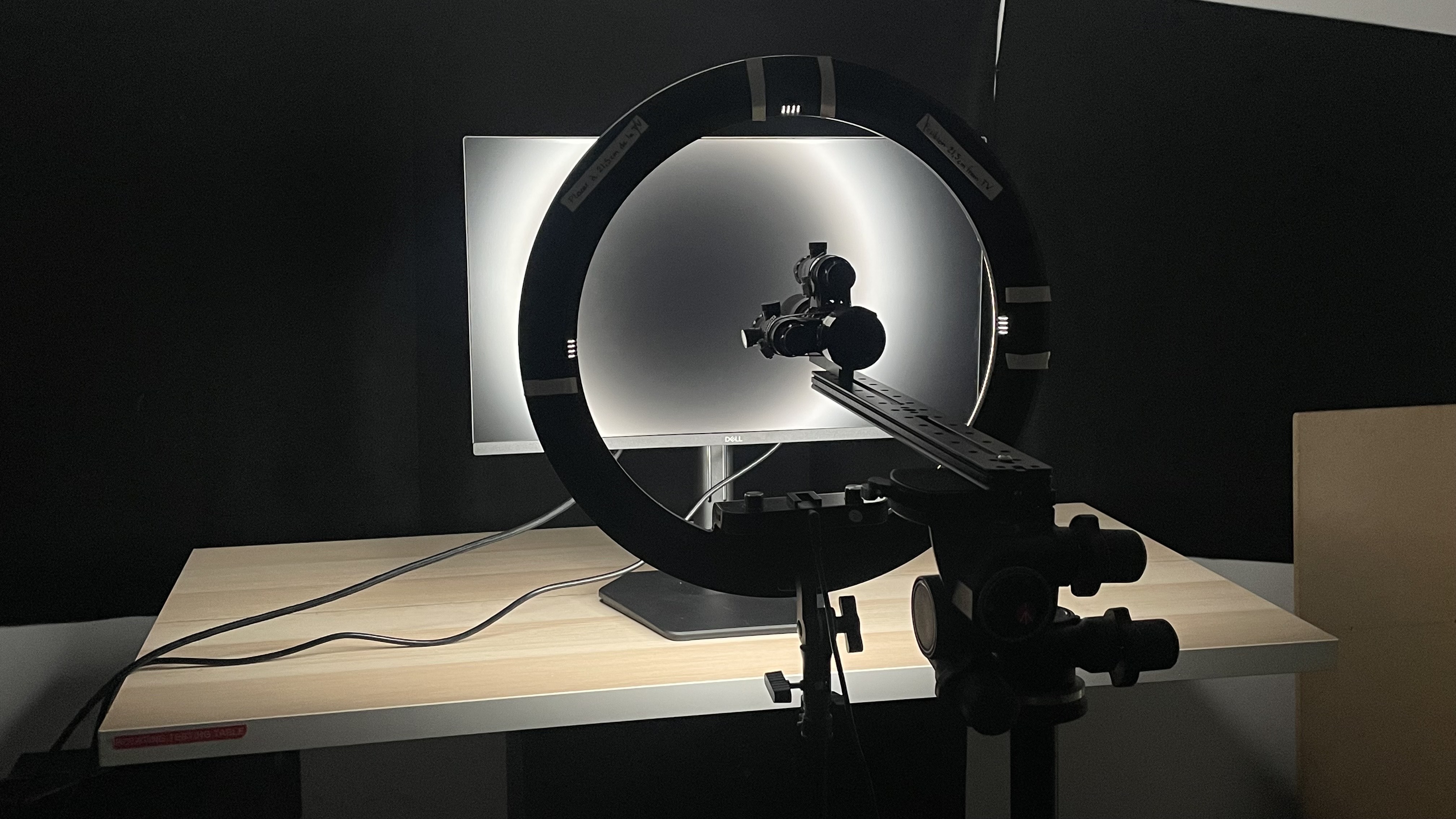






for pictures & test results





for pictures & test results
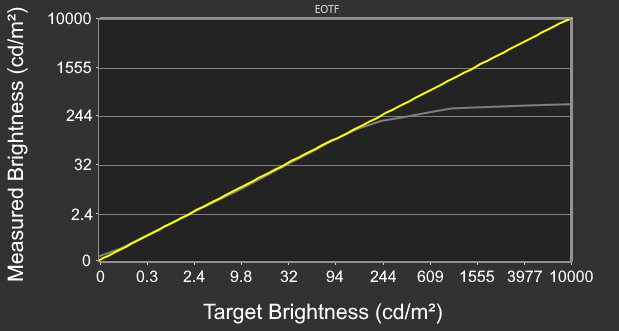


for pictures & test results

for pictures & test results

for pictures & test results

for pictures & test results

for pictures & test results

for pictures & test results



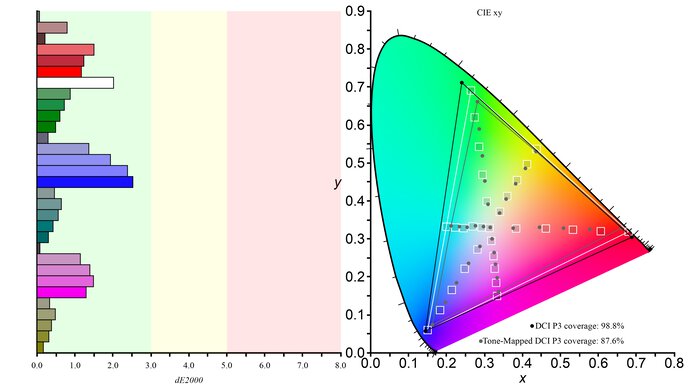
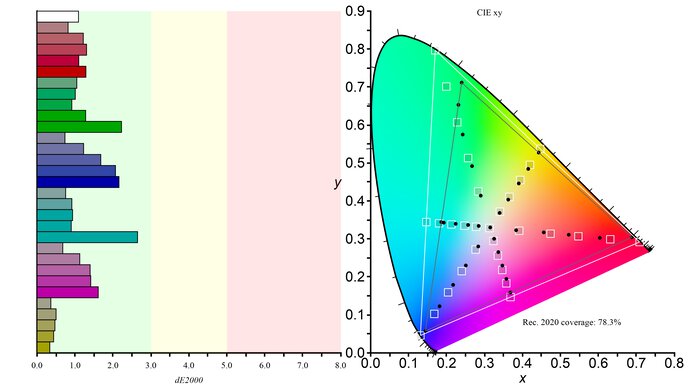


for videos & test results

for pictures & test results

for pictures & test results

for pictures & test results