The Hisense A6N is a very basic entry-level 4k TV released in 2024 as part of Hisense's A-Series lineup and succeeds the Hisense A6K series. Powered by Google TV, it has a full-featured smart interface and built-in 30W 2.0 channel speakers. It's a budget model, but there are a few additional features that aren't often found at this price point, including a variable refresh rate feature and support for both Dolby Vision and HDR10+. It also passes through most advanced audio formats from DTS and Dolby through its eARC port. We bought and tested the 75-inch model, but it's also available in 43-, 50-, 55-, 65-, 70, and 85-inch sizes, so there's something for almost any room setup.
Our Verdict
The Hisense A6N is a mediocre TV overall. It doesn't really excel at any one usage, but it's best suited for watching shows in a moderately lit room. It has a few gaming features like low input lag and VRR support, but it's limited by its slow response time. It's fine for watching movies, but not in a dark room, as it looks bad in the dark due to its very low contrast ratio, disappointing black uniformity, and lack of local dimming.
Decent reflection handling.
Great selection of streaming apps.
Wide viewing angle.
Noticeable uniformity issues.
Low contrast and no local dimming.
Limited image processing capabilities.
Can't overcome glare in a bright room.
The Hisense A6N is a decent TV for watching TV shows during the day. Its built-in Google TV smart interface makes it easy to find your favorite content or pick up where you left off. It looks decent in a moderately lit room thanks to its decent reflection handling and okay peak brightness, and with its wide viewing angle, you can move around the room and still see a consistent image. It has very limited processing capabilities, though, so it can't do much to smooth out low-quality streams or older shows on DVD.
Decent reflection handling.
Great selection of streaming apps.
Wide viewing angle.
Noticeable uniformity issues.
Limited image processing capabilities.
Can't overcome glare in a bright room.
The Hisense A6N is decent for watching sports during the day. It has decent reflection handling and okay peak brightness, so it can handle some glare in a moderately-lit room. Its wide viewing angle also makes it a great choice for a wide seating arrangement, as the image doesn't wash out from the sides. On the other hand, it has a slow response time, so fast-paced action is a bit blurry, and it can't do much to improve the quality of low-quality streaming sources.
Decent reflection handling.
Great selection of streaming apps.
Wide viewing angle.
Noticeable uniformity issues.
Limited image processing capabilities.
Can't overcome glare in a bright room.
The Hisense A6N is mediocre for playing video games. It has low input lag for a responsive gaming experience, and it supports VRR to help reduce tearing in some games. The response time is just decent, though, as there's noticeable motion blur in games. It also looks bad in a dark room, so it's not a good choice for late-night gaming sessions.
Low input lag.
Decent reflection handling.
Noticeable uniformity issues.
60Hz refresh rate and limited gaming features.
Can't overcome glare in a bright room.
The Hisense A6N is very disappointing for watching movies in a dark room. Dark scenes look bad due to its very low contrast ratio, disappointing black uniformity, and lack of a local dimming feature. It can't display a wide color gamut, and it's not very bright in HDR. Specular highlights don't stand out at all. It has great PQ EOTF tracking, though, so most mid-tones in HDR are displayed at the correct brightness level.
Great selection of streaming apps.
Noticeable uniformity issues.
Low contrast and no local dimming.
Low peak brightness in HDR.
The Hisense A6N is mediocre for playing video games, and it's not much better in HDR. Its low input lag ensures a responsive gaming experience overall, but motion is blurry due to its slow response time. HDR adds almost nothing to your gaming experience, as it's not bright enough to bring out bright highlights and can't display a wide color gamut. Overall, although you can play your favorite games in HDR on this TV, you likely won't notice much difference over SDR.
Low input lag.
Noticeable uniformity issues.
Low contrast and no local dimming.
Low peak brightness in HDR.
60Hz refresh rate and limited gaming features.
The Hisense A6N could be a good choice for use as a PC monitor, depending on your room setup. It's best suited for a moderately lit room, as it gets bright enough to handle some glare and has decent reflection handling. It's not bright enough to overcome glare in a really bright room, though, and it looks bad in a dark room due to its low contrast. On the other hand, it has a wide viewing angle, ensuring the sides don't wash out when you're sitting close to the screen. It has low input lag for a responsive desktop experience, and chroma 4:4:4 is displayed properly for clear text from a PC.
Low input lag.
Chroma 4:4:4 is displayed properly for clear text from a PC.
Decent reflection handling.
Noticeable uniformity issues.
60Hz refresh rate and limited gaming features.
Can't overcome glare in a bright room.
Changelog
-
Updated Nov 12, 2024:
We mentioned the newly-reviewed TCL S3/S350G in the Contrast section of this review.
-
Updated Nov 04, 2024:
We mentioned the newly-reviewed Samsung DU6900 in the Response Time section of this review.
- Updated Oct 30, 2024: Review published.
- Updated Oct 29, 2024: Early access published.
Check Price
Differences Between Sizes And Variants
We bought and tested the 75-inch Hisense A68N, but's also available in 43, 50, 55, 70, 75, and 85-inch sizes. We bought the Canadian version, which is known as the Hisense A68N, but it's identical to the Hisense A6N sold in the U.S. Models sold outside of Canada and the U.S. are completely different, and our review isn't valid for those versions. The 43-, 50, and 55-inch sizes only have three HDMI inputs, and the speakers vary between sizes.
| Size | US Model | Canadian Model | Speakers | HDMI Ports | VESA Mounting Pattern |
|---|---|---|---|---|---|
| 43" | 43A6N | 43A68N | 14W | 3 | 200 x 300 |
| 50" | 50A6N | 50A68N | 16W | 3 | 200 x 400 |
| 55" | 55A6N | 55A68N | 16W | 3 | 200 x 400 |
| 65" | 65A6N | 65A68N | 20W | 4 | 300 x 400 |
| 70" | 70A6N | 70A68N | 30W | 4 | 400 x 300 |
| 75" | 75A6N | 75A68N | 30W | 4 | 400 x 300 |
| 85" | 85A6N | 85A68N | 30W | 4 | 600 x 400 |
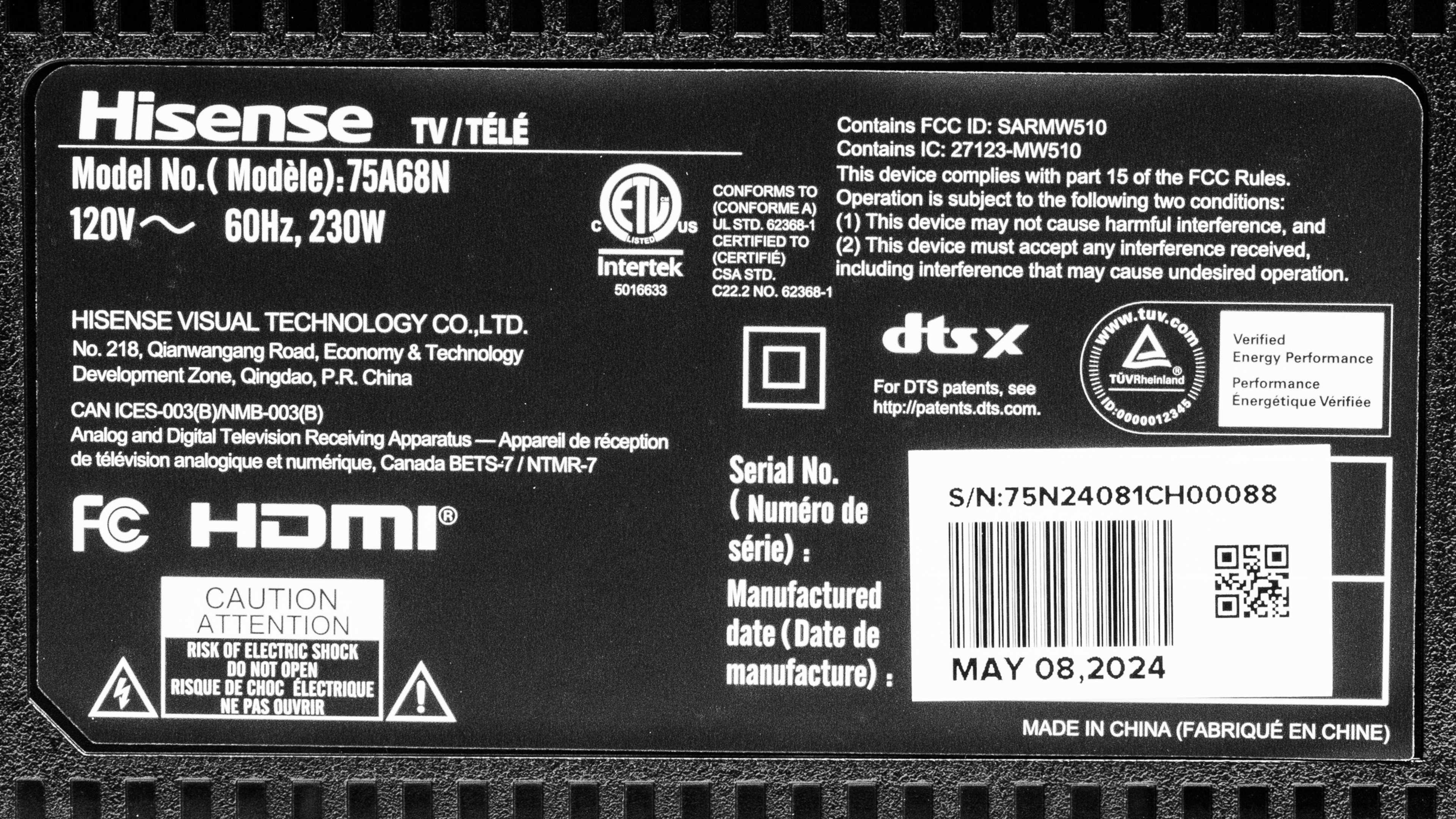
Our unit was manufactured in May 2024, as seen on the TV's label.
Popular TV Comparisons
The Hisense A6N is a very basic budget TV with a great feature set, including Google TV 11, VRR support, and eARC audio passthrough. Unfortunately, it's significantly worse than the Hisense A6/A65K it replaces. It delivers poor image quality overall, and you shouldn't buy it. It's a significant step down from other entry-level 4k TVs like the Hisense A7N, TCL Q5/Q550G QLED, or the LG UT8000.
Looking for more options? Check out our recommendations for the best 4k TVs, the best budget TVs, and the best 4k gaming TVs.
The Hisense A6N is a significant downgrade from the TV it replaces, the Hisense A65K. The A6N has significantly lower contrast, resulting in worse picture quality, especially in a dark room. The A65K also has better processing, so it looks better if you're watching content from low-quality streaming sources.
The Hisense A7N is a significant step up from the Hisense A6N. The A7N delivers much better picture quality thanks to its higher contrast ratio, wide color gamut, and better picture processing. The A7N is also better for gaming or watching sports, thanks to its faster response time, so there's less blur in fast action.
The Hisense A6N is a slight improvement over the older Hisense A6H. The A6N delivers slightly better picture quality thanks to its higher (but still bad) contrast ratio and higher peak brightness.
The Hisense A6N is better than the TCL S350G. While the TCL has the better contrast of the two, the Hisense is brighter in HDR and SDR, with a wider color gamut, delivering a more impactful viewing experience overall. It's also the more accurate of the two TVs. The Hisense is vastly better for gamers due to its far quicker response time. Finally, it offers a wider range of resolutions to users, as the TCL is limited to a maximum of 1080p @ 60Hz.

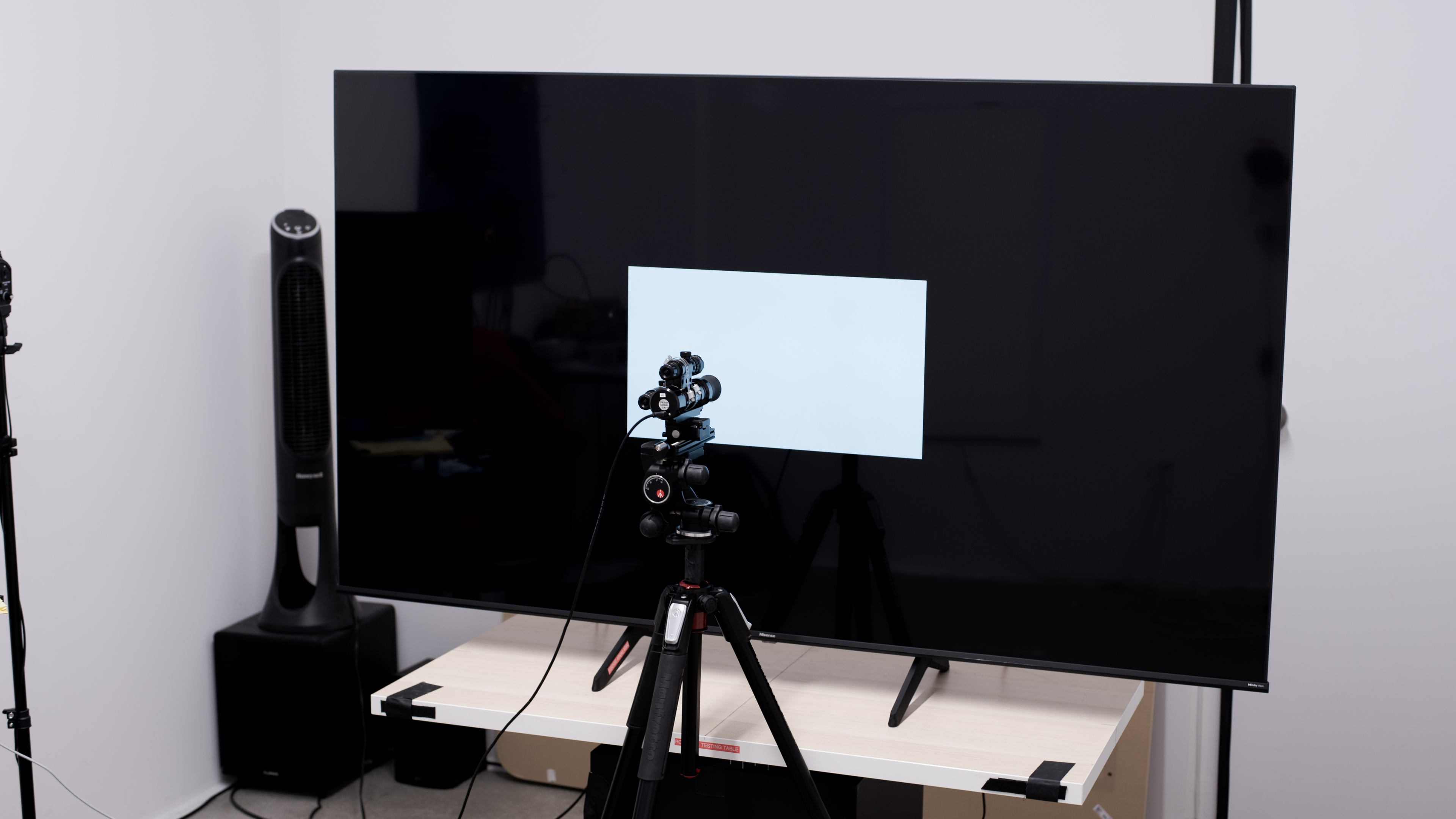
We buy and test dozens of TVs yearly, taking an objective, data-driven approach to deliver results you can trust. Our testing process is complex, with hundreds of individual tests that take over a week to complete. Most of our tests use specially designed test patterns that mimic real content, but we also use the same sources you have at home to ensure our results match the real-world experience. We use two main tools for our testing: a Colorimetry Research CR-100 colorimeter and a CR-250 spectroradiometer.
Test Results
Older Test Bench: We tested this product using an older TV test methodology before a major update. Some of the test results below aren't directly comparable with other TVs. Learn more
for pictures & test results

The Hisense A6N looks nearly identical to most entry-level Hisense TVs, including the step-up Hisense A7N. The glass panel protrudes from the screen enclosure, and it has very thin bezels.
for pictures & test results

The stand consists of two V-shaped feet that can be placed in either the wide position shown here or in a narrow position if you have a small media cabinet. They lift the TV about 3.8 inches, so most soundbars fit underneath without blocking the screen.
Footprint of the 65-inch stand:
- Wide position: 52.4" x 14.6"
- Narrow position: 20.9" x 14.6"
for pictures & test results

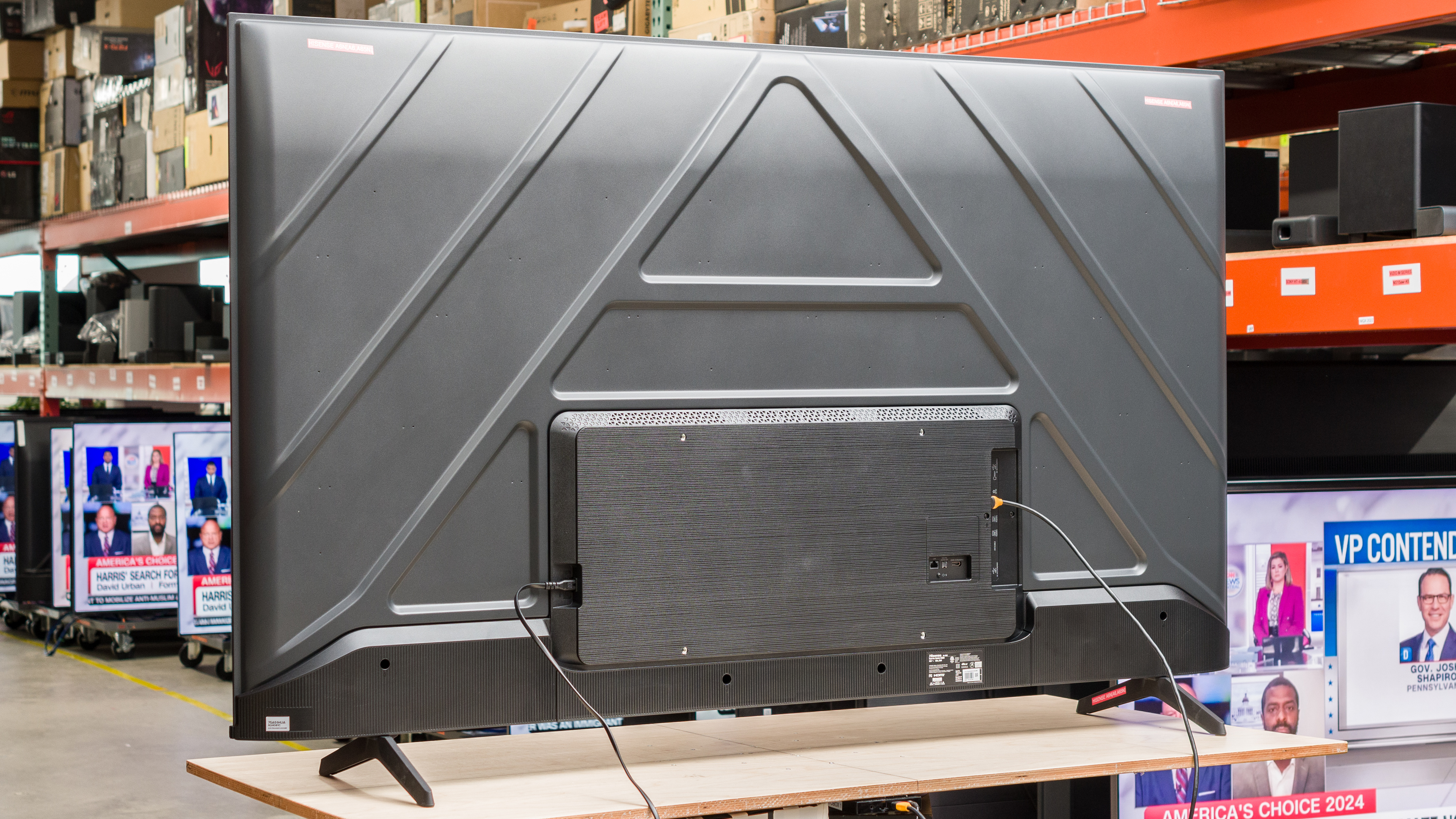
Most of the back of the TV is made of a single metal panel, but the box that houses the electronics is made of plastic. Most of the inputs are side-facing, but they're closer to the middle of the TV, making them a bit of a reach if you're trying to access them while the TV is wall-mounted. Some of the inputs face straight out the back and are impossible to access, and may require an angle adapter to connect an HDMI cable. Unfortunately, the TV doesn't come with any clips to help with cable management.


for pictures & test results

The Hisense A6N is decently built. The stand supports the TV well and only wobbles a bit when nudged. While there's nothing premium about this TV, there are no obvious weak points or issues.
for pictures & test results

Unfortunately, the Hisense A6N has terrible contrast. Blacks are raised and washed out when there are any bright areas on the screen, and it lacks a local dimming feature to improve this. This TV shouldn't be used in a dark room. If you're looking for a TV with better contrast, consider the cheaper TCL S3/S350G.
for pictures & test results

It doesn't have a local dimming feature, so there's no blooming around bright objects or subtitles in dark scenes. However, as the TV can't brighten highlights without impacting the rest of the image, any dark areas in any scene look completely washed out. This is also distracting if you're watching movies that don't use a 16:9 aspect ratio.
for videos & test results

The advertising of this TV is very misleading, as Hisense markets it to have a Full Array backlight. This isn't true, and this TV doesn't have a local dimming feature at all, so it can't adjust the backlight of individual zones to brighten up highlights without impacting the rest of the image. But this means that there are no distracting flicker or brightness changes as bright highlights move between zones.



for pictures & test results

for pictures & test results

for pictures & test results

The Hisense A6N has disappointing peak brightness in HDR. Its low peak brightness combined with the lack of local dimming and low contrast results in a very flat HDR experience, and bright areas of the scene don't stand out at all.
for pictures & test results

for pictures & test results

for pictures & test results

Switching to the 'HDR Game' Picture Mode makes no noticeable difference in the HDR brightness.
for pictures & test results

Despite its other flaws in HDR, this TV has surprisingly great PQ EOTF tracking, meaning most HDR content is displayed close to the brightness intended by the content creator. Near-blacks and dark shadow details are raised due to the low contrast ratio, and the TV simply can't display bright highlights at all, but midtones are very close to the creator's intent.
The peak brightness in SDR is okay. Its bright enough that it can handle some glare in a moderately-lit room.
for pictures & test results

for pictures & test results

Unfortunately, the color gamut on this TV is just decent. It can't display a wide color gamut, so HDR looks no different from SDR in terms of color vibrancy and saturation.
for pictures & test results

for pictures & test results

The Hisense A6N has mediocre color volume. There's a lot working against it, including its limited color gamut, low peak brightness, and low contrast.
for pictures & test results

for pictures & test results

for pictures & test results

The Hisense A6N has good accuracy in SDR before calibration. The white balance is good overall, but almost all shades of gray have too much blue and not enough red, giving the overall color temperature a noticeable cold look. There are very few noticeable color inaccuracies.
for pictures & test results

for pictures & test results

for pictures & test results

This TV looks much better after a full calibration, with few remaining issues. The calibration system itself is a bit buggy, and a few resets were necessary for the settings to work properly.
Make sure to check out the full calibration settings we used.
for pictures & test results

for pictures & test results

The gray uniformity on this TV is decent. There's some noticeable dirty screen effect in the center, but it's not too bad. The sides of the screen are noticeably darker, though, and there are a few darker vertical bands across the screen.
for pictures & test results

The black uniformity is sub-par. There are distracting warm spots across the entire screen, and the whole thing looks blue due to its low contrast ratio.
for videos & test results

for pictures & test results

for pictures & test results

for pictures & test results

One of the few great things about this TV is its viewing angle. There's no issue watching from the sides, making it a great choice for a wide seating arrangement or if you like watching the big game with a large group of friends.
for pictures & test results

for pictures & test results

for pictures & test results

The Hisense A6N has decent reflection handling. The glossy coating doesn't do much to reduce the intensity of direct reflections, but there's no noticeable rainbow smear, either.
for pictures & test results

Unfortunately, this TV has mediocre gradient handling in HDR. There's noticeable banding in almost all shades, but it's worse in dark shades of gray and red.
for pictures & test results

The low-quality content processing on this TV is nearly non-existent. It doesn't do much to reduce macro-blocking and pixelization when watching low-bandwidth streaming services, but there's no loss of fine details, either.
for pictures & test results

This TV has okay sharpness processing capabilities when upscaling low-resolution content.
for pictures & test results

The TV has an RGB sub-pixel layout, so it doesn't have any issues rendering text when used as a PC monitor.
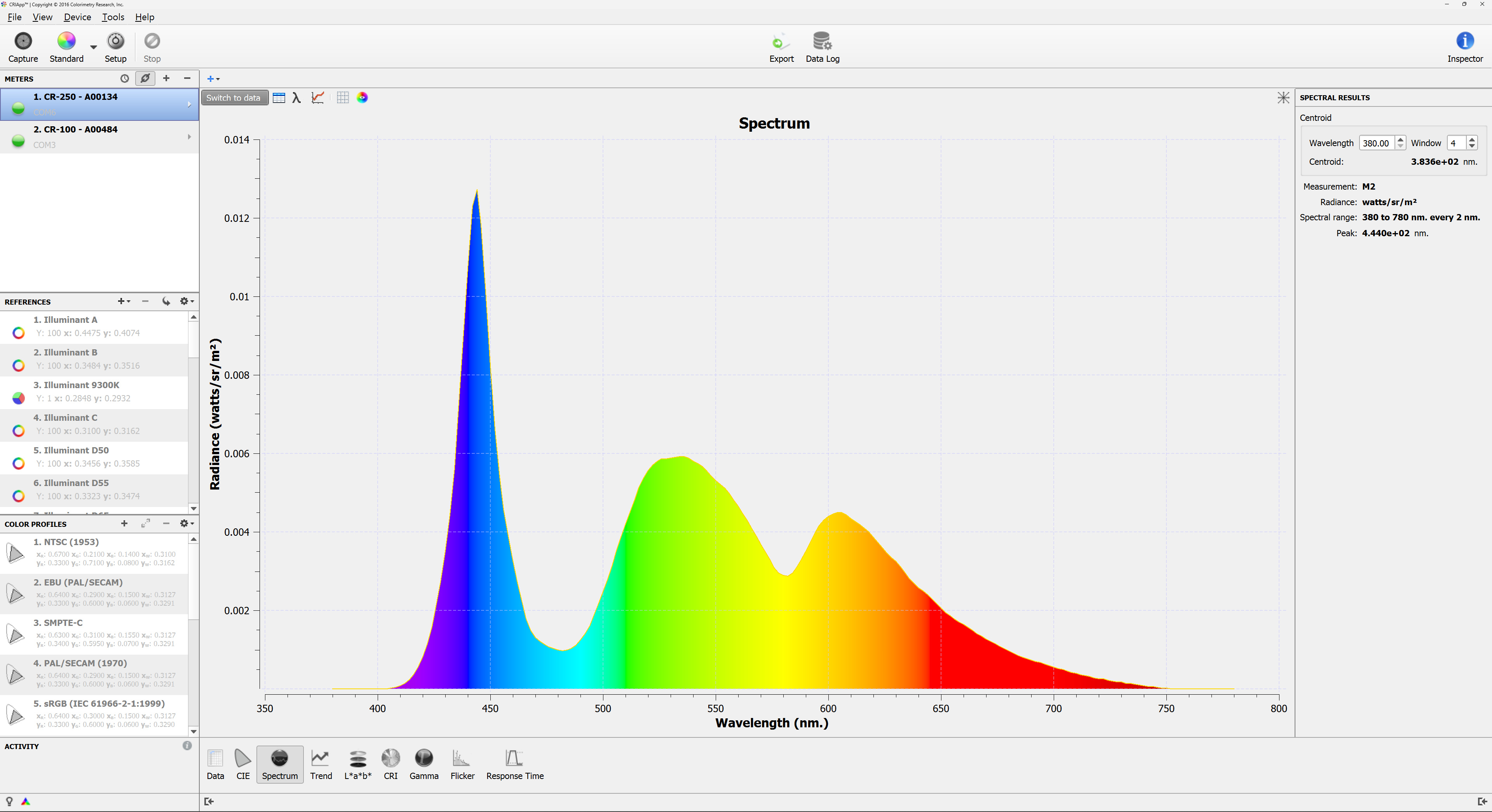
It's spectral power distribution shows that the panel doesn't use any KSF phosphor or Quantum Dot enhancement film to achieve better color separation.
for pictures & test results

for pictures & test results

The response time is just decent. Shadow details transition quickest, so there's no distracting inverse ghosting in near-blacks. Everything else is just slow, though, resulting in noticeable motion blur. There's some overshoot when transitioning to a brighter shade, but it's not very noticeable. If you're looking for a similar TV but with a faster response time, consider the Samsung DU6900 instead.
for pictures & test results

Unfortunately, the Hisense A6 Series uses pulse width modulation (PWM) to dim the backlight, and there's a low flicker frequency at all backlight levels below the maximum. This low-frequency flicker causes duplications in motion and can cause eye strain if you're sensitive to flicker. The good news is that the backlight is flicker-free when set to max. Since the TV can't get very bright, if flicker bothers you, just make sure that the backlight is at maximum, and you won't have any issues. This backlight behavior is consistent across all picture modes.
This TV doesn't have an optional backlight strobing feature, also known as BFI. Instead, the backlight always flickers at 180Hz below max brightness, which helps reduce persistence blur but introduces some image duplication below max brightness.
for pictures & test results

If you prefer smoother motion, this TV has an optional motion interpolation feature. As expected for a budget model, though, it's not very good. It keeps up with slow panning shots fairly well, but there are lots of artifacts and tearing in fast shots.
Thanks to its relatively slow response time, this TV doesn't stutter much when watching movies. It's still a bit noticeable in very slow panning shots, but it's not too bad.
The TV removes judder from most sources automatically. Unfortunately, it can't quite remove judder from 60Hz interlaced sources. Many cable boxes support either 720p or 1080i, so if that's your case, make sure you select 720p instead for a judder-free experience.
Surprisingly for a budget model, this TV supports variable refresh rate technology to help reduce tearing. Due to its narrow refresh rate range, however, it can't take advantage of sources that support low framerate compensation, so you'll see tearing in games that can't maintain close to 60 fps.
The TV has incredibly low input lag in 'Game' mode, which ensures a very responsive gaming experience with very little delay between your actions with your controller or mouse and the action on-screen.
The TV supports most common resolutions, but only at 60Hz. Chroma 4:4:4 signals are displayed properly at all supported resolutions, which is essential for clear text from a desktop PC.
for pictures & test results

This TV can't take full advantage of the PS5, as it's limited to a 60Hz refresh rate.
for pictures & test results

This TV can't take full advantage of the Xbox Series X|S. It supports a few advanced features, including HDR and VRR, as well as Dolby Vision gaming, but it's limited to a 60Hz refresh rate.


The TV supports eARC, which lets you pass high-quality, uncompressed audio to a compatible receiver or soundbar through an HDMI cable. It doesn't support the same formats as the Hisense A7N, though, with more limited support for DTS audio formats. This means that physical media collectors should connect their player directly to their sound system instead of using eARC with this TV.
for pictures & test results

The frequency response is mediocre. Like most TVs, it basically has no bass response, with barely any thump or rumble in deep bass. Dialogue is clear at moderate listening levels, but low treble sounds are a bit muffled.
for pictures & test results

The distortion performance of this TV is decent overall. There's a bit of distortion at moderate listening levels, but you get more of it as you raise the volume.
for pictures & test results

Oddly, the Hisense A6N ships with Google TV 11 instead of version 12 found on most other 2024 Hisense TVs. It's still a great interface, though, and it's smooth and easy to use.
for pictures & test results

Unfortunately, like almost all TVs on the market, the smart interface contains ads, and you can't disable them.
for pictures & test results

The TV has a fantastic selection of apps, so finding your favorite content is easy. You can also cast content from your phone onto the TV or play videos directly from a USB stick.
for pictures & test results

The included remote is simple, with no number buttons and six buttons for quick access to popular streaming apps. It has a built-in mic for voice control, and you can use voice commands to change inputs or launch apps, but you can't use it to change settings on the TV.

for pictures & test results

- Remote
- 2x AAA batteries
- Power cable
- User manual