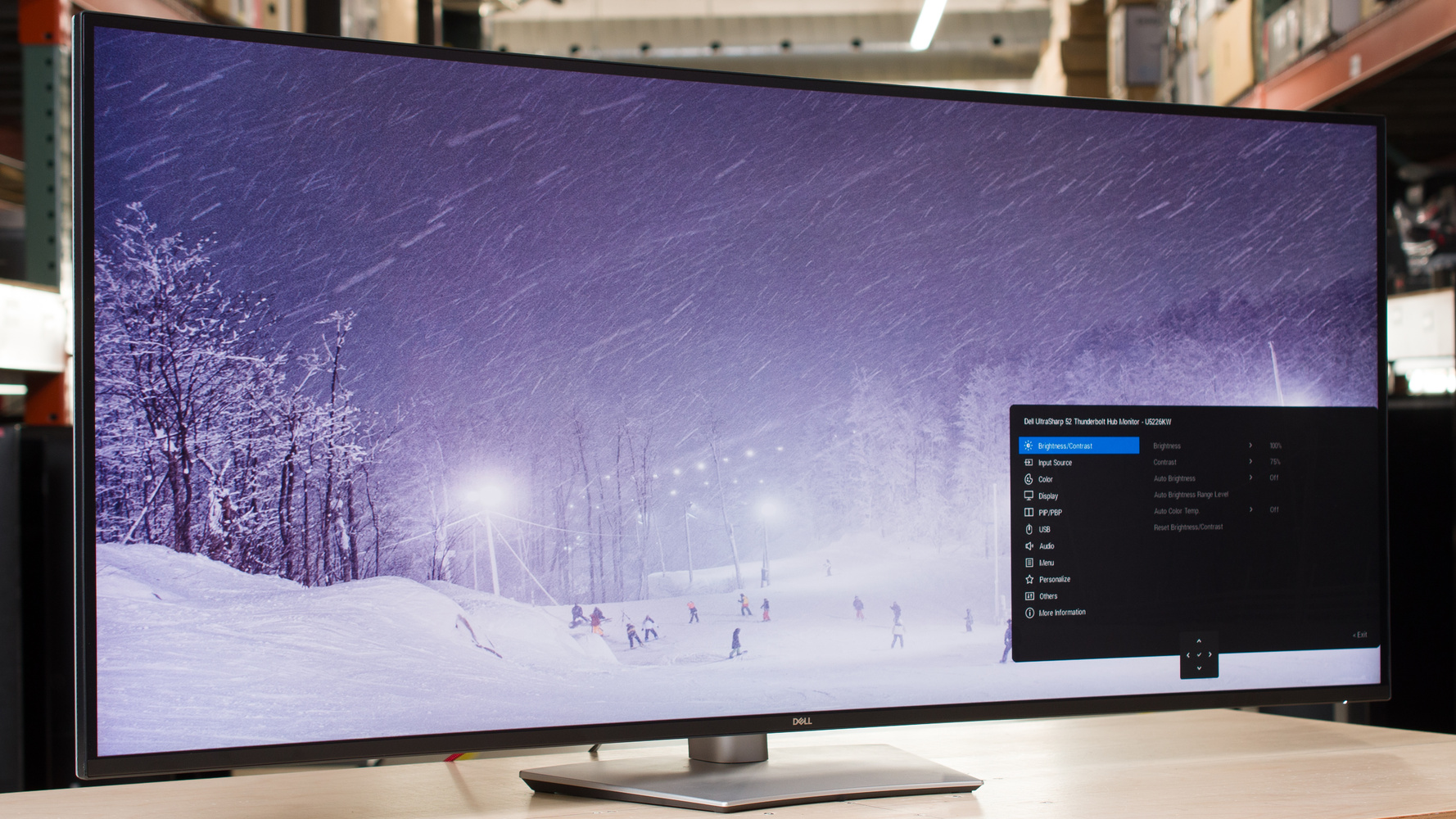
The Dell U5226KW is a premium ultrawide monitor geared towards productivity. It has a 52-inch screen with a 21:9 aspect ratio and 6144x2560 resolution. This makes it the biggest option available in Dell's UltraSharp lineup, over other models like the Dell U4025QW and the Dell U3225QE. It has many of the same features as other UltraSharp monitors, like its massive USB hub that includes six USB-C ports, five USB-A ports, Thunderbolt 4 support, and a KVM switch. This means you can connect all kinds of devices directly to it, but it lacks daisy chaining to connect additional screens. It also has a few gaming perks, like HDMI 2.1 bandwidth and a 120Hz refresh rate. However, it lacks HDR support. Lastly, its screen uses an IPS Black panel with a subtle 4200R curve to bring the edges closer to you.
Our Verdict
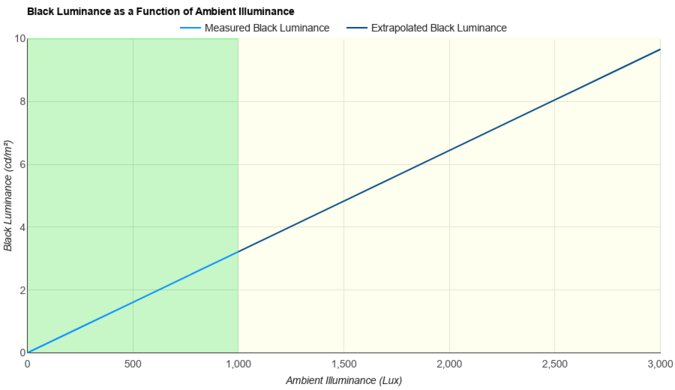
The Dell U5226KW is disappointing for PC gaming. Despite having a 120Hz refresh rate, motion looks blurry, and there's noticeable inverse ghosting at low refresh rates. It also has limited picture quality because it has a low contrast ratio that makes blacks look gray, and it doesn't support HDR at all. On the plus side, gaming feels responsive thanks to its low input lag. It also supports all common VRR formats to reduce screen tearing. Its large screen helps if you want an immersive gaming experience, though.
120Hz refresh rate and VRR support.
Extremely low input lag.
Large 52-inch ultrawide screen.
Motion blur at any refresh rate.
Low contrast ratio; no local dimming.
No HDR support.
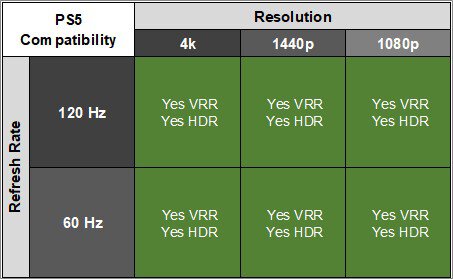
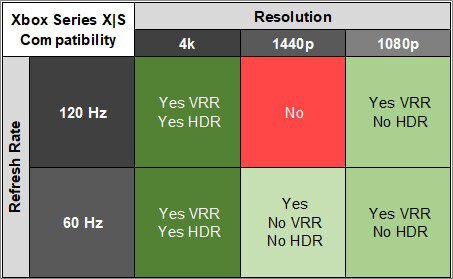
The Dell U5226KW is poor for console gaming. It only supports a handful of signals with a PS5 or Xbox Series X|S, and doesn't support HDR at all. Consoles don't support ultrawide signals, either, so you won't be able to fully use the monitor's large screen. Motion looks blurry as it has a slow response time, but at least gaming feels responsive due to its low input lag. Unfortunately, it has a low contrast ratio, resulting in blacks that look gray, and it doesn't have a local dimming feature to further improve that.
120Hz refresh rate and VRR support.
Extremely low input lag.
Motion blur at any refresh rate.
Low contrast ratio; no local dimming.
No HDR support.
Doesn't support all signals from consoles.
The Dell U5226KW is good for office use. Its biggest advantage is its large 52-inch screen, so there's plenty of space to multitask. It also has a ton of video and USB ports, so you can connect all kinds of devices to the monitor, with it acting as a central point in your setup. It even supports picture-in-picture and picture-by-picture modes, so you can view images from up to four sources at once. Besides that, it performs like most work monitors with sharp text, a wide viewing angle, and good brightness. However, reflections are distracting in bright rooms.
Large 52-inch ultrawide screen.
Sharp text and image clarity.
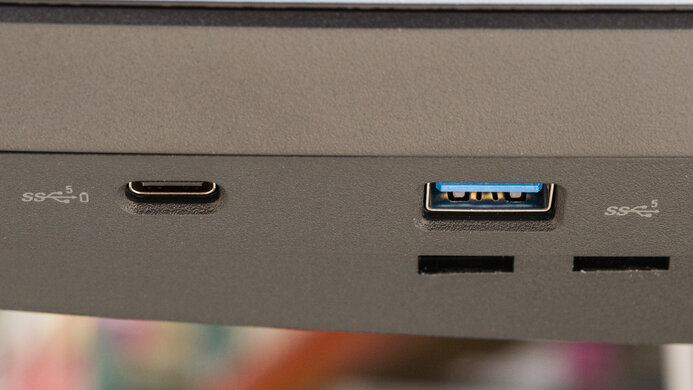
Large USB hub and multiple video ports.
USB-C with Thunderbolt 4 and 140W of power delivery.
KVM switch & PIP/PBP modes.
Reflections are distracting in well-lit rooms.
Ergonomic adjustments have limited range.
The Dell U5226KW is decent for editing. Since it doesn't support HDR at all, you can only use it for editing SDR content. It's extremely accurate in its sRGB mode, though, so you won't need to calibrate it unless you want to fine-tune the white balance. It also displays a wide range of colors in the sRGB and Adobe RGB color spaces. Its large 52-inch screen offers a ton of space to work with, and it has productivity features like a KVM switch and picture-by-picture and picture-in-picture modes. Although it gets bright, it's best to avoid using this monitor in a very well-lit room as reflections are distracting.
Large 52-inch ultrawide screen.
Sharp text and image clarity.
Large USB hub and multiple video ports.
KVM switch & PIP/PBP modes.
Extremely accurate sRGB mode.
Displays wide range of colors.
Low contrast ratio; no local dimming.
No HDR support.
Reflections are distracting in well-lit rooms.
Ergonomic adjustments have limited range.
The Dell U5226KW has very good brightness in SDR. It gets bright enough to fight glare in most well-lit rooms. However, it doesn't support HDR.
Good and consistent brightness.
No HDR support.
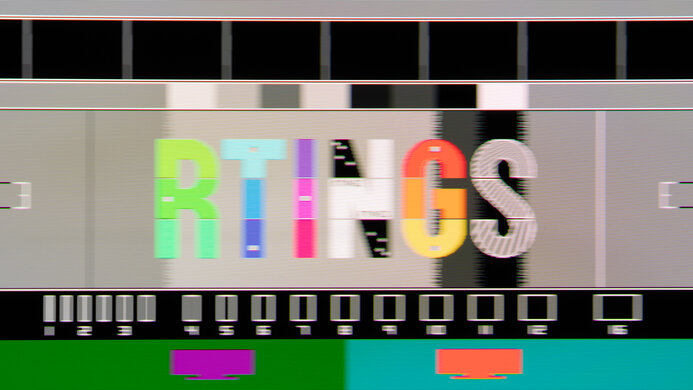
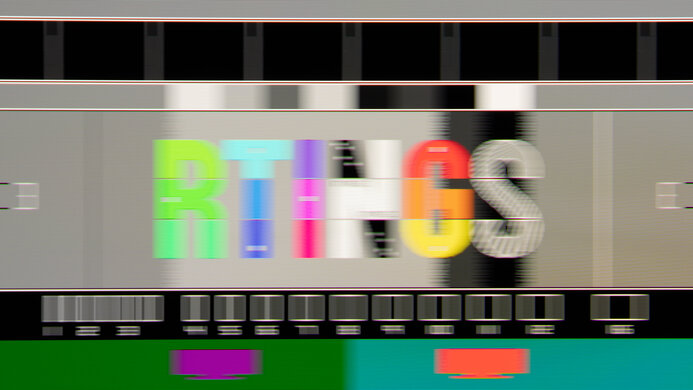
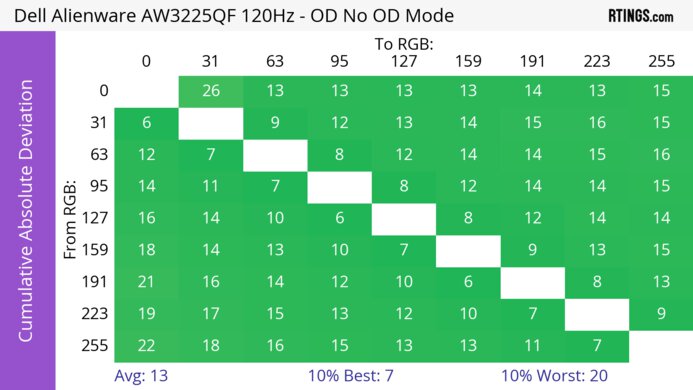
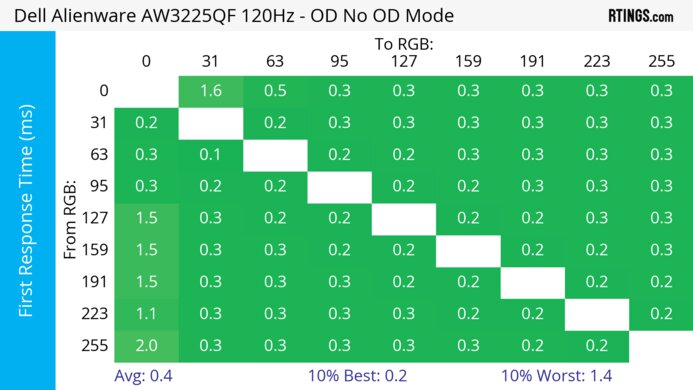
The Dell U5226KW has a bad response time. There's noticeable blur with any fast-moving content.
Motion blur at any refresh rate.
The Dell U5226KW doesn't support HDR.
The Dell U5226KW has good SDR picture quality. It displays a wide range of colors in the sRGB and Adobe RGB color spaces. However, it has a low contrast ratio that makes blacks look gray.
Displays wide range of colors.
Low contrast ratio; no local dimming.
The Dell U5226KW has incredible accuracy. Its sRGB mode is extremely accurate without any sort of calibration. Calibrating it doesn't improve color accuracy significantly, but allows you to fine-tune the white balance.
Extremely accurate sRGB mode.
Performance Usages
Changelog
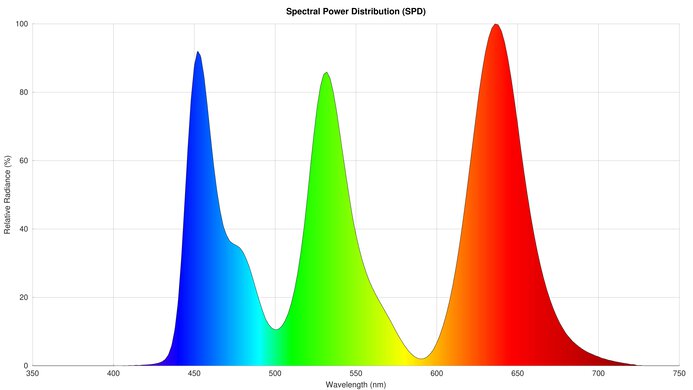
- Updated Mar 17, 2026: We've converted this review to Test Bench 2.1.2. We added a new Panel Technology box, including the Spectral Power Distribution (SPD) graph.
- Updated Feb 11, 2026: Review published.
- Updated Feb 06, 2026: Early access published.
- Updated Feb 04, 2026: Our testers have started testing this product.
Check Price
Differences Between Sizes And Variants
We bought and tested the 52-inch Dell U5226KW. Even though Dell has other similar displays in the UltraSharp lineup, as you can see below, the results are only valid for this model.
| Model | Size | Aspect Ratio | Resolution | Connectivity | HDR |
|---|---|---|---|---|---|
|
U2725QE U3225QE |
27" 32" |
16:9 | 3840x2160 | 5x USB-A 5x USB-C DisplayPort Out Thunderbolt Out |
Yes |
| U3425WE | 34" | 21:9 | 3440x1440 | 5x USB-A 5x USB-C Thunderbolt Out |
No |
| U4025QW | 40" | 21:9 | 5120x2160 | 5x USB-A 5x USB-C Thunderbolt Out |
Yes |
| U4924DW | 49" | 32:9 | 5120x1440 | 5x USB-A 4x USB-C |
No |
| U5226KW | 52" | 21:9 | 6144x2560 |
5x USB-A 6x USB-C |
No |
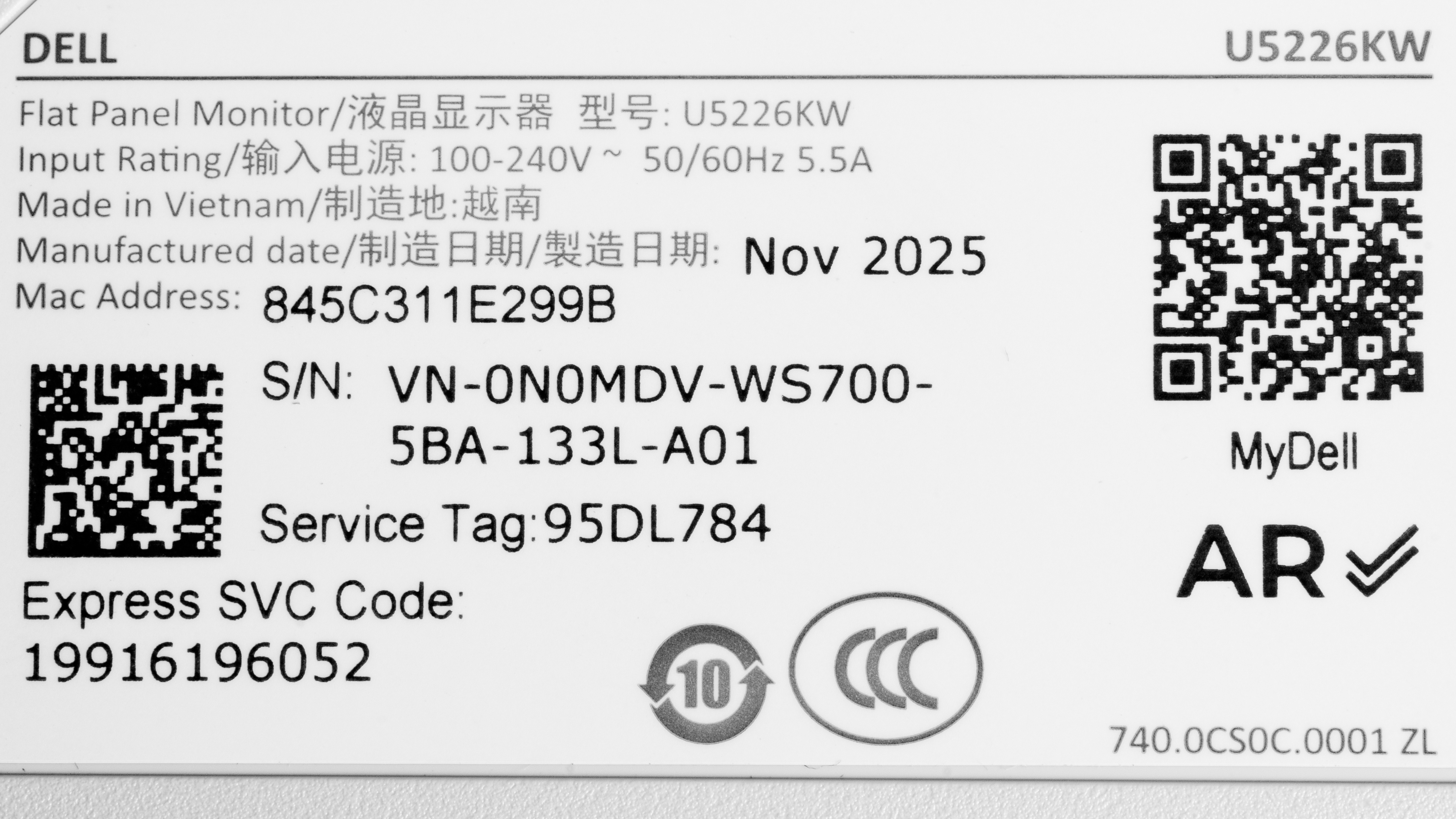
Our unit's label indicates it was manufactured in November 2025. We tested it on firmware M2T103.
Popular Monitor Comparisons
The Dell U5226KW is a 52-inch, 6k ultrawide monitor geared towards productivity. As the largest model available in Dell's UltraSharp lineup, it offers more space for multitasking than other options, like the Dell U4025QW or the Dell U2725QE. It includes extra video ports and has PIP/PBP modes that you can use to display up to four images at once, which helps if you want to connect multiple computers to the monitor. It has other productivity perks, like its large USB hub that includes Thunderbolt 4, 140W of power delivery, and a KVM switch. However, it lacks HDR support, which is disappointing for such a high-end monitor.
Considering other monitors in the UltraSharp lineup have many of the same features, there isn't anything that stands out about this monitor besides its size. The main advantage of getting it is if you want the extra screen space and you don't mind paying more. Otherwise, you can save money by getting a smaller model.
Also see our recommendations for the best work monitors, the best 34-49 inch monitors, and the best Dell monitors.
The Dell U4025QW and the Dell U5226KW are both ultrawide monitors in the Dell UltraSharp lineup. The U5226KW has a bigger 52-inch screen, offering more space to multitask. Despite having the lower resolution, the U4025QW has higher pixel density and sharper text clarity. They have many of the same features otherwise, but the U5226KW has extra video ports, while the U4025QW supports daisy chaining and HDR.
The Dell U5226KW and the Samsung Odyssey Neo G9/G95NC S27CG95 are both large displays. The Samsung has a super ultrawide 57-inch screen, while the ultrawide 52-inch display of the Dell offers a bit more total screen space. The Dell has more productivity features, including a larger USB hub, Thunderbolt 4 support, and higher power delivery over USB-C. On the other hand, the Samsung is more geared towards gaming as it has a higher refresh rate and better motion handling. The Samsung also has better picture quality with deeper blacks, brighter highlights, and HDR support, which the Dell doesn't have.
The Dell U2725QE and the Dell U5226KW are both UltraSharp monitors with many of the same features. The main difference comes down to their size, with the U5226KW having a bigger screen that makes it better for multitasking. Despite the U5226KW having the higher resolution, its pixel density is lower, and text isn't as sharp as on the U2725QE. The U2725QE also supports HDR and daisy chaining, both of which the U5226KW doesn't have.
The Dell U5226KW and the Dell U3225QE are both UltraSharp monitors. They perform similarly for the most part and have many of the same features. The main difference comes down to their size, with the U5226KW having a bigger screen that makes it better for multitasking. The U5226KW also has a higher resolution, but its pixel density is lower, and text isn't as sharp as on the U3225QE. The U3225QE also supports HDR and daisy chaining, both of which the U5226KW doesn't have.

We buy and test more than 30 monitors each year, all of which we purchase ourselves, without cherry-picked units or samples. We put a lot into each unbiased, straight-to-the-point review, and there's a whole process from purchasing to publishing, involving multiple teams and people. We do more than just use the monitor for a week; we use specialized, custom tools to measure various aspects and deliver objective, data-driven results. We also consider multiple factors before making any recommendations, including the monitor's cost, its performance compared to the competition, and whether it's easy to find.
Test Results
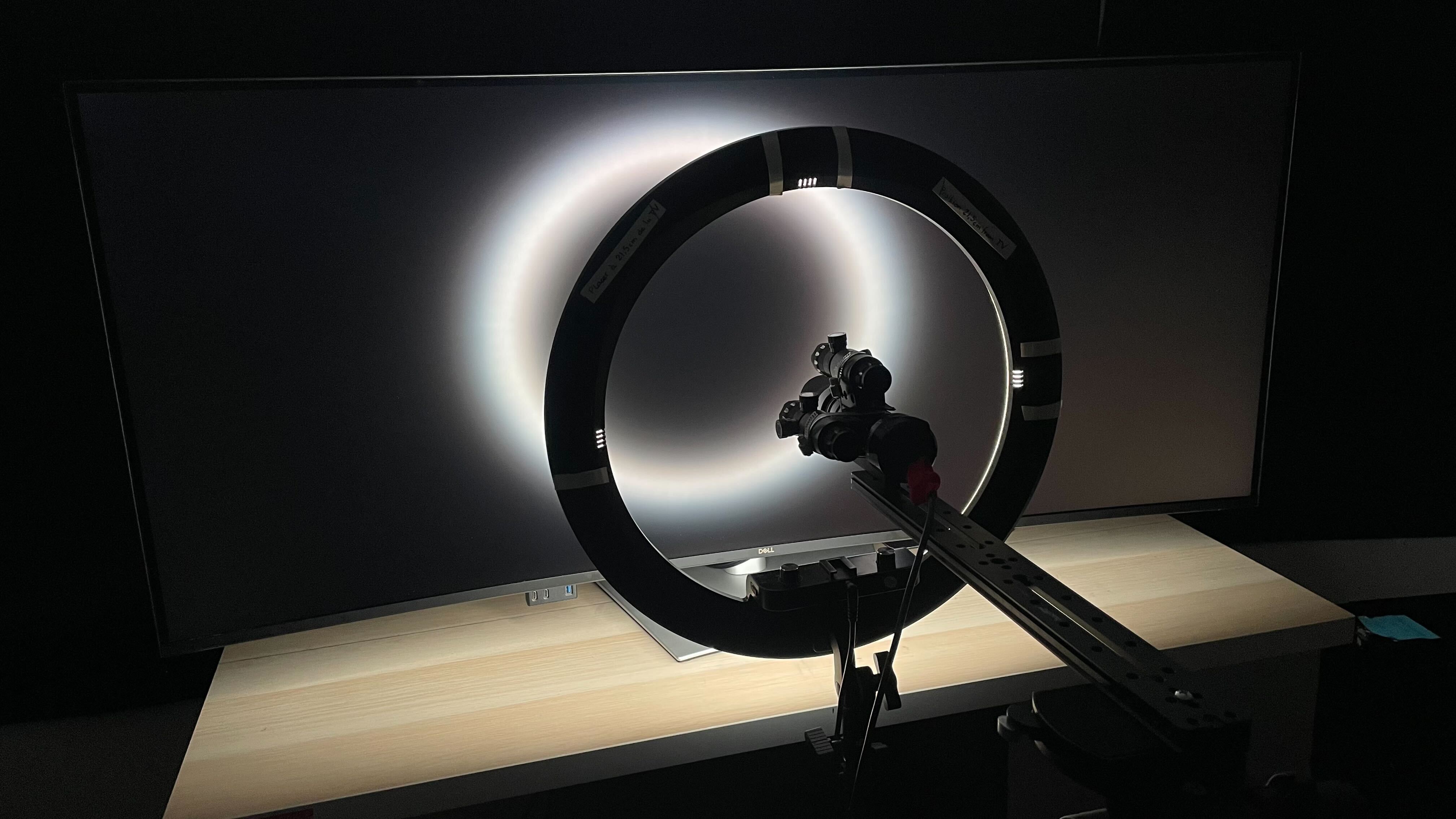






for pictures & test results







for pictures & test results

for pictures & test results

for pictures & test results

for pictures & test results

for pictures & test results

for pictures & test results



for videos & test results

for pictures & test results

for pictures & test results

for pictures & test results