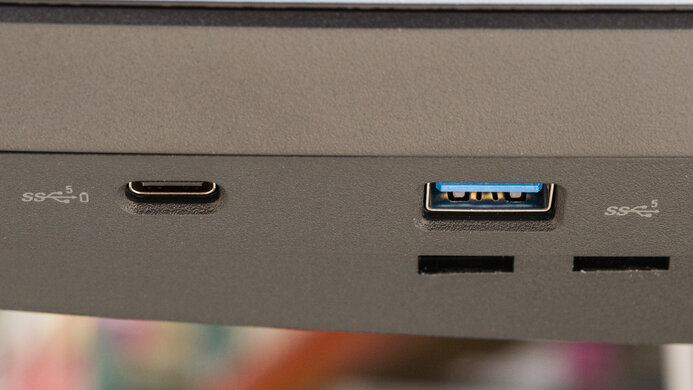
The Dell U3425WE is a 34-inch ultrawide productivity monitor with a curved screen. It's an updated version of the Dell U3421WE, and it's part of the UltraSharp lineup, sitting alongside models that have similar features but different sizes, like the Dell U3223QE and the Dell U4025QW. It's loaded with productivity-focused perks, like a massive USB hub that includes a USB-C port that supports both Thunderbolt 4 and DisplayPort Alt Mode with 90W of power delivery. It offers other features like daisy chaining, Internal Multi-Stream Transport, and a KVM switch that each make it easy to multitask with various computers and screens. Lastly, it comes with an IPS Black panel and a 120Hz refresh rate for a smoother experience compared to 60Hz office monitors. However, even though it supports the DCI-P3 color space, it doesn't support HDR at all.
Our Verdict
The Dell U3425WE is disappointing for PC gaming. It has a 120Hz refresh rate, supports all common VRR formats, and has low input lag. Unfortunately, though, fast-moving objects have blurry motion due to the monitor's slow response time. It also has limited picture quality as it doesn't support HDR at all, and blacks look gray.
- 120Hz refresh rate with VRR support.
- Low input lag.
- Very blurry motion.
- Blacks look gray.
- No HDR support.
- Lacks local dimming.
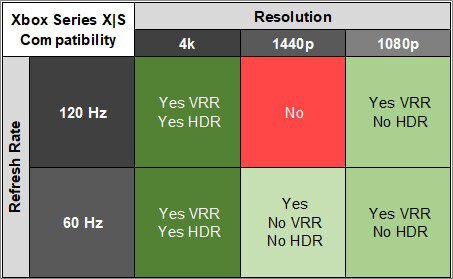
The Dell U3425WE is bad for console gaming. Without HDMI 2.1 bandwidth, it doesn't support most signals from the PS5 or Xbox Series X|S, and the consoles don't support ultrawide signals either, so there are black bars on the sides. It also has blurry motion and limited picture quality as it doesn't support HDR at all, and blacks look gray in the dark. On the plus side, it supports VRR with consoles and has low input lag for a responsive feel.
- Low input lag.
- Very blurry motion.
- Blacks look gray.
- No HDR support.
- Lacks local dimming.
- Limited compatibility with consoles.
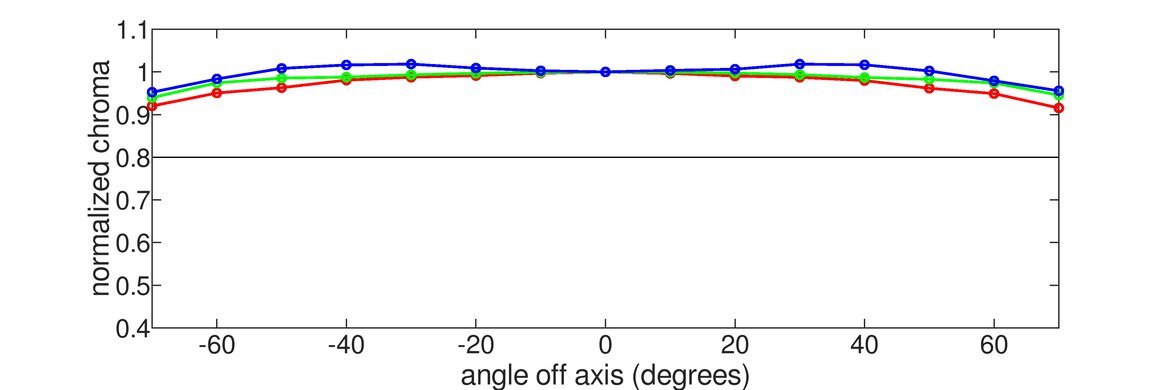
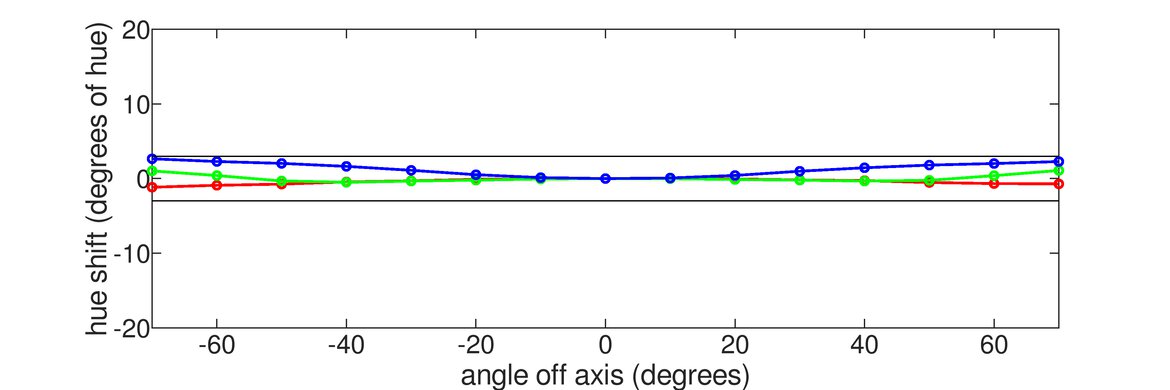
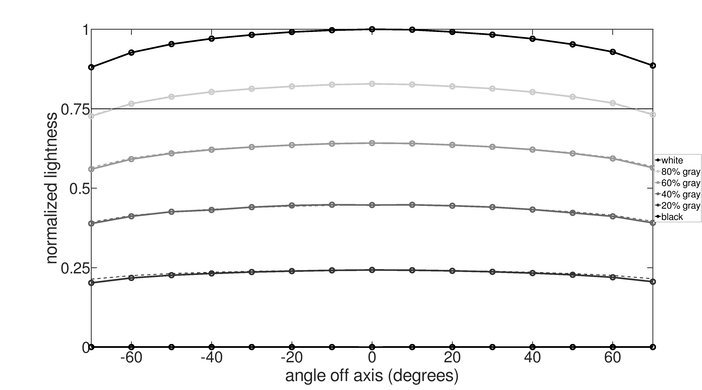
The Dell U3425WE is good for office use. It gets bright enough to fight glare in most well-lit rooms and has decent reflection handling, but visibility is a problem next to sunny windows. It comes with an adjustable stand, and its wide viewing angles keep the image consistent no matter where you view it from. Its 34-inch screen is big enough to open multiple windows side by side, and it also has good text clarity. Lastly, it has a massive USB hub and supports a ton of productivity features, including Thunderbolt 4, a KVM switch, and daisy chaining to connect a second display.
- Bright enough to fight most glare.
- Ergonomic stand.
- Ultrawide screen with good text clarity.
- Massive USB hub.
- Features like KVM and Thunderbolt daisy chaining.
- Glare is distracting in sunny rooms.
The Dell UltraSharp U3425WE is decent for editing in SDR. It comes with an accurate sRGB mode, so colors are accurate even without calibrating it. Its reflection handling is also decent enough to use in most well-lit rooms, but not in sunny rooms. It even has a ton of productivity features, including a large USB hub and Thunderbolt daisy chaining that makes it easy to connect a second display. However, this monitor doesn't support HDR at all, which is disappointing if you want to edit HDR content. Additionally, its curved screen may take time getting used to if you've never used a curved screen to edit content.
- Bright enough to fight most glare.
- Ultrawide screen with good text clarity.
- Massive USB hub.
- Features like KVM and Thunderbolt daisy chaining.
- Very accurate sRGB mode.
- Blacks look gray.
- No HDR support.
- Glare is distracting in sunny rooms.
The Dell U3425WE has very good brightness in SDR, so it fights glare well. However, it doesn't support HDR at all.
- Bright enough to fight most glare.
- No HDR support.
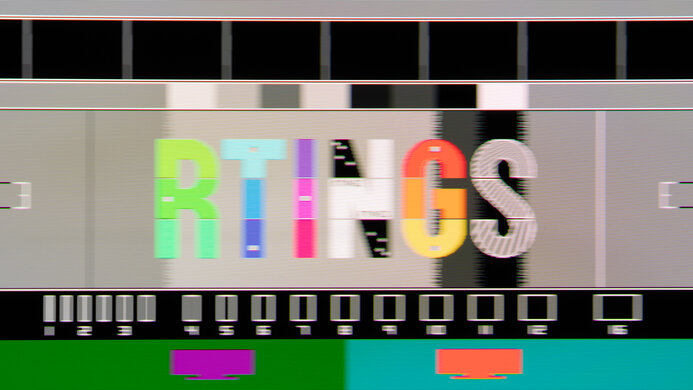
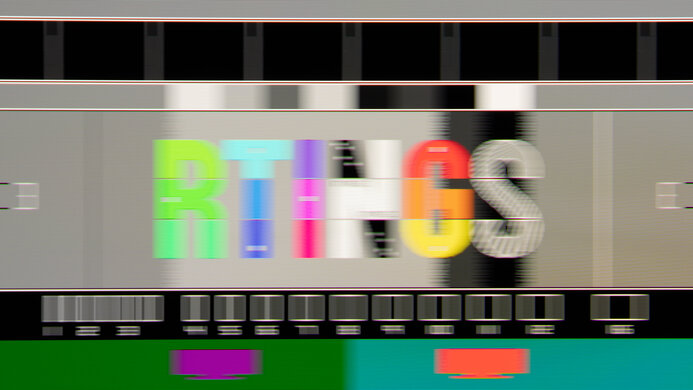
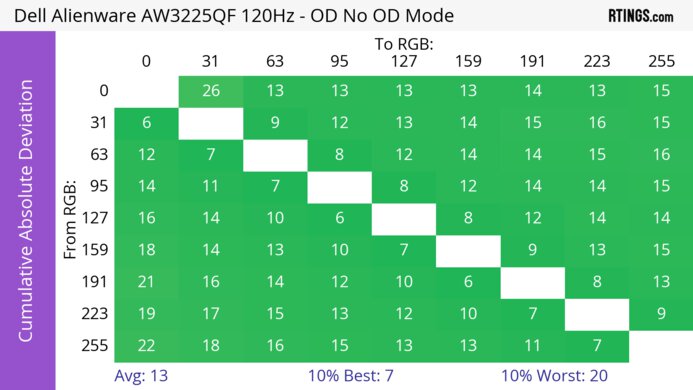
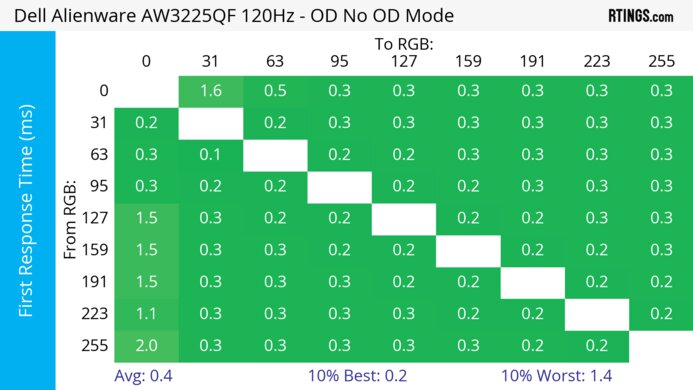
The Dell U3425WE has a poor response time as fast-moving objects are blurry.
- Very blurry motion.
The Dell U3425WE doesn't support HDR.
The Dell U3425WE has okay SDR picture quality. Its main strength is that it displays a wide range of colors. While it has a decent contrast ratio, blacks still look gray.
- Displays wide range of colors.
- Blacks look gray.
The Dell UltraSharp U3425WE has remarkable color accuracy. The dedicated sRGB mode has very accurate colors, so you won't need to calibrate it unless you need perfect white balance.
- Very accurate sRGB mode.
Performance Usages
Changelog
- Updated Feb 21, 2025: We've converted this review to Test Bench 2.0.1. This includes a new test result for DisplayPort 2.1 Transmission Bandwidth.
- Updated Sep 30, 2024: Review published.
- Updated Sep 25, 2024: Early access published.
- Updated Sep 18, 2024: Our testers have started testing this product.
Check Price
Differences Between Sizes And Variants
We tested the 34-inch Dell U3425WE, which is the only size available. As part of the Dell UltraSharp lineup, it sits alongside the Dell U4025QW, the Dell U2723QE, and the Dell U3223QE, which have many of the same features but have different sizes and resolutions. Dell has other 34-inch, 3440x1440 productivity monitors, for which you can see the differences below, but the results in the review are only valid for the U3425WE.
| Model | Release Year | Curve | Panel Type | Refresh Rate | USB Hub | Thunderbolt |
|---|---|---|---|---|---|---|
| U3425WE | 2024 | 1900R | IPS Black | 120Hz | 5x USB-A 5x USB-C |
Yes |
| P3424WE | 2023 | 3800R | IPS | 60Hz | 4x USB-A 1x USB-B 1x USB-C |
No |
| U3421WE | 2020 | 1900R | IPS | 60Hz | 4x USB-A 1x USB-B 2x USB-C |
No |
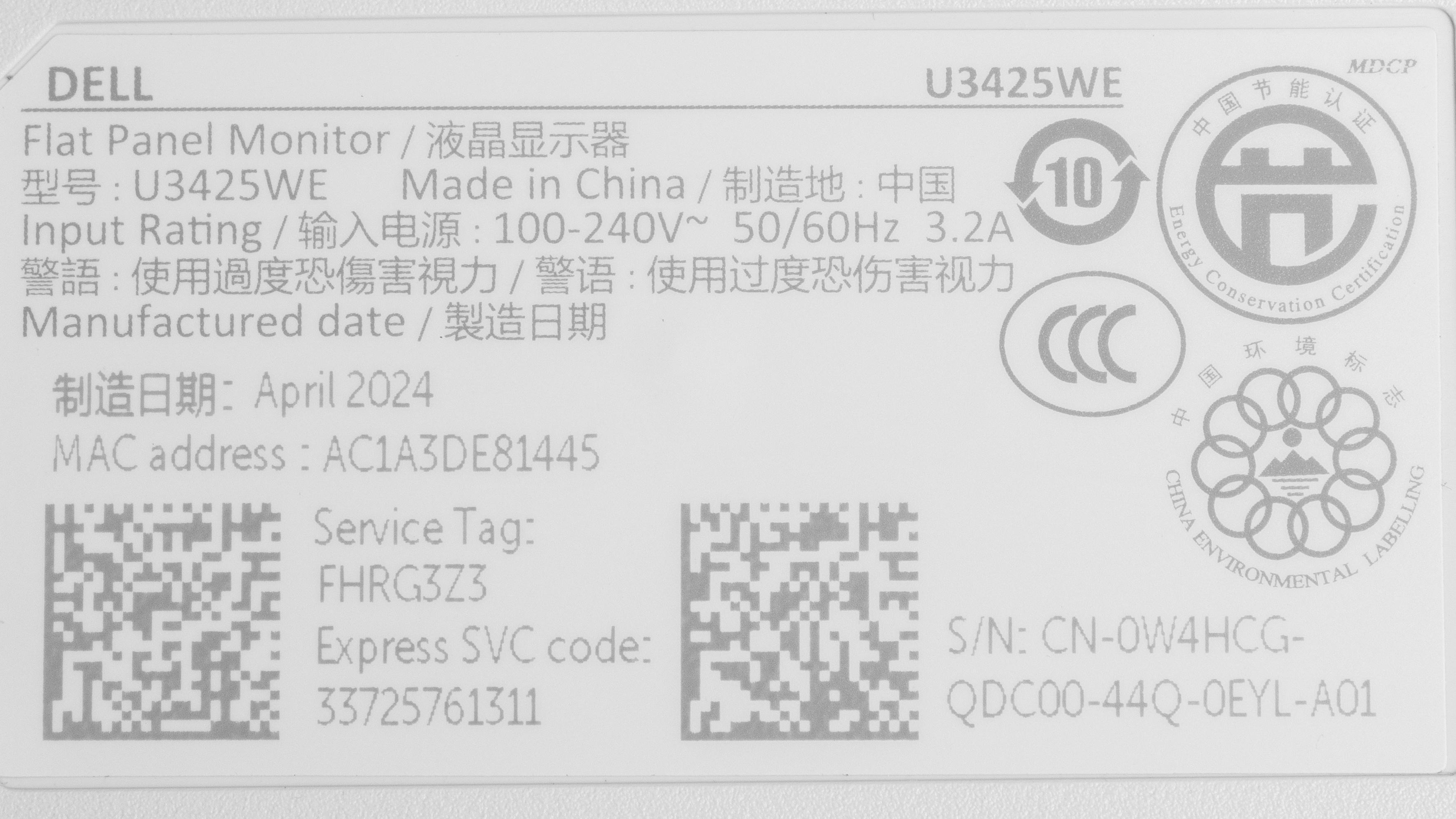
Our unit's label indicates that it was manufactured in April 2024. We tested it with firmware M3B102.
Popular Monitor Comparisons
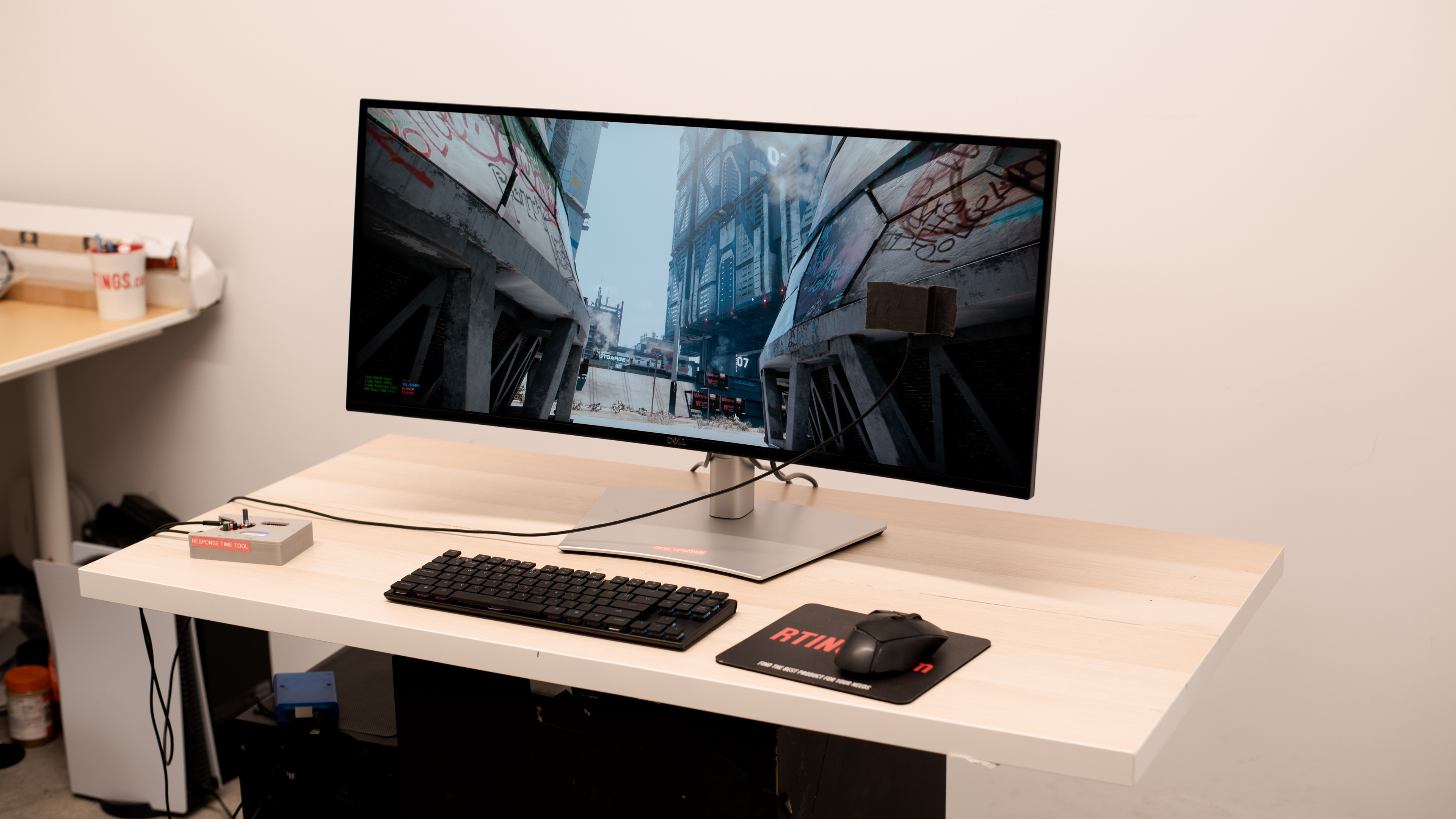
The Dell U3425WE is a 34-inch, 3440x1440 ultrawide monitor meant for productivity. Its massive USB hub makes it easy to connect various devices directly to the monitor. It has other features like Thunderbolt 4, which is ideal if you have a Thunderbolt laptop, and the KVM switch and daisy chaining make it easier to multitask. While it's one of the most feature-packed work monitors you can get, it also has some limitations. Without HDR support, you can't edit content in HDR, and although it has some perks to make it versatile for gaming, like a 120Hz refresh rate and VRR support, fast-moving objects look blurry. If you're looking for a dual-purpose ultrawide for gaming and office work, there are better options available, but if you want premium office features in an ultrawide display, it's worth considering.
See our recommendations for the best work monitors, the best ultrawide monitors, and the best USB-C monitors.
The Dell U4025QW and the Dell U3425WE are both ultrawide productivity monitors in Dell's UltraSharp lineup. They have many of the same features, including their large USB hub and Thunderbolt 4 support, but there are a few differences. The larger screen on the U4025QW gives you more screen space, and it has a higher resolution for sharper text. The U4025QW also supports HDR, which the U3425WE doesn't.
The Dell U2723QE and the Dell U3425WE are both productivity monitors in Dell's UltraSharp lineup. Besides their sizes and resolution, they're different in a few ways, particularly with features. The U3425WE has more USB ports and supports Thunderbolt 4, which is useful if your laptop also supports Thunderbolt. It also has a higher 120Hz refresh rate for a slightly smoother feel and supports VRR, which the U2723QE doesn't. However, the U2723QE delivers sharper text and unlike the U3425WE, it supports HDR.
The Dell U3223QE and the Dell U3425WE are both productivity monitors in Dell's UltraSharp lineup. Choosing one over the other comes down to which size and resolution you prefer, but there are a few differences in features, too. The U3425WE is more useful if your laptop has Thunderbolt support because the monitor itself supports Thunderbolt 4, which the U3223QE doesn't. The U3425WE also has a higher 120Hz refresh rate for a slightly smoother feel and supports VRR, which is beneficial for casual gaming. On the other hand, unlike the U3425WE, the U3223QE supports HDR.

We buy and test more than 30 monitors each year, all of which we purchase ourselves, without cherry-picked units or samples. We put a lot into each unbiased, straight-to-the-point review, and there's a whole process from purchasing to publishing, involving multiple teams and people. We do more than just use the monitor for a week; we use specialized, custom tools to measure various aspects and deliver objective, data-driven results. We also consider multiple factors before making any recommendations, including the monitor's cost, its performance compared to the competition, and whether it's easy to find.
Test Results






for pictures & test results





for videos & test results

for pictures & test results

for pictures & test results

for pictures & test results

for videos & test results

for pictures & test results
for pictures & test results
for pictures & test results


for pictures & test results

for pictures & test results

for pictures & test results

for pictures & test results

for pictures & test results

for pictures & test results