
Unfortunately, although it has a great response time, there are some noticeable motion artifacts with some content, and it can't get very bright in HDR.
Our Verdict
Overall, the Samsung Q50R is a good TV for most uses. It's good for watching sports or TV shows in a bright room, as long as you don't like to move around. It has excellent gaming performance, with low input lag and a fast response time. Unfortunately, it isn't as good for watching movies in SDR or HDR in a dark room, as it has only decent black uniformity and no local dimming feature.
- Deep blacks.
- Impressive low input lag.
- Image degrades at an angle.
- Noticeable motion artifacts.
This is an adequate TV for watching movies in a dark room. It has an excellent contrast ratio, so blacks appear black in a dark room, but it has only decent black uniformity and lacks a local dimming feature, so some clouding can be seen in dark scenes. Unfortunately, it can't remove judder from any source.
The Q50R is a good TV for watching TV shows during the day. It has good reflection handling and decent peak brightness, so glare shouldn't be an issue in most rooms, but the image degrades at an angle, so it isn't great if you like to move around with the TV on. It has a huge selection of streaming apps, and almost all of the most popular streaming services are available.
The Samsung QN32Q50RAFXZA is a good TV for watching sports during the day. It has good reflection handling and decent peak brightness in SDR, so glare shouldn't be an issue. Unfortunately, the image degrades when viewed at an angle, and since it's only available in a 32" size, it isn't a great TV for watching the big game with a group of friends.
This is an excellent TV for playing video games. It has outstanding low input lag, resulting in a very responsive gaming experience, and it has a great response time. Unfortunately, it doesn't support any advanced gaming features like FreeSync, and some motion artifacts can be seen, due to the backlight flicker.
The Q50R is a decent TV for watching movies in HDR in a dark room. It has an excellent contrast ratio, resulting in deep blacks, but it has only decent black uniformity, and lacks a local dimming feature. It can display a wide color gamut, which is important for the latest HDR movies, but it can't get very bright, so small, bright highlights don't stand out.
The Samsung QN32Q50R is a great TV for HDR gaming, mainly due to its excellent gaming performance. It has outstanding low input lag, for a responsive gaming experience, and a great response time, so there is very little blur behind fast-moving objects. It has an excellent contrast ratio and can display a wide color gamut, but it can't get very bright in HDR, and doesn't have a local dimming feature.
This is a great TV for use as a PC monitor. It has outstanding low latency and it supports most of the common resolutions, and can display chroma 4:4:4 properly in all of them, which is important for clear text. Unfortunately, the image degrades when viewed at an angle.
Changelog
- Updated May 21, 2020: Converted to Test Bench 1.5.
- Updated Feb 21, 2020: Converted to Test Bench 1.4.
- Updated Oct 02, 2019: Review published.
- Updated Sep 26, 2019: Our testers have started testing this product.
Check Price
Differences Between Sizes And Variants
We tested the 32" QN32Q50R, version FA01, which is the only size available at this time. We don't know if there are any plans to release other sizes of this TV.
In the E.U., this TV is known as the QE32Q50R, and we expect our review to be valid for that model as well, except for some minor regional differences, including the tuners.
If someone comes across a different type of panel or if their Samsung Q50R doesn't correspond to our review, let us know and we will update the review. Note that some tests such as the gray uniformity may vary between individual units.
| Size | Short Model Code | Full US Model Code | Panel Type | Refresh Rate | Notes |
| 32" | QN32Q50R | QN32Q50RAFXZA | VA | 60Hz |
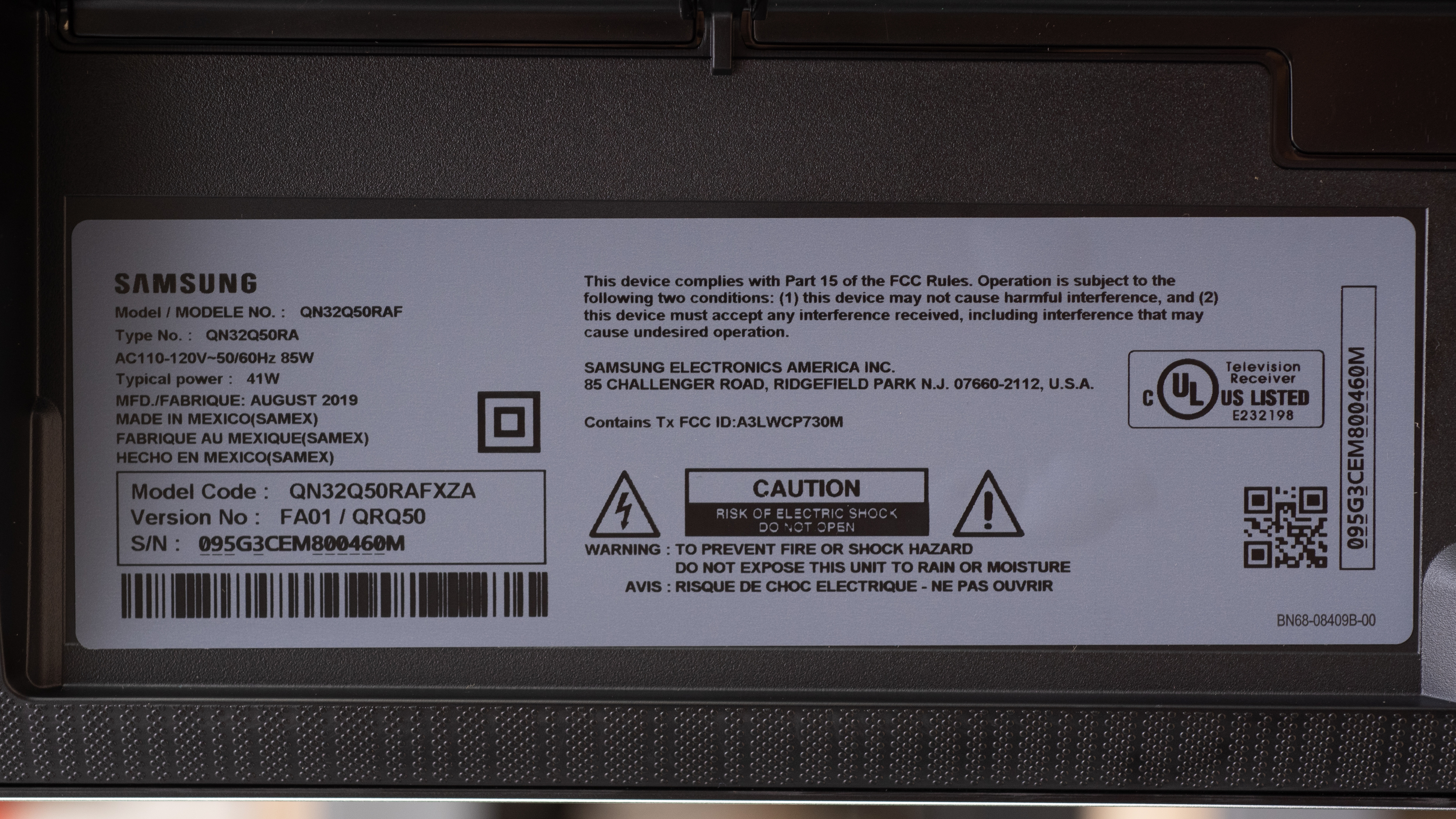
The Q32QN50RA we reviewed was manufactured in August 2019.
Popular TV Comparisons

The Samsung QN32Q50R is by far the best 32" TV on the market, but it's also significantly more expensive. See also our recommendations for the best 32" TVs and the best small TVs.
The Samsung Q60R is much better than the Samsung Q50/Q50R QLED. The Q60R is noticeably brighter, has a much faster response time, and it can remove judder from all sources. The Q60R also has a 120Hz panel and can accept 120Hz signals. The Q60R is only available in larger sizes, ranging from 43" up to 82", whereas the Q50R is only available in 32".
The Samsung Q50/Q50R QLED is much better than the TCL S325. The Samsung has a much higher native resolution, better contrast, and a much better color gamut. The TCL has better viewing angles, and it can remove judder from 24p sources.
The Samsung Q50/Q50R QLED is a bit better than the TCL 4 Series 2019, but it's only available in a 32" size, whereas the S425 is available 43- to 75-inch sizes. The Q50 is brighter, has better gray uniformity, and can display a wide color gamut.
The LG UM7300 and the Samsung Q50/Q50R QLED use different panel types, each with their own strengths and weaknesses. The Q50R is better-suited for use in a dark room, as it has much better contrast. The UM7300 doesn't look as good in a dark room, as blacks appear gray, but the image remains accurate when viewed at an angle. Whereas the Q50R is only available in a 32" size, the UM7300 is available in sizes ranging from 43" to 65".

We buy and test dozens of TVs yearly, taking an objective, data-driven approach to deliver results you can trust. Our testing process is complex, with hundreds of individual tests that take over a week to complete. Most of our tests use specially designed test patterns that mimic real content, but we also use the same sources you have at home to ensure our results match the real-world experience. We use two main tools for our testing: a Colorimetry Research CR-100 colorimeter and a CR-250 spectroradiometer.
Test Results
Older Test Bench: This product has been tested using an older TV test methodology, before amajor update. Some of the test results below aren't directly comparable with other TVs. Learn more
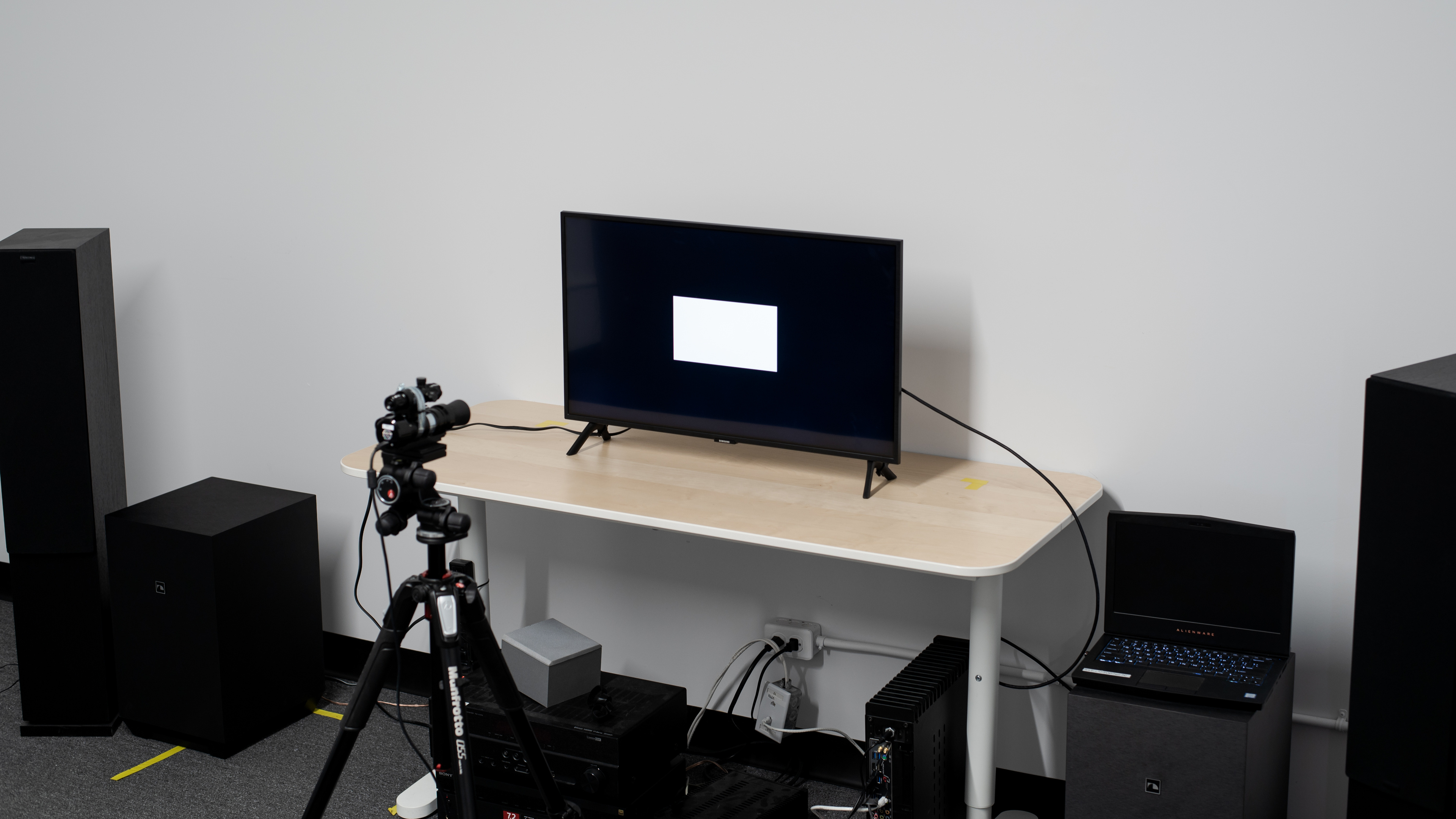
The Samsung Q50R is a bit of a strange model. Its closest competition is mainly 4k monitors, like the LG 27UK650-W, as there are no other 32" 4k TVs on the market. The closest TV competitors are the TCL 3 Series (S325 and S327) and the Samsung N5300, but these are vastly different models.
for pictures & test results

The Q50R has a great design. It looks very similar to the higher-end, larger Samsung QLED TVs, like the Samsung Q60R, but it has a slightly thicker frame. The feet are placed at either end, but due to the small size of this TV it shouldn't be an issue. Like the Q60R, it has decent build quality but is mostly made of plastic. It has only basic cable management.
for pictures & test results

The feet are set at either end of the TV, and don't prevent it from wobbling.
Footprint of the 32" stand: 25.5" x 6.1"
for pictures & test results

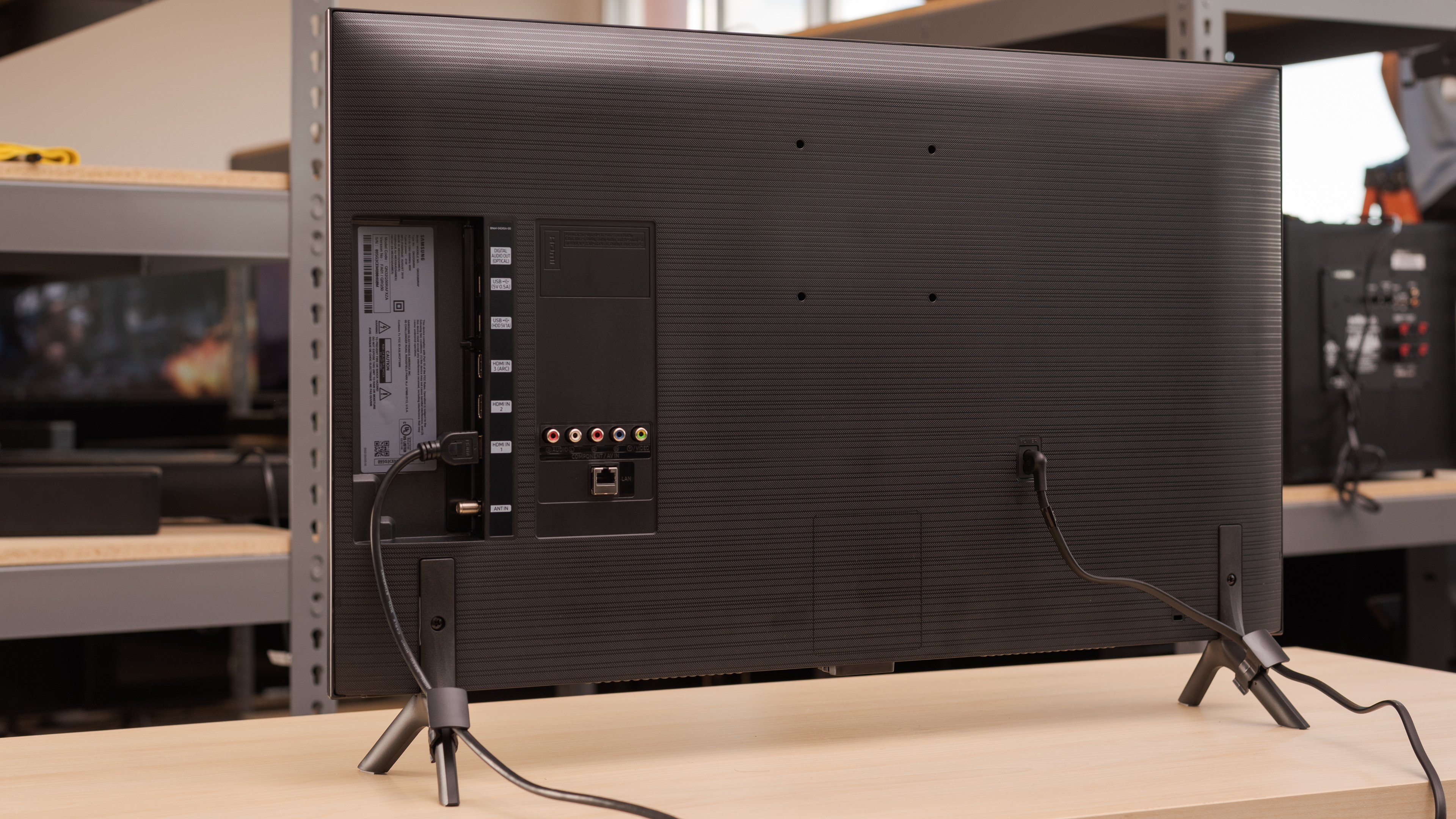
The back is plain, and has a slightly different texture than the other 2019 QLEDs we've tested. There is only basic cable management through a clip on the back legs.
for pictures & test results

The borders are relatively thick, given the small size of the TV, so they're a bit more noticeable.
for pictures & test results

This TV is very thin, and doesn't stick out much if wall-mounted.
for pictures & test results

The Samsung QN32Q50R has decent build quality. It looks very similar to the Q60R, and is almost entirely made of plastic. There are no obvious areas of concern in its construction.
for pictures & test results

Like most VA TVs, the Q50R has an excellent contrast ratio. This results in deep blacks, which is especially noticeable in a dark room.
for videos & test results

The Q50 doesn't have a local dimming feature. The above video is provided for reference only.
Decent SDR peak brightness. Unfortunately, like most Samsung TVs that don't have a local dimming feature, dim scenes are dimmed by the TV's frame dimming feature (also known as CE dimming). This can be distracting with some content.
We measured the SDR peak brightness after calibration, with the 'Movie' Picture Mode. The 'Dynamic' picture mode is slightly brighter.
Disappointing HDR peak brightness. Small highlights in some scenes don't pop the way they should. Like with SDR content, the TV's frame (CE) dimming feature artificially dims some scenes, which may be distracting.
We measured the peak brightness with the default settings in the 'Movie' Picture Mode. 'Dynamic' is slightly brighter, but not noticeably.
for pictures & test results

for pictures & test results

The Q50R has very good gray uniformity. The sides of the screen are noticeably darker, but there is little dirty screen effect in the center, which is great for sports fans.
for videos & test results

for pictures & test results

for pictures & test results

for pictures & test results

Like most VA TVs, the image degrades when viewed at an angle. Due to the small size of the TV, this effect is more noticeable, but it's better than the Hisense H8F.
for pictures & test results

The Q50R has decent black uniformity, slightly worse than the Q60R. This results in cloudy blacks in dark scenes, which can be distracting.
for pictures & test results

for pictures & test results

for pictures & test results

Overall, the Samsung QN32Q50R has good reflection handling. Bright reflections aren't diffused much across the screen, so they might still be distracting in a bright room.
for pictures & test results

for pictures & test results

for pictures & test results

Out of the box, the Samsung Q50R QLED has decent accuracy. Gamma doesn't follow the target, so most scenes are displayed a bit brighter than they should. There are some noticeable inaccuracies in shades of gray, but most people won't notice any issues with most colors.
for pictures & test results

for pictures & test results

for pictures & test results

After calibration, the Q50 has outstanding accuracy. There are no noticeable errors in colors or shades of gray, and gamma is nearly perfect.
See our recommended settings here.
for pictures & test results

480p content looks great, and looks similar to the Q60R.
for pictures & test results

720p content, including cable TV, is upscaled well, and looks great.
for pictures & test results

1080p content looks almost as good as native 4k content.
for pictures & test results

4k content is displayed perfectly, with no noticeable pixel issues.

for pictures & test results

for pictures & test results

for pictures & test results

The Q50R has a very good color gamut, similar to the Q60R, and it can display a wide color gamut, important for the latest HDR content.
Unfortunately, the TV doesn't track the target EOTF PQ curve, and all scenes in HDR are displayed darker than they should be. Unfortunately, 'Game' mode is even worse, as shown here.
If you find HDR content too dim, setting Contrast Enhancer to 'High' improves EOTF tracking significantly, as shown here.
for pictures & test results

for pictures & test results

Decent color volume. Although it has a very good color gamut, colors aren't as bright as pure white, especially blues, which is common for LED TVs.
for pictures & test results

The Q50R QLED has good overall gradient handling, very similar to the Q60R. Some significant banding can be seen in dark shades, though, which can be distracting. Setting Digital Clean View to 'Auto' improves gradient handling, but can cause a loss of fine details in some scenes.
for pictures & test results

There are no signs of temporary image retention, even immediately after displaying our high-contrast, static test image for 10 minutes.
We don't expect VA panels to experience permanent image retention, as the VA panel in our long-term test appears immune.
for pictures & test results

for pictures & test results

The Q50R has a great response time overall, and there is very little blur behind fast-moving objects. There is noticeable overshoot in some scenes, though, which causes inverse ghosting in some scenes. This can be seen in the above photo as a white shape to the left of the logo.
for pictures & test results

Like most Samsung TVs, the backlight of the Q50R flickers at all backlight settings below max. In movie mode, the backlight flickers at 240Hz, which most people won't notice. In game mode, or if Auto Motion Plus is enabled, the flicker frequency changes to 120Hz, which is more noticeable, and can cause noticeable duplications in motion.
for pictures & test results

for pictures & test results

The Q50R has an optional black frame insertion feature that can improve the appear of motion. Unfortunately, like the Q60R, the pulse timing isn't very good, causing some strange motion artifacts, including the strange duplications seen in the above photo.
See here for the setting that controls this TV's BFI feature.

The slightly slower response time results in good overall stutter performance. Some stutter can still be seen in some content, though, especially slow, panning shots in movies.
Like all 60Hz Samsung TVs we've tested, the Q50R can't remove judder from any source.
The Samsung QN32Q50RAFXZA has a 60Hz refresh rate, and it doesn't support any of the advanced gaming features found on the larger Samsung TVs.
The Samsung Q50R has outstanding low input lag, resulting in an extremely responsive gaming experience. In 'Game' mode, these results are almost as good as most 60Hz monitors.
This TV also supports auto low latency mode, so you don't have to worry about enabling game mode each time you launch a game on a supported device.
The Q50R supports most common resolutions, including 1440p, but only at 60Hz. It can display chroma 4:4:4 content properly in all modes, which is important for clear text when using the TV as a PC monitor.




Like all recent Samsung TVs, the Q50 can't passthrough DTS audio over ARC.
for pictures & test results

The Q50R has disappointing sound quality. The low-frequency extension (LFE) is high, resulting in bass that lacks thump or rumble and has very little punch. Most dialog is clear, but it lacks airiness due to the sudden drop in the treble range. This TV can get very loud, but produces significant pumping and compression at max volume.
for pictures & test results

Decent distortion performance. Total harmonic distortion is decent at 80dB SPL, and it doesn't increase considerably at max volume.
for pictures & test results

The interface is identical to other Samsung TVs we've tested this year. It's easy to use and fast, and the quick settings menu makes it easy to quickly change the most common settings.
for pictures & test results

Unfortunately, there are ads in the app store and on the home menu bar, and they can't be disabled.
for pictures & test results

Samsung's content store has a huge selection of apps, and almost all of the most common streaming services are available. This model doesn't support the Ambient mode found on other Samsung TVs.
for pictures & test results

The remote is very similar to the one found with the other 2019 Samsung QLEDs, but a few of the buttons have been changed, due to the removal of ambient mode on this TV.
for pictures & test results

There is a single physical button located under the bottom edge of the TV in the center.
for pictures & test results

- User Manual
- Remote
- Quick Setup Guide
- Batteries