The Hisense 32H4F, also known as the Hisense 32H4030F1, is an entry-level TV with sub-par picture quality and a 768p native resolution, which is limiting. It has good reflection handling, but can't get very bright, so it's more suitable for a dim room. There's no HDR support and, as with most IPS panels, blacks tend to look more like gray in a dark room. On the upside, it has excellent viewing angles and a fast response time that delivers crisp motion. It has a very low input lag, great for casual gaming, but unfortunately, there are no advanced gaming or motion processing features.
Our Verdict
This is a disappointing TV for mixed usage. It can't get very bright and can't display deep blacks in a dark room, making it more suitable for a dim room. It has wide viewing angles and can handle the reflections of a few extra lights well. Fast-moving content looks crisp, but the TV's 768p native resolution is limiting since most recent content is becoming available in higher resolutions.
- Excellent wide viewing angles
- Very limiting 768p resolution
- Bad contrast and bad black uniformity
- Can't get very bright
This TV delivers poor performance when watching movies. It can't display deep blacks in a dark room and the 768p native resolution is limiting for most of today's content. It has no motion processing features and can only remove judder from certain sources. On a positive note, it has good color accuracy out-of-the-box.
This is a mediocre TV for watching TV shows. It can handle reflections well but can't get very bright to fight the glare of a bright room. The viewing angles are excellent and you can easily do house chores while watching your favorite show. Unfortunately, the 768p native resolution is limiting, even for TV shows with a 720p native resolution, like the ones from most cable boxes.
This is a good TV for watching sports. It delivers crisp motion and handles reflections well, but can't get very bright so it's more suitable for a dim room. Thanks to its excellent viewing angles, you can walk around while watching your favorite game. However, if you're a demanding sports fan, you'll be bothered by the amount of dirty screen effect this TV has.
The H4F is a decent TV for playing video games. It has a very low input lag and a fast response time that delivers fast-moving objects with little blur trail. Unfortunately, the 768p native resolution is limiting and can't fully use the capabilities of modern gaming consoles or PC graphics cards.
HDR isn't supported.
HDR isn't supported.
The Hisense H4F is a decent TV for use as a PC monitor. It has a low input lag and feels very responsive. The excellent viewing angles ensure a uniform image when sitting up close and there's no risk of permanent burn-in. On the downside, the 768p resolution is limiting and the TV can't display proper chroma 4:4:4 so text isn't clear.
Changelog
- Updated Nov 18, 2020: Fixed a spelling mistake in a test comparison.
- Updated Jun 17, 2020: We corrected a minor mistake in our BFI scoring.
- Updated May 21, 2020: Converted to Test Bench 1.5.
- Updated Feb 21, 2020: Converted to Test Bench 1.4.
Check Price
Differences Between Sizes And Variants
We tested the 32" (32H4F). For the most we expect our review to be valid for the 40" version (40H4F). There's an H4030F variant which is sold by Walmart and is also available in 43" (version 43H4030F). We expect those variants to perform the same.
| Size | Model |
Walmart Model Number |
Resolution |
| 32" | 32H4F | 32H4030F1 | 1366x768 |
| 40'" | 40H4F | 40H4030F1 | 1920x1080 |
| 43" | 43H4030F1 | 1920x1080 |
If someone comes across a different type of panel or if their Hisense H4F doesn't correspond to our review, let us know and we'll update the review. Note that some tests such as the gray uniformity may vary between individual units.
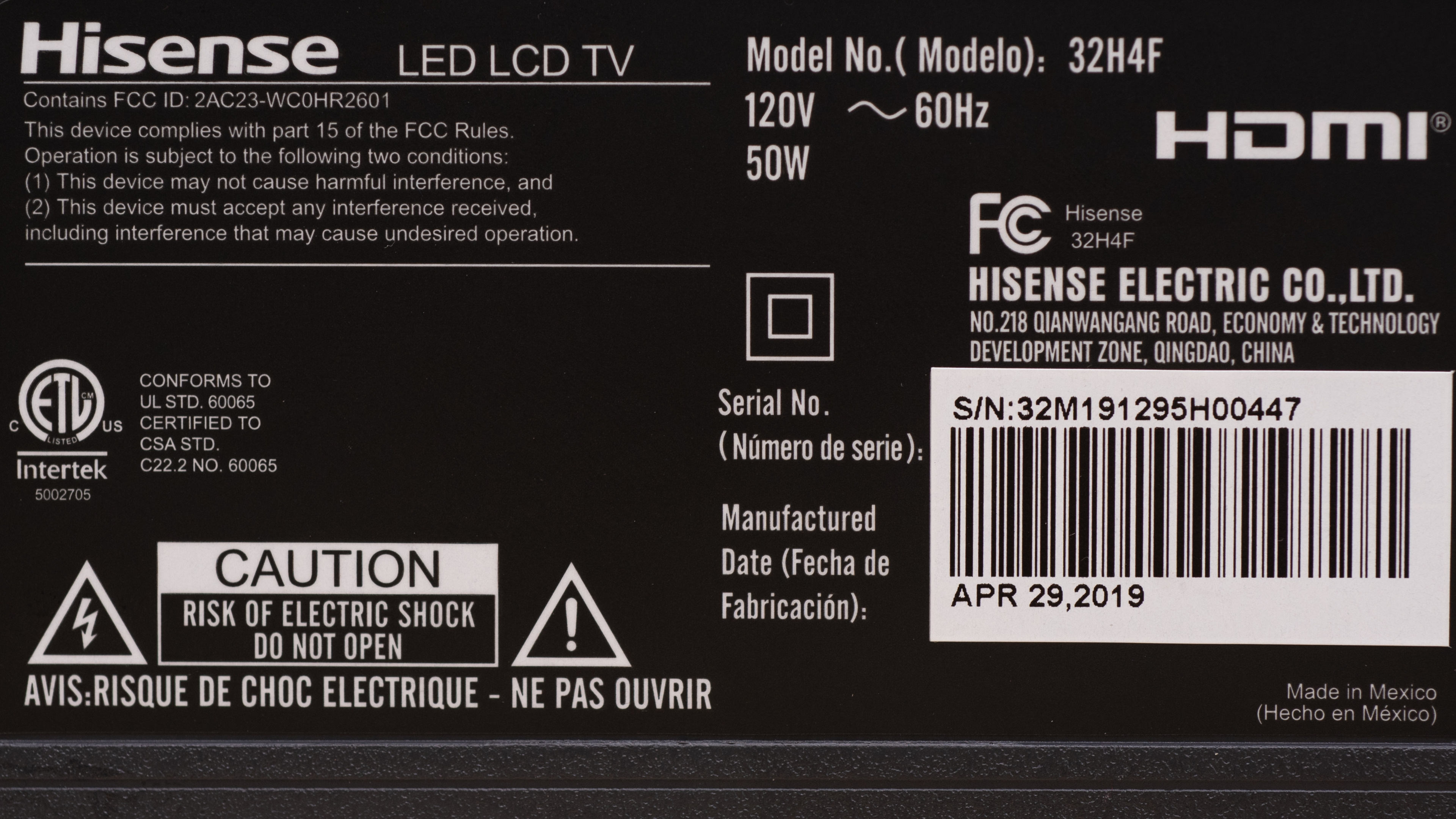
The Hisense 32H4F we reviewed was manufactured in April 2019.
Popular TV Comparisons

The Hisense H4F is an entry-level TV that serves you best as a secondary TV, especially where space is limited. See also our recommendations for the best 32" TVs, the best 40-42-43 inch TVs, and the best small TVs.
The Samsung M4500 and the Hisense H4F have different panel types, each with advantages and disadvantages. The M4500 has a VA panel and can display deeper blacks in a dark room, while the Hisense has wider viewing angles, which is good if you often walk around while you watch TV. The Hisense is also available in more sizes and has a lower input lag, which is great for gamers.
The Samsung N5300 is much better than the Hisense H4F. The 32" N5300 supports 1080p while the Hisense doesn't. The N5300 can get brighter, has better black uniformity, can handle reflections better, and supports HDR, although there's not much gain using it in this mode. The Hisense has wider viewing angles and better response time, which great for sports.
The Samsung Q50/Q50R QLED is a much better TV than the Hisense H4F, even though they have different panel types. The Samsung has a 4k resolution and can display most of the popular resolutions well. It can get significantly brighter and can deliver a much better dark room performance. The Hisense H4F has wider viewing angles and is available in more sizes.
The TCL S325 and the Hisense H4F have different panel types. The TCL has a VA panel and can display deep blacks in a dark room, while the Hisense is more suitable if you have a wide seating arrangement, as the image remains accurate at an angle. The TCL has a slightly lower input lag, which is an attraction to gamers.

We buy and test dozens of TVs yearly, taking an objective, data-driven approach to deliver results you can trust. Our testing process is complex, with hundreds of individual tests that take over a week to complete. Most of our tests use specially designed test patterns that mimic real content, but we also use the same sources you have at home to ensure our results match the real-world experience. We use two main tools for our testing: a Colorimetry Research CR-100 colorimeter and a CR-250 spectroradiometer.
Test Results
Older Test Bench: We tested this product using an older TV test methodology before a major update. Some of the test results below aren't directly comparable with other TVs. Learn more
The Hisense H4F is an entry-level TV. It's in the lower-end of Hisense's 2019 lineup and its closest competitors are the TCL 3 Series (S325 and S327) and the Samsung N5300.
for pictures & test results

The design is decent. It's mainly made of plastic and metal but doesn't feel premium. The stand supports the TV well, but there's still a little wobble. The overall build quality is acceptable with no gaps or loose ends.
for pictures & test results

The stand supports the TV well but can't prevent all wobble, and the feet can't be reversed.
Footprint of the 32" model: 25" x 6.8"
for pictures & test results

The back of the TV is plain and is made of thin, smooth metal. The inputs are facing to the side, and there's no cable management.
for pictures & test results

The borders are fairly thick, but shouldn't be in the way while watching TV.
for pictures & test results

The TV is quite thin and won't stick out much when wall-mounted.
for pictures & test results

The 32H4F has a decent build quality. It doesn't feel premium, but it's solid without any gaps or loose ends.
for pictures & test results

This TV's contrast ratio is mediocre. Blacks look more like gray in a dark room. If you prefer a similar TV with a much better contrast ratio, check out the TCL 3 Series 2020.
for videos & test results

This TV doesn't have a local dimming feature. The video is for reference only.
The H4F has a disappointing peak brightness. Unfortunately, it can't fight the glare of a bright room and you're better off placing it in a dim room.
We measured the peak brightness without calibration (the TV has no calibration capabilities), using the 'Movie' picture mode and 'Warm 2' color temperature. With the 'Normal' Picture Mode and the default settings, we measured a peak brightness of 210 cd/m² on the 25% test window.
This TV doesn't support HDR.
for pictures & test results

for pictures & test results

The TV has decent overall gray uniformity. However, in the lighter shades, the dirty screen effect is very apparent and will most likely bother sports fans. In darker scenes, the TV performs significantly better.
for videos & test results

for pictures & test results

for pictures & test results

for pictures & test results

The H4F has excellent wide viewing angles. It's similar to the 2016 Sony W600D, which has a PLS panel that behaves like an IPS.
for pictures & test results

Black uniformity on the 32H4F is poor. There's significant clouding on the screen and you can spot some backlight bleed at the edges. However, this is only noticeable when watching very dark scenes in a pitch black room.
for pictures & test results

for pictures & test results

for pictures & test results

This TV has good reflection handling, which is great if your room has a few lights. However, in a very bright room, the TV's inability to fight glare makes it hard to see a clear image.
for pictures & test results

for pictures & test results

for pictures & test results

The H4F's pre-calibration accuracy is excellent. Most people won't spot any inaccuracies in the colors or in the grays. Some enthusiasts, however, might spot the inaccuracies in the greens and that the color temperature is slightly warm. The gamma follows the curve for the most part, but some dark and some very bright scenes are brighter than they should be.
for pictures & test results

for pictures & test results

for pictures & test results

As there are no calibration settings for this TV, the performance remains unchanged.
You can see the available settings here.
for pictures & test results

The native resolution of the 32H4F, which is the size we tested, is 768p, which isn't much of an issue for 480p content. Once upscaled, it looks good.
for pictures & test results

Since the native resolution of the 32H4F is 768p, HD content doesn't exactly match pixel for pixel, so there's some loss of fine detail when displaying 720p content.
for pictures & test results

The pixel pattern on this TV is similar to the pixel pattern on the Sony W600D.
This TV doesn't have a wide color gamut. This, however, is expected for a TV that doesn't support HDR and shouldn't be an issue in normal SDR use.
for pictures & test results

for pictures & test results

This TV has a disappointing color volume, limited both by the color gamut and the TV's mediocre contrast ratio.
for pictures & test results

The H4F has an excellent gradient handling, despite the 8-bit panel. This is great, as there's no setting that helps reduce banding further.
for pictures & test results

There are no signs of temporary image retention, even immediately after displaying our high-contrast static test image for 10 minutes. This is great, as IPS TVs tend to be more susceptible to image retention.
We don't expect IPS panels to experience permanent image retention, as the IPS panel in our long-term test appears immune.
for pictures & test results

for pictures & test results

The 32H4F has an impressive response time. There's only a very little blur trail behind fast-moving content. The dark lines you see on the picture are due to the TV scaling down our 1080p @ 60Hz test video to its 768p resolution.
for pictures & test results

The H4F uses PWM to dim the backlight, which might bother some flicker-sensitive people.
Update 06/17/2020: There was a minor mistake in our BFI scoring. It's been corrected, and the score has increased a bit.
The H4F doesn't have a black frame insertion feature to help motion appear smoother. When the backlight is low, motion is helped by the PWM flicker, but at higher settings, motion isn't as smooth due to the lack of flicker.
There's no motion interpolation feature on this TV.
This TV has good stutter performance. Although the TV's response time is fast, it isn't so fast as to create annoying stutter.
This TV has disappointing judder performance as it can only remove judder from 24p sources like Blu-rays or DVD movies.
The 32H4F doesn't support any advanced gaming features like the FreeSync variable refresh rate.
This TV has an excellent low input lag when in 'Game' mode. Outside of 'Game' mode, the input lag is significantly higher, but still one of the lowest ones we've measured outside 'Game' mode.
Note that the reported measurements are that of a 720p video signal. Although 1080p @ 60Hz worked fine outside 'Game' mode, we could not get the 1080p @ 60Hz to work properly in 'Game' mode. Our input lag measurements were inconsistent, so we used the 720p instead.
The average of our measurements taken at 1080p @ 60Hz within 'Game' was: 33.5ms.
The actual measurement for the input lag in 1080p @ 60Hz outside of 'Game' mode was: 37.8ms.
As this TV has a 768p native resolution, it can't properly support any of the most common resolutions, and can't display chroma 4:4:4 either. This means that text isn't clear when the TV is used as a PC monitor.
Note: The TV can display both 1080p and 1440p signals, and surprisingly, the 1440p signal of the Xbox looked better than both 720p and 1080p.

Update 11/18/2020: Fixed a spelling mistake in the HDCP comparison.
for pictures & test results

The H4F's frequency response is sub-par. The LFE (low-frequency extension) indicates a bass can't deliver any thump, rumble, or punch in bass-heavy movies or video game sound effects. On the upside, this TV produces clear and understandable dialog and can get fairly loud, without producing too much compression and pumping artifacts.
for pictures & test results

The distortion performance is good. The overall amount of THD produced at 80dB SPL is within good limits, and there isn't a big jump in THD at max SPL either.
for pictures & test results

The H4F has a good, smooth interface that's easy to use.
for pictures & test results

This TV has ads and suggested content and doesn't give you the option of opting out.
for pictures & test results

The H4F runs the Roku TV smart interface and gives you access to a large number of apps that are called streaming channels.
for pictures & test results

The remote control is very basic, letting you perform simple functions. There are also four shortcut buttons that give you quick access to the Netflix, Hulu, Sling, and Now apps.
for pictures & test results

There's a single button in the middle of the underside of the TV. You can change the input and power the TV on or off.