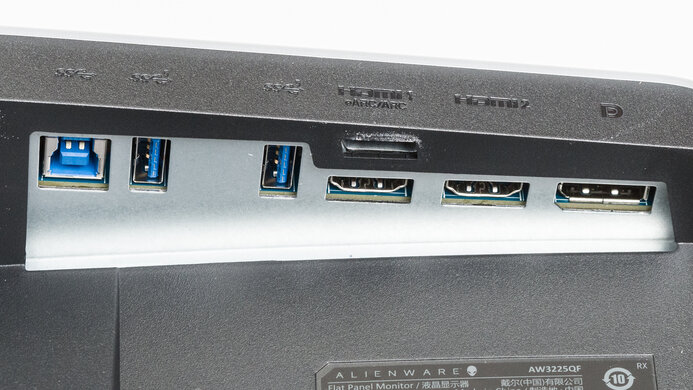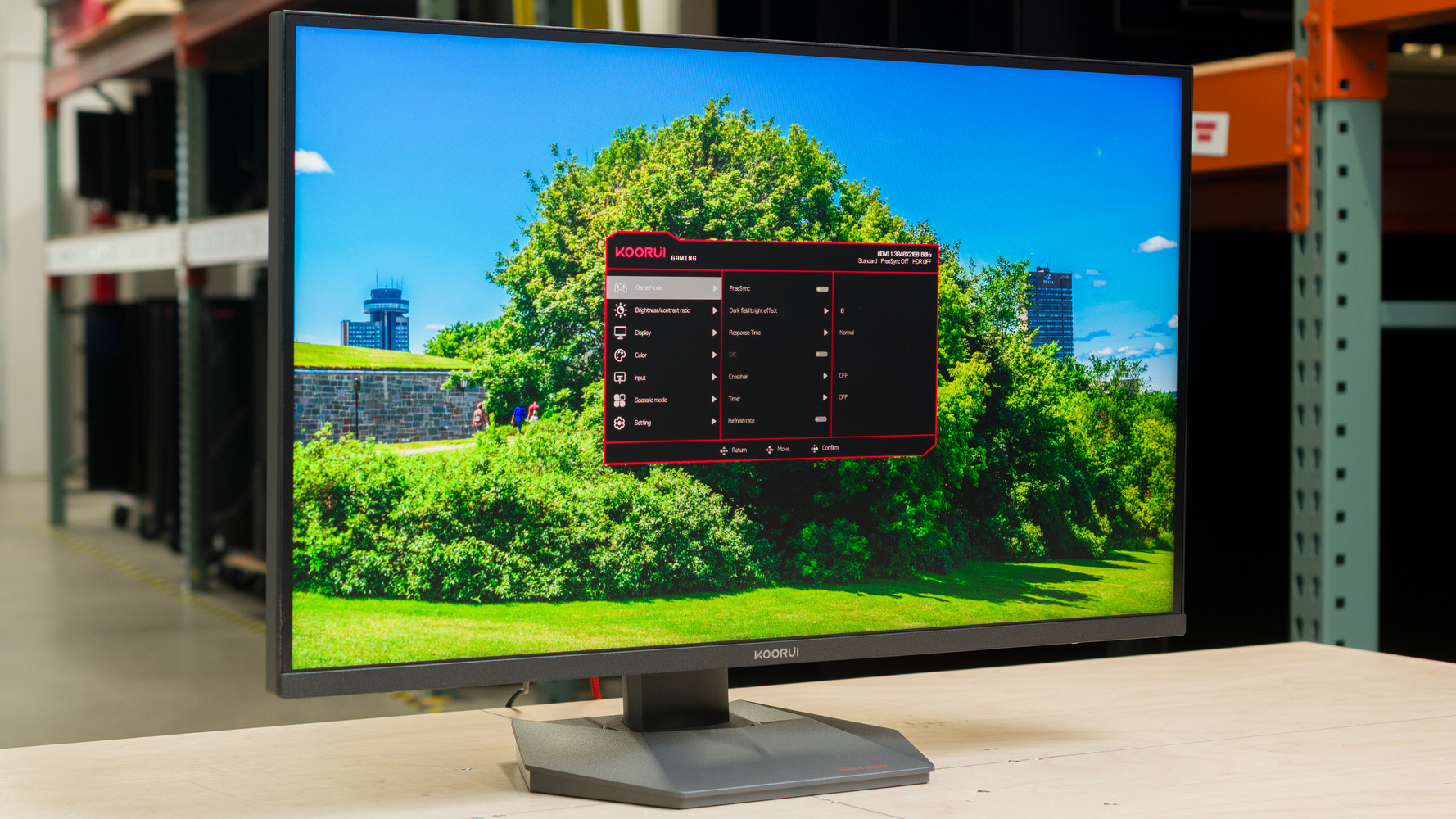
The KOORUI S2721PM is a budget-friendly 27-inch monitor with a 1440p resolution and 200Hz max refresh rate. Featuring Mini LED backlighting and quantum dot colors, it competes with other budget models like the Xiaomi G Pro 27i and AOC Q27G3XMN. It has all of the gaming features you'd expect, including a fast refresh rate and VRR support to reduce tearing, but it's a bit limited on connectivity, with older HDMI 2.0 and DisplayPort 1.4 ports and no USB hub.
Our Verdict
The KOORUI S2721PM delivers a good PC gaming experience. Its maximum refresh rate of 200Hz delivers a smooth gaming experience, with low input lag and minimal motion blur. It also supports all common VRR formats, which helps reduce tearing no matter which graphics card you're using. It also delivers good picture quality when gaming, with deep blacks, high peak brightness, and vibrant colors, as long as you have local dimming enabled.
Low input lag at any refresh rate.
Very fast response time when gaming at 120Hz and above.
Deep blacks with local dimming enabled.
200Hz refresh rate and VRR support.
Low native contrast with local dimming disabled.
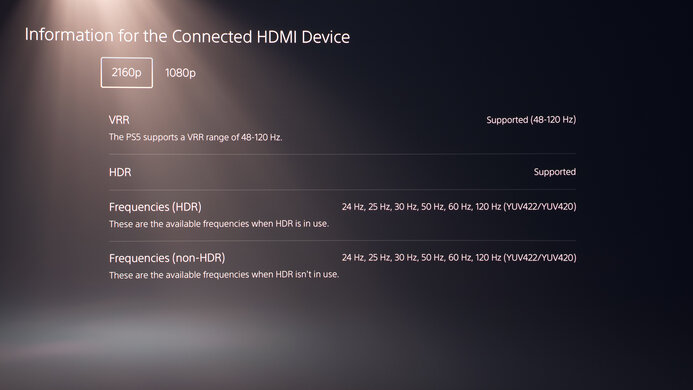
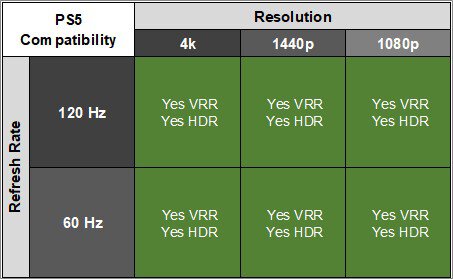
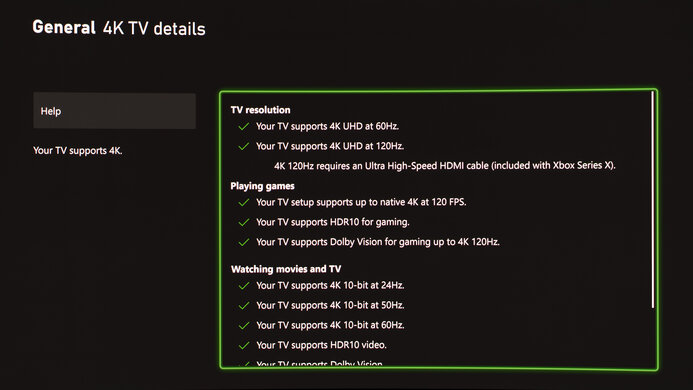
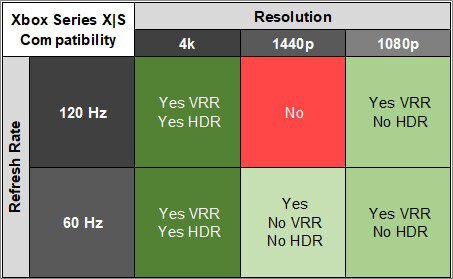
The KOORUI S2721PM is good for console gaming. It has low input lag at any refresh rate, so games feel responsive. Motion is also quick and fluid, with minimal blur, but there's some inverse ghosting when locked at 60Hz. It can't take full advantage of any of the current gaming consoles, though, as it can only downscale 4k signals at 60Hz. It offers good picture quality whether you're gaming in SDR or HDR, thanks to its high contrast ratio, high peak brightness, and vibrant colors, as long as you have local dimming enabled.
Low input lag at any refresh rate.
Very fast response time when gaming at 120Hz and above.
Deep blacks with local dimming enabled.
Low native contrast with local dimming disabled.
Minor inverse ghosting when gaming at 60Hz.
The KOORUI S2721PM is good for office use. It's bright enough to overcome glare during the day, and its matte anti-reflective coating does a great job cutting out reflections. The 1440p native resolution is fine for office work, and text is sharp and clear. Its ergonomic stand makes it easy to adjust it to an ideal viewing position, but the monitor itself lacks advanced office features like USB connectivity or a KVM switch.
Bright enough to fight most glare.
Good text clarity.
Excellent ergonomics.
No USB ports or KVM switch.
The KOORUI S2721PM is good for editing. Its 1440p resolution is good enough for editing work, with good text clarity. It also has excellent ergonomics, so you can easily adjust it to an ideal viewing position. It has good contrast with the local dimming feature, but its native contrast with local dimming disabled is quite low, and blacks are raised in more complicated scenes. It also has a very warm color temperature out of the box, so it looks best after a full calibration.
Deep blacks with local dimming enabled.
Displays wide range of colors.
Colors are accurate after a full calibration.
Very warm color temperature out of the box.
Low native contrast with local dimming disabled.
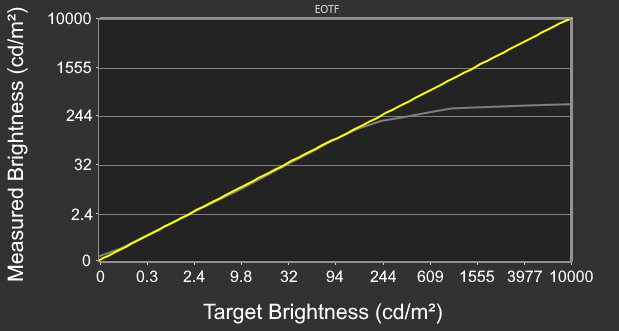
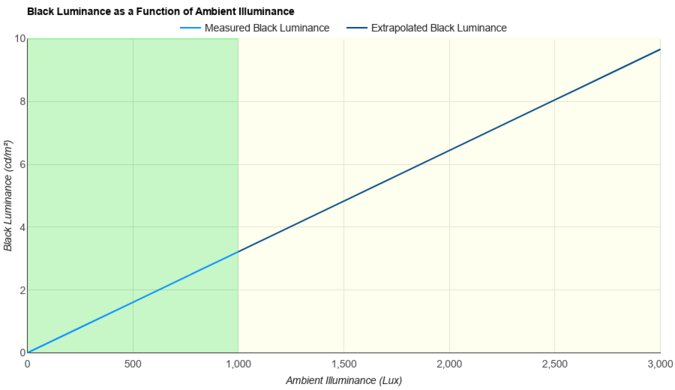
The KOORUI S2721PM has fantastic peak brightness. It's bright enough to overcome glare during the day, and it delivers a bright and vibrant HDR experience.
Bright enough to fight most glare.
Bright enough to deliver an impactful HDR experience.
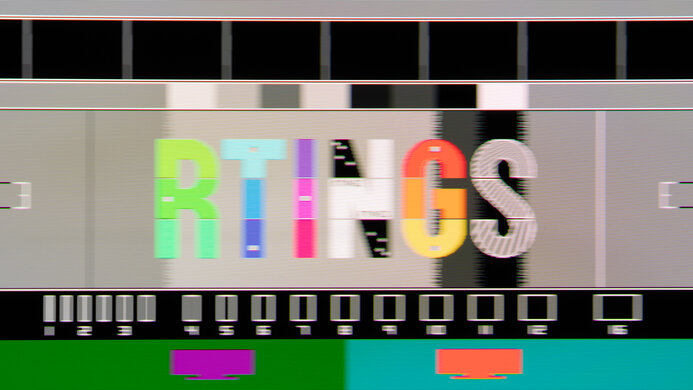
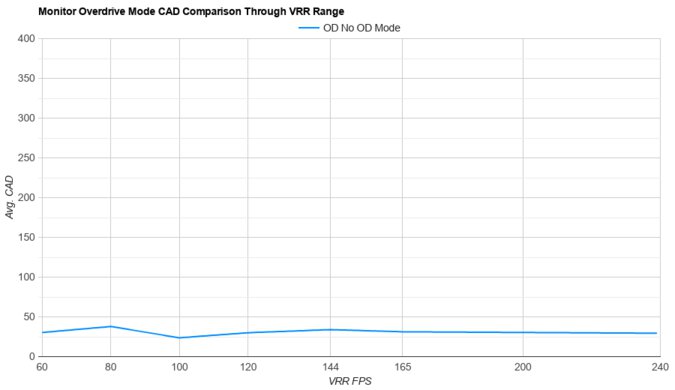
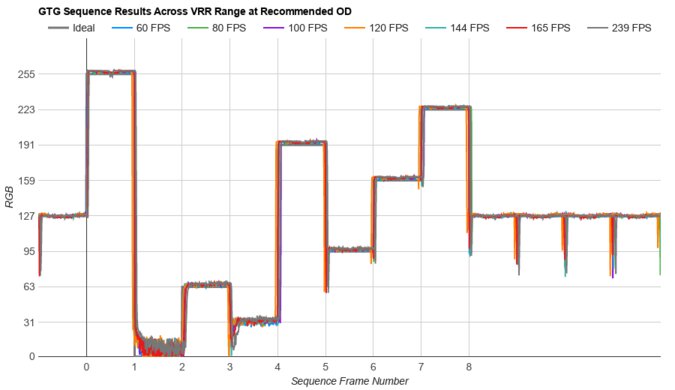
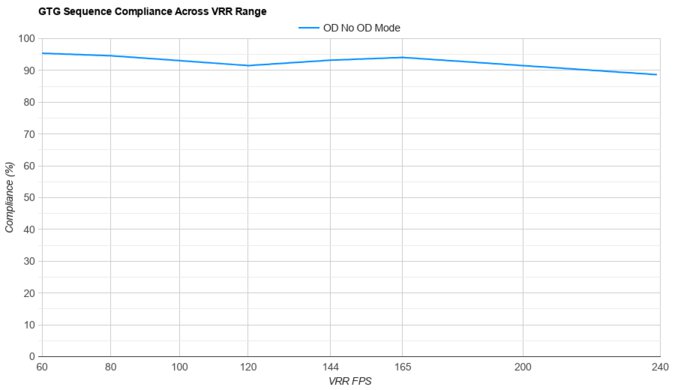
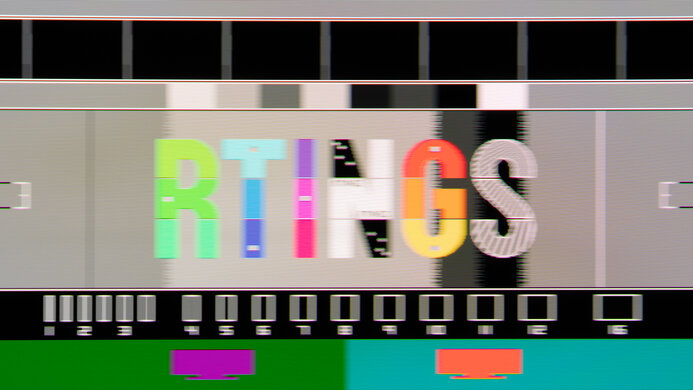
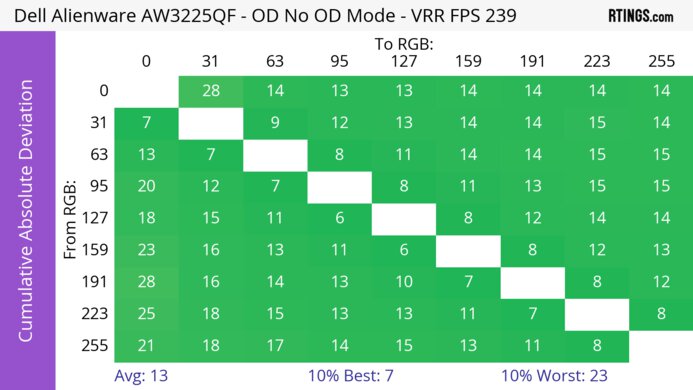
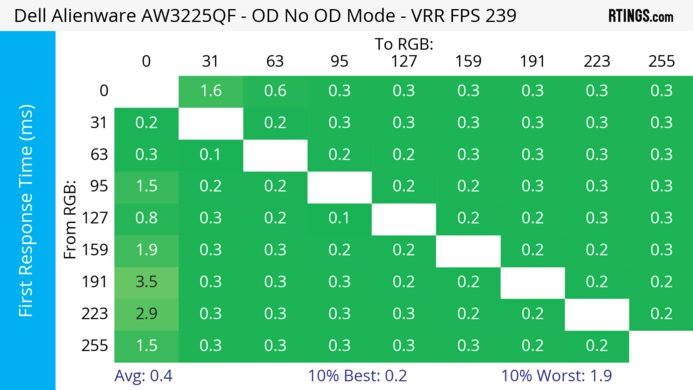
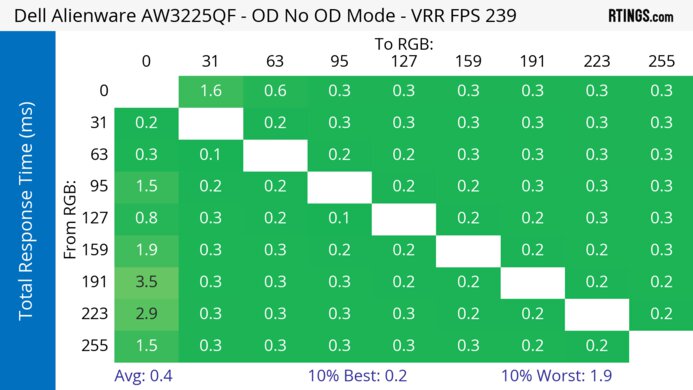
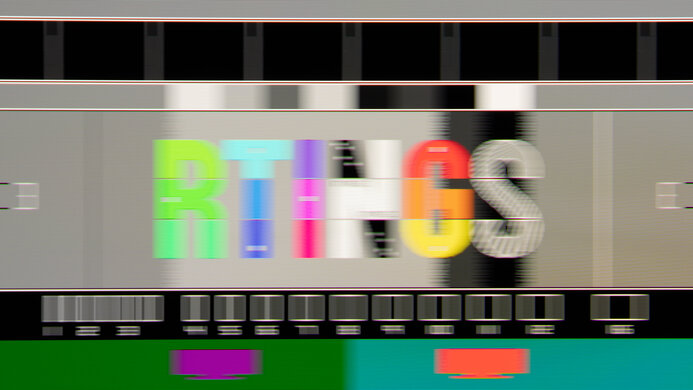
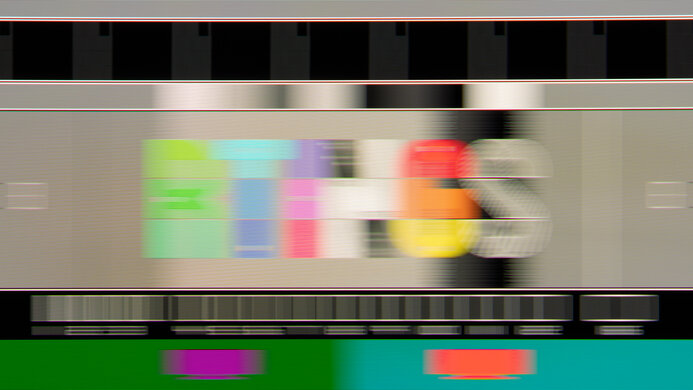
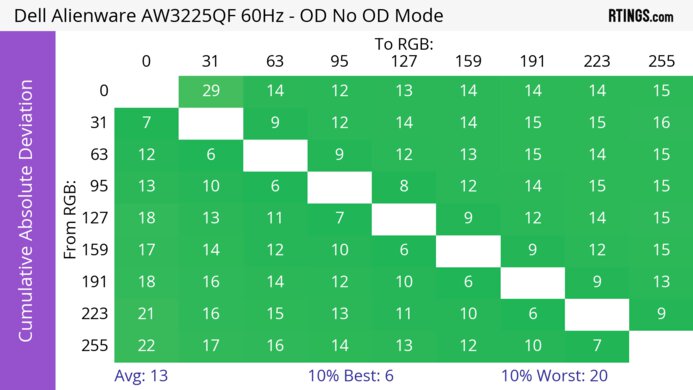
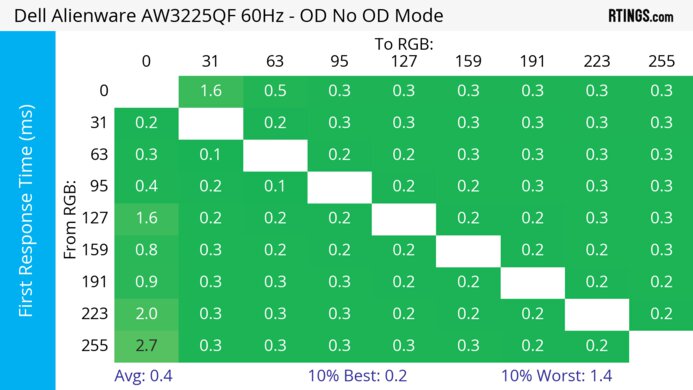
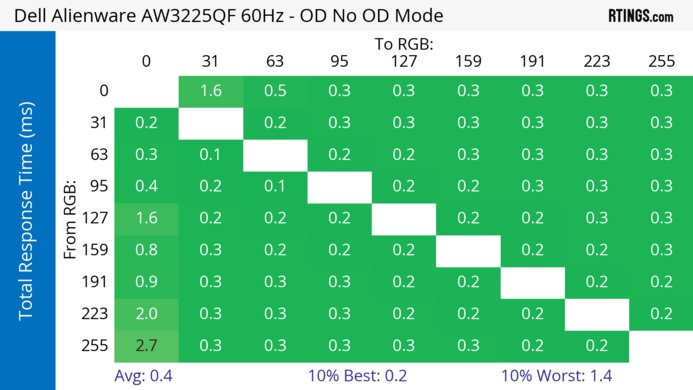
The KOORUI S2721PM has a good response time. It looks best when gaming at 120Hz or higher, with smooth motion and minimal blur behind fast-moving objects. It looks a bit worse at 60Hz, with some minor inverse ghosting.
Very fast response time when gaming at 120Hz and above.
Minor inverse ghosting when gaming at 60Hz.
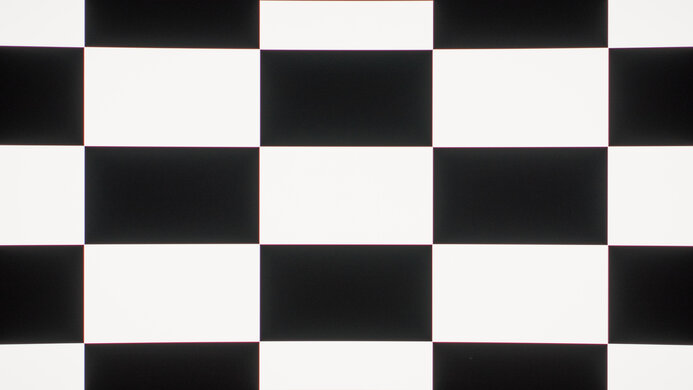
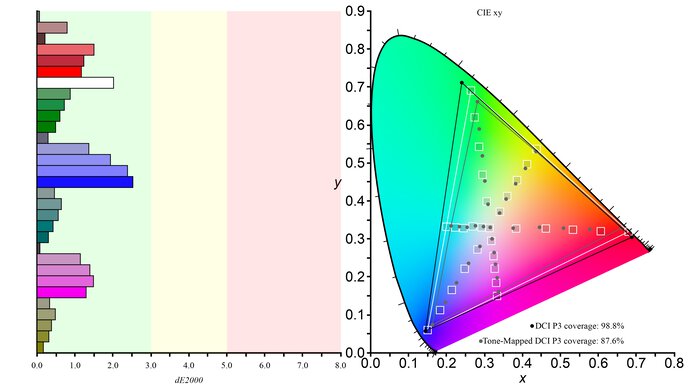
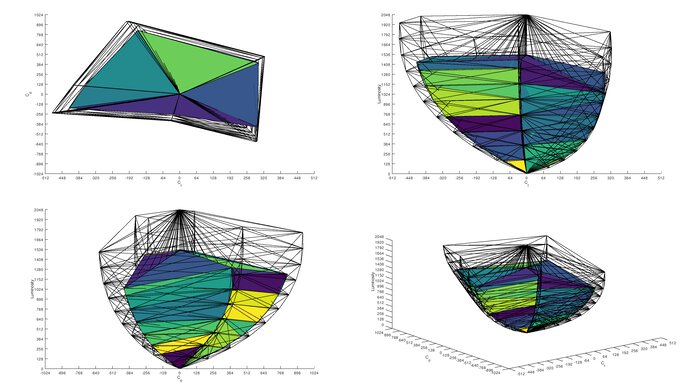
The KOORUI S2721PM has good picture quality in HDR. It's bright enough to deliver an impactful HDR experience, and colors are bright and vibrant. It has decent contrast thanks to its local dimming feature, so bright details in light scenes pop out well, but its native contrast is low, so blacks are raised in complicated dark scenes.
Deep blacks with local dimming enabled.
Displays wide range of colors.
Low native contrast with local dimming disabled.
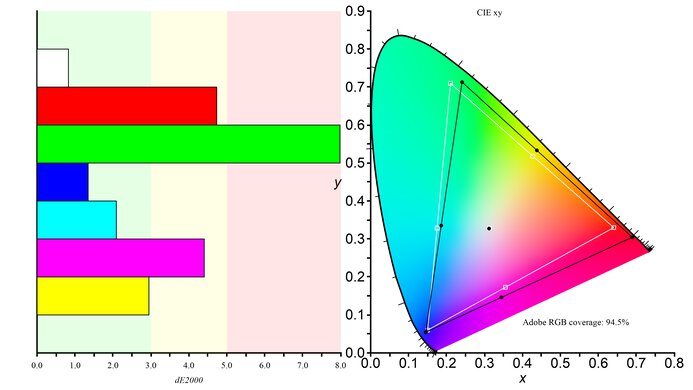
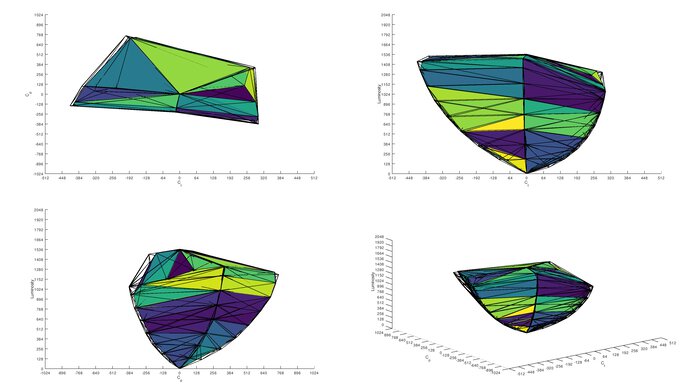
The KOORUI S2721PM has good picture quality in SDR. It displays the full range of colors in SDR without oversaturating them, and blacks are deep in simple scenes thanks to its local dimming feature. Blacks are raised in more difficult dark scenes, though, or if you disable local dimming.
Displays wide range of colors.
Low native contrast with local dimming disabled.
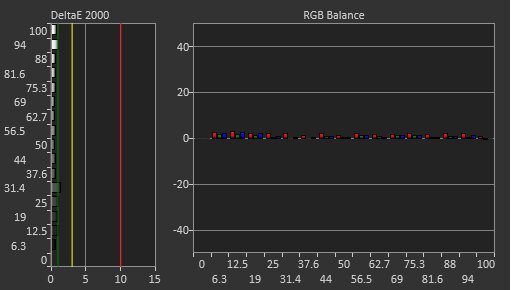
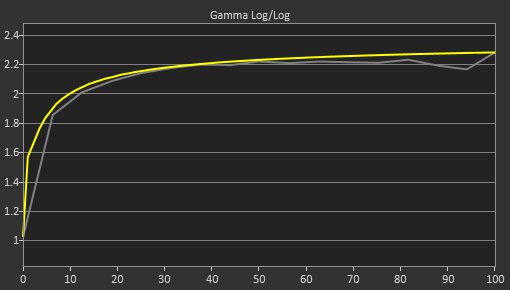
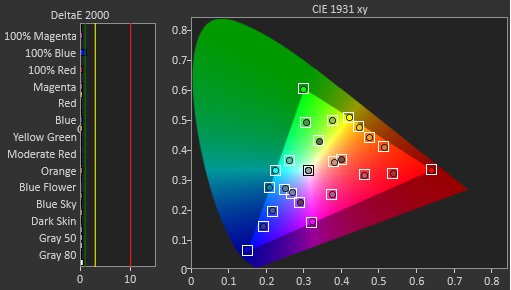
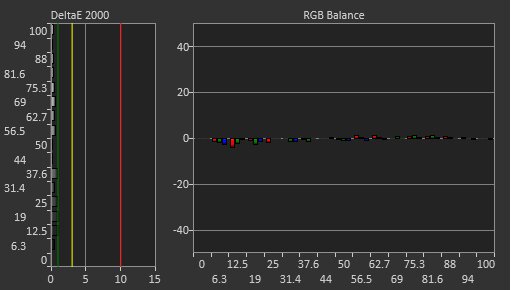
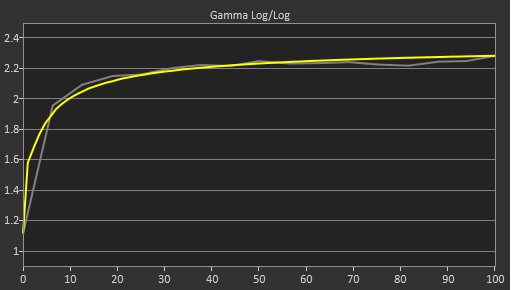
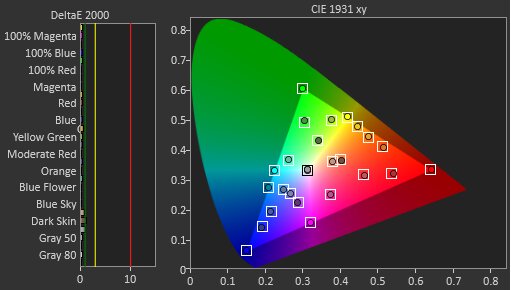
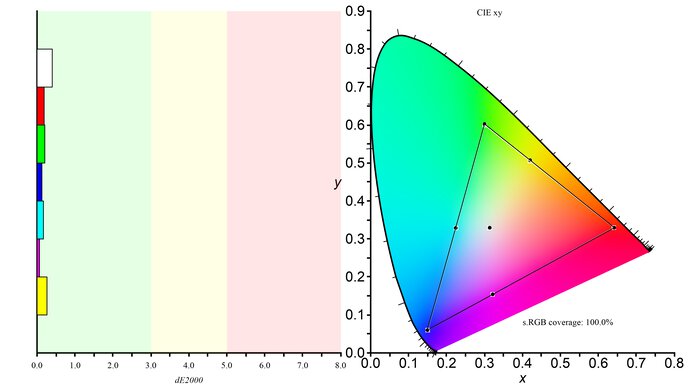
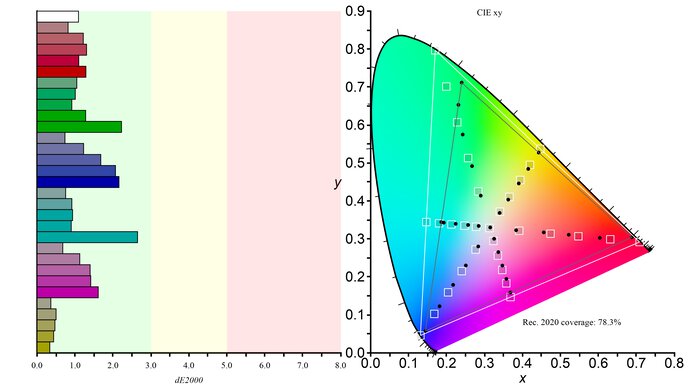
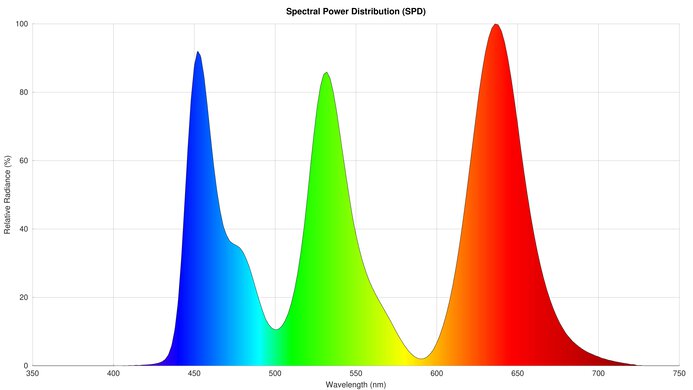
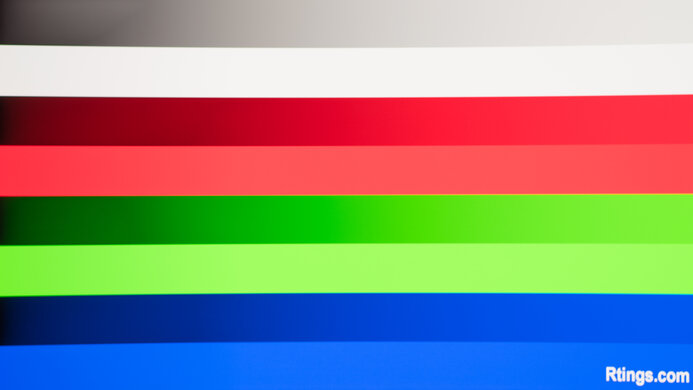
The KOORUI S2721PM has excellent color accuracy. The sRGB mode limits colors to the sRGB space well, but the color temperature is very warm out of the box. It has great uniformity and fantastic gradient handling, with barely any noticeable banding.
Colors are accurate after a full calibration.
Fantastic gradient handling.
Great uniformity.
Very warm color temperature out of the box.
Performance Usages
Changelog
-
Updated Sep 04, 2026:
We added that the MSI MAG 274QPF X30MV is a competing option with a higher contrast ratio.
- Updated Aug 13, 2026: Review published.
- Updated Aug 12, 2026: Early access published.
- Updated Aug 05, 2026: Our testers have started testing this product.
Check Price
Differences Between Sizes And Variants
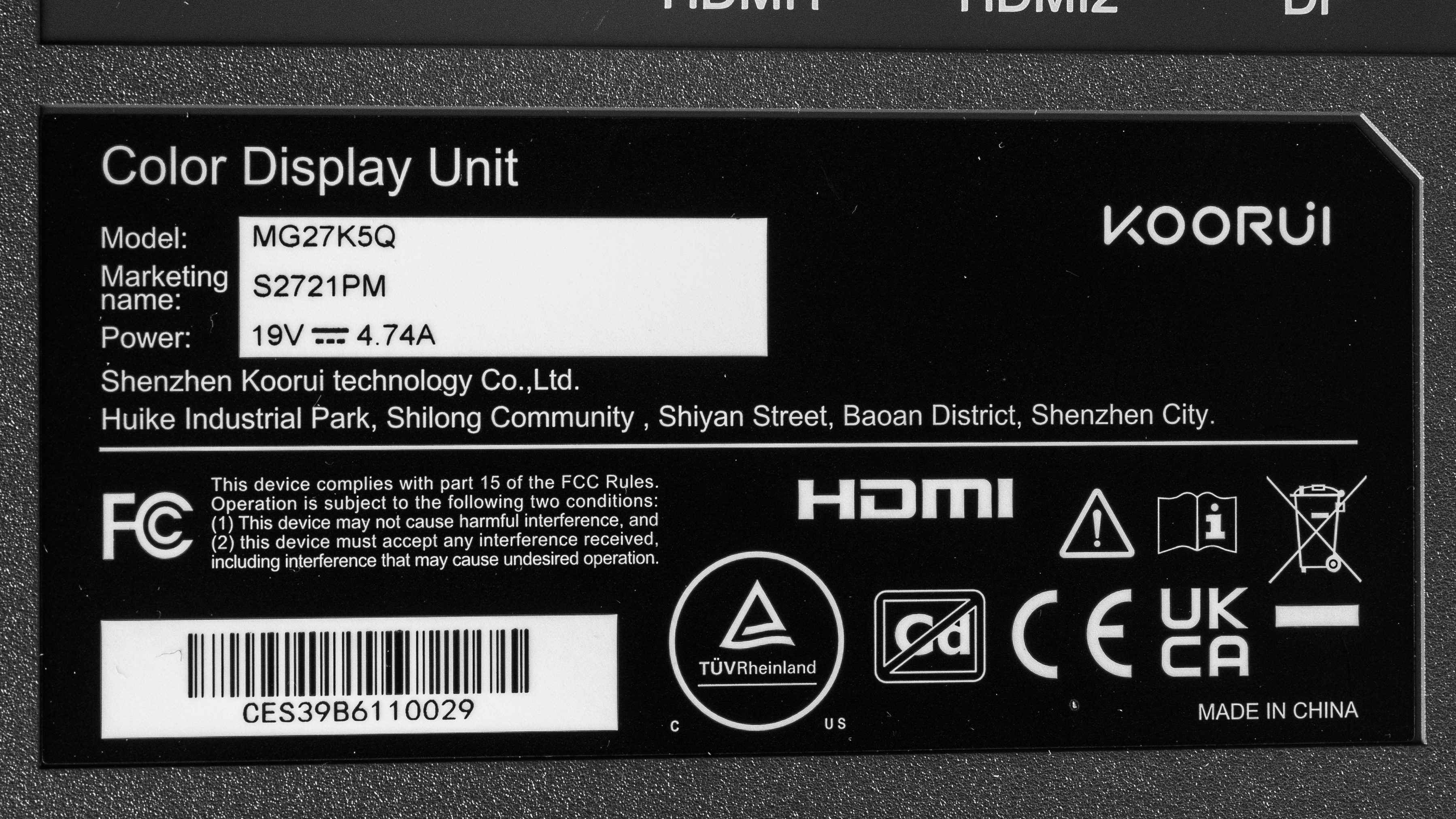
We bought and tested the 27-inch KOORUI S2721PM, model code MG27K5Q, which is the only size available. There are other 27-inch models in KOORUI's U.S. lineup, like the higher-end KOORUI S2741LM, but it's a different model entirely.
| Model | Size | Resolution | Max. Refresh Rate | Features |
|---|---|---|---|---|
| S2721PM | 27" | 1440p | 180Hz |
1,152 Mini LED Zones Ergonomic Stand |
The monitor's label reports that it was made in China, but no manufacturing date is listed. There's also no firmware version listed in the UI, and as it lacks USB connectivity, the firmware can't be updated.
Popular Monitor Comparisons
The KOORUI S2721PM is a very good monitor overall, and it outperforms most similarly priced monitors on the market. The budget Mini LED space is increasingly competitive, though, and it faces steep competition from brands like AOC, KTC, and Xiaomi. It trades blows in a few different ways with its main competitors, as it's brighter than the AOC Q27G3XMN but has worse contrast while offering a slightly faster refresh rate than the Xiaomi G Pro 27i.
For other options, check out our recommendations for the best Mini LED monitors, the best gaming monitors under $300, and the best 1440p 144Hz monitors.
The KOORUI S2721PM is much better than the Dell S2725QS for gaming, but the Dell is better for office use. The KOORUI has much better motion handling, with significantly less blur behind fast-moving objects when gaming. The Dell is better for office use, though, as its higher resolution screen results in much sharper text and a more detailed image.
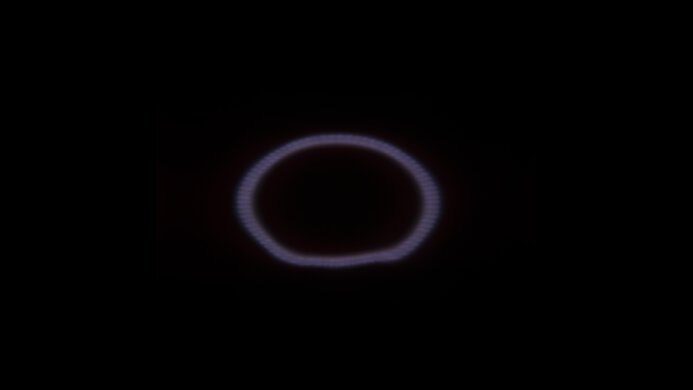
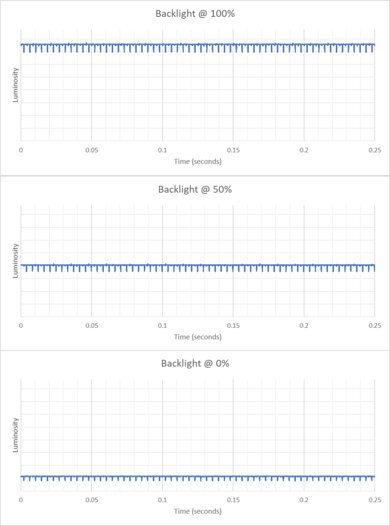
The Xiaomi G Pro 27i and KOORUI S2721PM are extremely similar overall, with only a few minor differences between them. The KOORUI has a slightly higher refresh rate, but its response time is also better tuned, so motion is slightly smoother with less blur behind fast-moving objects when gaming at the max refresh rate. The KOORUI is also completely flicker-free, whereas the Xiaomi flickers at a very high frequency at all backlight levels, which may cause eye strain in people sensitive to flicker.
The AOC Q27G3XMN and the KOORUI S2721PM trade blows in a few different ways, and the best one depends on your usage. The AOC delivers a better overall picture quality, with higher contrast and a more effective local dimming system. The AOC is also more accurate out of the box, with a more neutral color temperature. On the other hand, the AOC's VRR feature doesn't work with all consoles, so the KOORUI is the better choice for console gaming.
The AOC Q27G40XMN and the KOORUI S2721PM trade blows in a few different ways, and the best one depends on your usage. The AOC delivers a better overall picture quality, with higher contrast and a more effective local dimming system. The AOC is also more accurate out of the box, with a more neutral color temperature. On the other hand, the AOC's VRR feature doesn't work with all consoles, so the KOORUI is the better choice for console gaming.
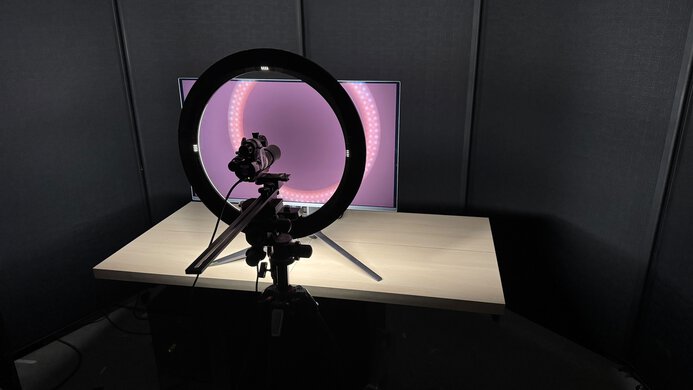
We buy and test more than 30 monitors each year, all of which we purchase ourselves, without cherry-picked units or samples. We put a lot into each unbiased, straight-to-the-point review, and there's a whole process from purchasing to publishing, involving multiple teams and people. We do more than just use the monitor for a week; we use specialized, custom tools to measure various aspects and deliver objective, data-driven results. We also consider multiple factors before making any recommendations, including the monitor's cost, its performance compared to the competition, and whether it's easy to find.
Test Results
for pictures & test results

for pictures & test results


for pictures & test results
for pictures & test results
for pictures & test results
for pictures & test results
for pictures & test results
for pictures & test results
for videos & test results

for pictures & test results
for pictures & test results
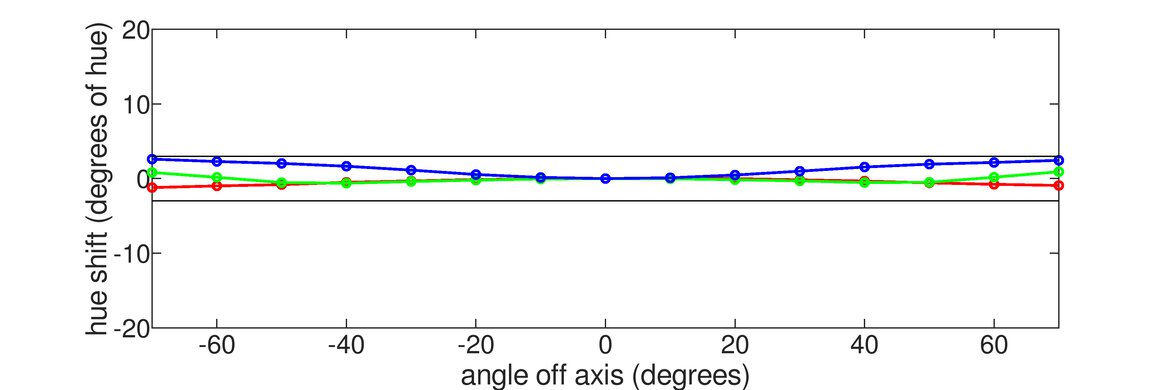
for pictures & test results
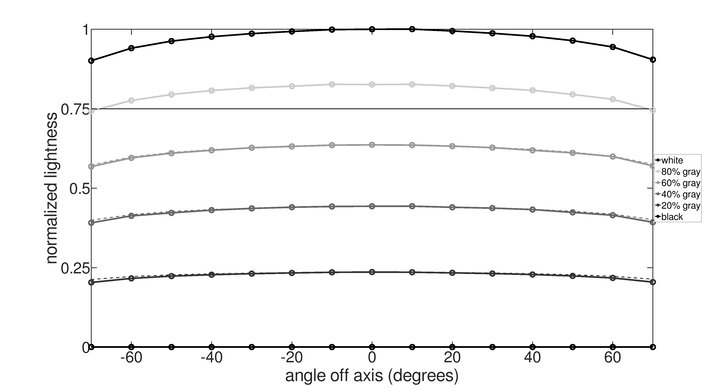
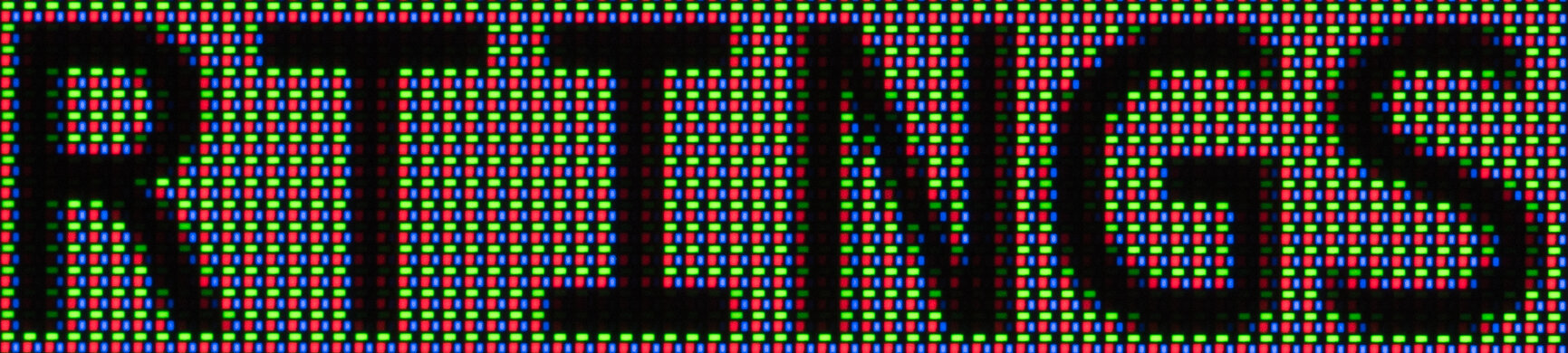
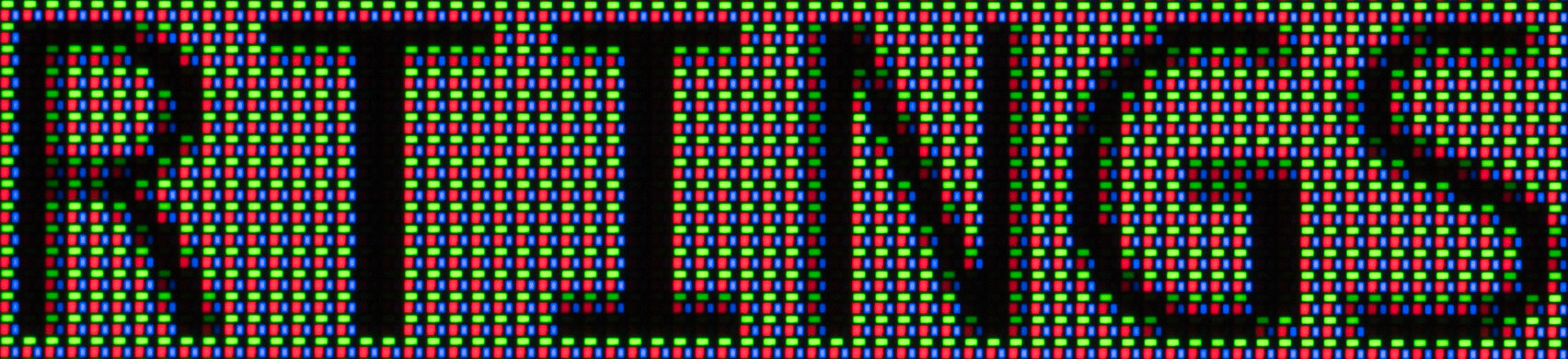




for pictures & test results