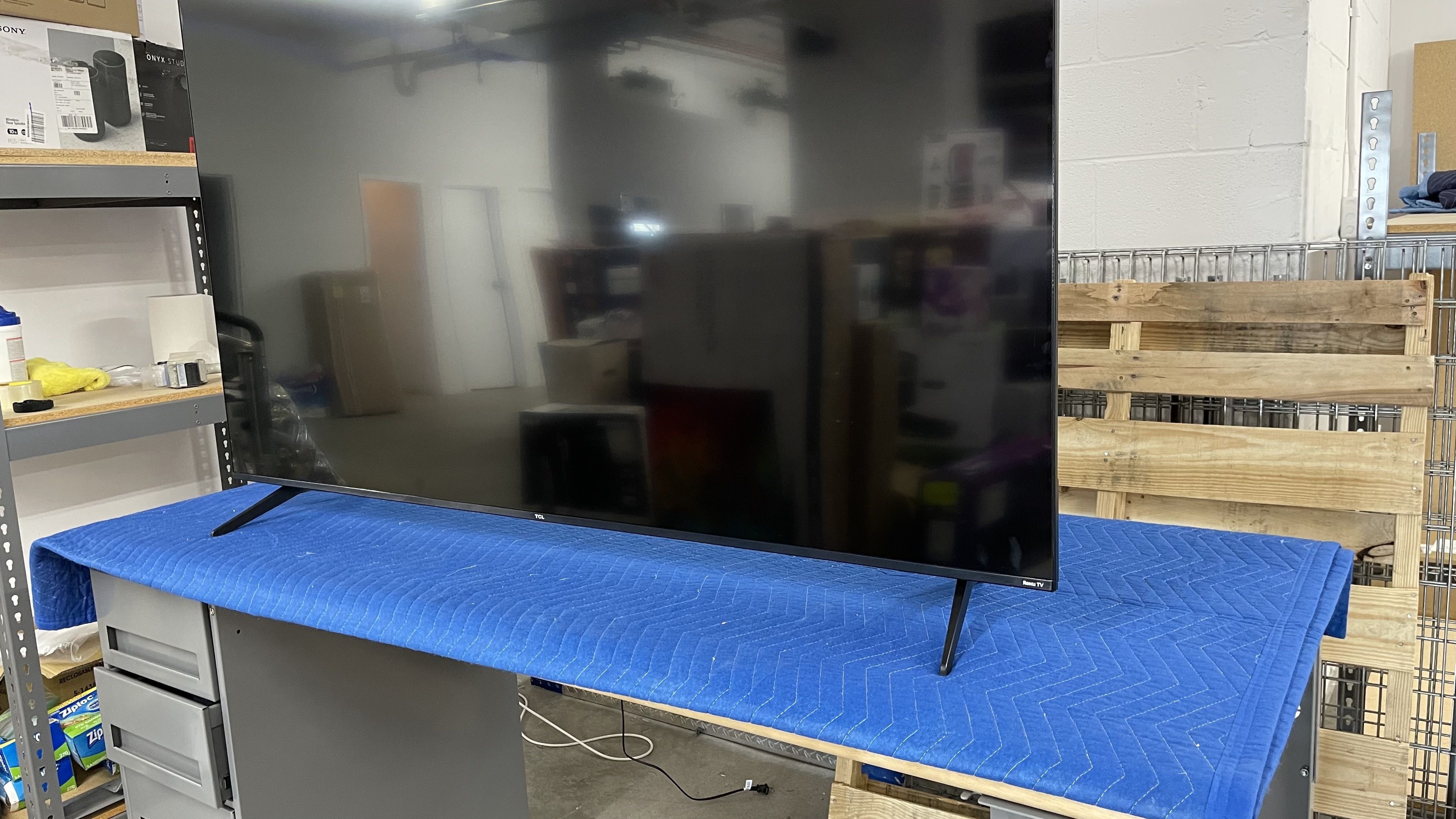
The TCL 5 Series/S555 2022 QLED is a budget 4k TV released in 2022 that runs the Roku OS smart interface. It sits below the much more advanced TCL 6 Series/R655 2022 QLED and replaces the TCL 5 Series/S535 2020 QLED. It's available along with the TCL 5 Series/S546 2021 QLED, which runs the Google TV smart interface instead of the Roku OS smart interface. It has a few new features compared to the S535, including variable refresh rate support, but like the S546, it's limited to a 60Hz refresh rate and doesn't support HDMI 2.1 bandwidth. It has a full array local dimming feature, but like most budget models, it doesn't use Mini LED backlighting and has a small number of dimming zones. It's available in 50-inch, 55-inch, 65-inch, and 75-inch sizes, so there are options available for many different needs, and all sizes perform the same.
Our Verdict
The TCL S555 is a good TV for mixed usage. It's an impressive TV for watching movies in a dark room thanks to its superb contrast, fantastic black uniformity, and decent local dimming feature. It looks good in a bright room, with high peak brightness and decent reflection handling, but it's not a good choice for a wide seating arrangement, as the image fades and looks washed out when viewed at an angle. It delivers a great gaming experience, with low input lag and a very good response time, but it's a bit limited by its 60Hz refresh rate and lack of HDMI 2.1 bandwidth.
- Superb contrast ratio results in deep blacks in a dark room.
- Great selection of streaming apps.
- Decent reflection handling.
- High peak brightness in SDR.
- Image degrades rapidly when viewed from the side.
The TCL S555 is good for watching shows in a bright room. It has great peak brightness and decent reflection handling, so it overcomes moderate amounts of glare with no issues. It upscales most lower-quality content well, but it doesn't display 480p sources properly, so it's not good for watching shows on DVD if you have an older player. The built-in Roku smart interface has a great selection of streaming apps, so you can quickly find your favorite shows. Unfortunately, it has a narrow viewing angle, so it's not a good choice for a wide seating arrangement, as the image appears dull and washed out from the side.
- Great selection of streaming apps.
- Decent reflection handling.
- High peak brightness in SDR.
- Image degrades rapidly when viewed from the side.
- 480p content isn't upscaled properly.
The TCL S555 is good for watching sports in a bright room. Thanks to its great peak brightness and decent reflection handling, it easily overcomes glare in moderately-lit rooms. The response time is very good, so there isn't much blur behind fast-moving objects. It has decent gray uniformity, but there are a few uniformity issues that are distracting when watching sports that have large areas of the same color, such as hockey or football. Unfortunately, it has a narrow viewing angle, so it's not a good choice in a group setting, as the image fades and colors look washed out when viewed from the side.
- Great selection of streaming apps.
- Decent reflection handling.
- High peak brightness in SDR.
- Image degrades rapidly when viewed from the side.
- 480p content isn't upscaled properly.
- Uniformity issues.
The TCL S555 is great for playing video games. It has a very good response time, so there's just a bit of blur behind fast-moving objects. It also has superbly low input lag, ensuring a responsive gaming experience, and supports a variable refresh rate to reduce tearing in games. Unfortunately, it's a bit limited by its 60Hz refresh rate, as it can't take full advantage of the performance modes offered by the PS5 and Xbox Series X.
- Superb contrast ratio results in deep blacks in a dark room.
- Superb low input lag for a responsive gaming experience.
- Variable refresh rate support.
- High peak brightness in SDR.
- Limited 60Hz refresh rate.
The TCL S555 is very good for watching movies in a dark room. It has a superb contrast ratio and fantastic black uniformity, so dark scenes are displayed well, but there is blooming around bright objects. It has alright peak brightness in HDR, so bright scenes aren't as bright as they should be, but midtones are displayed well. The TV has a wide color gamut, ensuring HDR content looks vibrant and lifelike. It also has great gradient handling, with minimal or no banding across all colors except for dark grays.
- Superb contrast ratio results in deep blacks in a dark room.
- Great selection of streaming apps.
- Removes judder from 24p sources.
- Wide color gamut with HDR content.
- Excellent PQ EOTF tracking.
- Low peak brightness in HDR.
- Doesn't support Dolby Atmos or DTS:X.
The TCL S555 is great for gaming in HDR. It has low input lag and a fast response time, which provides a responsive and clear gaming experience. Bright highlights stand out well in darker scenes thanks to its superb contrast ratio and local dimming feature, but there is blooming around bright objects when they are against a dark background. Unfortunately, it has just alright peak brightness in HDR, so very bright highlights don't pop as much as they could.
- Superb contrast ratio results in deep blacks in a dark room.
- Superb low input lag for a responsive gaming experience.
- Wide color gamut with HDR content.
- Variable refresh rate support.
- Low peak brightness in HDR.
- Limited 60Hz refresh rate.
- Doesn't support Dolby Atmos or DTS:X.
The TCL S555 is a very good TV for use as a PC monitor, but there are some limitations. It displays chroma 4:4:4 signals properly, which is important for clear text from a PC, and it has low input lag for a responsive desktop experience. On the other hand, it has a narrow viewing angle, so the sides of the screen appear dull and non-uniform if you're sitting up close. It also has some noticeable uniformity issues, which can be distracting when browsing the web.
- Decent reflection handling.
- Superb low input lag for a responsive gaming experience.
- Chroma 4:4:4 is displayed properly for clear text.
- High peak brightness in SDR.
- Image degrades rapidly when viewed from the side.
- Limited 60Hz refresh rate.
- Uniformity issues.
Changelog
- Updated Dec 13, 2023: We've updated the text in the review to reflect our latest test methodology changes and scores.
- Updated Aug 14, 2023: Added mention of the newly reviewed TCL Q7/Q750G QLED in the Black Uniformity section of this review.
- Updated Apr 28, 2023: We updated the text to match the latest changes to our test methodology and scores.
- Updated Apr 28, 2023: Converted to Test Bench 1.11. With this update, we've added a new Upscaling: Sharpness Processing test and revamped our Blooming test so the scores and picture better match the real world experience. With this change, it was necessary to remove the Black Crush test. Finally, we've updated our usage scores to better align our scores with user expectations.
Check Price
Differences Between Sizes And Variants
We bought and tested the 65-inch TCL 5 Series Roku TV, and our results are also valid for the 50, 55, and 75-inch models. The TCL 5 Series/S546 2021 QLED is a very similar TV, but it runs the Google TV smart platform instead of Roku.
| Size | Model Number |
|---|---|
| 50" | 50S555 |
| 55" | 55S555 |
| 65" | 65S555 |
| 75" | 75S555 |
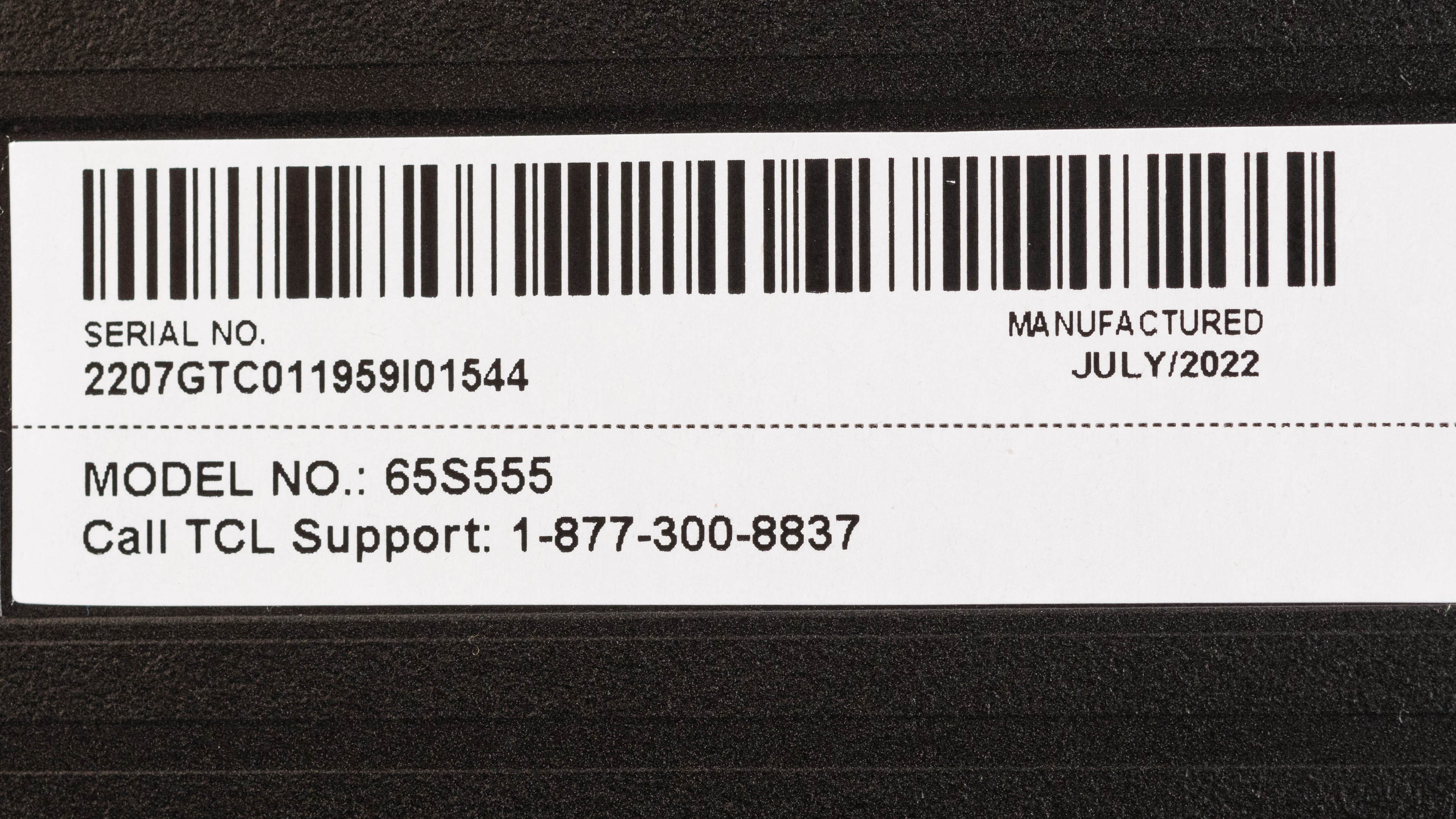
Our unit was manufactured in July 2022; you can see the label here.
Popular TV Comparisons
The TCL 5 Series Roku TV is a good budget TV that performs well overall. It offers better picture quality than most other budget models, like the Hisense U6/U6H and the Vizio M6 Series Quantum 2022. There are a few uniformity and quality control issues, but you can find the same issues on any budget TV, so unless you're willing to spend a lot more, it's one of the best TVs in its price range.
See our recommendations for the best budget TVs, the best smart TVs, and the best 65-inch TVs.
The TCL 6 Series/R655 2022 QLED is a noticeable step up from the TCL S555. The R655 gets significantly brighter and has much better reflection handling, meaning it can handle more glare in a bright room. HDR also looks noticeably better on the R655 thanks to its higher peak brightness, and bright highlights stand out better. Finally, the R655 is a much better TV for gaming thanks to its faster refresh rate and HDMI 2.1 bandwidth, allowing for 4k @ 120Hz gaming from the latest consoles.
The TCL S555 is better than the Samsung TU7000. Blacks are deeper on the TCL due to its better contrast and an effective local dimming feature, so it’s better suited for a dark room. The TCL gets much brighter in SDR, so it overcomes glare better in a bright room. The TCL also gets brighter in HDR, supports a wider color gamut, and has better color volume, so colors in HDR content are more vibrant and lifelike, and highlights pop more than they do on the Samsung. When it comes to gaming, the TCL is also better due to its quicker response time and VRR support.
The TCL S555 is better than the Samsung CU7000/CU7000D. The TCL has local dimming and much higher peak brightness than the CU7000 in both SDR and HDR, as well as a wider color gamut and better color accuracy; this makes it better for every usage where image quality is important. The Samsung does have a slightly faster response time, making it better suited for sports and fast-moving games, although the TCL supports VRR, making it particularly attractive to gamers.
The TCL S555 is much better than the model it replaces, the TCL S535. The S555 is significantly brighter, so it can handle more glare in a bright room, and HDR content stands out better. The S555 is also better for gaming, as it supports a variable refresh rate feature to reduce tearing in games.

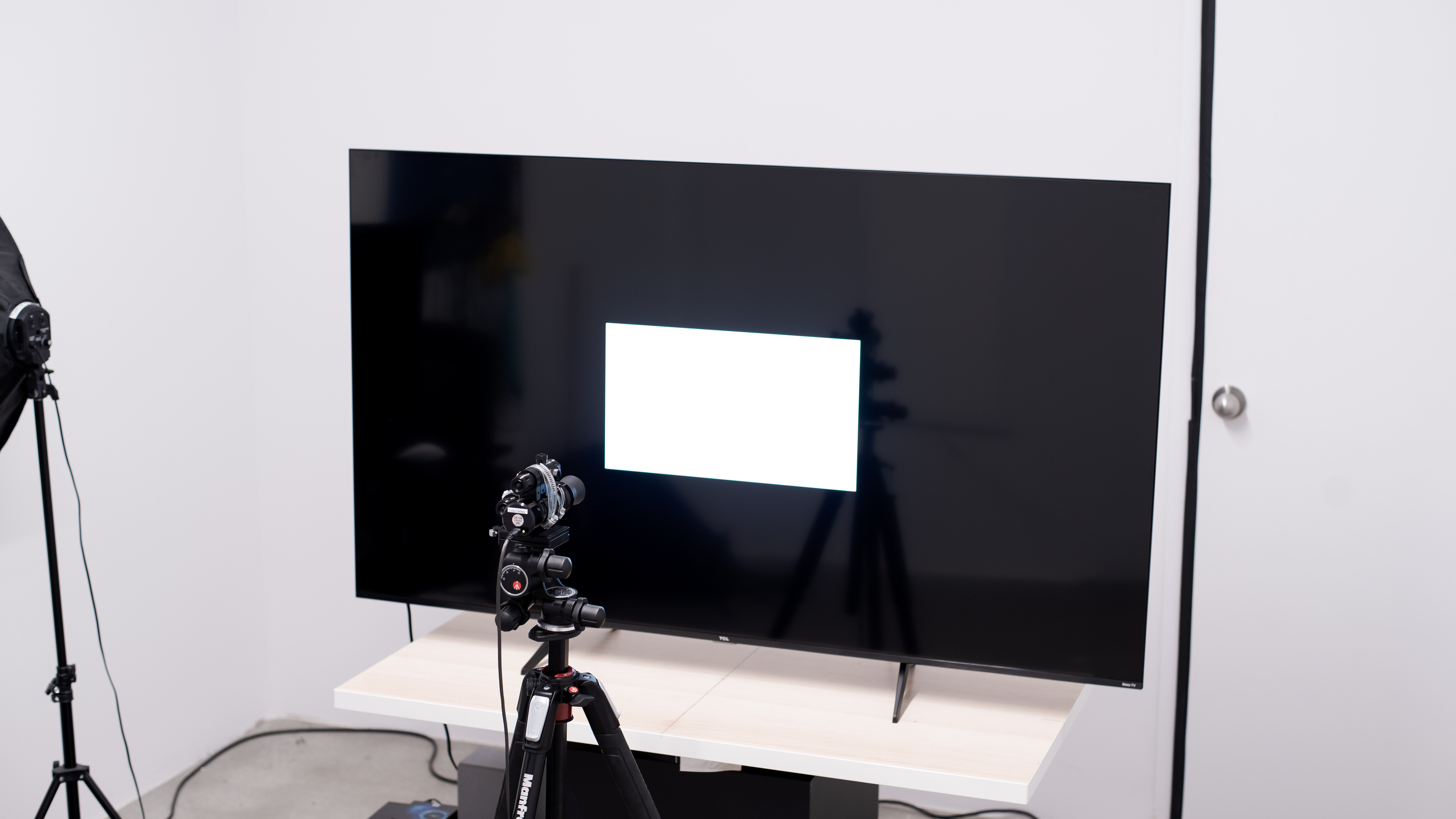
We buy and test dozens of TVs yearly, taking an objective, data-driven approach to deliver results you can trust. Our testing process is complex, with hundreds of individual tests that take over a week to complete. Most of our tests use specially designed test patterns that mimic real content, but we also use the same sources you have at home to ensure our results match the real-world experience. We use two main tools for our testing: a Colorimetry Research CR-100 colorimeter and a CR-250 spectroradiometer.
Test Results
Older Test Bench: We tested this product using an older TV test methodology before a major update. Some of the test results below aren't directly comparable with other TVs. Learn more
for pictures & test results

The TCL S555 has a very nice, premium design. The side and top bezels are extremely thin, and other than a small gap of dead space between the frame and the first pixels, it blends into your surroundings well. The bottom bezel is a bit thicker, with a brushed metal finish, and it looks nice.
This TV isn't part of our accelerated longevity test, but its predecessor, the TCL 5 Series/S535 2020 QLED, is.
for pictures & test results

The V-shaped feet are pretty basic, but they support the TV well. There are two positions for the feet, which is great if you have a smaller TV stand and aren't planning on wall-mounting it.
Footprint of the 65-inch stand in the narrow position (as shown): 26.7" x 12.7". In the wide position (as shown here), the footprint is 50.9" x 12.7". In both positions, the feet lift the screen about 3.11 inches above the table, so most soundbars fit without blocking the screen.
for pictures & test results

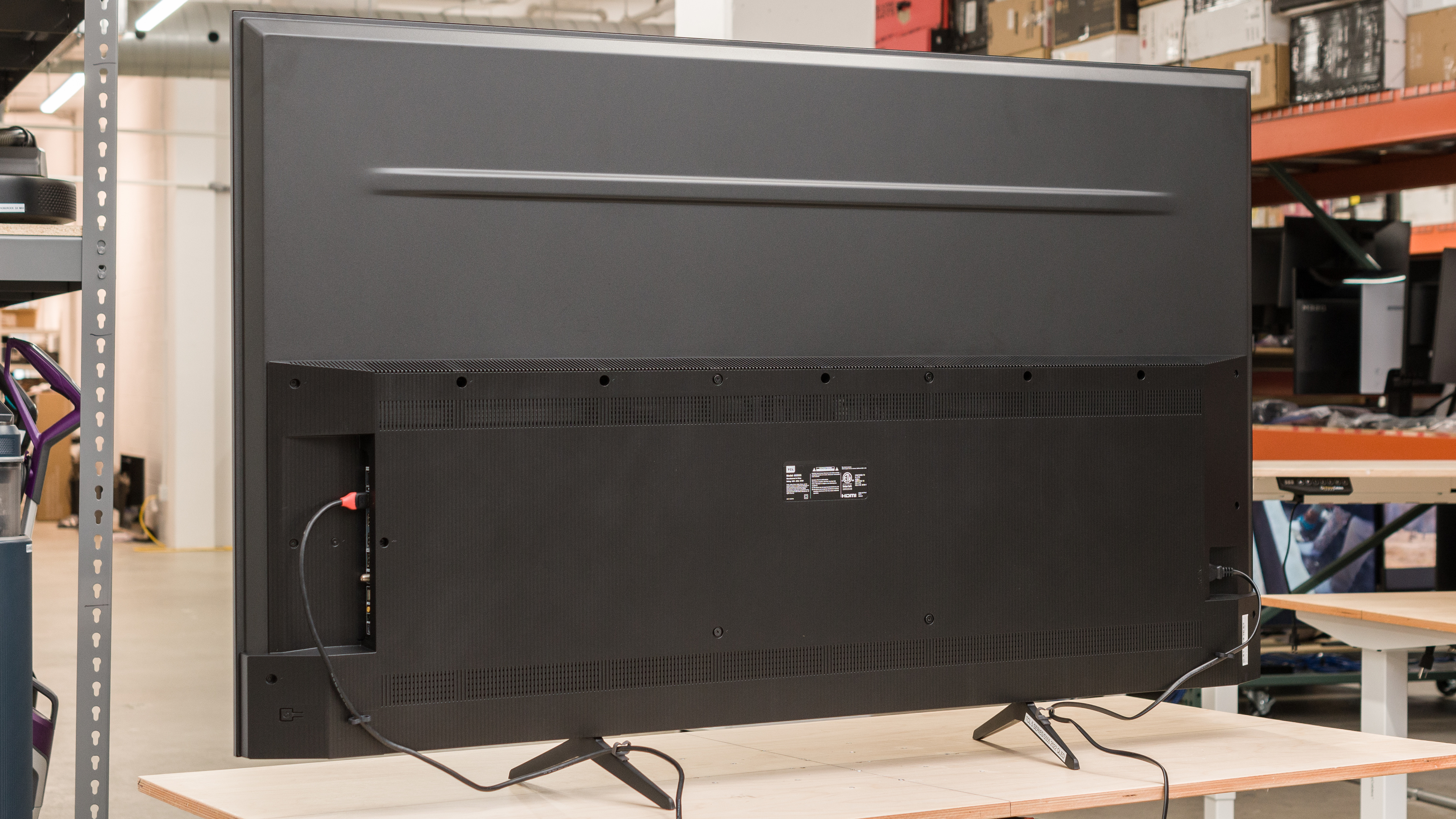
Like most budget TVs, the back is pretty plain, but unlike the Amazon Fire TV Omni QLED Series 2022, there are clips on the feet for basic cable management. The inputs all face to the side and are easy to access when the TV is wall-mounted.

for pictures & test results

The bottom half of the screen houses all the electronics and inputs, and it's thicker than the top half. The thicker section prevents the TV from sitting completely flush against the wall if it's wall-mounted.
for pictures & test results

The TCL S555 has decent overall build quality. The stand is stable and supports the TV well, and although there's a bit of flex in the back panel, it's not too bad and won't cause any issues. It's mostly made of cheap plastic, and although it doesn't feel very premium, it looks good, and there are no serious issues. There are a few spots on the display that you can see when displaying uniform images, like football or hockey. They appear to be pressure points and are likely a factory defect.
for pictures & test results

The TCL S555 has superb contrast. Dark scenes are displayed well, with deep blacks, even when bright highlights are on the screen. The local dimming feature increases contrast a bit, but it's limited by the relatively large size of each dimming zone.
for pictures & test results

The TV has okay blooming performance. There's some visible blooming around bright highlights or in dark areas when they're next to brighter sections.
for videos & test results

The TV has mediocre lighting zone transitions. The leading edge of bright moving objects is visibly dimmer, and there's visible haloing behind fast-moving objects.



for pictures & test results

for pictures & test results

for pictures & test results

Unfortunately, this TV has just okay peak brightness in HDR. Some bright highlights stand out, but the TV doesn't get bright enough for very bright scenes to pop.
These measurements are after calibrating the HDR white point with the following settings:
- HDR Picture Mode: Dark
- Backlight: 100
- Contrast: 100
- Local Contrast: High
- Color Temperature: Warm
- TV Brightness: Brighter
for pictures & test results

for pictures & test results

for pictures & test results

Switching to Game Mode doesn't result in any noticeable difference in peak brightness with HDR games.
These measurements are after calibrating the HDR white point with the following settings:
- HDR Picture Mode: Dark
- Backlight: 100
- Contrast: 100
- Local Contrast: High
- Color Temperature: Warm
- TV Brightness: Brighter
- Game Mode: On
for pictures & test results

The TCL S555 has excellent PQ EOTF tracking. Shadow details are preserved well, but near blacks are dimmed a bit. With content mastered at lower peak brightness levels, there's a sharp cutoff near the TV's peak brightness, but content mastered at 4,000 nits has a smoother roll-off, so fine details are well-preserved in bright scenes.
The TCL S555 has great peak brightness in SDR. It's bright enough to handle moderate amounts of glare in a bright room, and there's very little variation in brightness with different scenes. The TV is a lot brighter than most comparable TVs, including the Sony X75K.
These measurements are after calibration with the following settings:
- Picture Mode: Movie
- Backlight: 100
- Contrast: 100
- Local Contrast: High
- Color Temperature: Warm
- TV Brightness: Brighter
for pictures & test results

for pictures & test results

The TCL S555 has a great color gamut in HDR. It has fantastic coverage of the DCI-P3 color space used by most current Ultra HD Blu-ray movies. Its coverage of the wider Rec. 2020 color space is more limited, which isn't ideal for HDR content that is taking advantage of the wider color space. The tone mapping is very good for the most part, which is important for content that exceeds the color space of this TV.
for pictures & test results

for pictures & test results

The color volume is just decent. Thanks to its superb contrast ratio, it displays dark, saturated colors well. Unfortunately, it's limited by its relatively low peak brightness in HDR.
for pictures & test results

for pictures & test results

for pictures & test results

The overall accuracy of this TV in SDR before calibration is excellent. There are no noticeable issues with colors, but very bright shades of gray are a bit off. The color temperature is very close to our calibration target of 6500K. Gamma is close to the target of 2.2, but darker scenes are a bit too dark, and bright scenes are slightly too bright.
for pictures & test results

for pictures & test results

for pictures & test results

This TV is very easy to calibrate with the Roku companion app, and the results after calibration are fantastic. We didn't have to adjust any colors, as they were already fantastic after calibrating the white point to D65.
You can see the full settings used for our calibration here.
for pictures & test results

for pictures & test results

The TCL S555 has decent gray uniformity. The sides of the screen are a bit darker than the center, and there's some dirty screen effect in the center that can be distracting when watching sports like football or hockey. There are also a few round spots, especially four large spots along the top edge of the screen. These appear to be pressure points that occurred during assembly.
for pictures & test results

for pictures & test results

The black uniformity on this TV is fantastic. Even with local dimming fully disabled, the screen is remarkably uniform, and the dark spots noticeable in the gray uniformity slides aren't noticeable. Enabling local dimming (Active Contrast) worsens the black uniformity, as the large size of each zone causes a halo around bright objects, like the test cross. For something similar but with even better black uniformity, check out the TCL Q7/Q750G QLED.
for videos & test results

for pictures & test results

for pictures & test results

for pictures & test results

Unfortunately, the TCL 5 Series 2022 has a sub-par viewing angle. Colors fade and appear washed out as you move off-center. This TV isn't a good choice for a wide seating arrangement or if you like to move around with the TV on, as you'll see a degraded image from the side. A TV like the Sony X75K is a better choice if you have a wide seating arrangement.
for pictures & test results

for pictures & test results

for pictures & test results

The TCL 5 Series 2022 has just decent reflection handling. The semi-gloss finish reduces the intensity of direct reflections but causes some smearing across the display. It's bright enough that glare won't be an issue for most people.
for pictures & test results

The TV has great HDR gradient handling. There's some noticeable banding in dark grays, but other color gradients have minimal or no banding.
for pictures & test results

Unfortunately, the TV's processing with low-quality content is poor. It just doesn't smooth out macro-blocking and pixelization well.
for pictures & test results

Unfortunately, this TV has poor sharpness processing with low-resolution or low-bitrate content. Fine details are hard to make out, and text is a bit blurry.
The Sharpness setting doesn't appear to do much overall, but the optimal sharpness settings for low-resolution or low-bitrate content, with no over-sharpening, are as follows:
- Sharpness: 25
for pictures & test results

Like most TVs on the market, this TV uses a BGR (Blue-Green-Red) subpixel layout instead of the traditional Red-Green-Blue layout. For video content, it doesn't cause any issues, but if you're planning on using this TV as a PC monitor, this reduces text clarity a bit, although there are easy workarounds for it. You can read more about this here.
for pictures & test results

for pictures & test results

The TCL 5 Series 2022 has a very good response time. There's very little black smearing in dark scenes, which is great, and transitions are consistent for the most part. There's some motion blur behind fast-moving objects when watching sports or playing games, but it's not that noticeable.
for pictures & test results

Unfortunately, the TCL 5 Series 2022 isn't flicker-free. It uses pulse width modulation (PWM) to dim the backlight, and it flickers across all picture modes with all settings. It flickers at a very high frequency, though, which won't bother most people.
for pictures & test results

for pictures & test results

There's an optional backlight strobing feature, commonly known as black frame insertion. It only flickers at 60Hz, but unfortunately, the timing is off, which causes a duplicate image.
for pictures & test results

This TV has an optional motion interpolation feature to improve the appearance of motion. Like most budget TVs, it works best with slower motion, as it can't keep up with busy scenes, and there are noticeable artifacts.
There's a bit of stutter when watching movies or other low frame rate content. It's especially noticeable in slow panning shots.
Unfortunately, unlike the TCL 5 Series/S535 2020 QLED, this TV can't remove judder from 60Hz sources like a cable box. Enabling the Natural Cinema feature is necessary to remove judder from 24p sources, including anything with a Match Frame Rate feature like an Apple TV.
This TV supports a variable refresh rate to reduce screen tearing when gaming. Unfortunately, due to the 60Hz max refresh rate, the screen can only refresh within a narrow range, and low framerate compensation (LFC) isn't supported, so you'll see more tearing in games that are locked at a lower refresh rate or in busier scenes.
The TCL S555 has superbly low input lag, resulting in a very responsive gaming experience. The input lag is also low in 'PC' mode, which is great as you can enjoy clear text and a smooth desktop experience.
This TV has good compatibility with most resolutions at 60Hz. Chroma 4:4:4 is displayed properly with all supported resolutions, even when 1440p is forced, which is great as this is necessary for clear text from a PC.
for pictures & test results

This TV can't take full advantage of the PS5, as its HDMI ports lack the bandwidth for 4k @ 120Hz gaming from the new-gen consoles, and it's limited to a 60Hz refresh rate anyway.
for pictures & test results

This TV can't take full advantage of the Xbox Series S|X, as it's limited to a 60Hz refresh rate, and its HDMI inputs don't have the bandwidth necessary for 4k @ 120Hz gaming from the new-gen consoles.
Unfortunately, this TV doesn't support HDMI 2.1 bandwidth. All four HDMI inputs are limited to 18Gbps, so despite TCL's advertising, we don't consider this HDMI 2.1. Unfortunately, it doesn't support ATSC 3.0, so over-the-air broadcasts are limited to 1080p.


The TCL S555 supports eARC, but strangely, it doesn't support the two most common audio formats supported by eARC. If you watch content mastered with those formats, it instead downmixes the signal.
for pictures & test results

The TCL 5 Series Roku TV has a disappointing frequency response. Like most TVs, it has very little bass, with no thump or rumble. Dialogue is clear and easy to understand, and there's very little distortion, even at higher volume levels. Sadly, there's no room correction feature, and it can't get very loud, so it's not a good choice for a noisy environment.
for pictures & test results

There's some noticeable distortion on this TV, even at moderate listening levels. It hardly increases at all at high volume levels, though.
for pictures & test results

This TV runs the Roku TV smart interface, which is very simple, with fewer animations and a simpler user interface than you'll get with more premium TVs. It's very fast, though, and easy to use.
Unfortunately, like all Roku TVs we've tested, there are large ads on the home screen, and they can't be disabled.
for pictures & test results

The Roku app store has a great selection of streaming apps, with many free streaming apps built-in.
for pictures & test results

Unfortunately, this TV comes with the same basic remote found with most Roku devices. This means there's no built-in voice control, so you have to use the Roku companion app instead for that. There are a few quick access buttons for popular streaming services, but like most TVs, you can't change them.
for pictures & test results

The power button is on the back of the TV on the right, and you can change inputs with it, too.